
🏠Home Design Studio
Redesign your whole home from a single photo
Paint the exterior, remodel the facade, redesign every room, and re-landscape the yard — photo-realistic AI renders in about 30 seconds.
Free to try · no credit card required · results in ~30 seconds
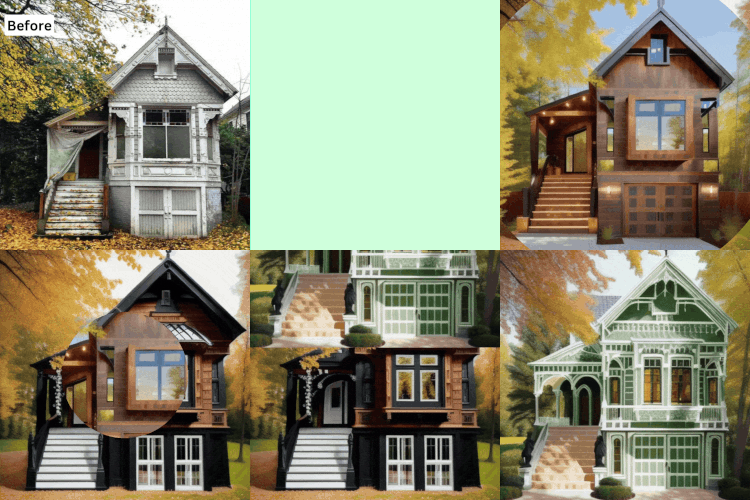
Live redesign — real tool output
Made with this studio
Exterior
Everything outside the front door — paint, facade, architecture, yard.

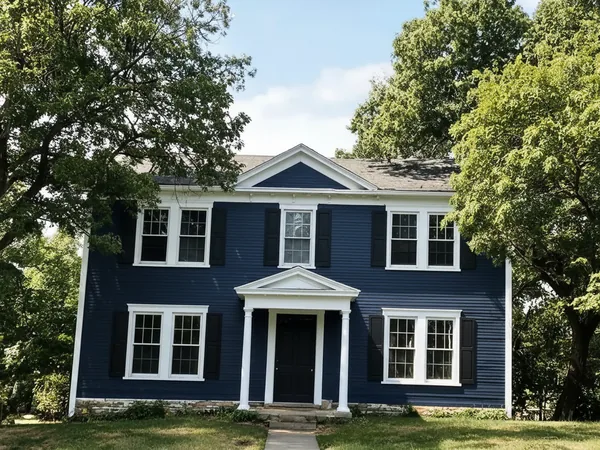 ⇄BeforeAfter
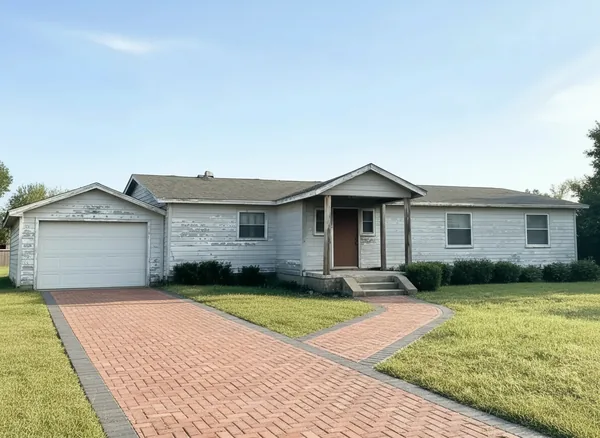
Paint My House AI
Design →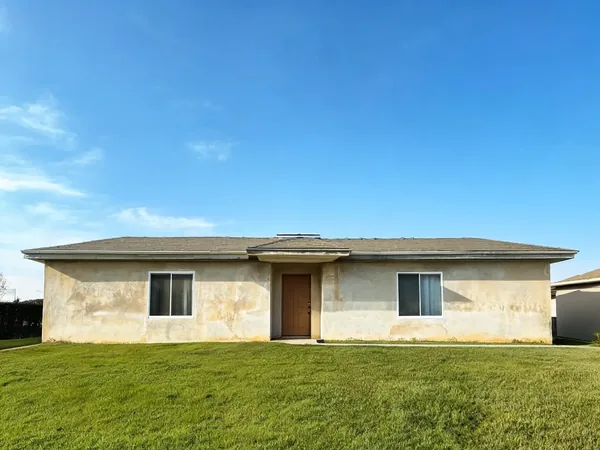
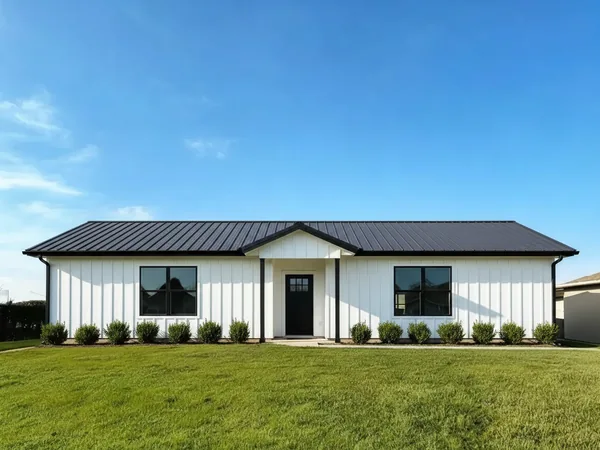 ⇄BeforeAfter
House Design AI
Design →
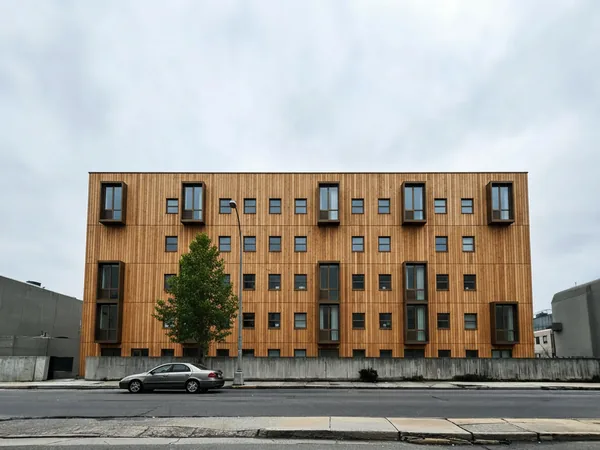 ⇄BeforeAfter
Free AI Architecture Generator
Design →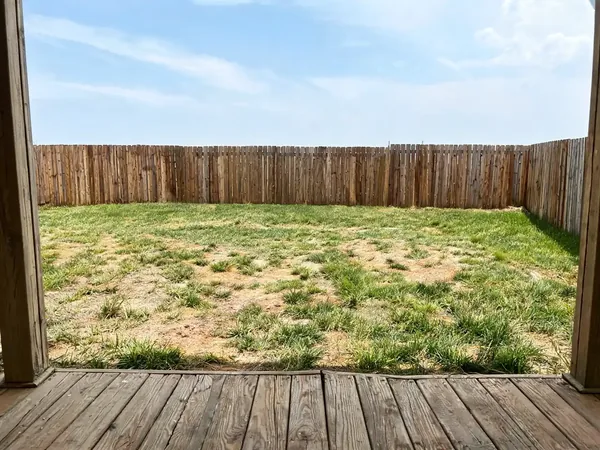
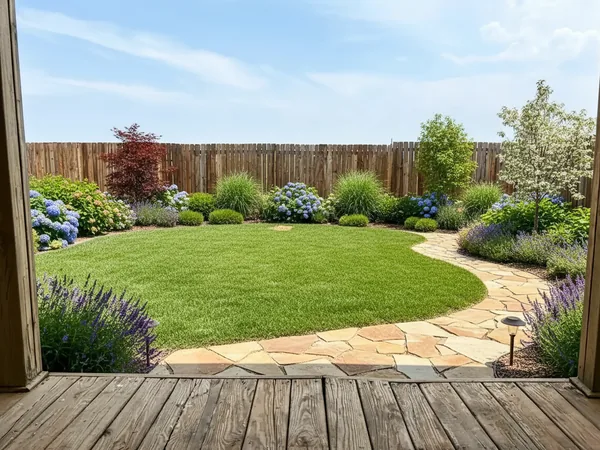 ⇄BeforeAfter
Landscaping AI
Design →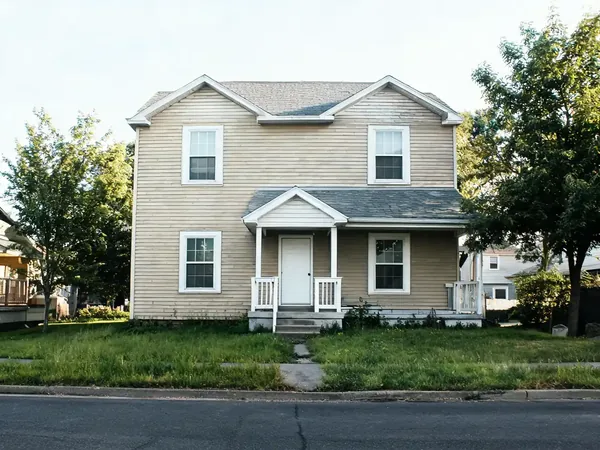
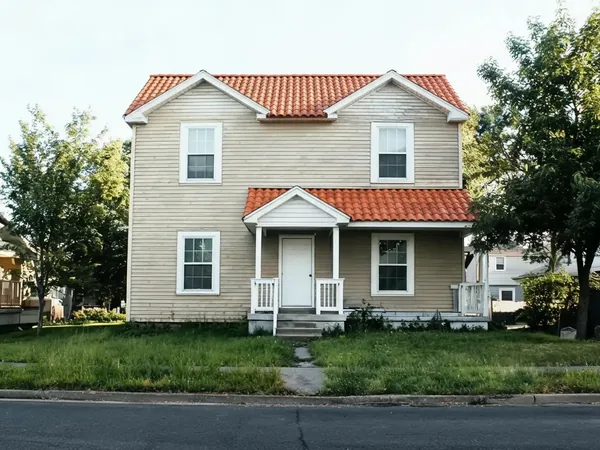 ⇄BeforeAfter
Roof Visualizer
Design →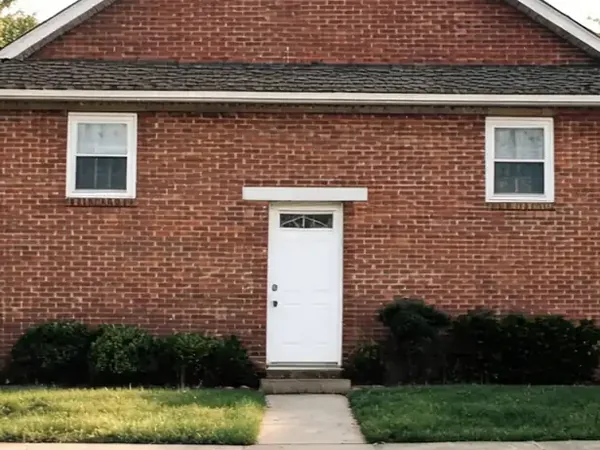
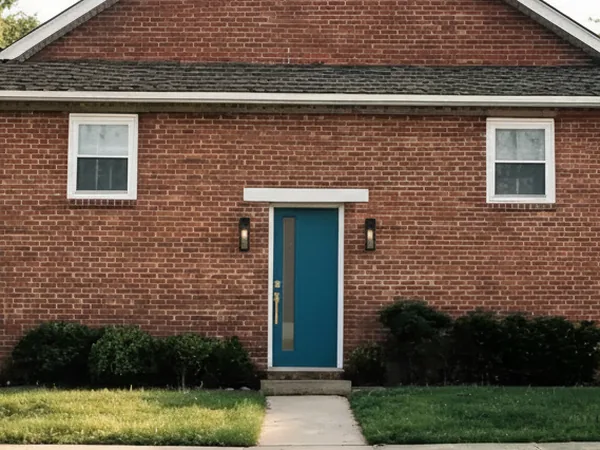 ⇄BeforeAfter
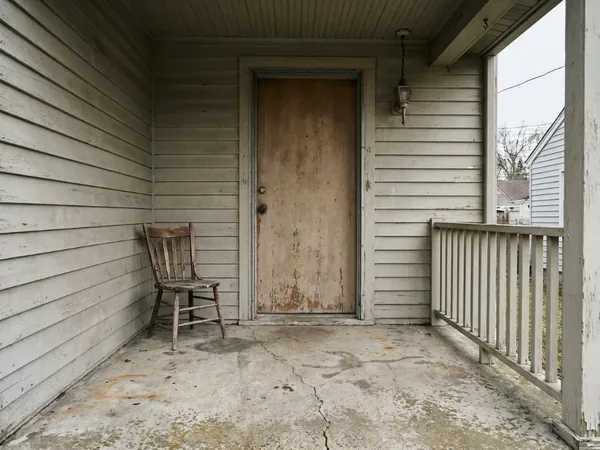
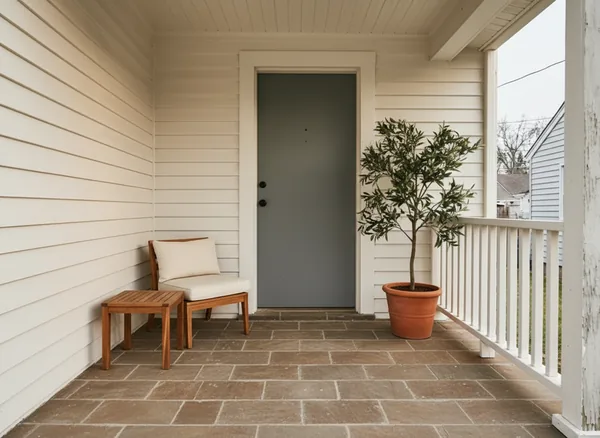
Door Visualizer
Design →
 ⇄BeforeAfter
Window Replacement
Design →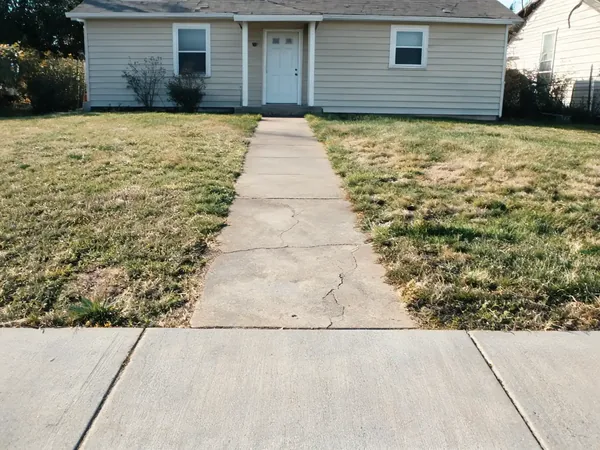
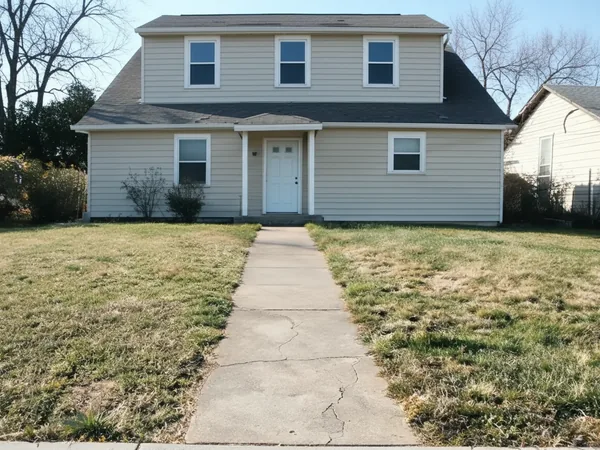 ⇄BeforeAfter
Home Addition Visualizer
Design →Rooms
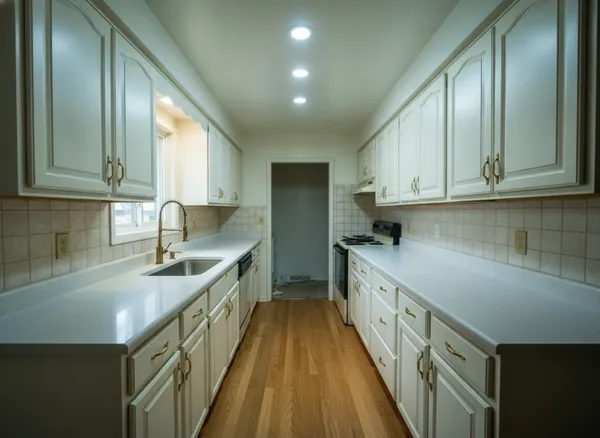
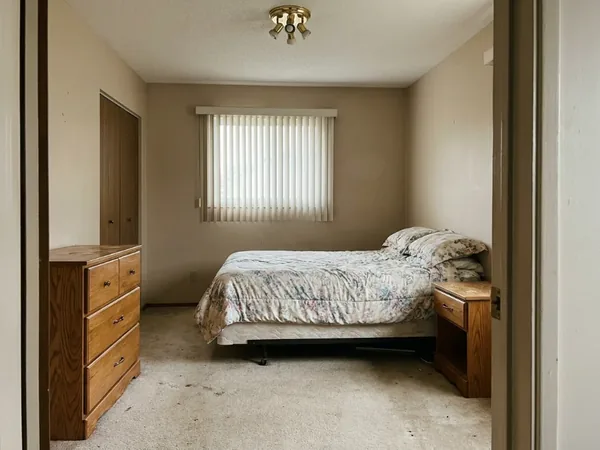
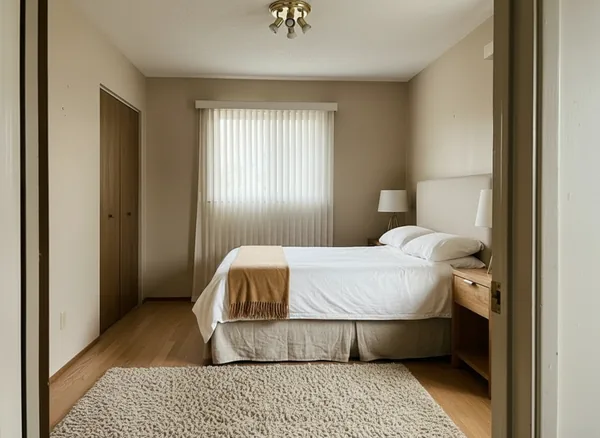
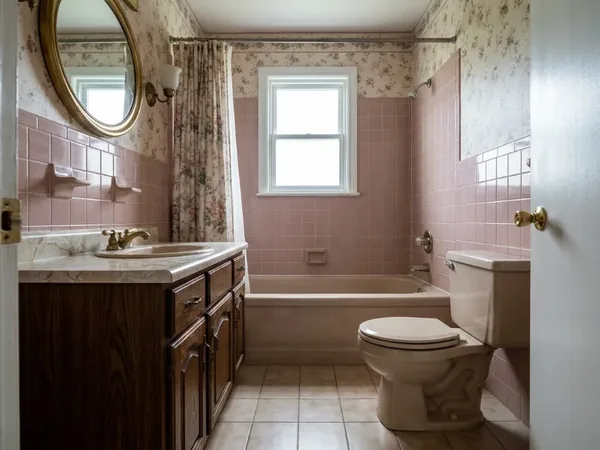
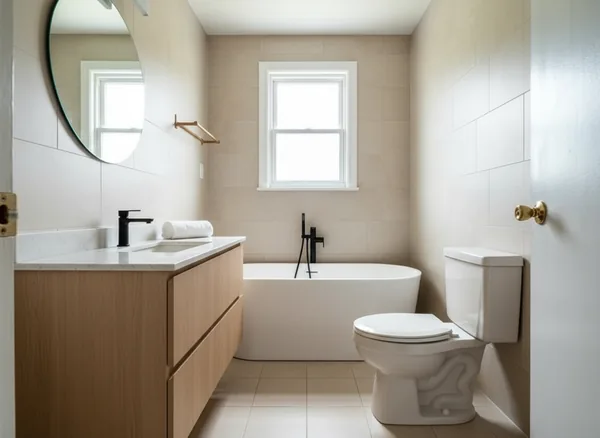
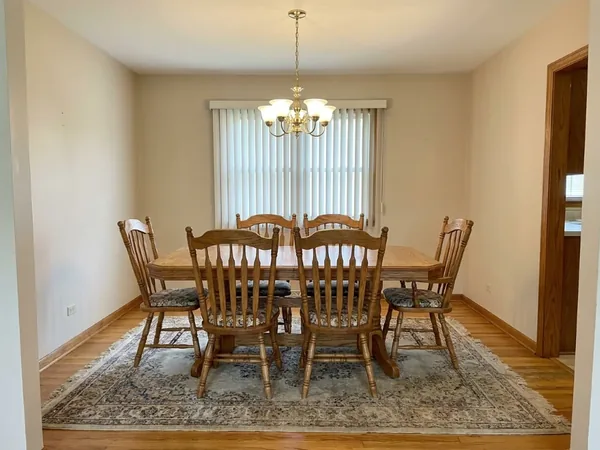
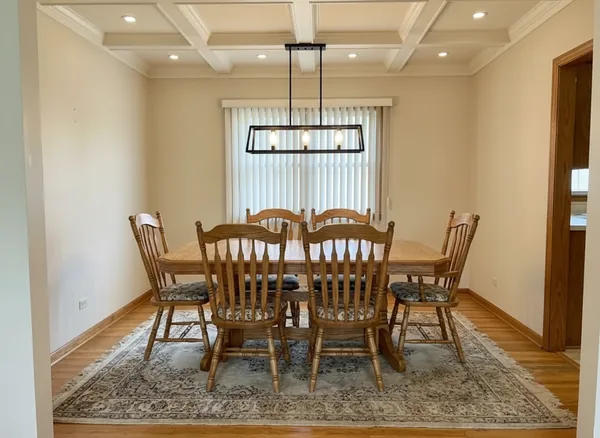
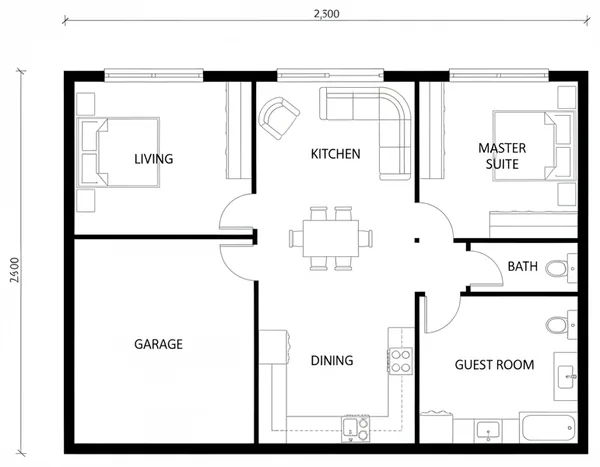
Every room in the house, restyled from a photo.
Outdoor & Structures
Pools, fences, decks and driveways — the rest of the property.
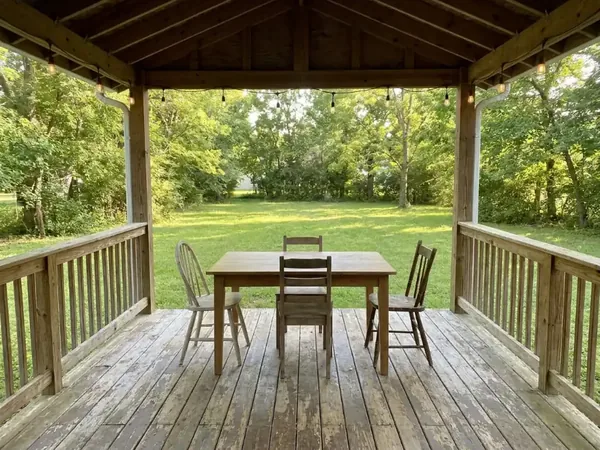
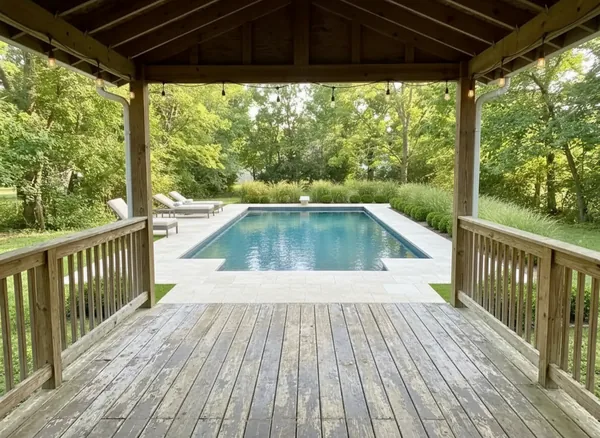
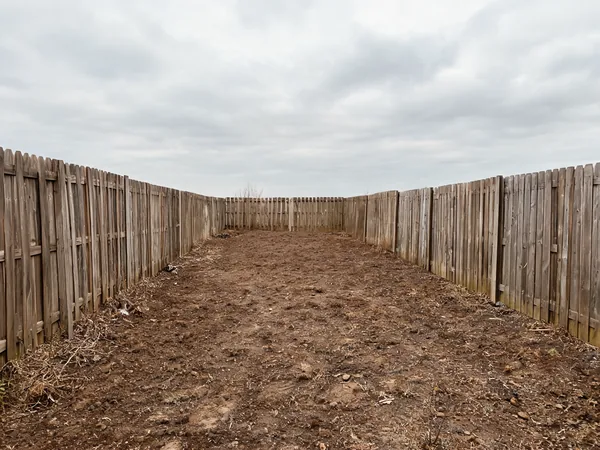
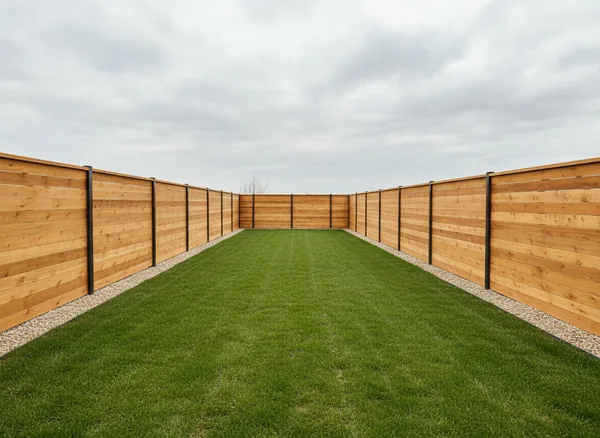

Edit
Surgical edits: remove, recolor, restage — the room stays real.
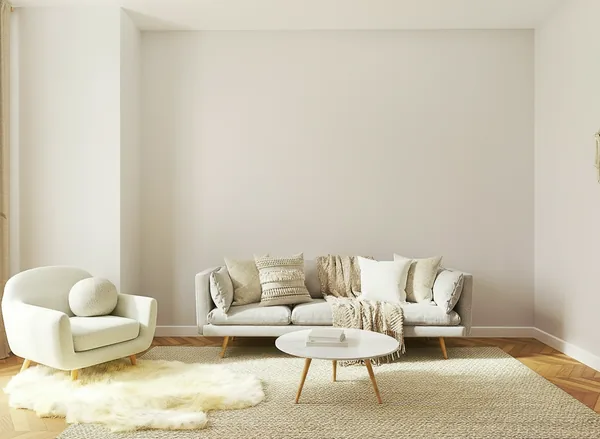
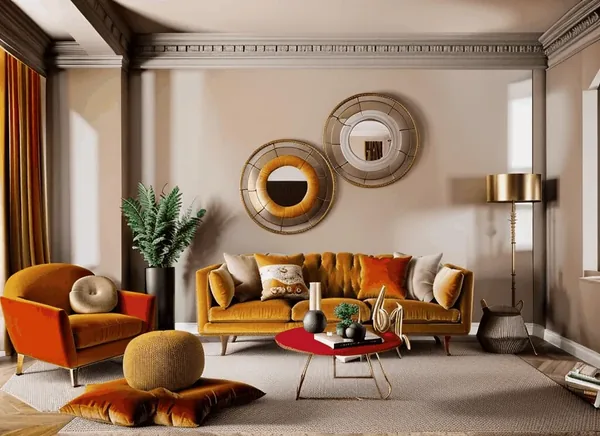
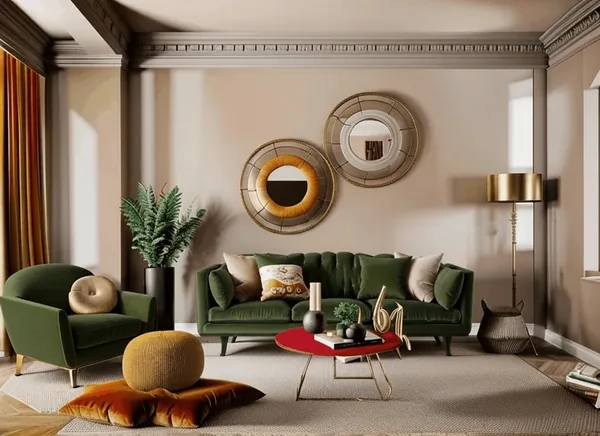
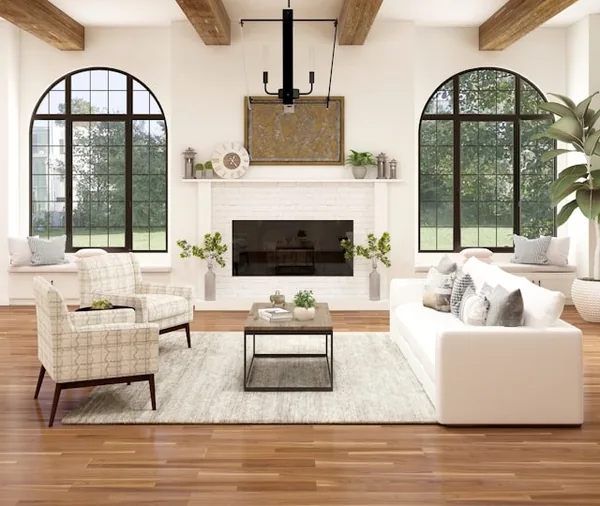
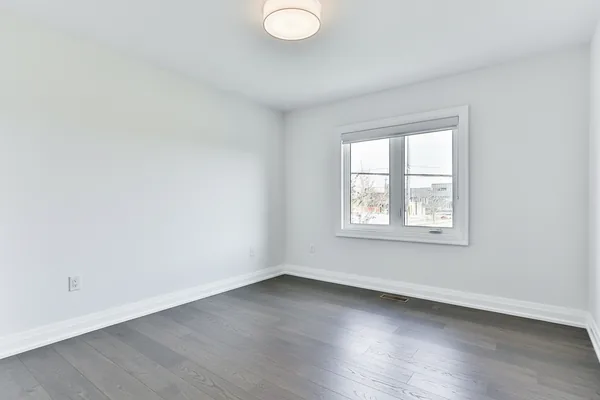
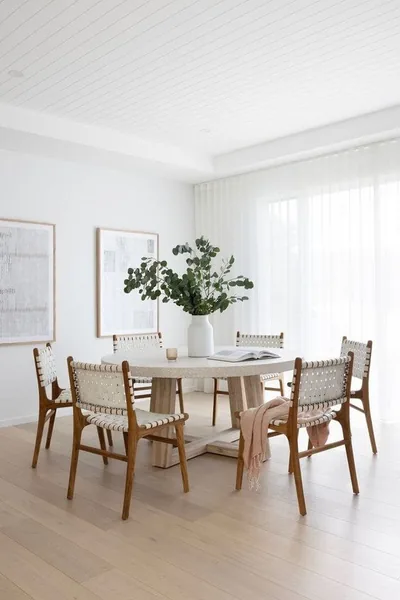
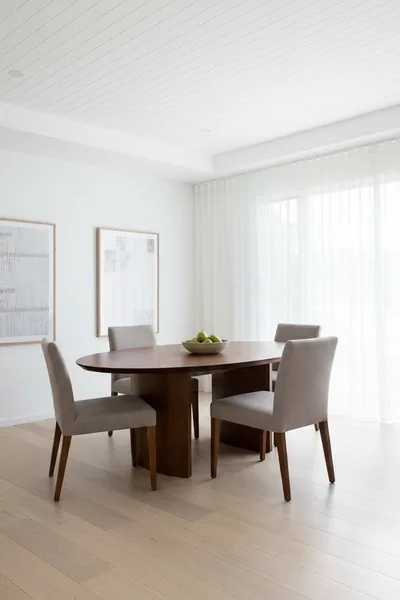
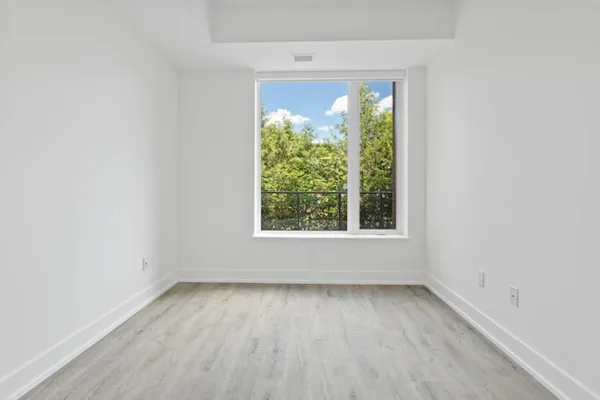
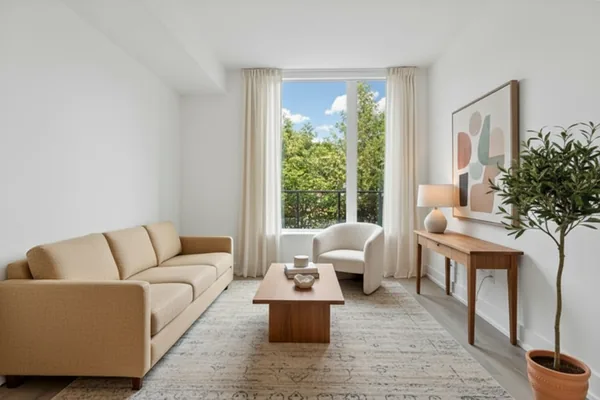
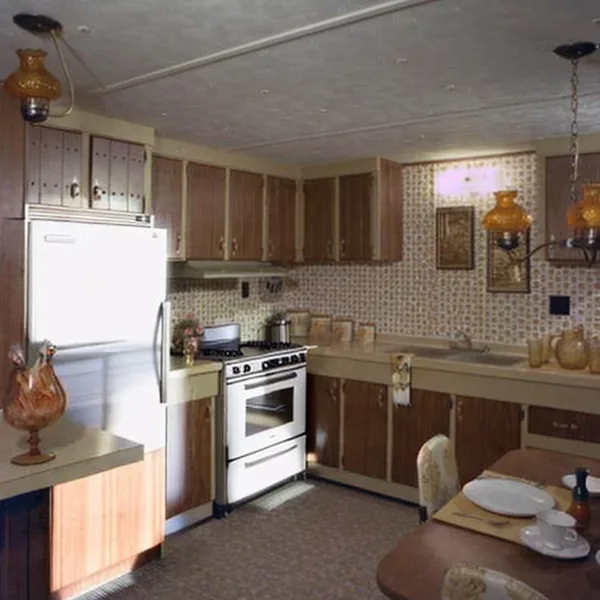
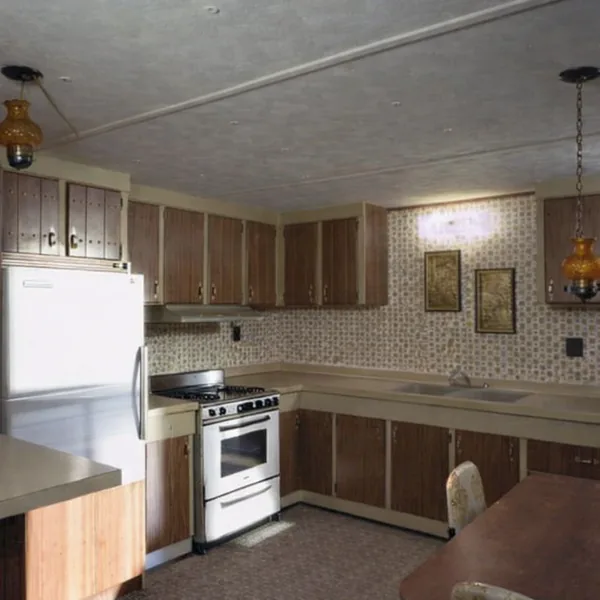
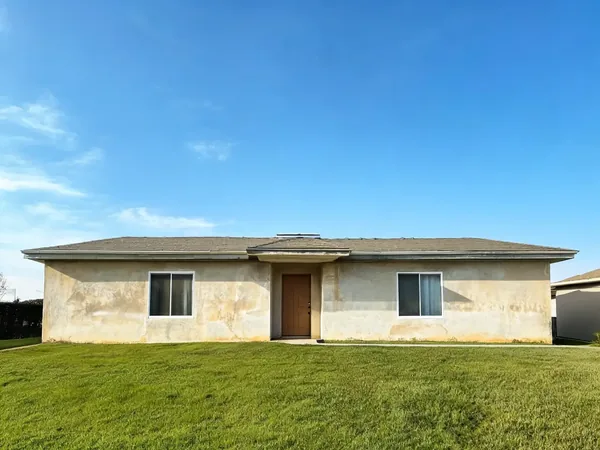
Analyze
AI ratings, IDs and estimates from a single photo.
Compare
Honest comparisons with the other AI design tools — including where they beat us.
Real results
Every image below is genuine tool output from a real uploaded photo — no mockups.
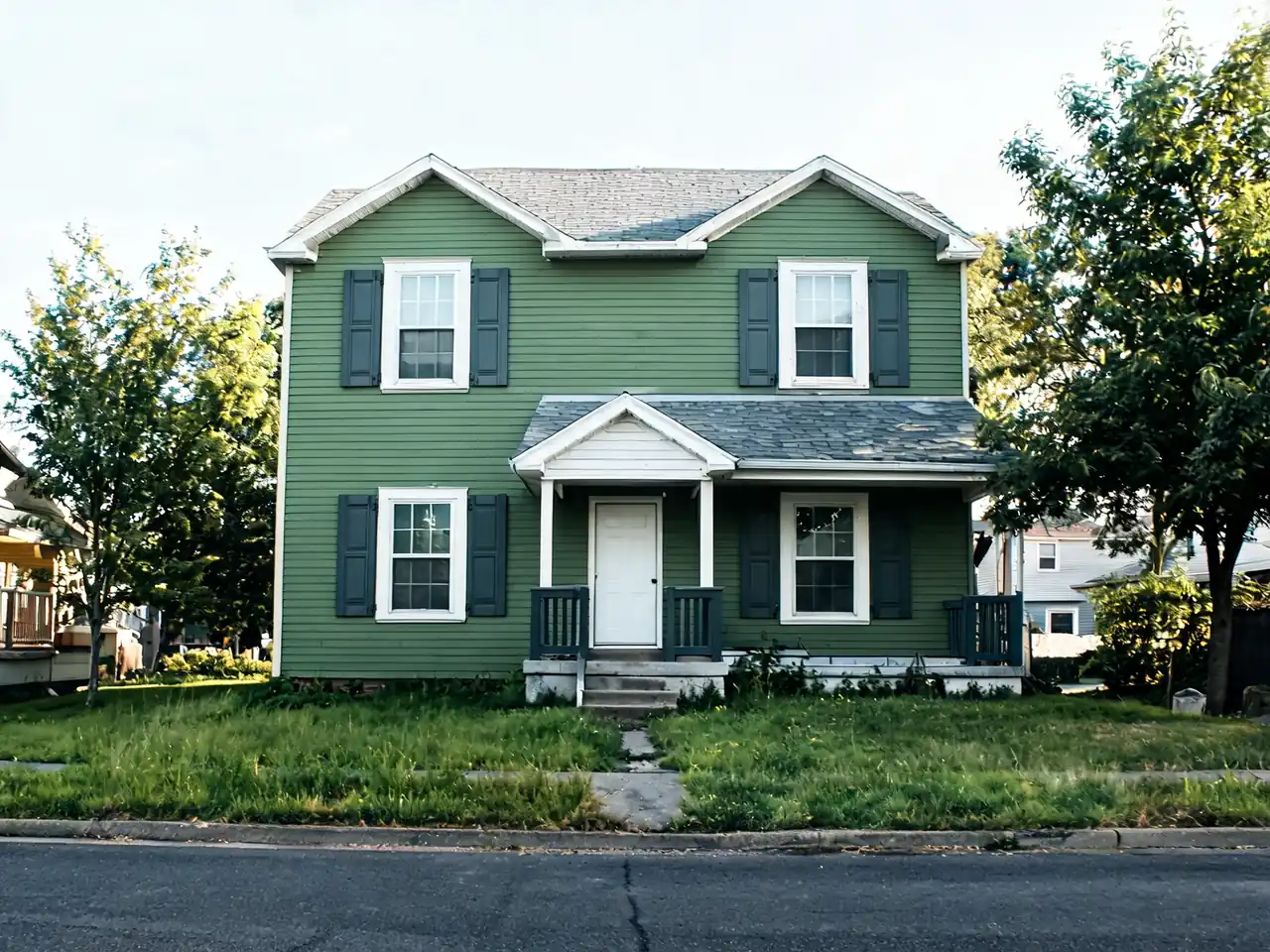
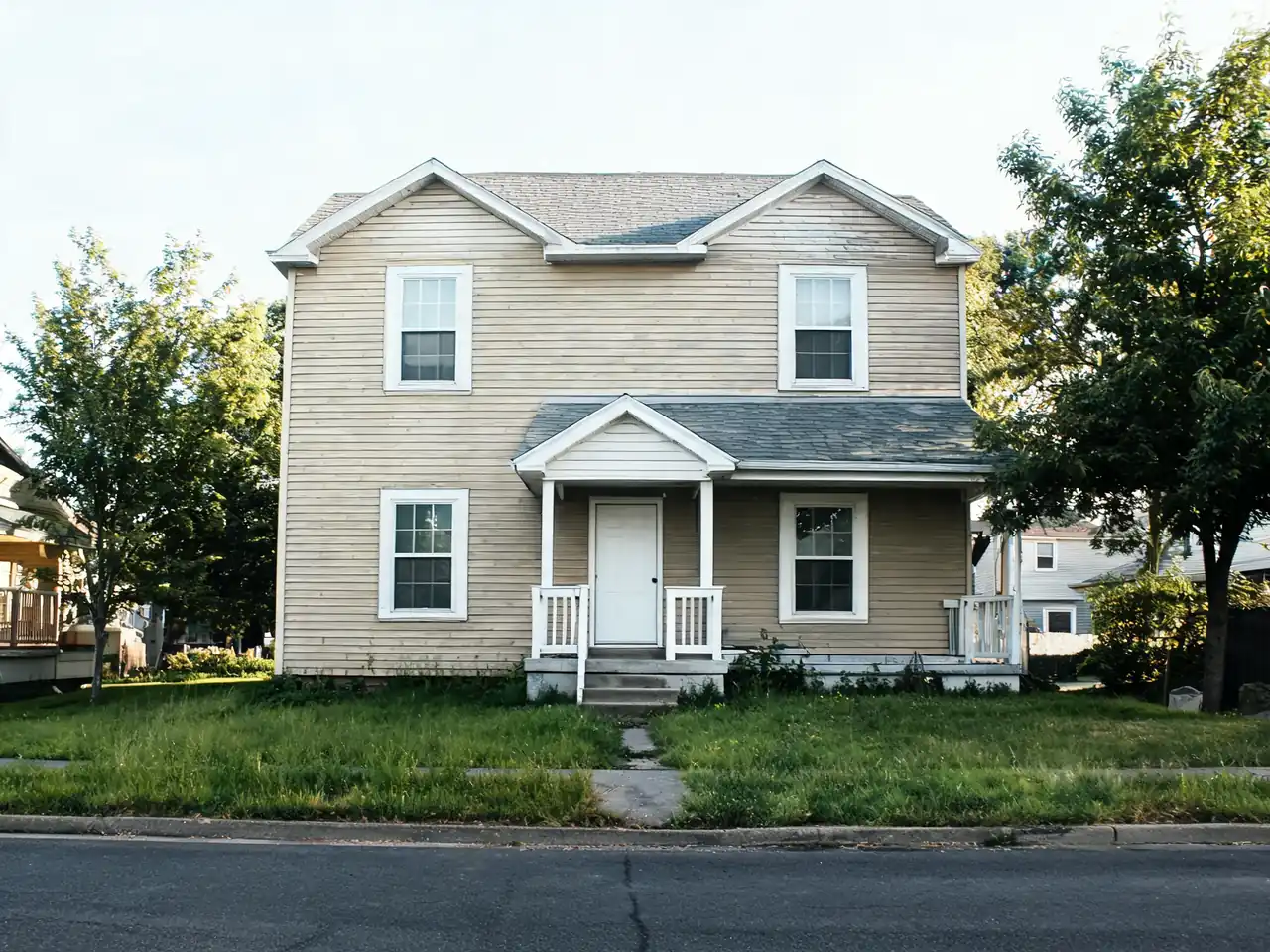
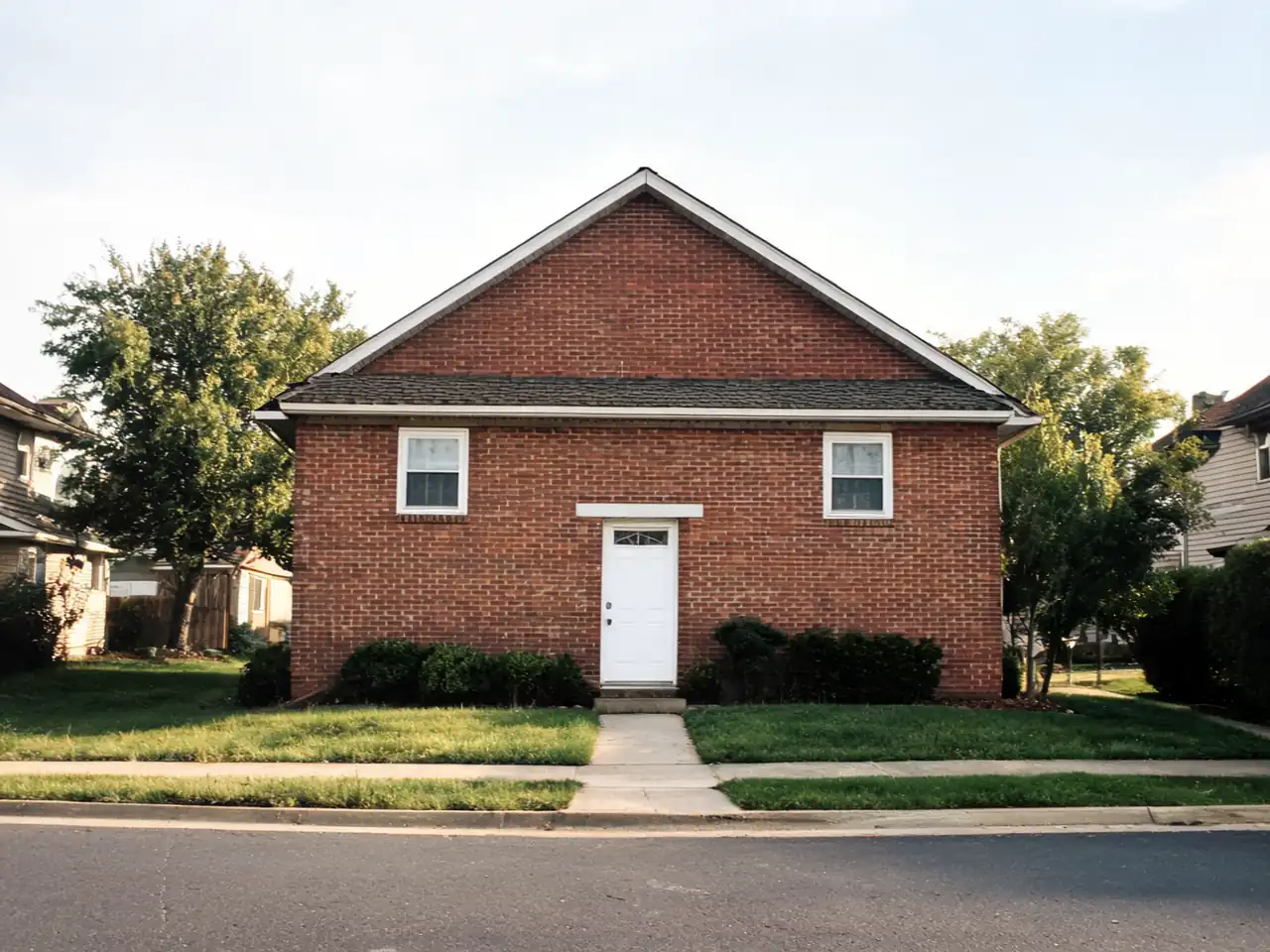
House Painter AI
Before / after — drag to compare
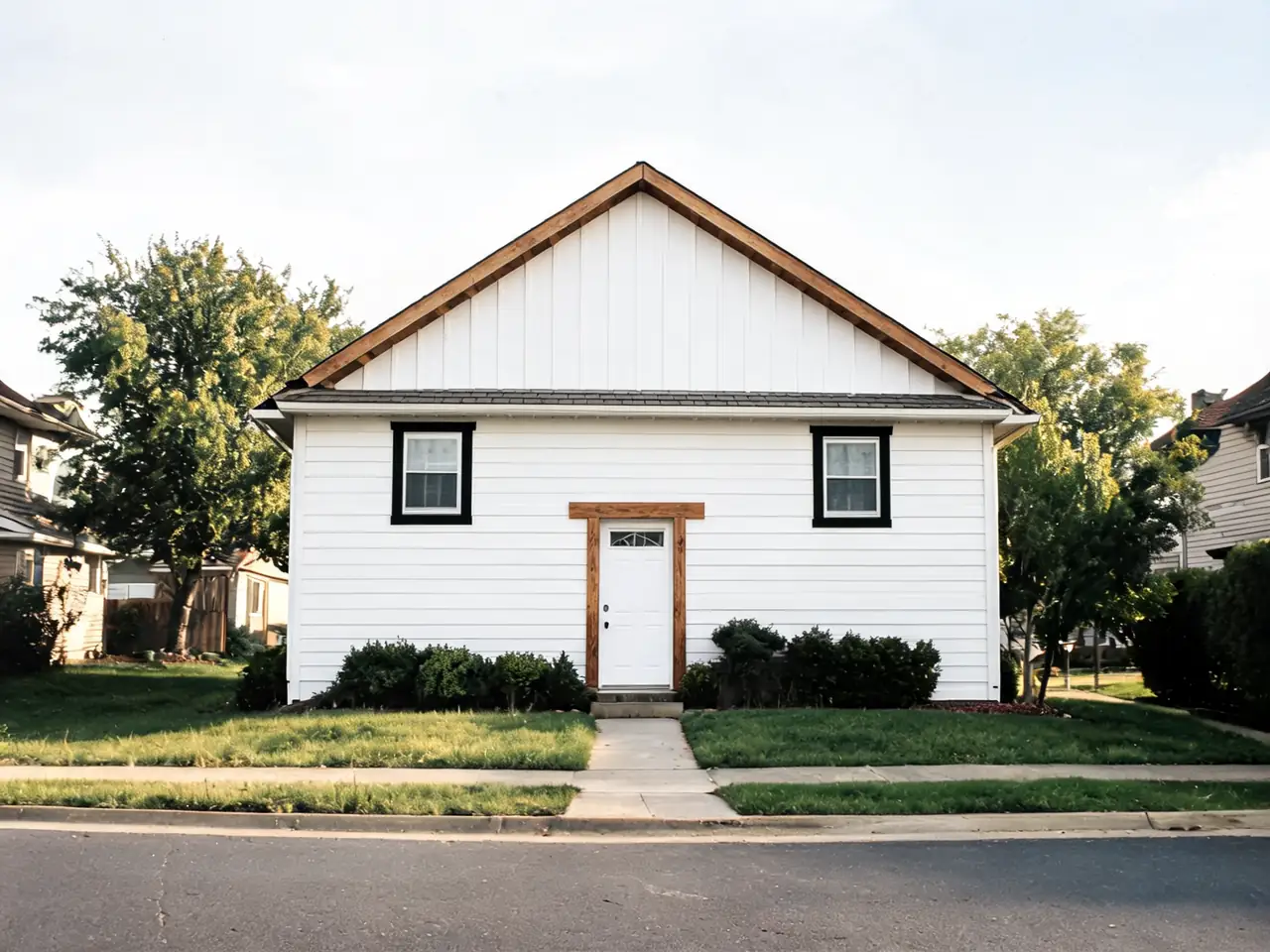
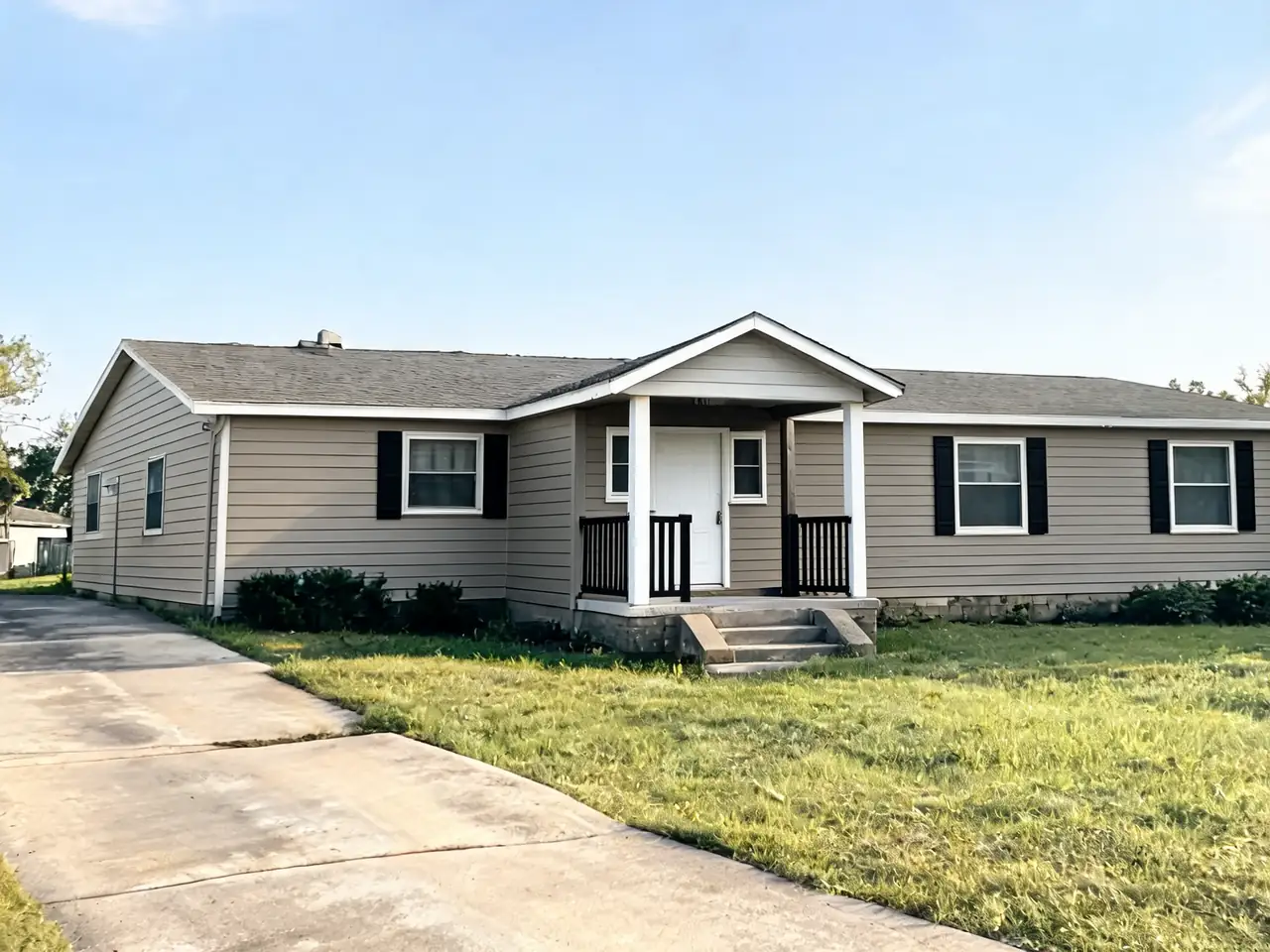
House Design AI
Before / after — drag to compare

House Painter AI
Before / after — drag to compare
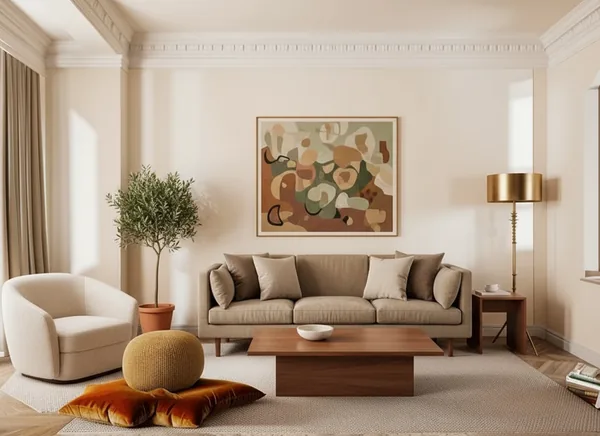
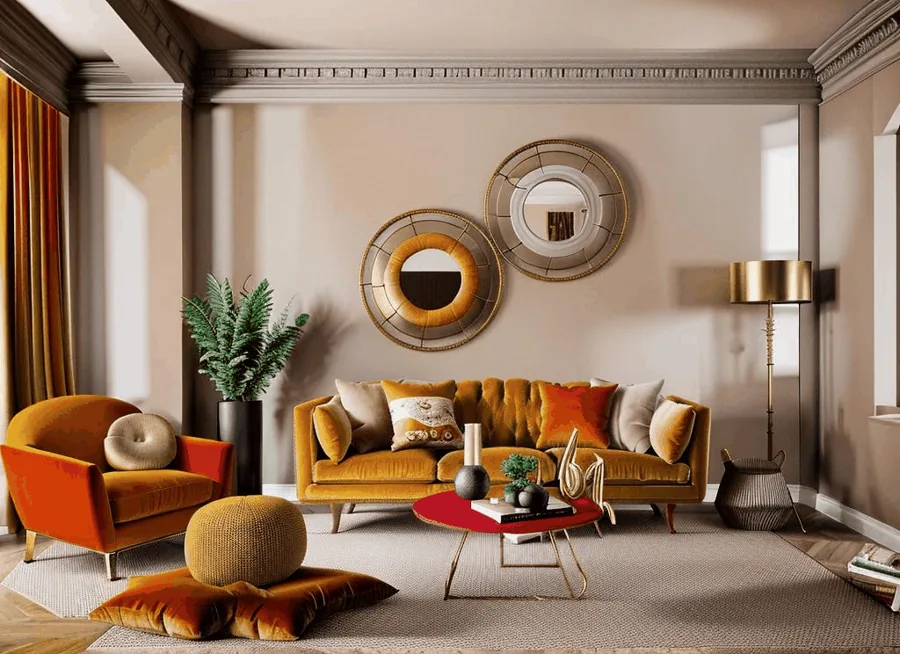
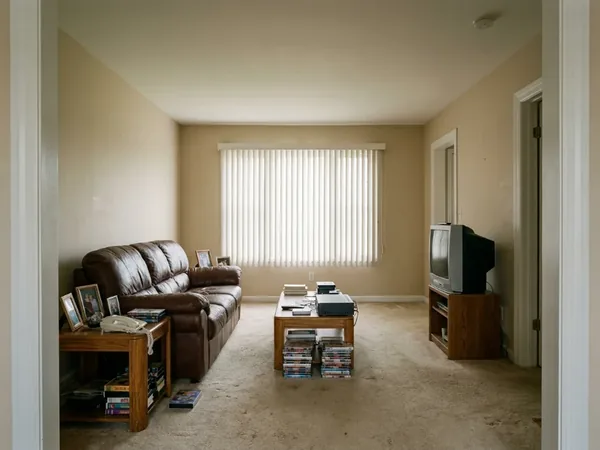
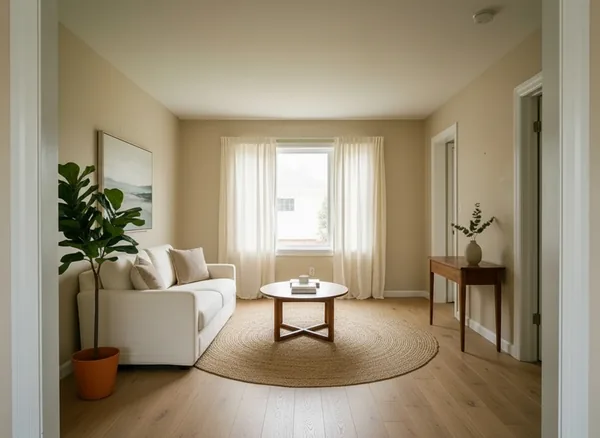
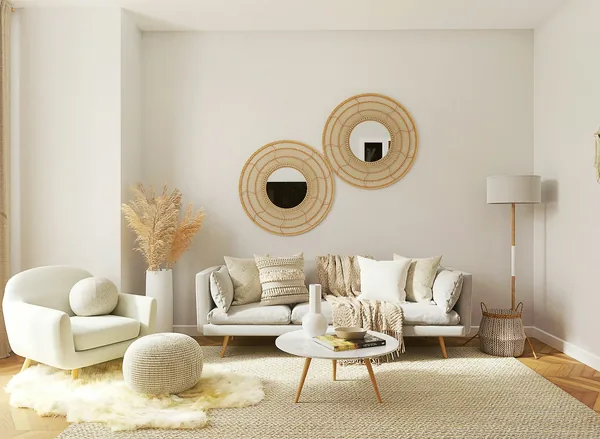
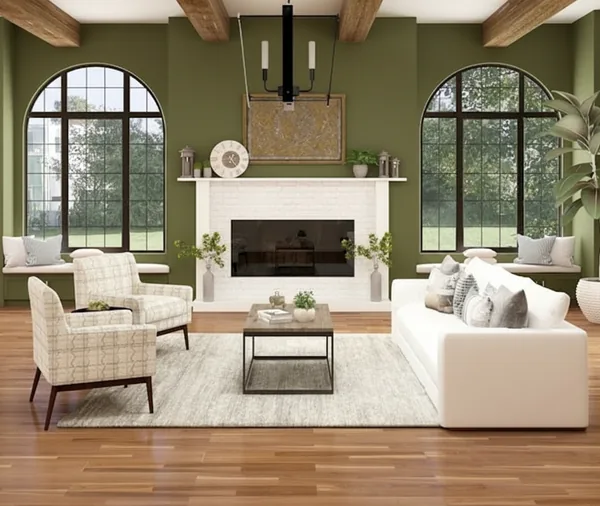
Interior AI — living room restyle
Before / after — drag to compare
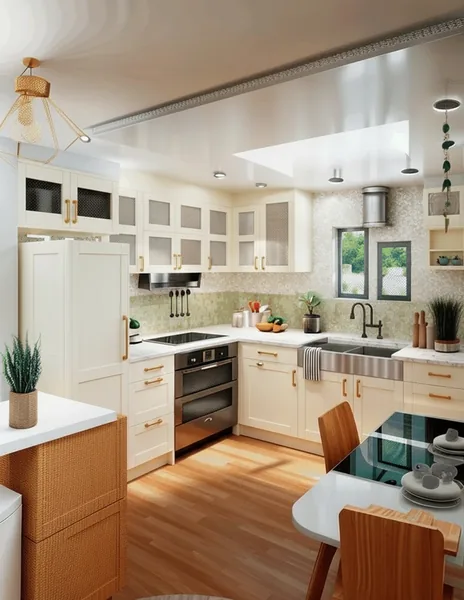
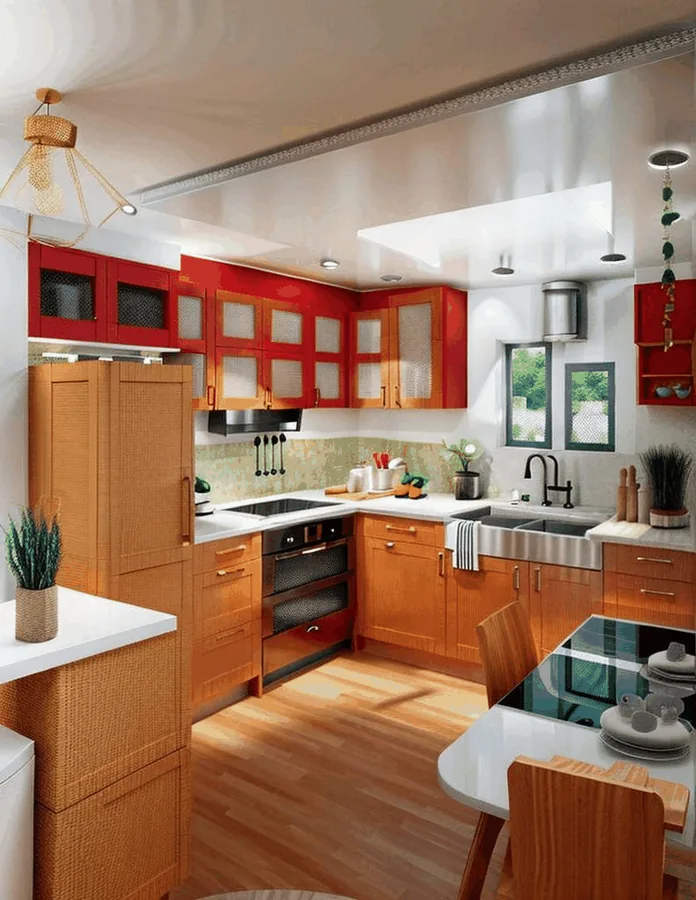
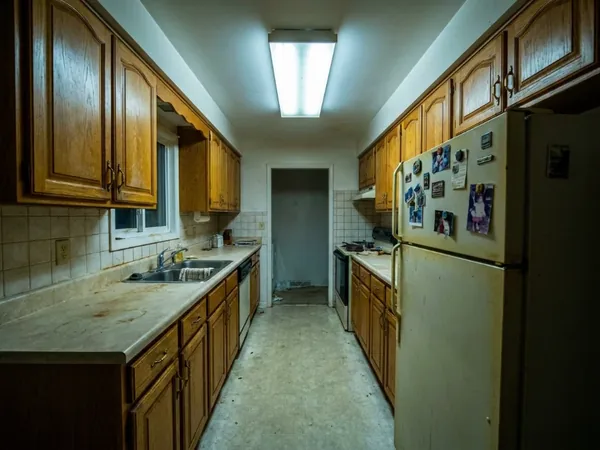
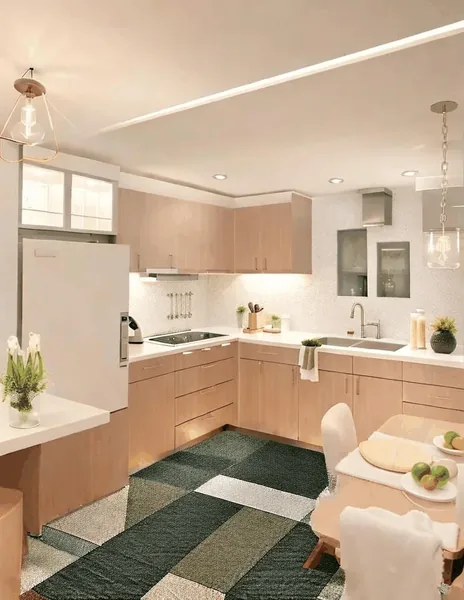
Interior AI — kitchen restyle
Before / after — drag to compare
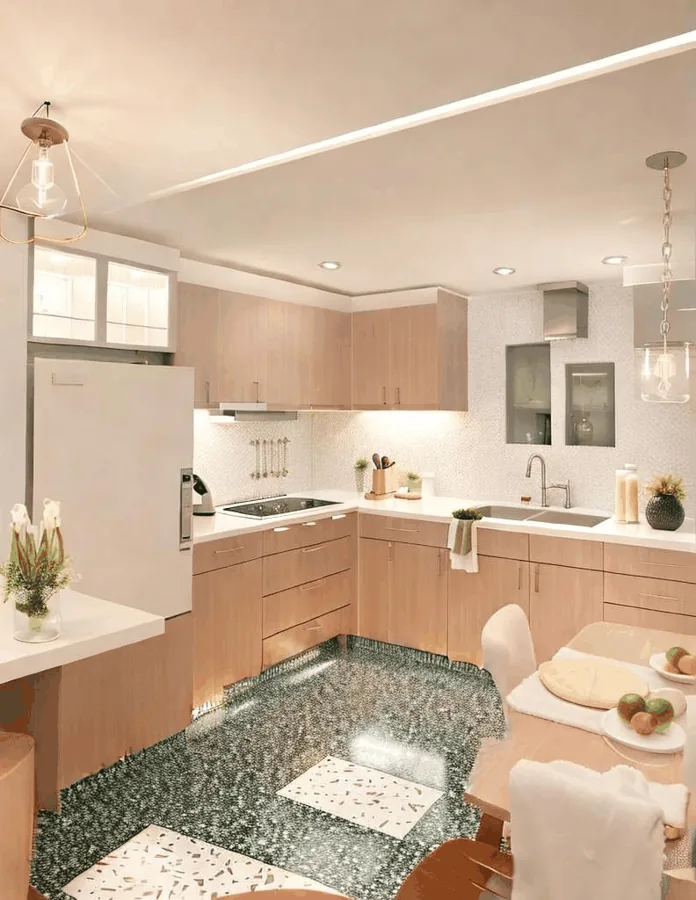
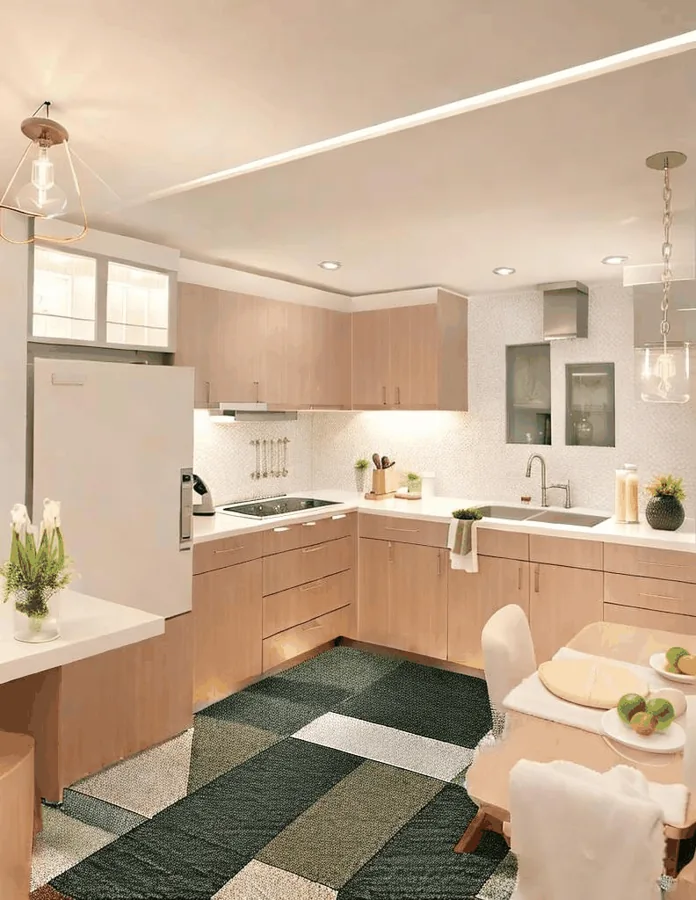
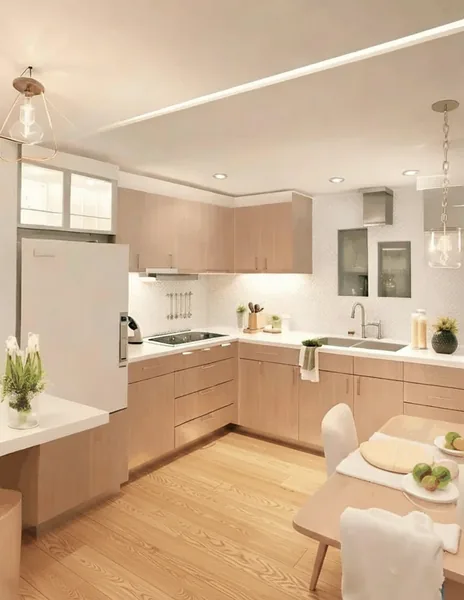
Floor Changer AI — same kitchen, new floor
Before / after — drag to compare
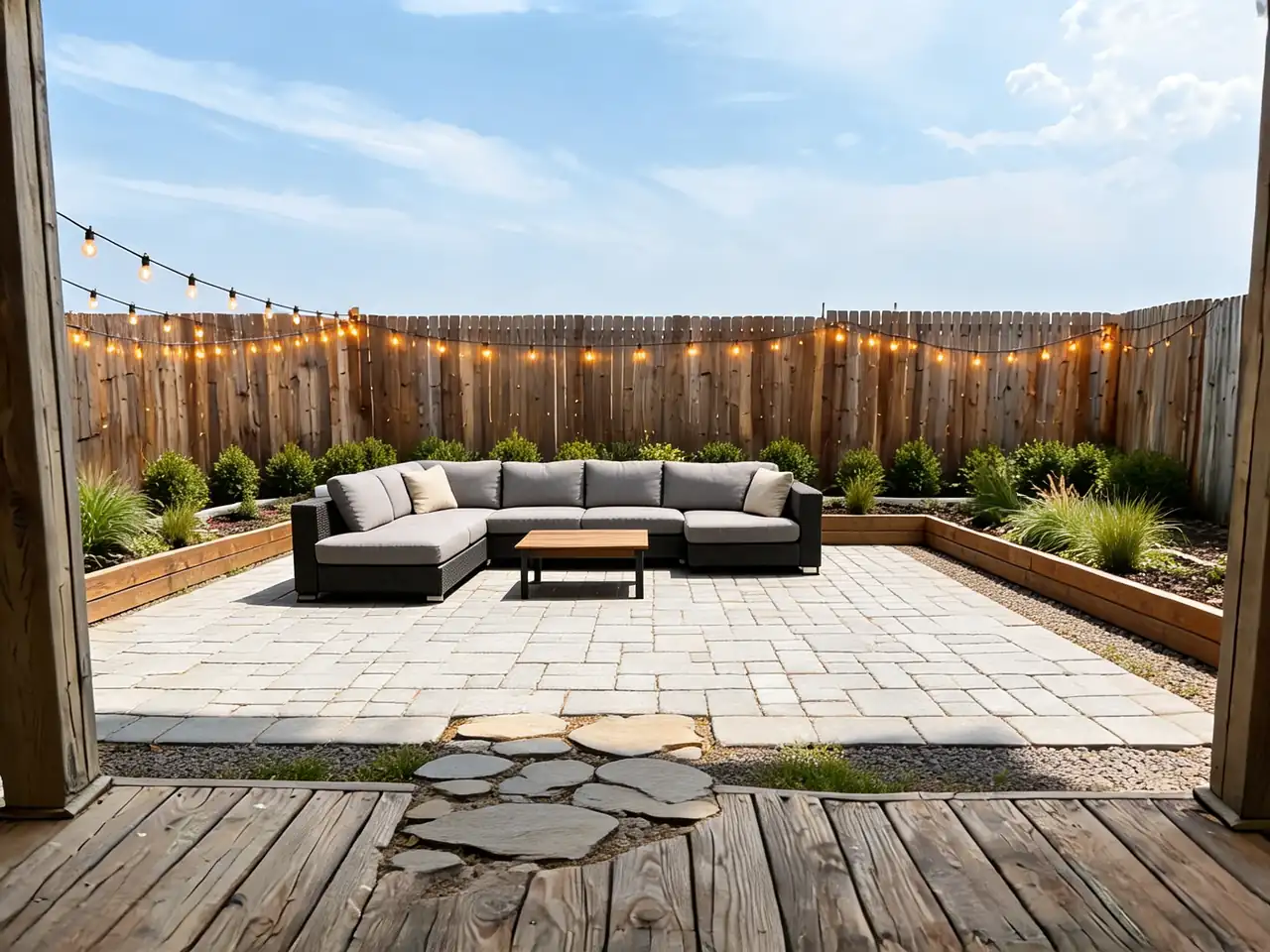
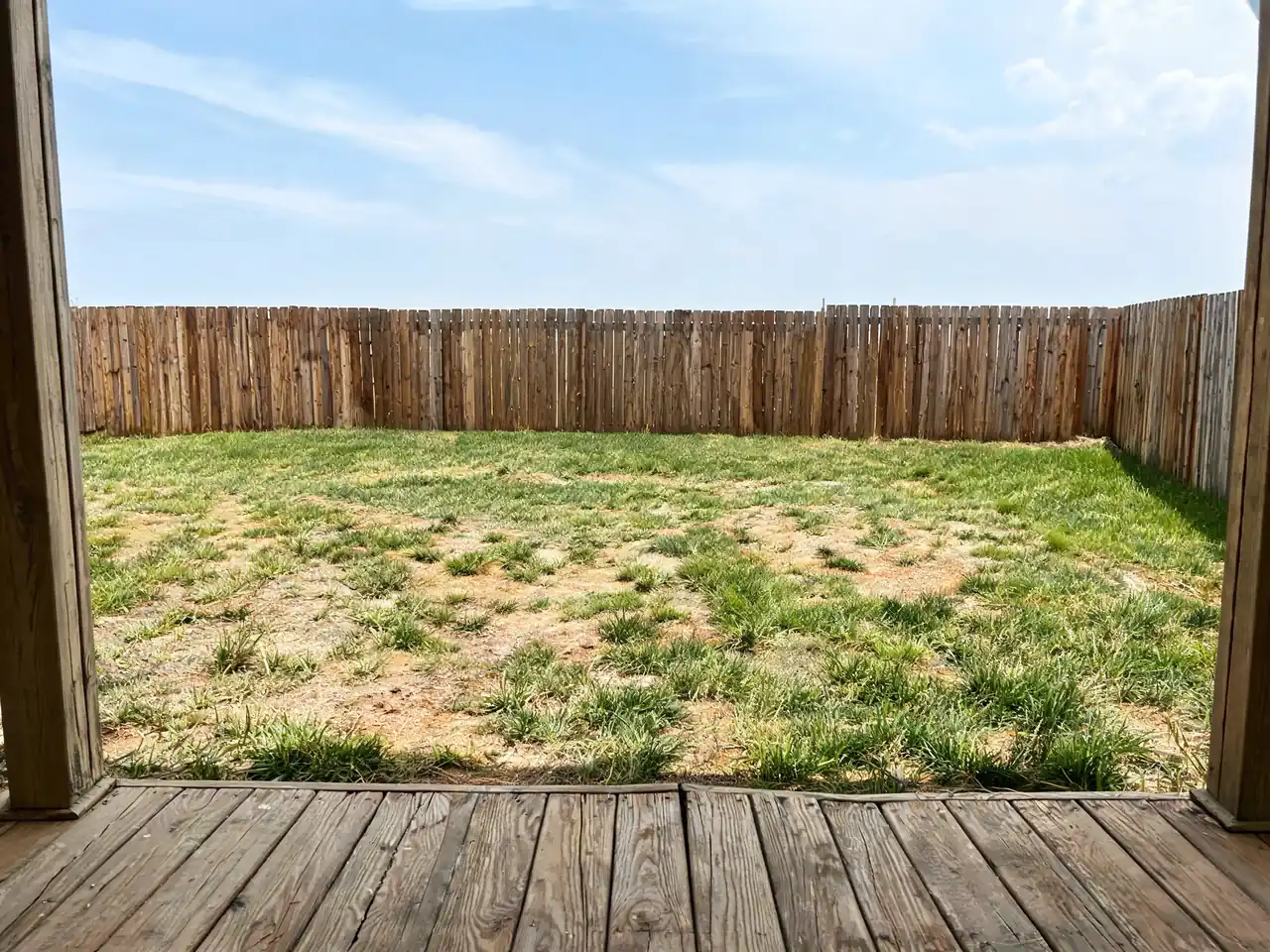
Landscaping AI
Before / after — drag to compare
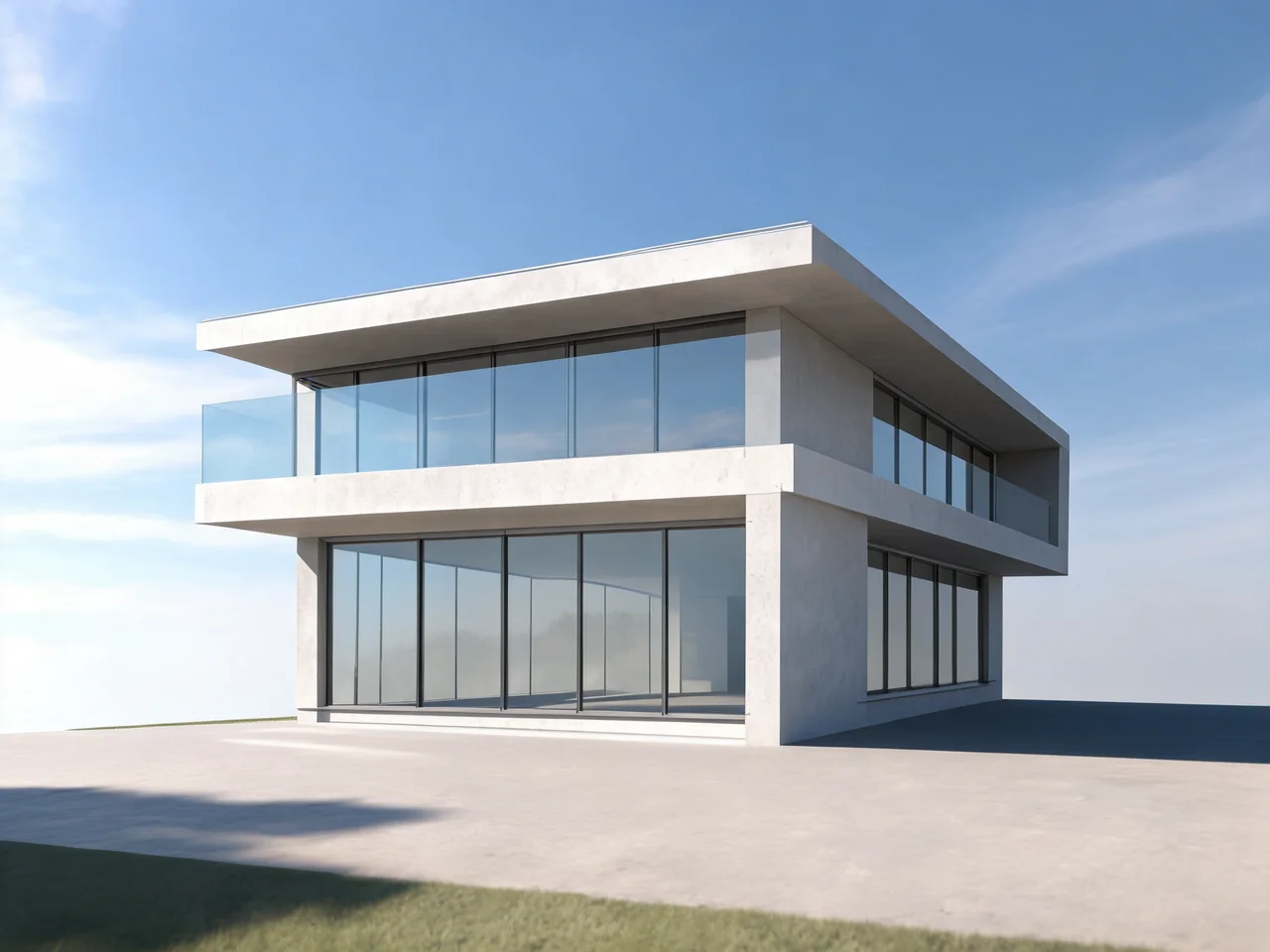
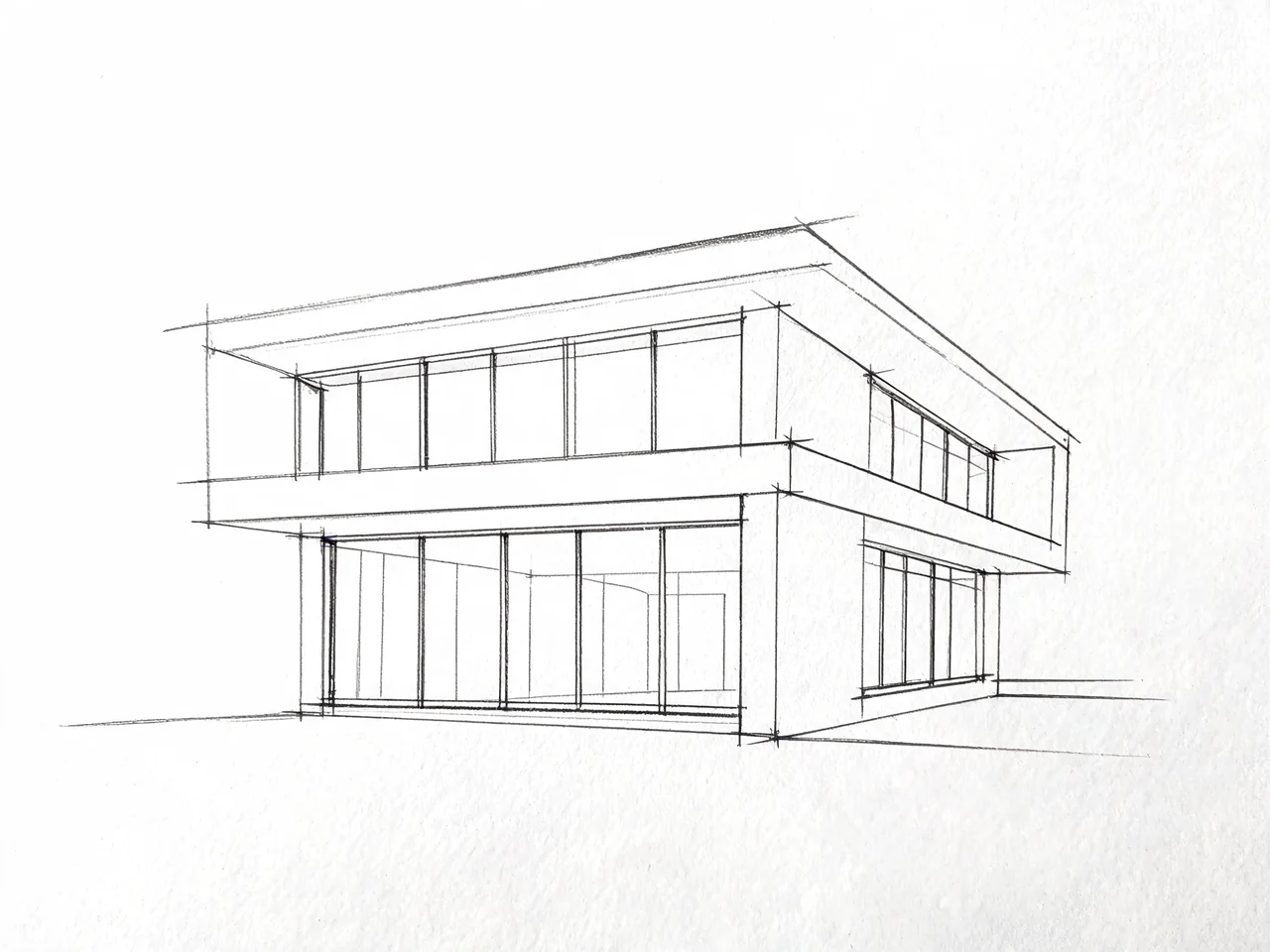
Architecture AI
Before / after — drag to compare
The process
How a piece is made
Step 01
Upload one ordinary photo
A phone photo of the room, the front of the house or the yard is enough — no measurements, no 3D model, no CAD file. The AI reads the geometry, the light and the materials that are already there.
Step 02
Pick a style or describe the change
Choose a style, a paint colour or a material, or type the change in plain English ("warm minimalist, oak floor, no clutter"). Every tool is tuned for one job, so you are not fighting a general image generator.
Step 03
Get a photo-realistic render in ~30 seconds
The result keeps your walls, windows and roofline where they actually are, so you can show it to a contractor, a landlord or a buyer. Download it, or send it back through another tool to keep going.
Why Home Design Studio
25+ tools, not one prompt box
Exterior paint, facade remodels, architecture, landscaping, every room type, floors, walls, ceilings, furniture removal, virtual staging, pools, fences, decks and driveways — each a purpose-built tool, not one generic model with a different label.
Your house, not a stock house
Every tool works from your uploaded photo and preserves the structure in it. The point is a decision you can act on — what YOUR house looks like in that colour — not a pretty picture of someone else's.
Analyse, not just generate
Curb Appeal Rater, Interior Design Rater, House Style Identifier, Colour Combination AI and the Renovation Cost Estimator read a photo and tell you what to change and roughly what it costs. Most design tools only draw.
Free to try, no card
Signing up is free and includes a free generation on our best model. No card, no trial countdown, and the free result is full quality — not a watermark-first upsell.
Edits that keep the room real
Object Remover, Furniture Removal, Wall Changer and Floor Changer change one thing and leave everything else untouched — the surgical edits that make a listing photo usable, not a whole new room.
One account, a 1,000-tool platform
The same credits also run image, video, voice and custom AI tools built on demand. Home design is one studio in a much larger building — you are not paying a separate subscription per vertical.
AI interior design from a photo — how it actually works
An AI interior redesign starts from the photo you already have. The model reads the room's geometry — where the walls meet, where the light comes from, how deep the space is — and re-renders the surfaces and furniture inside that frame. That is why the result still looks like your room: the camera never moved.
The practical limit is worth knowing before you start. Redesign is generous with materials, colour, furniture and mood, and conservative with structure: it will re-imagine a kitchen in walnut and brass, but it will not move a load-bearing wall or invent a window that is not there. If you want a layout change, that is the floor plan tool's job, not the restyle tool's.
Photos with a clear view into the room work best. Shoot from a corner rather than head-on, get the ceiling line and the floor in frame, and turn the lights on. A dark, cropped, half-blocked photo gives the model less to hold on to, and the render drifts further from the room you actually own.
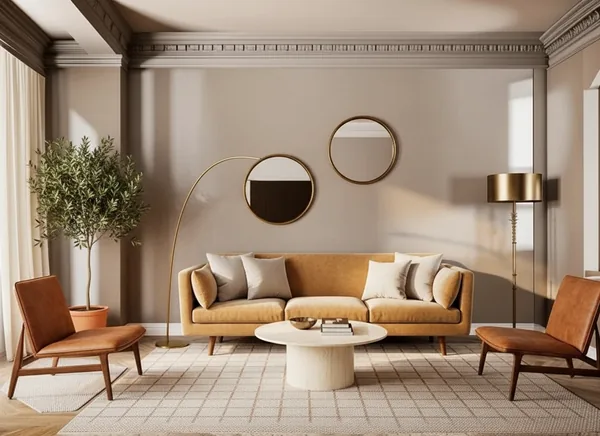
Virtual staging for listings — furnish an empty room in about 30 seconds
Empty rooms photograph badly and sell slowly — buyers cannot tell whether a sofa fits. Virtual staging furnishes the room in the listing photo you already took, which is why agents use it instead of renting furniture for a weekend shoot.
Staging is one of four tools that matter for a listing, and they work best in sequence: Object Remover clears the clutter and the bins, Furniture Removal empties a room that came furnished in the wrong taste, Virtual Staging furnishes it in the taste of the buyer you want, and the exterior tools handle the shot at the top of the listing where curb appeal decides whether anyone clicks at all.
One honesty note, because it affects whether you can legally use the image: staging shows possibilities, not the property as it stands. Most markets require staged photos to be disclosed as virtually staged. Our edits are also deliberately conservative about structure — a staged room keeps its real floor, windows and dimensions, so the photo stays a fair representation of the space.
Exterior, paint and landscaping — the decisions that cost the most to get wrong
Exterior work is where a preview pays for itself. Repainting a house is a five-figure decision made from a two-inch paint chip, and the colour that looked warm on the card can read pink across an entire wall in afternoon light. House Painter AI puts the colour on your actual elevation, with your roof, brick and planting still in the frame.
The same logic runs through the rest of the outside: roof and window visualisers before you order materials, door styles before you commit to an entry, fences, decks, driveways and pools before anyone pours concrete, and landscaping before you buy plants that will take three years to look like anything.
For bigger changes, House Design AI and the Architecture generator remodel the facade itself — cladding, massing, extensions and style — and the House Style Identifier tells you what architectural language your house is already speaking, which is usually the difference between a renovation that looks intentional and one that looks bolted on.
Which tool should you use?
Match the tool to the size of the change. Restyling a whole room is Interior AI or the room-specific tools (kitchen, bedroom, bathroom). Changing exactly one surface is Wall Changer, Floor Changer, Ceiling Design or Furniture Colour — they leave the rest of the photo alone, which is what you want when the room is already right.
For a property you do not own yet, or a renovation you are pricing, start with the analysis tools: Curb Appeal Rater and Interior Design Rater score the photo and list the specific fixes, the Renovation Cost Estimator gives a ballpark from the same image, and Colour Combination AI produces palettes that hold together instead of one colour at a time.
And if none of the 25 tools is quite the tool you need, describe the one you want in plain English — this platform generates new AI tools on demand, and the tool you create becomes a permanent page anyone can use.
Questions
Before you commission one
How does AI home design from a photo work?
Upload a photo of your home, room or yard, pick a style or describe the change, and the AI renders a photo-realistic redesign of that exact space in about 30 seconds — same structure, new look.
Is it free to try?
Yes — signing up is free and includes a free generation on our best model, so you can judge the real quality before paying anything. No credit card is needed to sign up.
Can I try paint colors on my actual house?
Yes. House Painter AI repaints your real exterior photo with any color or combination, keeping brick, trim, roof and landscaping intact — homeowners use it before calling a contractor.
Does it work for real estate listings?
Agents use Virtual Staging to furnish empty rooms, Object Remover to clean up clutter, and the exterior tools for curb-appeal previews — all from ordinary listing photos.
Which rooms and styles are supported?
Kitchens, bedrooms, bathrooms, living rooms and more, in dozens of styles from modern and minimal to rustic and traditional. Exterior tools cover paint, facade remodels, full architecture styles and landscaping.
What is virtual staging, and can I use the images in a listing?
Virtual staging furnishes an empty or badly furnished room in a photo you already took, instead of renting real furniture. You can use the images in listings, but most markets require you to disclose that a photo is virtually staged — the render shows a possibility, not the property as it stands today.
Can AI remove furniture from a room photo?
Yes. Furniture Removal empties a furnished room and Object Remover erases individual items, clutter, cables and signage. Both keep the real floor, walls and windows, so what is left is still the actual room.
Does it change the structure of my house?
No, and that is deliberate. The design tools re-render surfaces, materials, furniture and planting inside your photo's real geometry — walls, windows and rooflines stay where they are, so the result is something you can hand to a contractor. Structural changes belong to House Design AI, the Architecture generator and the floor plan tools.
Can I generate a floor plan?
Yes — the Floor Plan Generator produces layout concepts for a space. It is the right tool when you want to move walls or test a layout; the room tools are for restyling the space you already have.
Do I need a 3D model, CAD file or measurements?
No. A single ordinary photo is the whole input. There is nothing to install, no SketchUp or Revit export required, and nothing to measure.
How much does it cost?
Signing up is free and includes a free generation on our best model with no card. Paid plans add more credits and unlock the whole platform — image, video, voice and custom AI tools — rather than charging a separate subscription for each vertical.
Can it redesign a yard or garden, not just rooms?
Yes. Landscaping AI works on an outdoor photo the same way the room tools work on an interior — replant beds, change hardscape, add a patio, deck or pool and see it on your own yard before a landscaper quotes it.
Is it good enough for real estate agents and designers?
Agents use it for staging, decluttering and curb-appeal previews on ordinary listing photos; designers and homeowners use it to test directions before committing budget. It is a fast visualisation and decision tool, not a substitute for construction drawings.
Who owns the images I generate?
You do — download and use them, including commercially. If a photo shows a property you do not own, normal listing and advertising rules still apply.
Everything in Home Design Studio
92 of them, grouped by the job they do.
Exterior
Siding, Roof & Trim
Outdoor
Outdoor Living
Yard & Hardscape
Rooms
More Rooms
Kitchen, Bath & Surfaces
Edit
Analyze
Projects
Popular in Home Design Studio
Create your own AI tools & assistants
Describe what you need in plain English — AI Two builds a working tool with its own shareable page, live in about a minute. No code, no setup.
Part of the Community AI platform — create, discover, and share AI-powered tools