
How to paint a house with AI on AI Two
Upload a photo of your home and preview new exterior paint colors with Paint My House AI in Home Design Studio before you buy a single gallon.
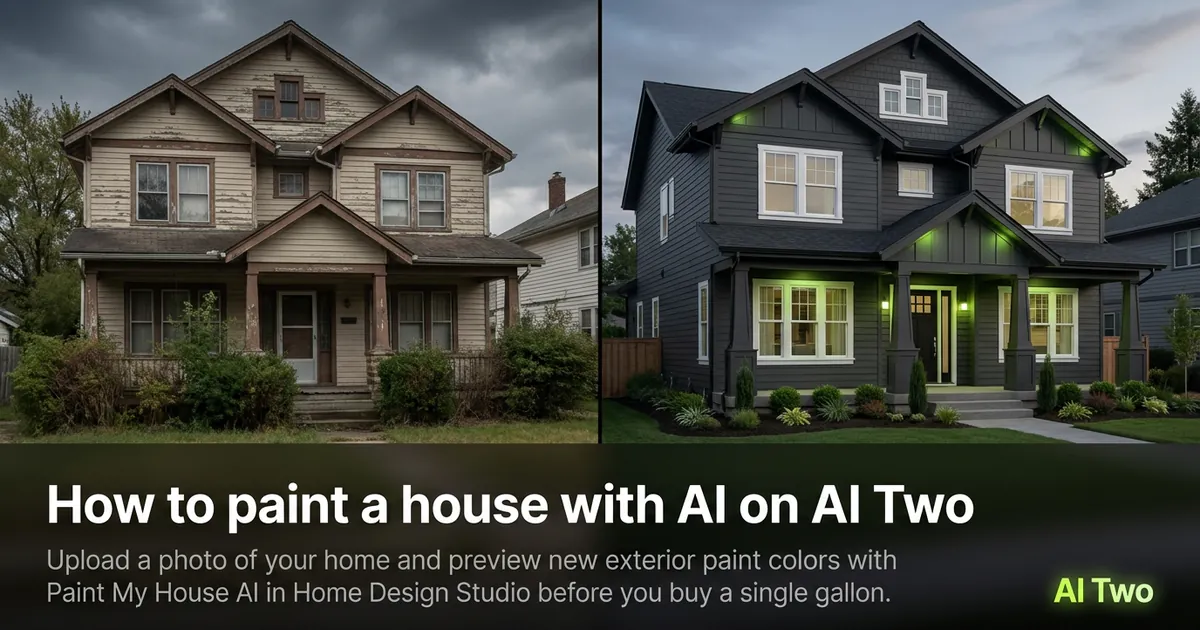
Paint My House AI on AI Two lets you test exterior paint colors on a real photo of your house in about 30 seconds. I open it when a contractor quote is waiting and I still cannot decide between navy, sage, or soft white. The tool keeps the roof, windows, and landscaping in place while it recolors the surfaces you target, so the draft looks like your property and not a random stock home.
What Paint My House AI does
You upload a front or side elevation photo, pick the body color and trim color you want to try, then generate. The preview returns a still image you can download and share. It is a visual draft for decisions, not a CAD file or a paint order form.
When I tested a faded beige two story last spring, the navy body with white trim looked believable enough that my painter and I used the download in the same text thread as the quote. Shadows under the eaves stayed put, which is what I check first.
Home Design Studio keeps Paint My House next to roof, door, and landscaping tools in the same sidebar. You can paint first, then open a sibling page if the roof or door still looks wrong on the same photo.
Credits meter each generation on your account. Free signup credits covered three color pairs for me before I locked a direction. Paid plans raise the monthly cap when you batch a whole street of listings.
How to run it step by step
Step one: sign in on AI Two or create a free account. Step two: open Paint My House AI and upload a daylight photo of the full facade. Step three: set body and trim colors, leave other fields on default for the first run. Step four: click Generate and wait about 30 seconds. Step five: download the keeper or change one color only and run again.
On my first run I used the defaults and already had a usable draft. The second run only changed the trim so I could compare side by side without guessing which setting caused the difference.
I keep the original photo in a dated folder and never overwrite it. Paint tests stack quickly, and you will want the same base file when you try a third scheme next week.
If the paint bleeds onto the sky or windows, your angle may be extreme or the crop too tight. Step back, reshoot straighter, and run again instead of stacking five failed edits.
Which photo works best
Straight on daylight elevations work better than dusk phone snaps with yellow porch bulbs. Show the full wall you plan to paint. Crop out neighbors only if they distract, but keep enough of the house so the model can read roof lines and trim.
Files under about 800 pixels on the long edge look soft after recolor. I export the highest resolution my phone allows, then resize only if upload asks for it.
The studio card for this tool shows a real before and after pair. Match that kind of camera height when you shoot your own before photo and you should land closer to that quality.
Avoid heavy Instagram filters before upload. The model reads color from the pixels you give it, and a teal filter will fight the paint color you pick in the form.
Mistakes I avoid
Changing body, trim, and accent all at once makes it impossible to know which choice helped. Change one surface color per generation until you have a winner.
Expecting exact paint brand SKUs from a visual preview leads to frustration. I take the winning download to the paint store and match chips under daylight, not under their fluorescent aisle lights alone.
Painting a tiny crop of one wall rarely sells the idea to a partner. Show the full elevation so they can see how the color sits next to the roof and landscaping.
When to use another Home Design tool
If the roof is the problem, open Roof Visualizer on the same photo instead of forcing paint to fix asphalt. If the door feels wrong after paint, try Door Visualizer. For a full exterior redesign beyond color, House Design AI and Architecture AI sit in the same exterior cluster.
Return to the exterior cluster guide when you need the map of all facade tools. The Home Design Studio pillar covers rooms, outdoor structures, and edits when paint is not the job.
FAQs
Related studio guides
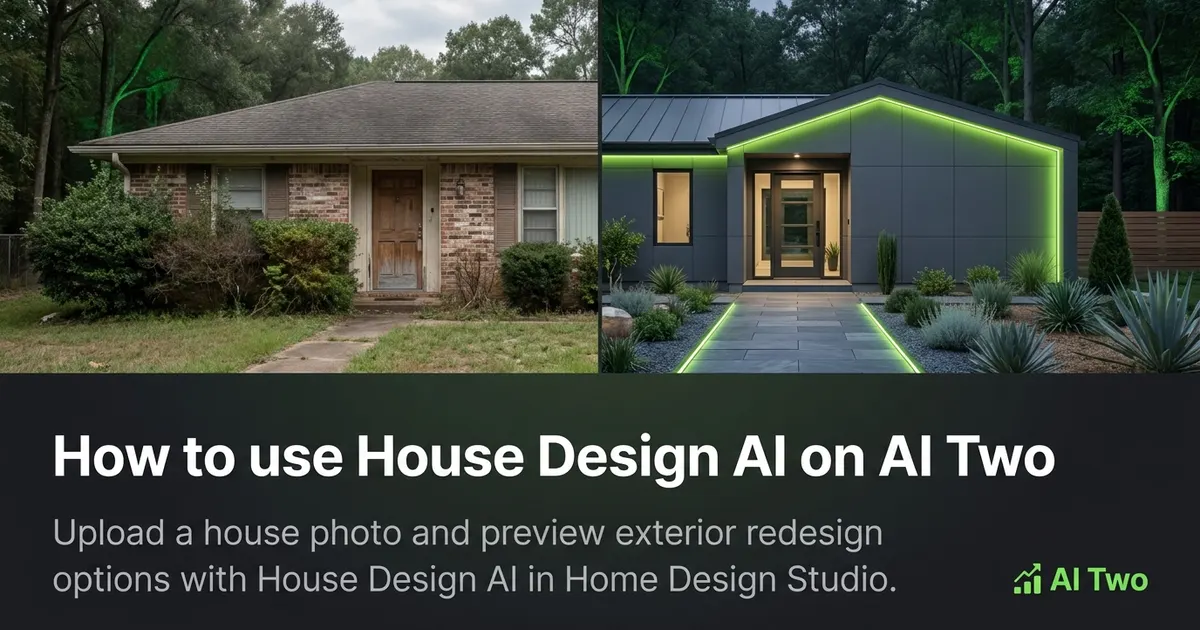
How to use House Design AI on AI Two
Upload a house photo and preview exterior redesign options with House Design AI in Home Design Studio.
Read guide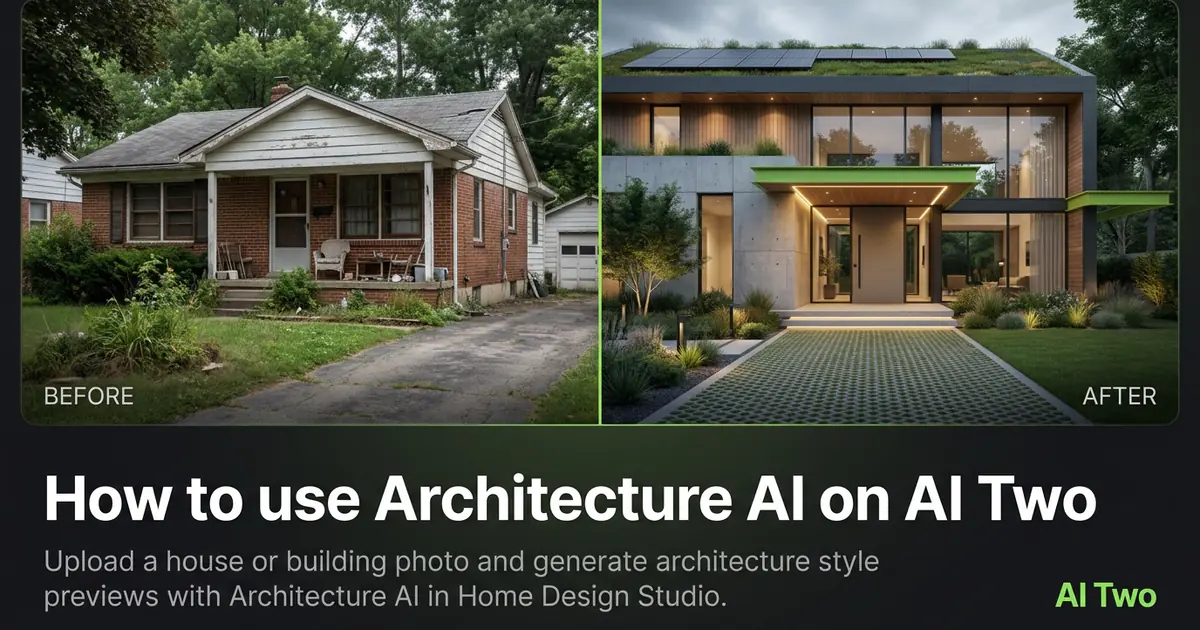
How to use Architecture AI on AI Two
Upload a house or building photo and generate architecture style previews with Architecture AI in Home Design Studio.
Read guide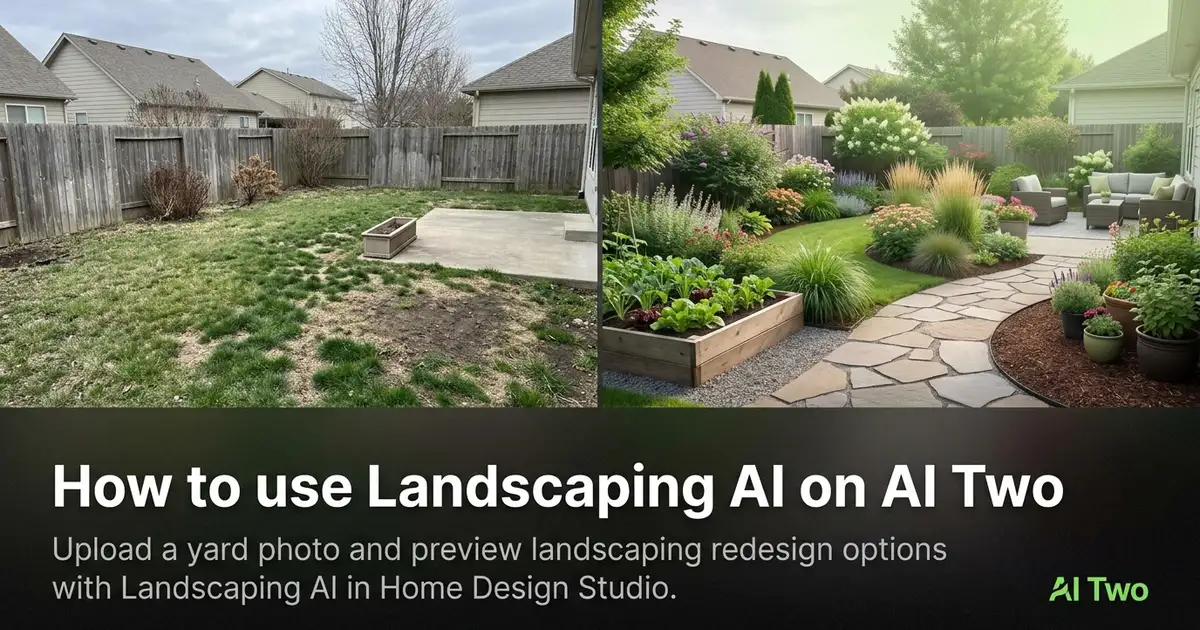
How to use Landscaping AI on AI Two
Upload a yard photo and preview landscaping redesign options with Landscaping AI in Home Design Studio.
Read guide