Decluttering keeps the furniture and removes the mess — laundry, worktop clutter, cables, toys, personal items. Furniture Removal strips the room back to an empty shell. Use declutter when the furniture is fine and the room just looks busy; use furniture removal when the furniture itself is the problem.
AI Declutter
AI Declutter is a free AI tool. Free AI declutter tool — remove mess, cables, toys, worktop clutter and personal items from a room photo while keeping the furniture exactly where it is. Tidy a room in about 30 seconds.
Free to try · first generation free on signup · no credit card
1
Step 1
Upload Image
Start by uploading image
Upload your image
Click to browse or drag & drop
2
Step 2
Select Mode
Choose your transformation style
Remove mess and clutter, keep the furniture
3
Step 3
Options
Configure your options
Output quality:
Mode
Declutter a Room
Your AI Design Will Appear Here
Fill in the options on the left, then press Generate.
Upload your image
Drag & drop your file here or click to browse
JPG, PNG, WebP
Max 10MB
AI Ready
Popular in Home Design Studio
Paint My House AIExterior House Paint AIAI Kitchen DesignAI Bathroom DesignAI Bedroom DesignFree AI Architecture GeneratorAI Interior Design From a PhotoAI Landscaping DesignHome Color Combination AIAI Curb Appeal RaterAI Interior Design RaterAI House Style IdentifierAI Renovation Cost EstimatorAI Day to Dusk Photo EditingAI Home Addition VisualizerAI Home Design Tools Compared
Quick facts about AI Declutter
- Tool nameAI Declutter
- CategoryHome Design
- PriceFree to try
- InputPhoto upload + text prompt
- OutputAI-generated image
Decluttering is the highest-return edit in property photography and the one most people skip, because doing it physically means moving a family's belongings out of shot. This does it in the photo — furniture stays, mess goes.
Free to try · results in about 30 seconds · no card required
Declutter or empty the room? They are different jobs
These two tools get confused constantly, so it is worth being precise. Decluttering keeps the room furnished and removes the mess: the laundry on the chair, the bottles on the worktop, the cables behind the television, the drying rack in the corner. What you get back is the same room on its best day.
Emptying is the opposite operation. Furniture Removal strips the room back to walls, floor and windows so you can stage it from scratch or show a buyer the raw space. That is the right move when the existing furniture is dated, oversized or simply not to the taste of the buyer you want.
The rule of thumb: if the furniture is fine and the room merely looks busy, declutter. If the furniture is the problem, empty the room and stage it. Doing both — emptying a room that only needed tidying — is the most common mistake, and it throws away the warmth that makes a photographed room feel like somewhere people live.
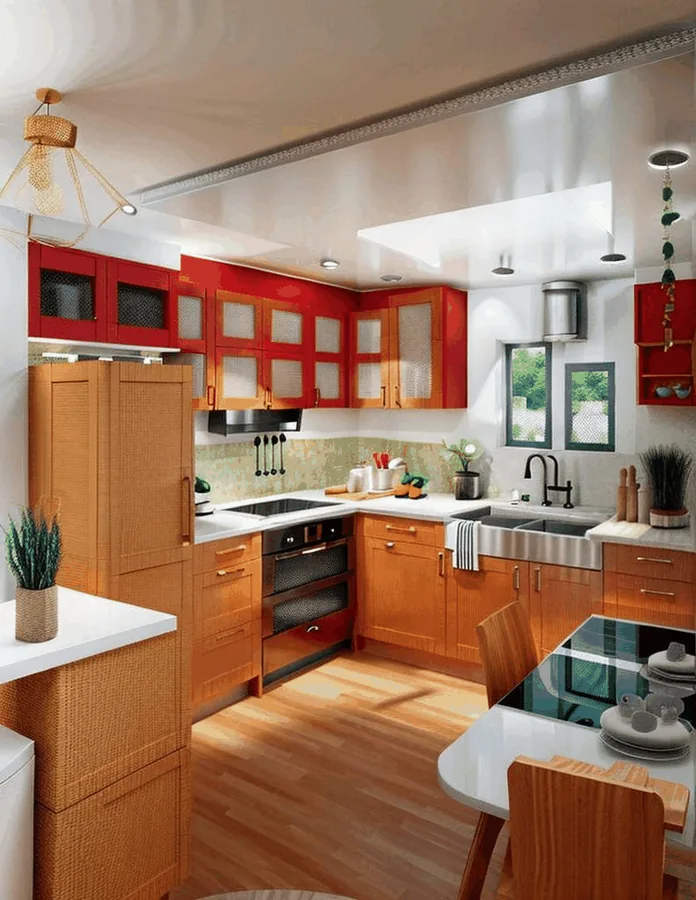
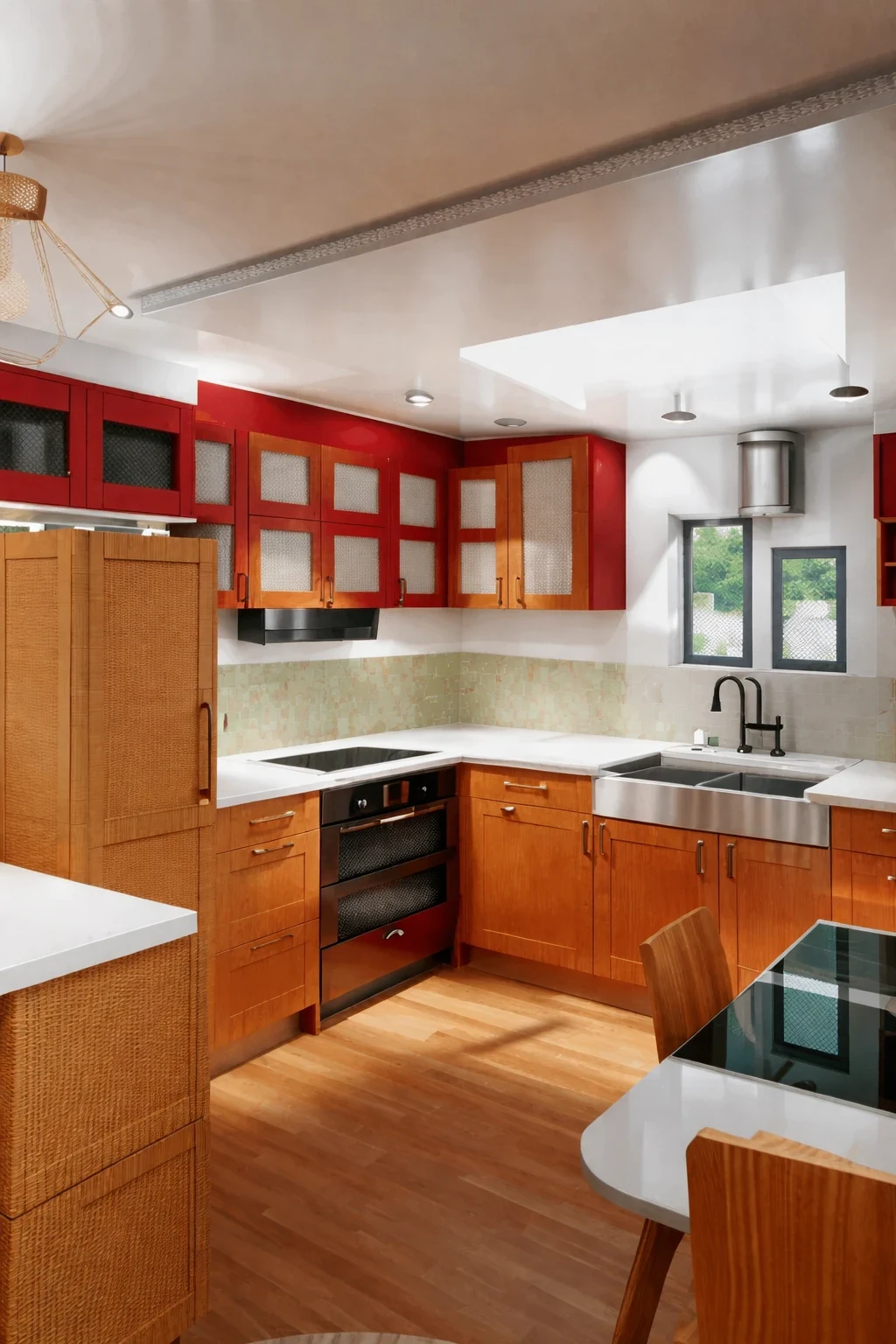
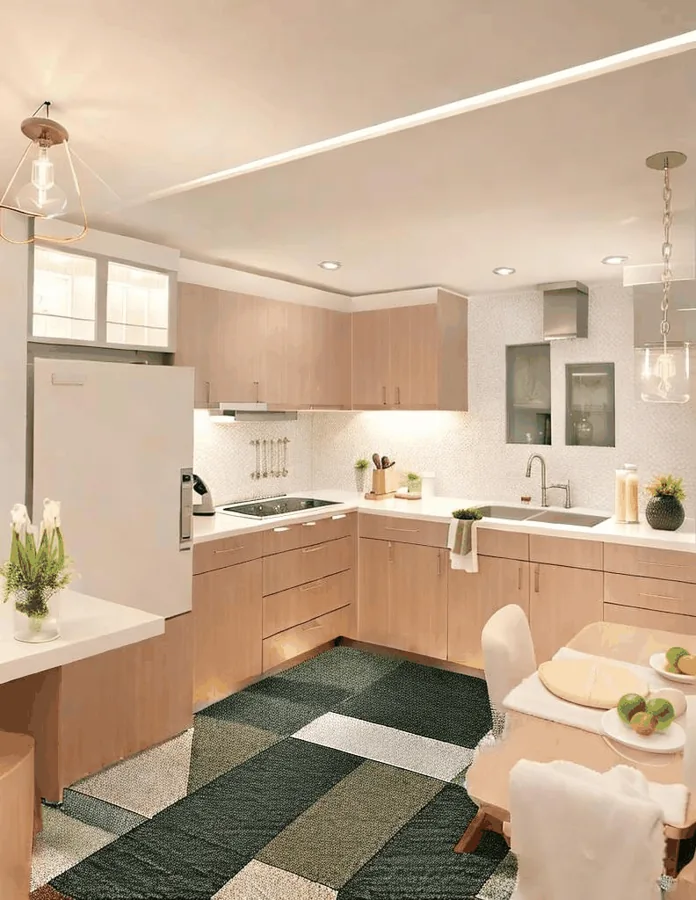
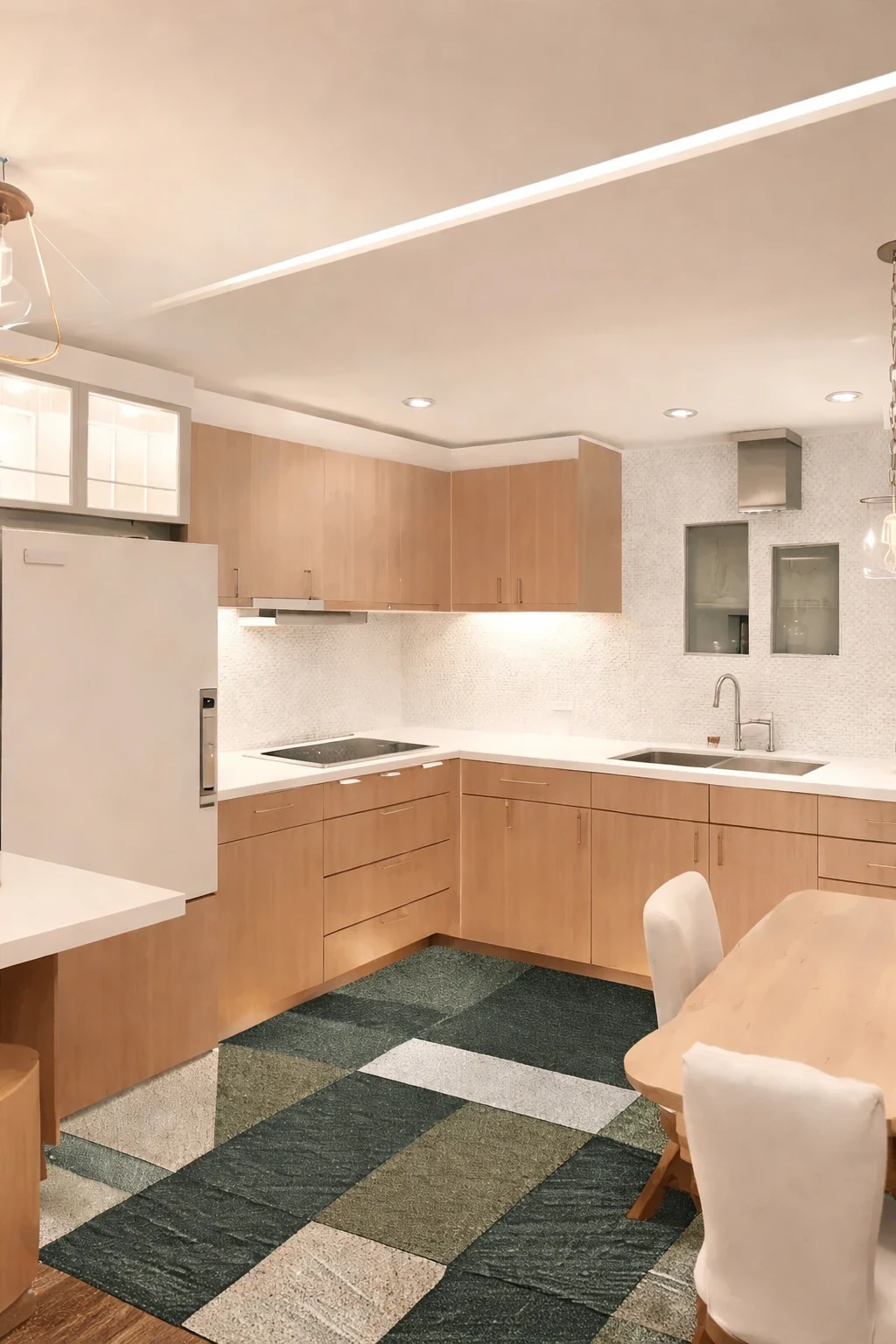
Why decluttered photos sell — and why sellers resist doing it
Clutter costs a listing attention in the first second. A buyer scrolling a portal is not consciously auditing your worktops; they are forming an impression of space, and visible clutter reads as "small" before anything else registers. A tidy version of an identical room reads as larger, brighter and better maintained, with nothing about the property itself changed.
Personal items add a second, subtler problem. Family photographs, certificates and religious items make a buyer feel like a visitor in someone else's house rather than a possible owner of their own. Depersonalising is standard advice from every estate agent, and it is the single easiest thing to do badly in person — you end up with pale rectangles on the wall where the pictures were.
The reason sellers resist is practical, not aesthetic. Physically decluttering a lived-in home for a photography slot means finding somewhere for everything to go, and then living without it until the sale completes. Editing the photo instead means the house stays liveable while the listing shows it at its best.
The honesty line — what decluttering may and may not hide
There is a real difference between tidying a photograph and misrepresenting a property, and it sits exactly where you would expect: clutter is yours, defects are the property's. Removing a laundry basket, a bin bag or a tangle of chargers changes nothing a buyer is buying. Removing damp on a ceiling, a crack in a wall, a broken window or the extension your neighbour built is a different act entirely, and in most markets it is the kind of thing that gets a listing pulled and an agent in trouble.
This tool is scoped for the first kind of edit. The instructions keep the room's structure, surfaces and finishes intact and remove movable items — which means it will clear the boxes stacked against a wall but will not repaint the wall behind them.
Where the edit is substantial, disclose it. Many markets and MLS policies require enhanced or edited photographs to be labelled, and doing so costs you nothing while protecting the sale. If a buyer would be surprised standing in the room, the photo went too far.
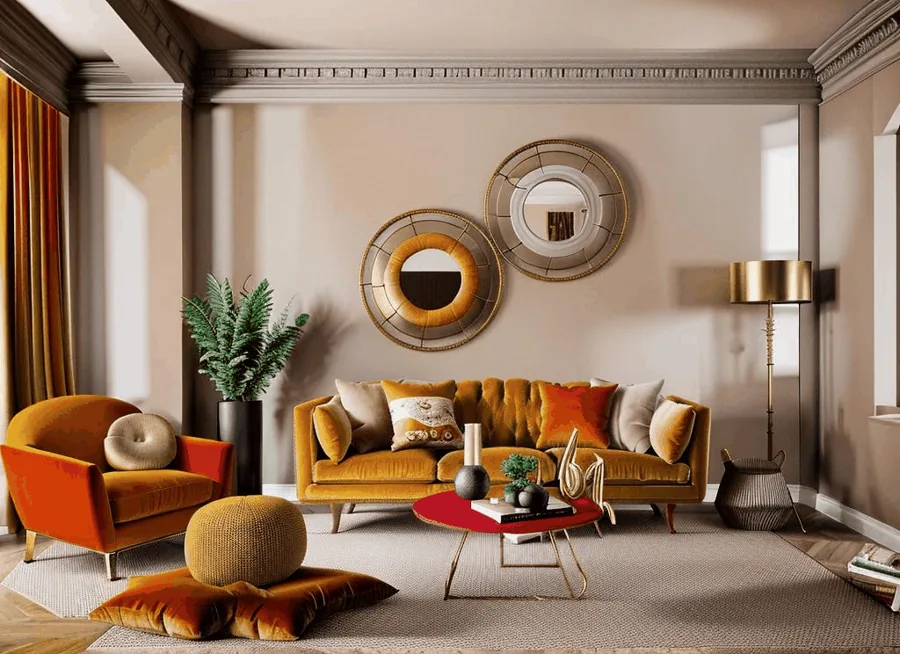
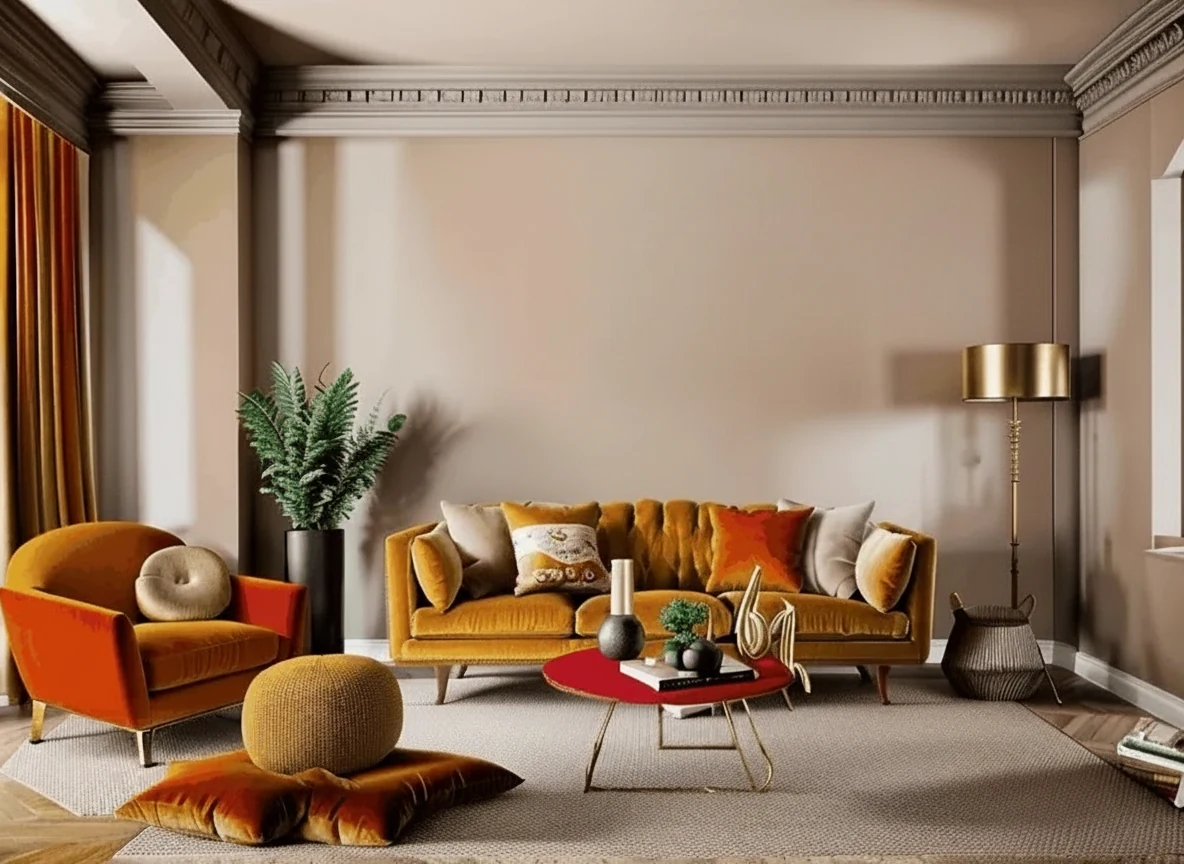
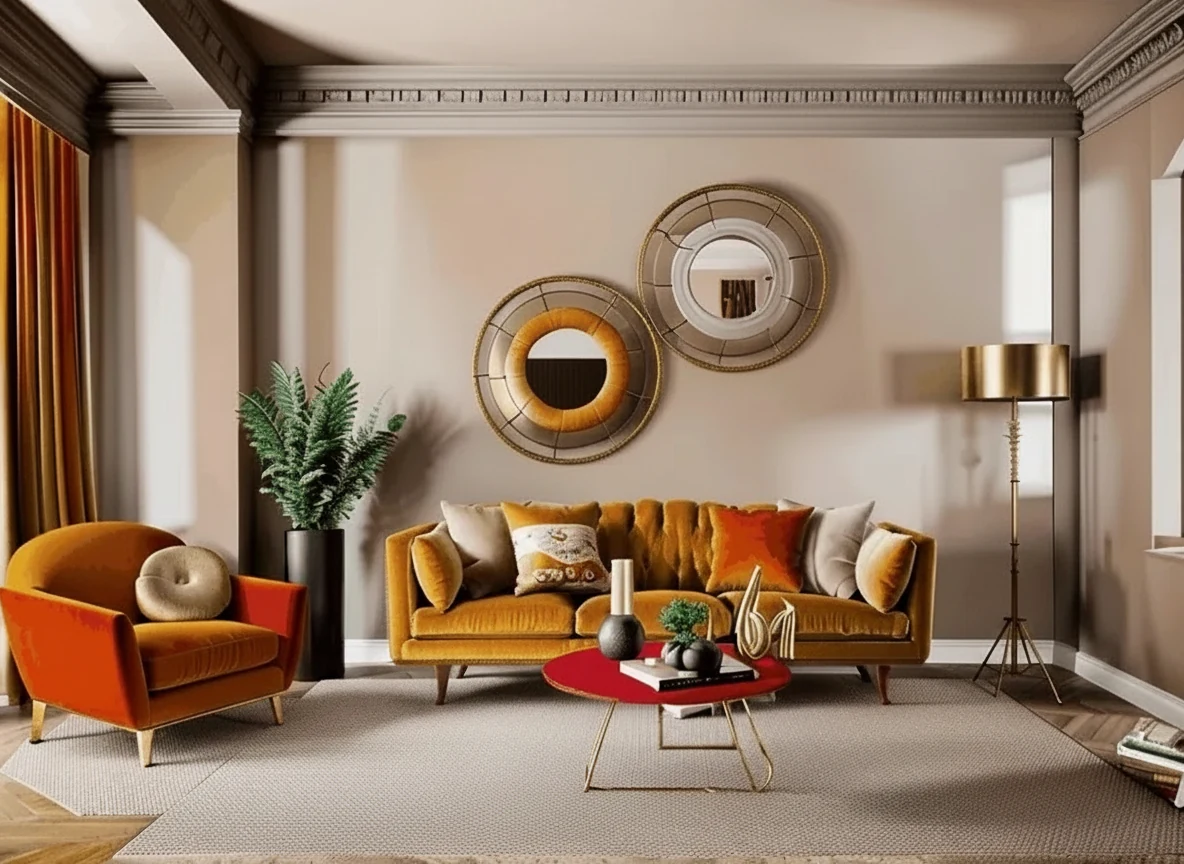
Getting a clean result the first time
Shoot wide and from a corner. The model reconstructs whatever was hidden behind the item it removes, and it does that far better when it can see the rest of the floor, worktop or wall to copy from. A tight crop where the clutter fills half the frame leaves it guessing.
Pick one category at a time when the room is genuinely chaotic. Clearing worktop clutter and then running the result through again for cables produces a cleaner image than asking for everything at once, because each pass has a smaller, better-defined job.
Choose the tidy level honestly. Show-home clean looks impressive on a kitchen and slightly eerie on a family living room — a completely bare surface can read as staged in the wrong way. Lived-in but tidy, with a few things deliberately left, is usually the more persuasive photograph.
✨
AI Declutter
Upload your imageTap anywhere here — your AI design will appear in this space after you generate.JPG · PNG · WebP
Remove mess and clutter, keep the furniture
Be specific for better results0/400
Output quality:
Frequently Asked Questions
Yes — that is the point. The instructions keep the furniture, floor, walls, windows and light exactly as photographed, so the result reads as the same room on a tidy day rather than a redesigned room.
Yes. The Depersonalise mode removes family photographs, certificates, name signs and similar personal identifiers and fills the wall behind them with the existing wall finish, so you do not get the pale rectangles you would get taking them down for real.
Generally yes, for clutter — a removed laundry basket changes nothing a buyer is buying. What you must not do is hide defects: damp, cracks, damage or structures that are actually there. Many markets also require edited photos to be disclosed as digitally enhanced, which costs nothing to add.
Yes. Declutter Outdoors clears wheelie bins, parked cars, hoses, ladders, signs and satellite dishes from an exterior shot while keeping the house, driveway and planting intact.
A wide shot from a corner. The AI has to reconstruct whatever was behind the item it removes, and it does that much better when it can see more of the same floor, worktop or wall to work from.
Use Object Remover for that — it is built for erasing a single named item. This tool is for clearing a whole category of clutter across the room at once.
Signing up gives you free credits with no card, enough to declutter several photos. Paid plans add credits and unlock the whole platform rather than charging per tool.