
👗Fashion Studio
AI fashion photoshoots — on-model photos from one product photo
Upload a flat lay, ghost mannequin or plain product shot and the studio turns it into photo-realistic on-model photography. Pick from 57 ready AI models — women, men, kids and baby models, plus-size, petite, maternity and 50+ — and keep the same model across your entire catalog — apparel worn, bags held, jewelry on skin, shoes on feet — no studio booking, no casting, no reshoot fees.
Free to try · first generation free · no credit card required
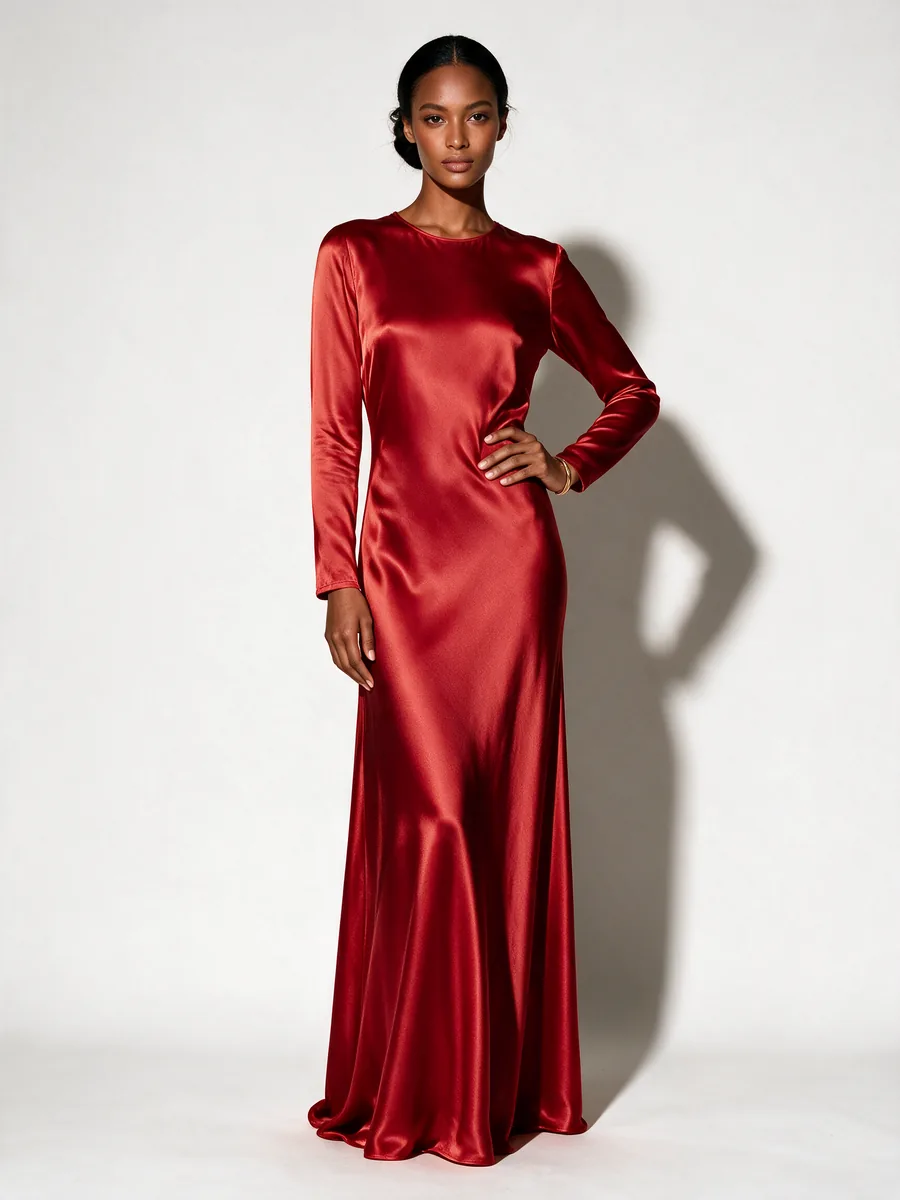 Output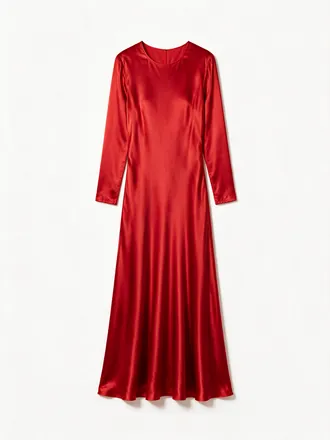
Your photo
Product photo in -> editorial on-model out
Made with this studio
The studio services
Five ways to shoot - all from photos you already have
Each card is a working tool, and both images on it are genuine: the input we uploaded and the output the studio returned.
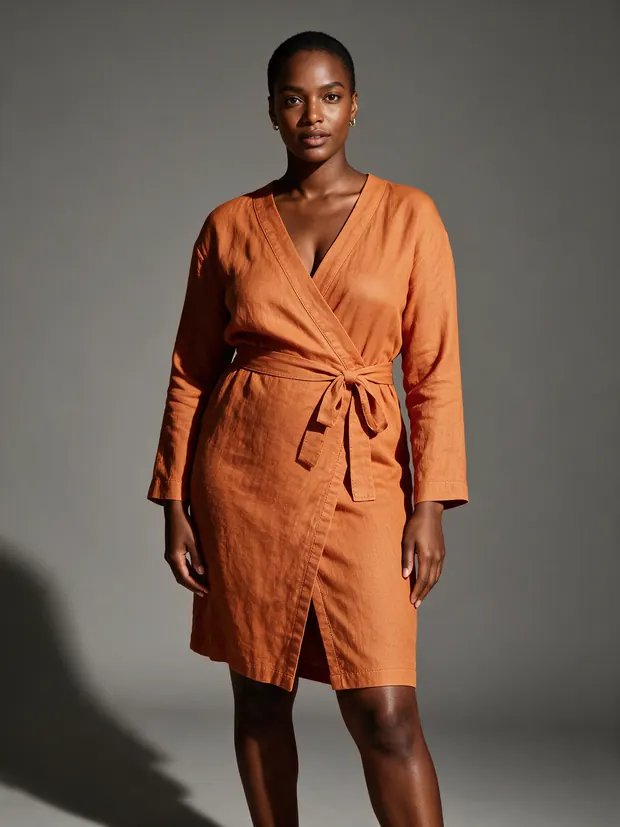 Output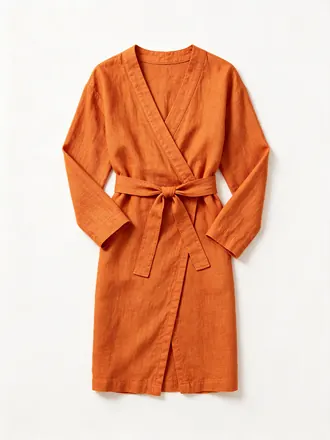
Input
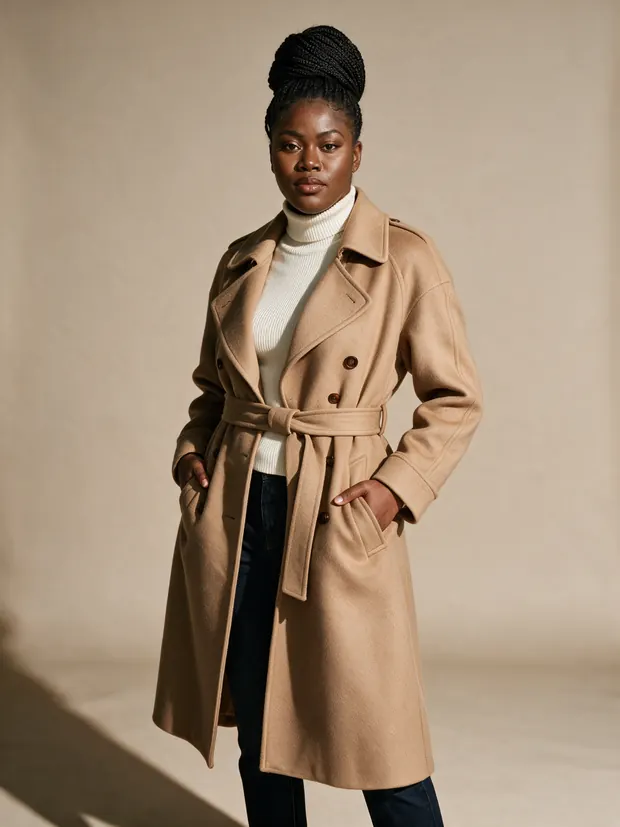
Product to Model
A flat-lay or product shot in - a photo-realistic on-model photograph out.
Shoot on a model
 Shot 2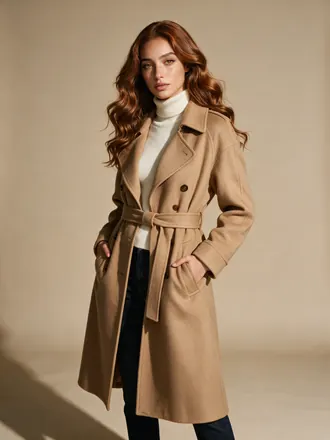
Shot 1
Model Swap
Reshoot an existing on-model photo with a different model - garment, pose and background stay identical.
Swap the model
 Output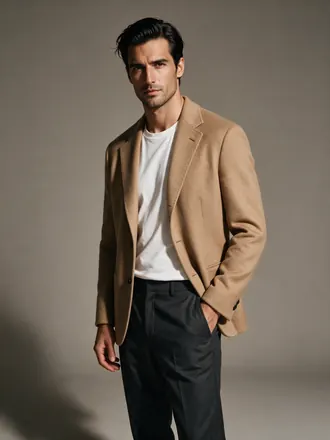
Input
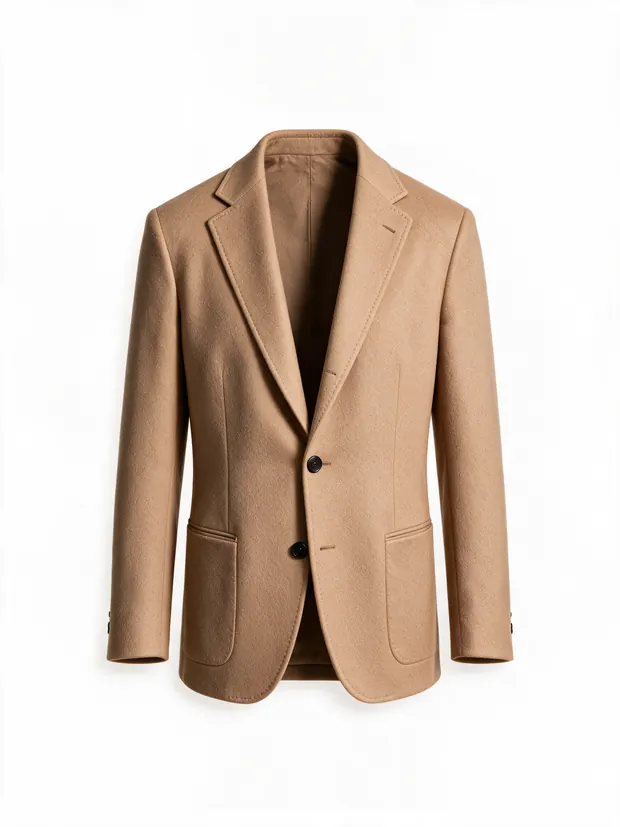
Ghost Mannequin
Turn a worn or on-model shot into a clean invisible-mannequin product photo on white.
Clean it up
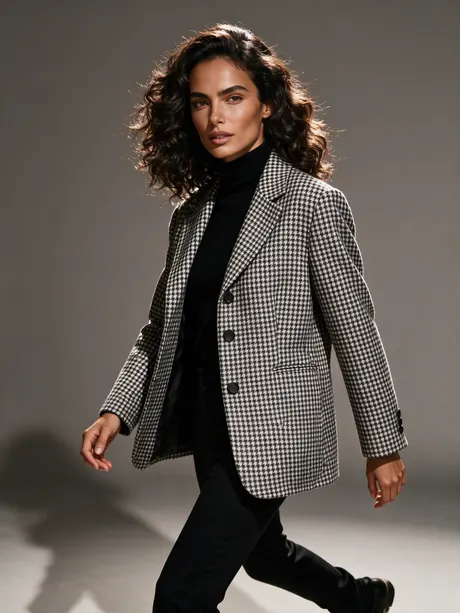 Output
Input
Multi-Pose Pack
One product photo in - the same model in multiple poses out, catalog-ready.
Get the pack
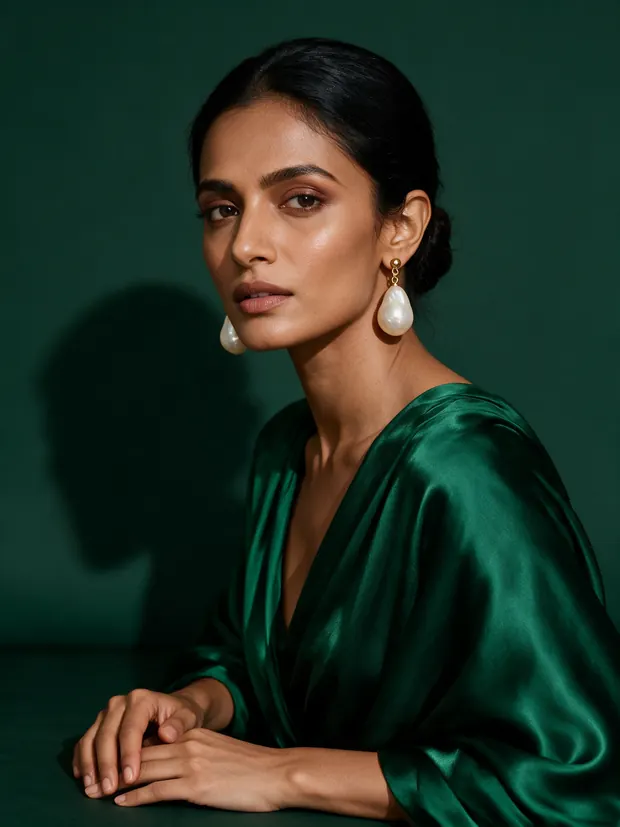 Output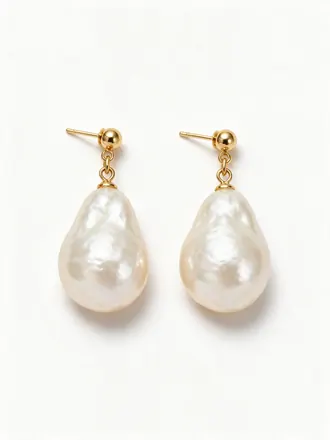
Input
Jewelry on Model
A jewelry product shot in - worn on a model out: necklace, choker, anklet, watch, earrings, nose ring, tiara, bangle or cufflinks.
Put it on a model
The consistency test
One coat. One model. Every pose.
Four separate generations from the same product photo, all with roster model Valentina as the reference. Her face, her body and the coat hold in every shot - so one model can carry your entire catalog.
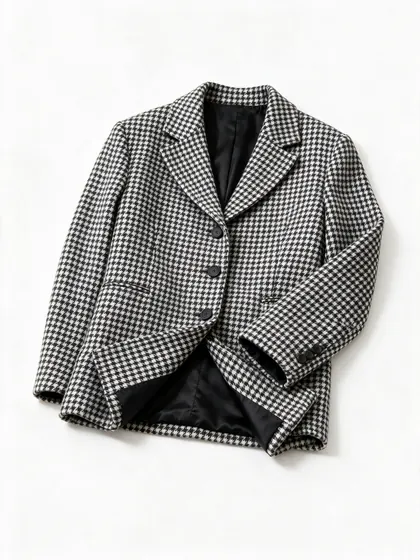
The input - one product photo
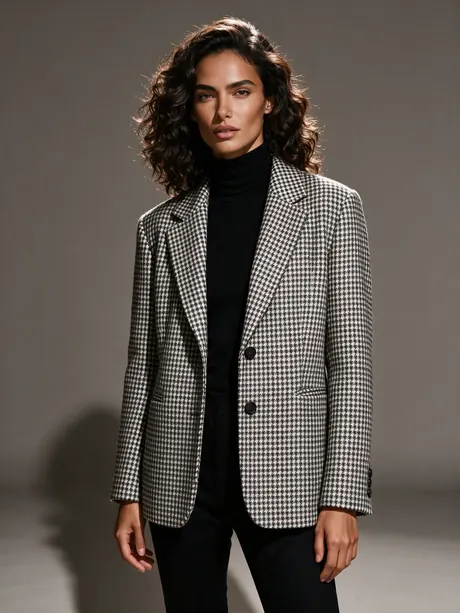
Front
Walking
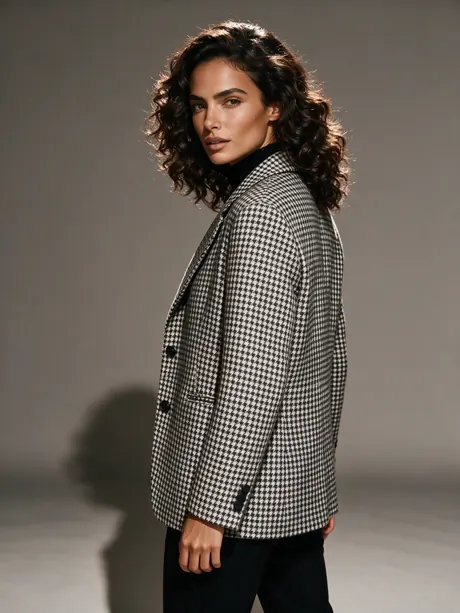
Over the shoulder
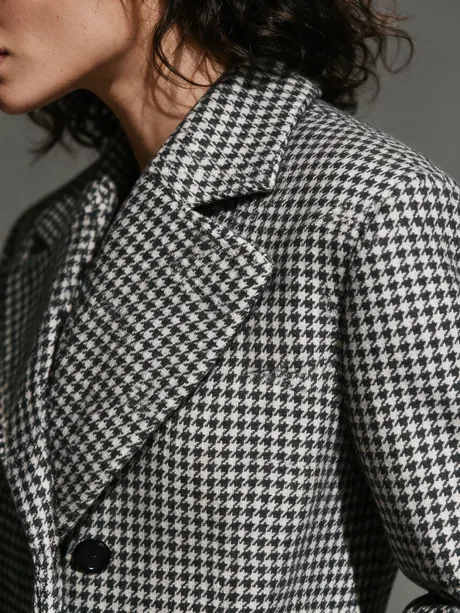
Detail
Pick any roster model inside a tool and the studio keeps the same face shot after shot - front, walking, detail, campaign after campaign.
Any product, any way
Worn, held, on skin, on feet — every kind of fashion modeling
Every pair below is genuine studio output: the product photo went in, the on-model photograph came out. Drag to compare.
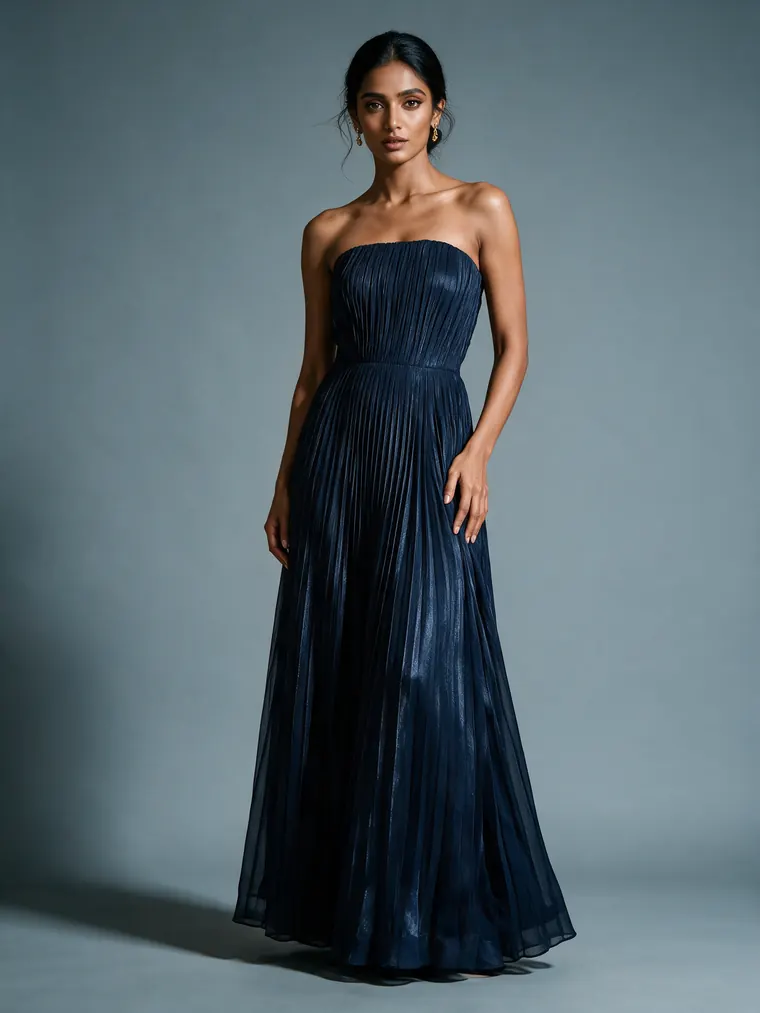
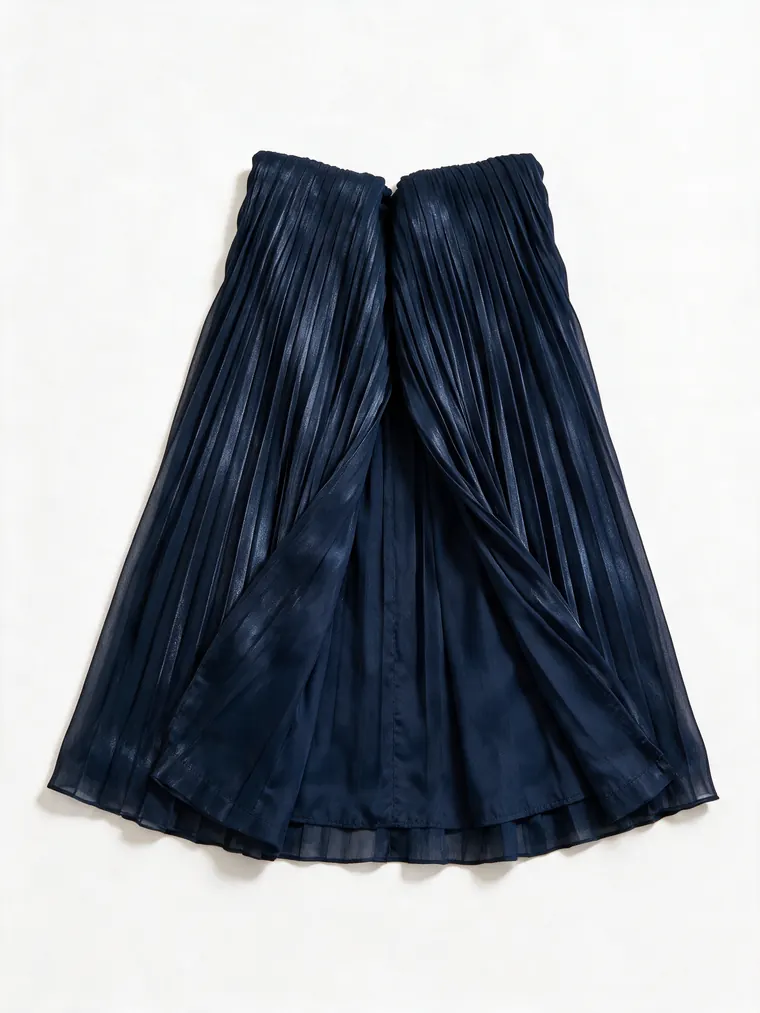
Evening gown -> worn on model
Modeled by Ayesha
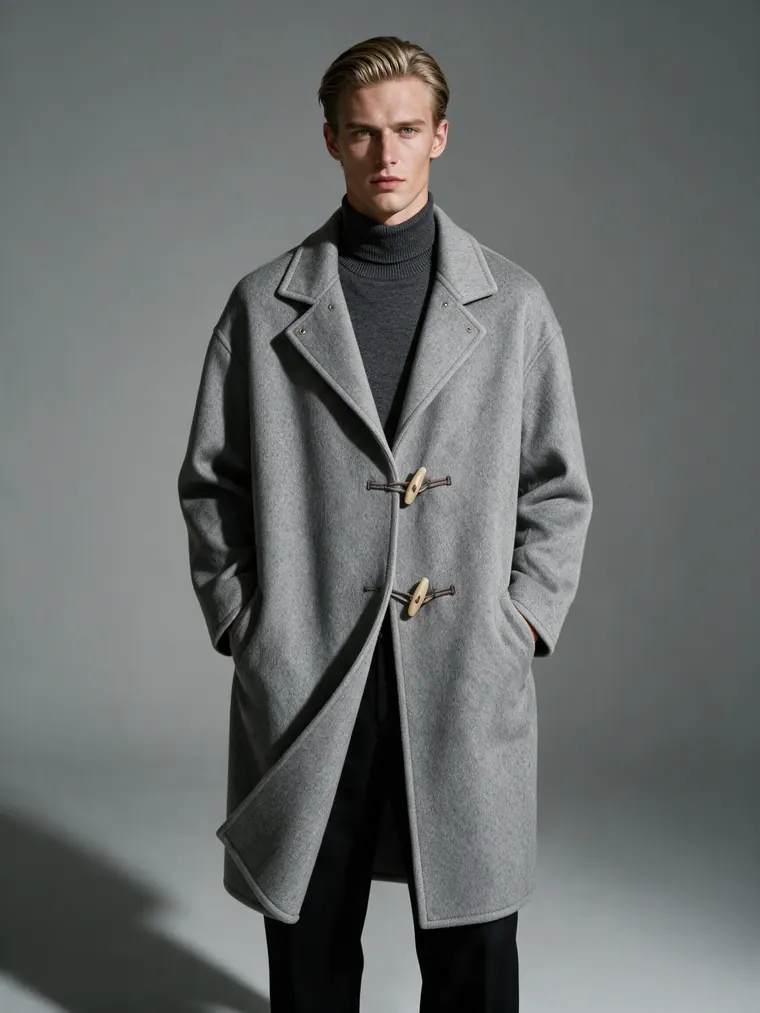
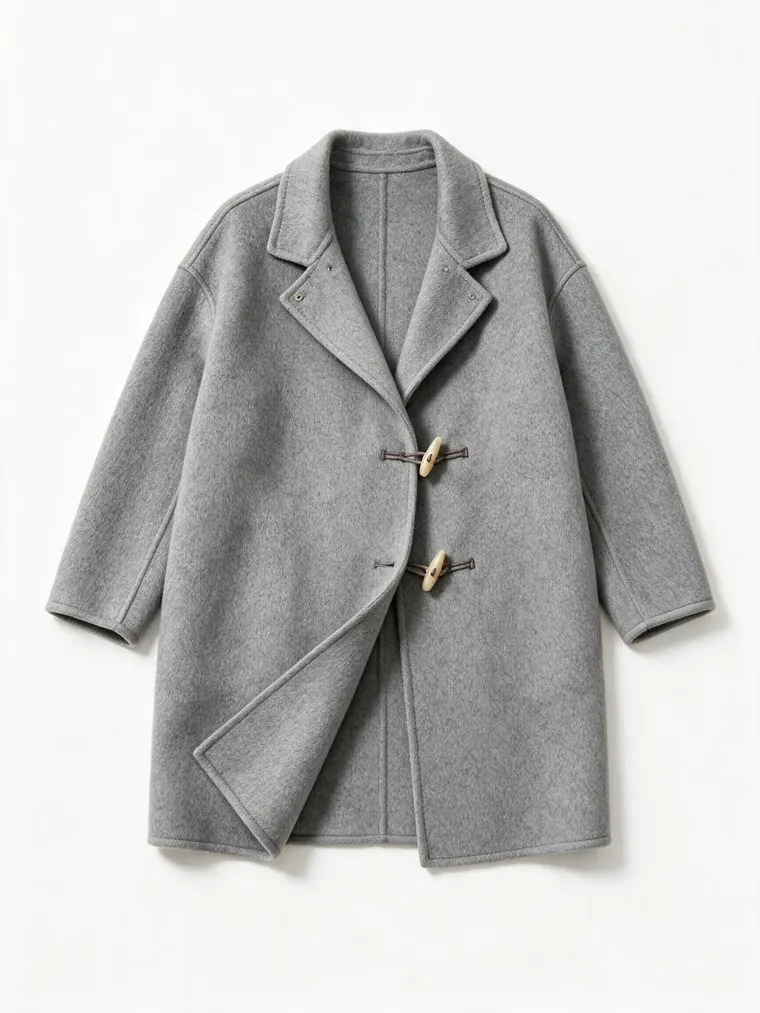
Wool overcoat -> menswear campaign shot
Modeled by Soren
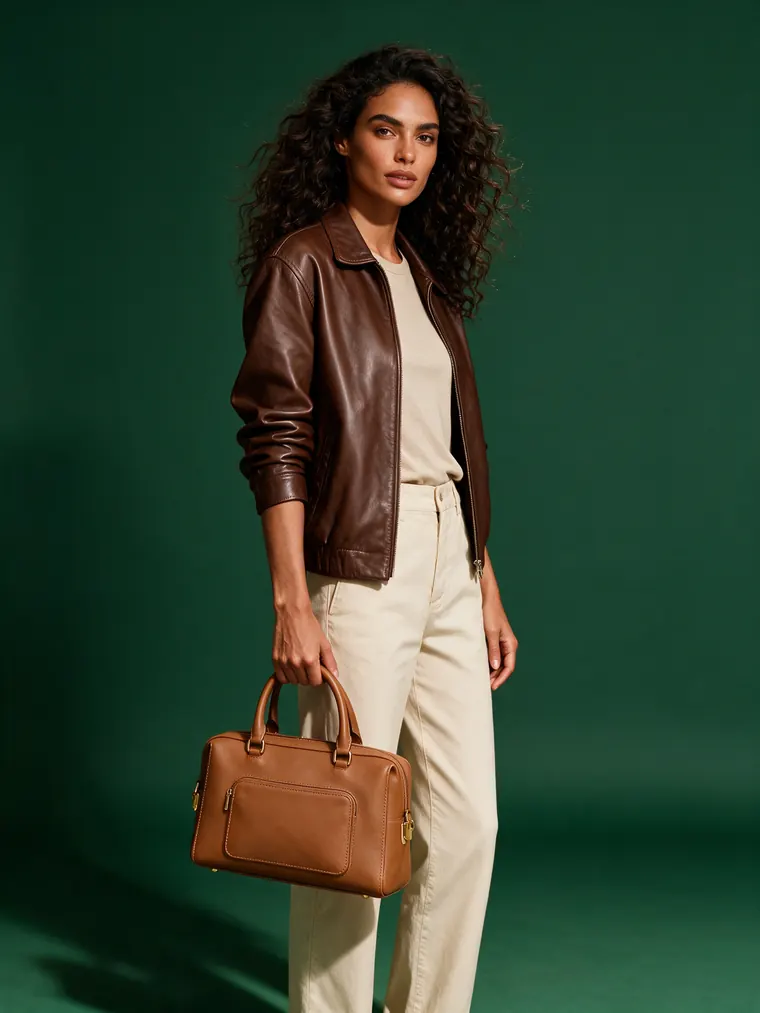
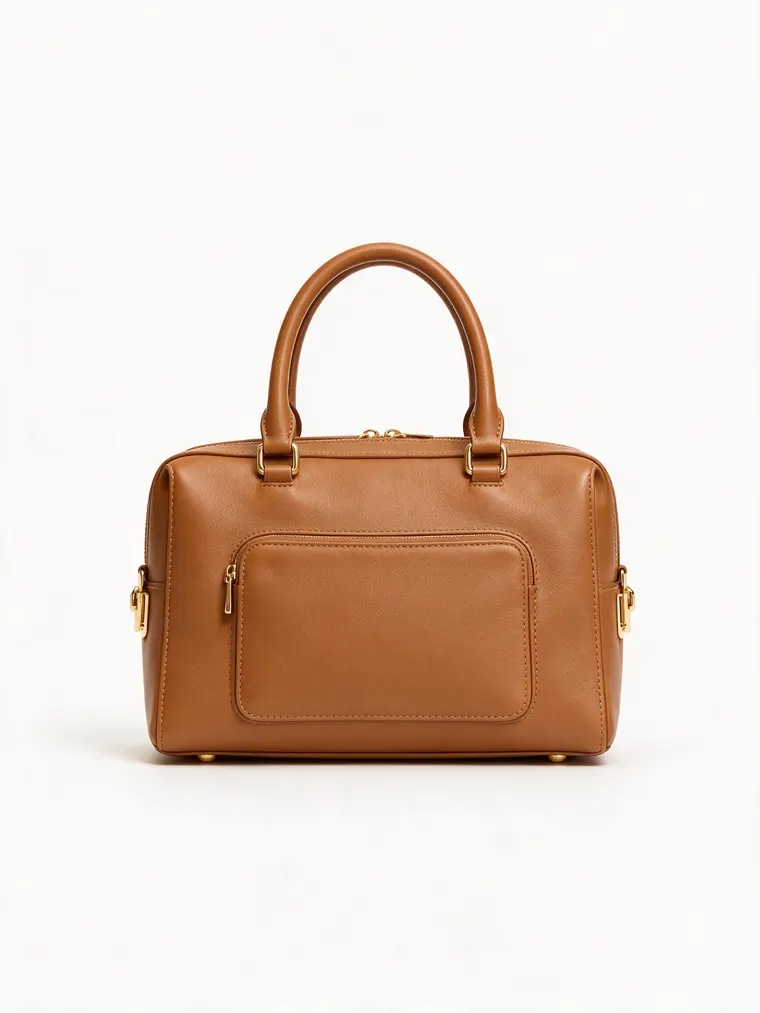
Handbag -> held on model
Modeled by Valentina
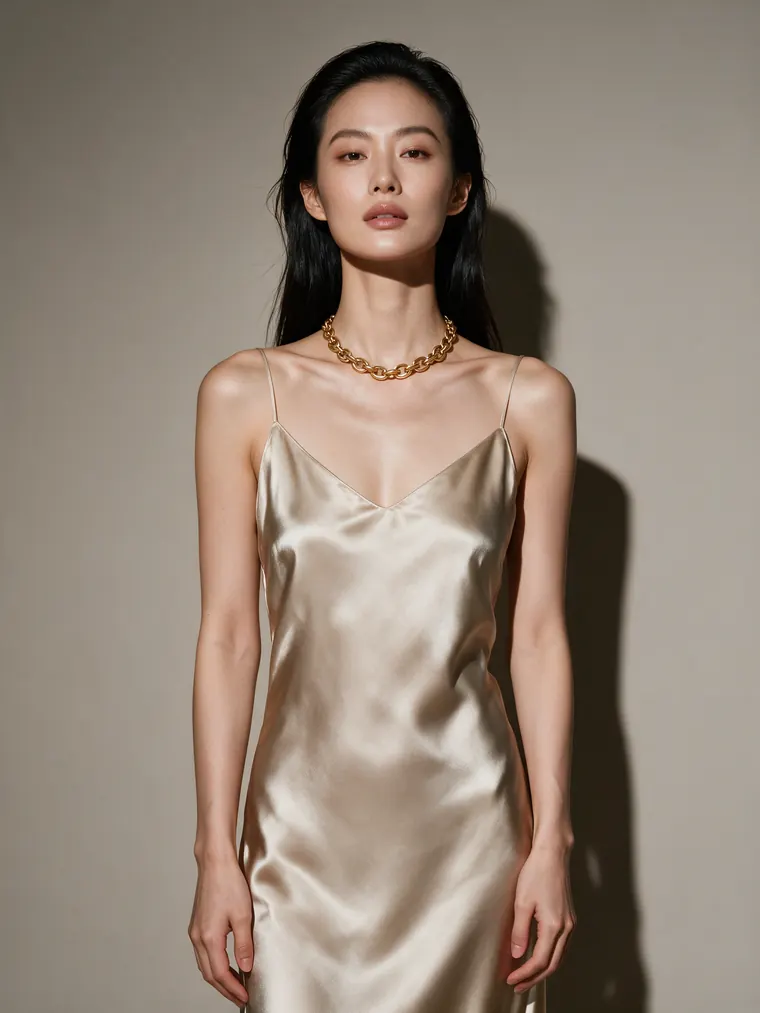
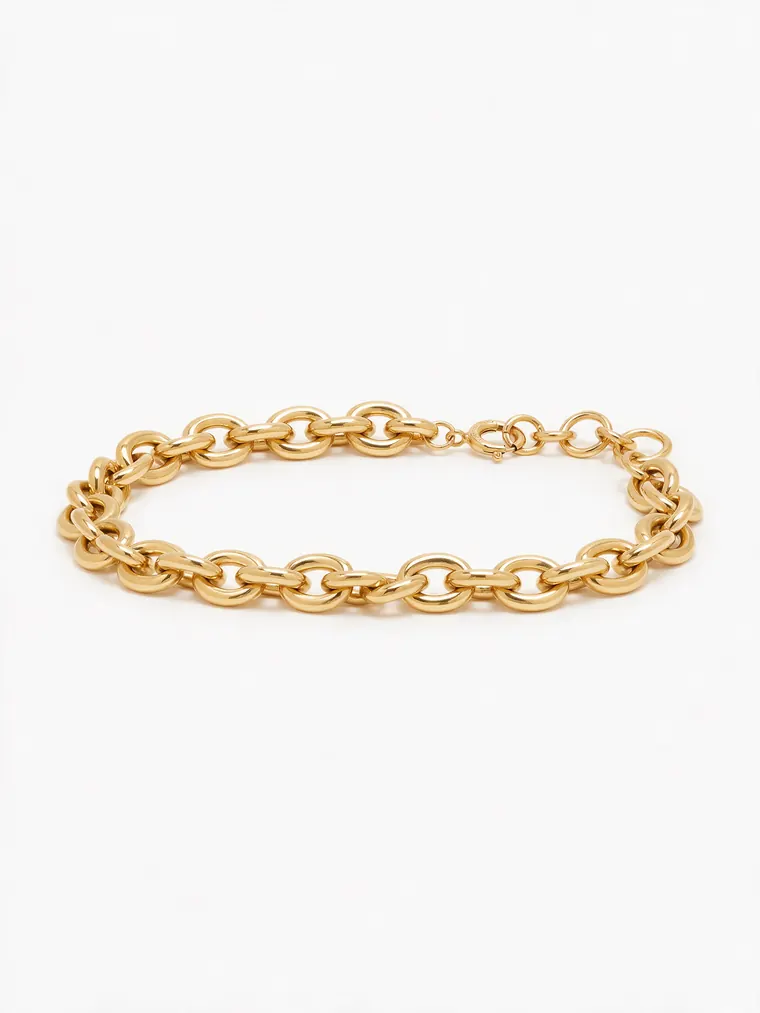
Necklace -> worn on skin
Modeled by Sunmi
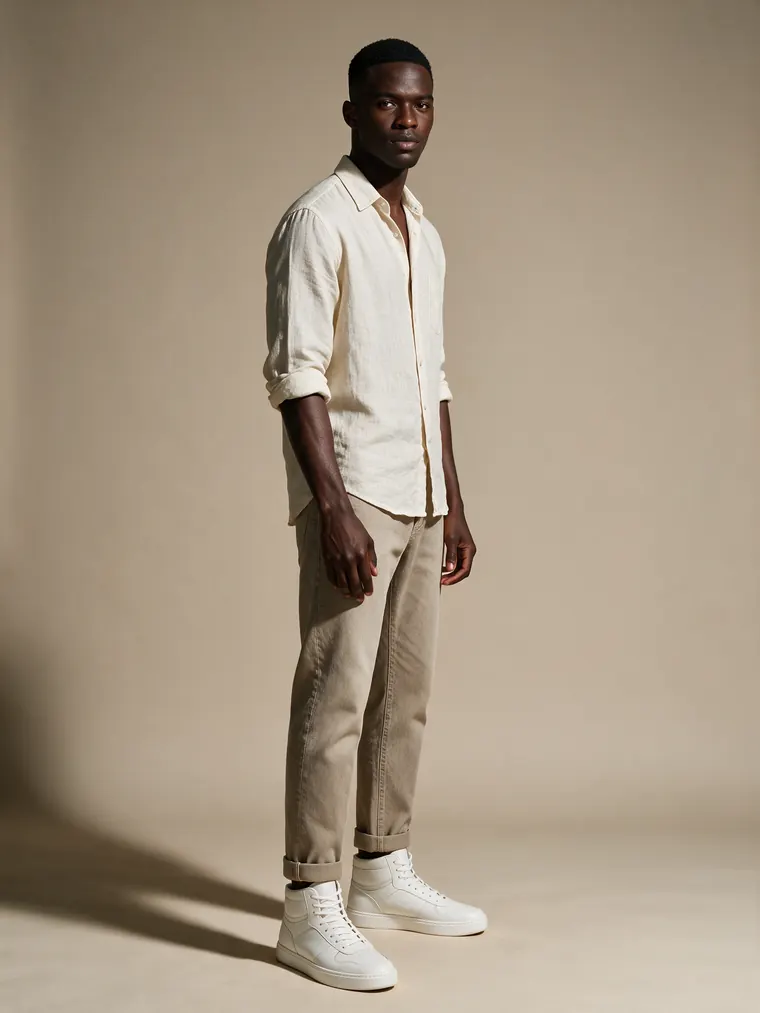
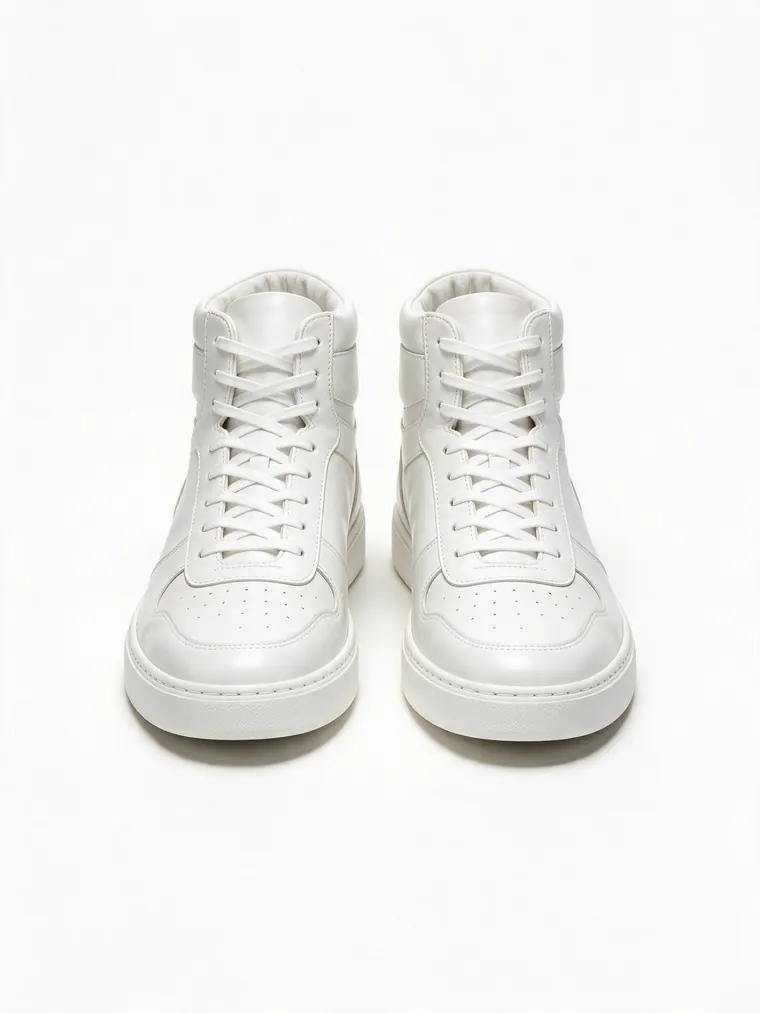
Sneakers -> on feet, full look
Modeled by Kofi
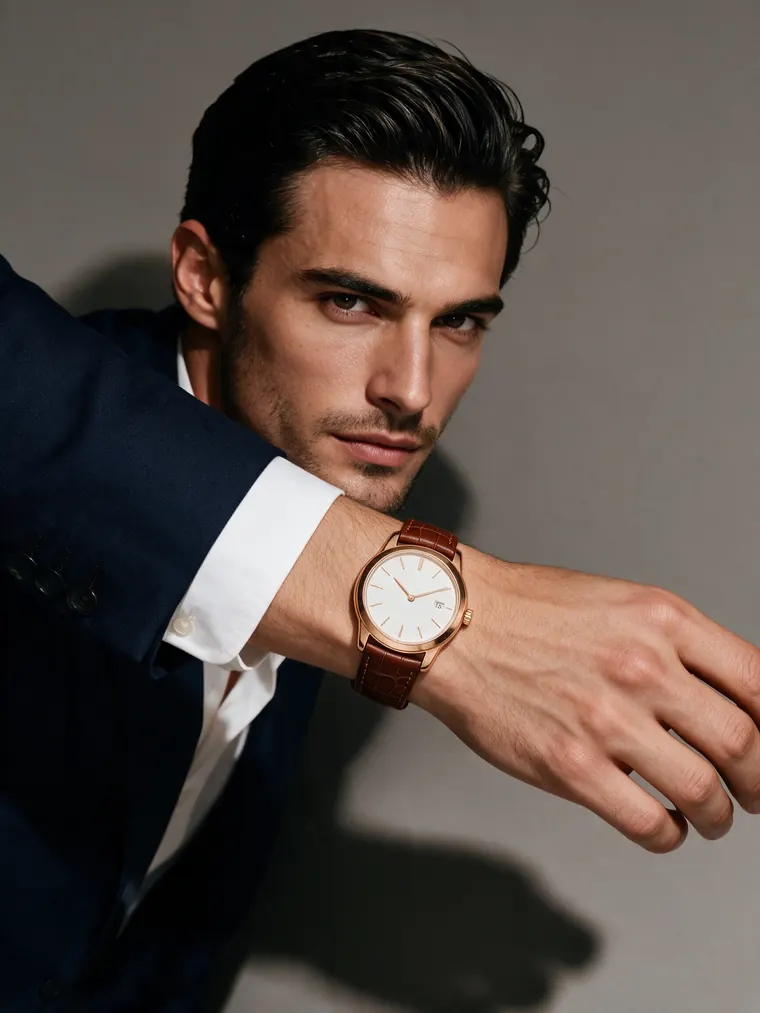
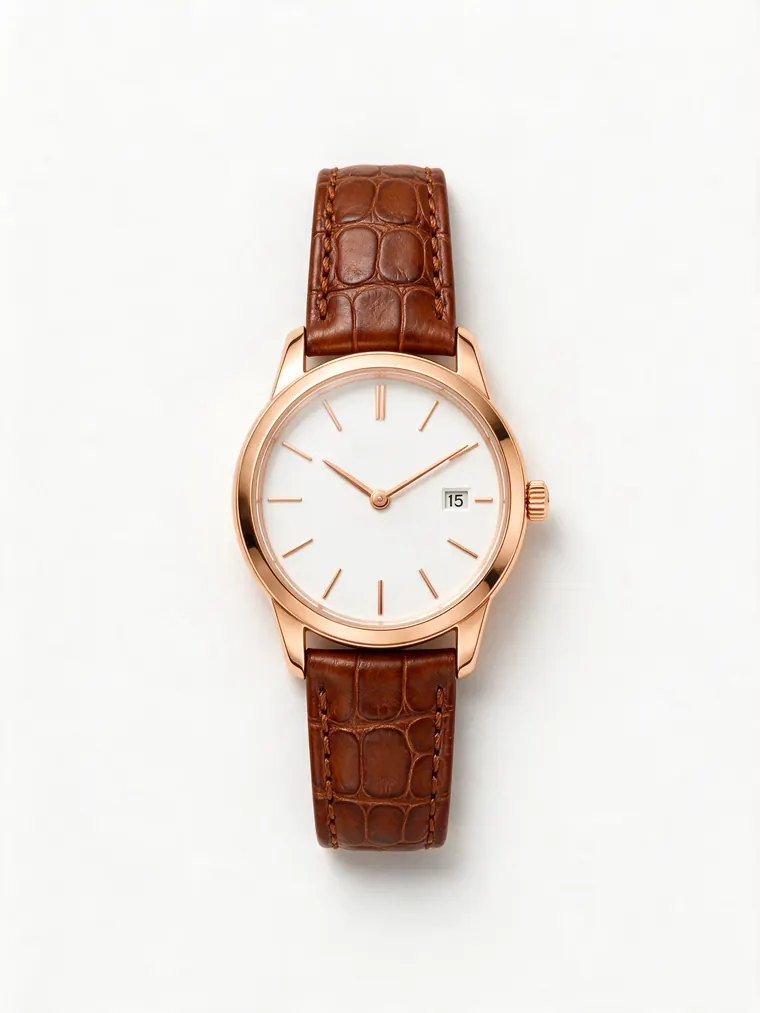
Watch -> on wrist close-up
Modeled by Rafael
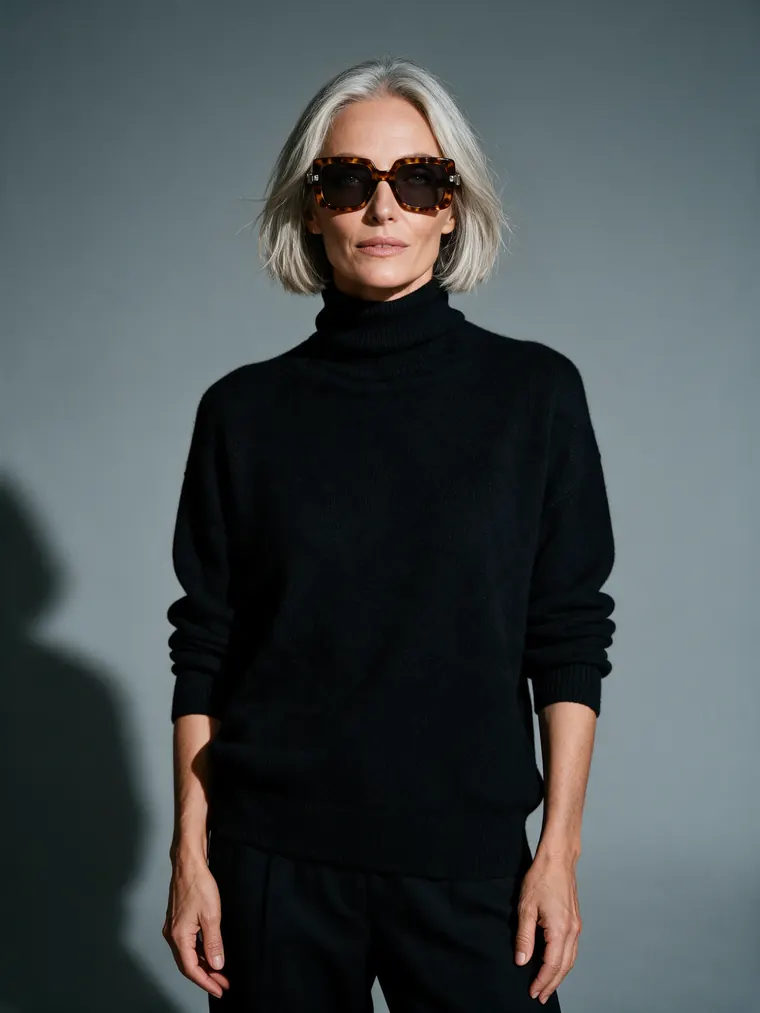
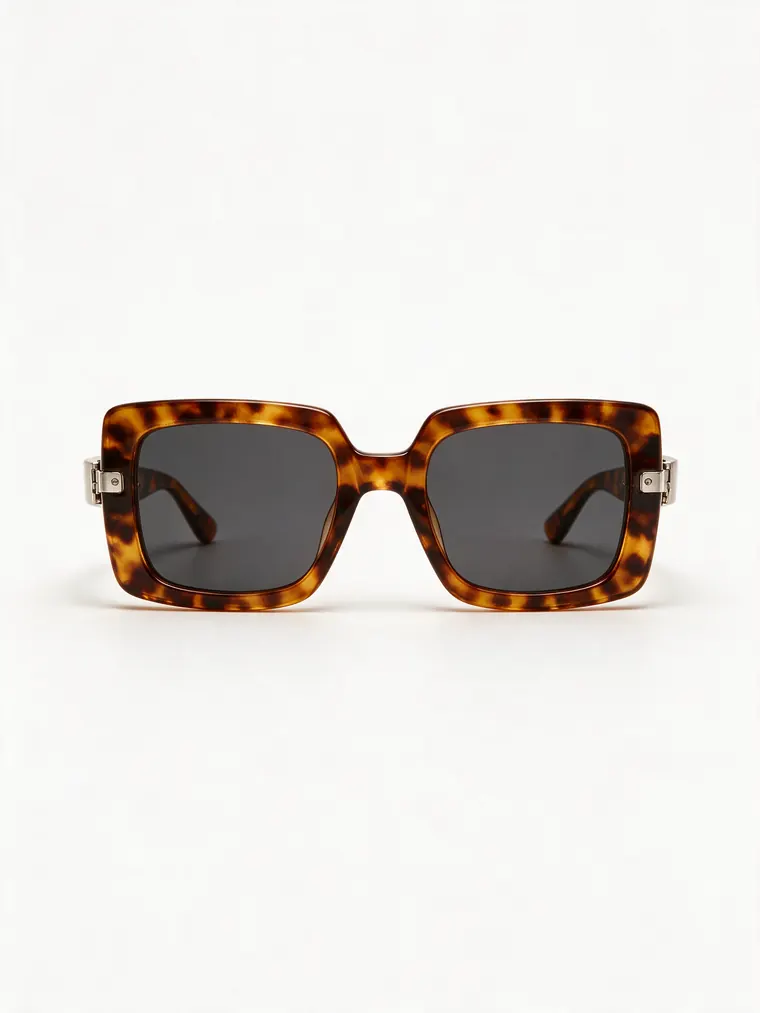
Sunglasses -> mature model portrait
Modeled by Margot
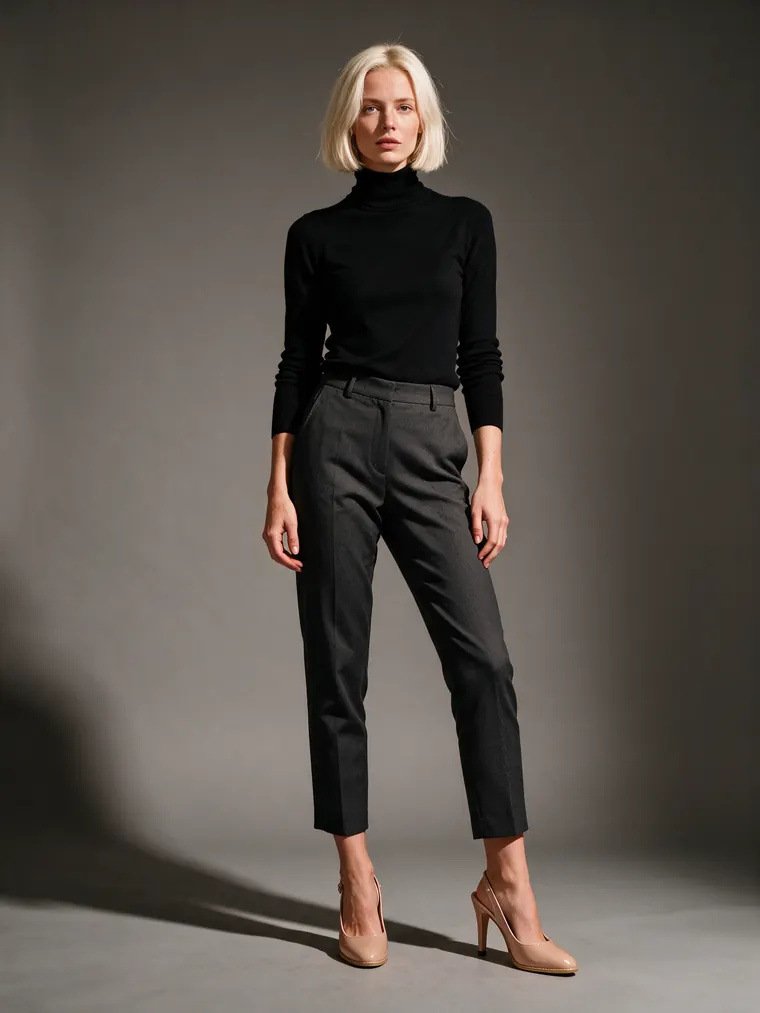
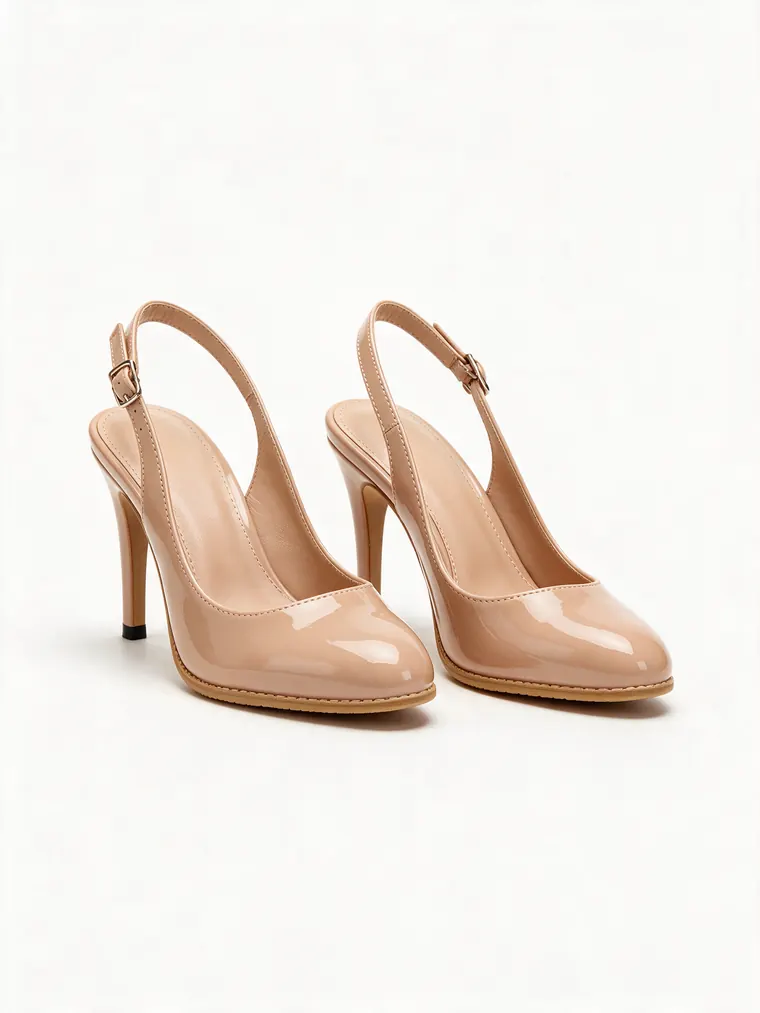
Heels -> elegant studio shot
Modeled by Iris
The cast
The cast - 57 faces, from babies to grandparents
Choose who wears your product: prebuilt AI models across ethnicities, ages and body types - an editorial tier for campaign and lookbook work, plus kids and baby models for kidswear, plus-size, petite, maternity, tall and 50+ models. Pick one inside any fashion tool and the studio keeps the same face across every shot.
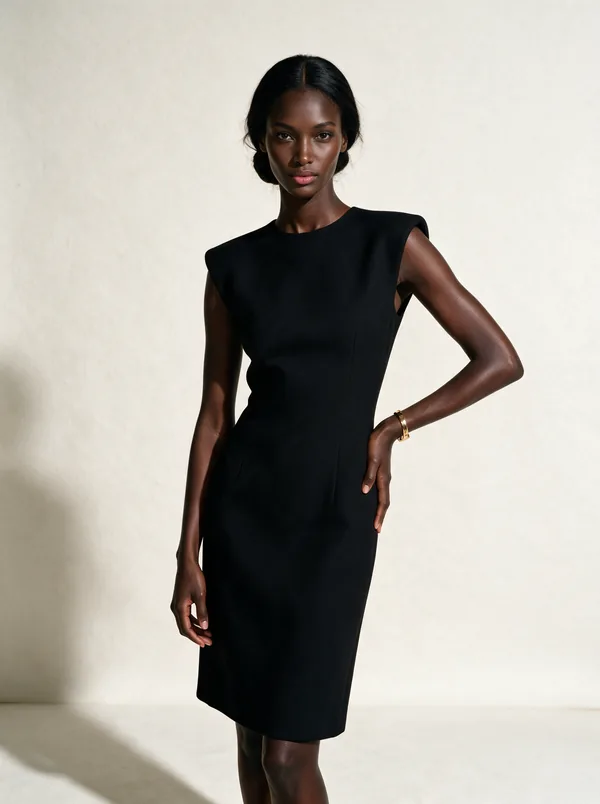
Séraphine
20s · Editorial
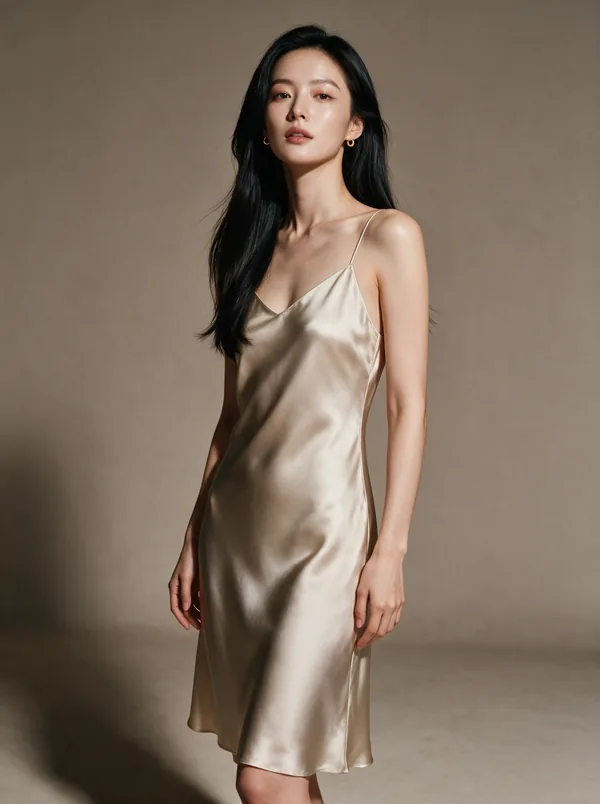
Sunmi
20s · Minimal
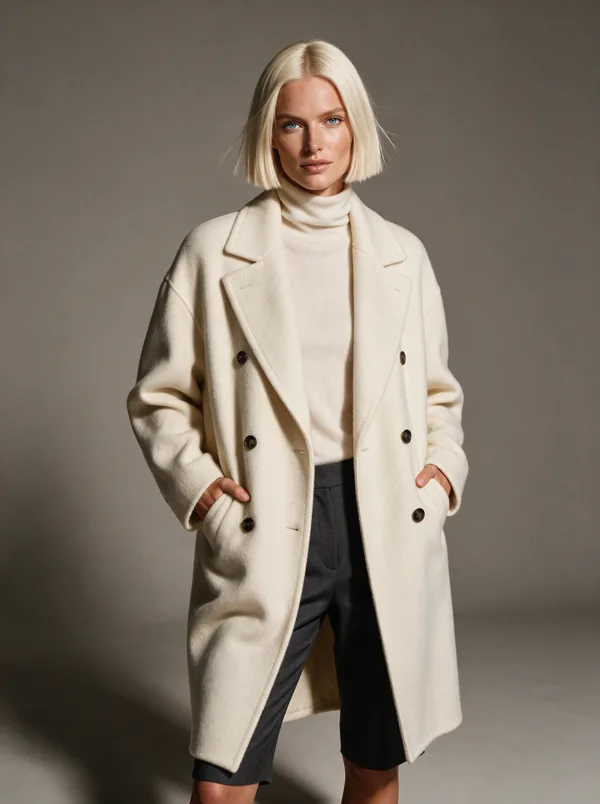
Iris
20s · Tailored
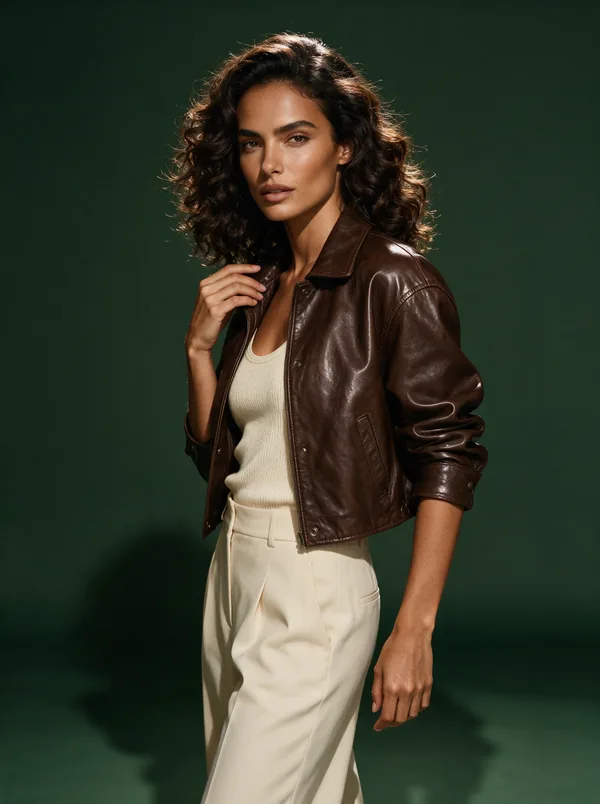
Valentina
20s · Campaign
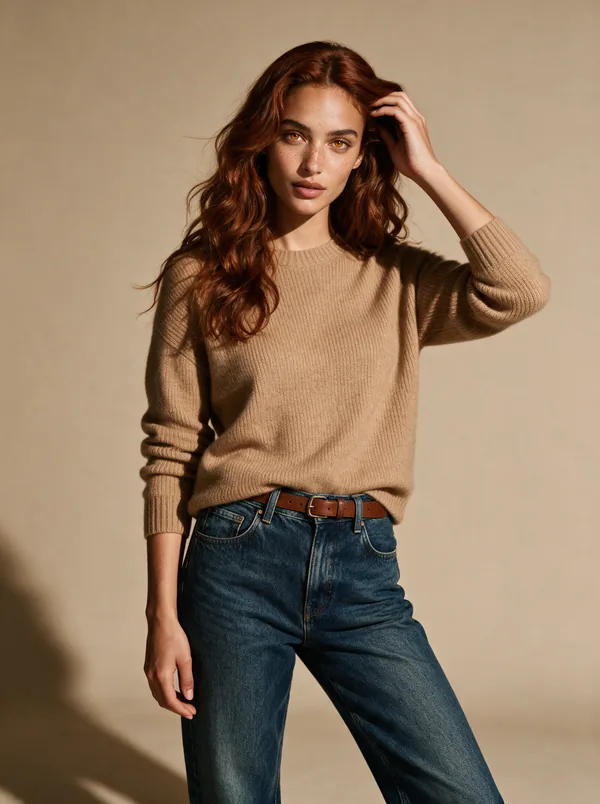
Anouk
20s · Natural
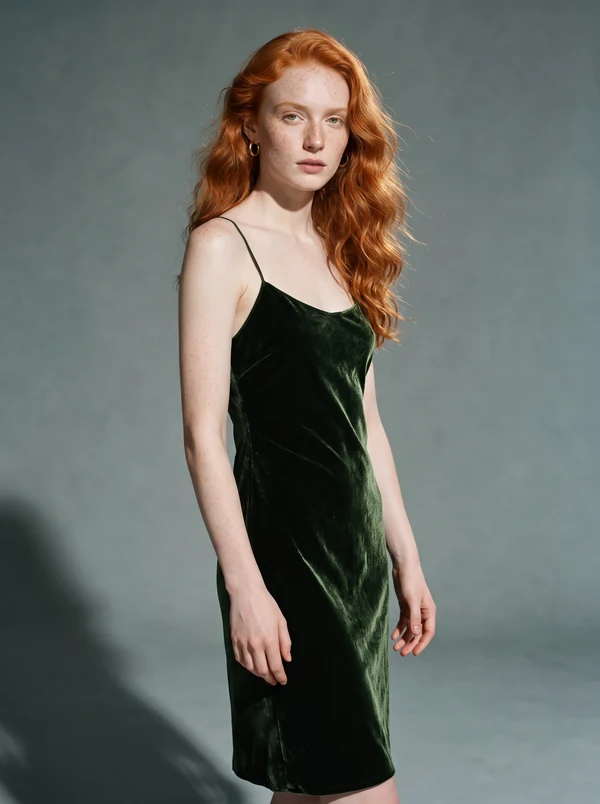
Saoirse
20s · Striking
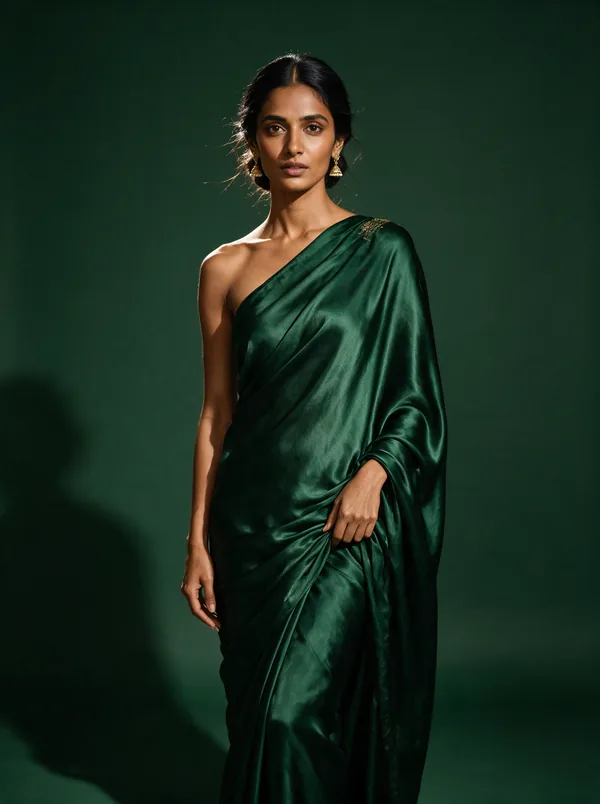
Ayesha
20s · Couture
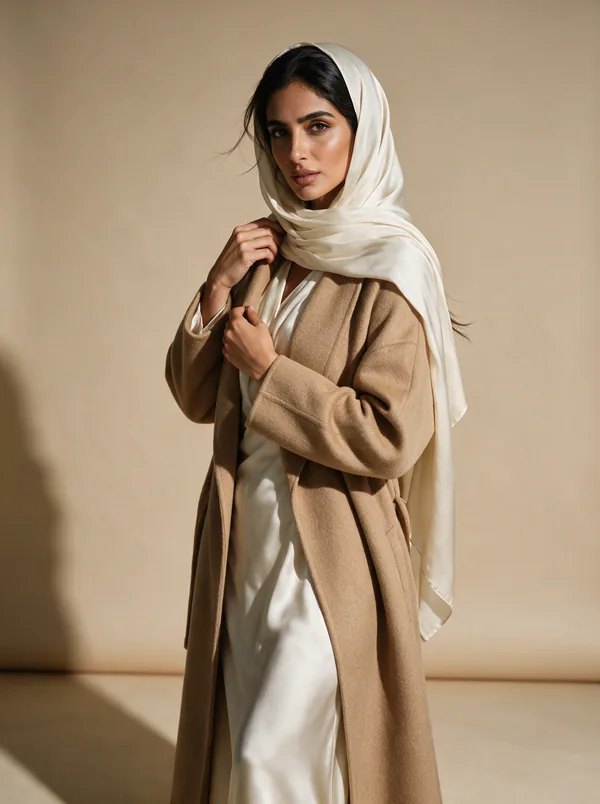
Noor
20s · Modest
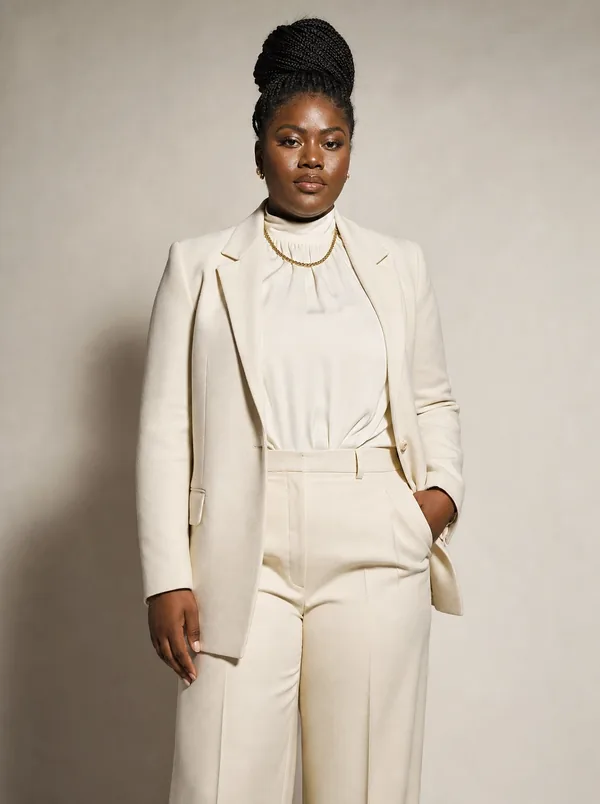
Keziah
20s · Plus-size
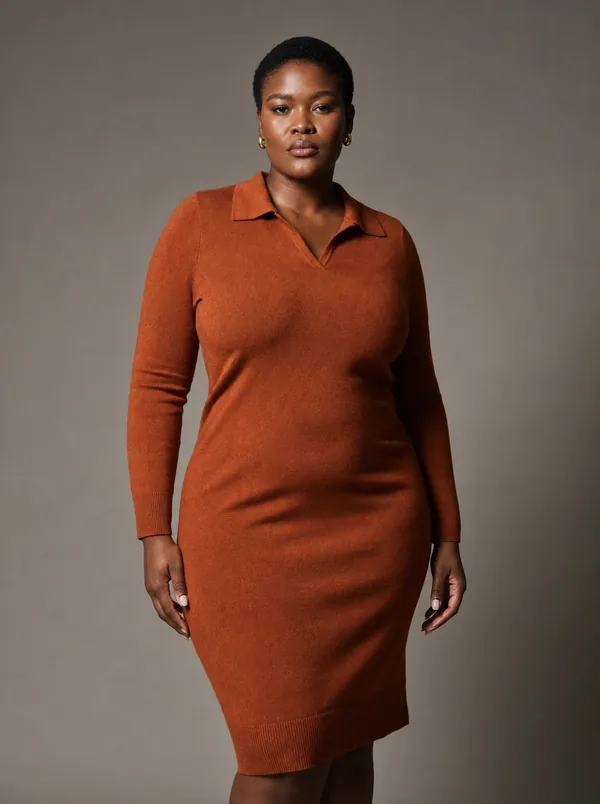
Thandi
30s · Curve
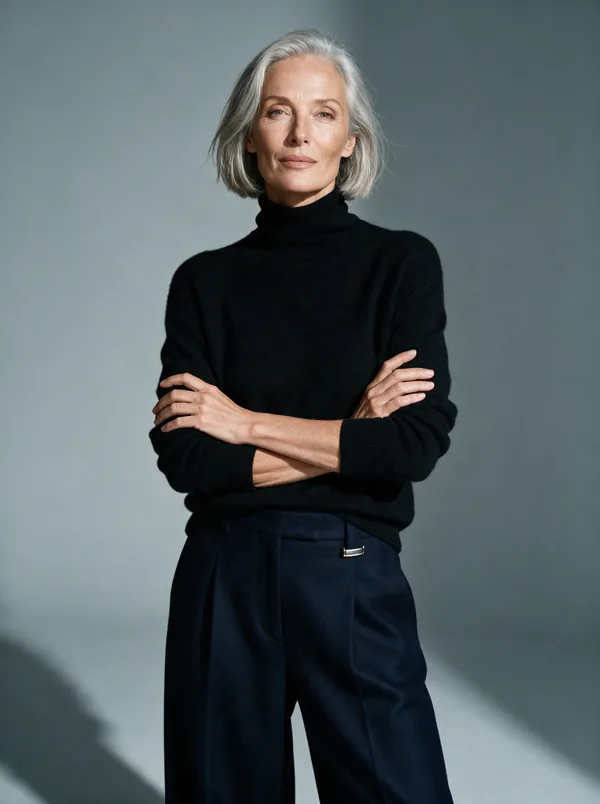
Margot
50+ · Silver
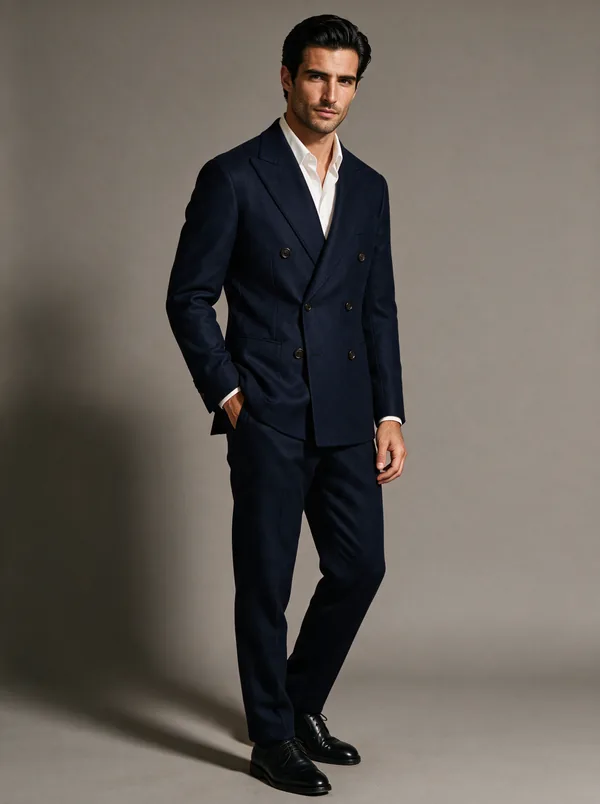
Rafael
30s · Tailored
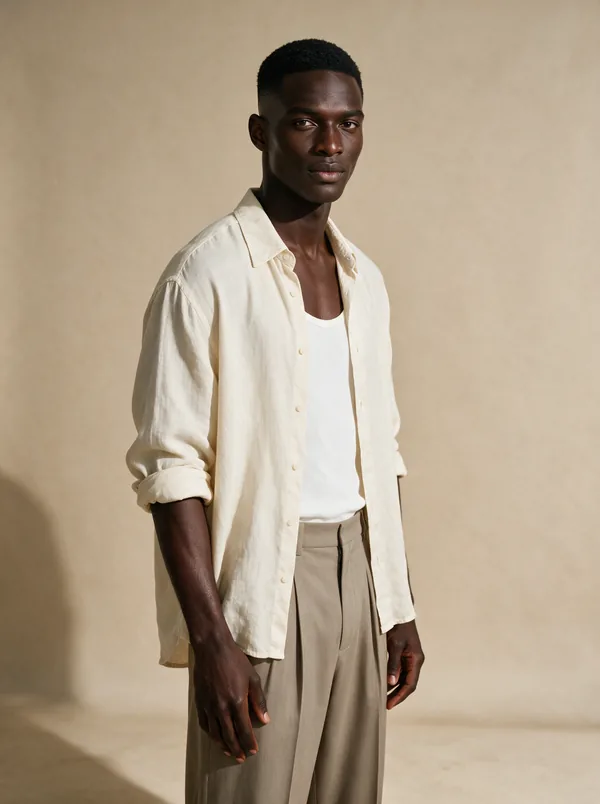
Kofi
20s · Editorial
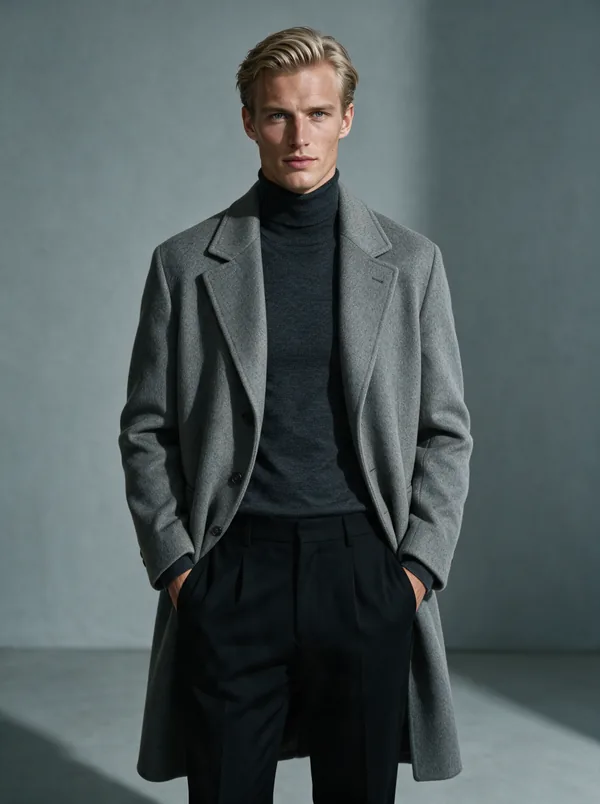
Søren
20s · Outerwear
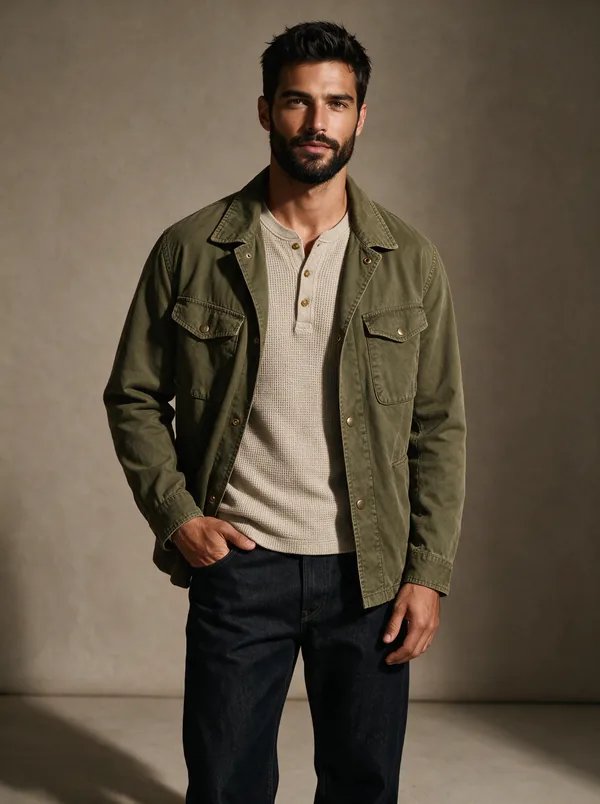
André
30s · Mid-size
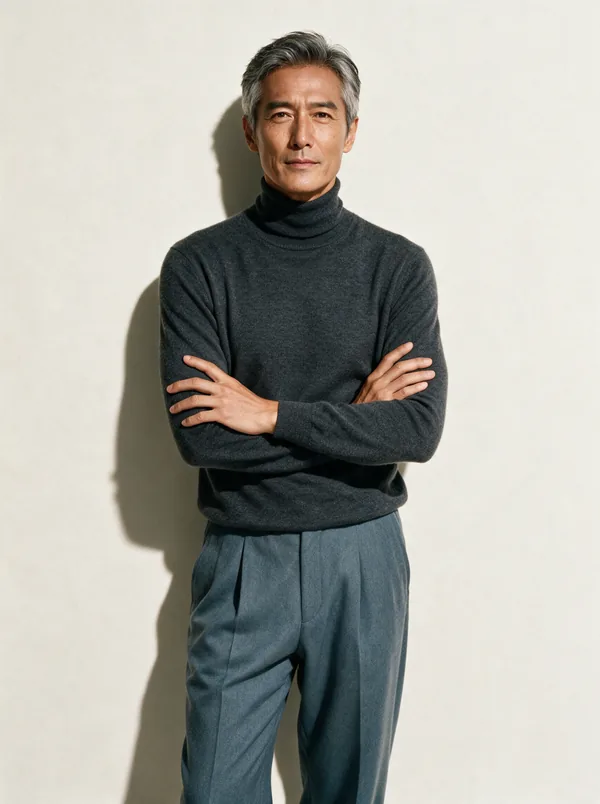
Hiroshi
40s · Refined
The full cast
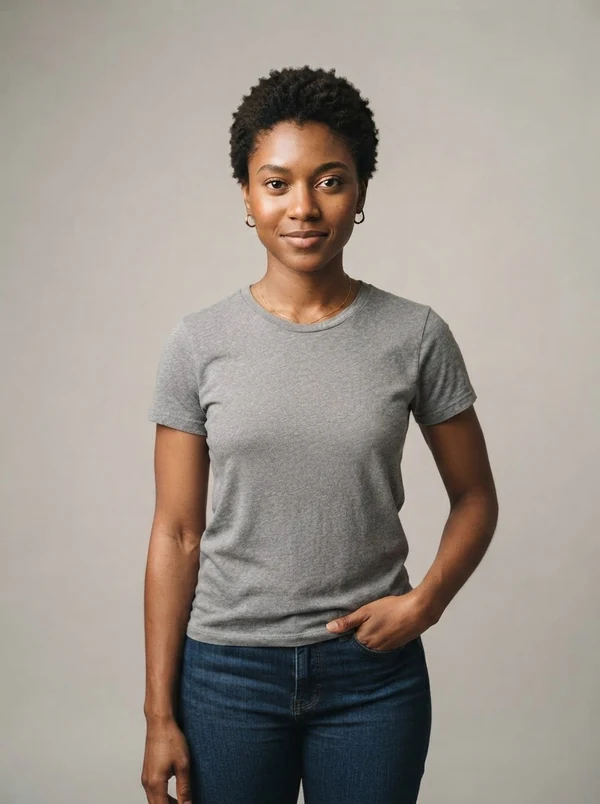
Amara
20s · Editorial
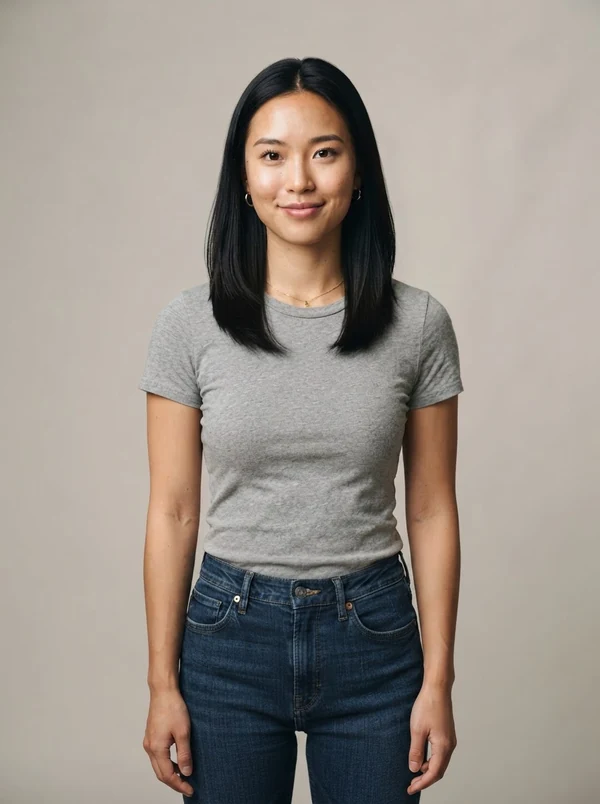
Mei
20s · Minimal
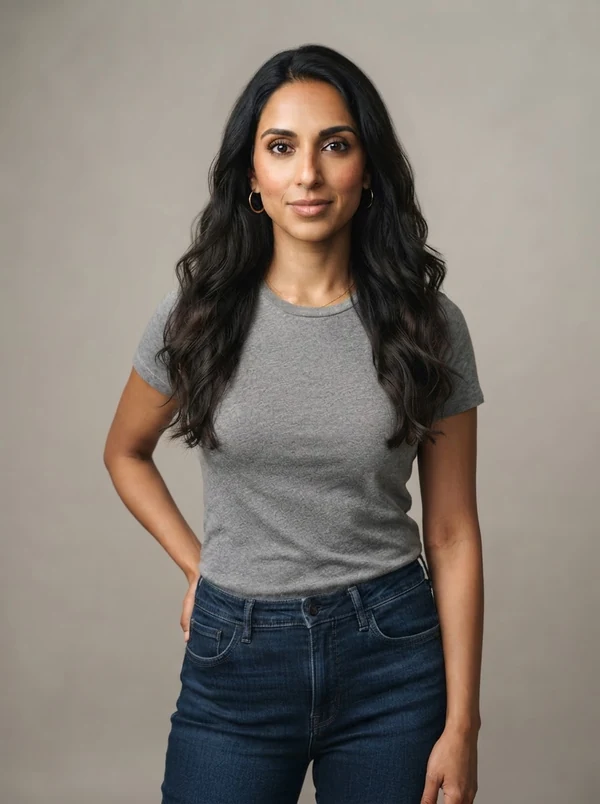
Priya
30s · Classic
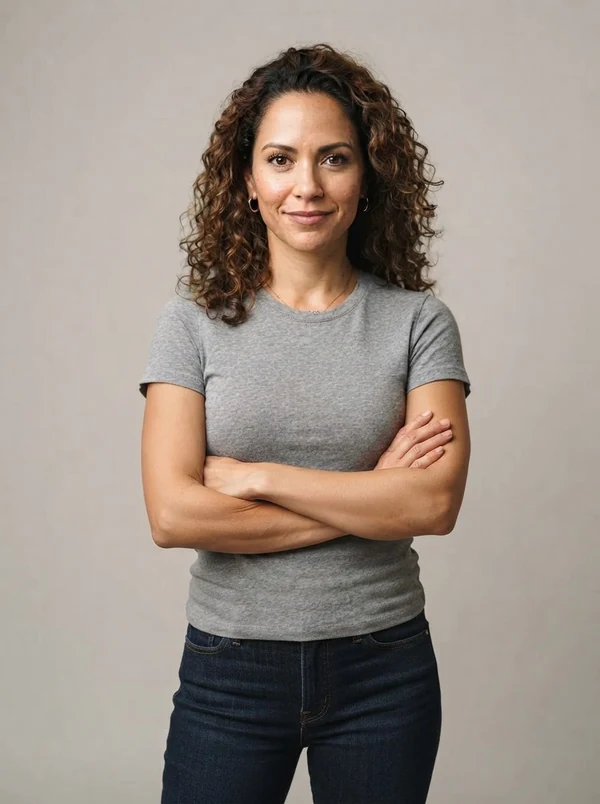
Sofía
30s · Warm studio
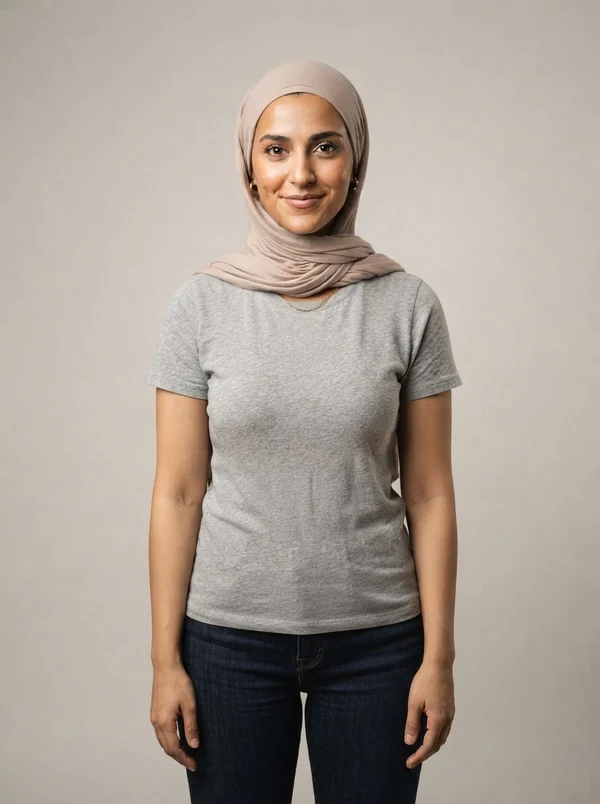
Layla
20s · Modest
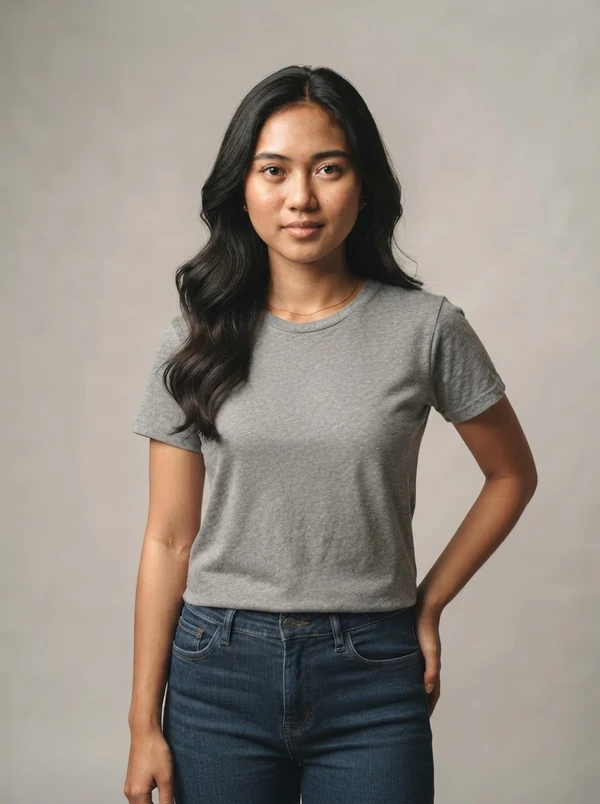
Putri
20s · Soft glam
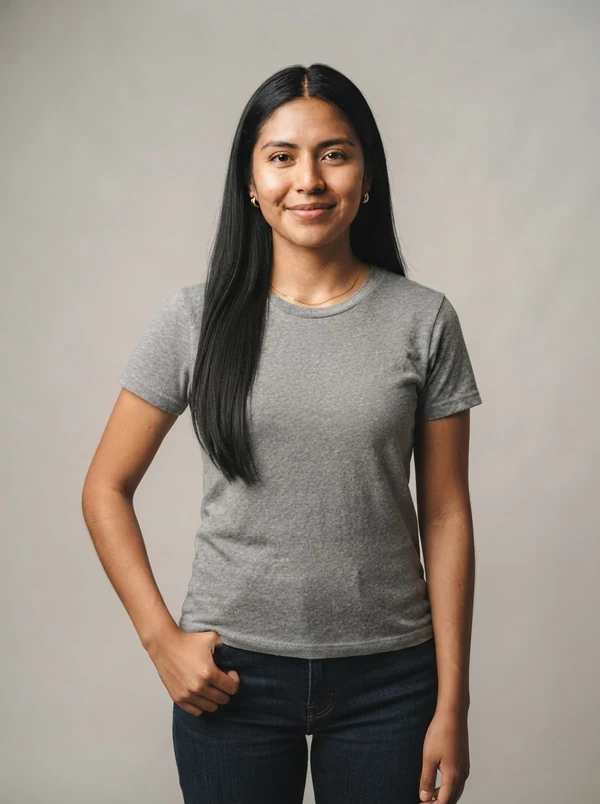
Itzel
20s · Heritage
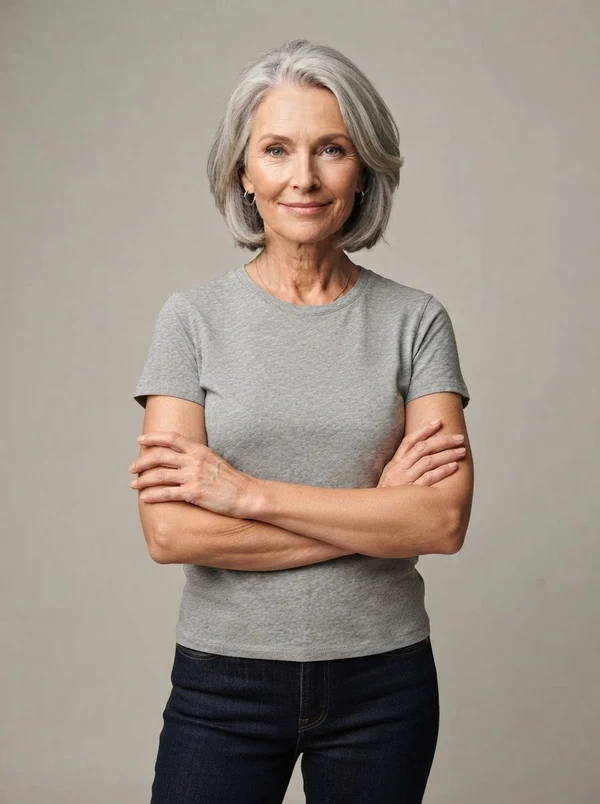
Ingrid
50+ · Silver
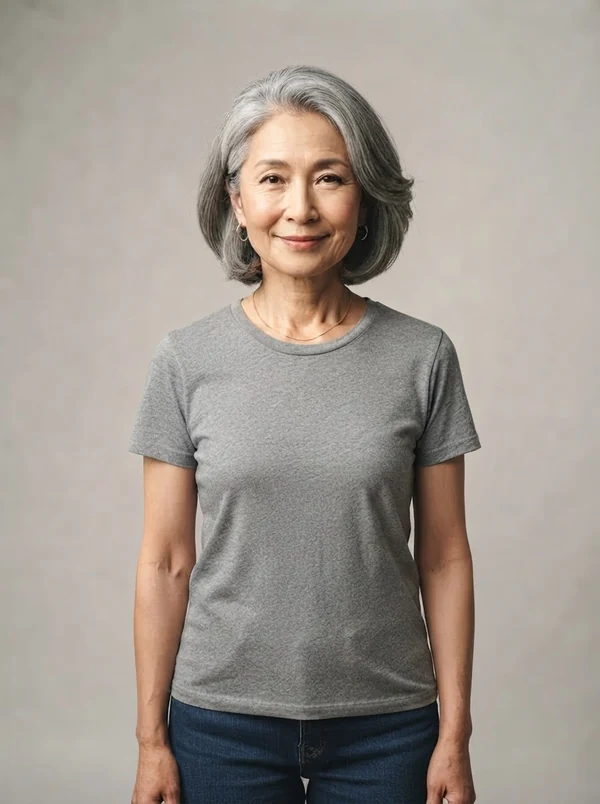
Harumi
60s · Elegant
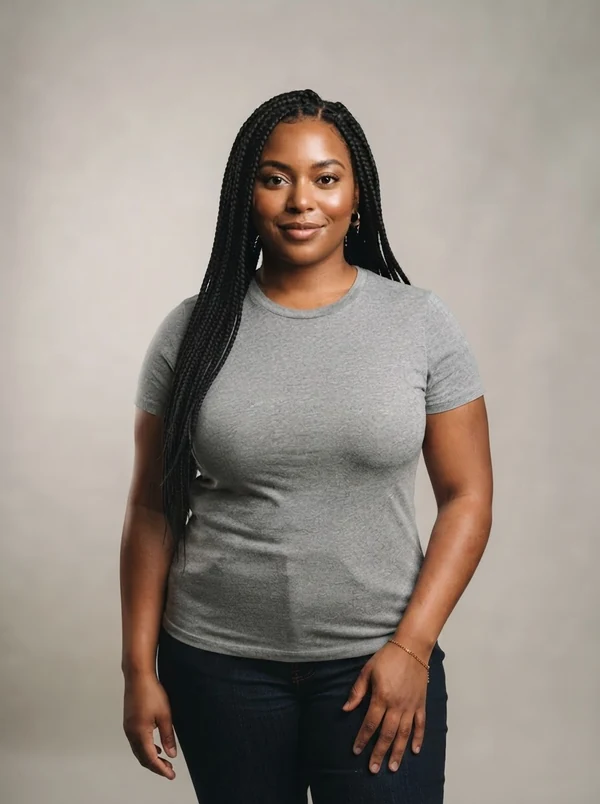
Naomi
30s · Plus-size
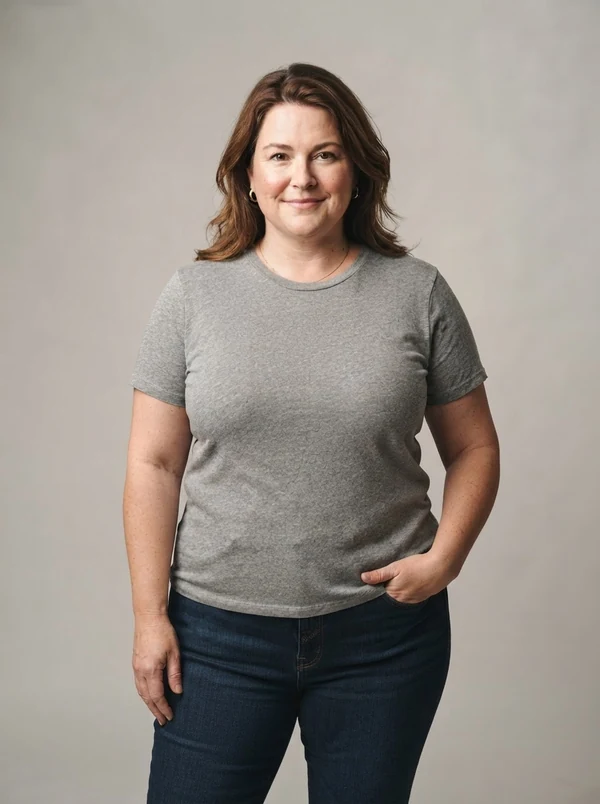
Grace
40s · Plus-size
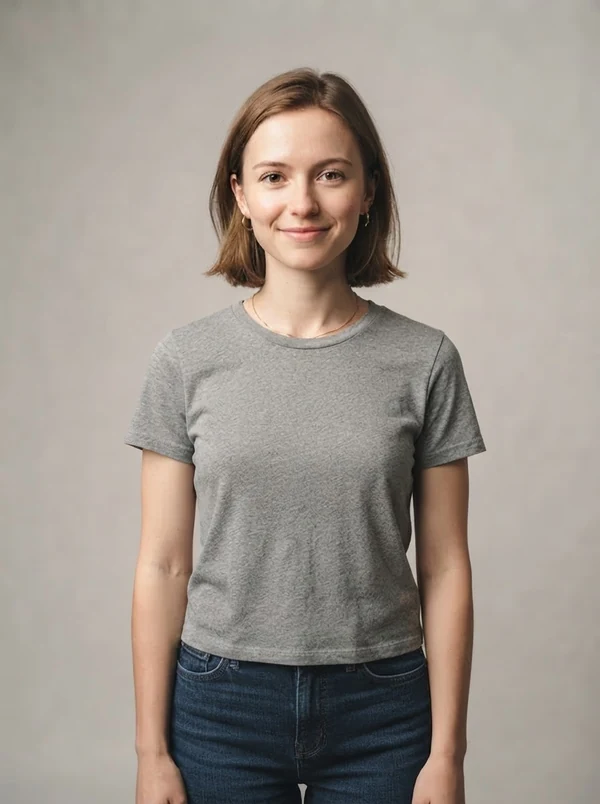
Chloe
20s · Petite
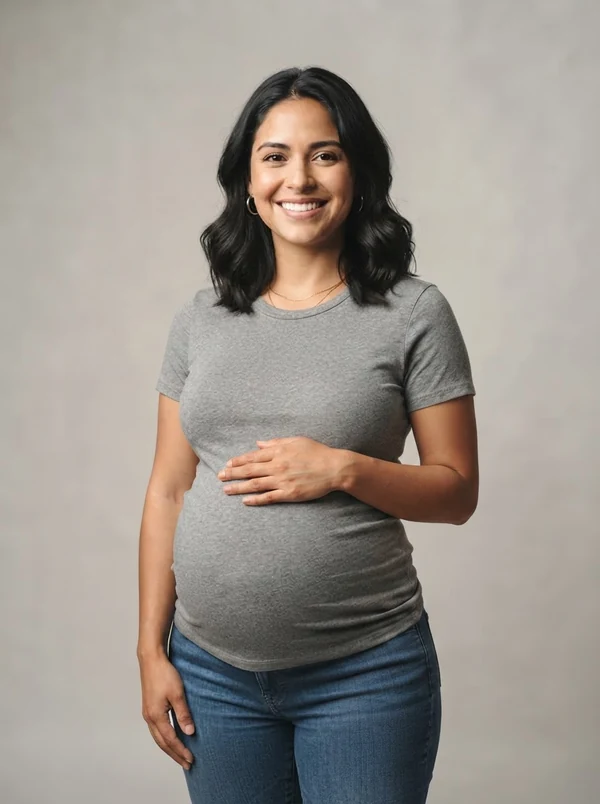
Elena
30s · Maternity
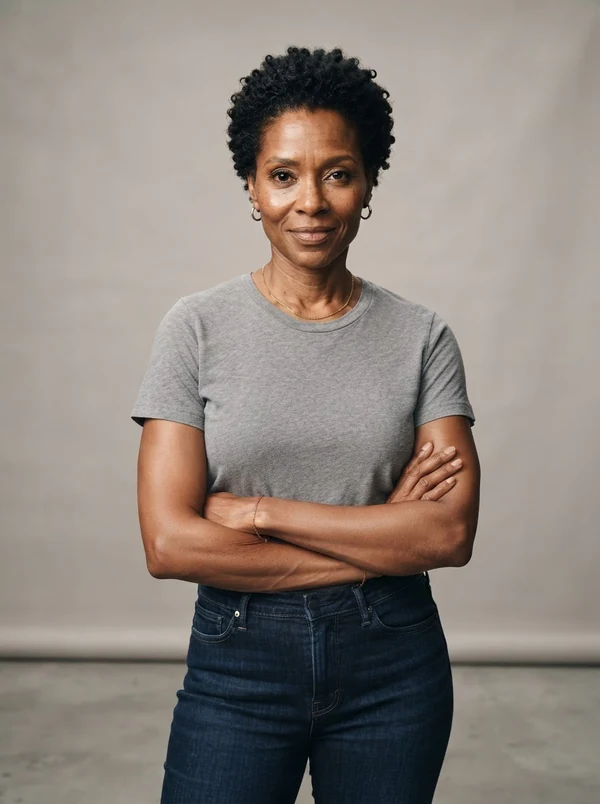
Nia
40s · Bold
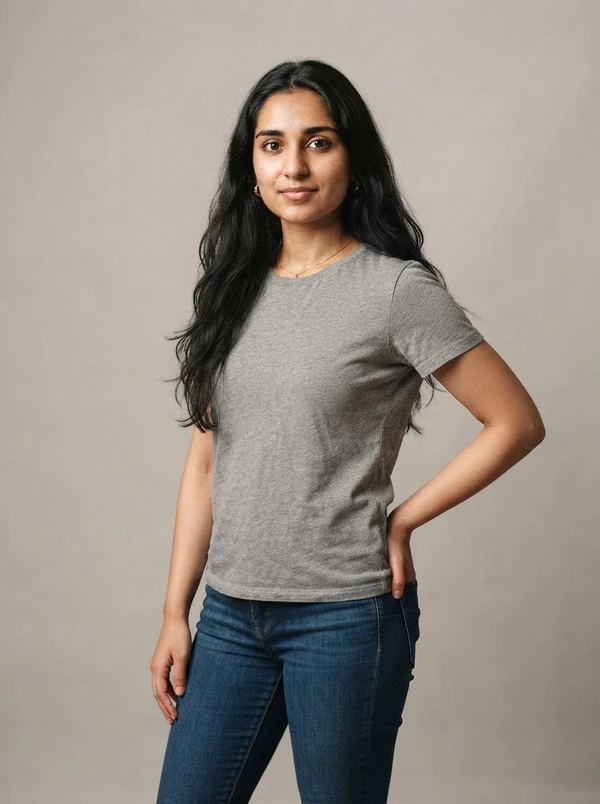
Zainab
20s · Fresh
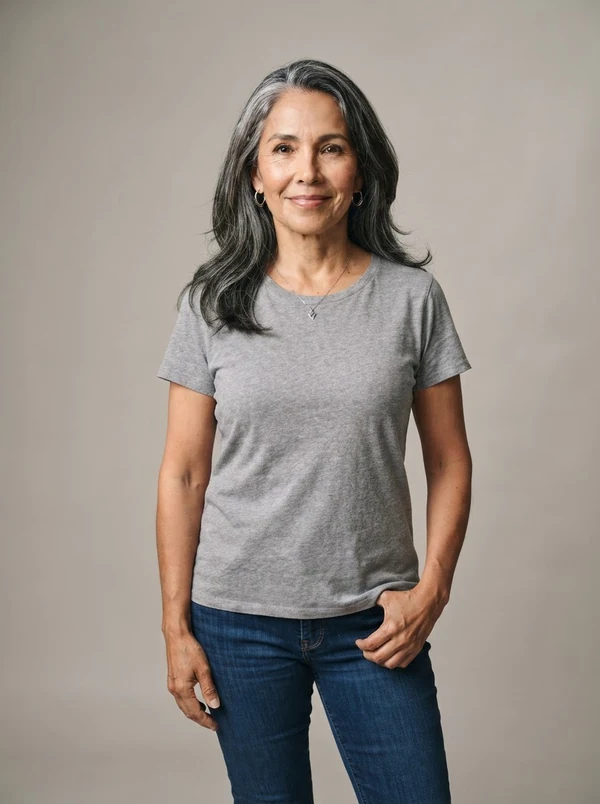
Rosa
50+ · Silver
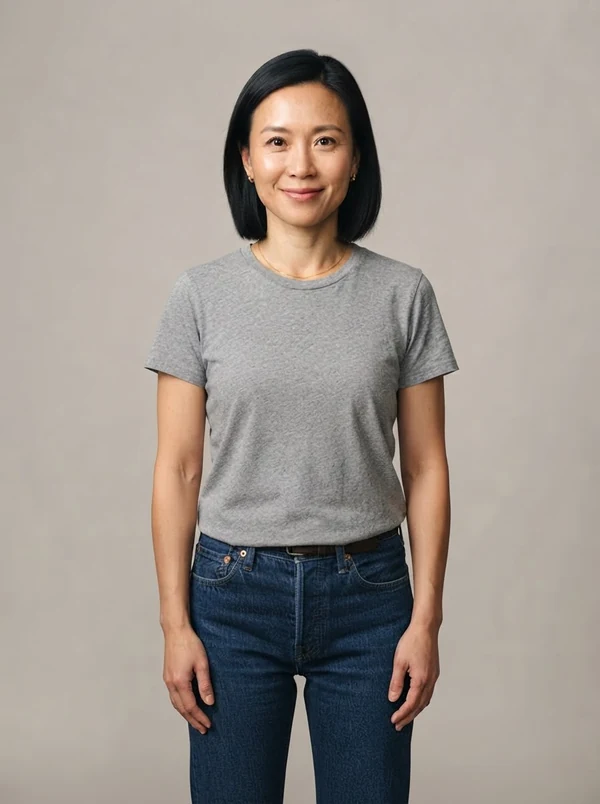
Jade
30s · Sleek
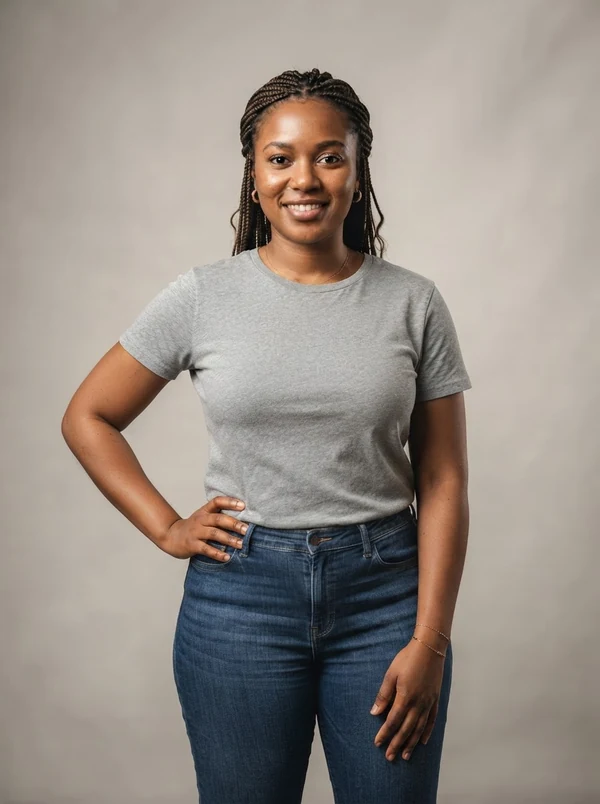
Amina
20s · Mid-size
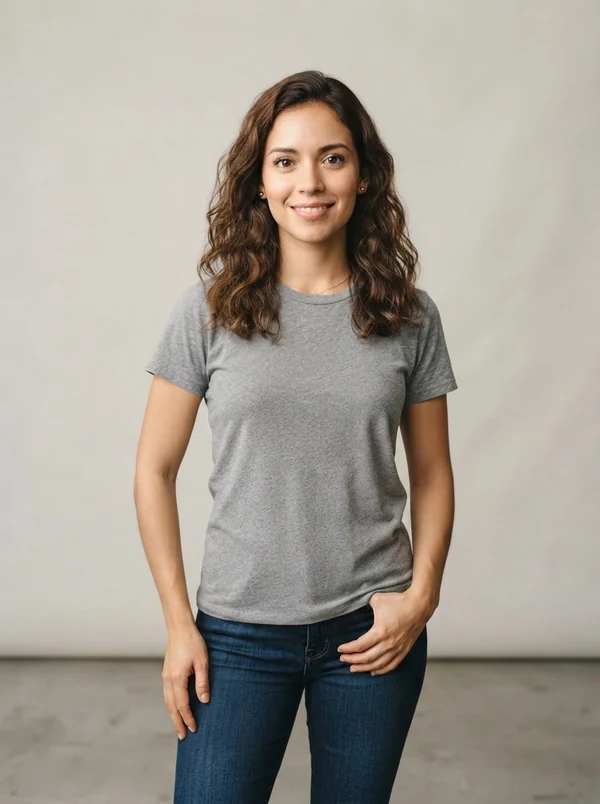
Camila
20s · Petite
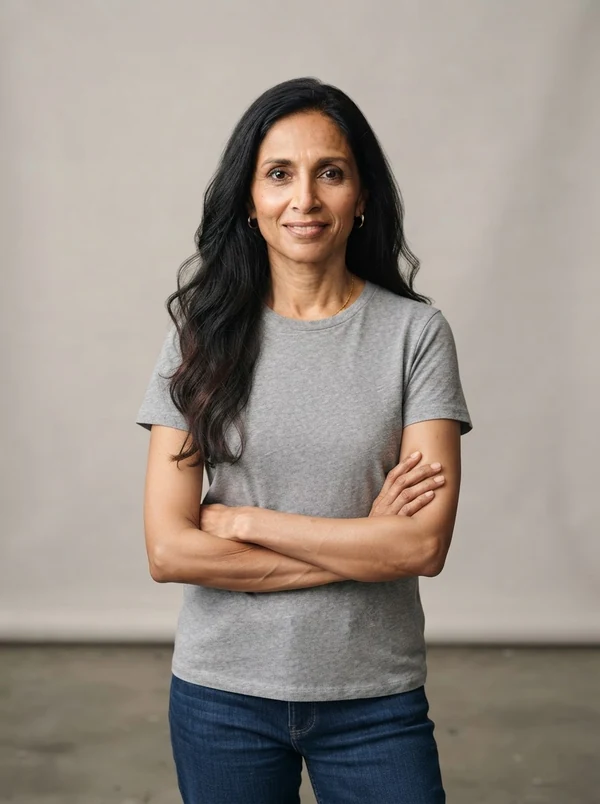
Deepa
40s · Graceful
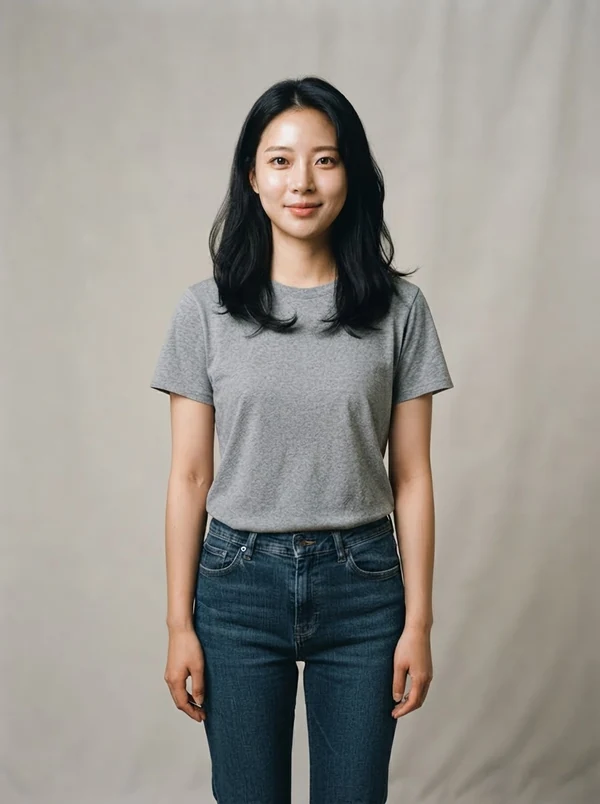
Yuna
20s · Youthful
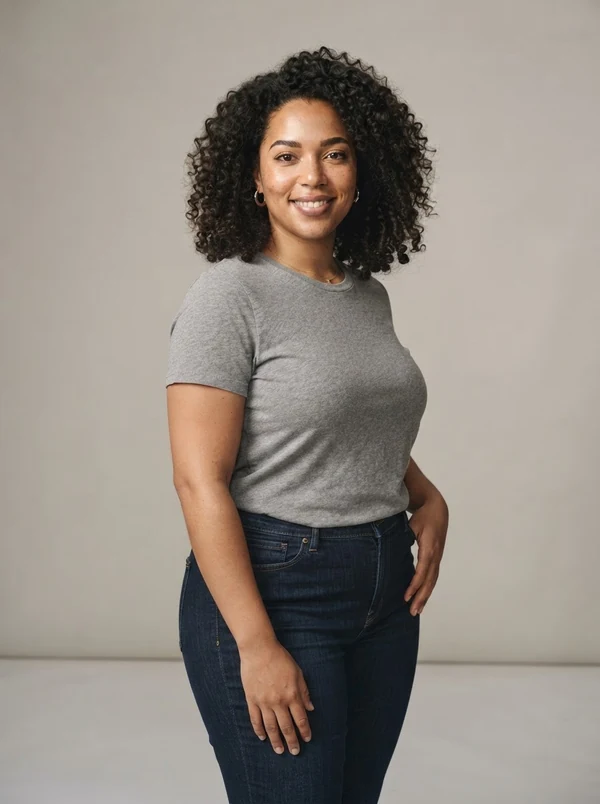
Tasha
20s · Plus-size
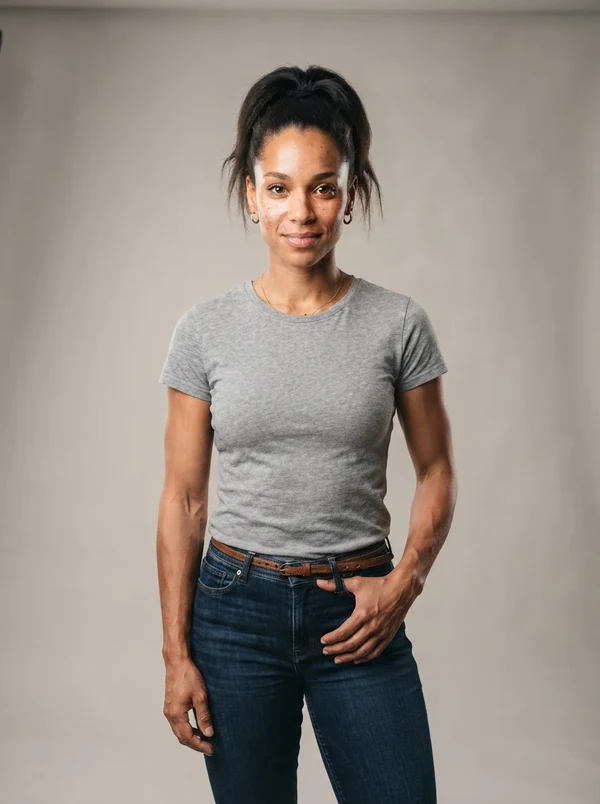
Bianca
20s · Athletic
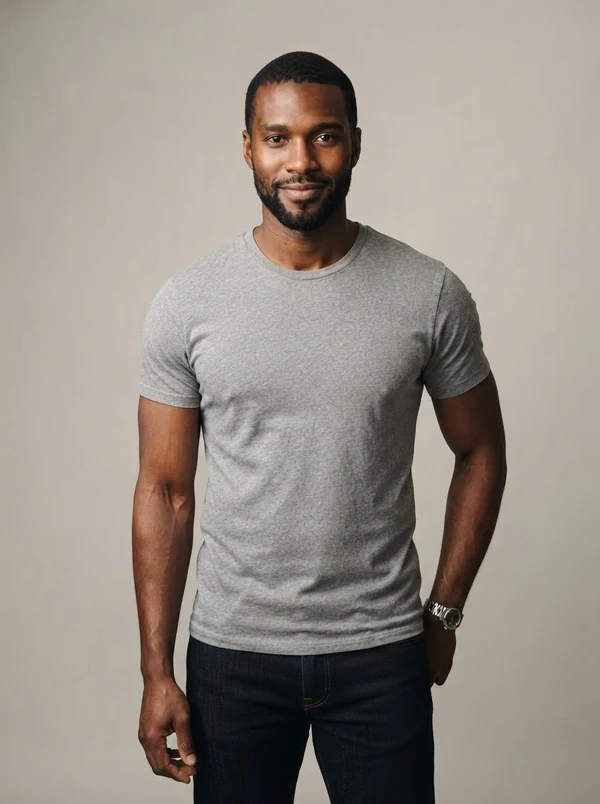
Jamal
30s · Athletic
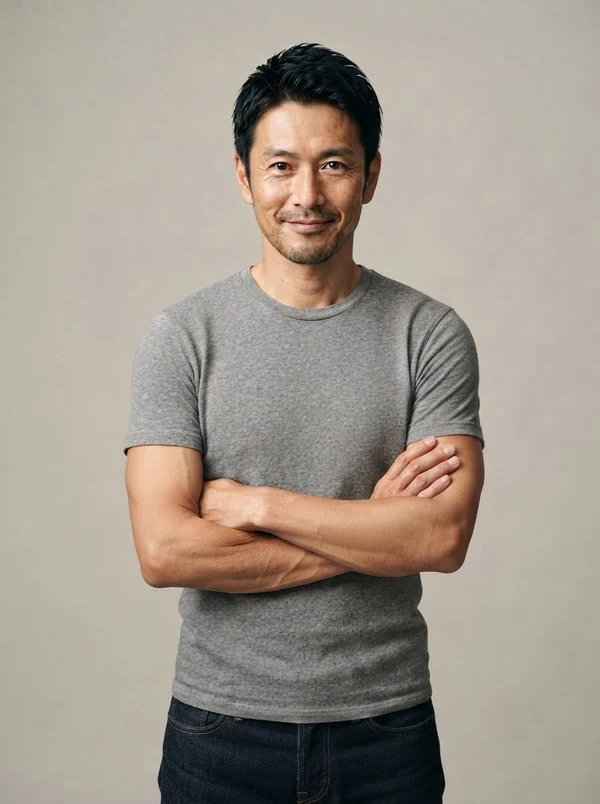
Kenji
40s · Business
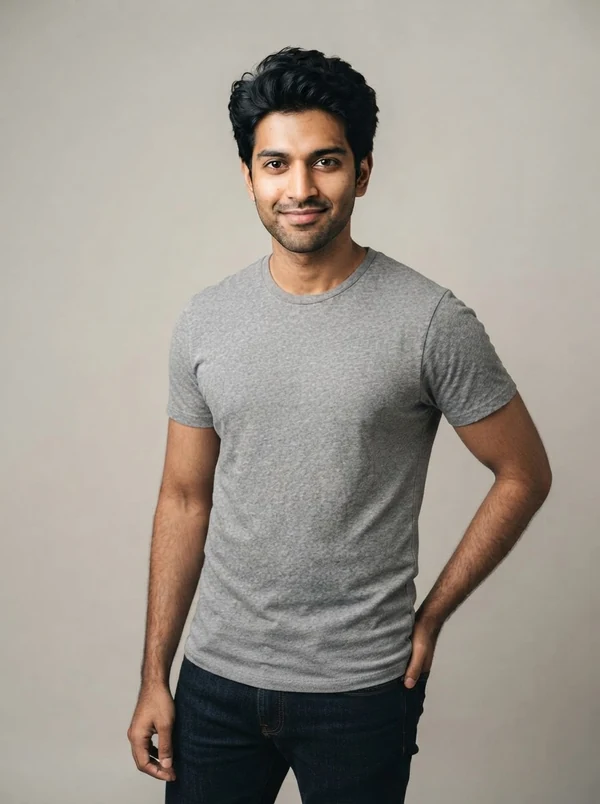
Arjun
20s · Street
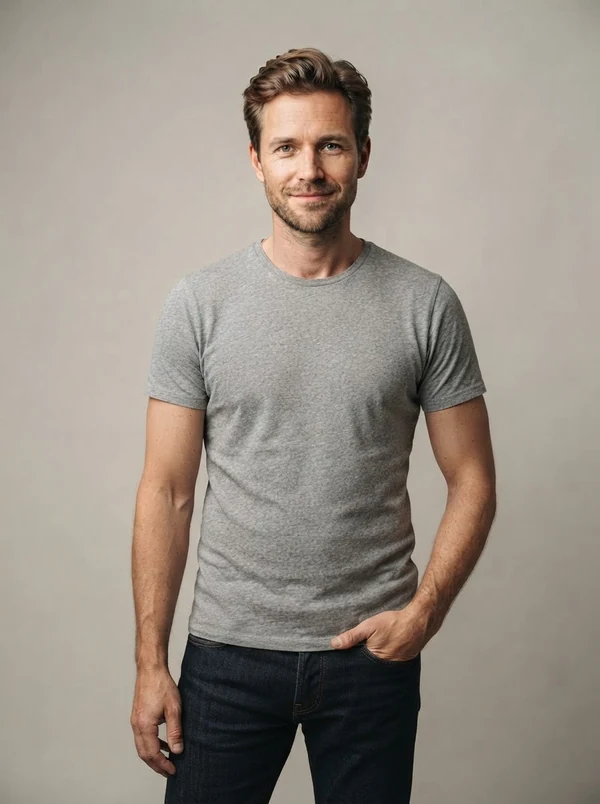
Luca
30s · Casual
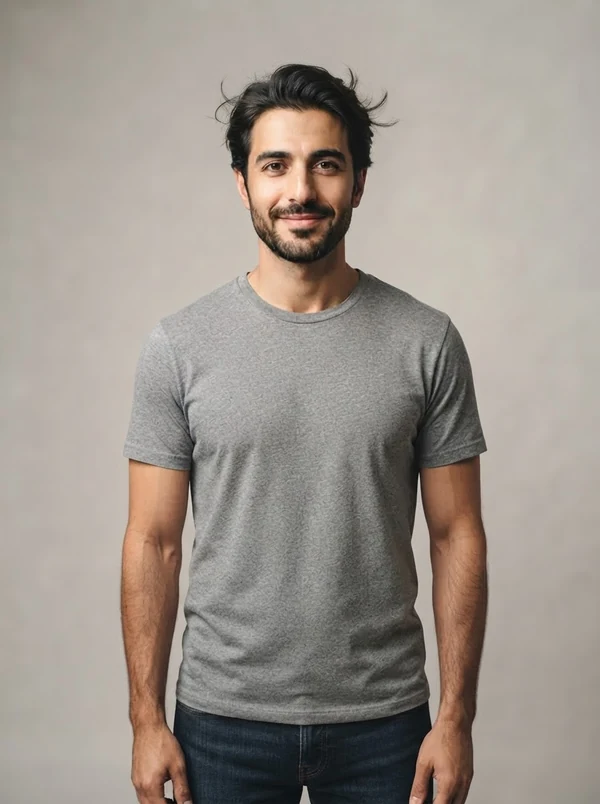
Omar
30s · Modern
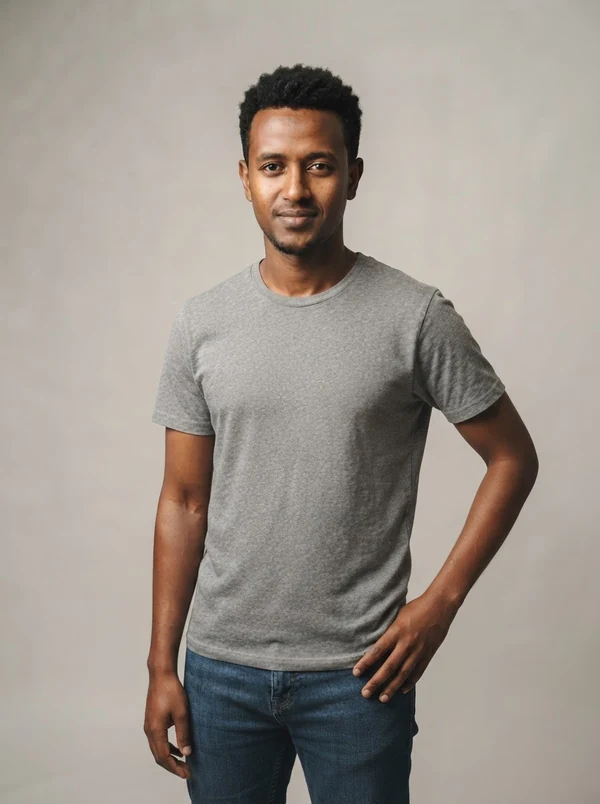
Dawit
30s · Refined
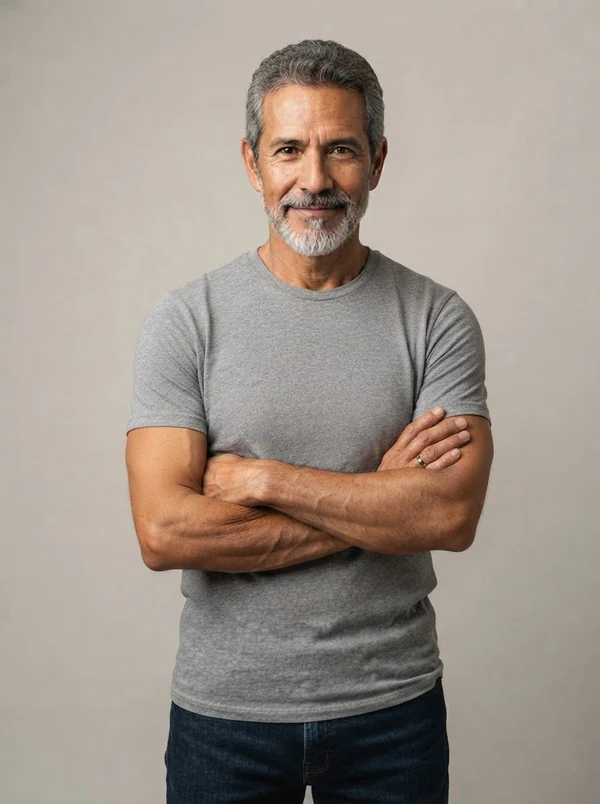
Diego
50+ · Distinguished
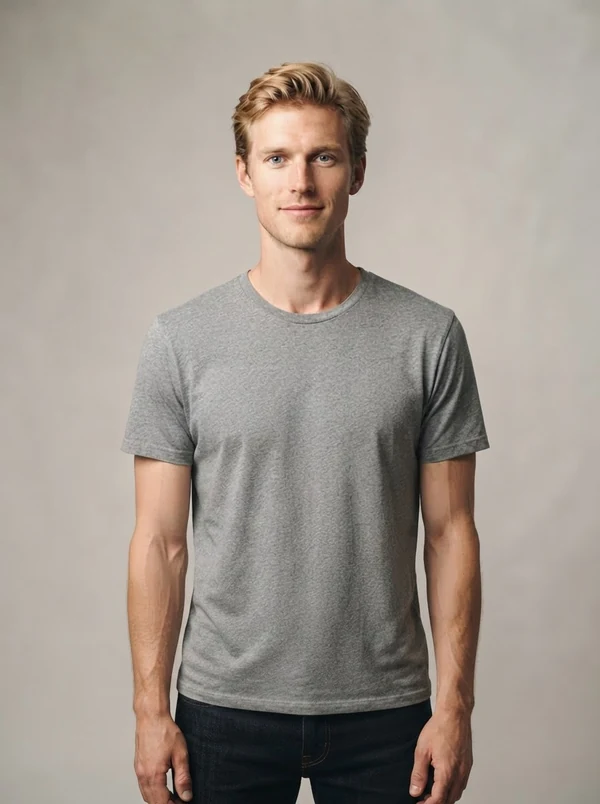
Viktor
20s · Tall 6′6″
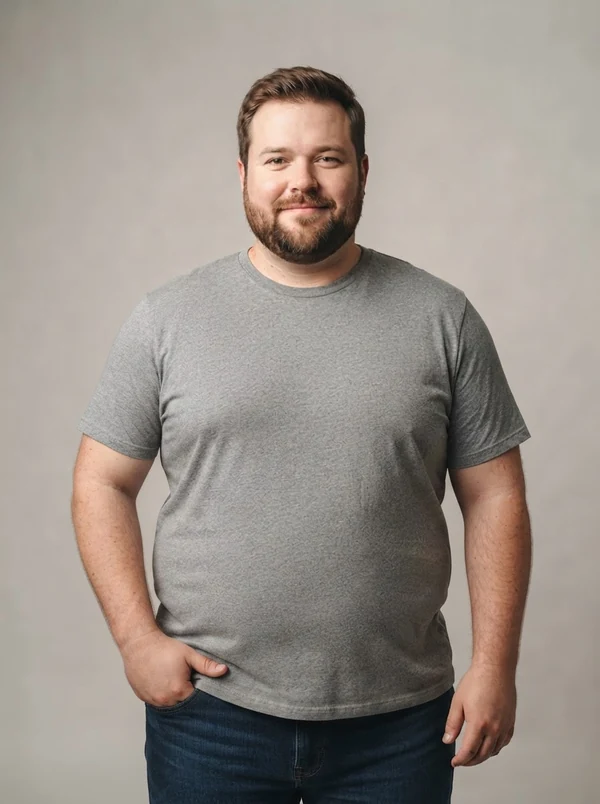
Oliver
30s · Plus-size
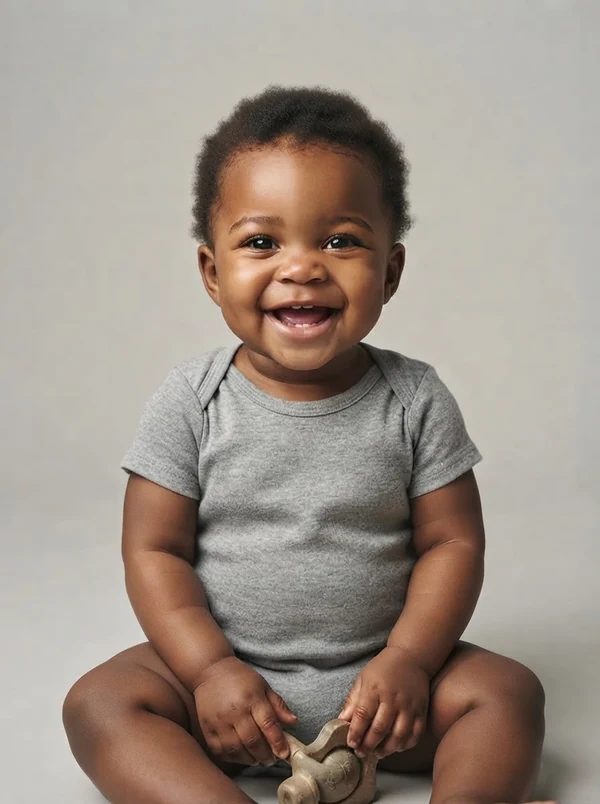
Zuri
1 yr · Baby
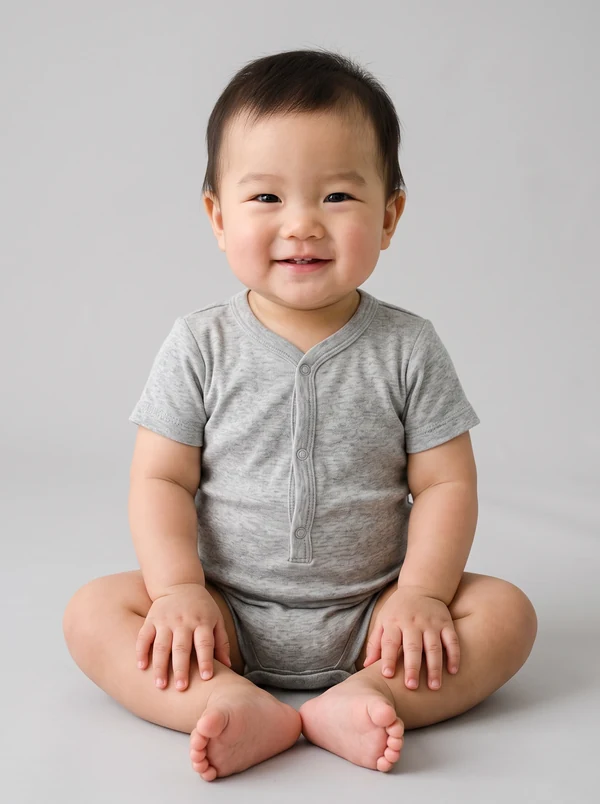
Ren
1 yr · Baby
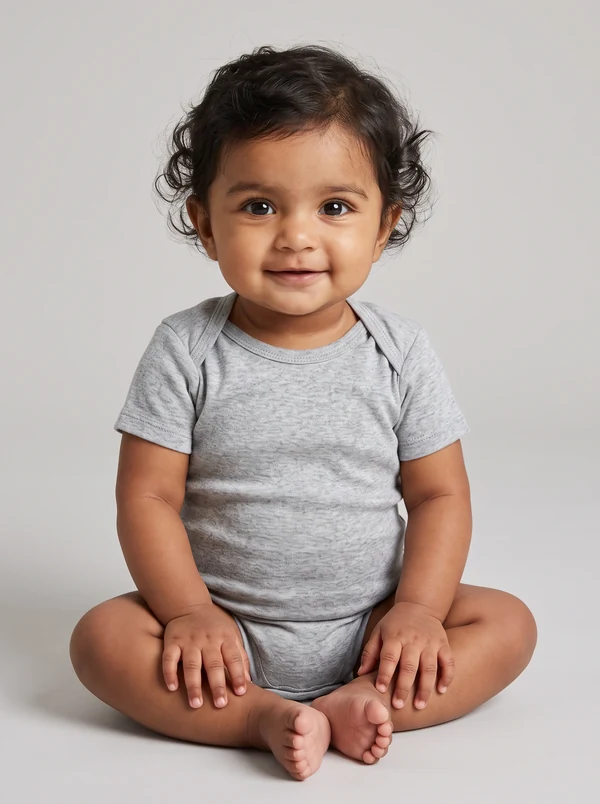
Anaya
1 yr · Baby
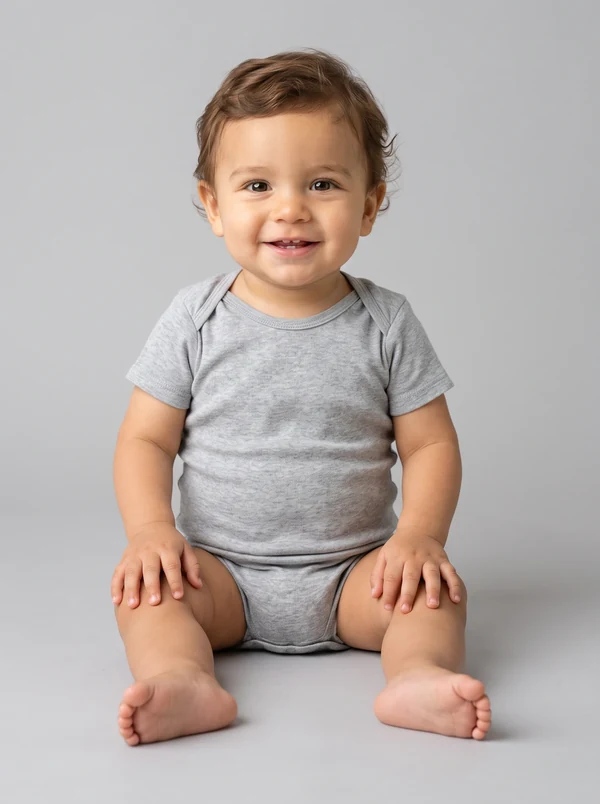
Teo
1 yr · Baby
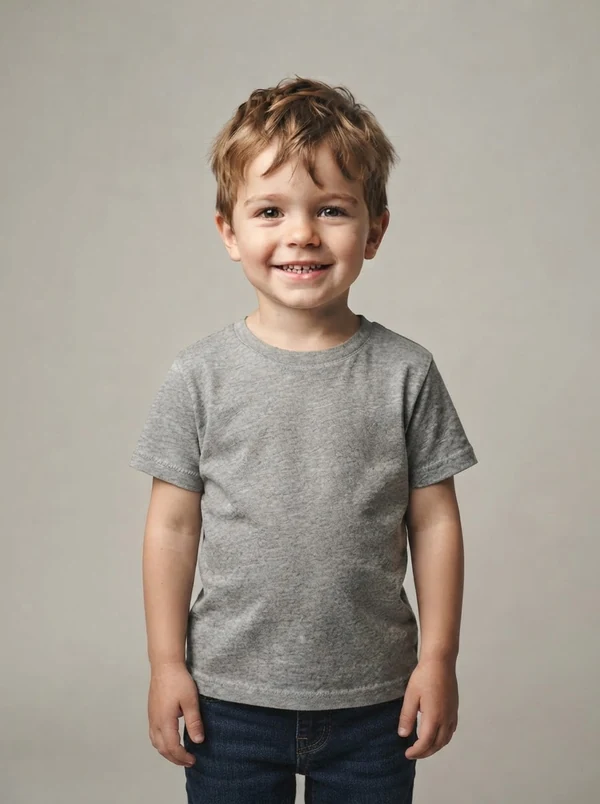
Milo
3 yrs · Toddler
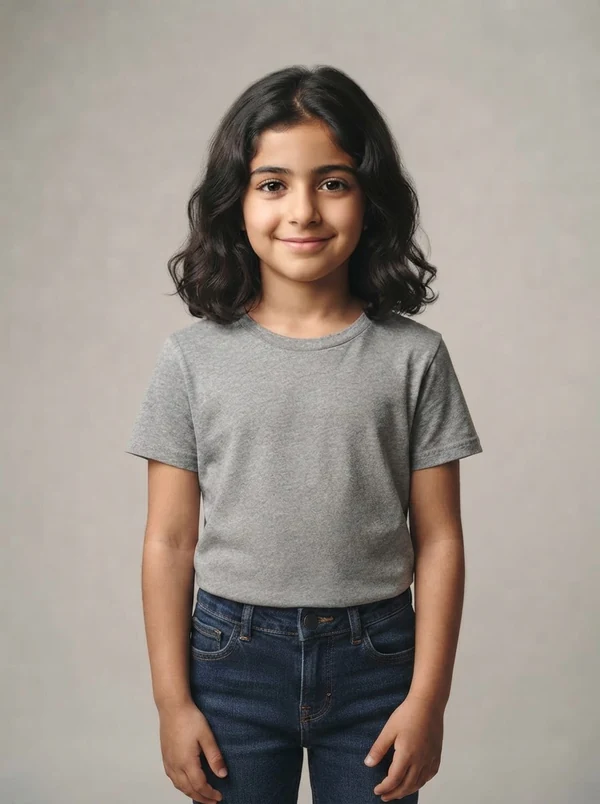
Aisha
6 yrs · Kids
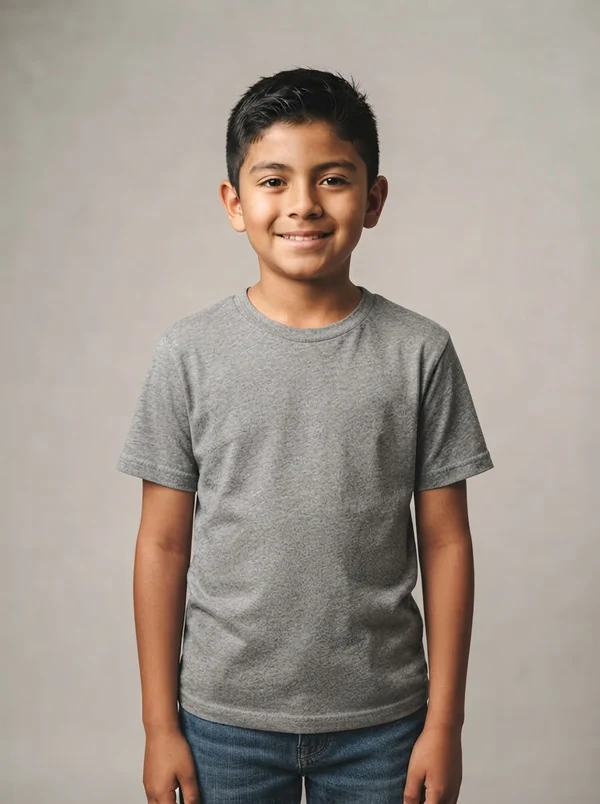
Mateo
9 yrs · Kids
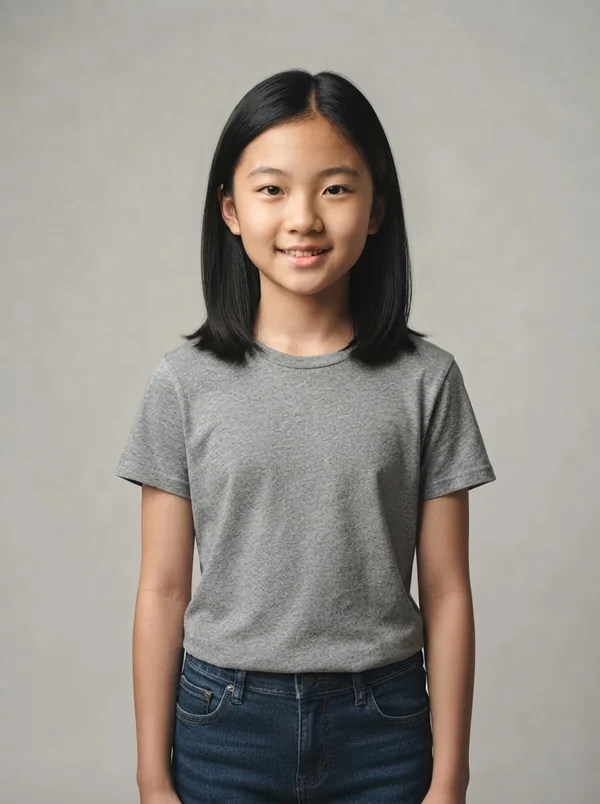
Lin
12 yrs · Tween
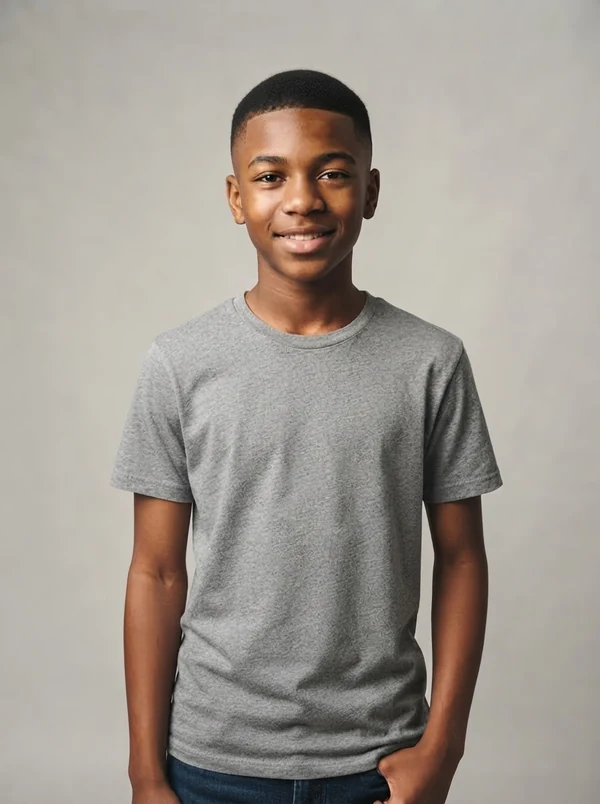
Tyler
15 yrs · Teen
All models are synthetic - no model releases, no usage rights to chase. Pick one in any tool below, or let the AI surprise you.
Casting
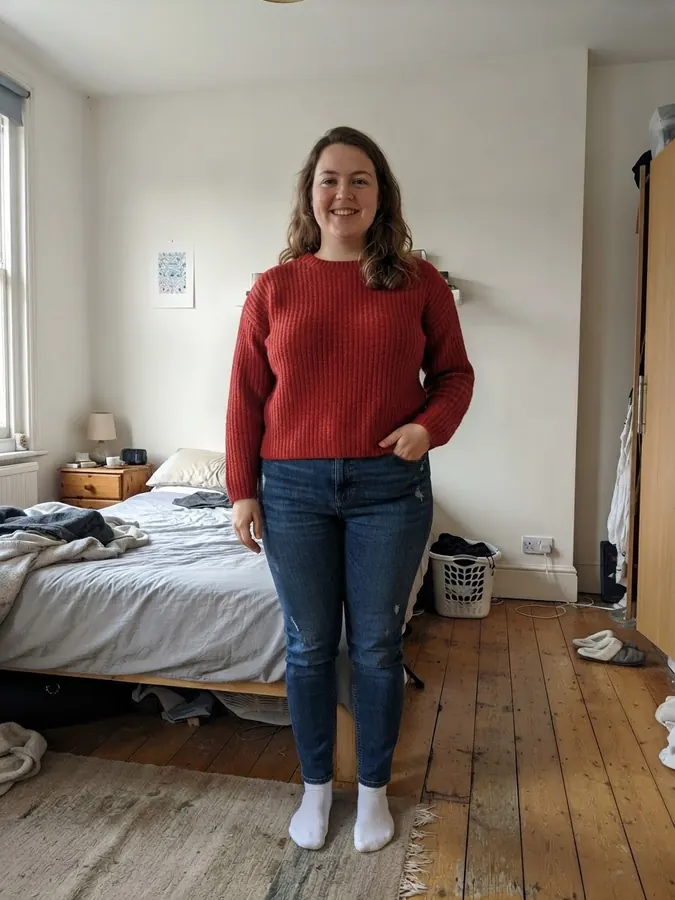
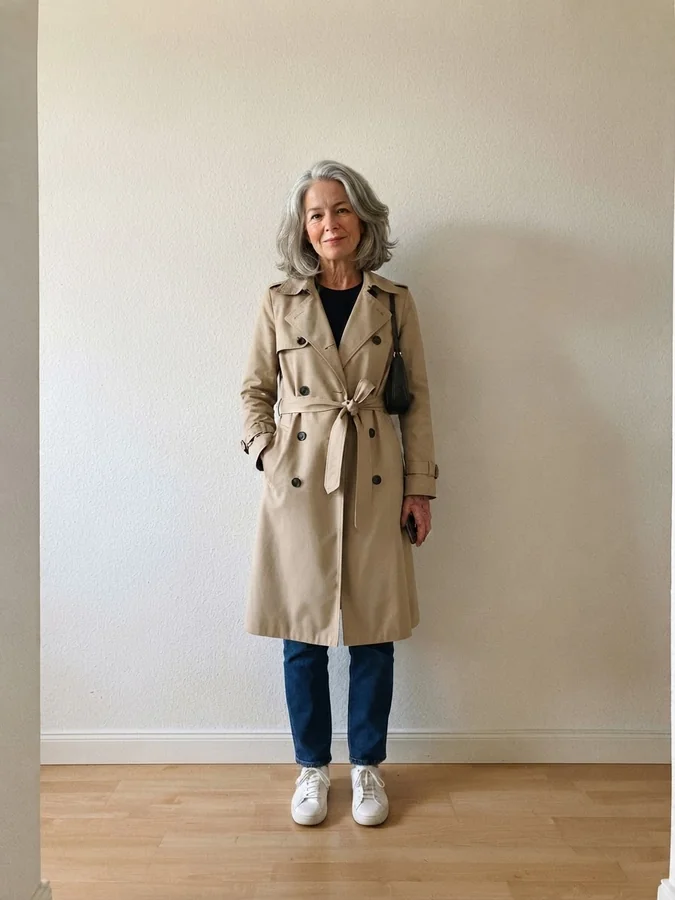
Cast the model before you shoot
Pick who wears your product — gender, age, body type — then keep that model across the whole catalog.
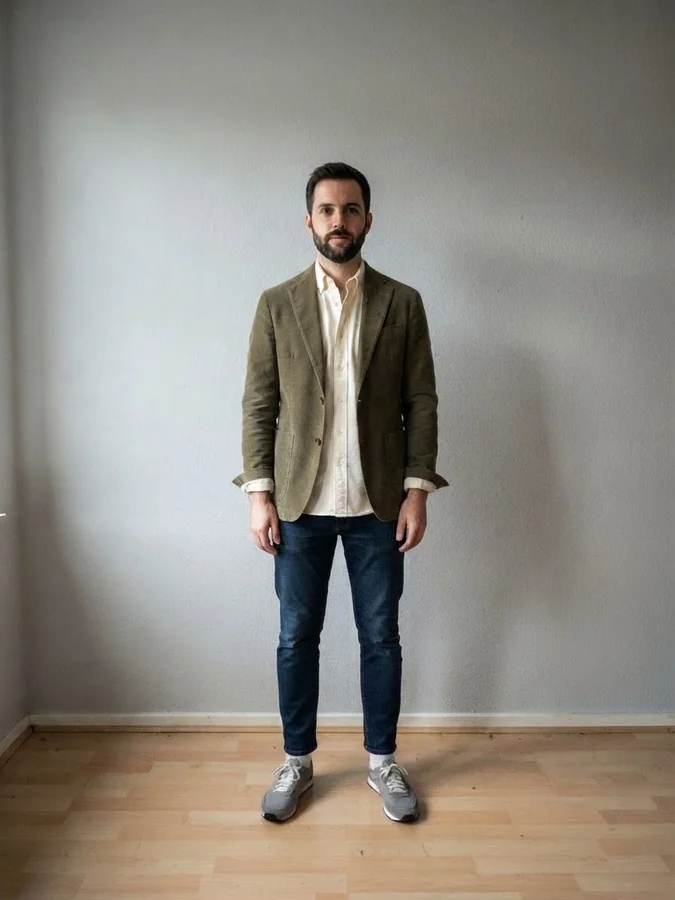
Apparel on Models
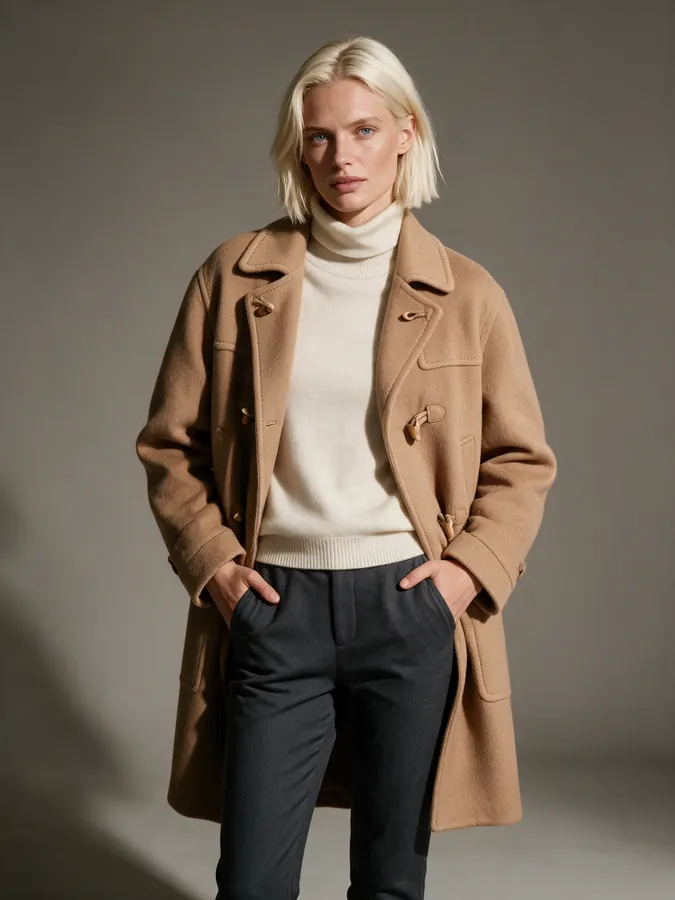
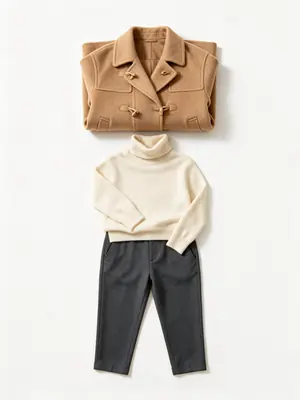
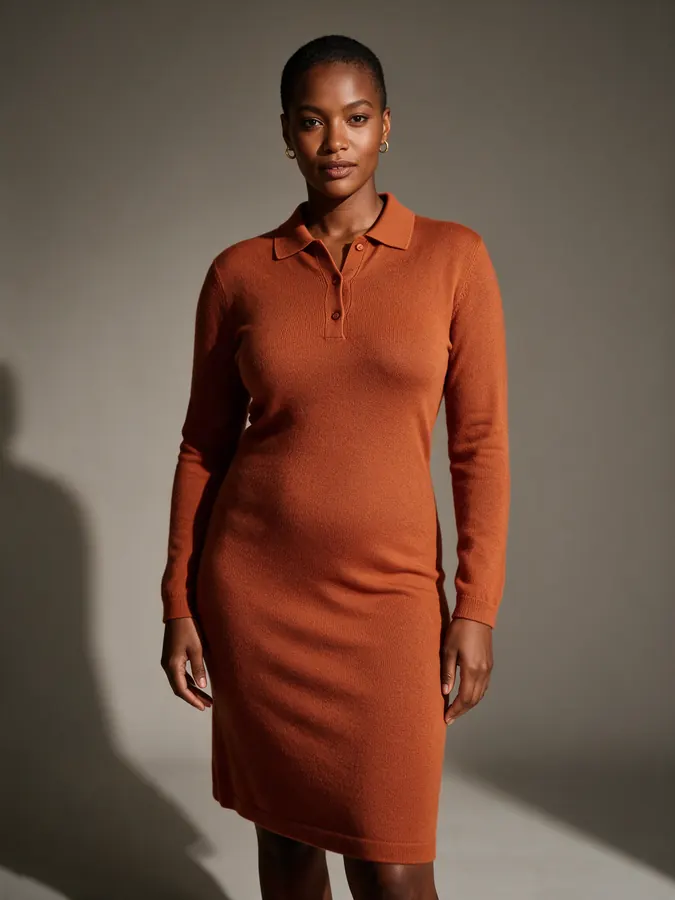
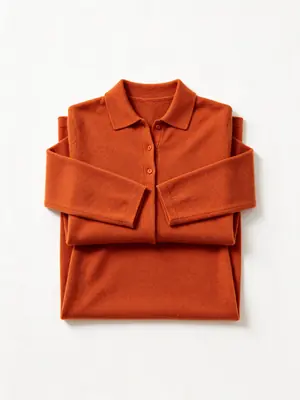
Put your clothing on AI fashion models
Put any garment on a photo-realistic AI fashion model — no photoshoot required.
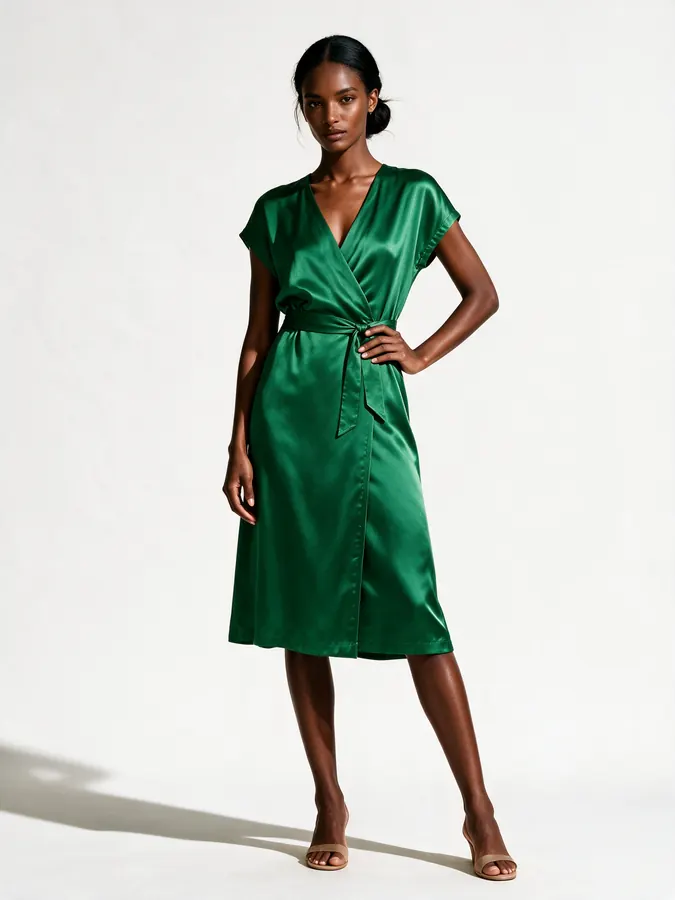
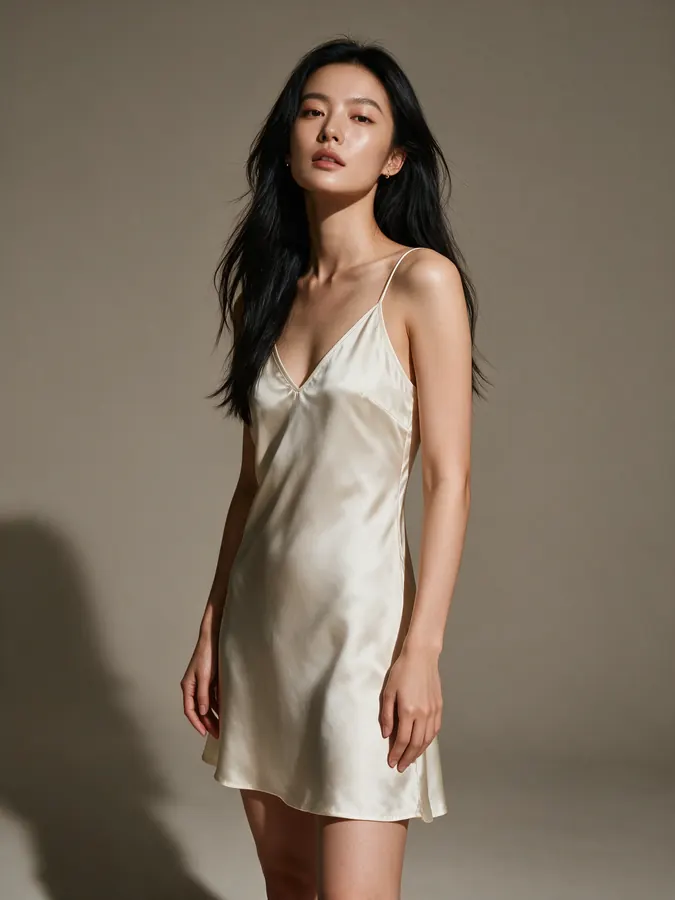
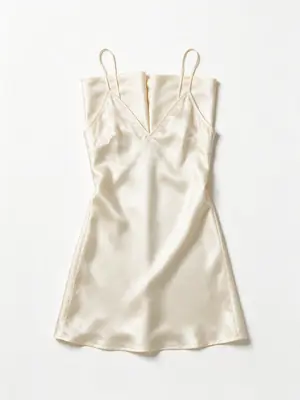
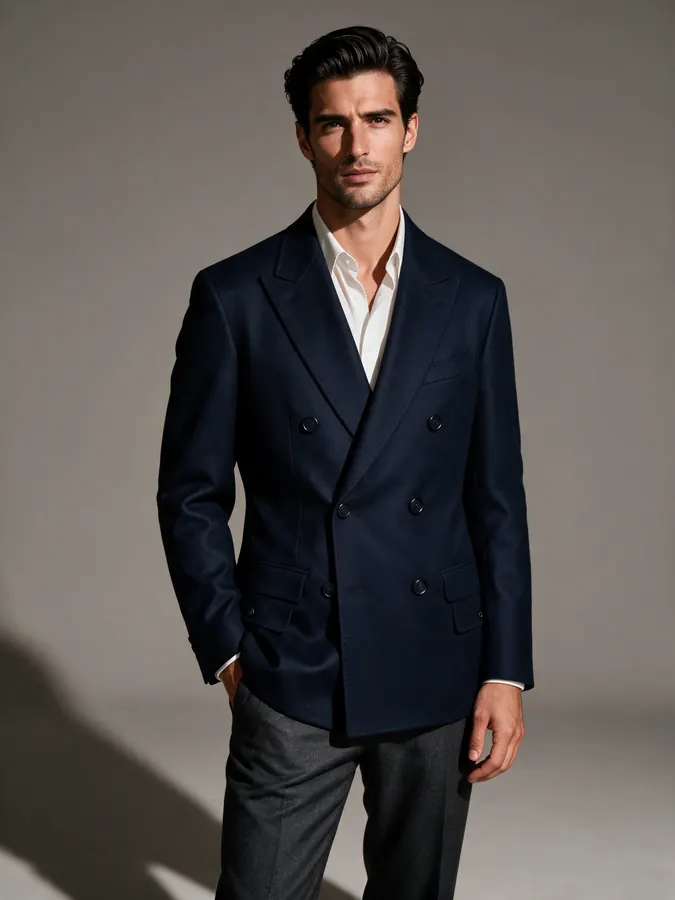
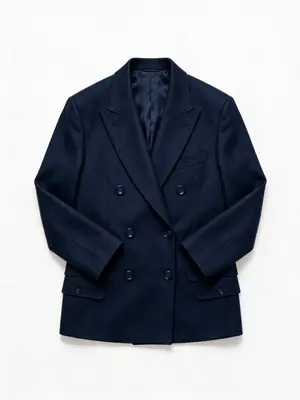
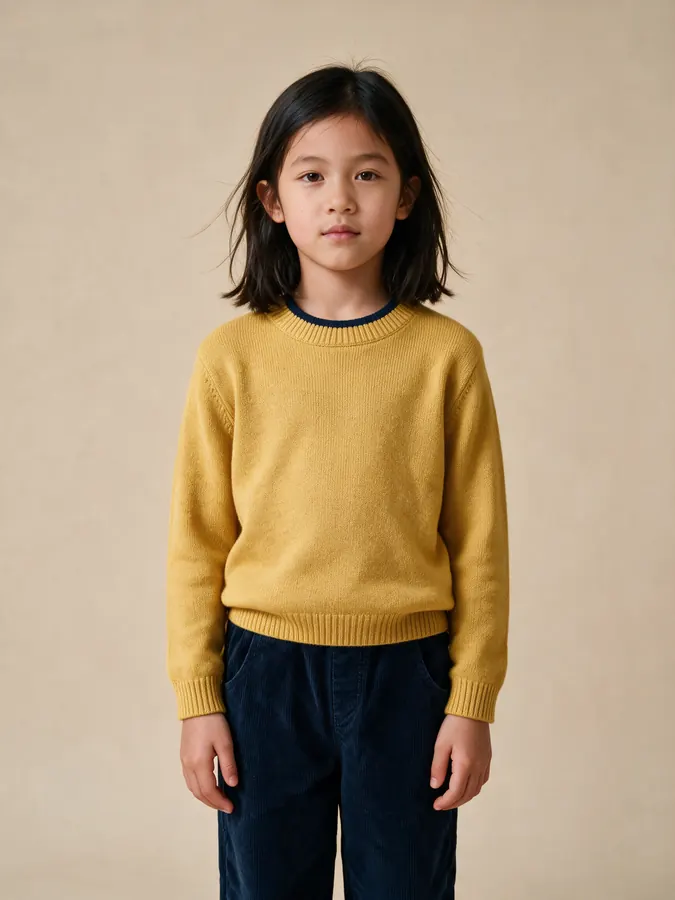
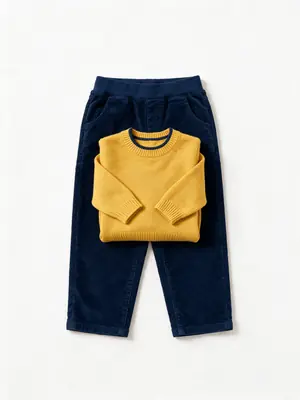
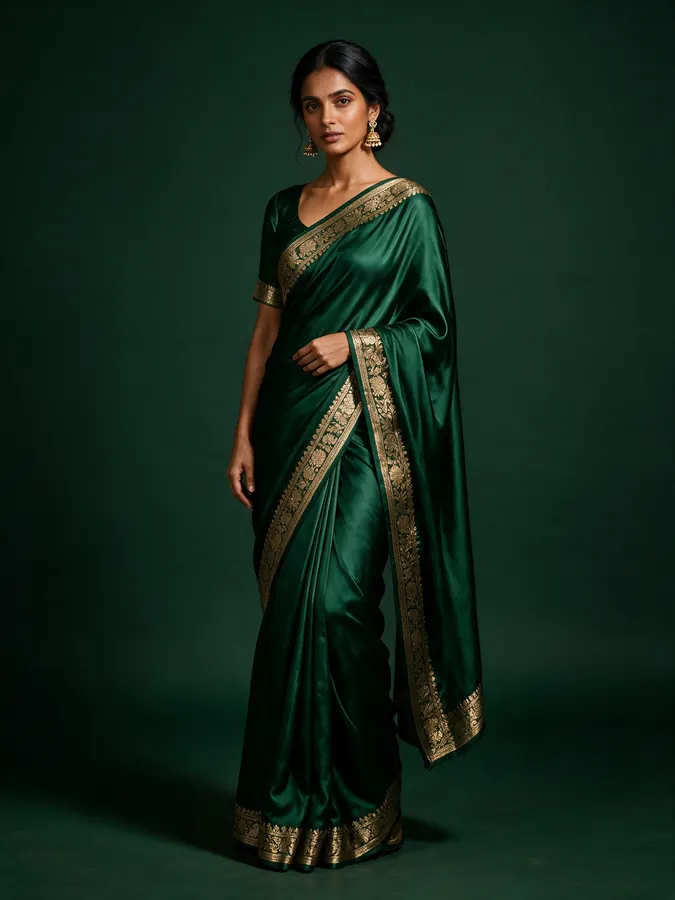
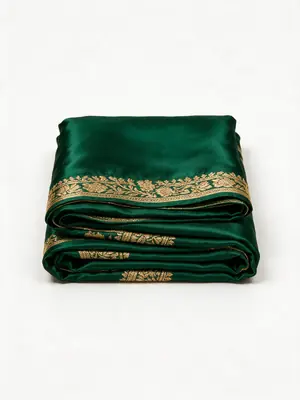
Product & Ecommerce Photography
Ecommerce photography: flat lay, ghost mannequin & lookbook
Studio-grade product photography for online stores — flat lays, ghost mannequin, lookbooks.
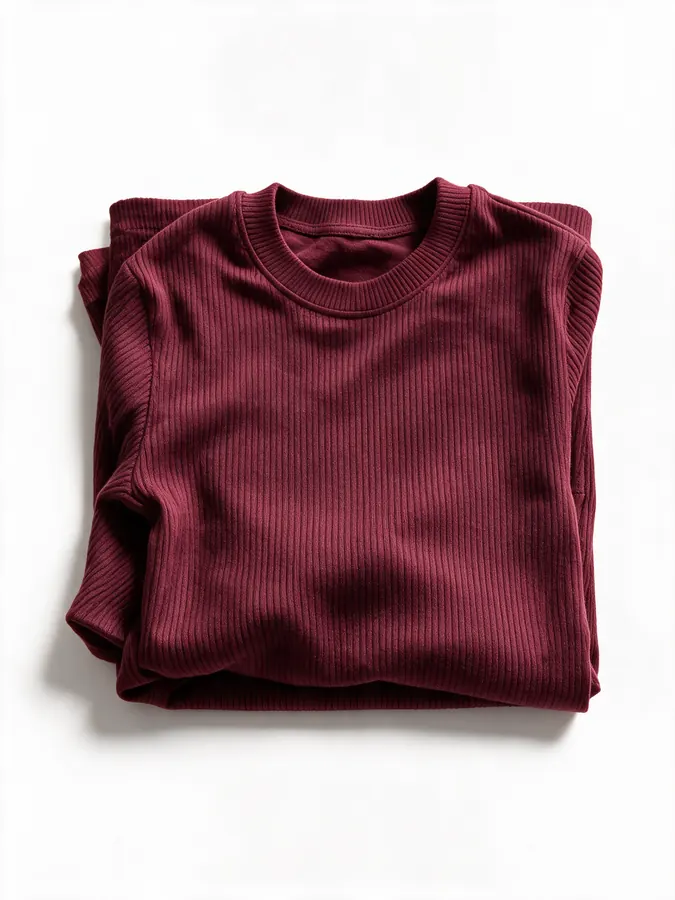 Output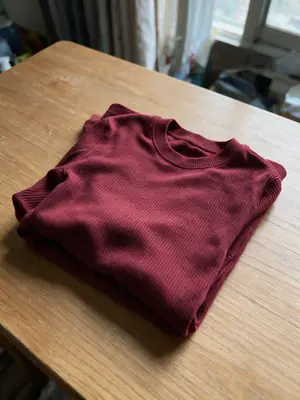
Input
Fashion Ecommerce Photography
Shoot →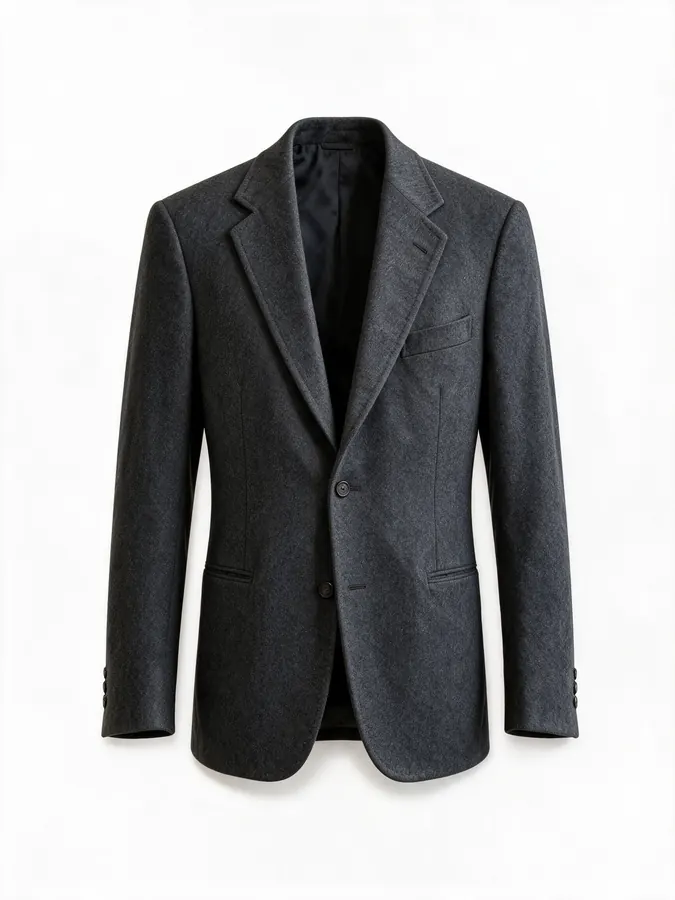 Output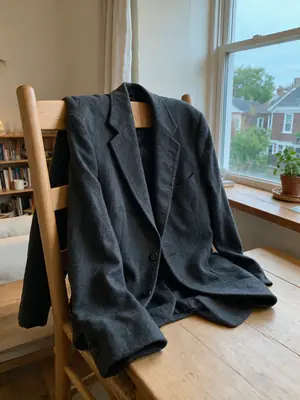
Input
Ghost Mannequin Clothing
Shoot →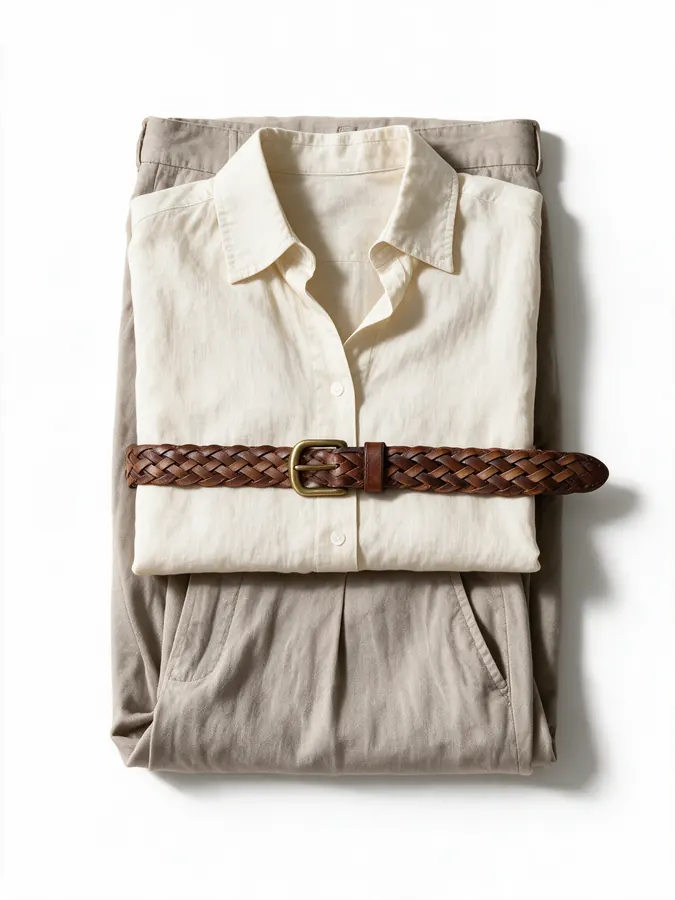 Output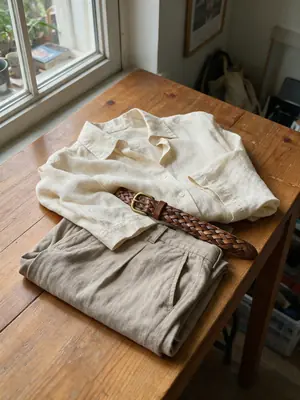
Input
Clothing Flat Lay
Shoot →Fabric Photography
Shoot →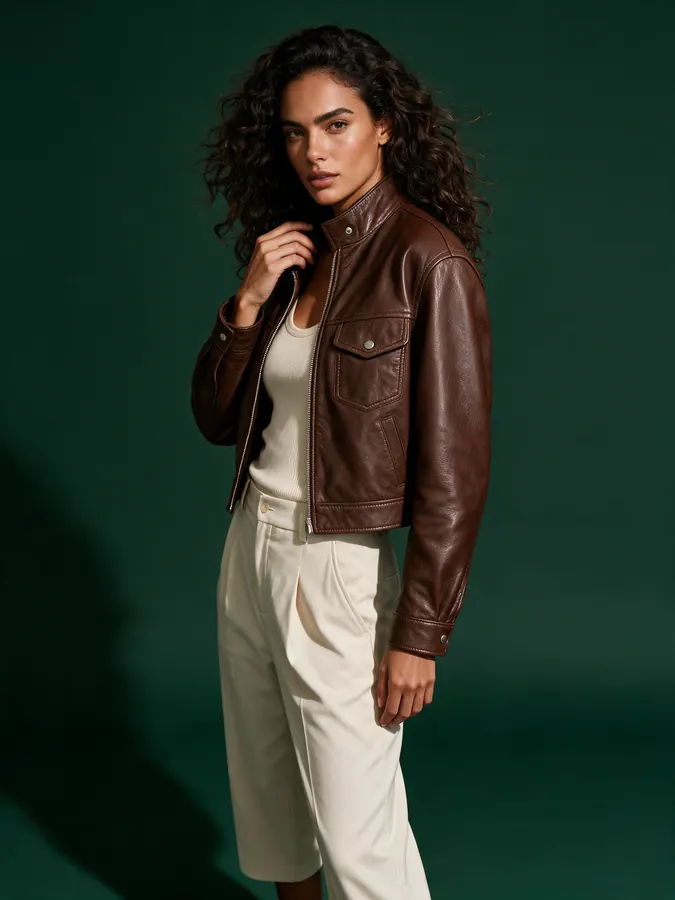 Output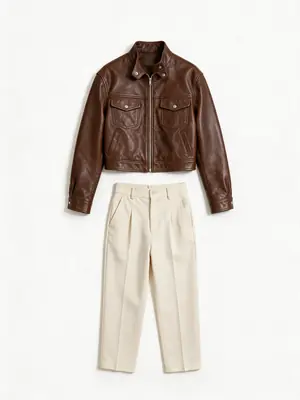
Input
Fashion Lookbook
Shoot →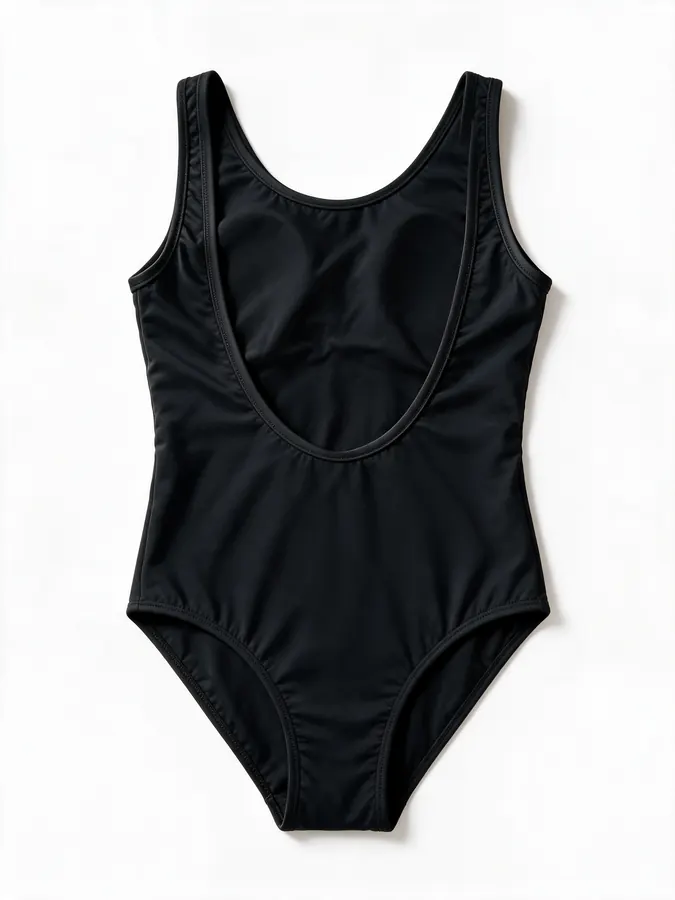 Output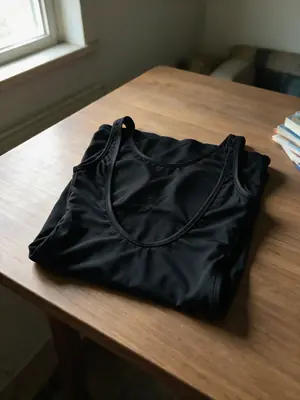
Input
Swimwear Photography
Shoot →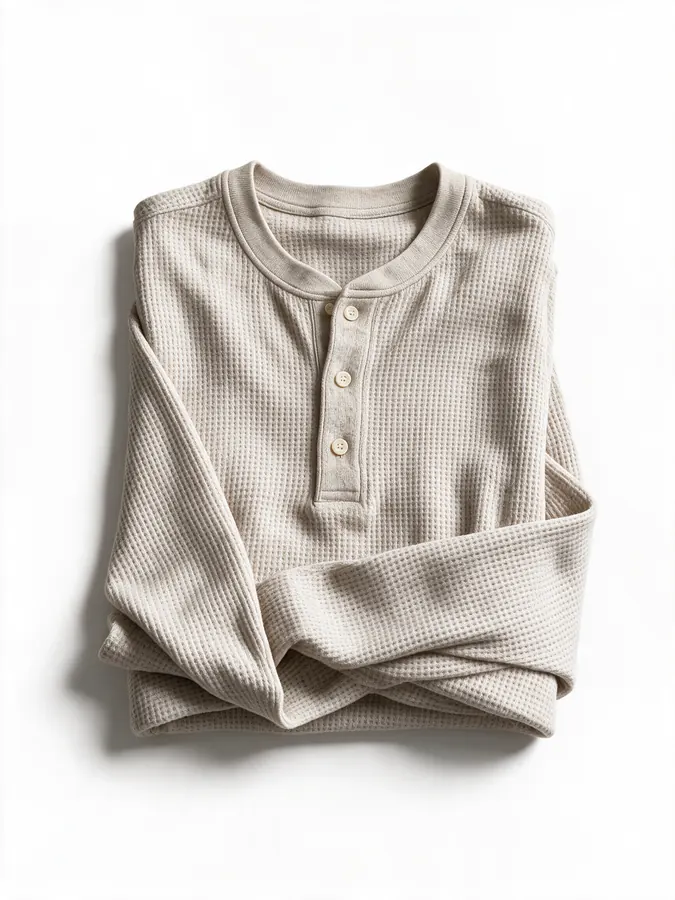 Output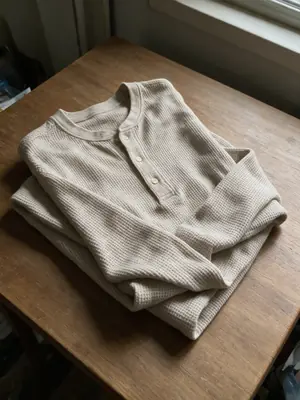
Input
Menswear Photography
Shoot →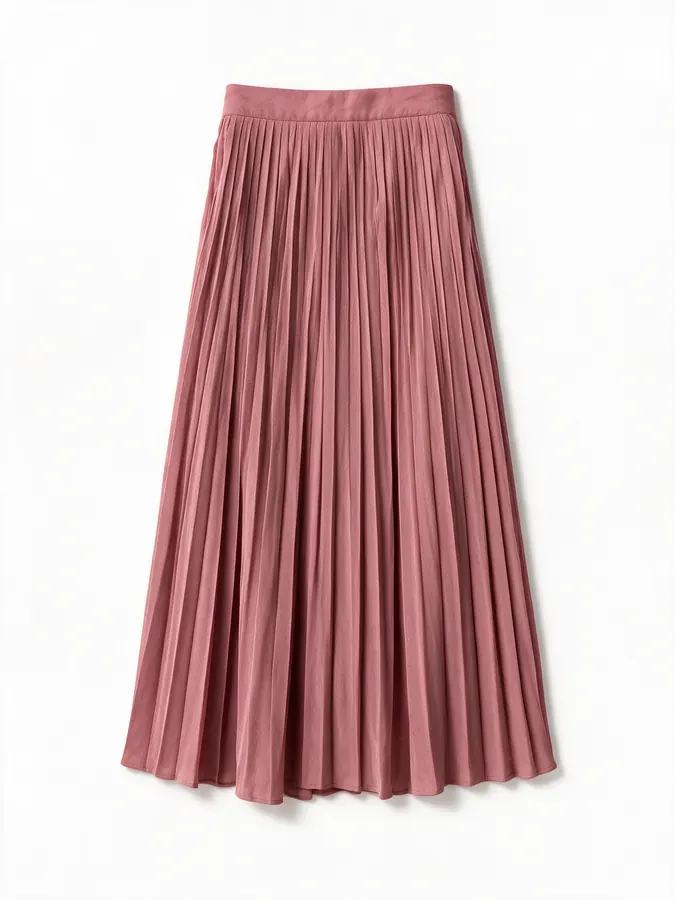 Output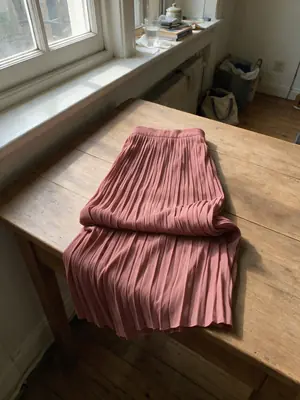
Input
Womenswear Photography
Shoot →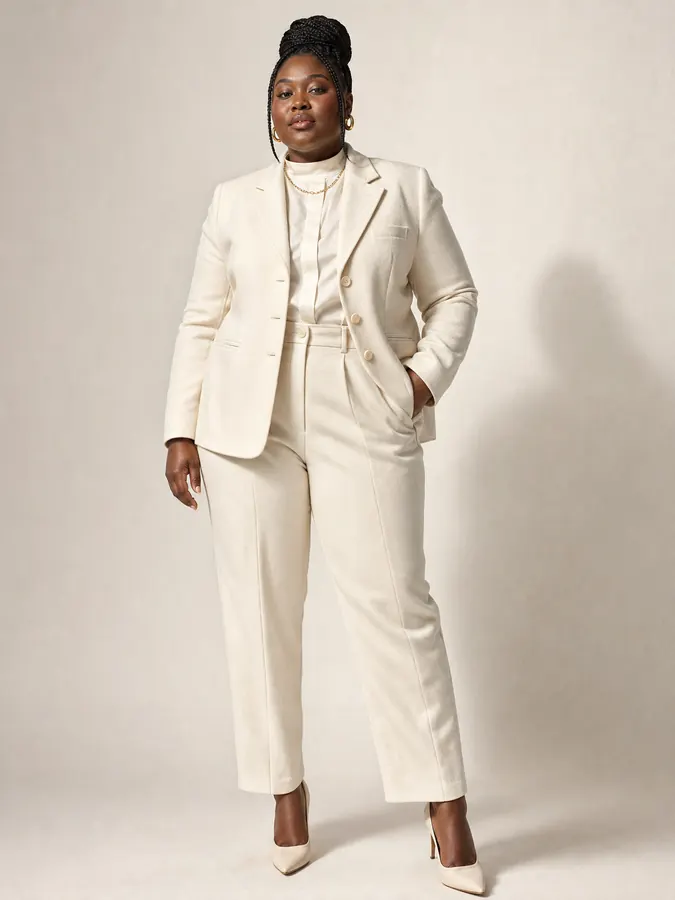 Output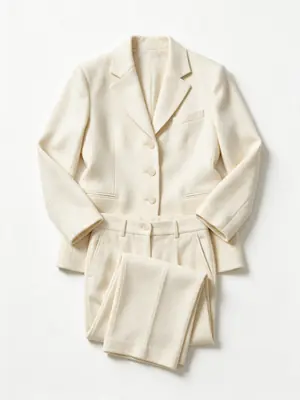
Input
Plus-Size Fashion Photography
Shoot →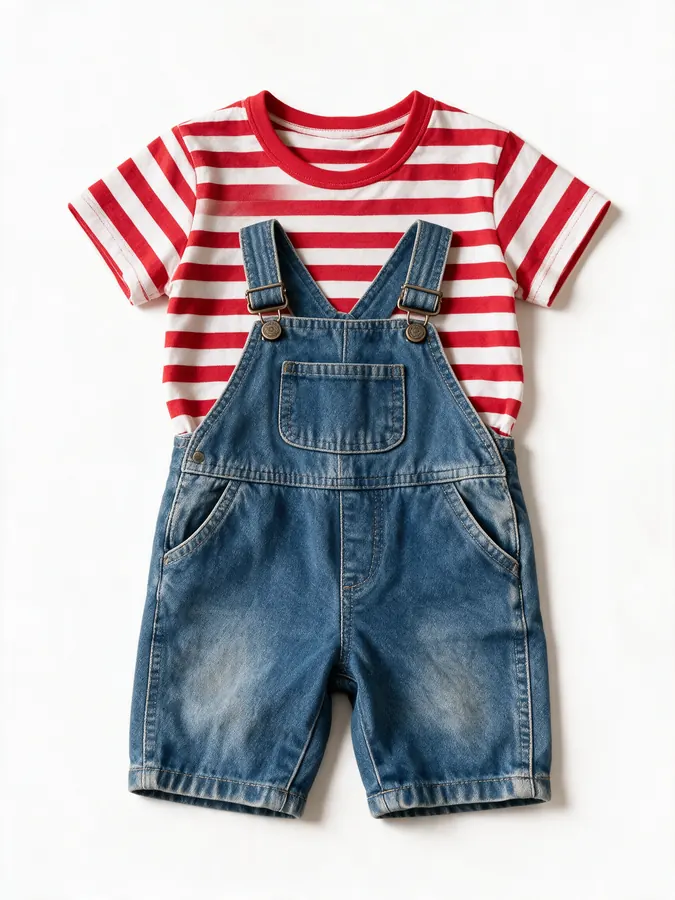 Output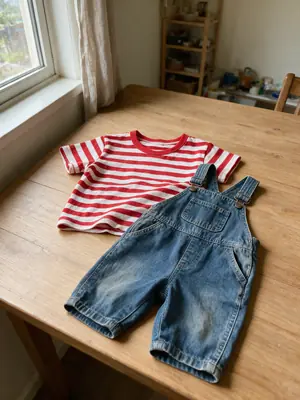
Input
Kids Clothing Photography
Shoot →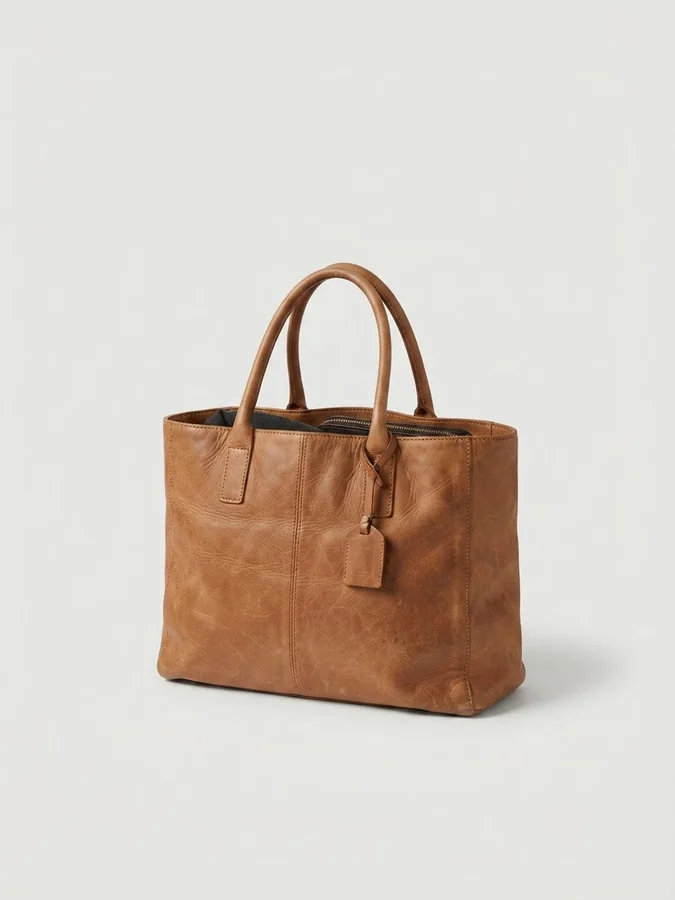 Output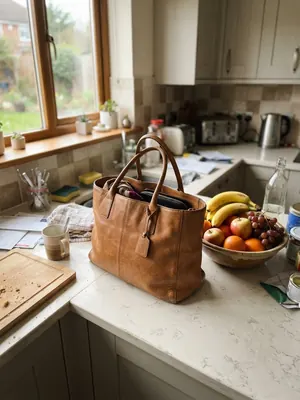
Input
Accessories Photography
Shoot →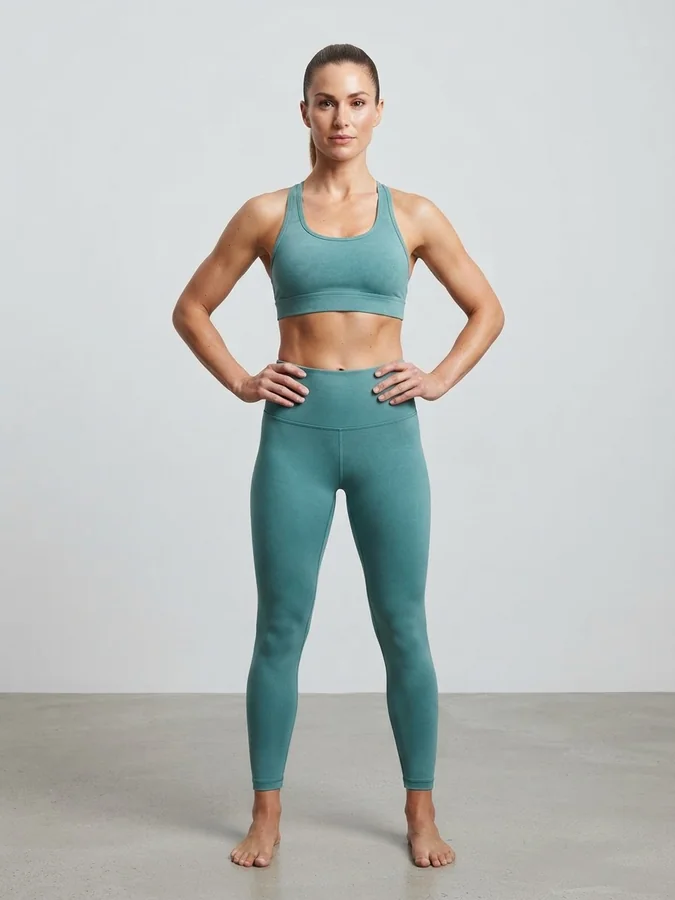 Output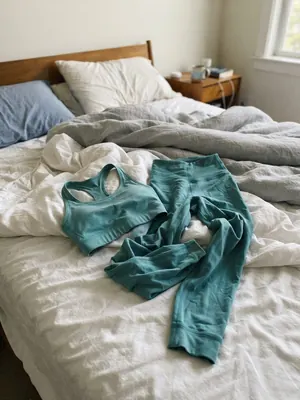
Input
Activewear Photography
Shoot →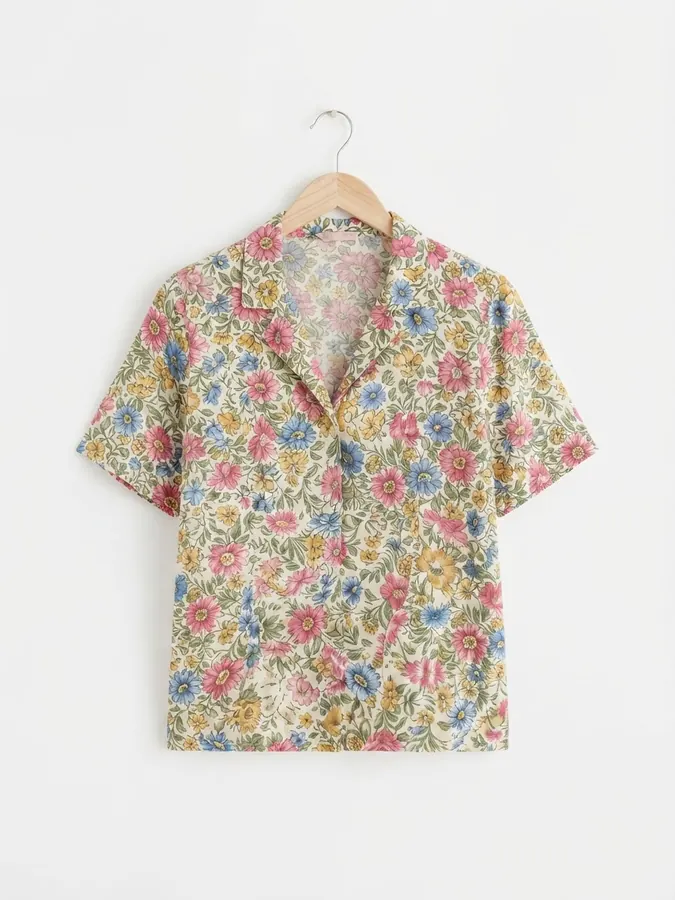 Output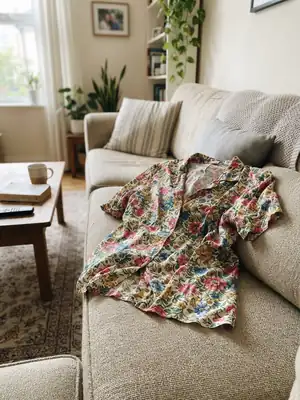
Input
Hanger Shots
Shoot →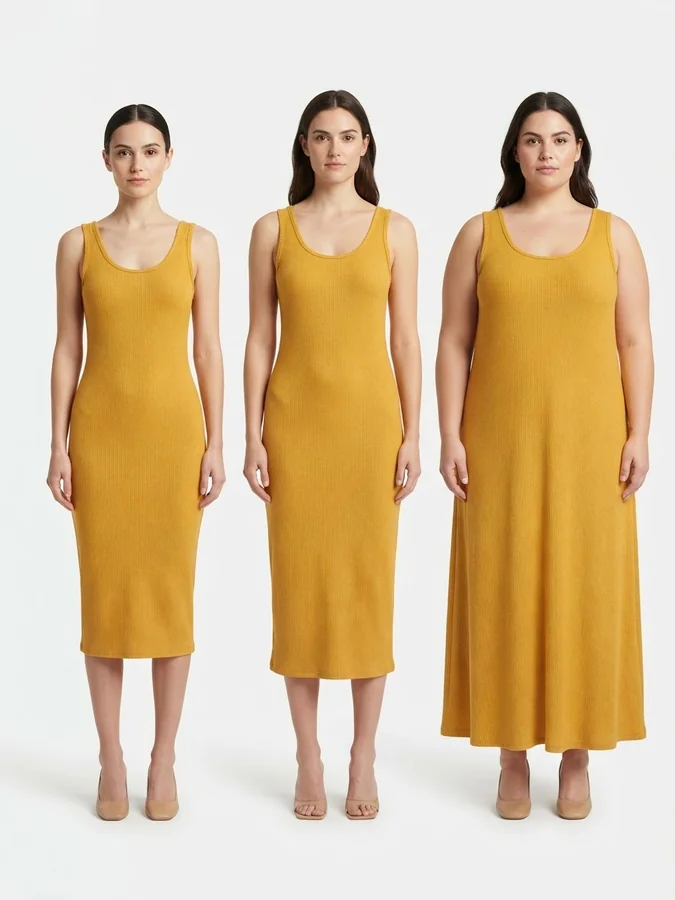 Output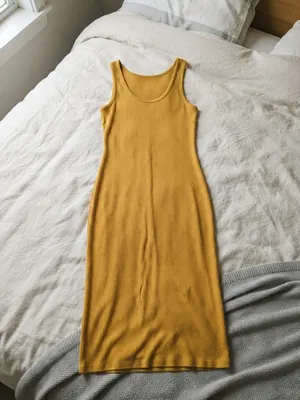
Input
Size Guide Shots
Shoot →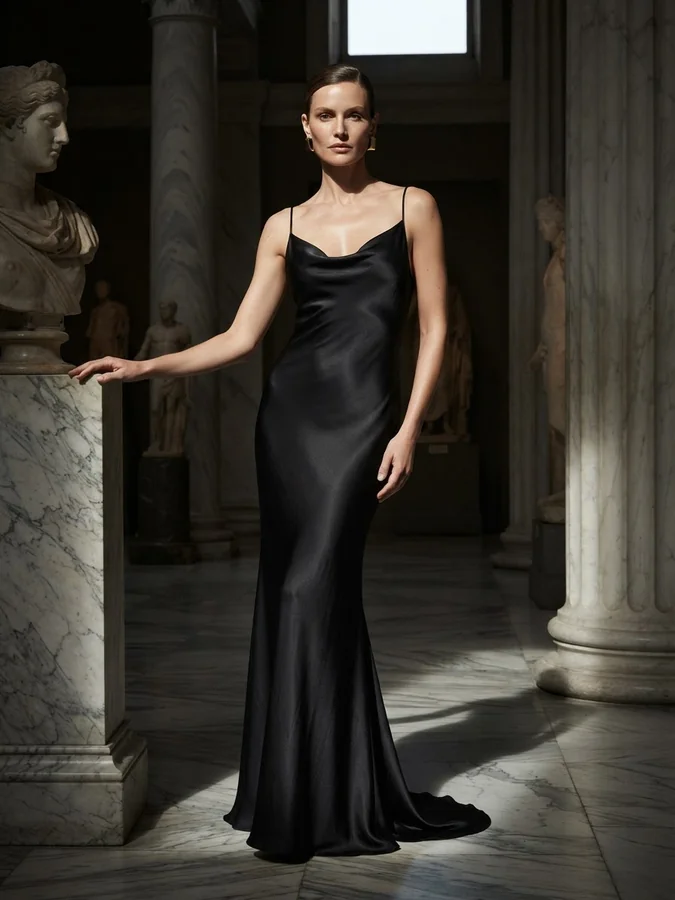 Output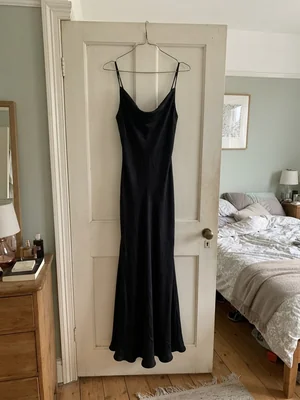
Input
Luxury Fashion
Shoot →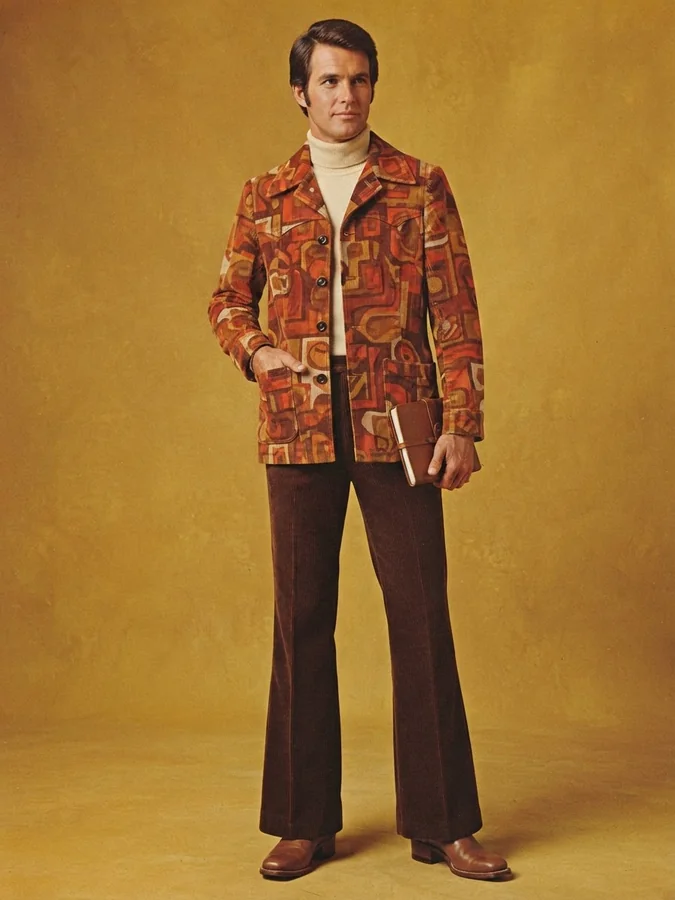 Output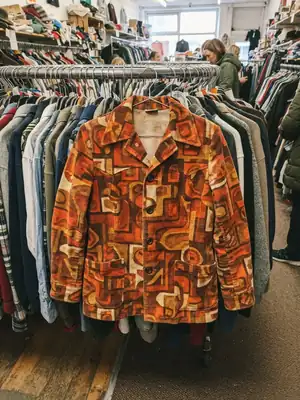
Input
Vintage Fashion
Shoot →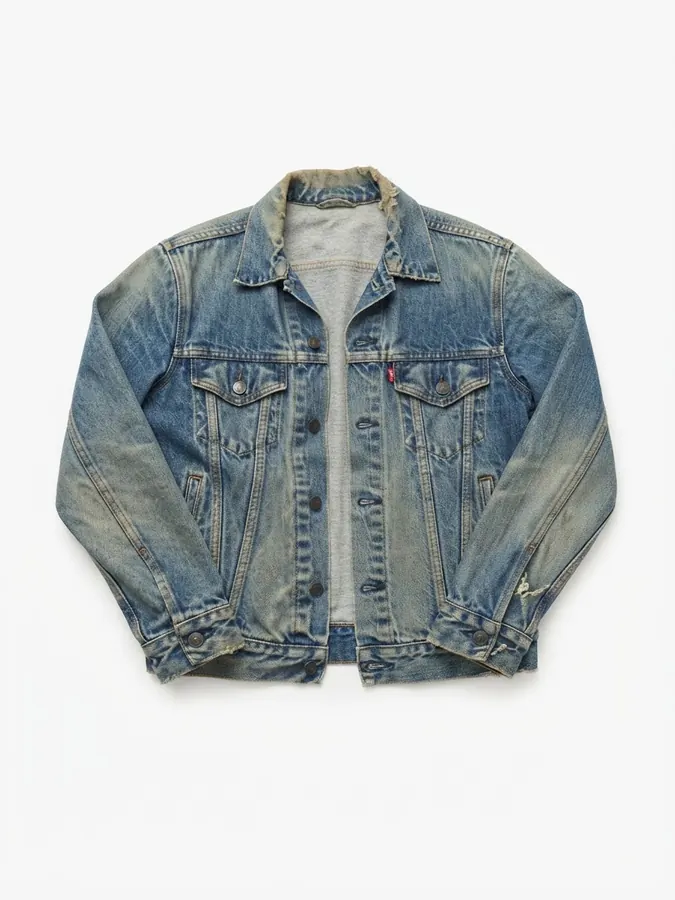 Output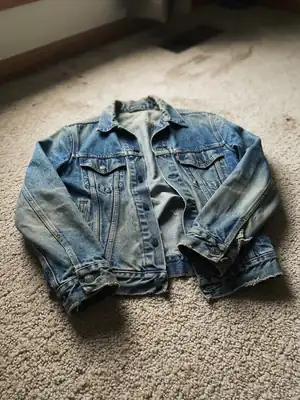
Input
Resale & Thrift
Shoot →Jewelry & Accessories
Jewelry photography on AI models
Rings, necklaces, earrings and more, shot on AI models or as clean product photography.
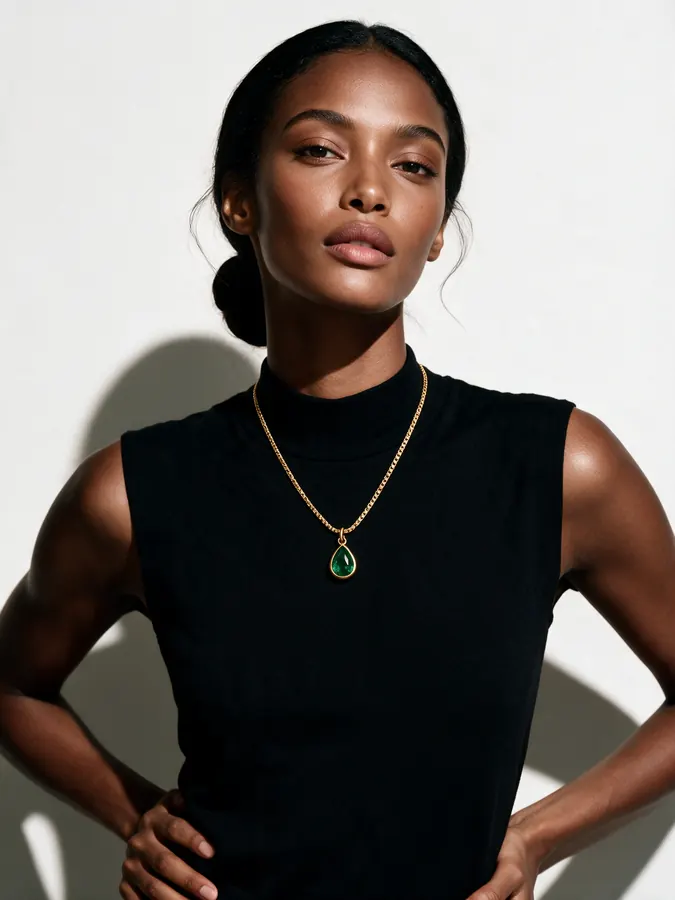 Output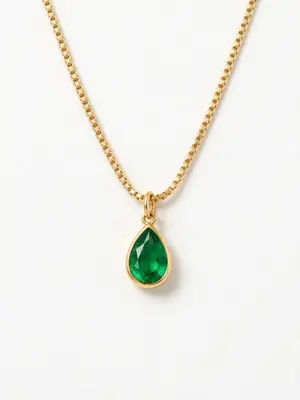
Input
Jewelry AI Models
Generate →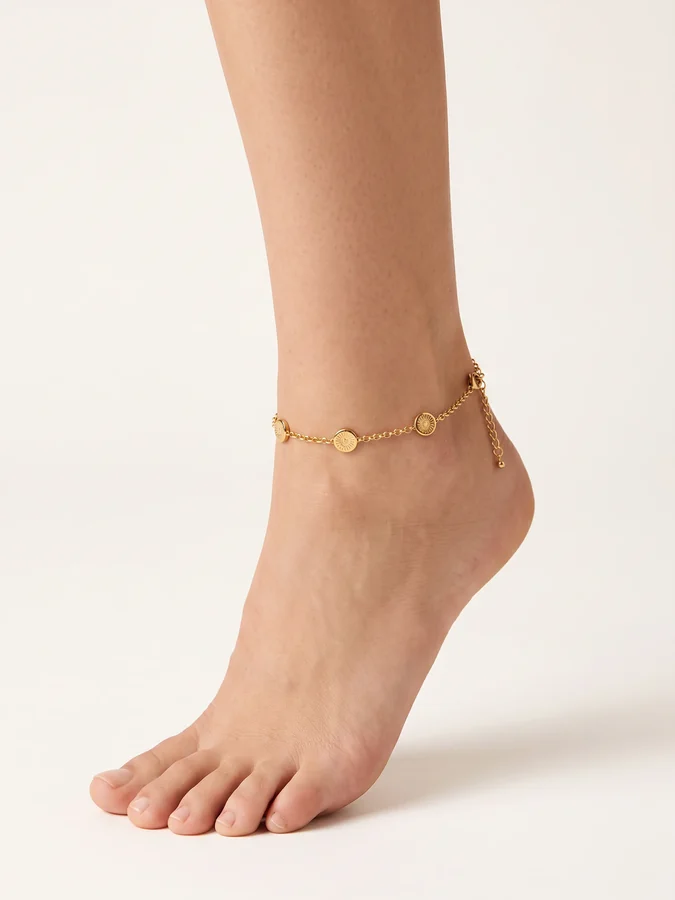 Output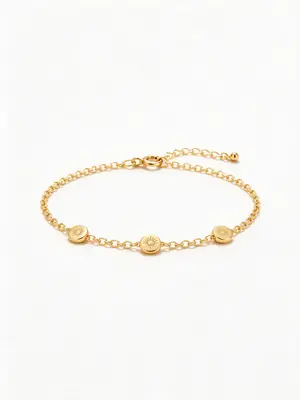
Input
Anklet AI Jewelry Model
Generate →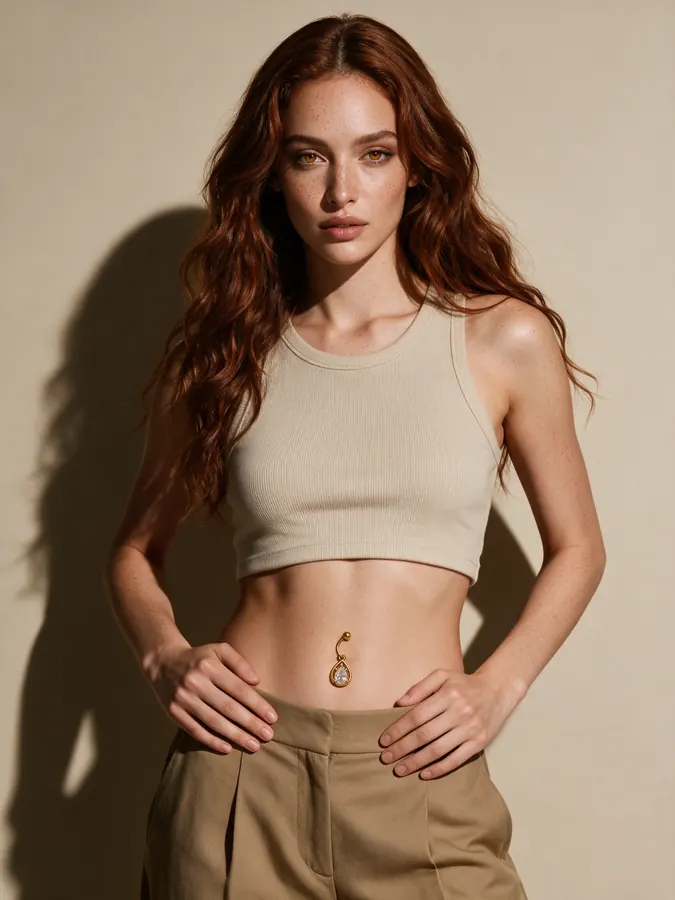 Output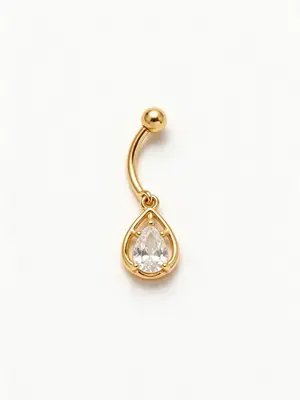
Input
Belly Ring on Model
Generate →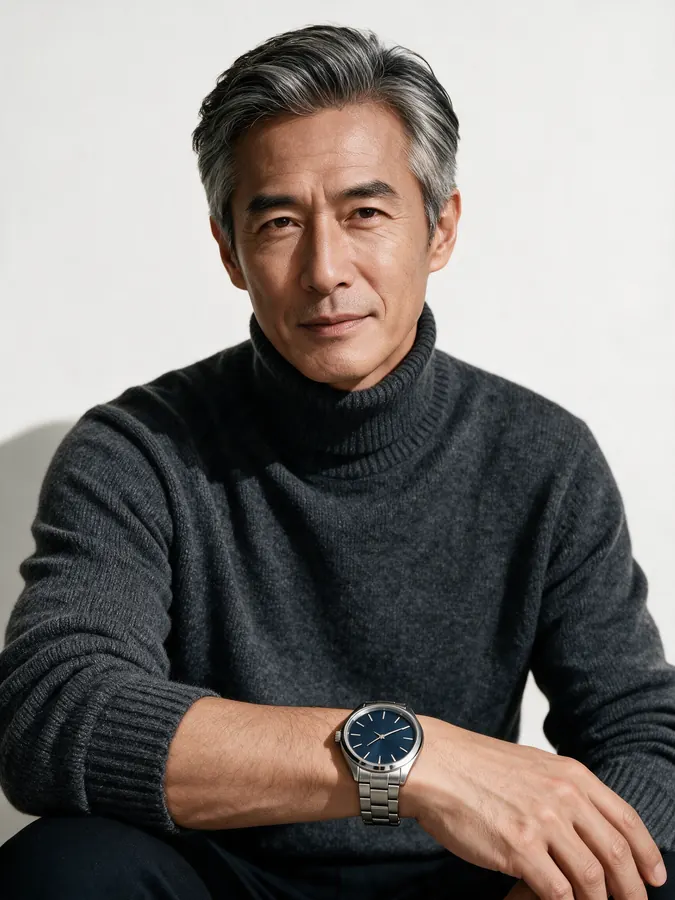 Output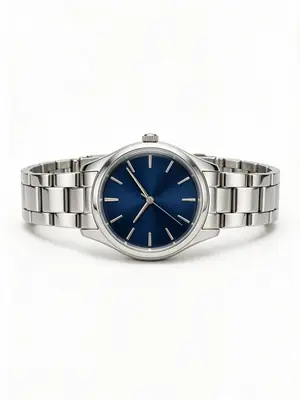
Input
Watch on Model
Generate →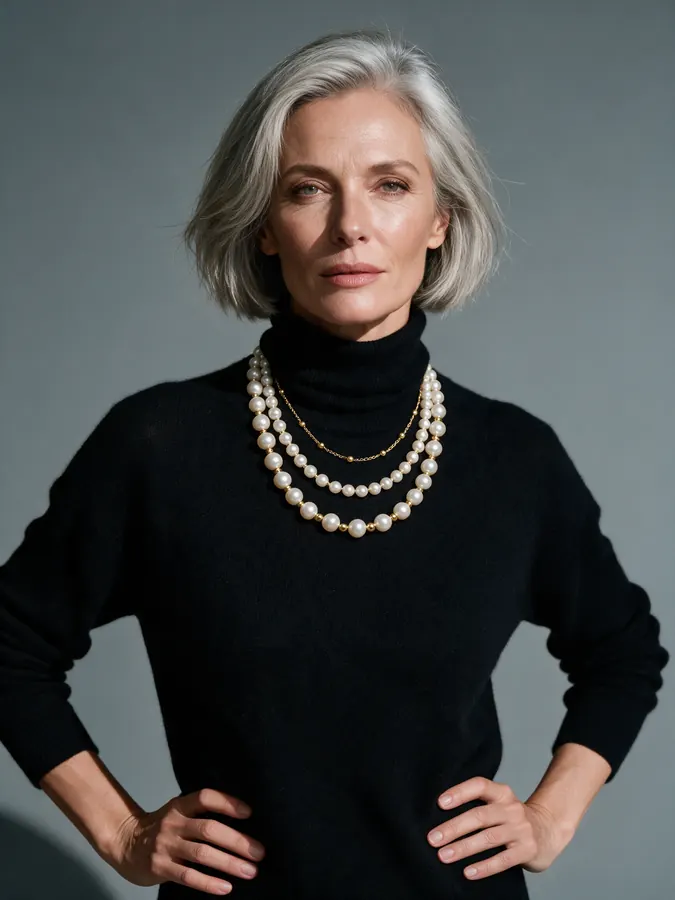 Output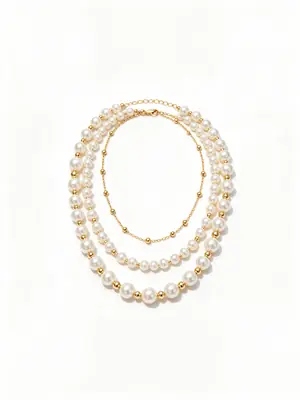
Input
Necklace on Model
Generate →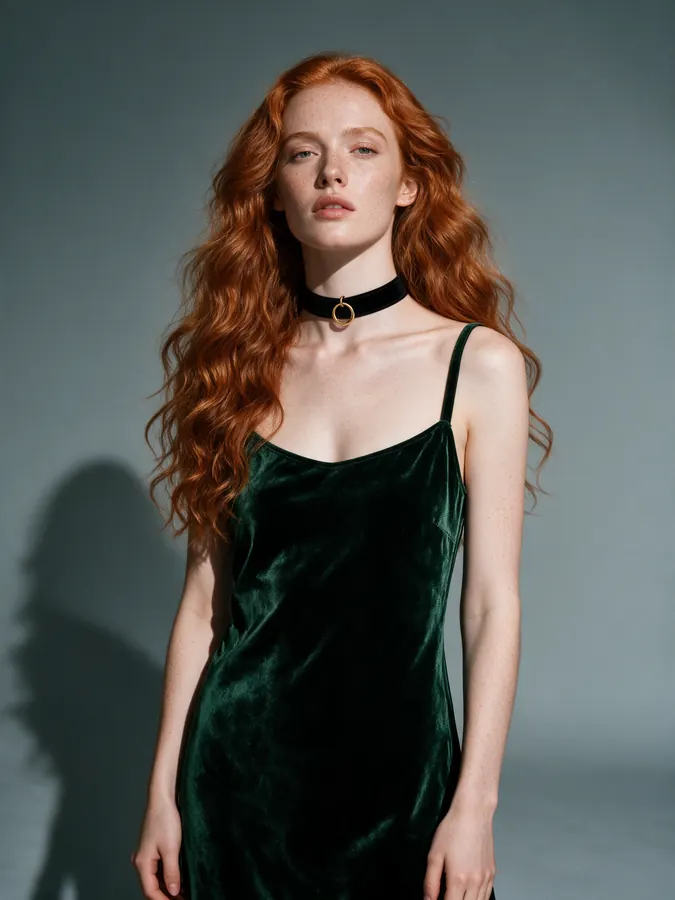 Output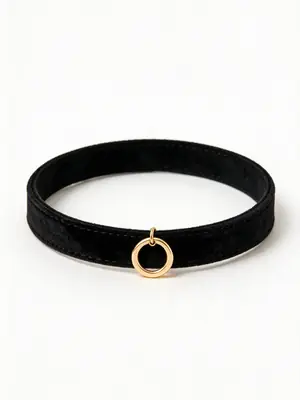
Input
Choker Necklace on Model
Generate →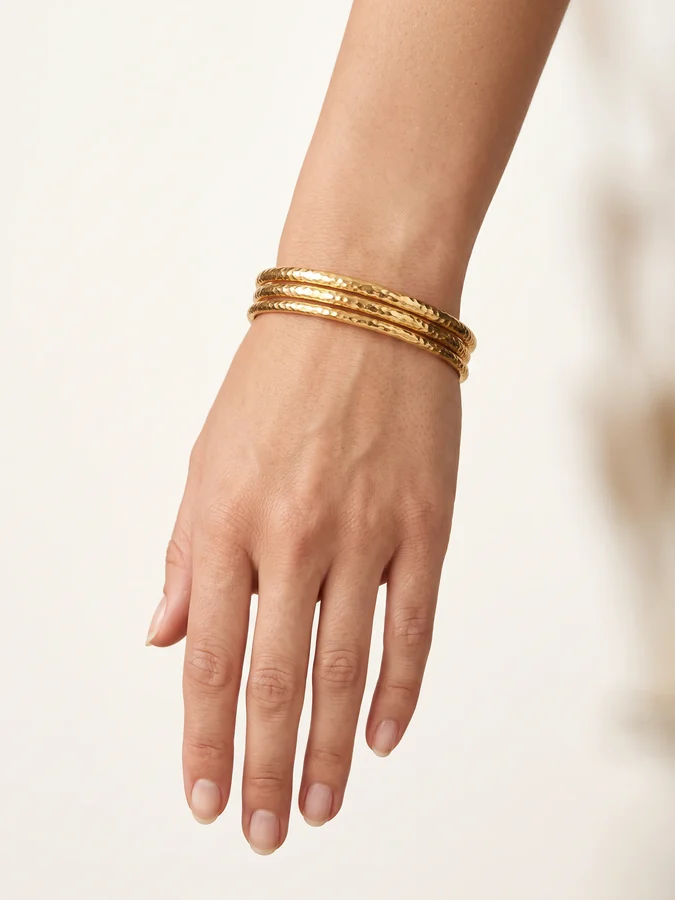 Output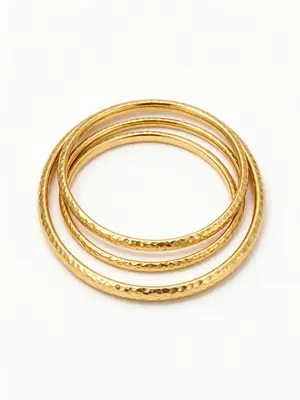
Input
Bangle Bracelet on Model
Generate →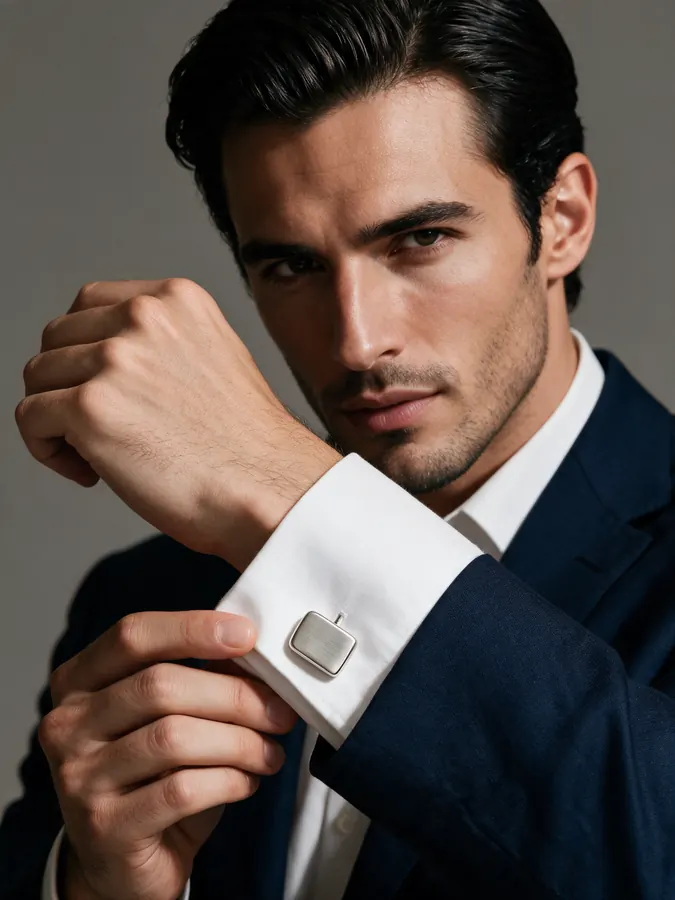 Output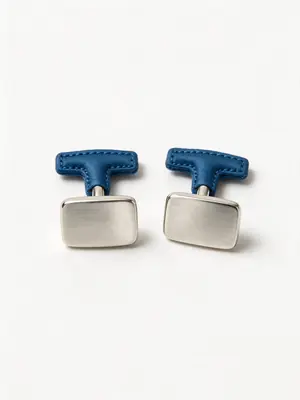
Input
Cufflinks on Model
Generate →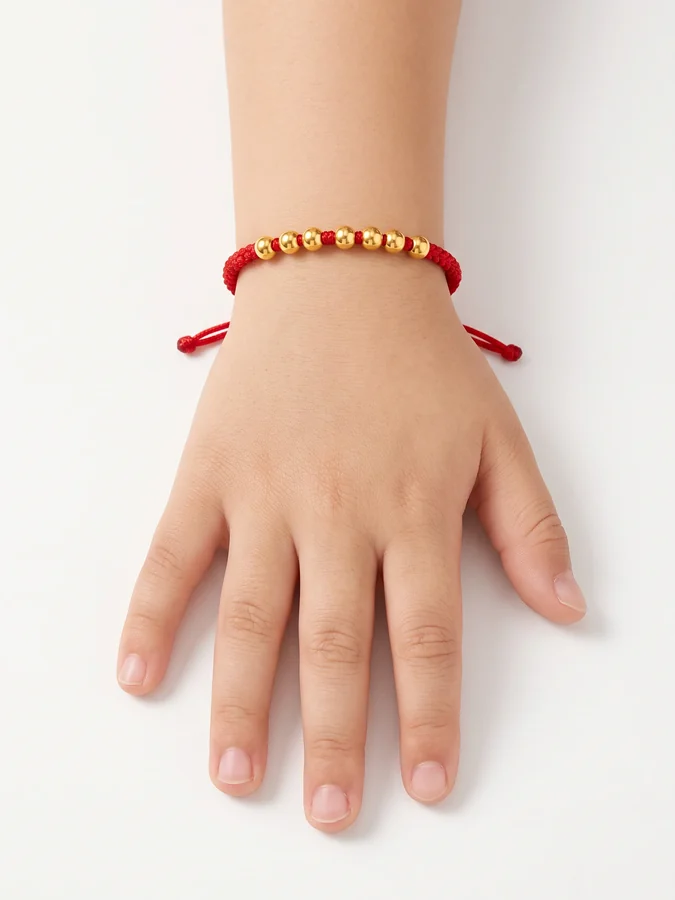 Output
Input
Children's Jewelry on Model
Generate →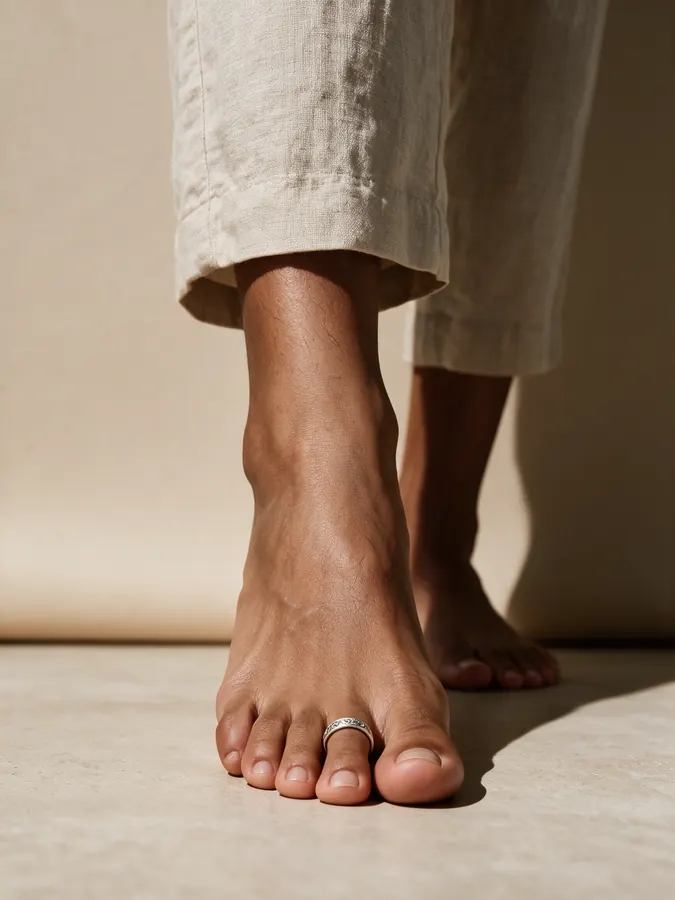 Output
Input
Toe Ring on Model
Generate →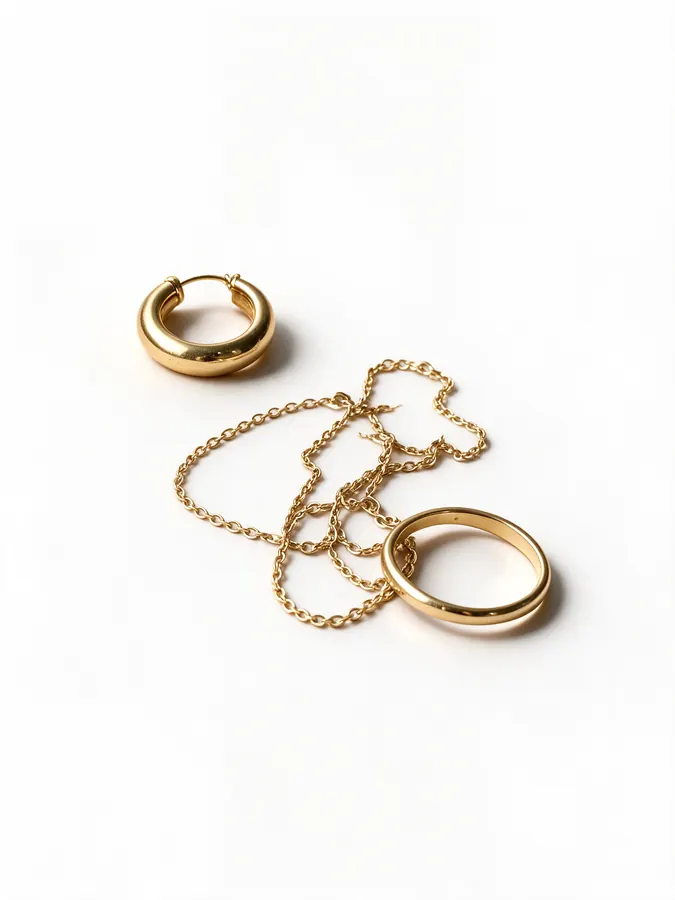 Output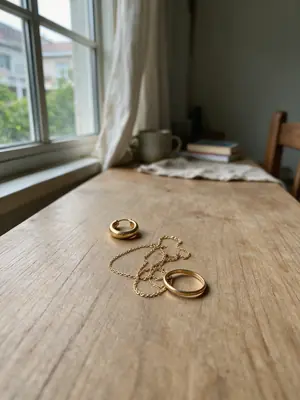
Input
Jewelry Accessories Photography
Generate →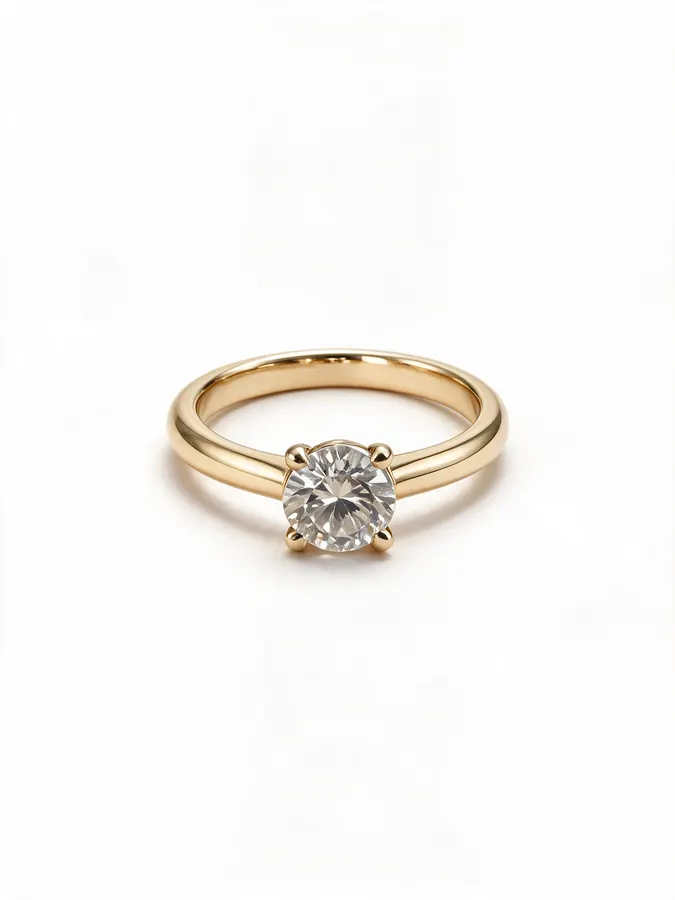 Output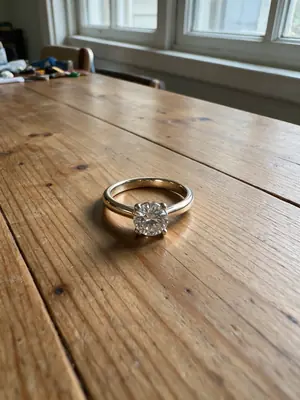
Input
Ring Photography
Generate →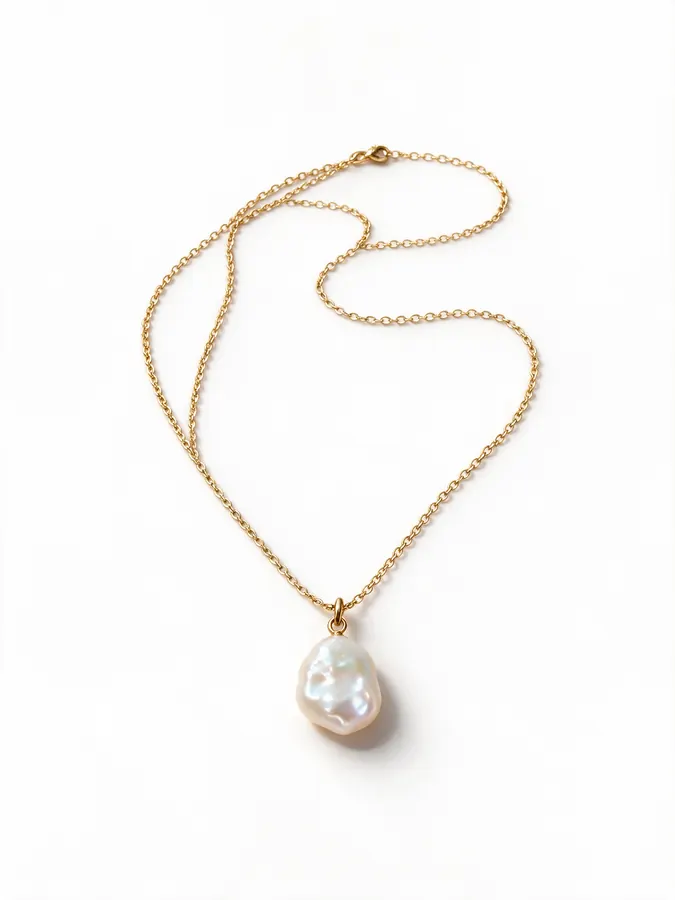 Output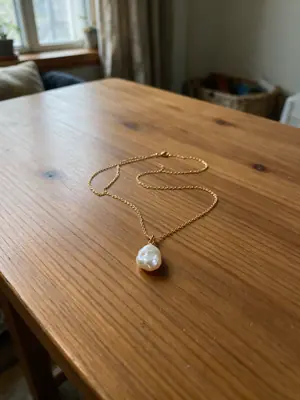
Input
Necklace Photography
Generate →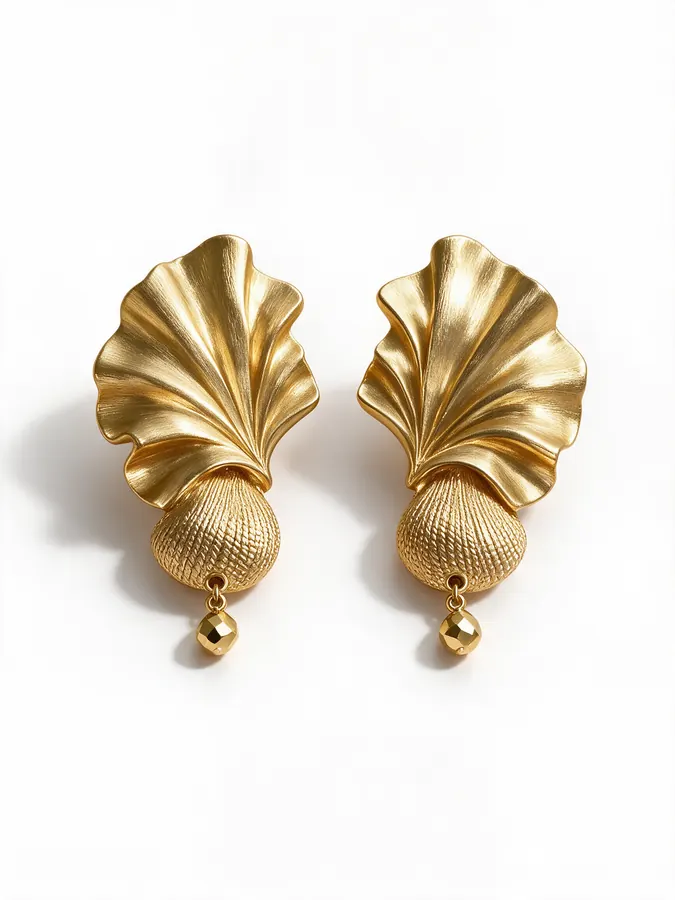 Output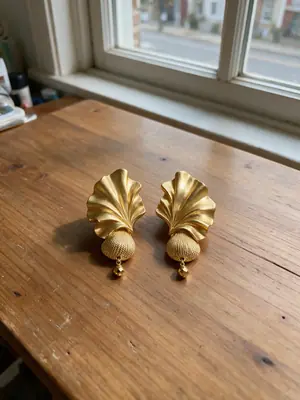
Input
Earring Photography
Generate →Try-On & Colour
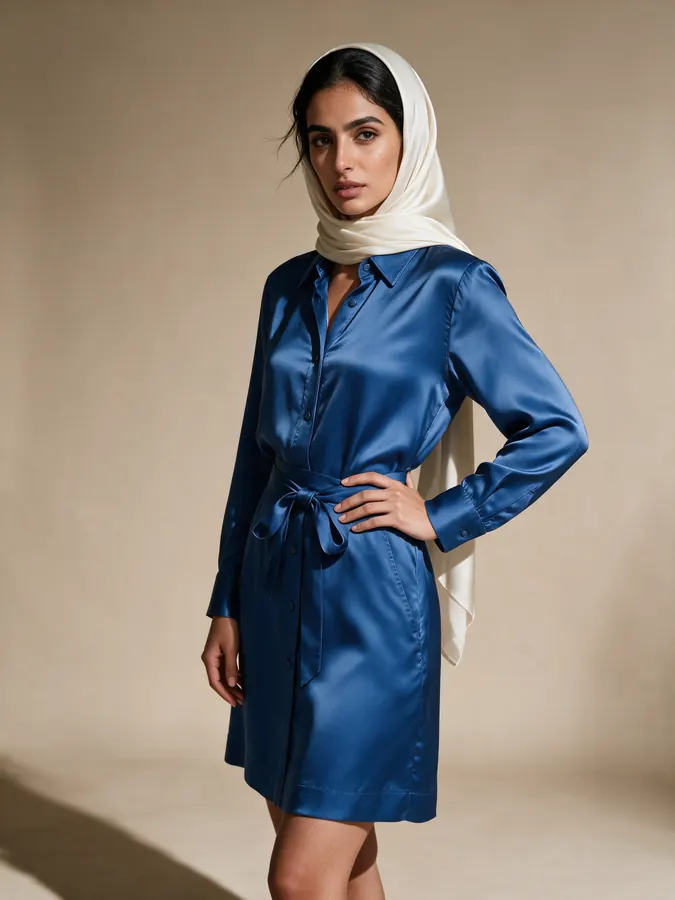
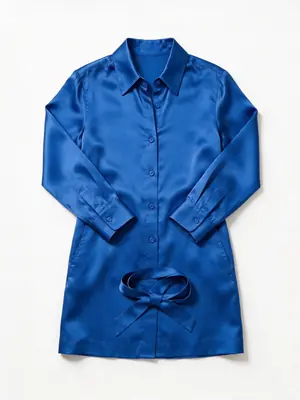
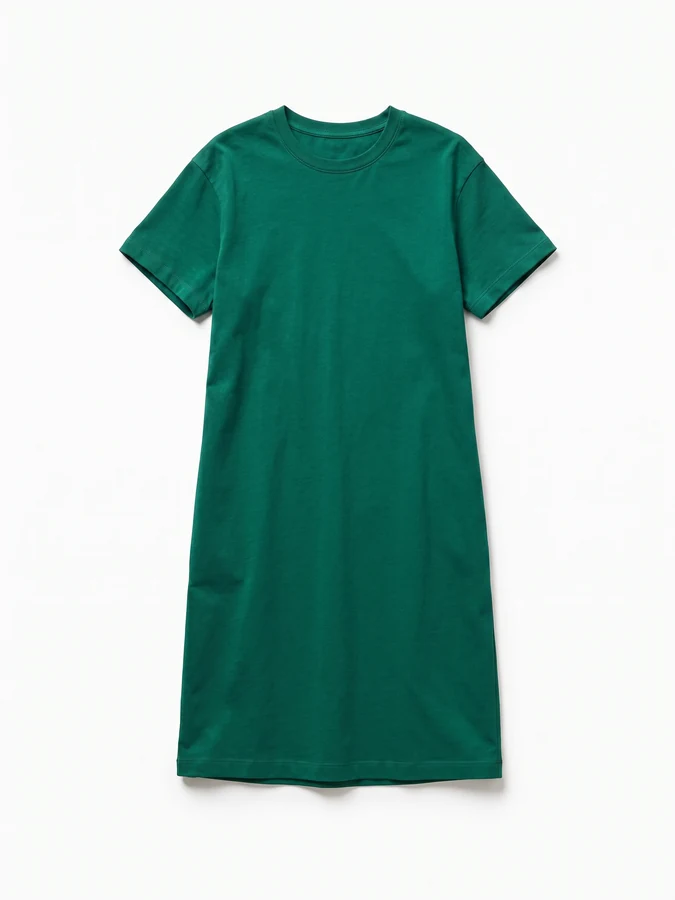
Virtual try-on & clothing colour change
See a garment on yourself or a model, and try any colour, before you buy or list it.
Footwear
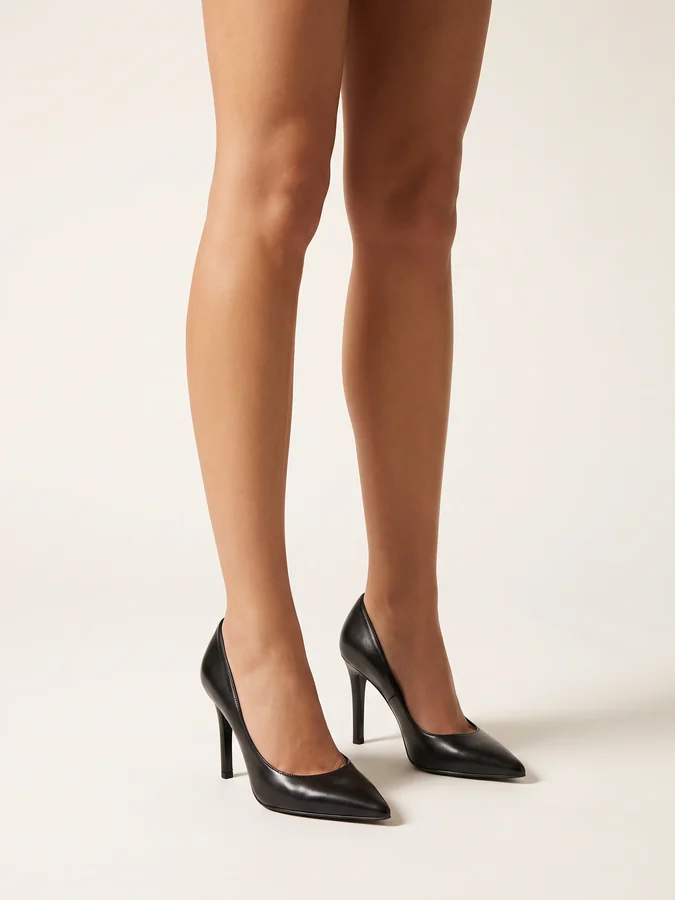
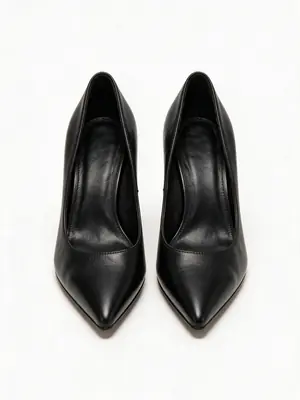
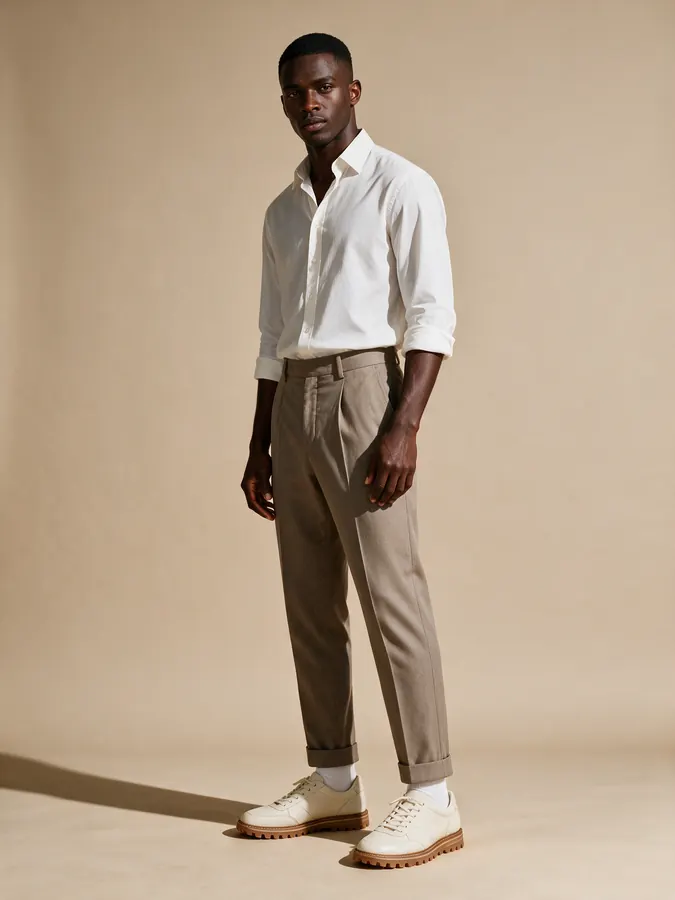
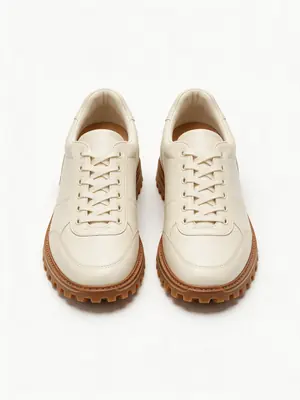
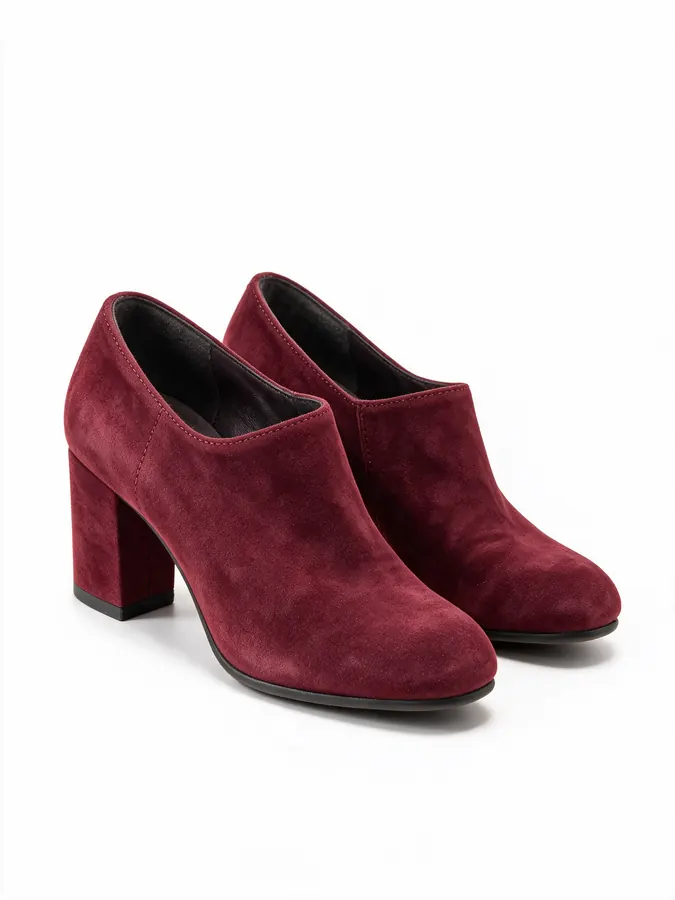
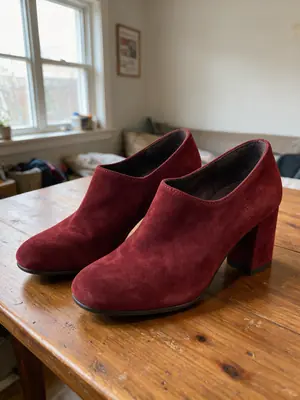
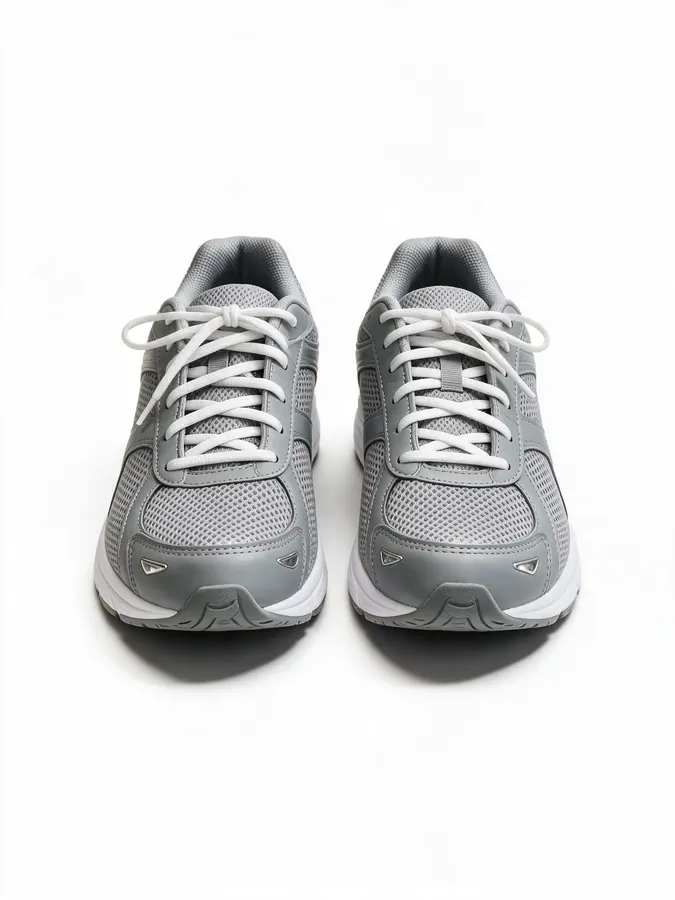
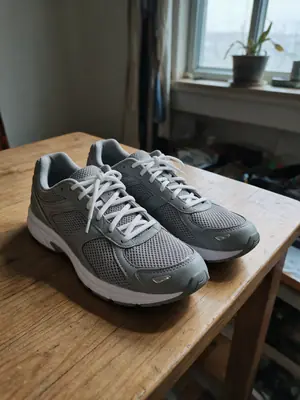
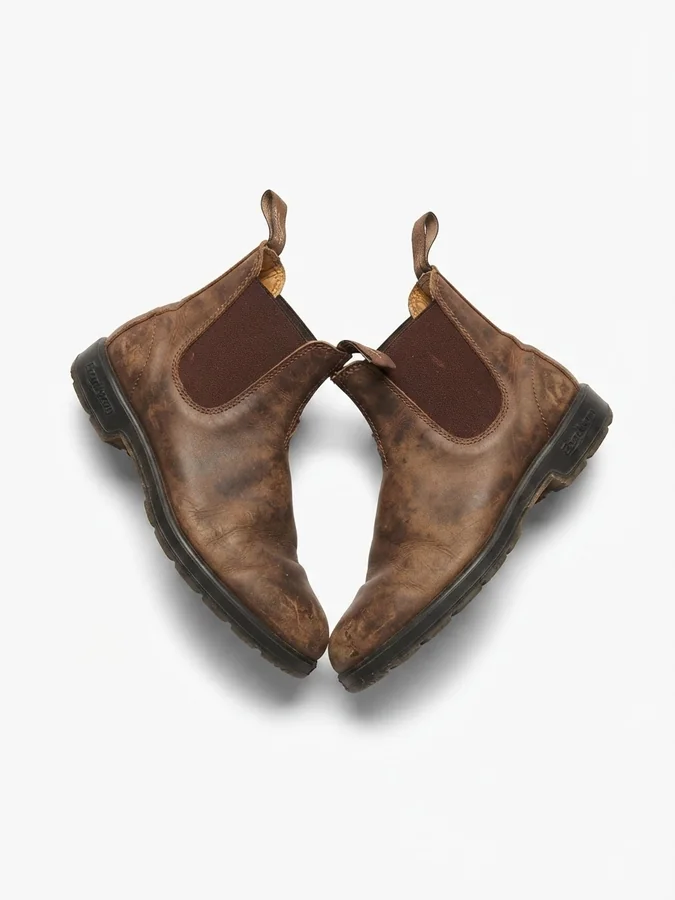
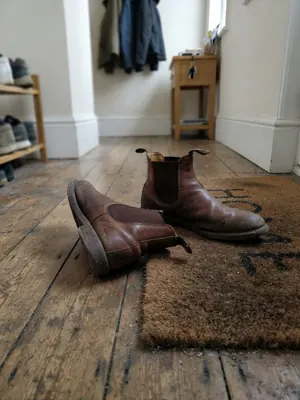
Footwear photography — on-model or studio-clean
Sneakers to stilettos, on a model or as clean product photography.
Shoot Types
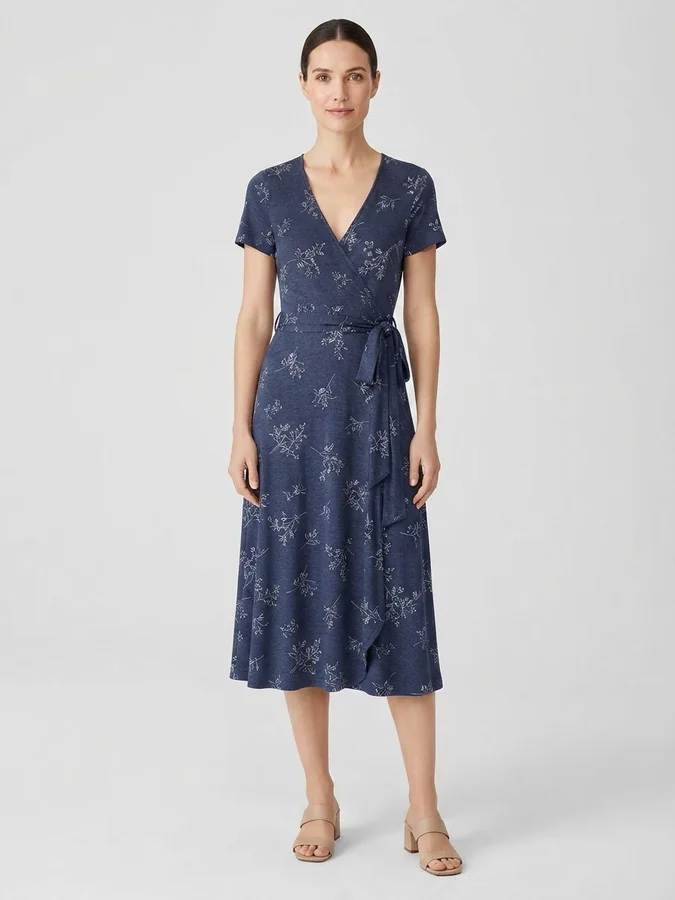
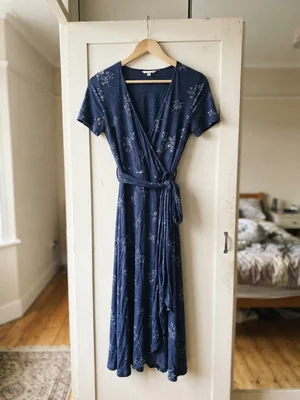
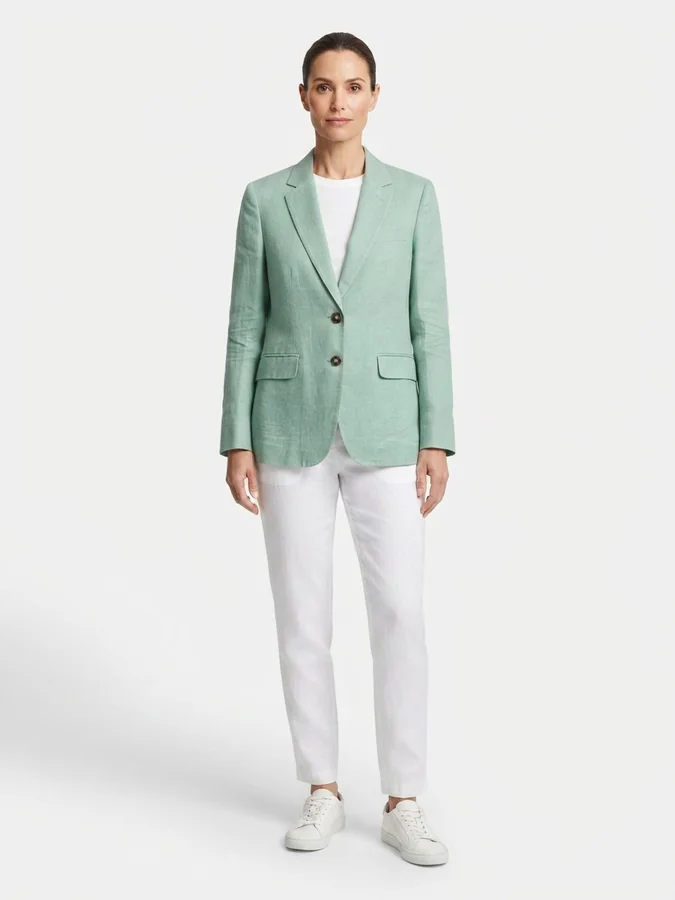
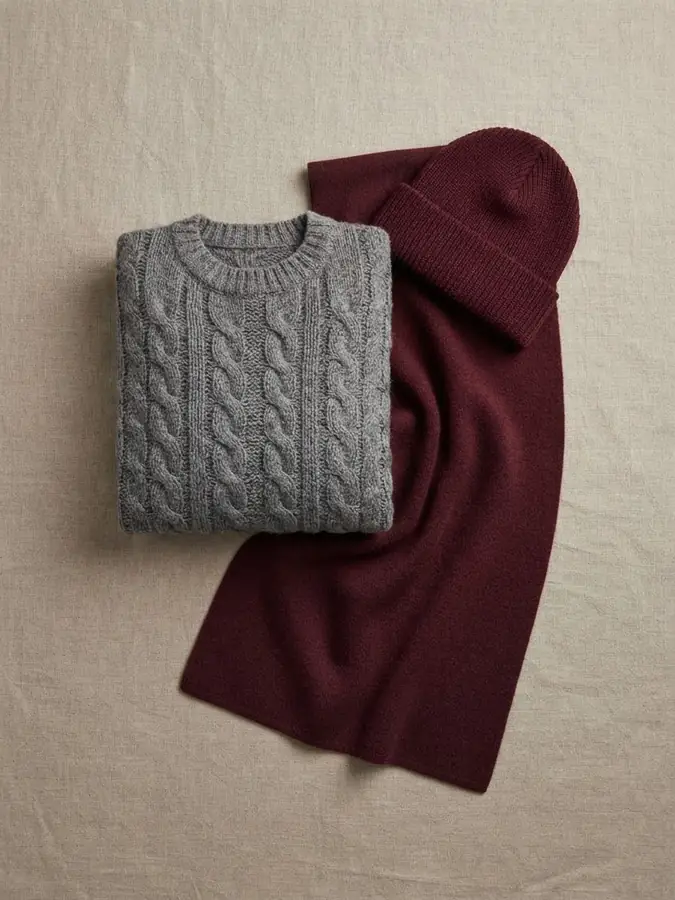
Lookbook, catalog, editorial or campaign
The same garment, shot the way each channel needs it.
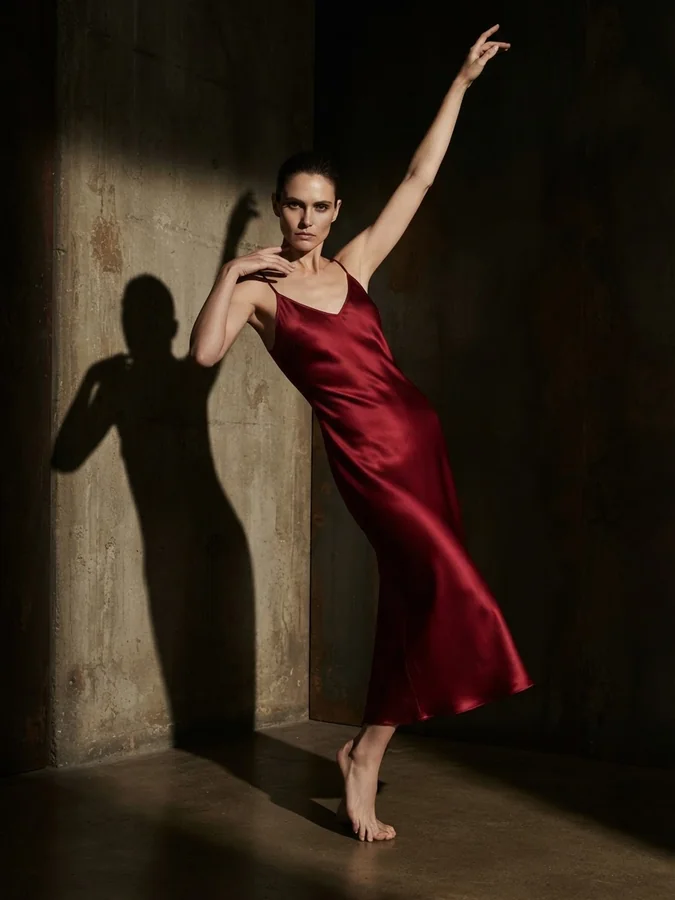
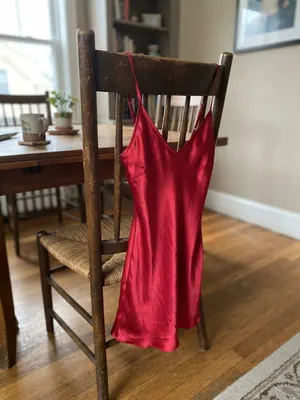
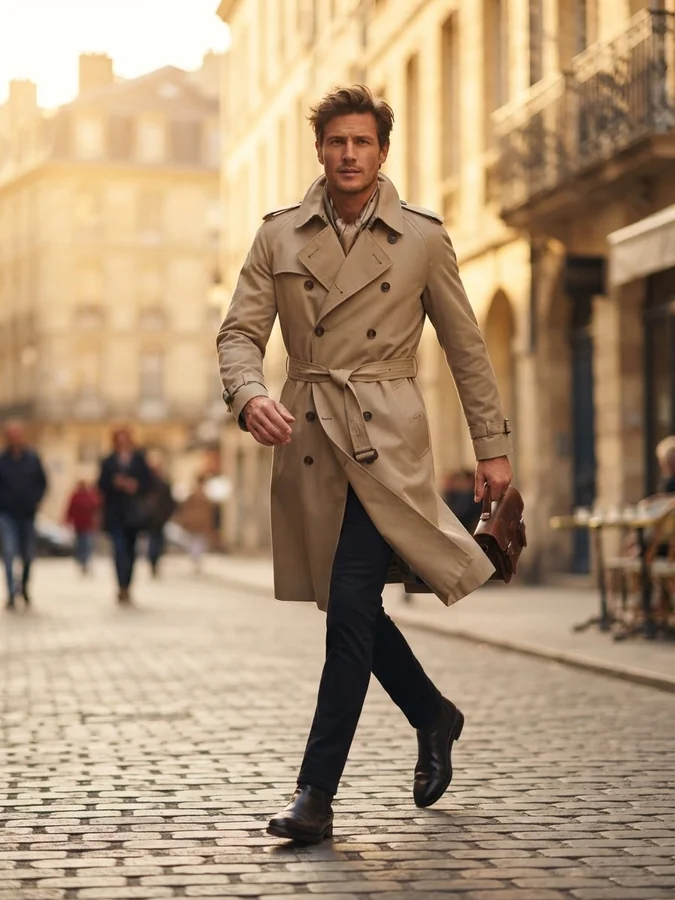
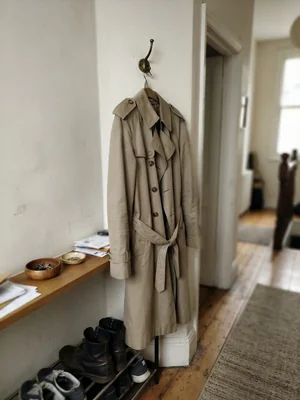
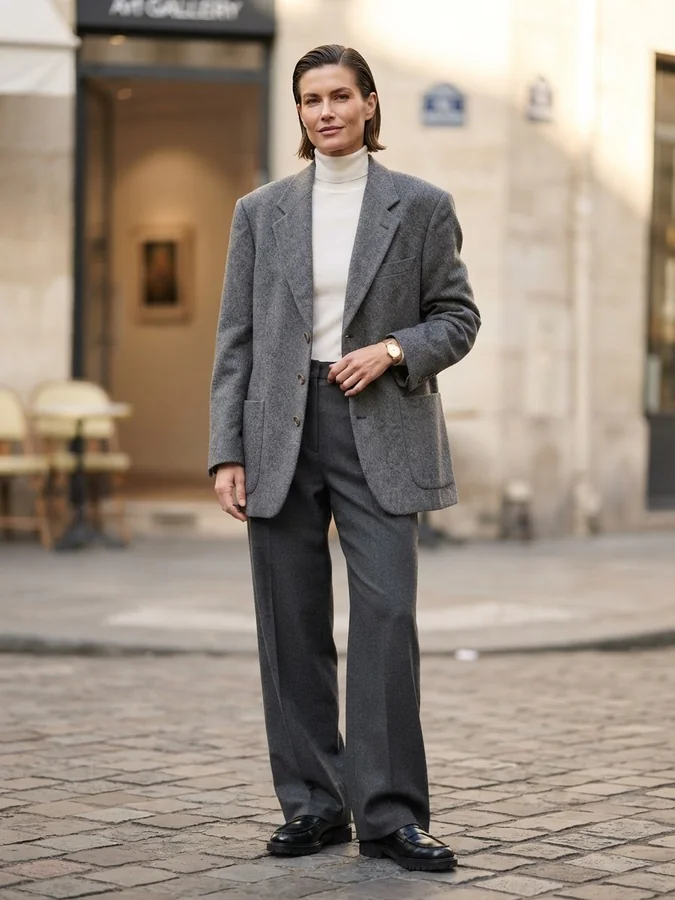
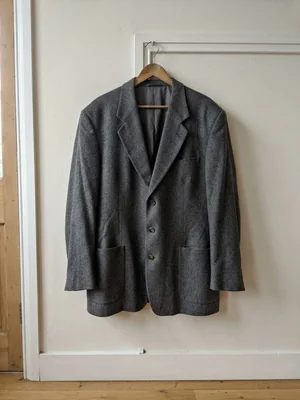
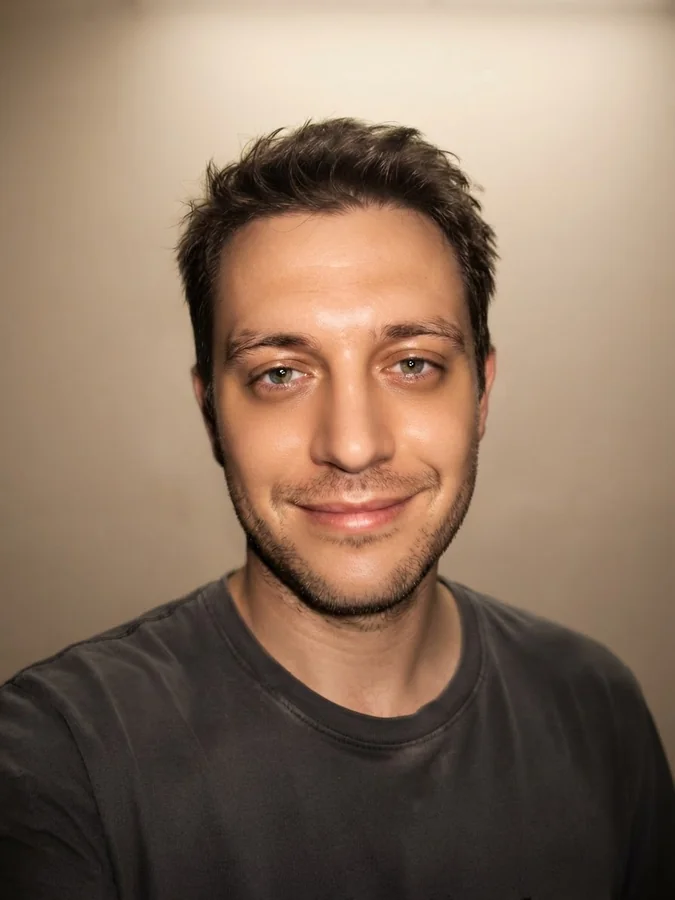
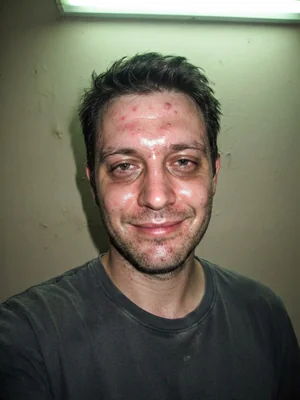
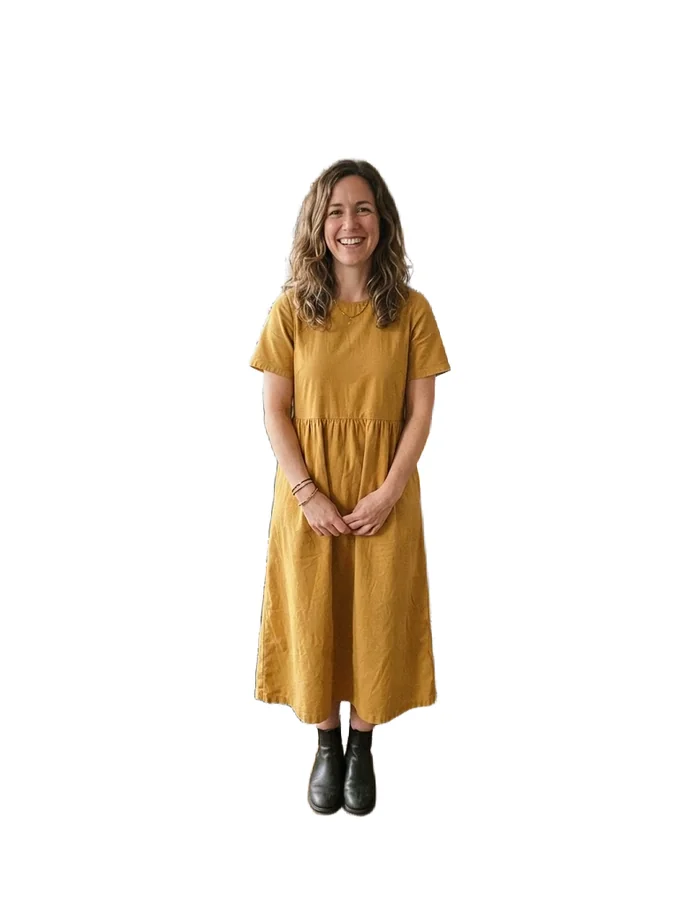
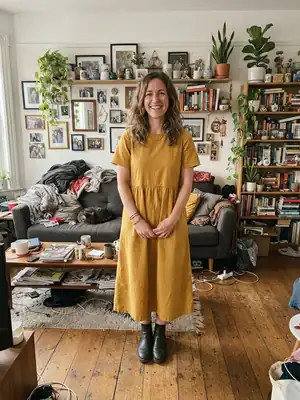
Hair, Makeup & Retouch
The rest of the shoot crew
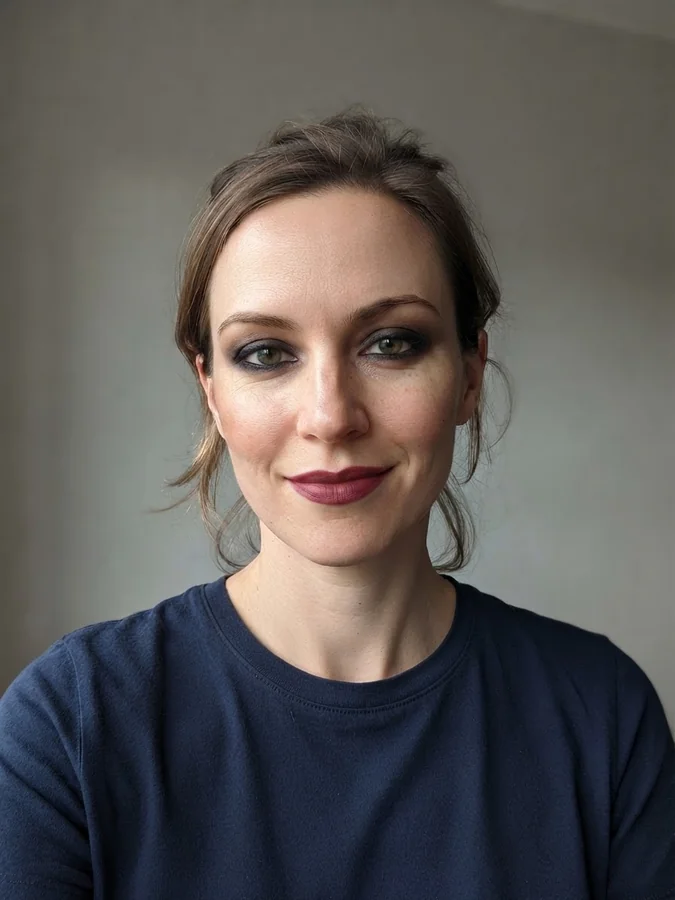
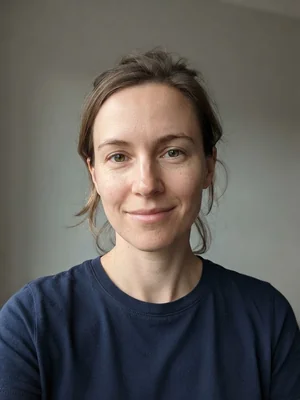
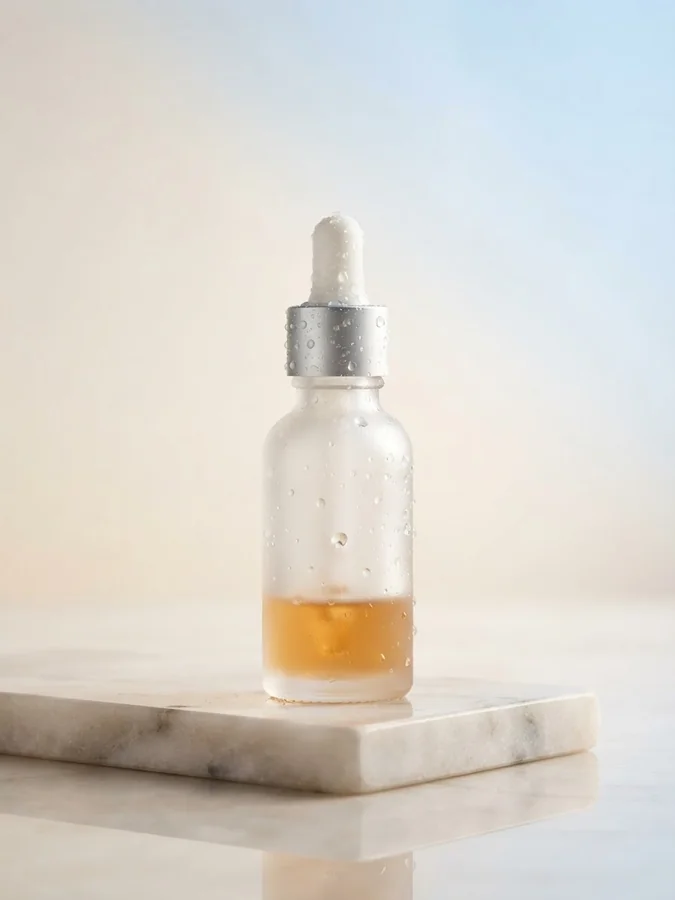
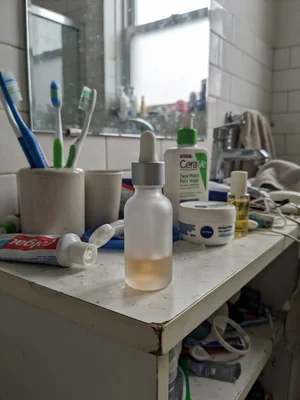
Hair, makeup and post-production — the work a real shoot needs after the model is cast.
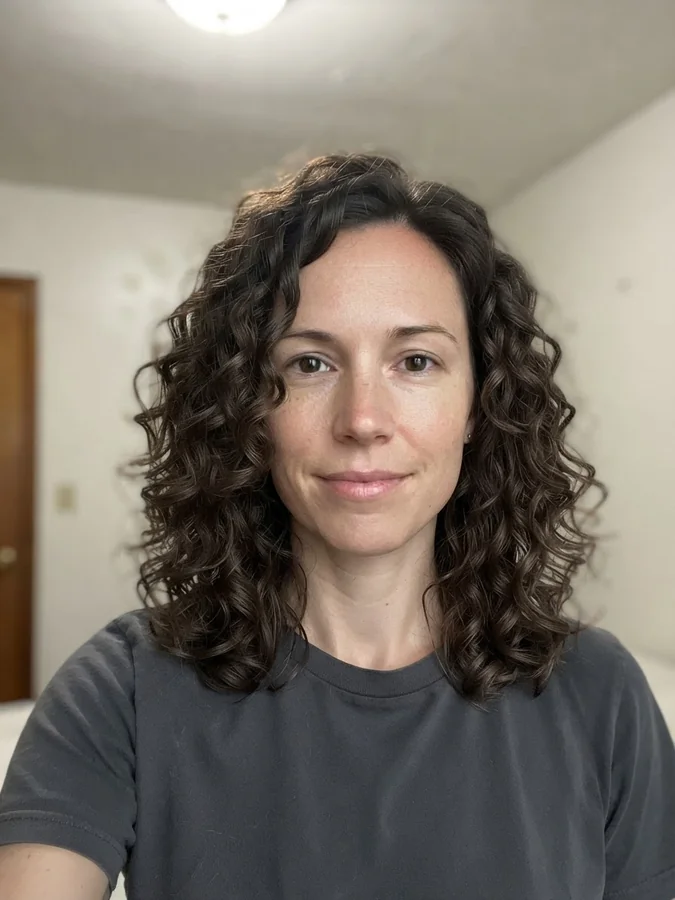
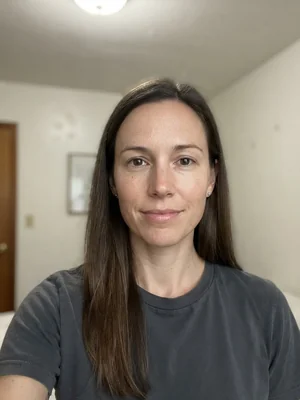
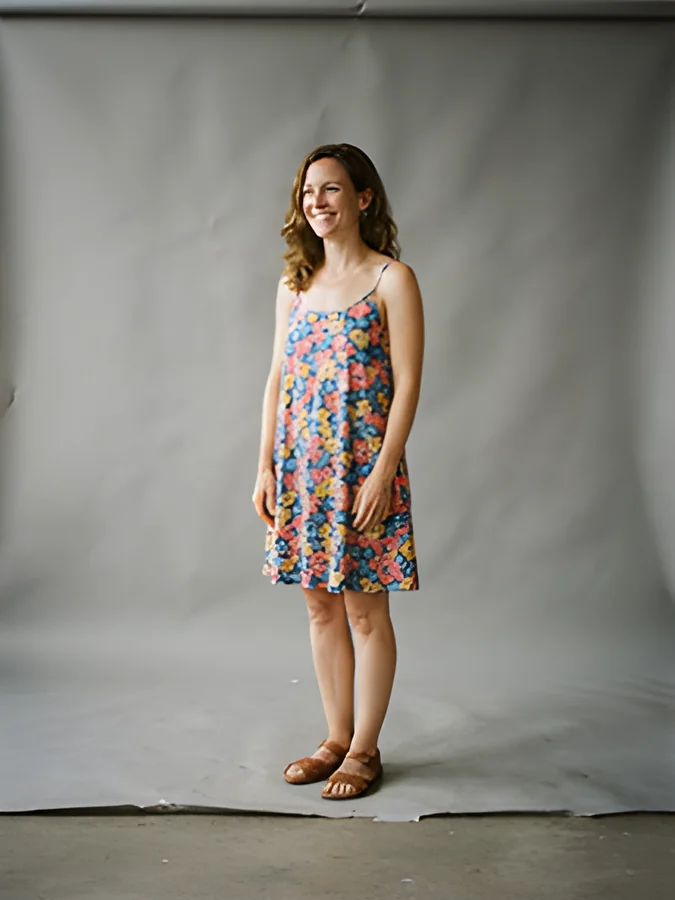
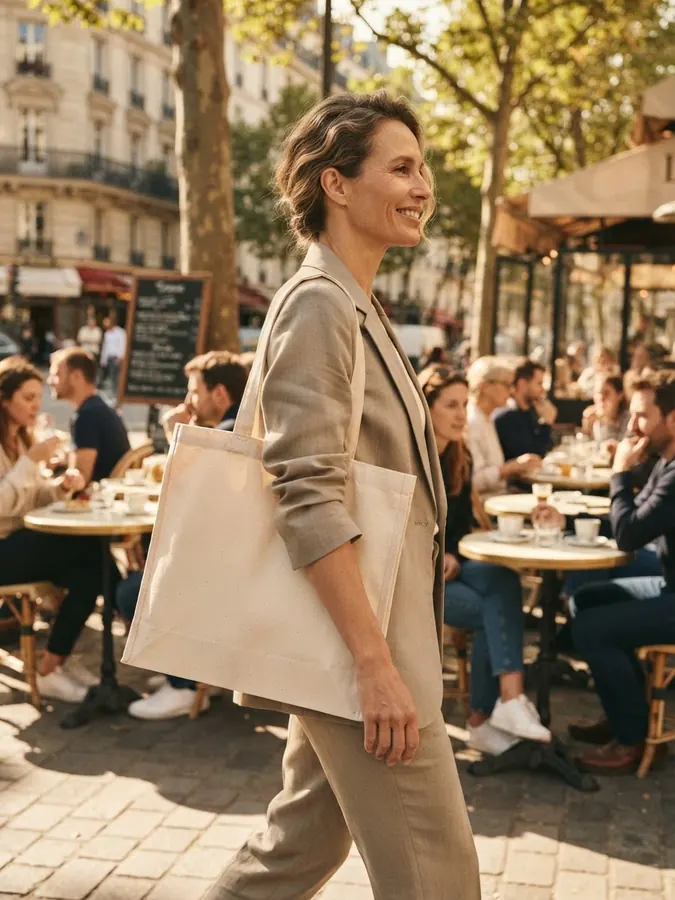
Motion & Campaign
Move the shot, run the campaign
Video and campaign assets from the same product photo.
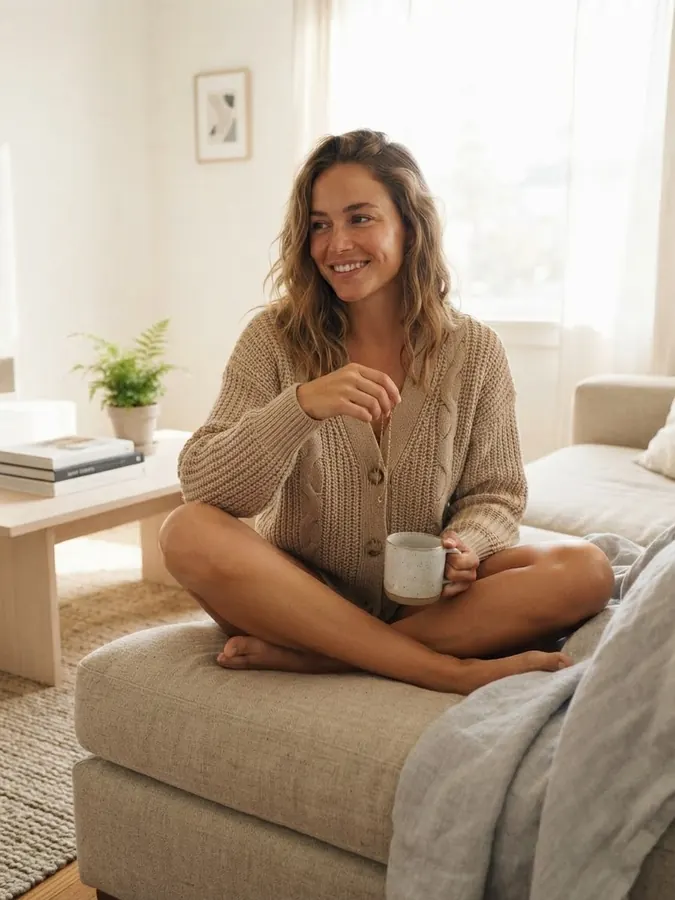
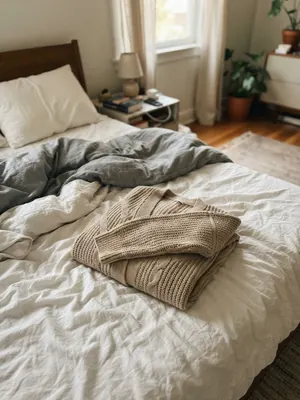
How it works
From product photo to on-model shot in three steps
No brief, no casting, no studio calendar. The whole loop runs in your browser.
Step 01
Upload a product photo
A flat lay, ghost mannequin shot, hanger photo or plain product picture is enough. Clothing, jewelry, shoes, bags and accessories all work — the AI reads the garment's cut, colour, pattern and texture from the photo you already have.
Step 02
Pick the tool and the look
Choose on-model photography, virtual try-on, or clean product shots. Set the model type, pose and setting — street, studio, editorial — from 900+ style variations across 40 tools.
Step 03
Generate, review, download
Your photoshoot renders in seconds per image. Download full-resolution results and publish them straight to your store, marketplace listing or ad campaign — the images are yours to use commercially.
Why Fashion Studio
Why brands shoot with AI Two
Minutes, not weeks
A traditional product shoot means casting, booking a studio, shooting and retouching — often weeks per collection. Here a single image renders in seconds, so a full catalog drop can be photographed in an afternoon.
A fraction of photoshoot cost
No model fees, studio rental, photographer day rates or reshoot charges. Your only cost is credits — and signup includes a free generation so you can judge the quality on your own product before paying anything.
Full commercial rights
Images you generate are yours to use in listings, lookbooks, social posts and paid ads. The models are synthetic, so there are no model releases, image-rights renewals or usage-term expiries to manage.
Diverse models on demand
Female, male, kids and mature models across ethnicities, body types and regional styles — including dedicated Indian fashion model and plus-size photography tools. Match your models to your actual customers.
Consistent catalog batches
Run the same tool and settings across every product in a drop and the listings come out with a consistent photographic style — the thing that makes a store grid look like one brand instead of ten suppliers.
One platform, every format
The same account covers image, video and voice tools plus custom AI tools you can create yourself — no separate subscription per fashion tool.
Use cases
Who the Fashion Studio is for
Online clothing stores
Shopify and WooCommerce stores use on-model shots to replace supplier flat lays — product pages with a model photo simply read as a real brand.
On-model tools →Marketplace sellers
Amazon, Etsy and eBay sellers generate clean listing photos — ghost mannequin, flat lay and on-model variants of the same garment — without shipping samples to a studio.
Ecommerce photography →Jewelry & accessory brands
Rings, necklaces, earrings and anklets shot on AI models or as catalog-clean product photography — the two formats every jewelry listing needs.
Jewelry tools →Agencies & dropshippers
Test ad creative across model types and settings in minutes, and photograph products you never physically hold — supplier photos in, campaign-ready images out.
Try-on tools →The math
AI photoshoot vs. a traditional photoshoot
| Traditional photoshoot | AI Two Fashion Studio | |
|---|---|---|
| Upfront cost | Model, photographer, studio and retouching fees — typically hundreds to thousands per shoot | Free to try (first generation free on signup); paid plans are a monthly credit bundle |
| Turnaround | Days to weeks from booking to edited photos | Seconds per image — a catalog batch in an afternoon |
| Models & casting | Casting calls, availability, model releases | 900+ style variations across genders, ages, ethnicities and body types, on demand |
| Reshoots | A new booking and a new invoice | Regenerate with different settings for one credit |
| Usage rights | Negotiated per shoot, often time-limited | Yours to use commercially, no expiry |
Traditional-shoot figures are typical market ranges, not quotes. For hero campaign imagery many brands still shoot on location — the studio covers the everyday catalog volume.
From flat lay to on-model: what the studio covers
The Fashion Studio is 40 tools built around one job: turning the product photos you already have into the photography an online store needs. Upload a clothing flat lay and generate an on-model photo. Upload a necklace on a white background and get it worn by a model, or re-shot as clean catalog photography. Upload a sneaker and choose between a studio-clean product shot and a street-style model shot.
Supported product types run across the whole fashion catalog: womenswear, menswear, kidswear, plus-size and swimwear; rings, necklaces, earrings, anklets, scarves and hair accessories; sneakers, high heels and every kind of footwear; plus ghost mannequin, flat lay and lookbook formats for the listing itself. Whether you call it an AI clothing model, a virtual model or an on-model generator, it is the same workflow: your product in, a finished model photo out.
The output is standard image files, so they drop straight into a Shopify or WooCommerce product page, an Amazon or Etsy listing, an email campaign or a paid social ad. Most sellers keep two or three variants per product — a ghost mannequin shot for the grid, an on-model photo for the product page, a lifestyle shot for ads.
Virtual try-on vs. AI fashion model generation
The two headline tools solve different problems, and picking the right one saves credits. Virtual try-on places a specific garment onto an existing photo — yours, a customer's, or a model photo you already own — preserving the person's pose and identity. It answers "how does this garment look on this person?"
The AI fashion model generator creates the model itself, wearing your garment, from scratch — new person, new pose, new setting. It answers "I need a model photo for this product and I don't have a model." For catalog photography that is usually the tool you want; for fit visualisation and personalised shopping experiences, try-on is the one.
Both live in this studio, share your credits, and take the same kind of input photo — so you can generate an on-model catalog shot and a try-on variant of the same garment in the same session.
Model diversity and batch consistency
Real catalogs need range: the studio generates female, male, kids and mature models across skin tones, body types and regional styles, with dedicated tools for Indian fashion models and plus-size photography. Showing a garment on models who look like your actual customers is not a nice-to-have — it is what makes a size-inclusive brand's photography credible.
Consistency matters just as much as range. Because every image in a batch comes from the same tool with the same settings, a 40-product drop comes out with one photographic style — same lighting mood, same framing discipline — instead of the patchwork look of mixed supplier photos. That grid-level consistency is the quiet reason branded stores convert better than obvious dropshipping stores.
Questions
Frequently asked questions
Can I use AI fashion models commercially?
Yes — images you generate are yours to use for product listings, lookbooks, social media and ads. The AI models are synthetic (not real people), so there is no model release to chase down.
Do I still need a real photoshoot?
For most catalog and listing photography, no — upload a flat-lay or product photo and the AI places it on a model or generates clean product shots. Brands still commission real shoots for hero campaign imagery, but AI fashion models cover the everyday catalog volume at a fraction of the cost and time.
How accurate is the garment fit and fabric detail?
The AI preserves the garment you upload — pattern, texture, color and structure carry over onto the model or product shot. Fit and drape are rendered realistically but are an AI interpretation, not a physical fitting; always check close-up details before using an image for a size guide.
What is virtual try-on and how is it different from a fashion model shot?
Virtual try-on places a specific garment onto an existing photo (yours or a model's), preserving the person's pose and identity. Fashion model generation creates the model itself wearing your garment from scratch. Use try-on when you want to keep a specific model or self-photo; use fashion models when you need a new model shot entirely.
Can I generate jewelry and footwear product photos, not just models?
Yes. The Jewelry Accessories and Footwear AI collections generate clean, catalog-style product photography without a model, alongside the on-model jewelry and footwear options if you want lifestyle-style shots instead.
Is it free to try?
Yes — signing up is free, and it covers your first generation on our best image model. That is enough to see the real output quality on your own product photo before you decide. No credit card is needed to sign up.
Can I turn a flat-lay photo into an on-model photo?
Yes — that is the studio's core workflow. Upload a flat lay, ghost mannequin shot or hanger photo and the AI fashion model tools render the same garment worn by a photo-realistic model, preserving its cut, colour, pattern and texture. You do not need an existing model photo to start from.
Can I use the generated photos in paid ads?
Yes. Commercial use covers paid channels too — Meta, Google, TikTok and marketplace ads as well as organic listings. Because the models are AI-generated rather than real people, there are no model-release or image-licence terms that expire mid-campaign. Ad platforms may have their own policies on AI-generated imagery in some verticals, so check the platform's current rules for your niche.
How fast is it, really?
A single image typically renders in seconds to under a minute, depending on the tool and load. In practice that means a 30–40 product catalog can be photographed, reviewed and re-generated where needed within an afternoon — against days or weeks for a booked photoshoot.
Do the photos work for Shopify, Amazon and Etsy listings?
Yes. Output is standard high-resolution image files you can crop or resize to any marketplace's specification. Sellers commonly generate a clean ghost-mannequin or flat-lay shot for the main listing image (where marketplaces prefer plain backgrounds) and on-model or lifestyle shots for the secondary images and the product page.
Everything in Fashion Studio
53 of them, grouped by the job they do.
Casting
Apparel on Models
Garment Prep
By Product
Who You Shoot For
Shoot Types
Hair, Makeup & Retouch
Motion & Campaign
Popular in Fashion Studio
Create your own AI tools & assistants
Describe what you need in plain English — AI Two builds a working tool with its own shareable page, live in about a minute. No code, no setup.
Part of the Community AI platform — create, discover, and share AI-powered tools