Upload a room photo, pick a setup type and theme, and the AI generates a layout concept with furniture, lighting, and decor on your room in about 30 seconds.
AI Gaming Room Design
AI Gaming Room Design is a free AI tool. Upload a room photo and design your gaming setup with AI — desk placement, RGB lighting, themes and furniture on your real room. Free to try.
Free to try · first generation free on signup · no credit card
1
Step 1
Upload Image
Start by uploading image
Upload a photo of your room
Click to browse or drag & drop
2
Step 2
Select Mode
Choose your transformation style
Build a full battlestation or console setup in your room
3
Step 3
Options
Configure your options
Output quality:
Mode
Gaming Setup
Your AI Design Will Appear Here
Fill in the options on the left, then press Generate.
Upload a photo of your room
Include the wall you plan to use for the desk or TV setup
JPG, PNG, WebP
Max 10MB
AI Ready
Popular in Home Design Studio
Paint My House AIExterior House Paint AIAI Kitchen DesignAI Bathroom DesignAI Bedroom DesignFree AI Architecture GeneratorAI Interior Design From a PhotoAI Landscaping DesignHome Color Combination AIAI Curb Appeal RaterAI Interior Design RaterAI House Style IdentifierAI Renovation Cost EstimatorAI Day to Dusk Photo EditingAI Declutter Room PhotosAI Home Addition VisualizerAI Home Design Tools Compared
Quick facts about AI Gaming Room Design
- Tool nameAI Gaming Room Design
- CategoryHome Design
- PriceFree to try
- InputPhoto upload + text prompt
- OutputAI-generated image
Upload a room photo and design your gaming setup with AI in about 30 seconds. Plan desk placement, RGB lighting, furniture, and decor before you buy gear or drill into walls.
Trusted by over 306,000 users in more than 190 countries.
How to use free AI gaming room design
Gamers use this to see if a triple monitor wall, streaming backdrop, or cozy console corner actually fits. You upload the room, describe the vibe, and get a visual target for your build.
I tested a compact bedroom with a wall mounted desk and amber bias lighting. The preview showed cable path issues along the baseboard I fixed before mounting anything.
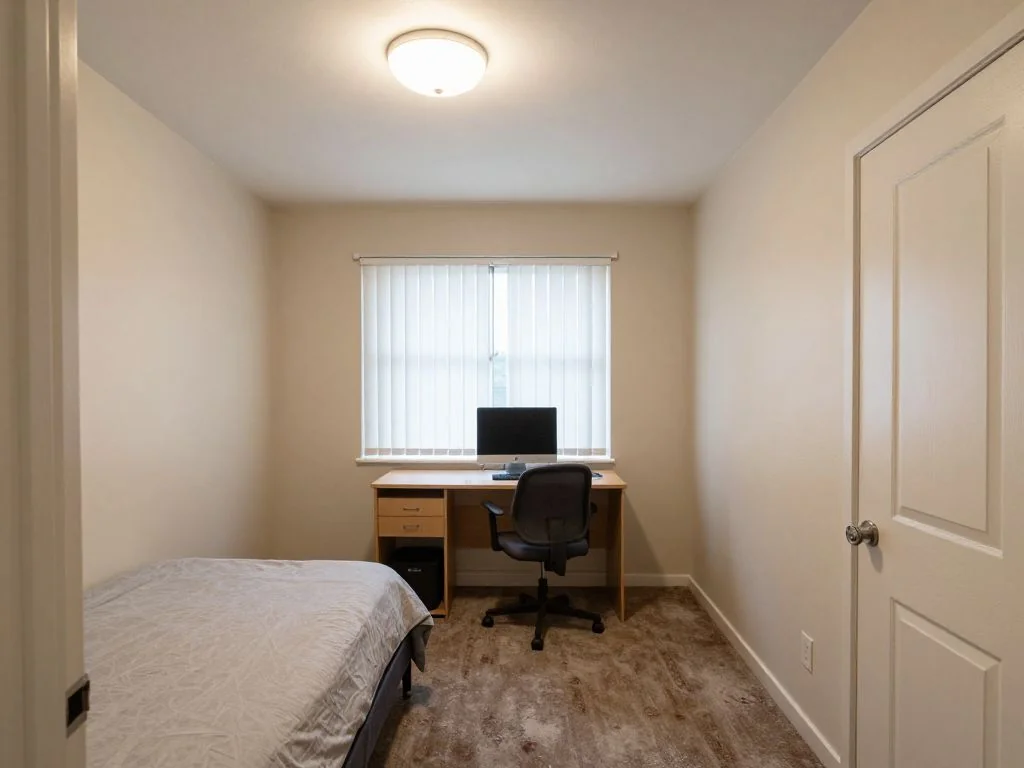
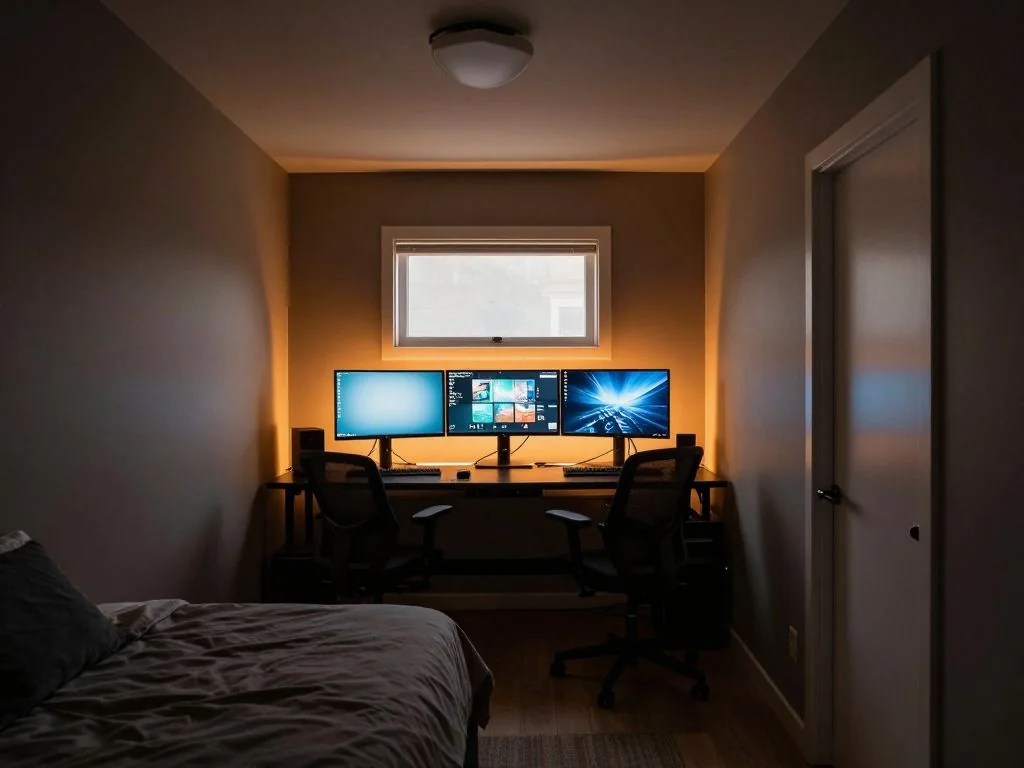
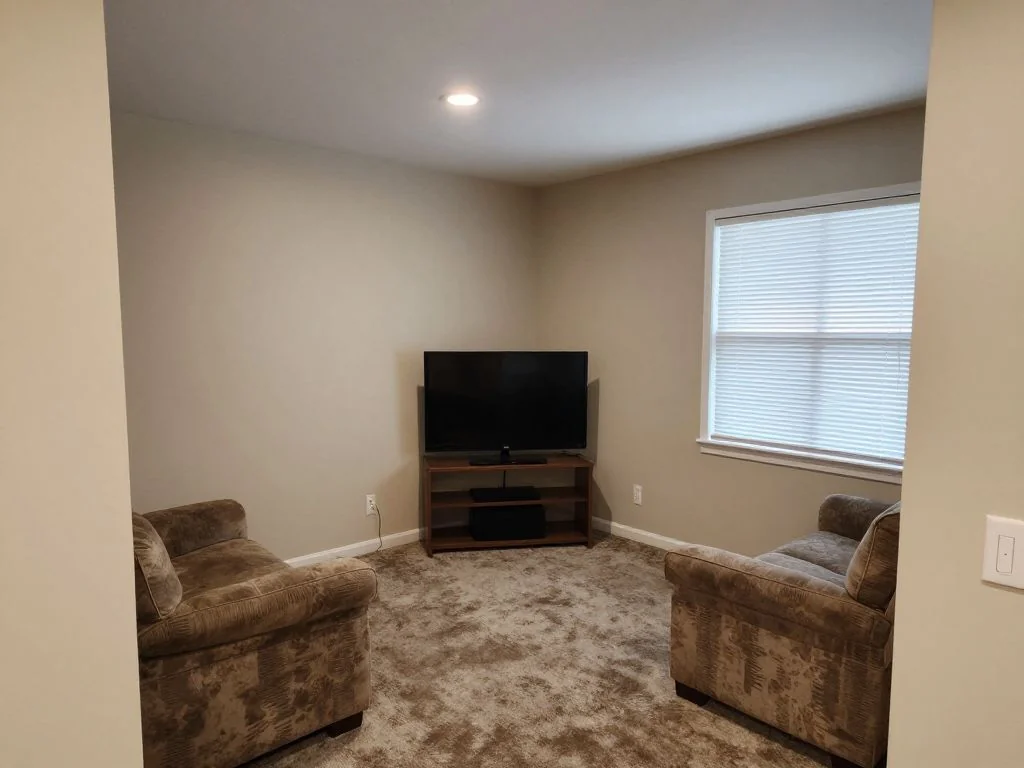
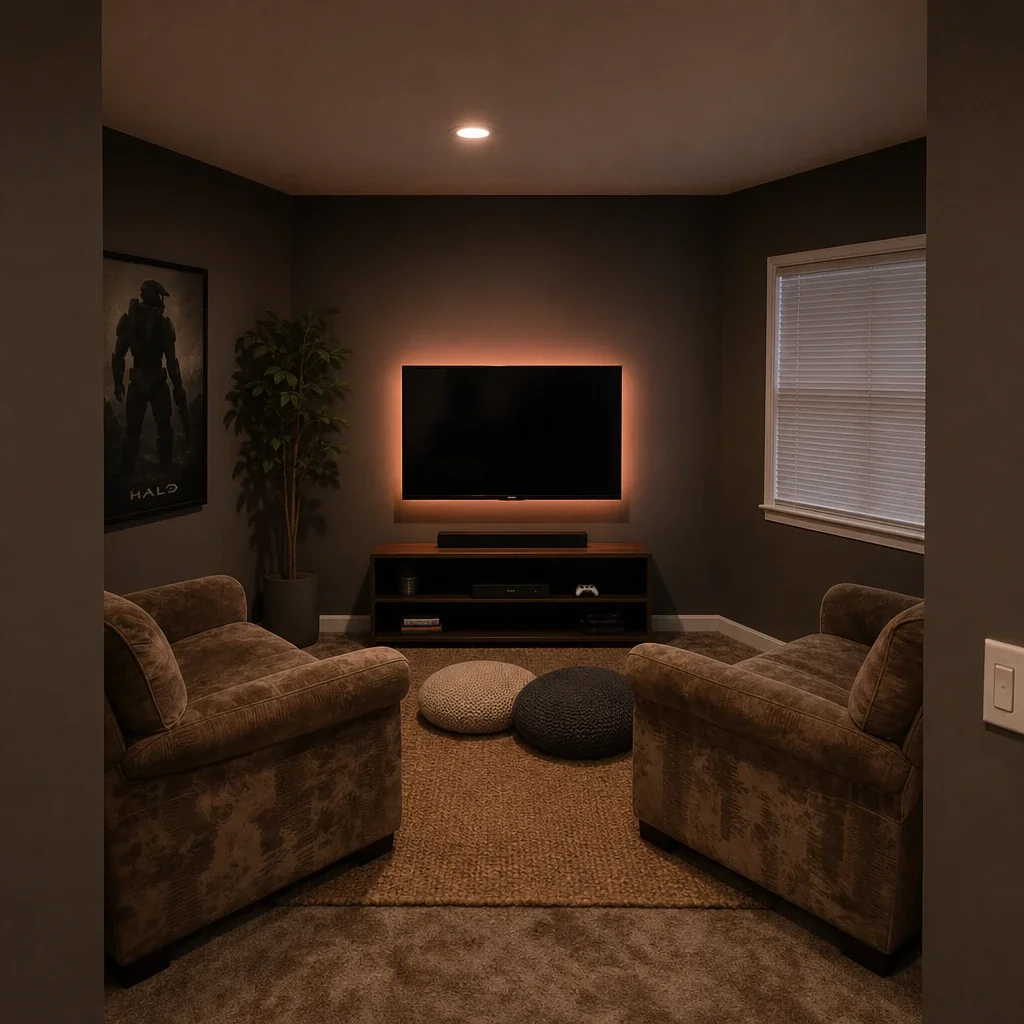
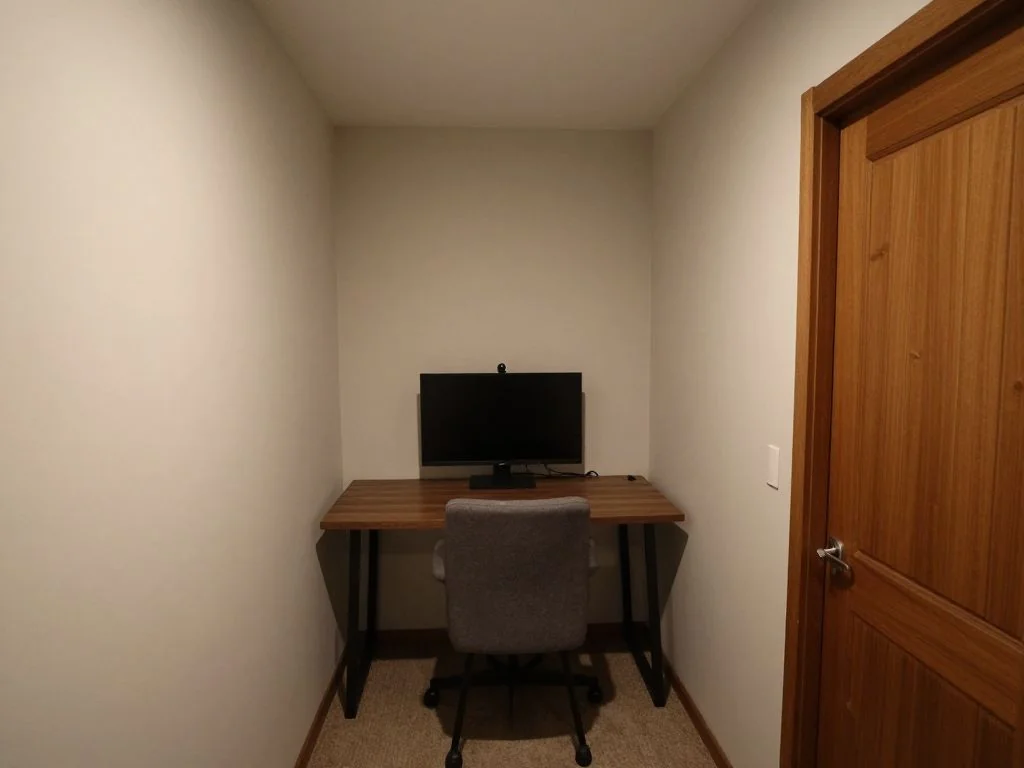
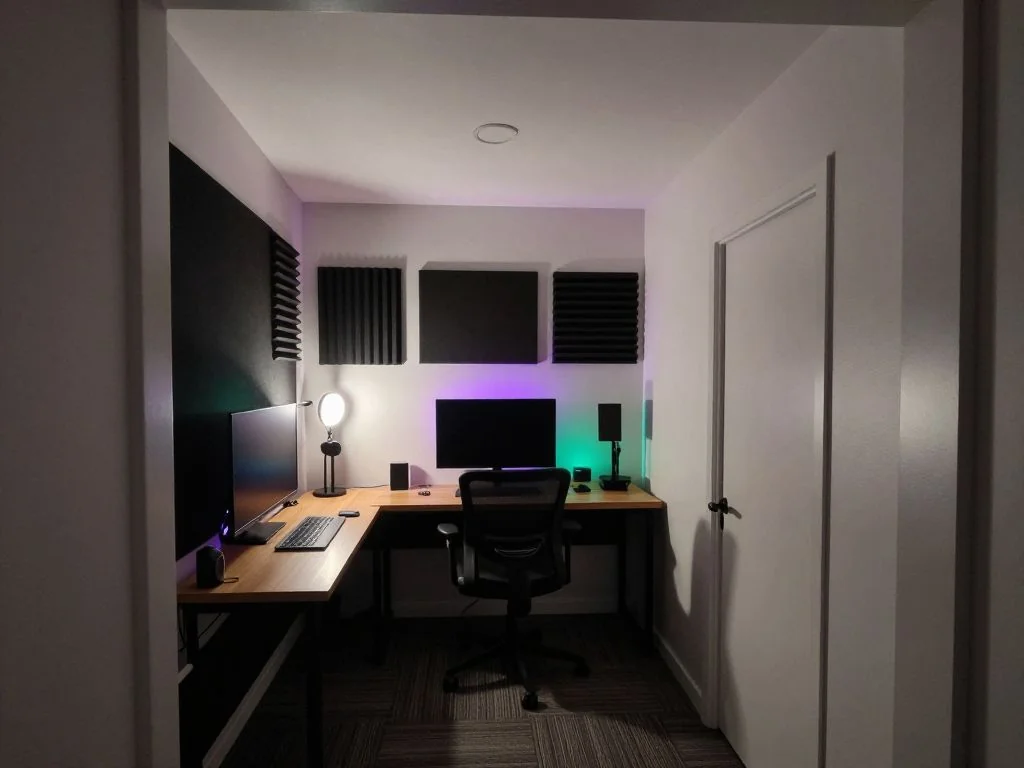
1
Upload your room photo
Include the wall you plan to use for the desk or TV setup. Corner rooms work well when both walls are visible. JPG, PNG, or WebP under 10MB.
2
Pick a mode
Build a full setup, add RGB and ambient lighting, replace the desk and chair, or restyle the wall behind your screens.
3
Generate and refine
Download concepts and iterate on chair position, shelf height, and lighting color before spending on furniture.
What AI gaming room previews help you decide
You see scale, lighting mood, and furniture density in your real space. That reduces returns and rework on desks, racks, and acoustic panels.
1
Desk and monitor zones
Test ergonomic reach, screen height, and clearance for ultrawide or stacked monitors.
2
Ambience and cable planning
Preview LED placement, wall color, and shelf layouts that keep gear organized.
Who uses AI gaming room design
🏠
PC and console gamers
✓Plan upgrades in small bedrooms and apartments.
✓Compare minimalist versus maximalist battlestation styles.
💡
Streamers and creators
✓Mock backdrop and lighting before buying panels.
✓Test camera angles with furniture placement in mind.
🏢
Parents and families
✓Design a shared family room that still fits study and gaming needs.
✓Preview safer cable and storage layouts for kids spaces.
Gaming room themes worth testing
Pick a theme before you generate so the AI keeps lighting, color, and furniture choices consistent across renders.
| Style | What it looks like |
|---|---|
| Cyberpunk neon | Magenta and cyan bias lighting, dark walls, floating shelves. Best for RGB fans and streamers. |
| Minimalist monochrome | Matte black desk, white walls, one accent color, hidden cables. Best for small bedrooms. |
| Cozy console corner | Wall mounted TV, media console, warm lamp, soft rug. Best for living room setups. |
| Retro arcade | Neon signs, pixel art prints, carpet tiles, vintage seating. Best for basement rooms. |
| White & pastel | White desk, pastel accents, soft LED glow, and clean shelving. Best for bright rooms. |
Plan your gaming room build
Use the renders as a brief for your build. Keep the desk footprint and screen height consistent with what you tested in the preview.
1
Lock the layout
Save the render that fits your room best and note desk position, screen height, and walking clearance.
2
Plan power and cables
Mark outlet locations, surge protector placement, and cable paths before mounting anything.
3
Buy in phases
Start with desk, chair, and lighting. Add monitors, acoustic panels, and decor after you confirm the layout works.
AI design tools for every room
AI Kitchen DesignAI Bathroom DesignAI Bedroom DesignAI Living Room DesignAI Dining Room DesignAI Office DesignAI Garage DesignAI Home Theater DesignAI Laundry Room DesignAI Home Library DesignAI Study Room DesignAI Loft DesignAI Sunroom DesignAI Porch DesignRoom Interior AI — every roomAI House DesignAI House Painter
🎮
AI Gaming Room Design
Upload your imageTap anywhere here — your AI design will appear in this space after you generate.JPG · PNG · WebP
Build a full battlestation or console setup in your room
Premium users can generate images without watermark
Higher quality options available for premium users
Output quality:
Frequently Asked Questions
Yes. The setup mode places the desk and screens, and the lighting mode adds bias lighting, LED strips, and wall panels in the colors you choose.
Yes. Compact rooms benefit most because scale mistakes are costly. Show the full wall you plan to use.
Yes — sign up free — your first generation on the best model is included, no credit card needed. Paid options add more generations and higher resolution exports.
Yes. The setup mode has options for PC battlestations, console corners with a wall-mounted TV, streaming setups, and a PC plus console combo.
Yes. Run multiple generations with cyberpunk, minimalist, retro, or cozy themes on the same upload and compare the results side by side.
No — it is a visual guide. Confirm measurements, electrical loads, and mounting points before installing gear.
Start with three to five variations on the same photo so you can compare lighting, desk position, and storage before buying gear.