
The InteriorAI alternative that covers the whole property
InteriorAI is one of the most established names in AI interior design and has built the largest deliberately programmatic content footprint in the category — roughly 905 programmatic pages out of 927 total, mostly style and room combinations. It is a serious, well-executed interiors product. The comparison is about scope and about what happens after the render.
InteriorAI details on this page were checked on 14 August 2026 against interiorai.com. We are not affiliated with InteriorAI; all trademarks belong to their owners. Products change — verify anything that matters to your decision on their own site.
What InteriorAI does well
- Enormous, well-organised coverage of style and room combinations — if you want to see a specific style in a specific room, they almost certainly have a page for it.
- A long track record and a mature, focused interiors product.
- They address both consumers and real estate users, rather than ignoring the listing workflow entirely the way some competitors do.
Where it stops
- The product centre of gravity is interiors. Exterior paint, facade remodelling, roofs, doors and landscaping are not the job it is built for.
- It generates; it does not assess. There is no equivalent of a curb appeal score, a design rating or a renovation cost estimate from a photo.
- It is a single-vertical subscription — the account does not extend to image, video or voice work outside home design.
InteriorAI vs AI Two, feature by feature
| InteriorAI | AI Two | |
|---|---|---|
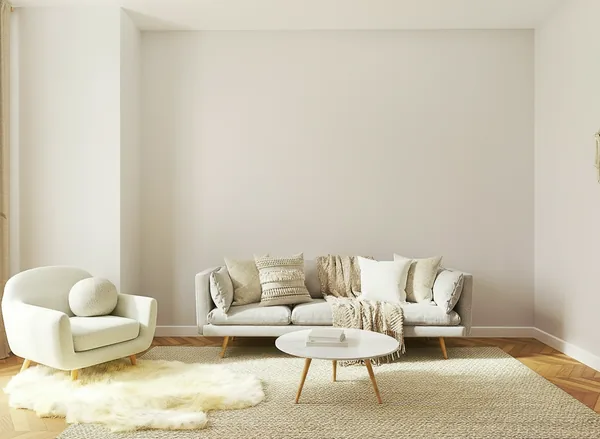
| Interior redesign from a photo | Yes — mature and focused | Yes, plus 14 room-specific tools |
| Style and room coverage | Very broad — ~905 programmatic pages | Broad, with dozens of styles per tool |
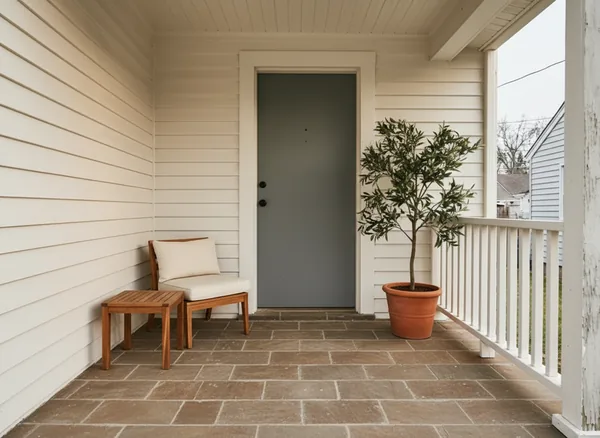
| Exterior paint & facade | Not the focus | Dedicated House Painter and House Design tools |
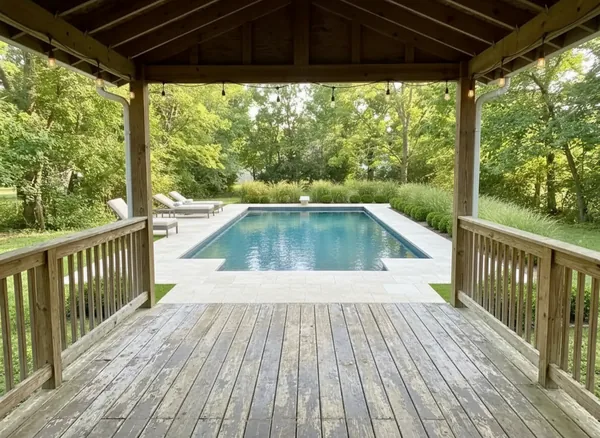
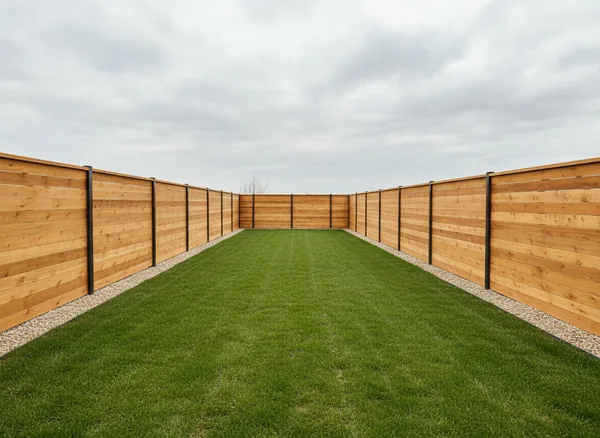
| Landscaping & outdoor | Not the focus | Landscaping AI plus pool, fence, deck, driveway |
| Photo analysis | Not offered | Curb appeal rater, design rater, style ID, cost estimator |
| Surgical single-surface edits | Limited | Wall changer, floor changer, ceiling, furniture swap |
| Scope of the account | Home design only | Image, video, voice and custom AI tools on the same credits |
Generating a render is the easy half
Every serious tool in this category can now restyle a room convincingly. The models are broadly similar, and the difference between two good interior renders is usually taste rather than capability. Choosing between products on render quality alone is therefore a weaker test than it was two years ago.
The harder half is everything around the render. What do you do with a room you have redesigned? Usually you want to test a single surface in isolation, check whether the result actually improves the space, get a sense of what it would cost, and then handle the parts of the property that are not a room at all.
That is where the scope difference shows. Alongside redesign there are single-surface tools that change only the floor, only the walls or only the ceiling; analysis tools that score a photo and list specific fixes; and a full exterior set for paint, facade, roof, doors, windows and the yard.
Analysis: the part almost nobody offers
Design tools overwhelmingly draw rather than judge. You get a beautiful render and no answer to the question you actually had, which is usually "is this better, and by how much, and what should I spend the money on first?"
Five tools here read a photo and answer in words rather than pixels. The Curb Appeal Rater scores the front of a property and lists what to fix in order. The Interior Design Rater does the same inside. The House Style Identifier names the architectural language the building is already speaking, which is what stops a renovation looking bolted on. Colour Combination AI produces palettes that hold together rather than one colour at a time. The Renovation Cost Estimator gives an order-of-magnitude figure from the same image.
None of these replaces a professional. They exist because the most common failure in a home project is not a bad render — it is spending the budget on the wrong thing.
Where InteriorAI is the better fit
If your work is purely interiors and you want the deepest style-by-room library in the category, InteriorAI has invested more in exactly that than anyone else, and it shows. Browsing a specific style in a specific room type is genuinely easier there.
The trade is breadth for depth in one direction. If your projects routinely leave the room — exteriors, yards, listings, plans — or if you want the tool to assess as well as generate, the breadth here is the point.
What you get instead
Every tool below runs on the same account and the same credits.
AI Interior Design
Redesign any room from a photo
Paint My House AI
Try exterior colours on your real house
AI Virtual Staging
Furnish an empty room for a listing
AI Landscaping Design
Redesign a yard or garden from a photo
AI House Design
Exterior remodels and facade makeovers
Free AI Architecture Generator
Sketch to photorealistic render
AI Furniture Removal
Empty a furnished room
AI Declutter
Remove mess, keep the furniture
AI Day to Dusk
Twilight listing photos in 30 seconds
AI Floor Plan Generator
Layout concepts as an image
AI Curb Appeal Rater
Score the front of a property
Home Addition Visualizer
See an extension on your house
Questions people ask before switching
What is a good alternative to InteriorAI?+
AI Two covers the same interior redesign job and extends past it to exterior paint, facade design, landscaping, virtual staging, floor plan concepts and five photo-analysis tools. Free credits on signup, no card required.
Does InteriorAI do exteriors?+
Exteriors are not what InteriorAI is built around — its product and its very large content library both centre on interior rooms and styles. Exterior paint, facade remodelling, roofs, doors and landscaping are separate dedicated tools here.
Can AI tell me if my room design is any good?+
Yes — that is what the Interior Design Rater and Curb Appeal Rater do. They read a photo, score it and list specific fixes in priority order, which is a different job from generating another render.
Do I need a subscription per design vertical?+
Not here. The same account and the same credits cover home design, image, video, voice and custom AI tools, rather than a separate subscription for each vertical.
Comparing other tools?
Or see the whole field ranked in one place: the 9 best AI interior design tools in 2026.
Every tool in the studio
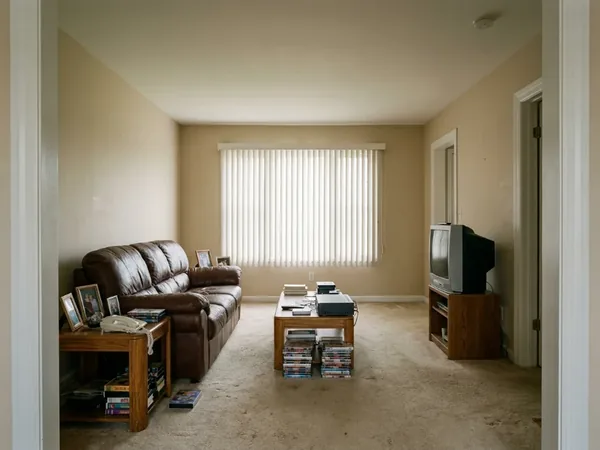
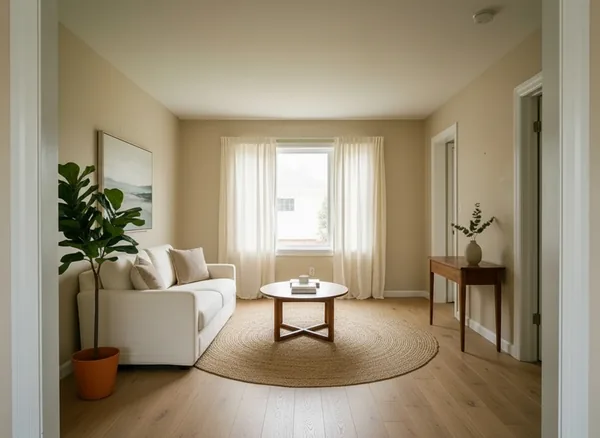
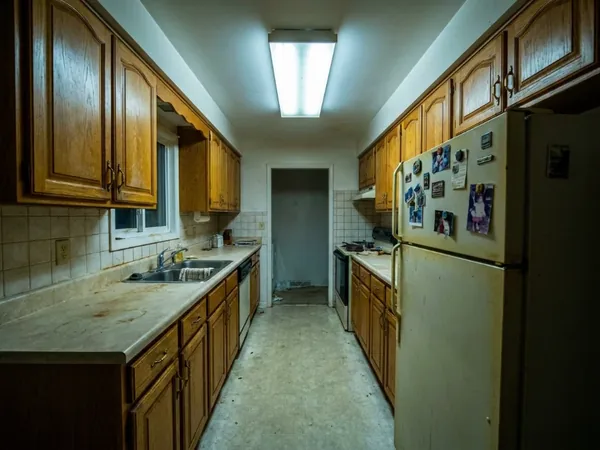
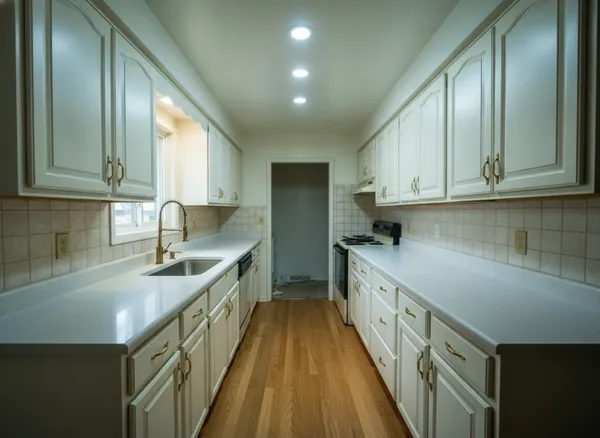
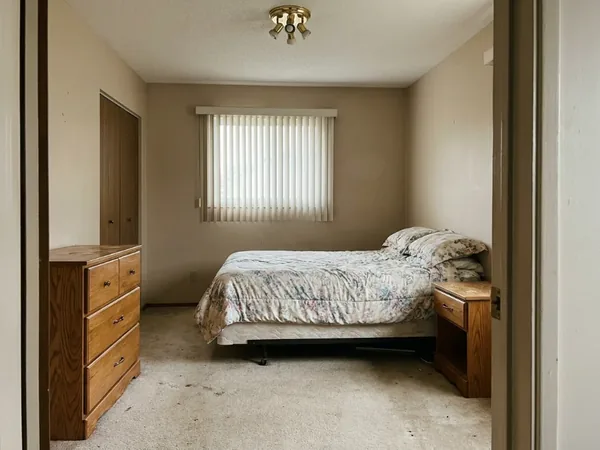
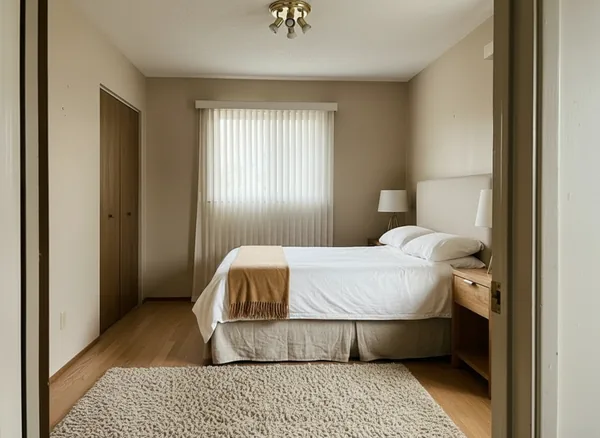
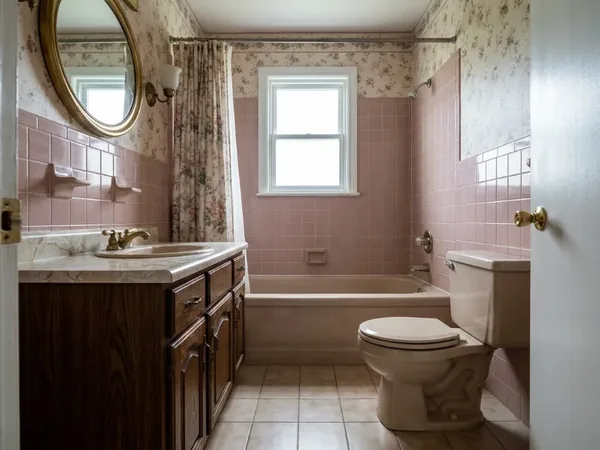
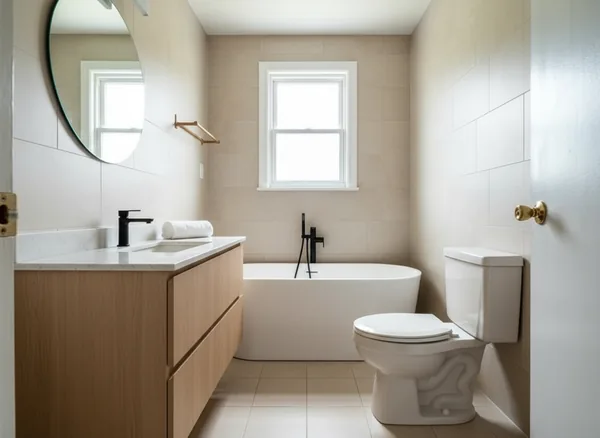
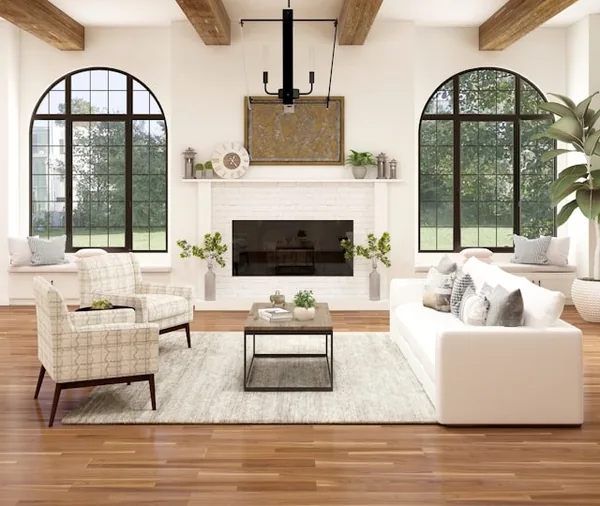
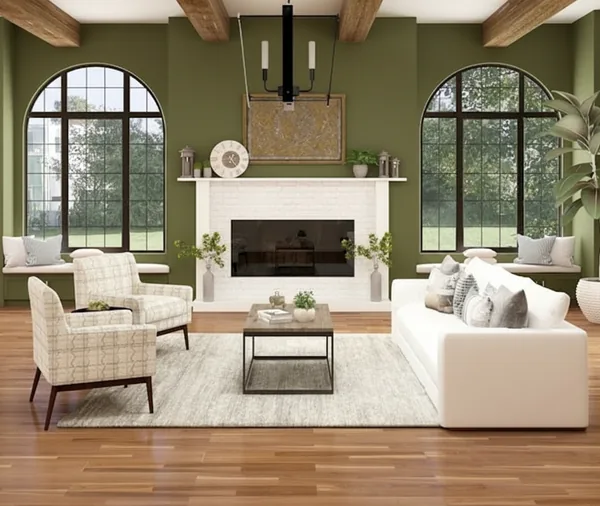
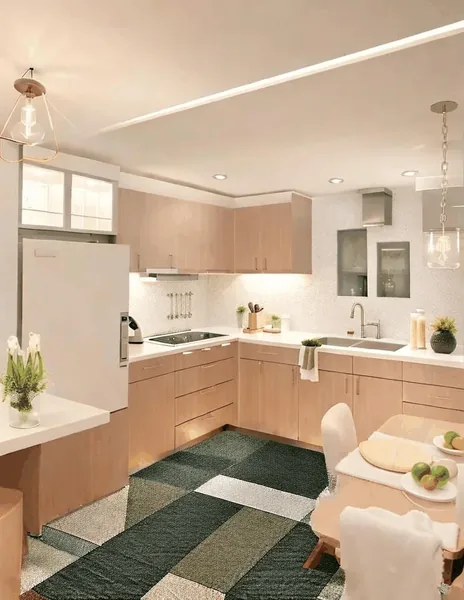
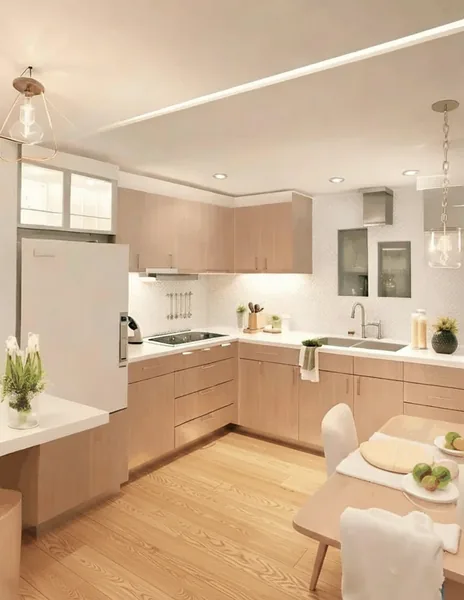
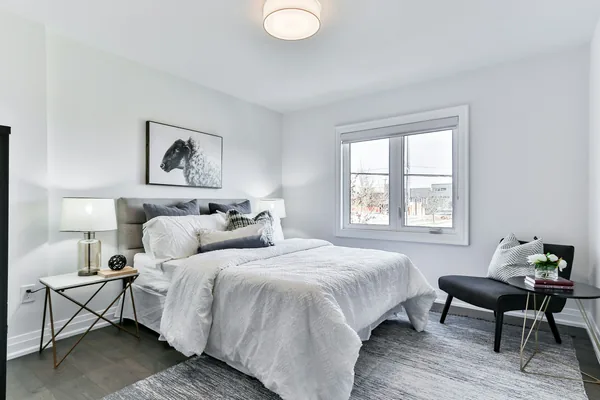
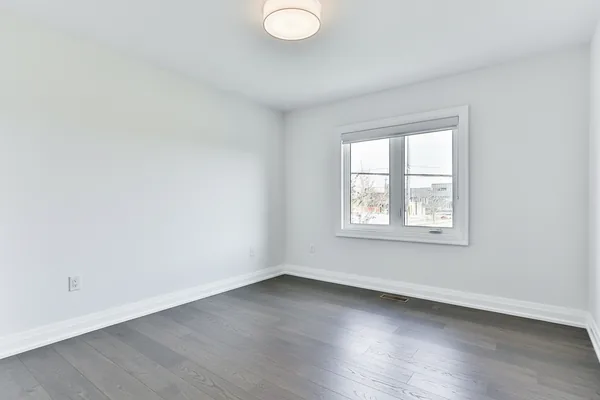
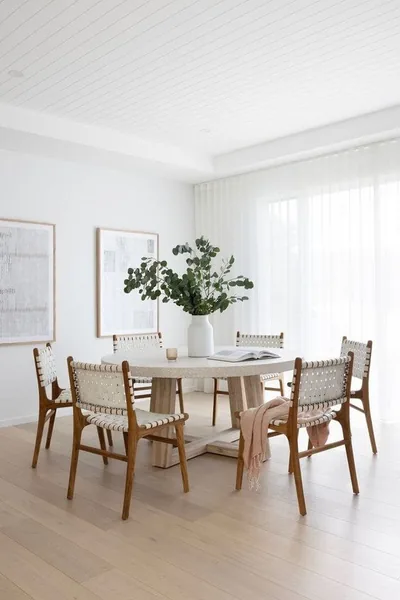
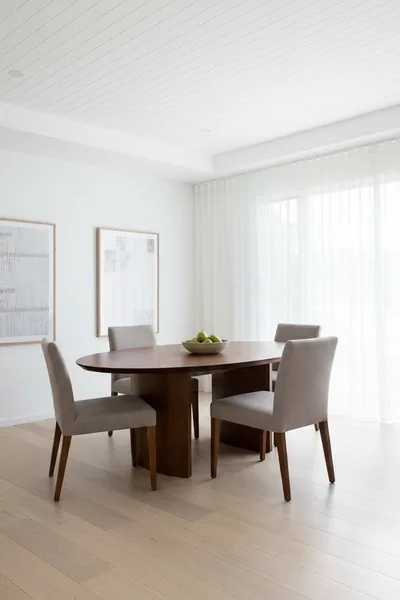
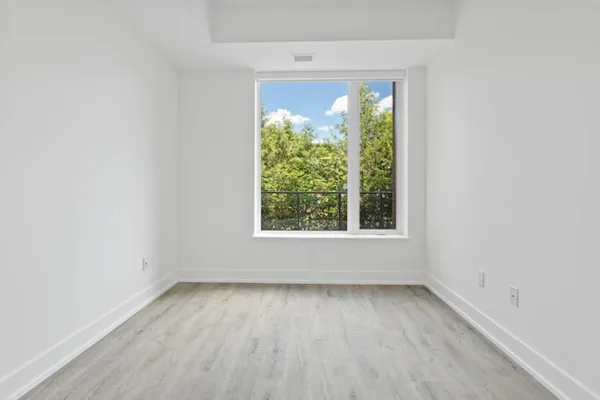
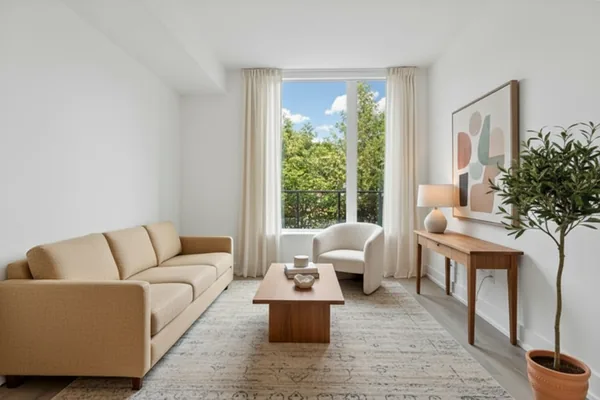
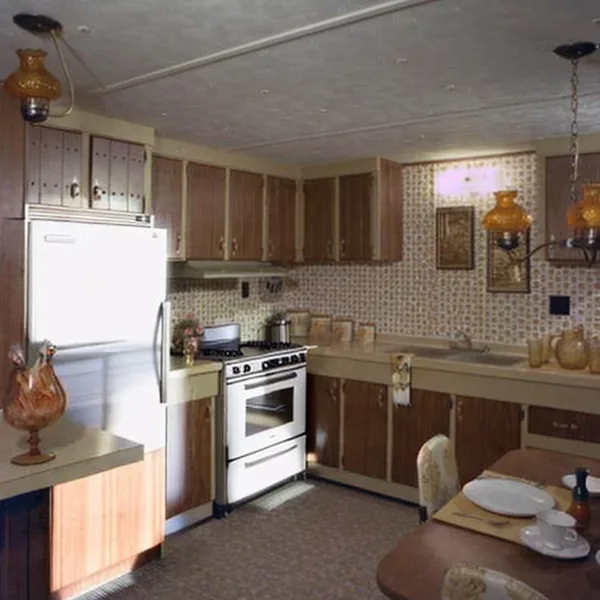
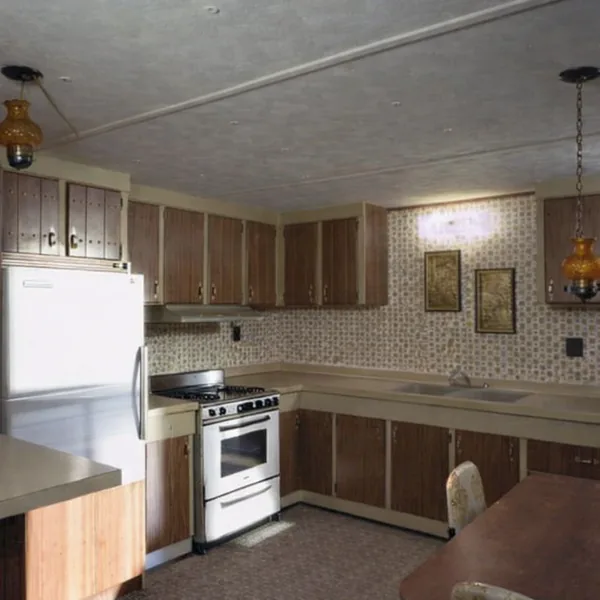
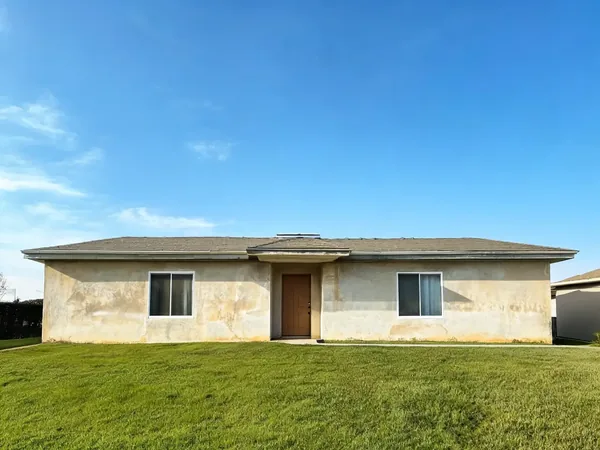
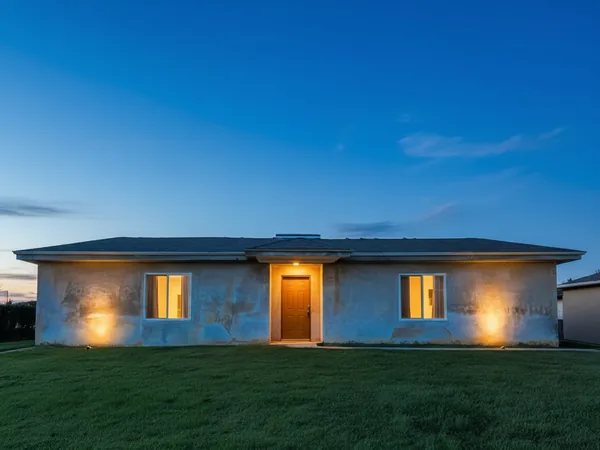
Drag any thumbnail to compare the real before and after. Same account, same credits.
Exterior

 ⇄BeforeAfter
Paint My House AI
Design →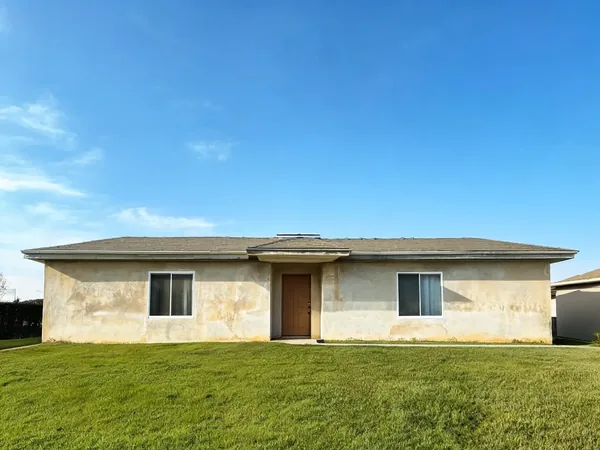
 ⇄BeforeAfter
House Design AI
Design →
 ⇄BeforeAfter
Free AI Architecture Generator
Design →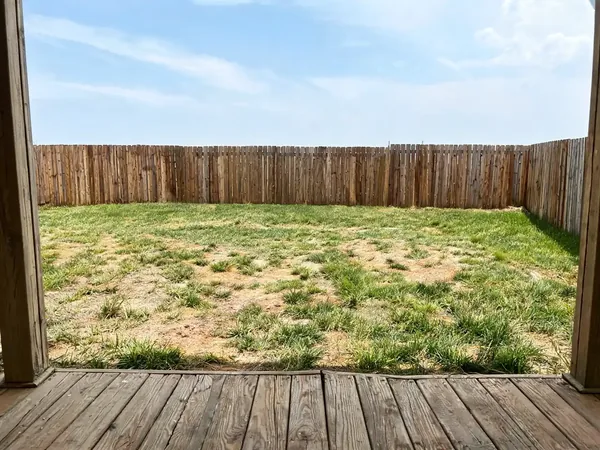
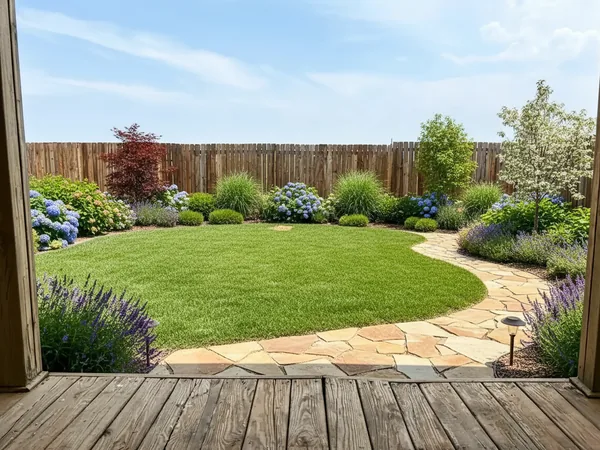 ⇄BeforeAfter
Landscaping AI
Design →
 ⇄BeforeAfter
Roof Visualizer
Design →
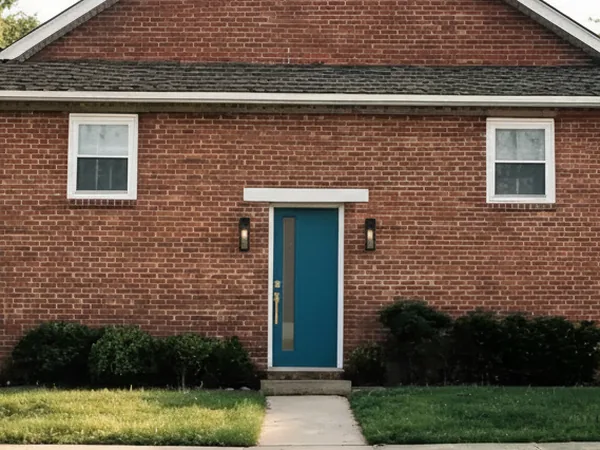 ⇄BeforeAfter
Door Visualizer
Design →
 ⇄BeforeAfter
Window Replacement
Design →
 ⇄BeforeAfter
Home Addition Visualizer
Design →Rooms
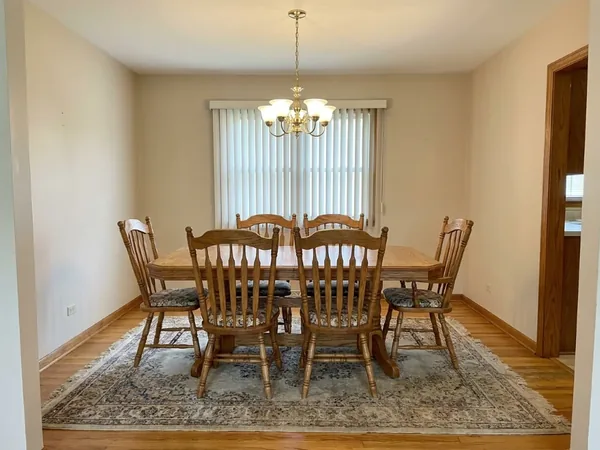
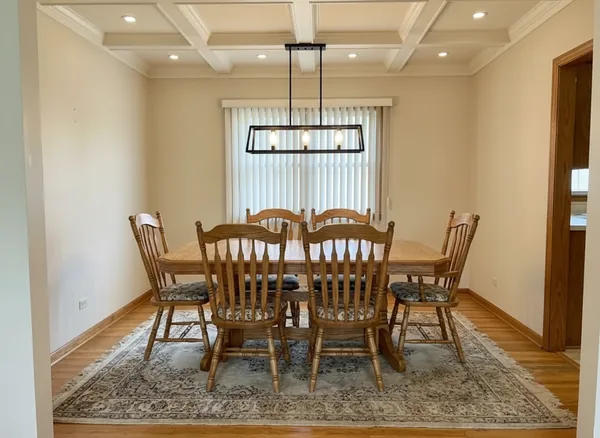
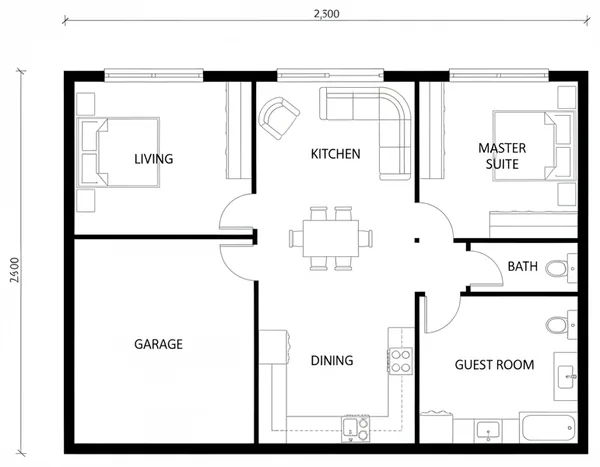
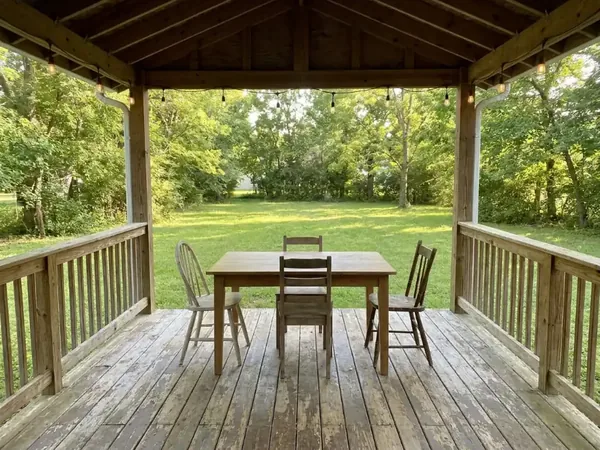
Outdoor & Structures




Edit



Analyze
Test it on your own photo first
Output quality in this category depends far more on your input photo than on any feature list. Free credits on signup, no card, and no Google account required.
Open the Home Design Studio