
What are AI Studios on AI Two
AI Two groups its tools into three studios for homeowners, QR code creators, and fashion sellers. Learn which studio fits your job.
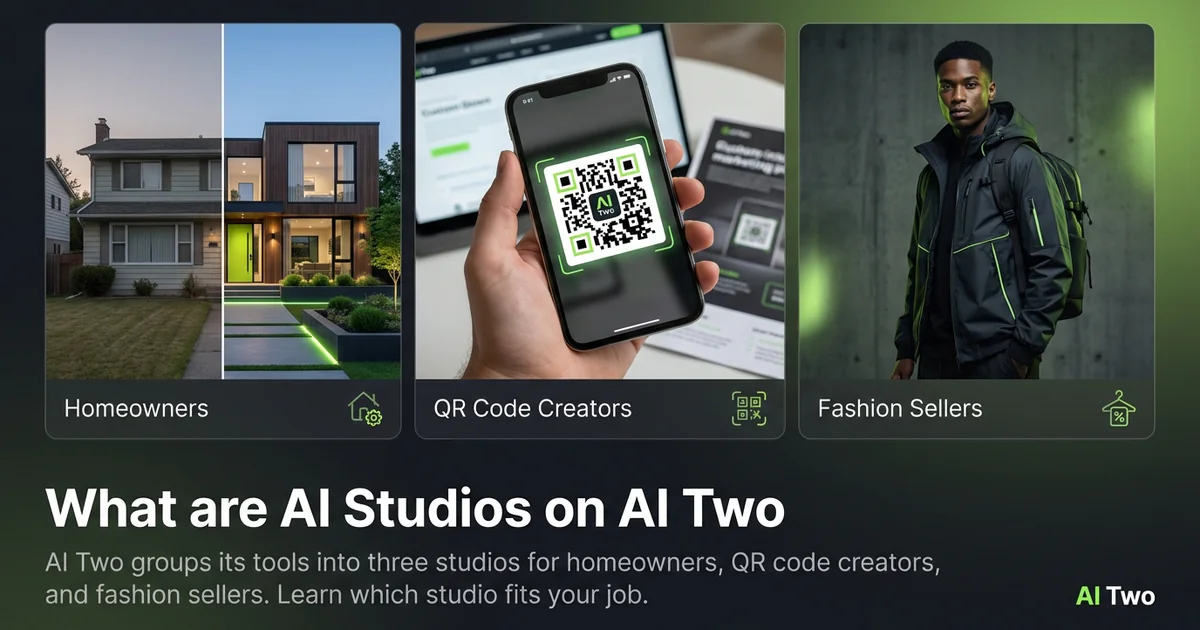
AI Two groups its tools into three studios for homeowners, QR code creators, and fashion sellers. Learn which studio fits your job. This page is part of the AI Two studio blog tree. Read the sections below for context; use the buttons and cards when you are ready to open a tool or a related guide.
What AI Studios are on AI Two
AI Studios are three audience folders: Home Design Studio, QR Studio, and Fashion Studio. Each folder lists every tool built for that buyer, with one landing page and one persistent sidebar.
When I explain AI Two to someone new, I ask what they need done today. That answer picks the studio. The technology behind the tools varies, but the grouping is about who you are, not which model runs.
Studios exist because scattered tool pages are hard to discover from search. Each studio wall lists the full toolkit for one job so you do not have to guess what else might help.
Home Design Studio
Home Design Studio covers paint, rooms, landscaping, staging, outdoor structures, and analysis tools that all start from a photo of a real property.
I open this branch when my source file is a house, yard, or room I control and I want to preview a change before hiring a crew or buying materials.
Exterior tools handle paint, roofs, doors, and landscaping. Room tools handle kitchens, bedrooms, and staging. Edit tools remove objects, swap colors, or shift lighting.
QR Studio
QR Studio covers WiFi, links, contact cards, menus, social profiles, colored codes, repair, and tracking. Every static code is scan-verified before download.
I open this branch when my deliverable must scan from paper, signage, or packaging and I cannot afford a broken code reaching print.
Colored and art QR pages still go through the same decode check as plain black modules.
Fashion Studio
Fashion Studio covers on-model photography, flat lays, ghost mannequin shots, jewelry on skin, footwear, catalogs, and post-production retouching for sellers.
I open this branch when my source file is a product I sell and I need listing imagery without booking a physical studio day.
Casting tools adjust body type or age on a consistent model roster; ecommerce tools turn hanger shots into polished product pages.
How to pick your studio
Pick Home Design if your photo is a house, yard, or room you control. Pick QR if your output must scan from physical media. Pick Fashion if your photo is a product you sell and you need model or listing imagery.
Each studio pillar and cluster guide on this blog walks through every tool in that branch with step-by-step posts linked as buttons, not buried inline links.
When you outgrow one tool, sibling guides in the same cluster explain which page to open next for finer control.