Your first generation is free when you sign up. Paid plans add credits, remove the watermark and unlock higher resolution.
Vegetable Garden Layout Planner: See a Veggie Garden in Your Own Yard
Vegetable Garden Layout Planner: See a Veggie Garden in Your Own Yard is a free AI tool. Upload a photo of your yard and see a vegetable garden in it before you dig: raised beds, in-ground rows, a herb garden, a container patio garden or berries. Free to try.
Free to try · first generation free on signup · no credit card
1
Step 1
Upload Image
Start by uploading image
Upload your image
Click to browse or drag & drop
2
Step 2
Select Mode
Choose your transformation style
Wooden raised beds with paths
3
Step 3
Options
Configure your options
Output quality:
Mode
Raised Beds
Your AI Design Will Appear Here
Fill in the options on the left, then press Generate.
Upload your image
Drag & drop your file here or click to browse
JPG, PNG, WebP
Max 10MB
AI Ready
Popular in Home Design Studio
Paint My House AIExterior House Paint AIAI Kitchen DesignAI Bathroom DesignAI Bedroom DesignFree AI Architecture GeneratorAI Interior Design From a PhotoAI Landscaping DesignHome Color Combination AIAI Curb Appeal RaterAI Interior Design RaterAI House Style IdentifierAI Renovation Cost EstimatorAI Day to Dusk Photo EditingAI Declutter Room PhotosAI Home Addition VisualizerAI Home Design Tools Compared
Quick facts about Vegetable Garden Layout Planner: See a Veggie Garden in Your Own Yard
- Tool nameVegetable Garden Layout Planner: See a Veggie Garden in Your Own Yard
- CategoryHome Design
- PriceFree to try
- InputPhoto upload + text prompt
- OutputAI-generated image
Before / After
Example results
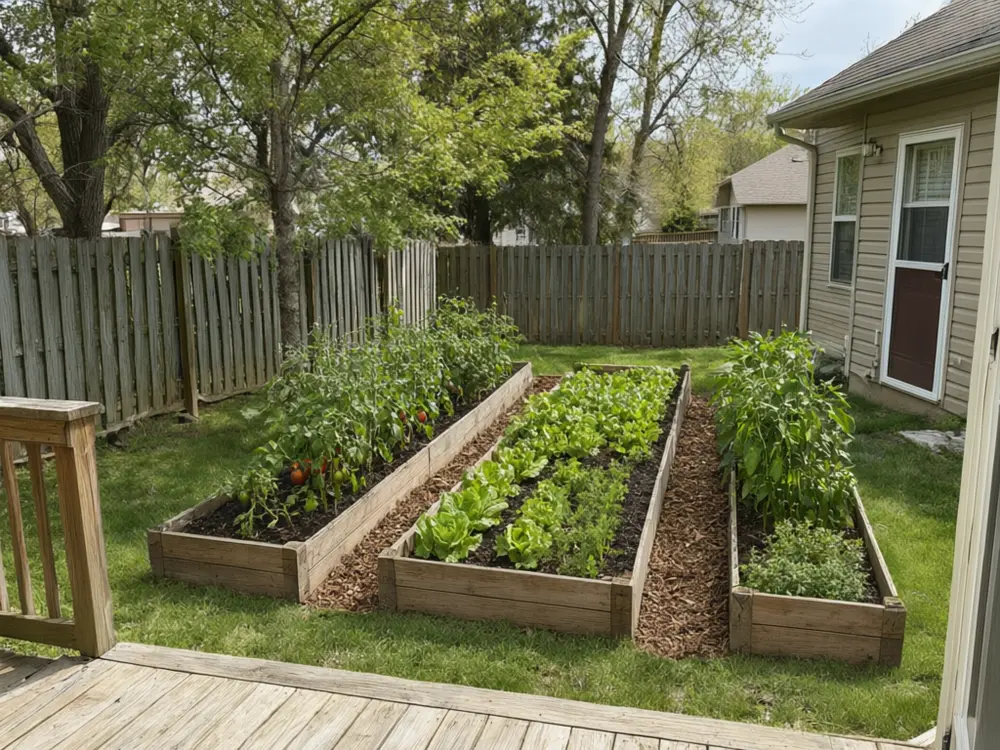
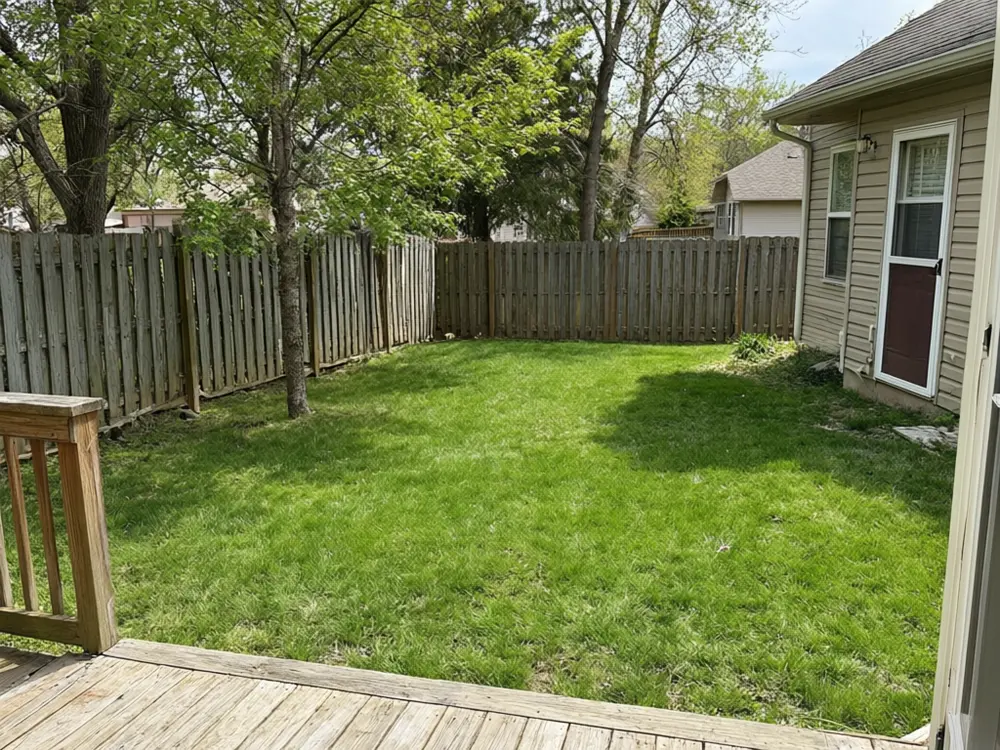
Drag to compare
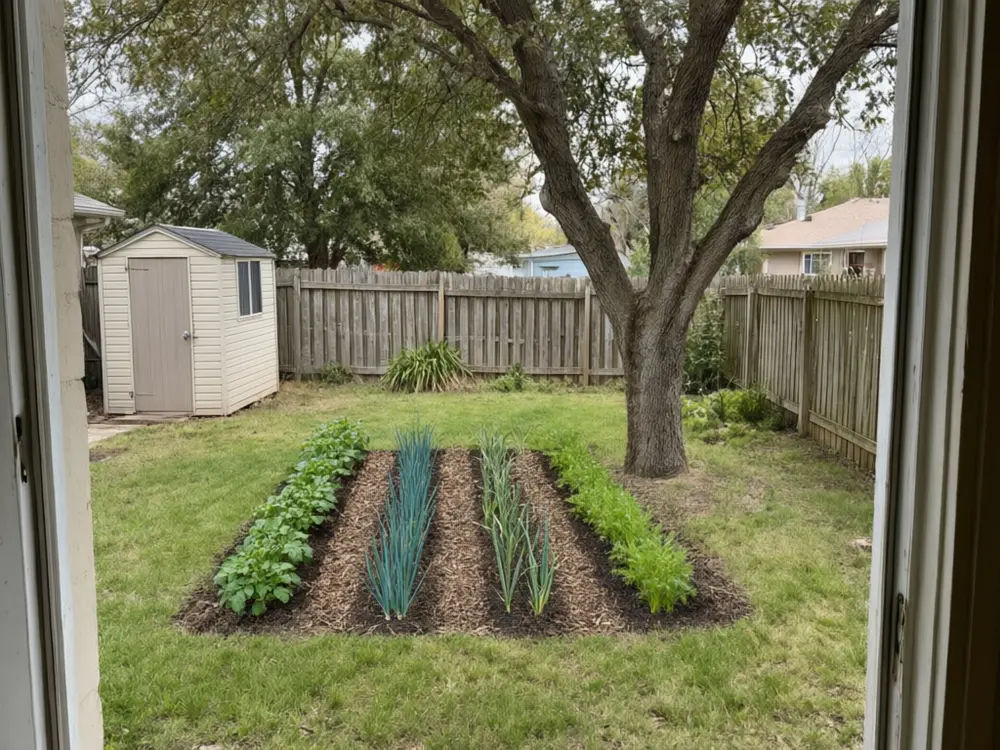
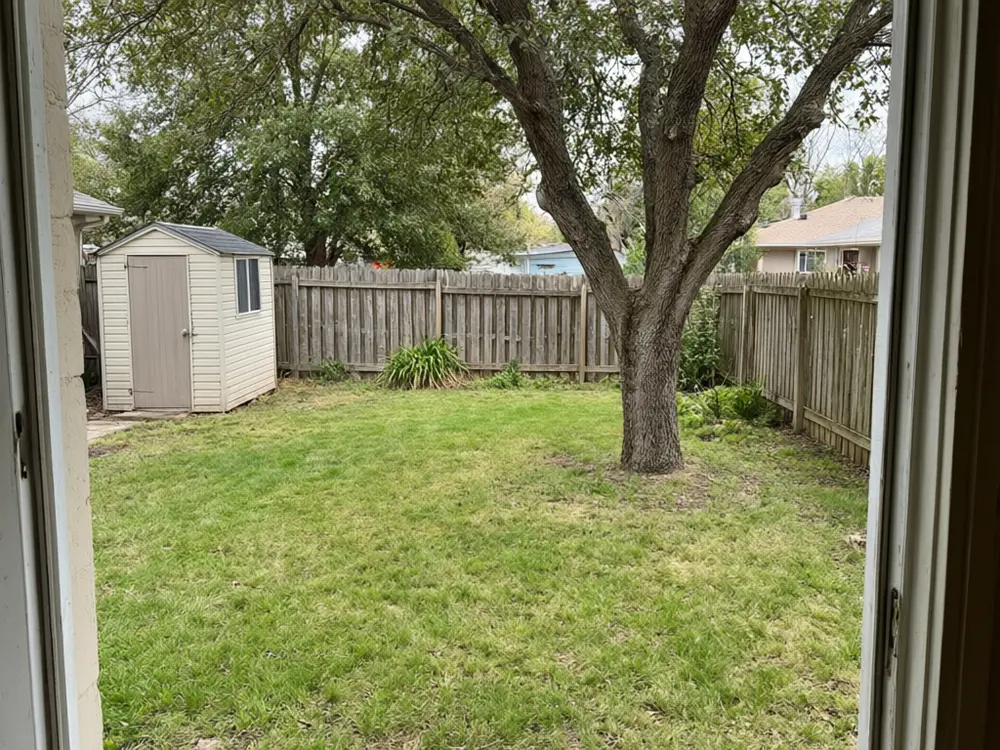
Drag to compare
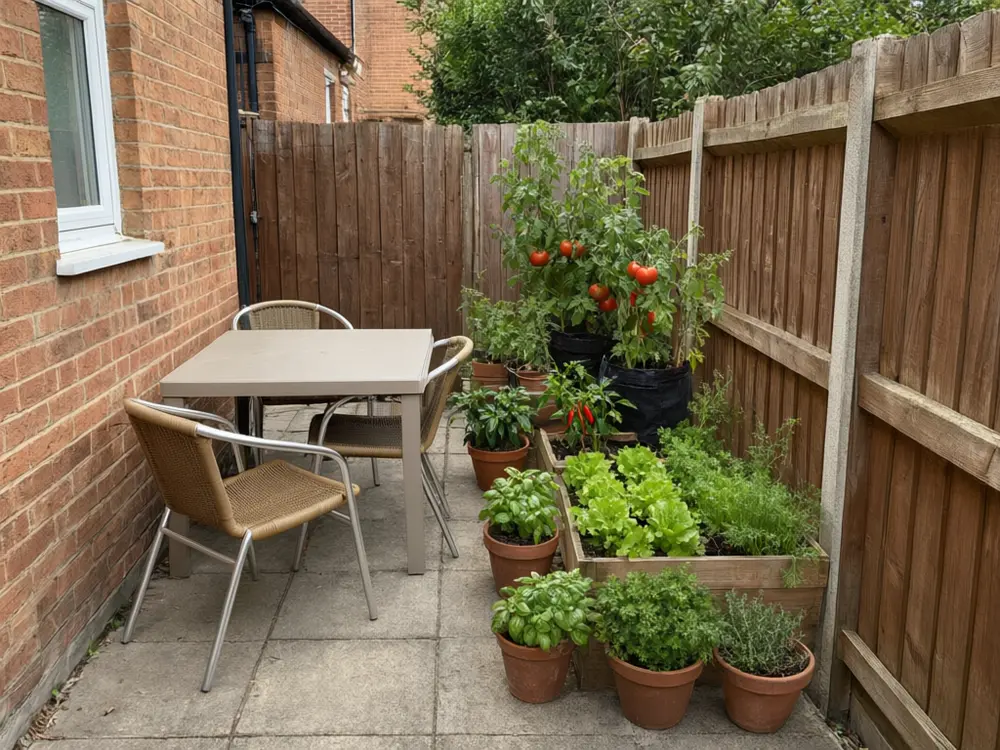
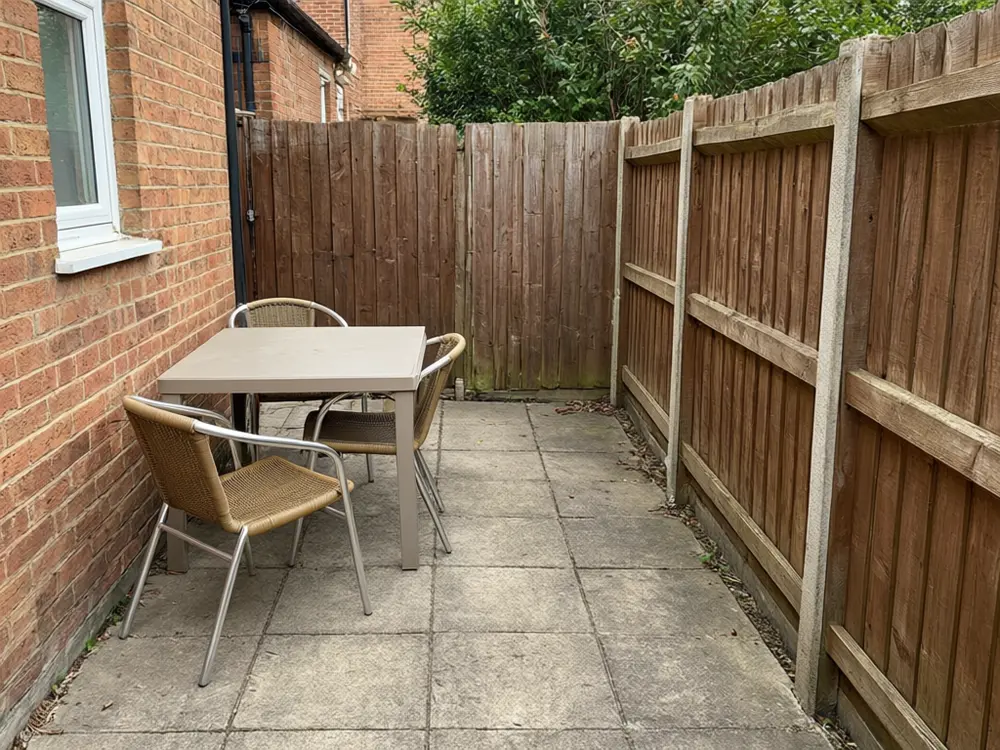
Drag to compare
Real, unretouched output from this tool. Drag any slider to compare.
See a vegetable garden in your own yard before you dig. Upload a photo, choose raised beds, rows, herbs, containers or berries, and the tool shows the garden placed on your ground at a realistic scale. Compare layouts, then plan the real thing with a proper planting guide.
How the vegetable garden layout planner works
You upload one photo of the spot and choose a layout, a size and a crop mix. The tool adds the garden to the picture and keeps the rest of your yard the same.
Each run makes one image. Run it with other layouts to compare, then keep the one you like.
1
Use a clear photo
A daytime photo with open ground gives the most believable placement.
2
Pick the size
The size is approximate; mark the real area with string before you build.
3
Think about sun
Most vegetables want six hours of direct sun. The picture does not check that. Look at your yard through the day.
4
Plan the real thing separately
Use a planting guide for spacing, timing and your climate zone.
The garden layouts
Five modes plus your own.
1
Raised beds
Wooden raised beds with paths between them.
2
In-ground rows
Traditional tilled rows with mulched paths.
3
Herb garden
A compact herb bed or spiral near the house.
4
Container patio garden
Pots and planters on a patio, balcony or deck.
5
Fruit and berries
Berry bushes and strawberries in a corner.
6
Your own description
Describe the garden yourself.
Honest limits
It is a picture, not a measured plan. It does not know your sun, soil, climate zone or how far apart plants should be.
The plants shown are examples of the crops you pick. Check what grows well where you live.
It does not change your yard other than adding the garden, but compare the result with your photo.
More tools for your home
Next steps for your yard and house.
Who uses a vegetable garden planner
🏠
New gardeners
✓See what a first vegetable garden could look like before digging.
💡
Homeowners
✓Compare raised beds with rows and see how much space they take.
🏢
Landscapers and garden coaches
✓Show a customer a proposal on their own yard.
📸
Schools and community gardens
✓Draft a layout to show a committee.
🪴
Vegetable Garden Layout Planner: See a Veggie Garden in Your Own Yard
Upload your imageTap anywhere here — your AI design will appear in this space after you generate.JPG · PNG · WebP
Wooden raised beds with paths
Premium users can generate images without watermark
Higher quality options available for premium users
Be specific for better results0/400
Output quality:
Frequently Asked Questions
No. It is a picture of how a garden could look in your yard. It does not know your sun, soil, zone or plant spacing, so use a planting guide for the real plan.
A daytime photo of the spot with open ground or lawn, taken from where you would normally stand.
Yes. Run the Raised Beds mode and then the In-Ground Rows mode to compare.
Yes. Use the Container Patio mode with a small size.
It is told to add only the garden and keep everything else exactly as photographed. Compare the result with your photo.
Most fruiting vegetables want about six hours of direct sun a day; leafy greens and herbs tolerate less. Watch your yard through a day before you choose the spot.
Yes. Use the Landscaping and Garden Design tool for lawn, paths and decor.