Upload a kitchen photo, choose a mode, set style preferences, and the AI generates a remodel concept on your room in about 30 seconds.
AI Kitchen Design & Remodel
AI Kitchen Design & Remodel is a free AI tool. Upload a photo of your kitchen and see it remodeled by AI — new cabinets, counters, floors and walls on your real room. Free to try, no credit card.
Free to try · first generation free on signup · no credit card
1
Step 1
Upload Image
Start by uploading image
Upload a photo of your kitchen
Click to browse or drag & drop
2
Step 2
Select Mode
Choose your transformation style
Restyle your whole kitchen in a new design direction
3
Step 3
Options
Configure your options
Output quality:
Mode
Kitchen Redesign
Your AI Design Will Appear Here
Fill in the options on the left, then press Generate.
Upload a photo of your kitchen
A wide shot with cabinets, counters and floor visible works best
JPG, PNG, WebP
Max 10MB
AI Ready
Popular in Home Design Studio
Paint My House AIExterior House Paint AIAI Bathroom DesignAI Bedroom DesignFree AI Architecture GeneratorAI Interior Design From a PhotoAI Landscaping DesignHome Color Combination AIAI Curb Appeal RaterAI Interior Design RaterAI House Style IdentifierAI Renovation Cost EstimatorAI Day to Dusk Photo EditingAI Declutter Room PhotosAI Home Addition VisualizerAI Home Design Tools Compared
Quick facts about AI Kitchen Design & Remodel
- Tool nameAI Kitchen Design & Remodel
- CategoryHome Design
- PriceFree to try
- InputPhoto upload + text prompt
- OutputAI-generated image
Upload a kitchen photo and redesign cabinets, layouts, and finishes with AI in about 30 seconds. Plan a remodel, test styles, and share concepts before you buy materials.
Trusted by over 306,000 users in more than 190 countries.
How to use free AI kitchen design
Most people start with a photo from their current kitchen. You pick a design direction, run the remodel tool, and see new cabinets, counters, and layout ideas on your real room.
When I tested a galley kitchen photo with a lighter cabinet brief, the aisle width still looked accurate. That spatial honesty matters when you are deciding if an island is even possible.
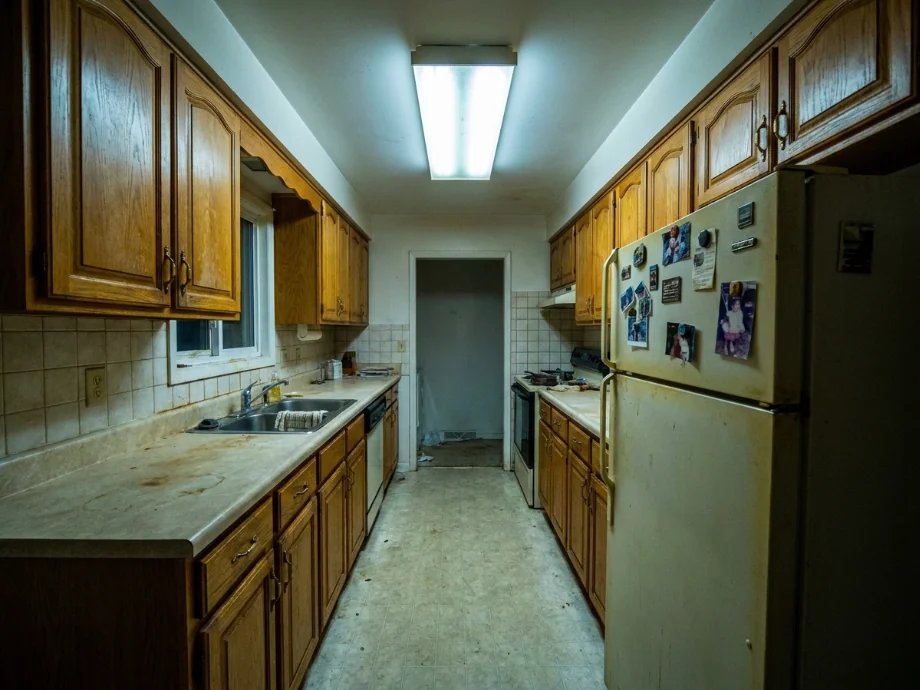
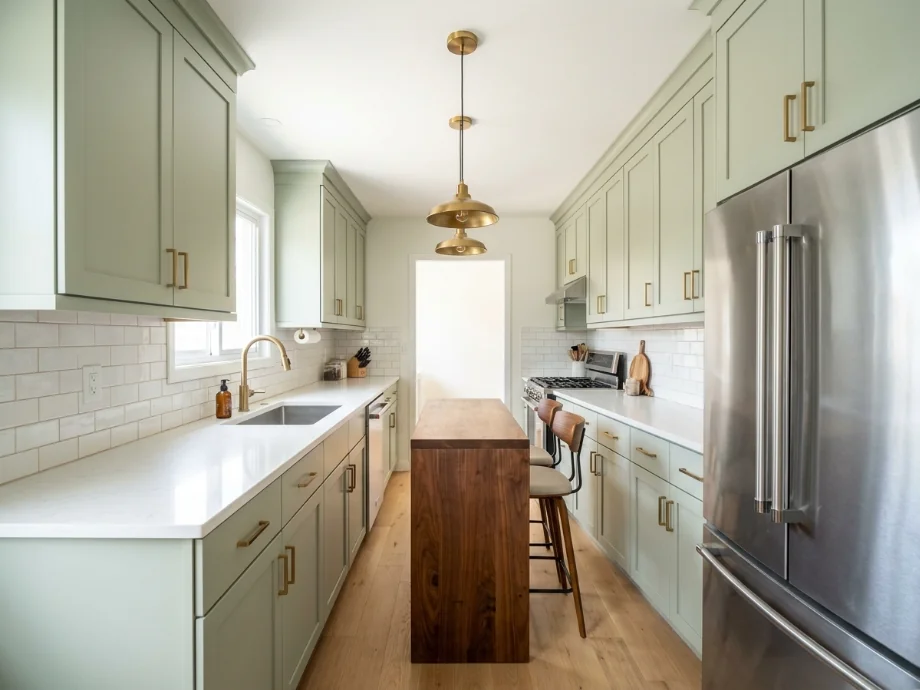
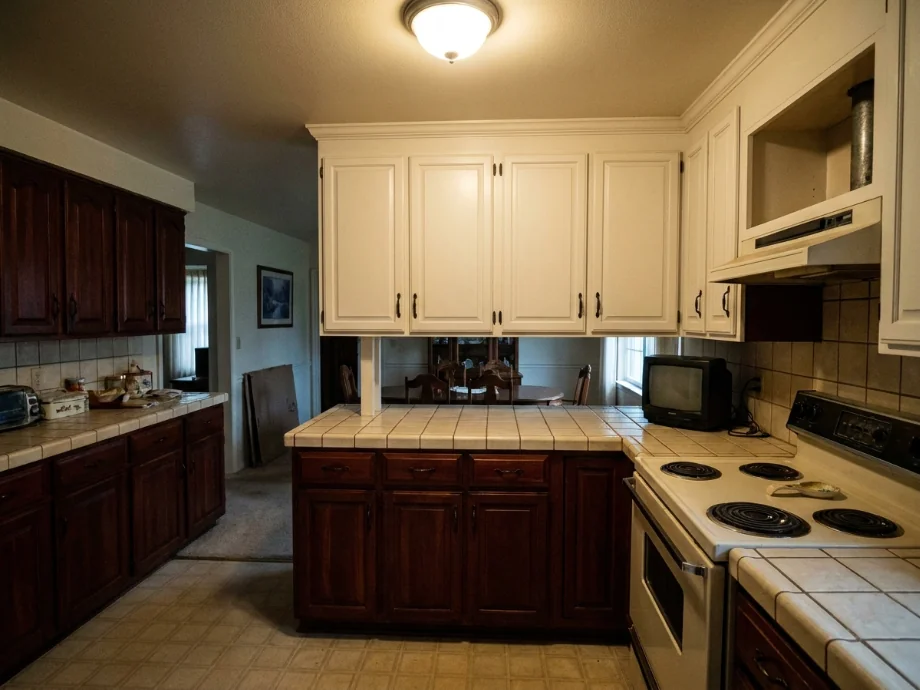
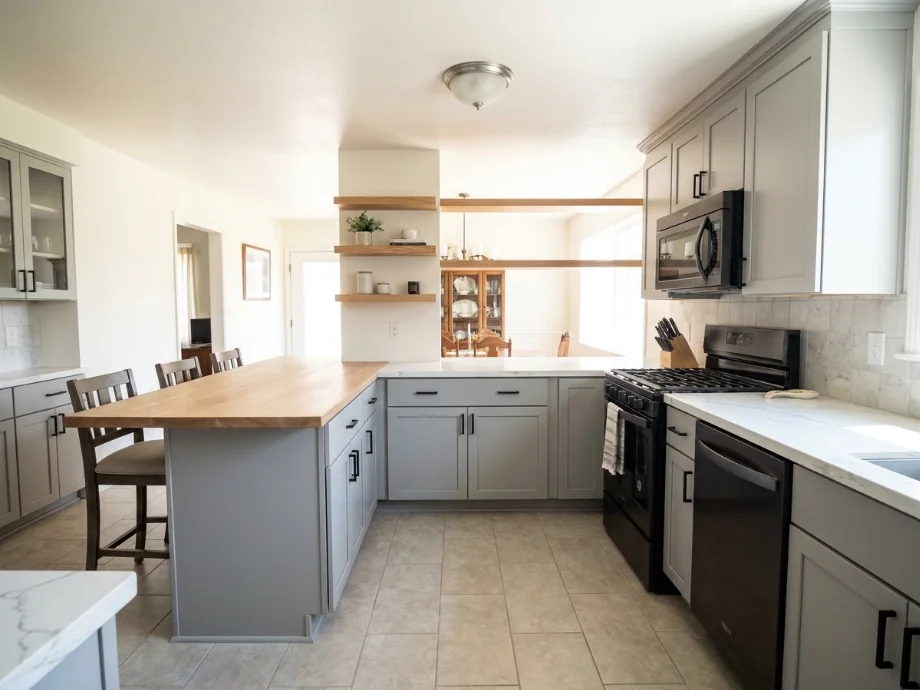
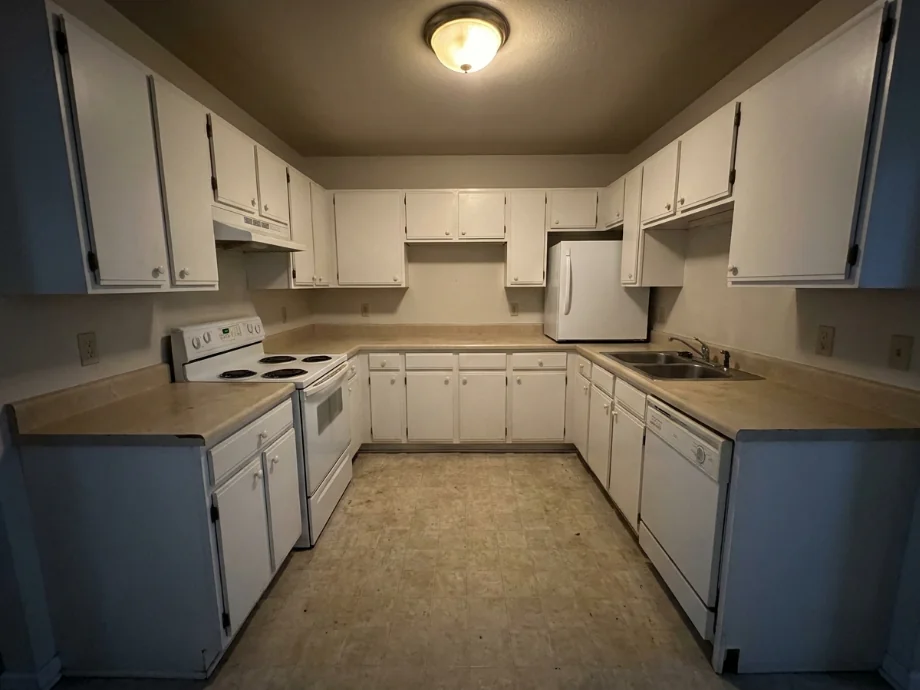
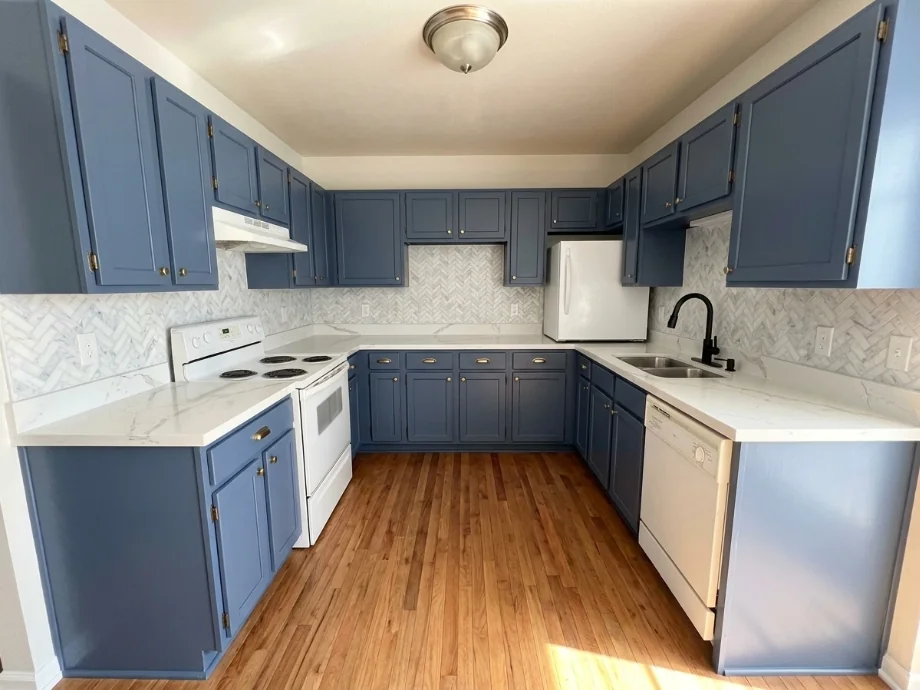
1
Upload a kitchen photo
Capture the full room if you can. Daylight photos show existing materials clearly. JPG, PNG, or WebP under 10MB.
2
Choose a mode
Redesign the whole kitchen, run the remodel mode on an outdated one, or change just the floor or the walls and backsplash.
3
Generate and iterate
Download concepts for contractor quotes or family decisions. Run multiple styles on the same photo to compare modern, farmhouse, and minimalist directions.
What AI kitchen remodel previews include
Outputs are visual plans, not construction drawings. They still help you align on cabinet color, layout flow, and appliance zones before spending on a full remodel.
1
Cabinets and counters
Test door styles, hardware direction, and countertop materials on your existing footprint.
2
Layout and workflow
See how prep zones, storage, and walkways might change with different arrangements.
Change just the cabinets, counters or floor
Most kitchen updates are not full remodels. Painting the cabinets, new countertops or a new floor cost a fraction of a gut job, so those modes change one thing and leave the rest of your photo alone.
Every kitchen mode also tells the AI to keep the sink, stove, hood, fridge, dishwasher, windows, doors and cabinet layout where they are. What you see is your kitchen with one change, not a different room.
1
Cabinets only
Pick a color or wood finish and choose all cabinets, lowers only for a two-tone look, uppers only or just the island. Hardware can stay or switch to black, brass or nickel pulls.
2
Countertop and backsplash
Try quartz, marble, granite, butcher block, concrete or laminate counters with a subway, zellige, hexagon, patterned or full slab backsplash.
3
Floor
Swap the floor for light oak, dark wood, herringbone, large gray tile, checkerboard, terracotta or polished concrete while the cabinets and counters stay put.
Who uses AI kitchen design tools
🏠
Homeowners
✓Plan renovations before demo day.
✓Compare cabinet colors without ordering samples for every option.
💡
Interior designers
✓Speed up client mood boards with photo based concepts.
✓Present two layout directions in one meeting.
🏢
Contractors and remodelers
✓Align scope early with visual references.
✓Help clients choose finishes faster.
Kitchen styles you can test on your photo
Run the same photo with different briefs to see which direction fits your house and your taste. Five styles tend to work well for kitchens.
| Style | What it looks like |
|---|---|
| Modern farmhouse | White shaker cabinets, matte black hardware, subway tile, and a wood island. |
| Minimalist | Flat front cabinets, hidden hardware, one countertop material, and no upper cabinets. |
| Transitional | Soft gray cabinets, marble counters, brass fixtures, and shaker doors. |
| Industrial | Black cabinets, open shelving, concrete counters, and metal accents. |
| Coastal | Light oak cabinets, white counters, blue accents, and woven shades. |
From AI preview to real remodel
Once you have a concept you like, the next step is turning it into a real plan. Download the image and write down the cabinet door style, countertop material, and color names the AI used.
Bring the image and your notes to a cabinet supplier or contractor. They can tell you which parts are stock items and which need custom work. Most cabinet lines come in 6 inch width increments, so a layout that looks right in the preview may need a filler panel or a small design tweak in real life.
1
Check your measurements
Measure your existing cabinets, walls, and appliance cutouts before you commit. A 30 inch refrigerator will not fit in a 28 inch cutout.
2
Pick a contractor early
Get two or three bids before demo day. A good contractor will spot issues in the AI preview you missed.
AI design tools for every room
AI Bathroom DesignAI Bedroom DesignAI Living Room DesignAI Dining Room DesignAI Home Office DesignAI Garage DesignAI Gaming Room DesignAI Home Theater DesignAI Laundry Room DesignAI Library DesignAI Study Room DesignAI Loft DesignAI Sunroom DesignAI Porch DesignRoom Interior AI — every roomRenovate AI — whole-home remodelAI House DesignAI House Painter
🍳
AI Kitchen Design & Remodel
Upload your imageTap anywhere here — your AI design will appear in this space after you generate.JPG · PNG · WebP
Restyle your whole kitchen in a new design direction
Premium users can generate images without watermark
Higher quality options available for premium users
Output quality:
Frequently Asked Questions
Yes. The remodel mode targets outdated cabinets, countertops, appliances, backsplash and lighting specifically, and renders the update on your own room photo so proportions stay recognizable.
Yes. The AI works from your photo and can suggest new cabinet, floor, and wall directions while keeping room proportions visible.
Yes — sign up free — your first generation on the best model is included, no credit card needed. Paid options add more generations and higher resolution exports.
A wide shot with counters, cabinets, and floor visible in even daylight. Avoid heavy clutter blocking main surfaces.
Yes. Download images and use them as visual references in quotes and planning meetings.
The AI keeps your room proportions but does not measure your actual cabinets. Treat the preview as a concept, not a build plan. Confirm widths and heights with a cabinet supplier before ordering.
It should not. Every kitchen mode tells the AI to keep the sink, stove, hood, fridge, dishwasher, windows, doors and cabinet layout in place, and on clear daylight photos it usually does. On dark or cluttered photos it can still shift or restyle an appliance; if that happens, run it again or use one of the single-surface modes, which change the least.
Yes. Mention your appliance models in the brief and the AI will usually work around them. For a tighter fit, note the exact cutout widths.