Your first generation is free when you sign up. Paid plans add credits, remove the watermark and unlock higher resolution.
Shutter Visualizer: See New Shutters on Your Own House
Shutter Visualizer: See New Shutters on Your Own House is a free AI tool. Upload a photo of your house and see new shutter colours and styles before you buy: black, navy, green, louvered or board and batten. Free to try.
Free to try · first generation free on signup · no credit card
1
Step 1
Upload Image
Start by uploading image
Upload your image
Click to browse or drag & drop
2
Step 2
Select Mode
Choose your transformation style
Recolour existing shutters
3
Step 3
Options
Configure your options
Output quality:
Mode
Shutter Colour
Your AI Design Will Appear Here
Fill in the options on the left, then press Generate.
Upload your image
Drag & drop your file here or click to browse
JPG, PNG, WebP
Max 10MB
AI Ready
Popular in Home Design Studio
Paint My House AIExterior House Paint AIAI Kitchen DesignAI Bathroom DesignAI Bedroom DesignFree AI Architecture GeneratorAI Interior Design From a PhotoAI Landscaping DesignHome Color Combination AIAI Curb Appeal RaterAI Interior Design RaterAI House Style IdentifierAI Renovation Cost EstimatorAI Day to Dusk Photo EditingAI Declutter Room PhotosAI Home Addition VisualizerAI Home Design Tools Compared
Quick facts about Shutter Visualizer: See New Shutters on Your Own House
- Tool nameShutter Visualizer: See New Shutters on Your Own House
- CategoryHome Design
- PriceFree to try
- InputPhoto upload + text prompt
- OutputAI-generated image
Before / After
Example results
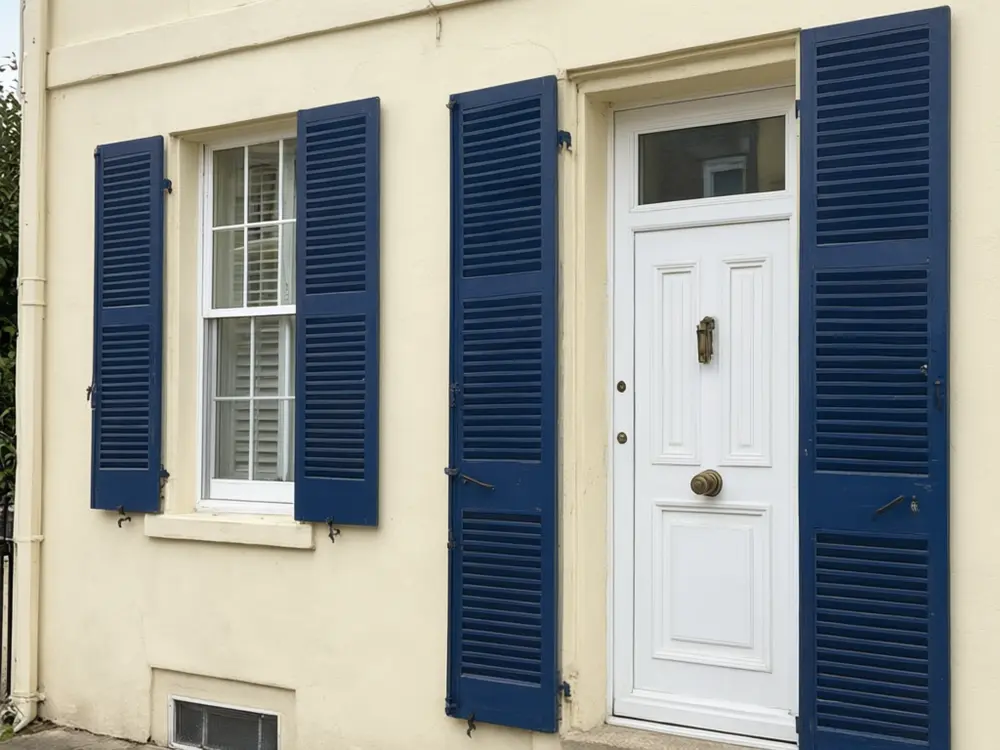
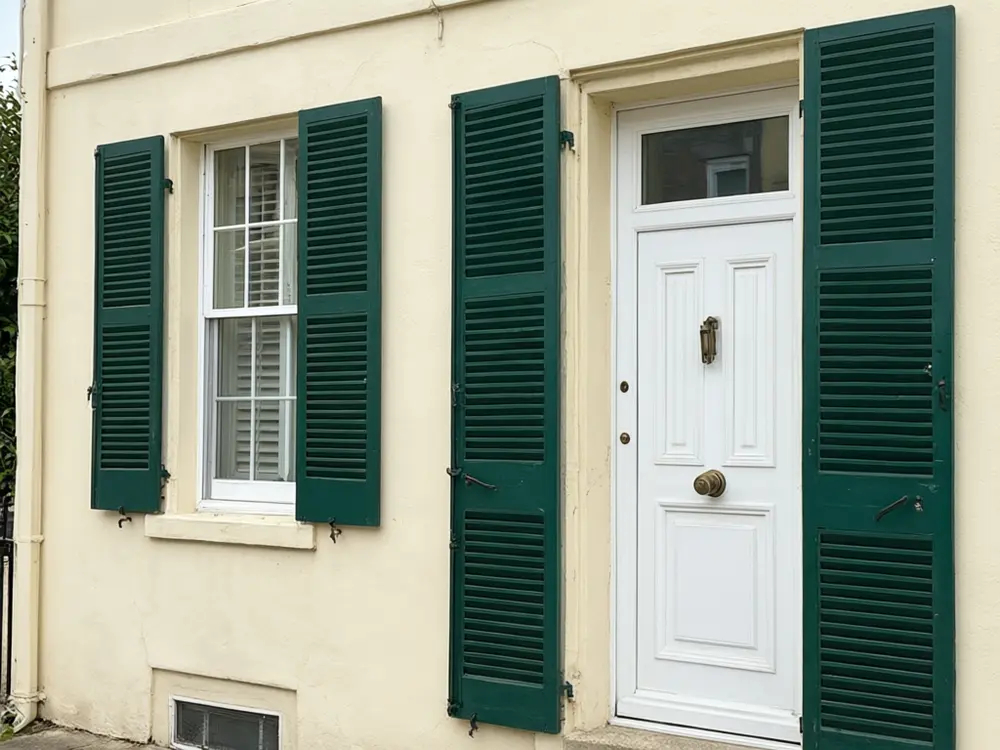
Drag to compare
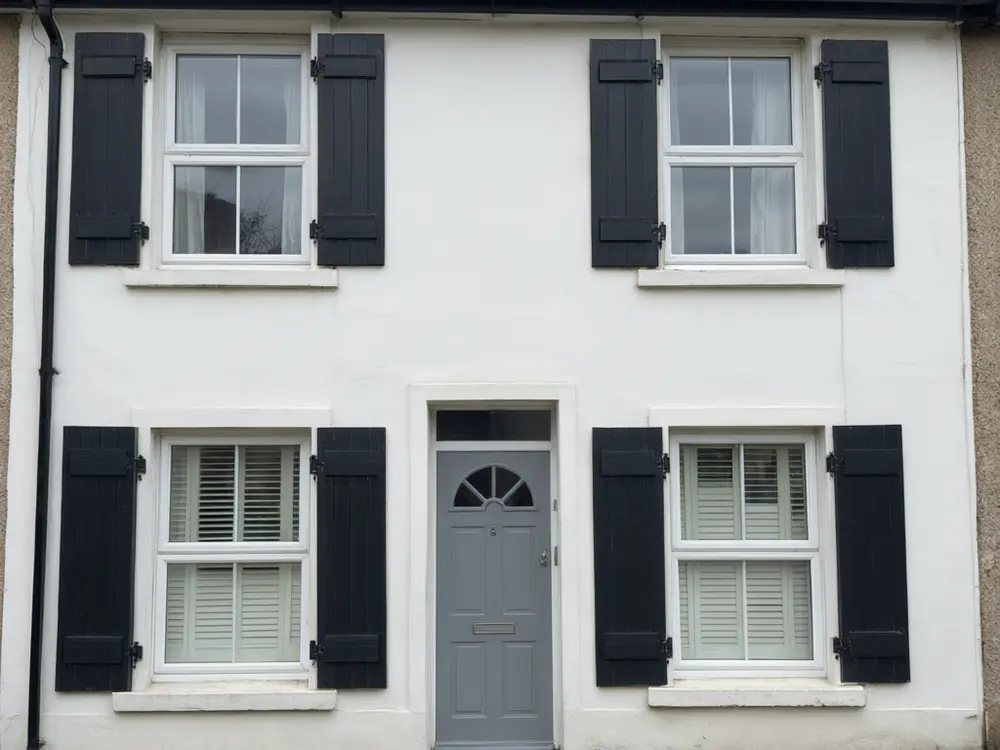
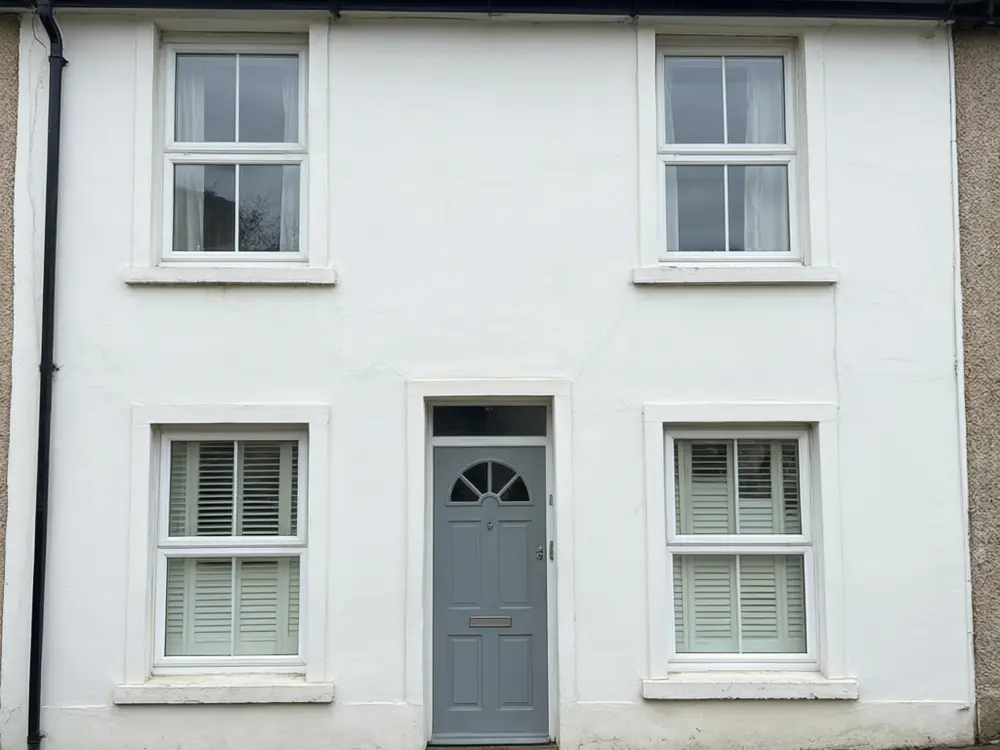
Drag to compare
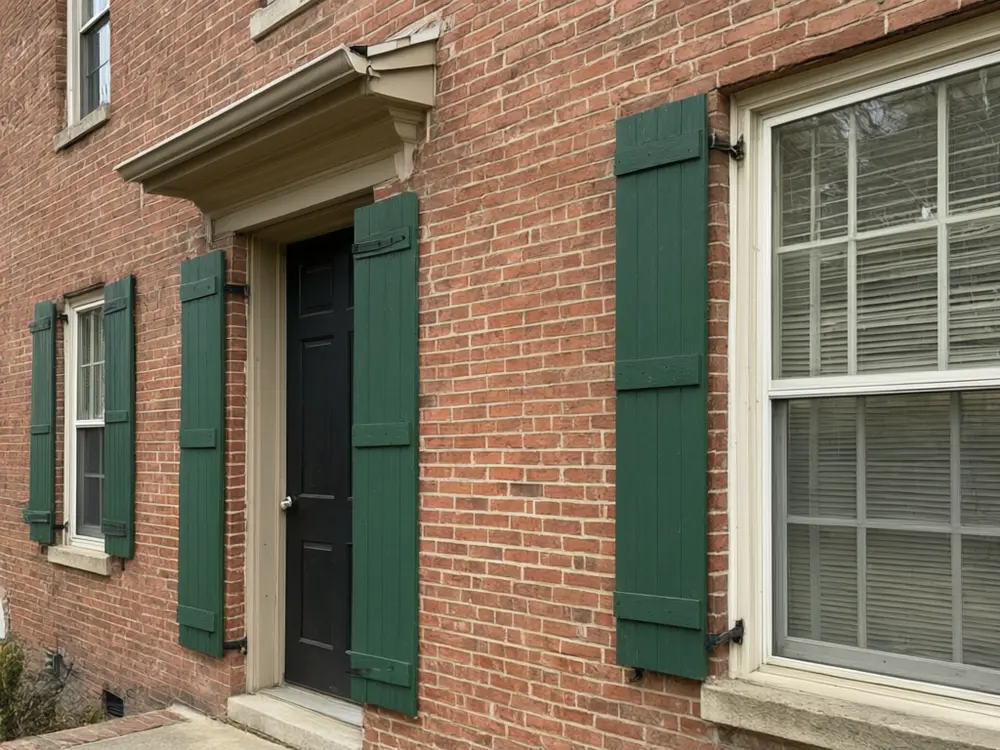
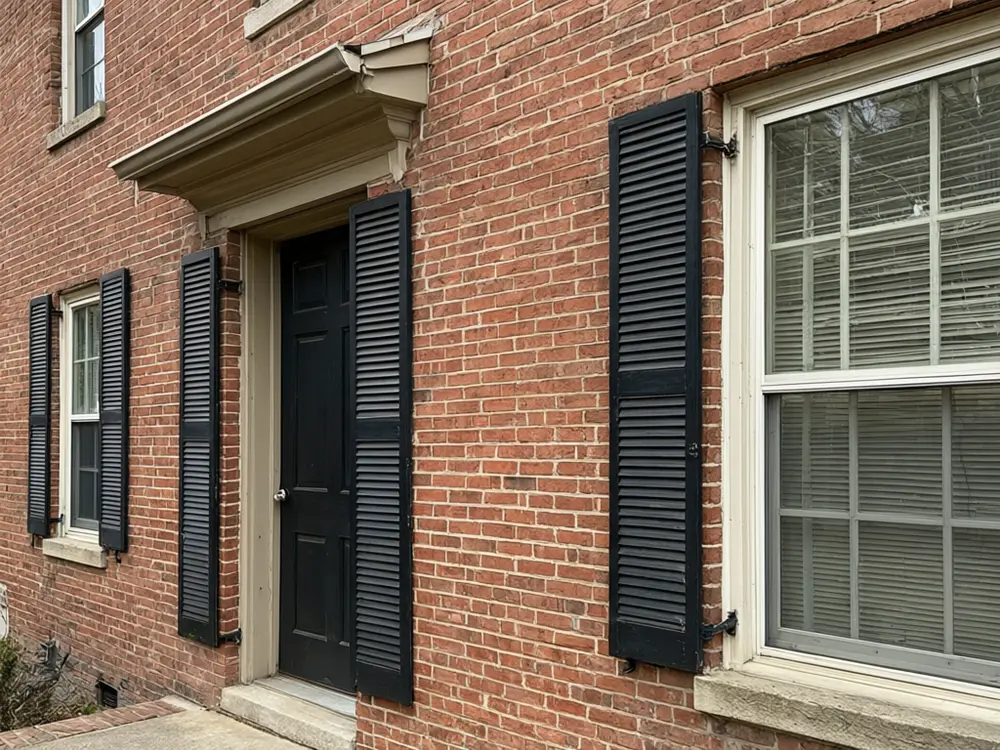
Drag to compare
Real, unretouched output from this tool. Drag any slider to compare.
See new shutters on your own house before you buy. Upload a photo, recolour the shutters you have, add shutters to bare windows, swap the style, or see the house without them, and the tool edits only the shutters.
How the shutter visualizer works
You upload one photo of your house and choose what to change. The tool changes only the shutters and keeps everything else the same.
Each run makes one image. Run it with other options to compare, then keep the one you like.
1
Use a clear photo
A straight-on daytime photo of the front of the house with every window in view.
2
Try more than one option
Run a few colours or styles and compare them side by side before you decide.
3
Use it before you spend money
A picture is cheap to change. A real shutters is not.
4
It is a preview
The picture shows a look. It is not a quote, a plan or a survey.
The shutters options
4 modes plus your own.
1
Shutter Colour
Recolour existing shutters.
2
Add Shutters
Add shutters to bare windows.
3
Change Style
Swap the shutter style.
4
Remove Shutters
See the house without shutters.
5
Your own description
Describe the change yourself.
Honest limits
It shows a shutters on your photo. It is not a measured quote or a plan.
Sizes, spacing and exact products are approximate.
Real shutter sizes depend on your windows; a preview is not a measurement.
Everything else should stay the same; compare the result with your photo.
More tools for your home
Next steps for your home.
Who uses a shutter visualizer
🏠
Homeowners
✓Pick a shutter colour and style before you order or paint.
💡
Painters and exterior contractors
✓Show a customer options at a quote.
🏢
Home sellers
✓See whether shutters would lift curb appeal.
📸
Real estate agents
✓Show a client how a house could look.
🎨
Shutter Visualizer: See New Shutters on Your Own House
Upload your imageTap anywhere here — your AI design will appear in this space after you generate.JPG · PNG · WebP
Recolour existing shutters
Premium users can generate images without watermark
Higher quality options available for premium users
Be specific for better results0/400
Output quality:
Frequently Asked Questions
It is told to change only the shutters and keep the walls, roof, windows, doors and everything else exactly as photographed. Compare the result with your photo.
Yes. Run one option and then another to compare.
A straight-on daytime photo of the front of the house with every window in view.
Yes. Use the Add Shutters mode.
Yes. Pick a colour in Shutter Colour or Add Shutters.
No. The walls, roof and door stay as they are. Use the AI House Painter for wall colours.