Your first generation is free when you sign up. Paid plans add credits, remove the watermark and unlock higher resolution.
Floor Plan to 3D Render: See Your 2D Plan Furnished in 3D
Floor Plan to 3D Render: See Your 2D Plan Furnished in 3D is a free AI tool. Upload a 2D floor plan and see it in 3D: a furnished top-down view, an isometric cutaway, an eye-level view of one room or a colour plan for a listing. A concept picture, not a build plan. Free to try.
Free to try · first generation free on signup · no credit card
1
Step 1
Upload Image
Start by uploading image
Upload your image
Click to browse or drag & drop
2
Step 2
Select Mode
Choose your transformation style
The whole plan from above, furnished
3
Step 3
Options
Configure your options
Output quality:
Mode
Top-Down 3D Furnished
Your AI Design Will Appear Here
Fill in the options on the left, then press Generate.
Upload your image
Drag & drop your file here or click to browse
JPG, PNG, WebP
Max 10MB
AI Ready
Popular in Home Design Studio
Paint My House AIExterior House Paint AIAI Kitchen DesignAI Bathroom DesignAI Bedroom DesignFree AI Architecture GeneratorAI Interior Design From a PhotoAI Landscaping DesignHome Color Combination AIAI Curb Appeal RaterAI Interior Design RaterAI House Style IdentifierAI Renovation Cost EstimatorAI Day to Dusk Photo EditingAI Declutter Room PhotosAI Home Addition VisualizerAI Home Design Tools Compared
Quick facts about Floor Plan to 3D Render: See Your 2D Plan Furnished in 3D
- Tool nameFloor Plan to 3D Render: See Your 2D Plan Furnished in 3D
- CategoryHome Design
- PriceFree to try
- InputPhoto upload + text prompt
- OutputAI-generated image
Before / After
Example results
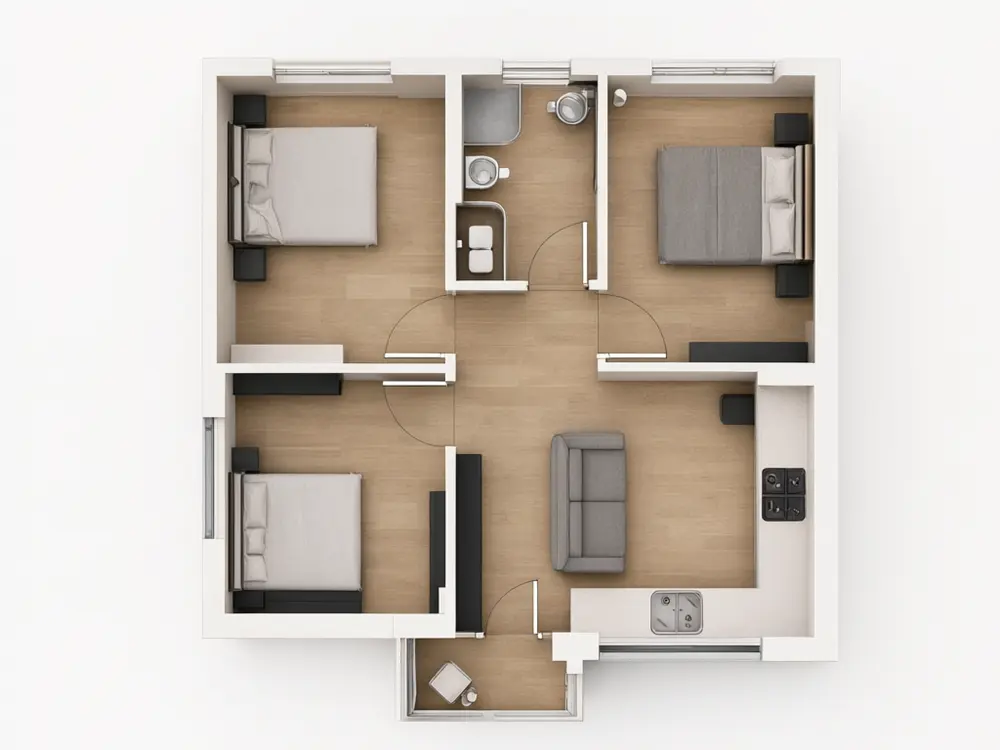
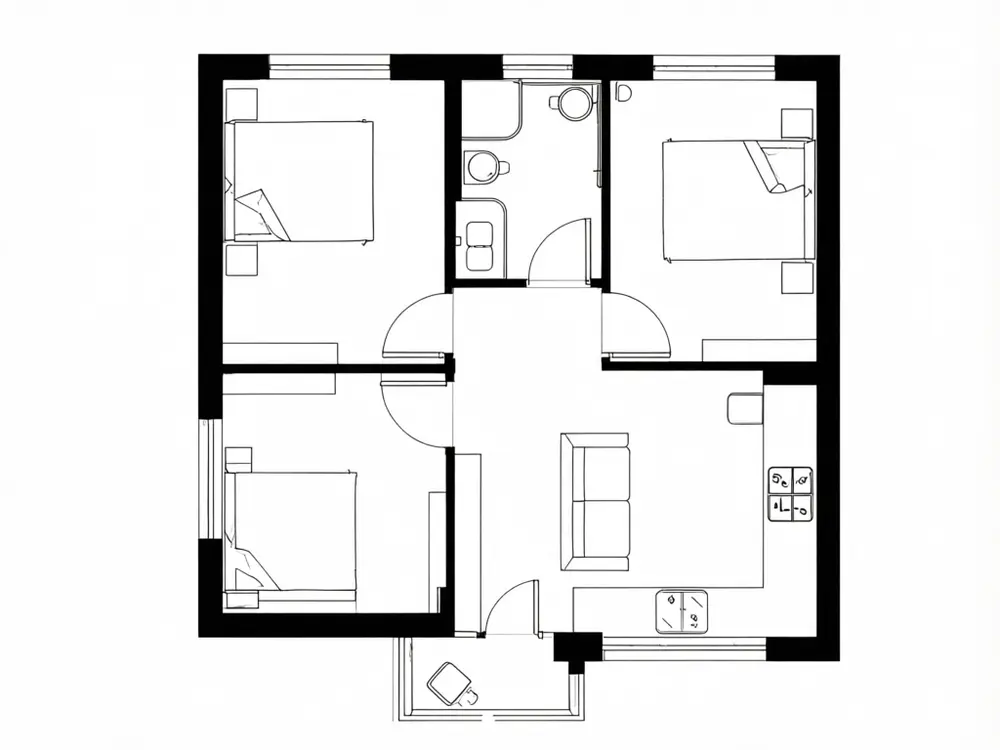
Drag to compare
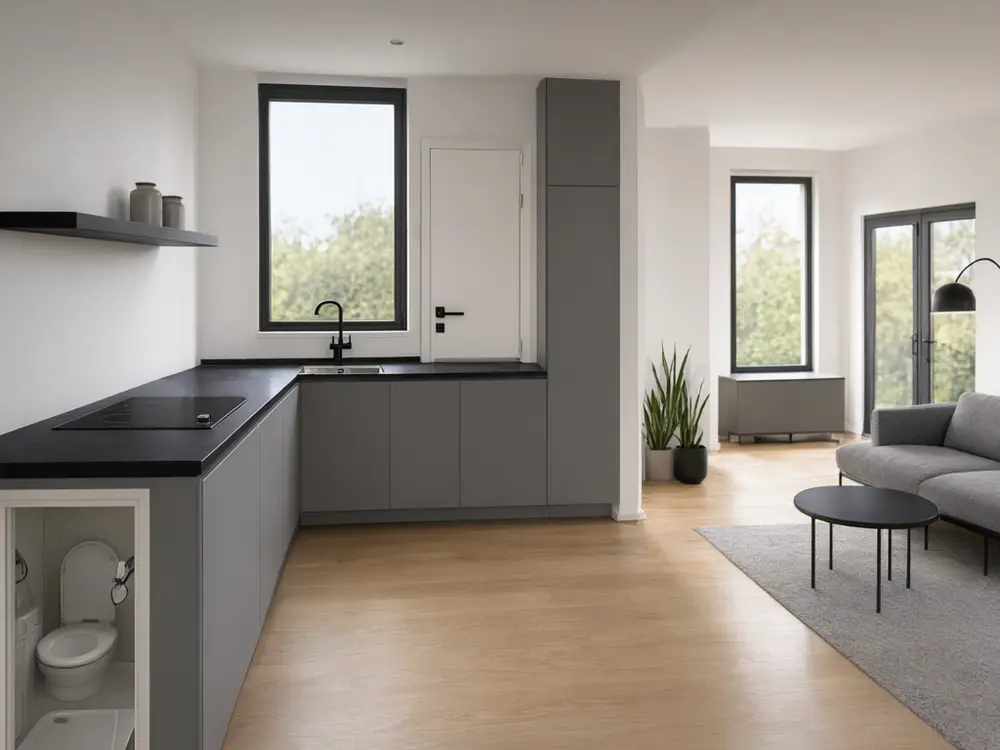
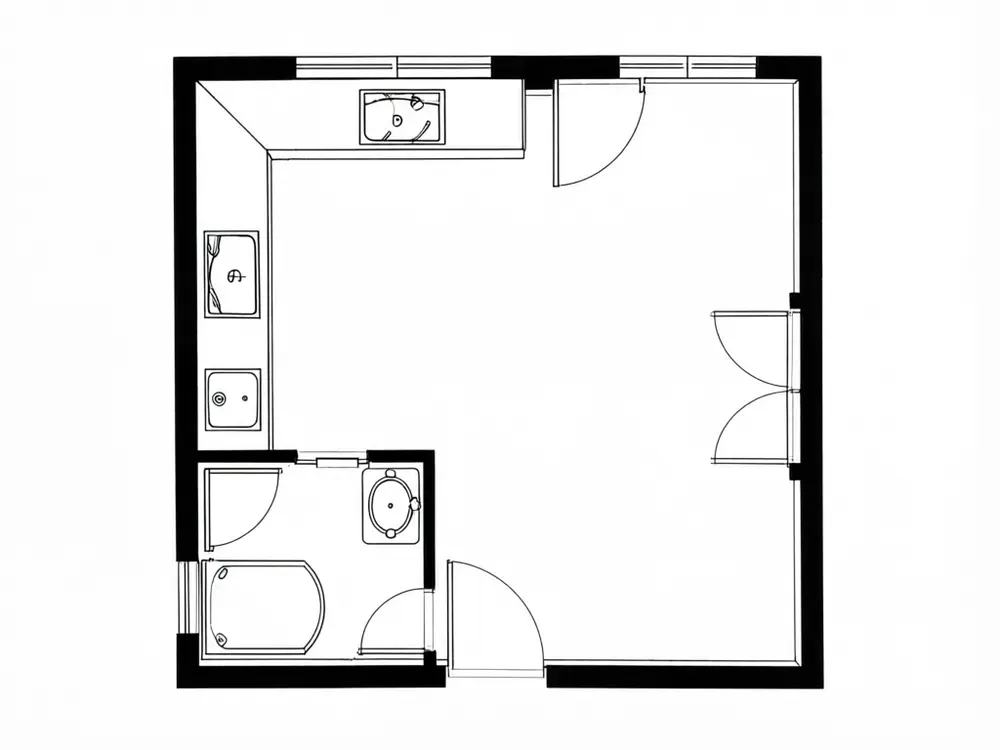
Drag to compare
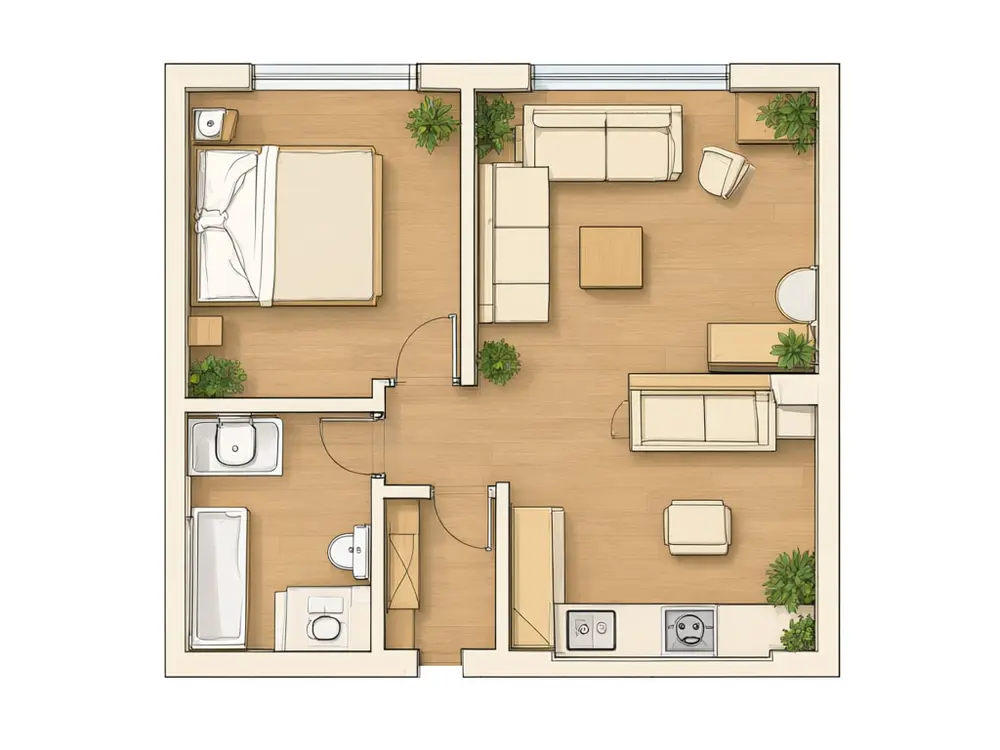
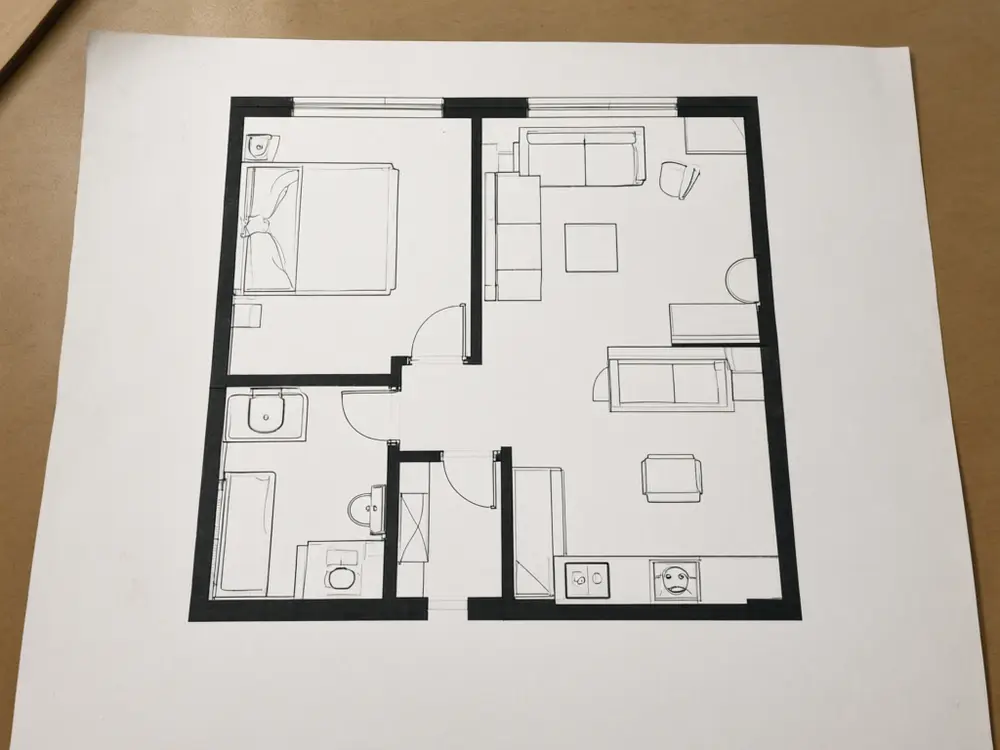
Drag to compare
Real, unretouched output from this tool. Drag any slider to compare.
A flat 2D floor plan is hard to picture. Upload your plan, from a drawing, a listing or a photo of a printed sheet, and see it rendered in 3D: furnished from above, as an isometric cutaway, from eye level inside one room, or as a clean colour plan for a listing. The walls, doors and rooms stay as drawn.
How the floor plan to 3D tool works
You upload a 2D plan and choose a 3D view and a style. The tool keeps the walls, doors, windows and rooms as drawn and fills each room with furniture and finishes that suit its use.
Each run makes one image. Try two styles or two views, then compare the result with your plan line by line.
1
Upload a clean plan
A straight, sharp image with clear walls. Crop away the page edges, logos and notes.
2
Choose the view
From above to see the whole home, a cutaway for depth, or eye level to stand in one room.
3
Pick a style
The style sets the floors, walls and furniture.
4
Check against the plan
AI can still shift a wall or a door. Compare and run again if anything moved.
The 3D views
Four modes plus your own.
1
Top-Down 3D Furnished
The whole plan seen from above, walls raised, every room furnished.
2
Isometric 3D Cutaway
The plan as a 3D model seen from a corner at an angle, with the roof off.
3
Eye-Level Room View
Stand inside one room of your plan, such as the living room or the kitchen.
4
Colour Marketing Plan
A clean, flat colour plan with furniture, like the plans in property listings.
5
Your Own Description
Describe the render yourself.
Honest limits
It is a concept picture, not a measured drawing. It is not to scale, it is not construction drawings, and it cannot be used for a permit. It does not check building codes, structure or room sizes.
The furniture is an example of how the rooms could be used, not a fitted design. The tool adds no room names or dimensions; add them in an editor if you need them. A clean, straight plan gives the most faithful result, and a busy or skewed photo may lose detail.
More tools for your home
Next steps for your plan.
Who uses a floor plan to 3D tool
🏠
Home buyers and renters
✓See what a flat on a listing plan really looks like.
✓Compare two plans before a viewing.
💡
Real estate agents
✓Add a 3D view of the plan to a listing.
🏢
Homeowners planning a renovation
✓Picture a new plan before talking to an architect.
📸
Developers selling off-plan
✓Show buyers a concept of the finished home.
🏠
Floor Plan to 3D Render: See Your 2D Plan Furnished in 3D
Upload your imageTap anywhere here — your AI design will appear in this space after you generate.JPG · PNG · WebP
The whole plan from above, furnished
Premium users can generate images without watermark
Higher quality options available for premium users
Be specific for better results0/400
Output quality:
Frequently Asked Questions
No. It is a concept picture, not to scale and not construction drawings, and it cannot be used for a permit. Use an architect or a designer for a measured plan.
The tool is told to keep every wall, door, window and room as drawn. AI can still shift a line or merge a small room, so compare the render with your plan and run again if something moved.
A clean, straight, sharp plan with clear black walls. Crop away page edges, logos and notes. A photo of a printed plan works if it is flat and well lit.
Yes. Use the Eye-Level Room View mode and pick the room.
No. The render has no text, so labels are never misspelt or wrong. Add names and sizes in an editor if you need them.
The AI Floor Plan Generator makes a new plan idea. This tool takes a plan you already have and renders it in 3D.
Yes. From the actions under a finished image you can upscale it or make a short video.