
How to use Landscaping AI on AI Two
Upload a yard photo and preview landscaping redesign options with Landscaping AI in Home Design Studio.
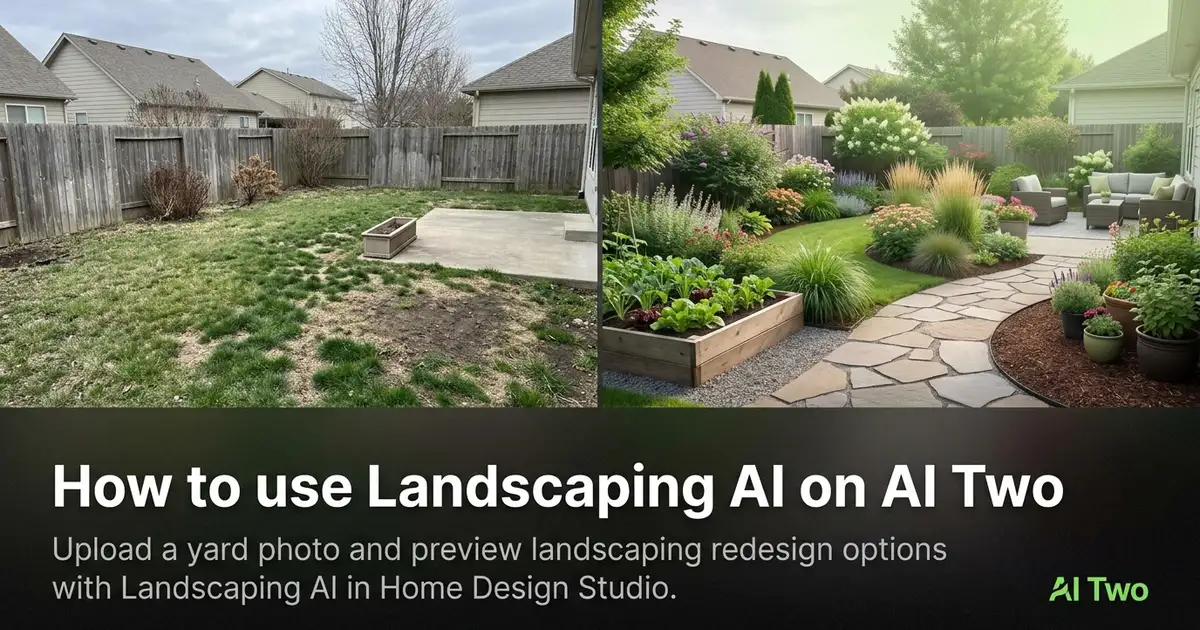
Landscaping AI on AI Two is the Home Design Studio exterior page I open when a homeowner or agent wants to test plant beds, lawn shape, and soft curb appeal before anyone buys shrubs or schedules a crew. You upload a yard or front elevation photo, pick a landscaping direction, and download a still that keeps the house massing while the green layer changes. When I tested a tired lawn with sparse foundation planting, the refreshed bed lines read clearly at listing thumbnail size, which is the bar I use before I email a seller. I treat each download as a visual draft for conversation, not a permit set or a promise that the plants are already in the ground. Credits meter each generation. Free signup credits covered a few yard tests for me on one listing before I batched more angles on a paid plan. Most runs finish in about 30 seconds after Generate.
What Landscaping AI does
You upload an exterior photo that shows yard and facade context, pick a landscaping mood or style direction, and generate a preview where planting, lawn, and softscape read refreshed while the house geometry stays stable.
When I tested a ranch with overgrown junipers, the cleared bed lines and layered shrubs looked coherent enough to discuss with a landscaper the same week without redrawing the whole elevation.
Home Design Studio lists this page beside paint, house design, architecture, roof, door, window, and home addition tools in the exterior cluster. Credits apply per generation.
Built for curb appeal previews and client option boards. It does not replace a site visit when drainage, sun, or HOA plant lists still need a human read.
I open Landscaping AI when the brief is plants, lawn, and foundation beds. When the brief is a pool shell, fence run, deck platform, or driveway slab, I open the outdoor structures cluster instead so the tool matches the job.
Free signup credits covered three softscape directions for me on one hero front yard. Paid plans raise monthly limits when I batch many listings during spring prep.
In my experience, daylight photos with level horizons keep bed edges believable. Wide angle phone shots from the curb bend fence lines and make new shrubs look pasted on.
I save the original file beside each download so paint and architecture previews on the same property stay aligned with the yard story.
For seller emails I attach both files and note that species, spacing, and irrigation still need a local nursery or landscaper sign off.
When a buyer asks whether the yard can feel maintained, I generate one landscaping still from the same source photo so lighting matches the unpainted facade version in a side by side note.
Each preview uses credits, so I lock one approved camera angle on the front yard before I run secondary side yard frames.
How to run it step by step
Step one: sign in or create a free account. Step two: upload a straight daylight photo that shows house and yard together when possible. Step three: pick a landscaping direction, leave other fields on default for run one. Step four: generate and wait about 30 seconds. Step five: download and compare at listing thumbnail size.
My first run with defaults was already useful for a curb appeal conversation. The second run only changed bed density so I could judge contrast against the facade paint color.
I never overwrite the original phone photo. Yard option stacks grow fast during listing prep.
If walls warp or roof lines bend, reshoot straighter instead of stacking edits on a fisheye file.
I write the planting mood that won in a note beside the address so the landscaper walk stays focused.
Credits apply per generation, so I approve one hero yard angle before I batch side and rear views.
If the output invents hardscape I did not ask for, I return to the original and narrow the prompt toward softscape only before I spend another credit.
When I tested a corner lot, I checked sidewalk and driveway edges at full zoom before I approved the pack for Paint My House AI on the same file.
I export the landscaping still at full zoom checked resolution before I open Roof Visualizer or Door Visualizer siblings on the same elevation.
My second run only changes one landscaping variable after framing passes. Changing crop and mood together hides which control helped.
I keep a screenshot of the form labels that worked and paste them into the client folder so next week matches the approved look without guessing.
Which photo works best
Bright, level photos that include facade and yard edge beat tight door crops that hide the planting zone you want to change.
Show existing beds, lawn, and trees when you can. The model needs context to reshape beds without inventing a new lot layout.
Soft files under about 800 pixels look muddy after redesign. Start sharp.
The studio before and after card for this tool uses a real yard photo with readable ground plane. Match that kind of framing.
Clear parked cars and trash bins from the shot when you can. They copy into the preview and distract from planting lines.
Open blinds on ground floor windows if you want the elevation to read as occupied. Dark glass can flatten the house behind new shrubs.
Stand across the street and shoot level. Angled phone tilts make fence posts look crooked after bed edits.
Include downspouts and walkway edges when drainage talk matters. Cropping them out leaves the budget conversation incomplete.
Shoot after recent rain when mud shows real grade. Dry brown lawn can still work, but bed boundaries need visible soil or mulch lines.
For rear yards, include a slice of patio or deck when you already have one. If the brief is a new deck or pool, switch to outdoor structure tools instead of forcing hardscape through Landscaping AI.
Mistakes I avoid
Asking Landscaping AI to preview a pool, fence, or deck platform when the outdoor structures cluster is built for that job. Softscape and hardscape previews belong on different pages.
Changing landscaping, facade paint, and roof tone together on run one. Change one variable per generation.
Expecting exact plant SKU lists from a preview wastes time. I take the download to a nursery and match species in person.
Cropping out the second story when foundation planting must relate to window heights leaves the client brief incomplete.
Running heavy filters on the phone before upload. The redesign inherits that color cast on grass and mulch.
Sending a landscaper only the AI still without the original photo. They need both to judge slope, sun, and existing roots.
Treating the preview as proof the yard is already maintained on tour day. Buyers still see real weeds until work is done.
When to use another tool
Need facade paint or siding mood on the same photo? Paint My House AI. Need whole house massing style? House Design AI or Architecture AI. Need roof, door, window, or addition previews? The visualizer pages in the exterior cluster are narrower. Need pool, fence, deck, or driveway structure? Open the outdoor structures group in Home Design Studio.
The exterior cluster guide maps every facade and yard tool. The Home Design Studio pillar covers rooms and listing edits when the front yard preview is approved.
Edit cluster tools fix interior listing photos. Landscaping AI does not remove clutter from rooms or replace furniture.
When hardscape is the hero, I stop softscape credits and open the structure page that matches the brief so the preview matches contractor talk.
After the download
I upload the landscaping still to the listing draft only after I compare it to the original at thumbnail size on my laptop.
For seller emails I attach both files and list what still needs physical yard work before show day.
When a yard fails review, I reshoot with wider framing instead of stacking three landscaping runs on a tight crop.
I keep a checklist of angles that passed so the photographer knows which frames are approved for paint or architecture next.
If the MLS rejects an edited frame, I return to the source photo and try a lighter bed edit before I change facade tools.
I store landscaping notes beside the PNG so future teammates know which planting mood the buyer preview assumed.
FAQs
Related studio guides
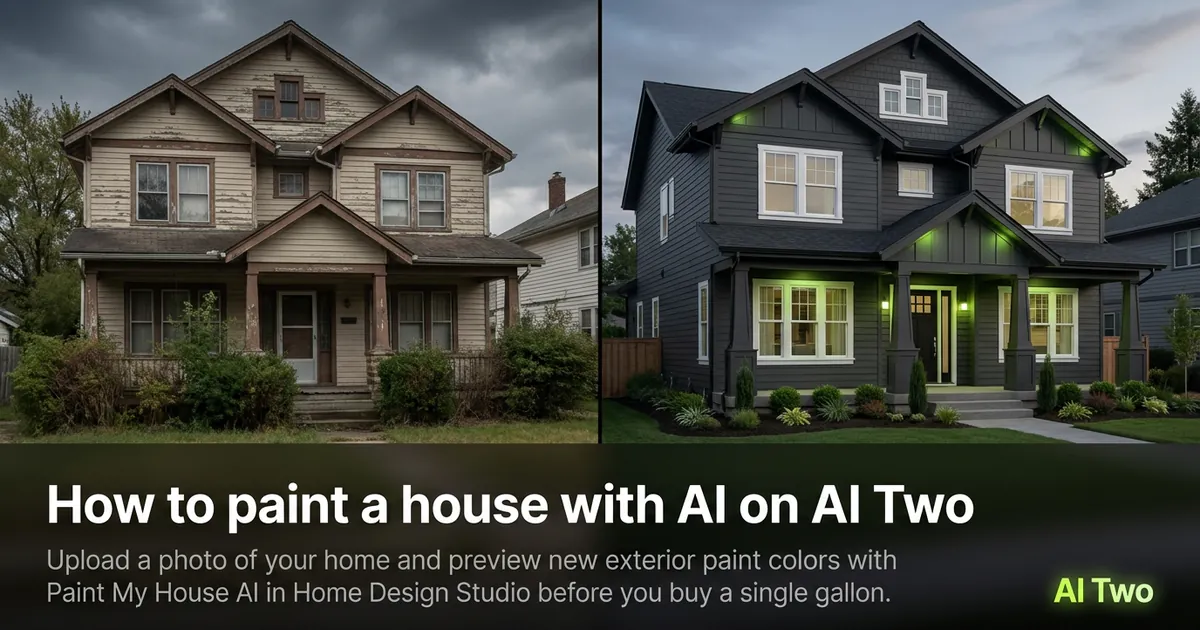
How to paint a house with AI on AI Two
Upload a photo of your home and preview new exterior paint colors with Paint My House AI in Home Design Studio before you buy a single gallon.
Read guide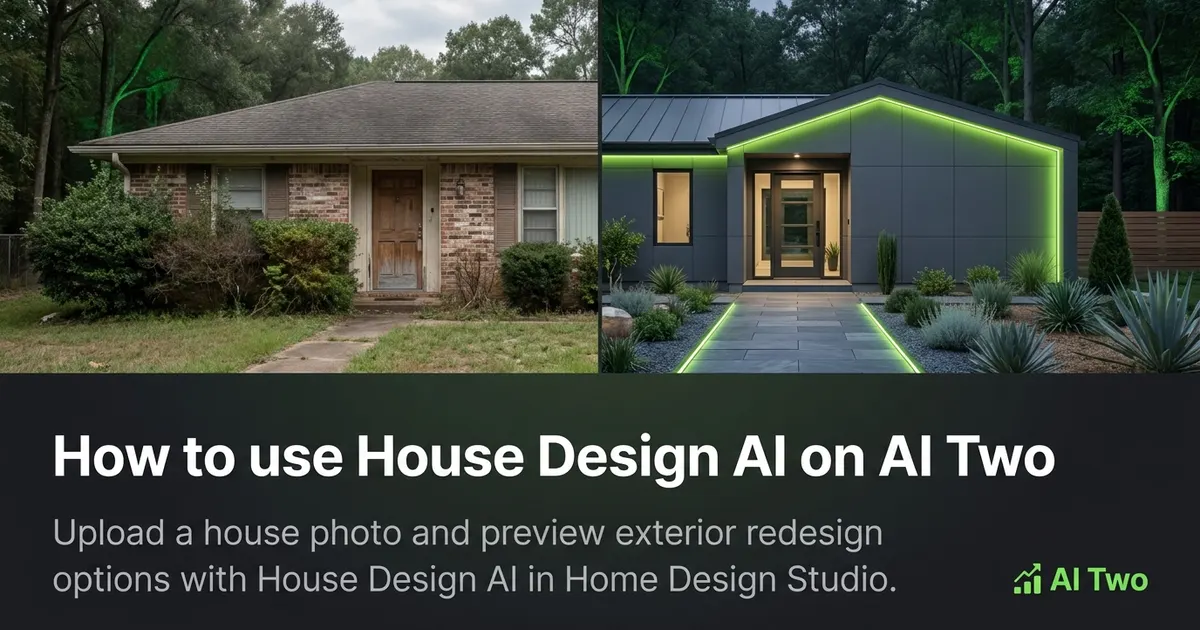
How to use House Design AI on AI Two
Upload a house photo and preview exterior redesign options with House Design AI in Home Design Studio.
Read guide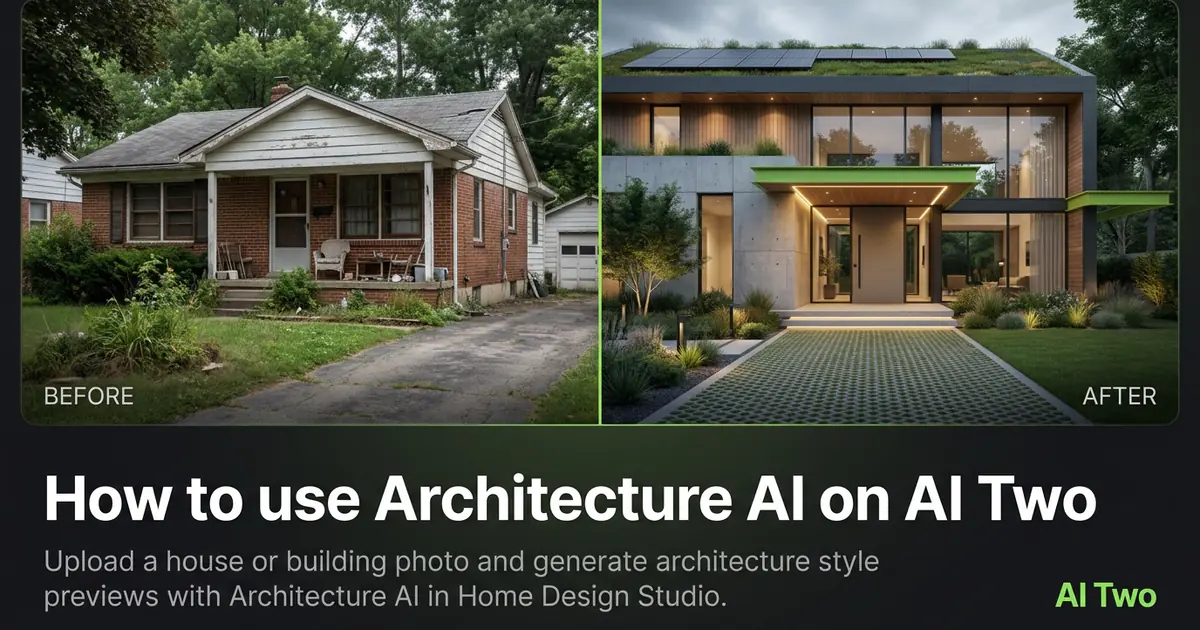
How to use Architecture AI on AI Two
Upload a house or building photo and generate architecture style previews with Architecture AI in Home Design Studio.
Read guide