
How AI Two home design tools compare
When to use Exterior, Edit, and Analyze clusters in Home Design Studio, and when Fashion Studio is the wrong branch.
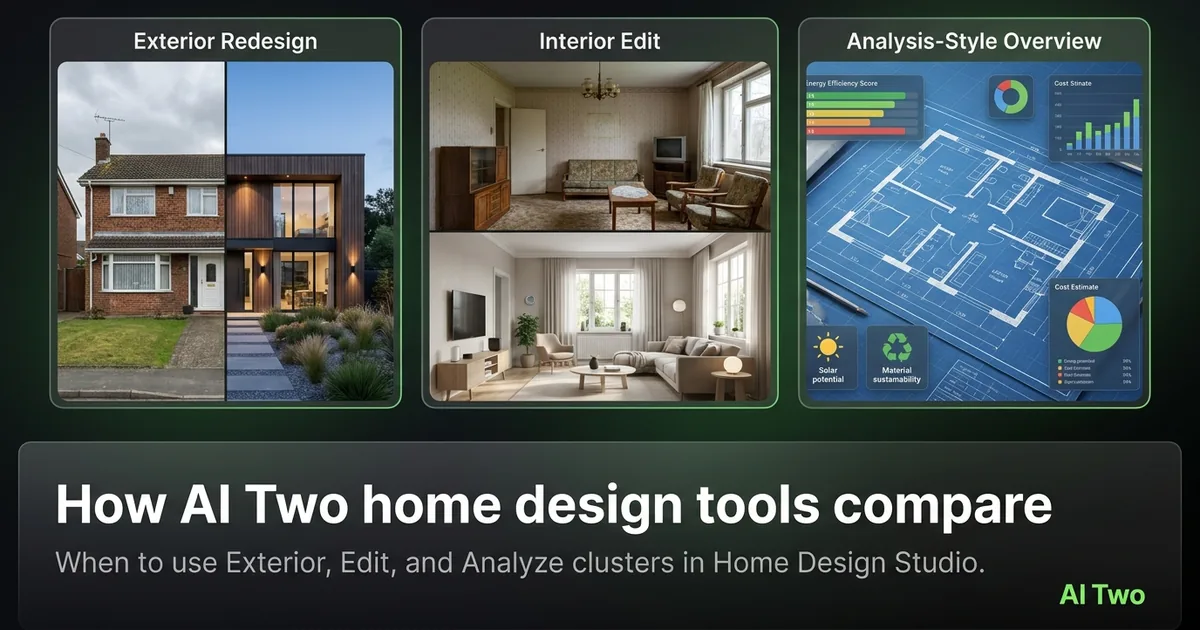
Comparing home design tools on AI Two is less about which page looks flashier and more about which job you hired today. Exterior, Edit, and Analyze clusters sit under Home Design Studio with different first clicks. When I onboard an agent, I ask one question before I open any tool: are we scoring the house, changing a room photo, or rewriting the facade? That answer picks the cluster. This guide compares those workflows honestly so you spend credits on the right branch instead of bouncing between sidebars.
How I decide which cluster to open
Analyze first when nobody agrees what is wrong. Edit first when the room photo is the problem and the plan is already clear. Exterior first when buyers will judge the curb before they care about the sofa color.
When I arrive at a vacant listing with strong daylight interiors and a tired facade, I open Exterior before Edit. Wall Changer will not fix a roof that kills the first impression on the search card.
When the facade is fine but the living room is empty, I open Edit and Virtual Staging. Analyze can wait until after the staged hero shot exists if the seller already approved the budget.
Home Design Studio is the hub for all of these. I open the studio sidebar when I am unsure which cluster owns the next click. The pillar guide maps the full set.
I do not open Fashion Studio for home work. Apparel try-on and clothing color serve ecommerce sellers. Mixing audiences wastes time and sends the wrong chrome to a cold visitor.
Credits are shared across clusters on your account. A curb paint test and a staging run both draw from the same balance. Plan the order so early experiments do not starve the hero listing frames.
Exterior versus Edit versus Analyze
Exterior covers facade paint, architecture views, landscaping, roof, doors, windows, and additions. Use it when the outside photo is the product. Edit covers object removal, furniture color, walls, floors, furniture moves, staging, declutter, and day-to-dusk. Use it when the room or listing still needs a photo fix. Analyze covers palettes, raters, style ID, and cost ranges. Use it when you need a read before you change pixels.
I compare Exterior and Edit by buyer path. Search cards show the exterior first on most portals. If that card image is weak, Edit on the kitchen will not save the click-through.
I compare Edit and Analyze by certainty. If the seller already bought paint, Edit. If the seller argues every suggestion, Analyze so scores and style labels settle the debate.
Day to Dusk lives in Edit even though it is often an exterior frame. I still treat it as a listing-photo polish step after the daytime facade is correct, not as a substitute for Exterior paint tools.
Honest limit: none of these clusters invent a surveyor report or a permit. They produce marketing and planning visuals. I say that out loud in client meetings so expectations stay fair.
Home Design Studio versus Fashion Studio
Home Design Studio serves people who need a house or room to sell, rent, or remodel. Fashion Studio serves people who need a model to wear or show a product. The test is audience, not whether both pages mention color.
Furniture Color belongs with home edits. Clothing Color belongs with fashion try-on. I have watched teammates open the wrong color tool because the names feel similar. The studio sidebar is the guardrail.
When a furniture brand needs a lifestyle shot of a sofa with a person sitting on it, that can still start in Home Design if the product is the room. When the product is apparel on a body, Fashion Studio owns the work.
Shared utilities like background removal may appear in more than one studio listing. Ownership of the cold URL stays singular. For home listing work I stay inside Home Design Studio so breadcrumbs match the audience.
If you landed here from a fashion catalog brief, leave this compare page and open Fashion Studio instead. Comparing home clusters will not help a try-on task.
Workflows I actually run
Seller consult: Analyze curb and interior, then Exterior paint tests, then Edit staging for empty rooms. Marketing launch: Edit hero interiors first if the listing goes live tomorrow and the facade is already strong.
When I tested that consult order on a brick ranch last spring, House Style Identifier plus Curb Appeal Rater gave us a shared vocabulary before Exterior paint. The seller stopped arguing about “modern” versus “traditional” once the style tag was on screen.
Furniture sellers often skip Analyze and jump to Furniture Color and Replacement. That is fine when the SKU is the product. Agents selling the house usually need staging and declutter more than sofa recolors.
I keep a one-page cheat sheet: score, facade, room, dusk. Four boxes. I check them in that order unless the listing deadline forces room photos first.
Paid plans raise monthly credit limits for multi-listing weeks. Free credits are for learning the path. I still meter every generation and stop when the client has enough options to decide.
Where to go next
Open the Home Design Studio pillar for the full toolkit map. Open Exterior, Edit, or Analyze cluster guides when you have picked a branch. Open the studio live when you are ready to generate.
If you still cannot choose, start with Analyze on one photo. A score or style label usually makes the next cluster obvious within a minute of reading the result.
Rooms and outdoor clusters exist beside Exterior for specialized spaces. Use them when the job is a specific room type or yard feature rather than a general facade or edit pass.
FAQs
Related studio guides
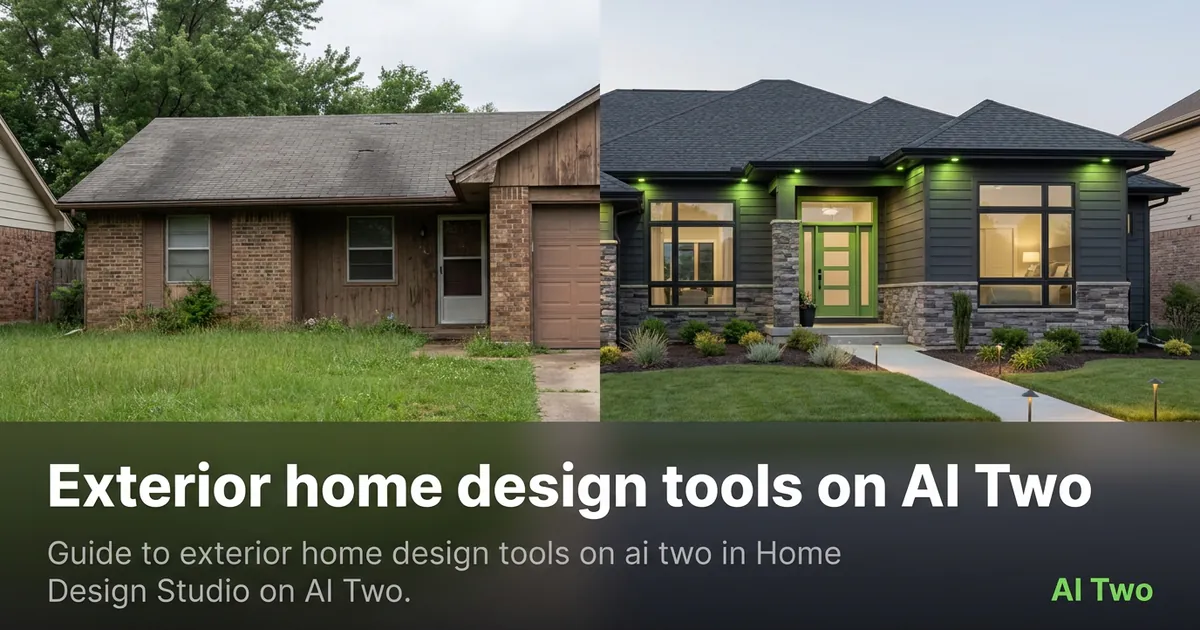
Exterior home design tools on AI Two
Guide to exterior home design tools on ai two in Home Design Studio on AI Two.
Read guide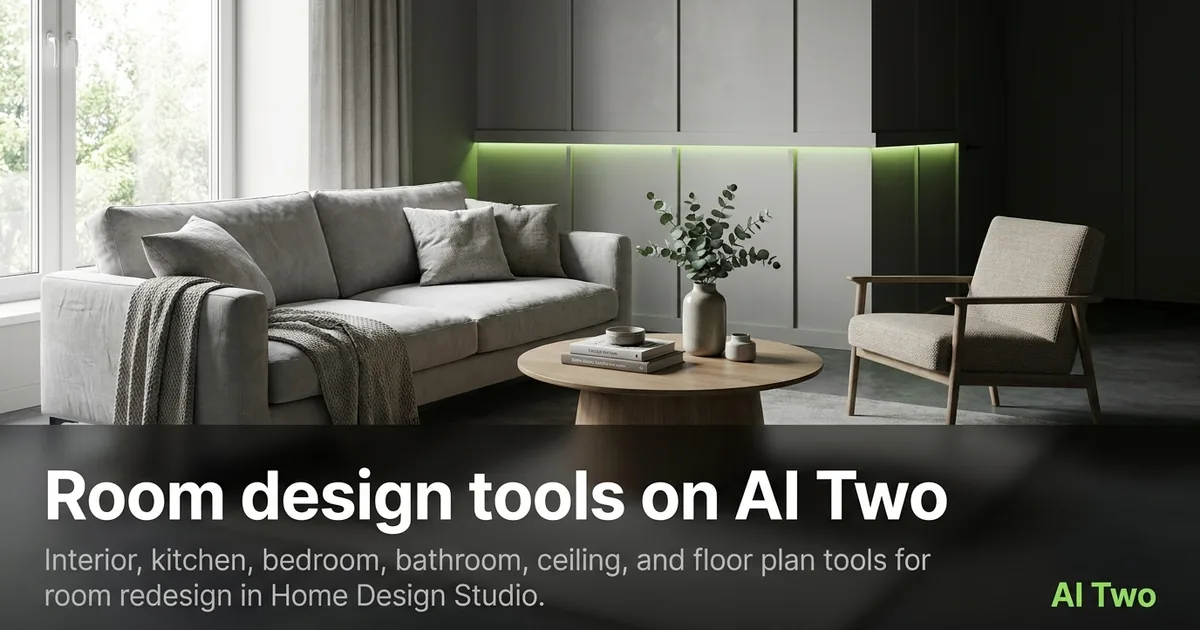
Room design tools on AI Two
Interior, kitchen, bedroom, bathroom, ceiling, and floor plan tools for room redesign in Home Design Studio.
Read guide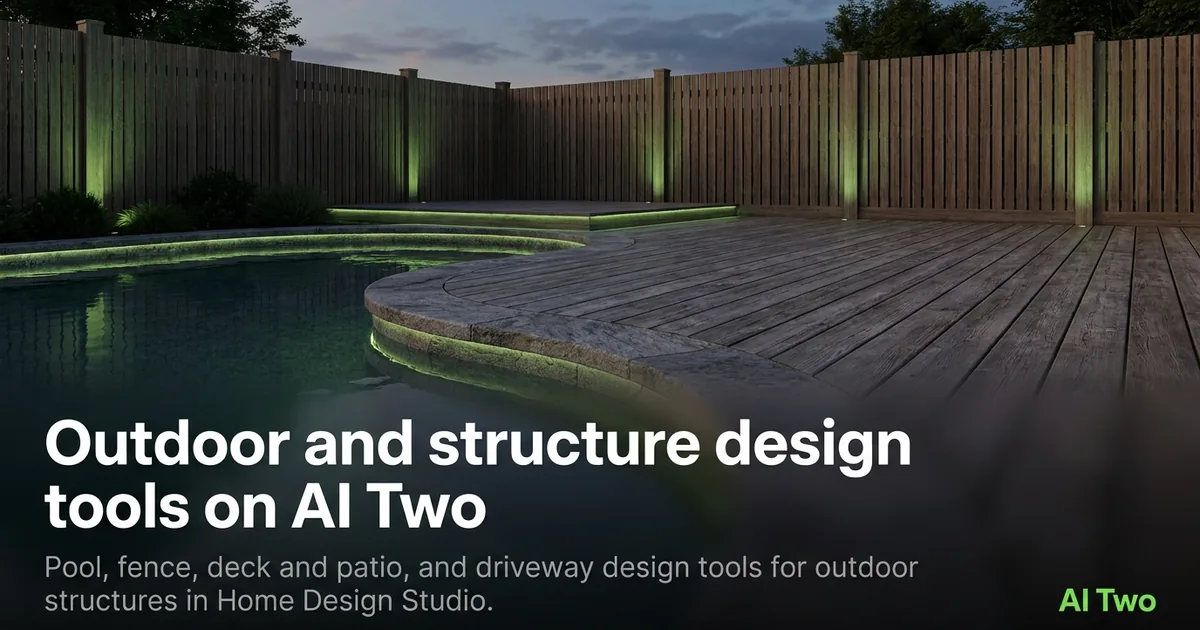
Outdoor and structure design tools on AI Two
Pool, fence, deck and patio, and driveway design tools for outdoor structures in Home Design Studio.
Read guide