Yes. Upload a clear photo of the ring, choose the finger, skin tone and pose, and the tool makes a worn photo. Always zoom in to check the stones and the band against your real ring.
AI Jewelry Photos: Show Rings, Bracelets and Necklaces on a Hand or Neck
AI Jewelry Photos: Show Rings, Bracelets and Necklaces on a Hand or Neck is a free AI tool that lets you turn a plain photo of a ring, bracelet, watch or necklace into a product photo worn on a hand, wrist or neck. No face, no model fee. Free to try.
Free to try · first generation free on signup · no credit card
1
Step 1
Upload Image
Start by uploading image
Upload your image
Click to browse or drag & drop
2
Step 2
Select Mode
Choose your transformation style
A ring worn on a hand
3
Step 3
Options
Configure your options
Related Tools
→try new exterior paint colors on your own photo
→redesign a home exterior from a single photo
→plan a new yard or garden layout from a photo
→repaint a car in any shade before you commit
Output quality:
Mode
Ring on Hand
Your AI Design Will Appear Here
Fill in the options on the left, then press Generate.
Upload your image
Drag & drop your file here or click to browse
JPG, PNG, WebP
Max 10MB
AI Ready
Quick facts about AI Jewelry Photos: Show Rings, Bracelets and Necklaces on a Hand or Neck
- Tool nameAI Jewelry Photos: Show Rings, Bracelets and Necklaces on a Hand or Neck
- CategoryProduct Photo Tools
- PriceFree to try
- InputPhoto upload + text prompt
- OutputAI-generated image
Before / After
Example results
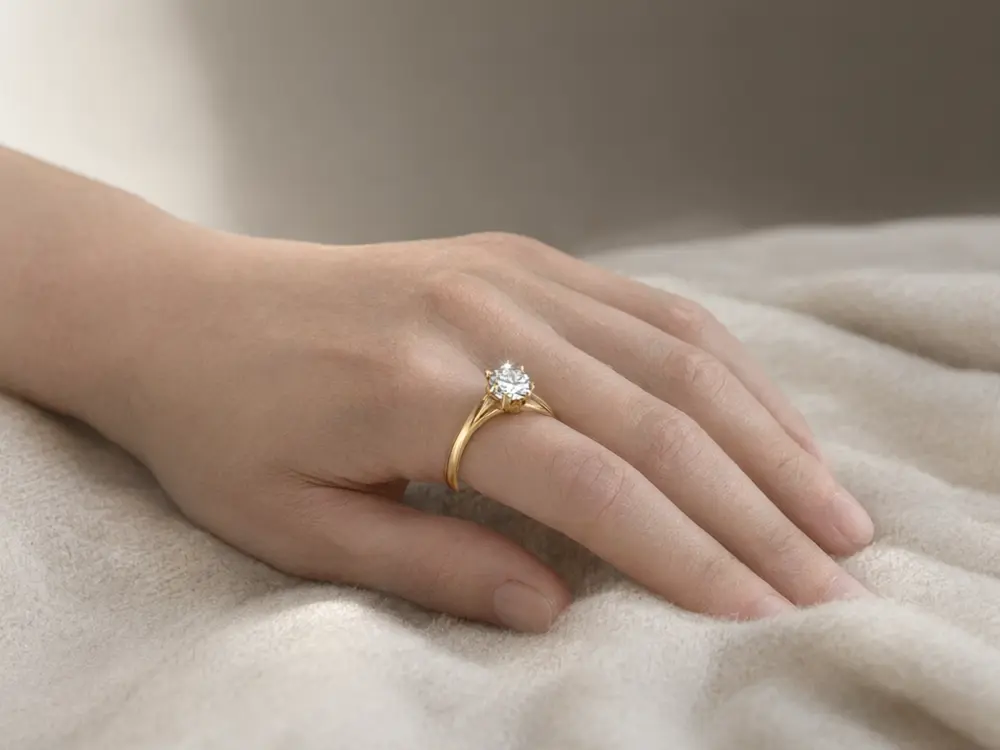
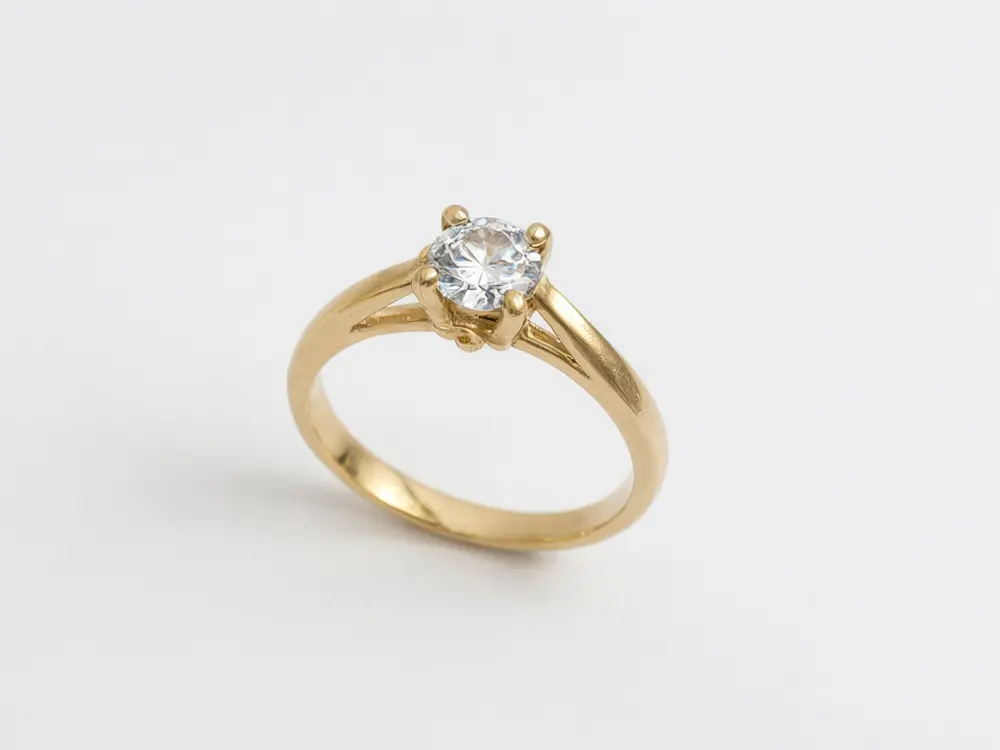
Drag to compare
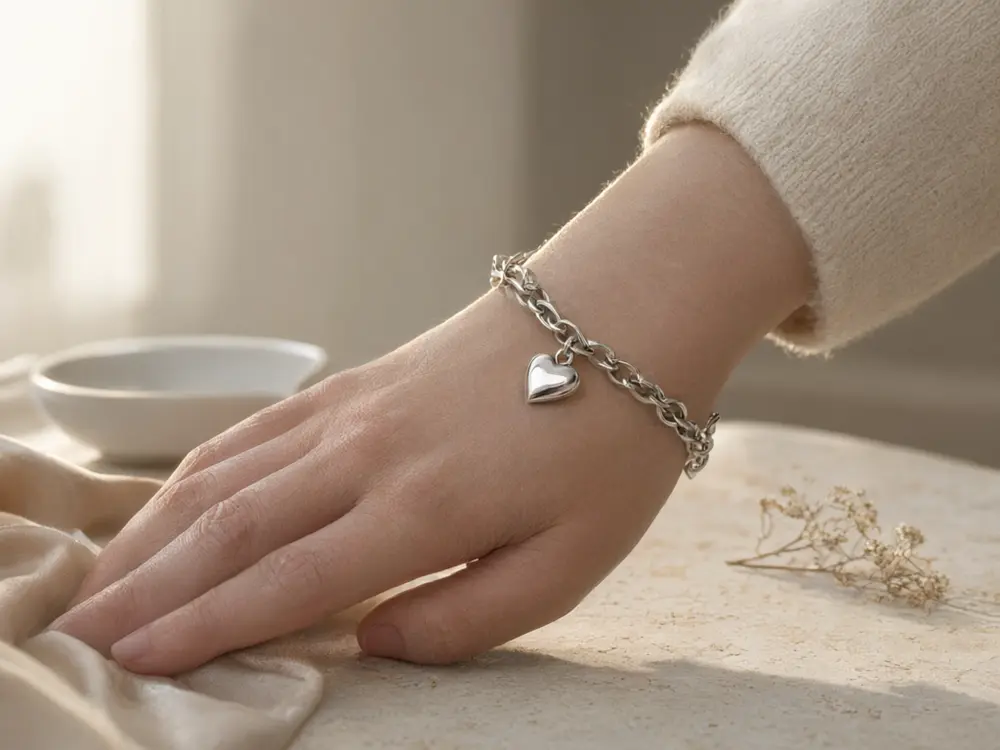
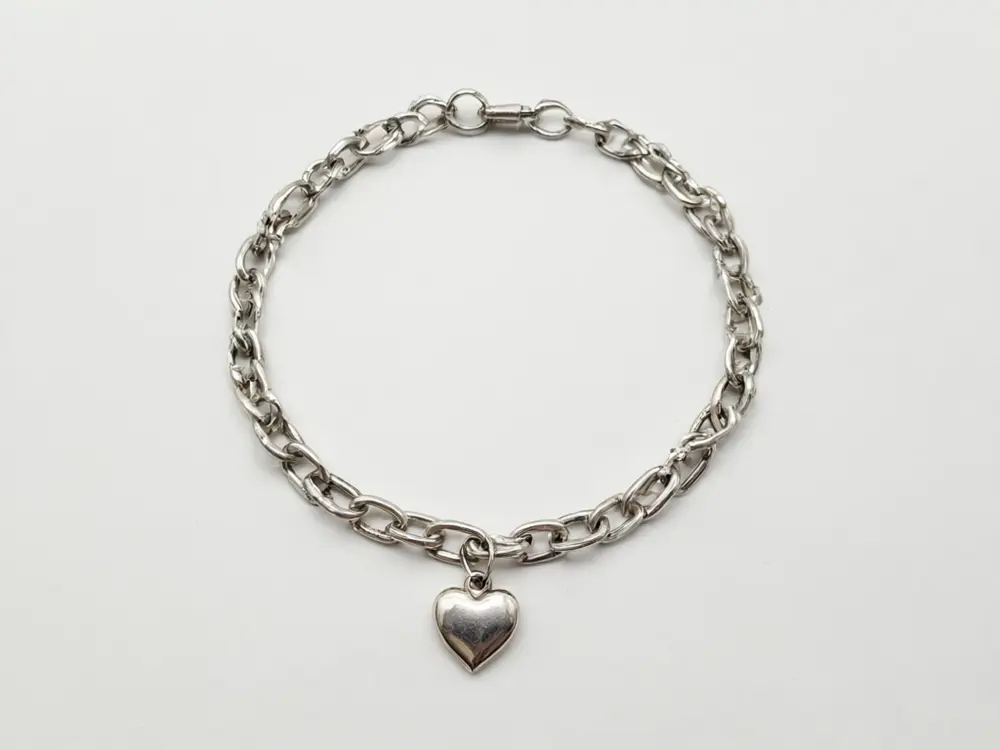
Drag to compare
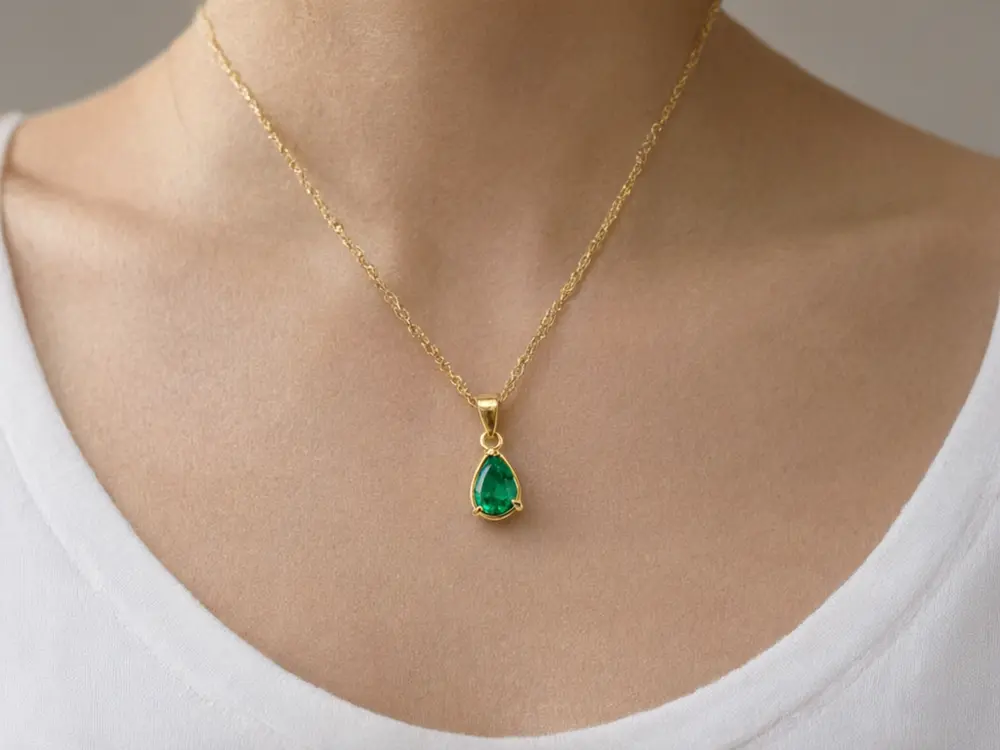
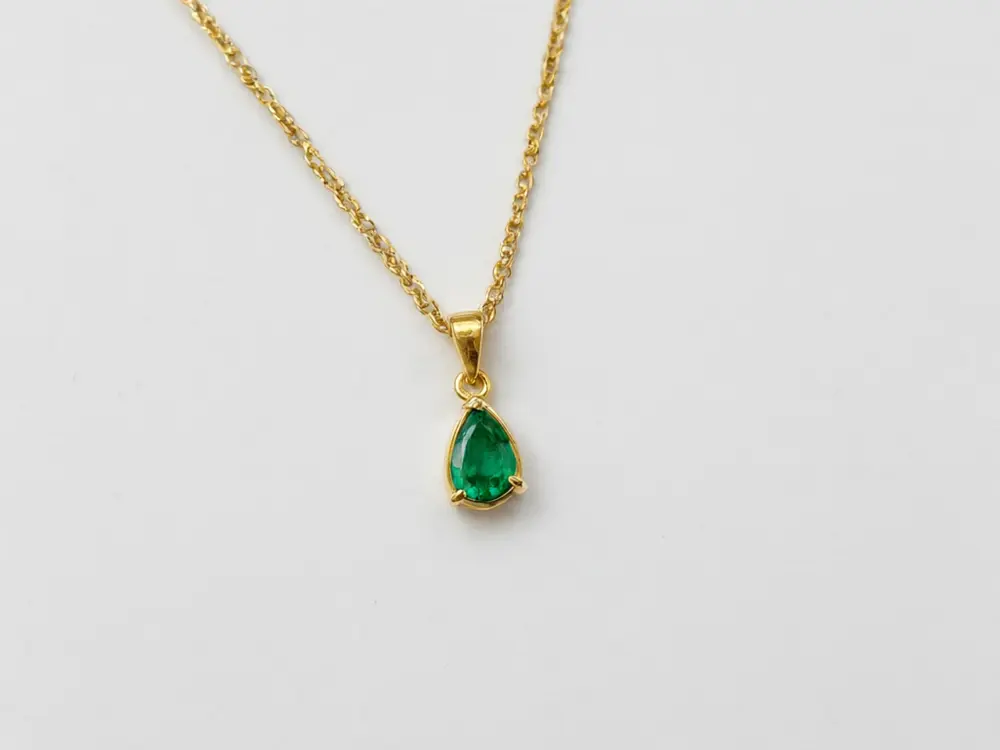
Drag to compare
Real, unretouched output from this tool. Drag any slider to compare.
Jewelry sells when shoppers can see it worn. Upload a photo of your ring, bracelet, watch or necklace and get a product photo of it on a hand, wrist or neckline, in the skin tone and pose you choose. No face is ever shown, there is no model fee, and the piece is locked to look exactly as photographed.
How the jewelry model photo maker works
A flat product photo shows the piece, but a worn photo shows the size, the fit and the feel. Hiring a hand model and a photographer for every new ring is slow and costly for a small shop.
Upload a sharp photo of the piece, choose where it is worn, and the tool makes a worn photo with a natural hand, wrist or neck. Each image costs a generation, so make the shots your listing needs.
1
Upload the piece
Whole piece in frame, plain background, even light. A phone photo works.
2
Choose where it is worn
Finger and skin tone for a ring, wrist for a bracelet, neckline for a necklace.
3
Generate and check
Zoom in on the stones, the clasp and the fingers.
4
Use it everywhere
Etsy, Shopify, Amazon Handmade, Instagram and your own site.
A photo plan for a jewelry listing
A simple set that shows off a piece.
1
Image 1: the piece on white
A clean product photo. Use the AI Product Photo Background tool for a studio backdrop.
2
Image 2: on the hand
The Ring on Hand mode shows size and shine.
3
Image 3: lifestyle
A hand holding a cup or resting on knit gives a warm, lived-in feel.
4
Image 4: skin tone choice
Show the piece on two skin tones so more shoppers picture it on themselves.
5
Image 5: display
A velvet stand or marble dish photo for the gift shopper.
Tips and honest limits
AI can still change fine details such as the number of small stones or the engraving. Compare each image with the real piece, and run again if a detail drifts.
Check the fingers on every result. If a hand looks wrong, run the mode again.
Say in your listing that images are for illustration if you use AI photos, and follow the marketplace's own rules on AI images.
More tools for jewelry sellers
More ways to build a jewelry listing.
Who uses a jewelry model photo maker
🏠
Etsy and Shopify jewelry sellers
✓Show rings and bracelets worn without a model shoot.
✓Add a second skin tone to every listing.
💡
Handmade and small-batch makers
✓Make a worn photo of a one-off piece the day it is finished.
🏢
Jewelry designers and brands
✓Test how a new design looks on a hand before the photoshoot.
📸
Social media managers
✓Make a steady stream of reel and post images for a jewelry shop.
💍
AI Jewelry Photos: Show Rings, Bracelets and Necklaces on a Hand or Neck
AI Tool
Upload your imageTap anywhere here — your AI design will appear in this space after you generate.JPG · PNG · WebP
A ring worn on a hand
Premium users can generate images without watermark
Higher quality options available for premium users
Be specific for better results0/400
Output quality:
Frequently Asked Questions
No. Rings and bracelets show a hand or wrist, and necklaces show a neckline cropped below the chin.
The tool is told to keep the metal colour, stone count, cut and band shape. Tiny details such as small stones or engraving can still drift, so compare with your real piece and run again if needed.
Yes. The Ring, Bracelet and Necklace modes have four skin tone options. Showing two tones on a listing helps more shoppers picture the piece on themselves.
A sharp photo of the whole piece on a plain or white background in even light. No hands or other jewelry in the shot.
Yes. Follow the marketplace's rules on AI-generated images, and make sure the photo still represents your real item.
Earrings are shown best on a display shot here, because a worn earring needs the side of a face. Use Display Shot for earrings.
It is free to try: new users get free generations. Paid plans add credits, remove the watermark and unlock higher resolution.
A worn photo shows scale and fit. Shoppers ask how big a piece is, and a hand or neckline answers it.