
Fashion post-production tools on AI Two
Hair, makeup, beauty, retouch, background removal, and upscaling for Fashion Studio catalog shots.
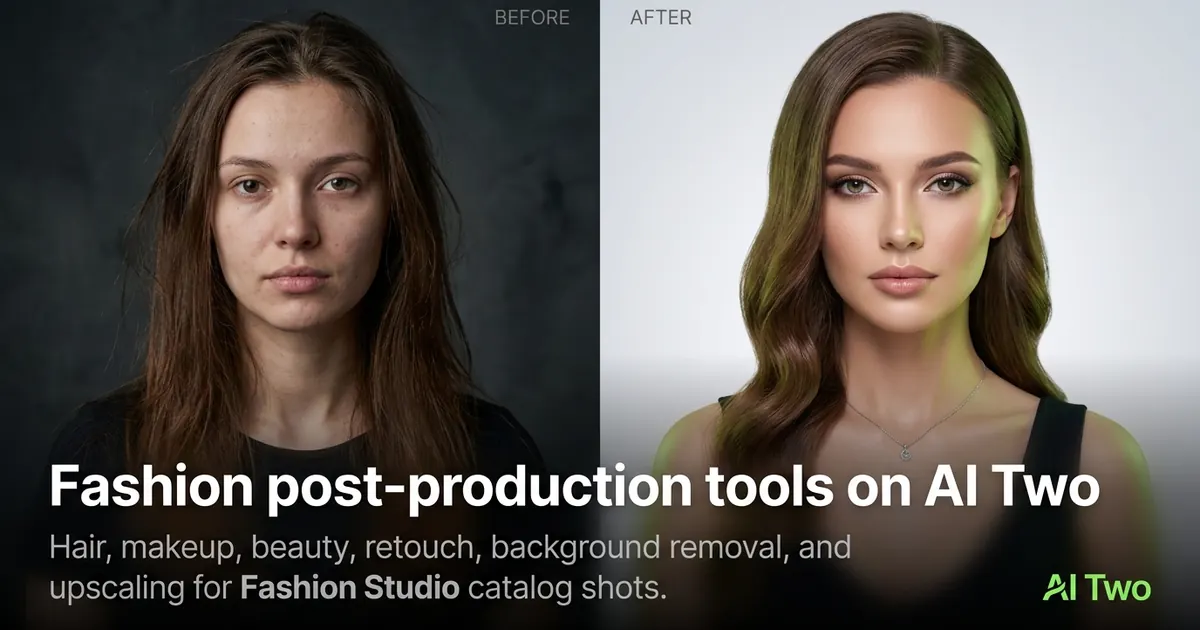
Post-production on AI Two finishes a fashion shot after you have the product and model. Hair, makeup, beauty, portrait retouch, background removal, and upscaling live here as shared tools Fashion Studio lists for sellers who need polish before publish. I never start a catalog here — I finish garment or jewelry work first, then polish faces and backgrounds so credits go to the last mile instead of fixing a bad packshot.
Who this post-production group is for
Use these tools after an on-model or beauty shot when hair, makeup, background, or resolution still needs work. Apparel and jewelry sellers open this group before exporting final listing images.
When I finish a Fashion Studio model run, I often send the result through Portrait Retouching or Background Remover, then Image Upscaler if the marketplace asks for a larger file.
These pages are listed in Fashion Studio for seller workflows. Ownership of some utilities stays neutral on cold visits, but the studio sidebar surfaces them for this audience.
I never start here. Post-production on a bad product photo wastes credits. Fix the garment or jewelry first in the earlier clusters.
Beauty and Cosmetics is the page I open when the SKU is makeup or skincare rather than apparel. It belongs in this group because the seller still needs catalog imagery for a beauty product.
Hair and makeup tools are listed for campaign variety. I keep changes modest on ecommerce faces so the product remains the hero.
Tools in this group
Hair Styles changes hairstyles on a portrait. Makeup Editor adjusts makeup looks. Beauty and Cosmetics covers beauty product photography. Portrait Retouching cleans skin while keeping product focus. Background Remover isolates the subject. Image Upscaler increases resolution for print or marketplace minimums.
I retouch before I upscale so I am not enlarging leftover blemishes. I remove the background last when the channel wants a pure white cutout.
Beauty and Cosmetics is the page I open when the SKU is makeup or skincare rather than apparel. It belongs in this group because the seller still needs catalog imagery for a beauty product.
Hair and makeup tools are listed for campaign variety. I keep changes modest on ecommerce faces so the product remains the hero.
Workflow I use after a model shot
Confirm the garment or jewelry already looks correct. Then open Hair or Makeup only if the face needs a campaign change. Retouch lightly. Remove background if required. Upscale last.
On my last retouch test, the necklace stayed sharp while skin softened. Product edges must not blur — that is the fail condition that sends me back one step.
Each of these tools uses credits. Plan the order so you do not burn runs on steps you will replace.
I save a mid_retouch file before background removal. If the cutout fails, I still have a polished layered version for channels that allow natural backgrounds.
Upscaler cannot invent missing detail. If the face is soft in the source, I re-shoot or re-run the model page instead of upscaling twice.
What photo works best
Start from a finished Fashion Studio output or a sharp portrait with the product visible. Soft, noisy phone shots upscale poorly.
I keep a “final_ready” folder separate from drafts so I never upscale the wrong version.
Even lighting helps Background Remover separate hair from the wall. Busy patterned curtains cause fringe errors.
Export at the highest resolution available before upscale so you are not enlarging a compressed social download.
I keep a short checklist on my desk: product correct, face OK, background OK, size OK. I only open this cluster when the first box is already checked.
If Background Remover frays flyaway hair, I soften the backdrop in the original shoot instead of forcing three cutout retries.
Paid monthly credits matter here because finishing fifty faces with retouch plus upscale adds up. I test one hero image, then batch the rest.
Where to go next
If the product itself still needs work, go back to ecommerce, jewelry, or footwear clusters before more retouch. Casting tools change body or age earlier in the pipeline. The Fashion Studio pillar maps the full order of operations.
Motion and campaign video tools are listed in Fashion Studio for sellers who need short clips after stills are approved. Finish still post-production first.
When the still set is approved, return to the studios hub only if you need a different audience branch. Fashion work stays in Fashion Studio.
FAQs
Related studio guides
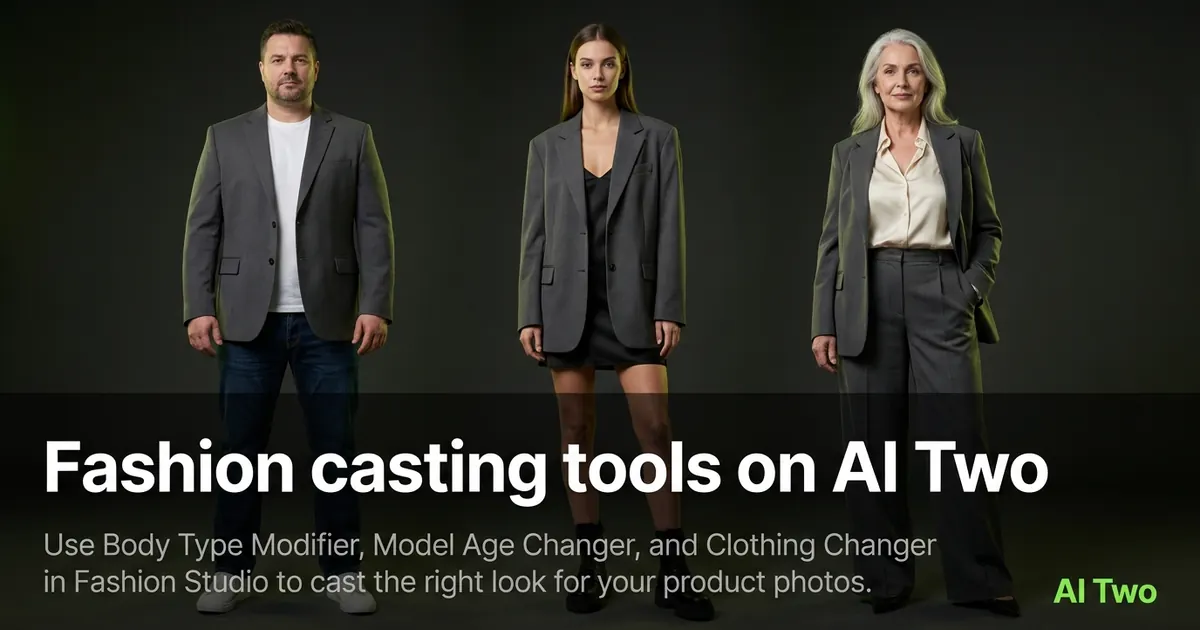
Fashion casting tools on AI Two
Use Body Type Modifier, Model Age Changer, and Clothing Changer in Fashion Studio to cast the right look for your product photos.
Read guide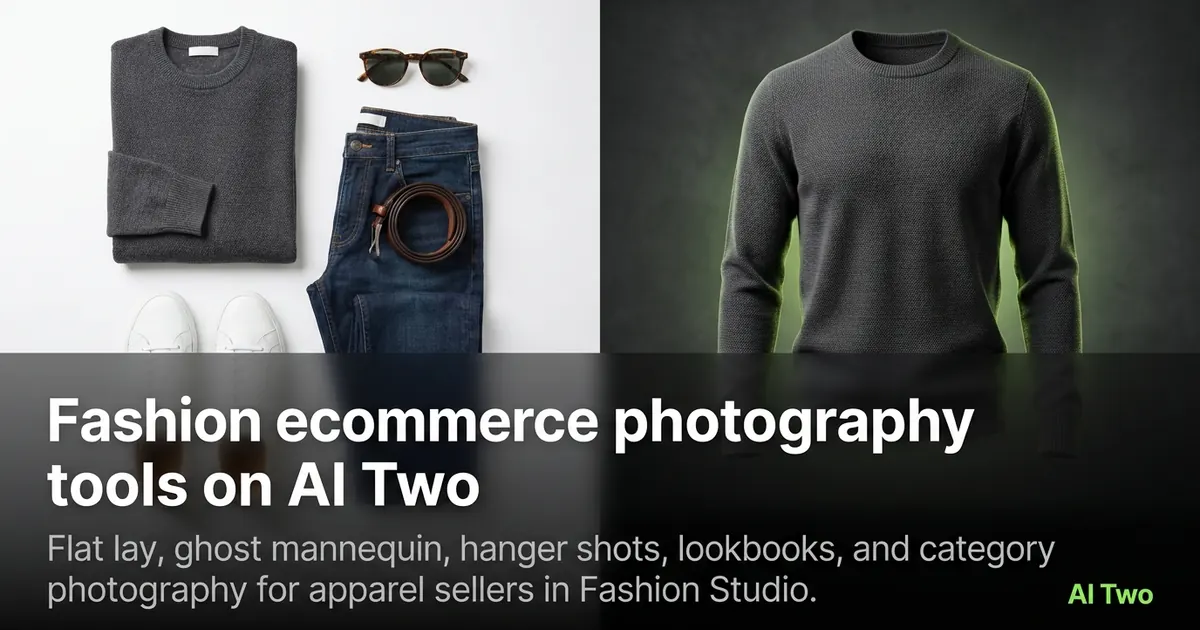
Fashion ecommerce photography tools on AI Two
Flat lay, ghost mannequin, hanger shots, lookbooks, and category photography for apparel sellers in Fashion Studio.
Read guideFashion casting tools on AI Two
Use Body Type Modifier, Model Age Changer, and Clothing Changer in Fashion Studio to cast the right look for your product photos.
Read guide