
Virtual try-on and clothing color tools on AI Two
Virtual Try-On and Clothing Color Changer for apparel ecommerce sellers in Fashion Studio.
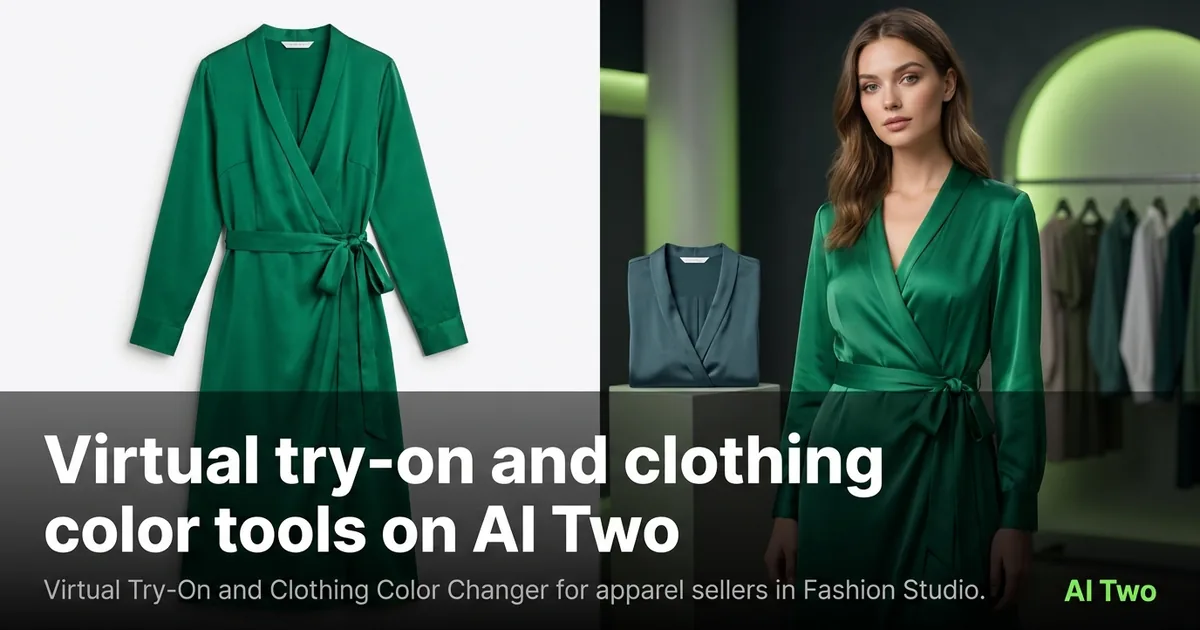
Virtual try-on and clothing color tools on AI Two let apparel sellers preview a garment on a person and test colorways without a new sample shoot. This cluster covers Virtual Try-On and Clothing Color Changer inside Fashion Studio for ecommerce sellers who need listing and campaign stills. When I onboard a boutique with ten colorways of one dress, I run try-on for fit and silhouette first, then color changes on the winning frame. That order protects credits and keeps the model identity stable across the catalog.
Who this try-on and color group is for
Open this cluster if you sell clothing online and need on-body previews or fast color variants. Marketplace sellers, DTC brands, and boutique owners use these pages when a flat packshot is not enough and a full studio reshoot is not booked yet.
When I upload a dress flat and a model photo into Fashion Studio, I treat try-on as the casting-plus-garment step for that SKU. Clothing Color Changer comes after I like the drape and pose.
This audience is ecommerce sellers. It is not a personal outfit picker for choosing what to wear tonight. Fashion Studio’s charter keeps consumer styling out of this sidebar.
I batch by parent SKU. One approved try-on base becomes the input for every colorway. Recreating the person for each color burns credits and breaks catalog consistency.
Free signup credits are enough to test one garment and one color swap. Paid monthly credits matter when you roll thirty colorways before a launch week.
Jewelry and footwear have their own clusters. Stay here when the product is apparel fabric on a body. Move to jewelry or footwear guides when the SKU changes category.
Tools in this group
Two pages sit in this cluster. Virtual Try-On places a garment on a person from your uploads. Clothing Color Changer shifts garment color on an on-model or apparel photo while keeping the rest of the frame readable.
I pick Virtual Try-On when I need the clothes on a body for the first time. I pick Clothing Color Changer when the silhouette is already right and only the hue must change for a new SKU.
Furniture color tools live in Home Design Studio. Do not open those for apparel. Clothing Color Changer is the fashion page for garments.
Child walkthrough posts will cover upload tips for each tool. Use the cards below when you want the focused guide.
How I run try-on and color workflows
Step one: prepare a clear garment photo and a clear person photo with similar lighting when the page asks for both. Step two: run Virtual Try-On and check seams, hems, and print areas at full zoom. Step three: download the keeper. Step four: feed that file into Clothing Color Changer for each colorway you will sell.
When I tested try-on on a striped shirt last week, the collar stayed sharp while the torso fit shifted to the model. That is the bar. Soft logos mean I re-upload a flatter, sharper garment file.
I change one colorway per run so filenames stay honest. Naming files dress_navy_v3 beats guessing which slider produced the listing hero.
If Clothing Color Changer tints skin or hair, I mask less aggressively on the next pass or return to a tighter crop on the garment. Product edges must stay clean for marketplace zoom.
Credits are metered on both tools. I approve one try-on base before I spend a dozen color runs. That single discipline has saved more balance than any prompt trick.
Casting tools can reshape body or age before try-on when the model photo is wrong for the brand. I finish casting first so try-on is not fighting a face I will replace anyway.
What photo works best
Garment photos should show the full product with readable labels and prints. Crumpled piles hide structure and force the model to invent folds. Person photos should be lit evenly with arms clear of the torso when sleeves matter.
I keep originals for both inputs. Try-on is iterative, and sellers often ask for a second pose after they see the first colorway set.
Busy patterned backgrounds make color changes harder to judge. A simple wall behind the model helps you see whether navy actually reads navy.
Stretch fabrics need a true on-body try-on more than stiff outerwear. I still run try-on on jackets, but I inspect shoulders carefully because soft shoulders kill a listing.
Export the highest resolution you have before color changes so you are not recoloring a compressed social download.
Where to go next
After try-on and color look right, open ecommerce photography for flat lays and ghost mannequin packshots, or casting if the model still needs a body or age shift. Shoot-types tools cover catalog, editorial, outdoor, studio, bundle, and trend frames when you need a different campaign mood.
Post-production retouch and upscale come after the garment and color are approved. Do not polish a wrong colorway.
Return to the Fashion Studio pillar when you need the full seller map. Home Design Studio stays closed for apparel work.
FAQs
Related studio guides
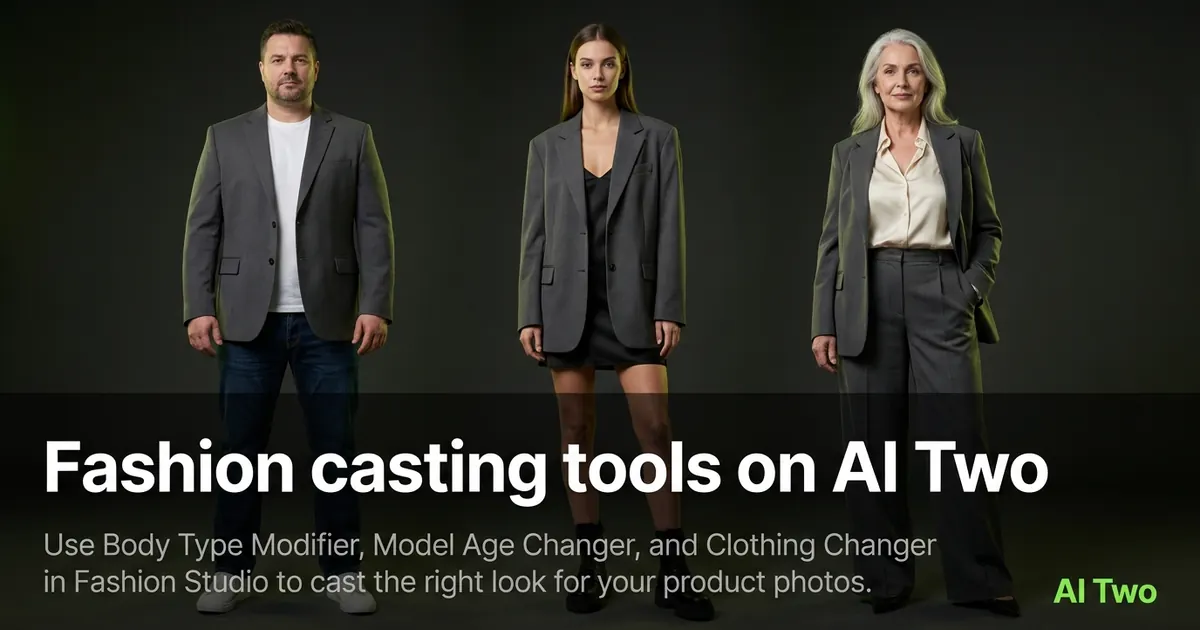
Fashion casting tools on AI Two
Use Body Type Modifier, Model Age Changer, and Clothing Changer in Fashion Studio to cast the right look for your product photos.
Read guide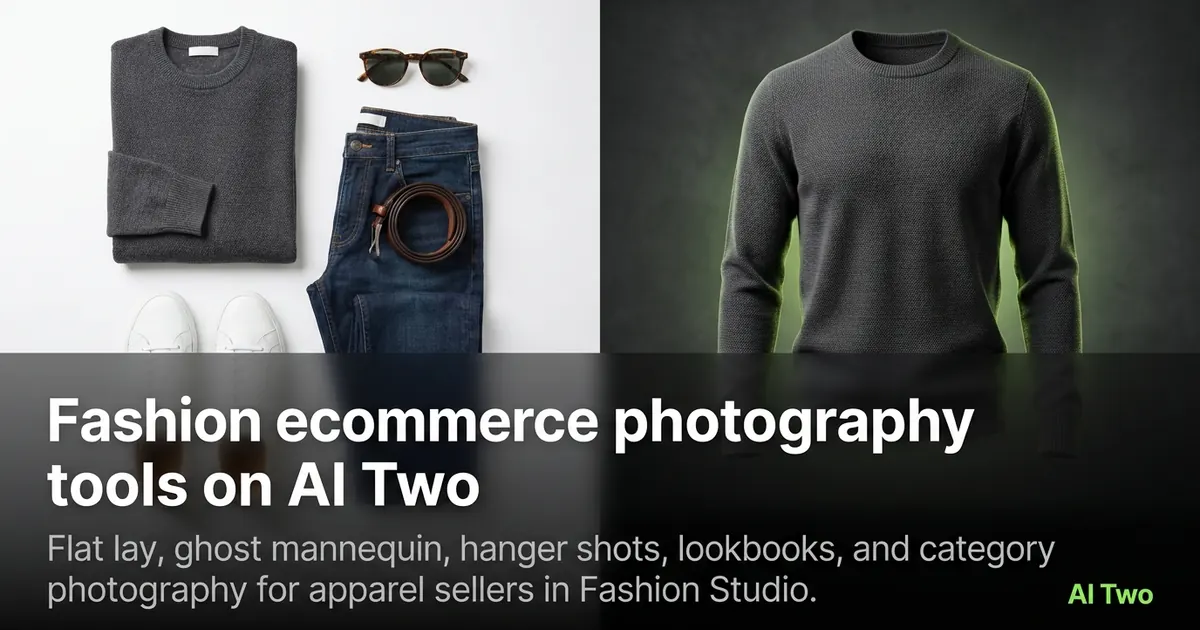
Fashion ecommerce photography tools on AI Two
Flat lay, ghost mannequin, hanger shots, lookbooks, and category photography for apparel sellers in Fashion Studio.
Read guideFashion casting tools on AI Two
Use Body Type Modifier, Model Age Changer, and Clothing Changer in Fashion Studio to cast the right look for your product photos.
Read guide