Yes. Upload the photo, choose a colour, and the tool recolours the product while keeping its shape, folds, shadows and highlights.
Product Color Variants: Show Your Product in Every Colour From One Photo
Product Color Variants: Show Your Product in Every Colour From One Photo is a free AI tool. Upload one product photo and see it in new colours, finishes and materials. Keeps the shape, texture and shadows. Great for listings. Free to try.
Free to try · first generation free on signup · no credit card
1
Step 1
Upload Image
Start by uploading image
Upload your image
Click to browse or drag & drop
2
Step 2
Select Mode
Choose your transformation style
Same product, new colour
3
Step 3
Options
Configure your options
Related Tools
→try new exterior paint colors on your own photo
→redesign a home exterior from a single photo
→plan a new yard or garden layout from a photo
→repaint a car in any shade before you commit
Output quality:
Mode
Change Colour
Your AI Design Will Appear Here
Fill in the options on the left, then press Generate.
Upload your image
Drag & drop your file here or click to browse
JPG, PNG, WebP
Max 10MB
AI Ready
Quick facts about Product Color Variants: Show Your Product in Every Colour From One Photo
- Tool nameProduct Color Variants: Show Your Product in Every Colour From One Photo
- CategoryProduct Photo Tools
- PriceFree to try
- InputPhoto upload + text prompt
- OutputAI-generated image
Before / After
Example results
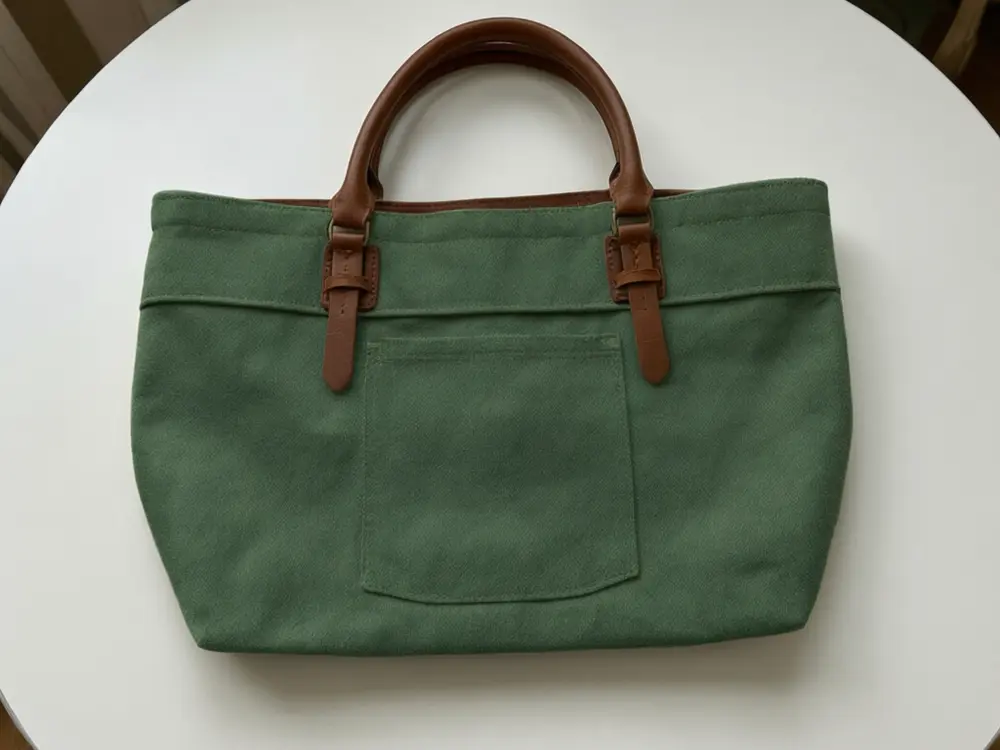
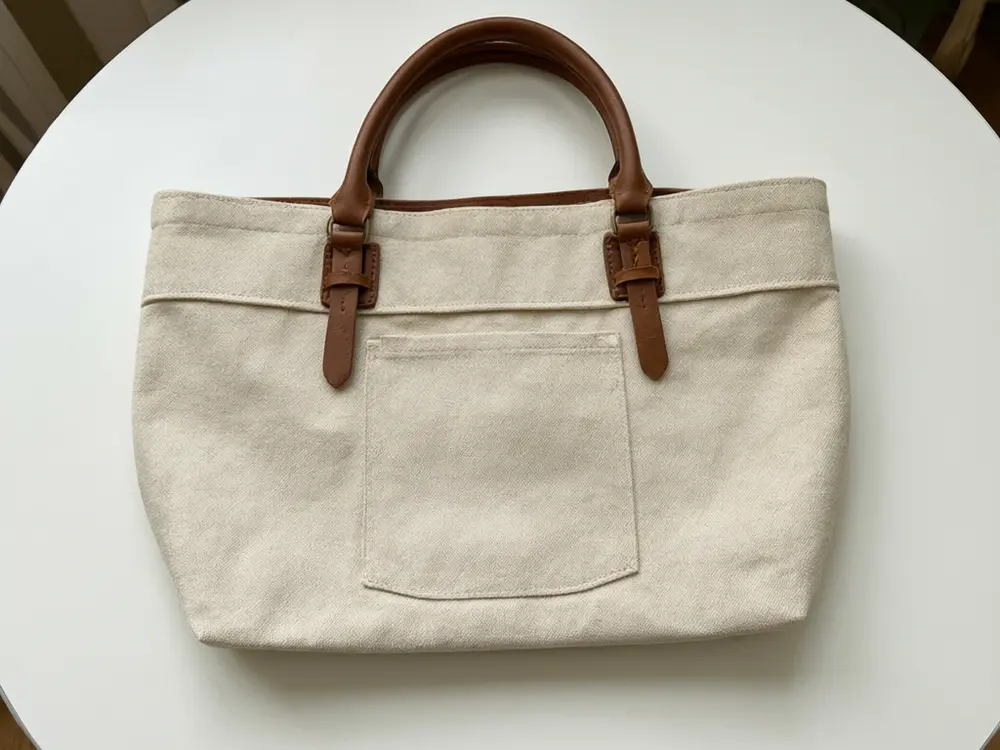
Drag to compare
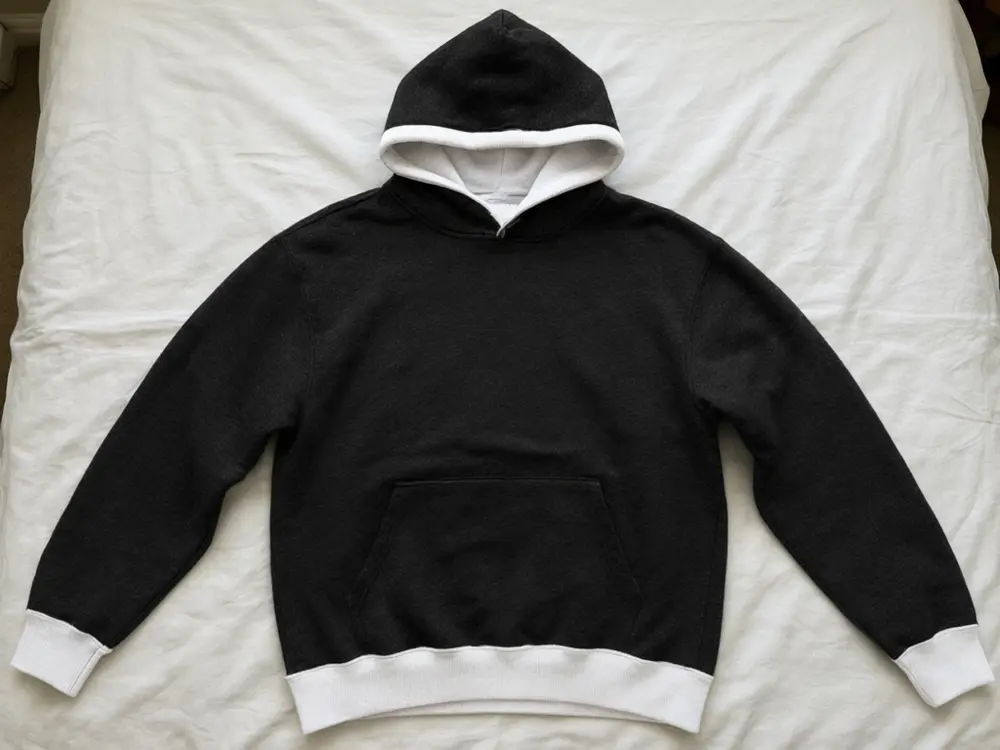
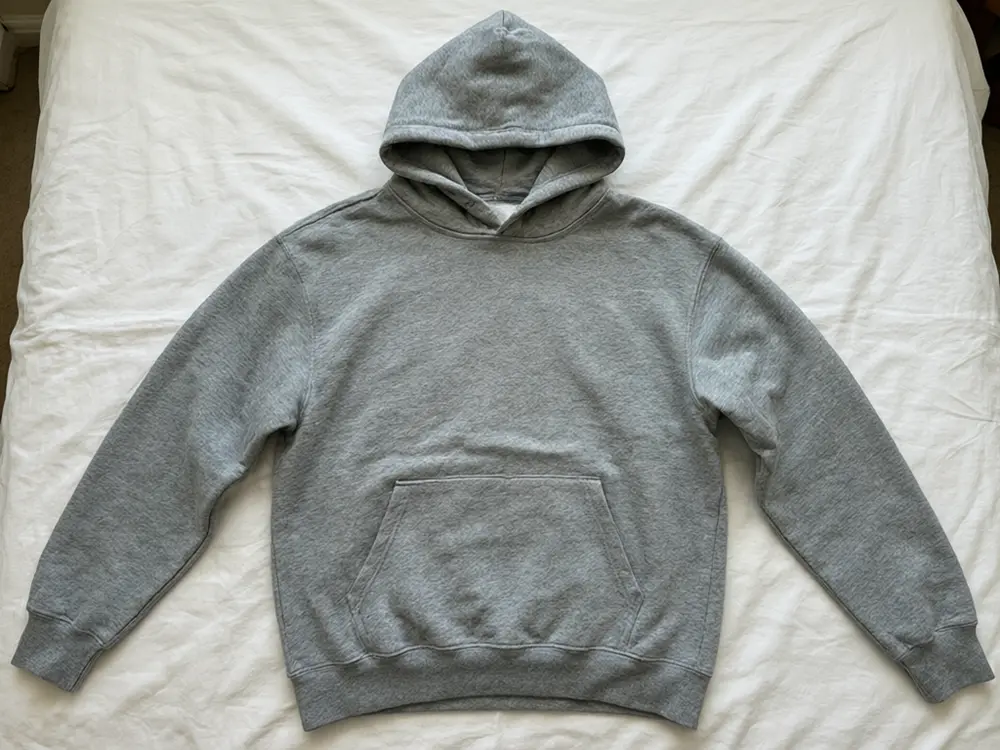
Drag to compare
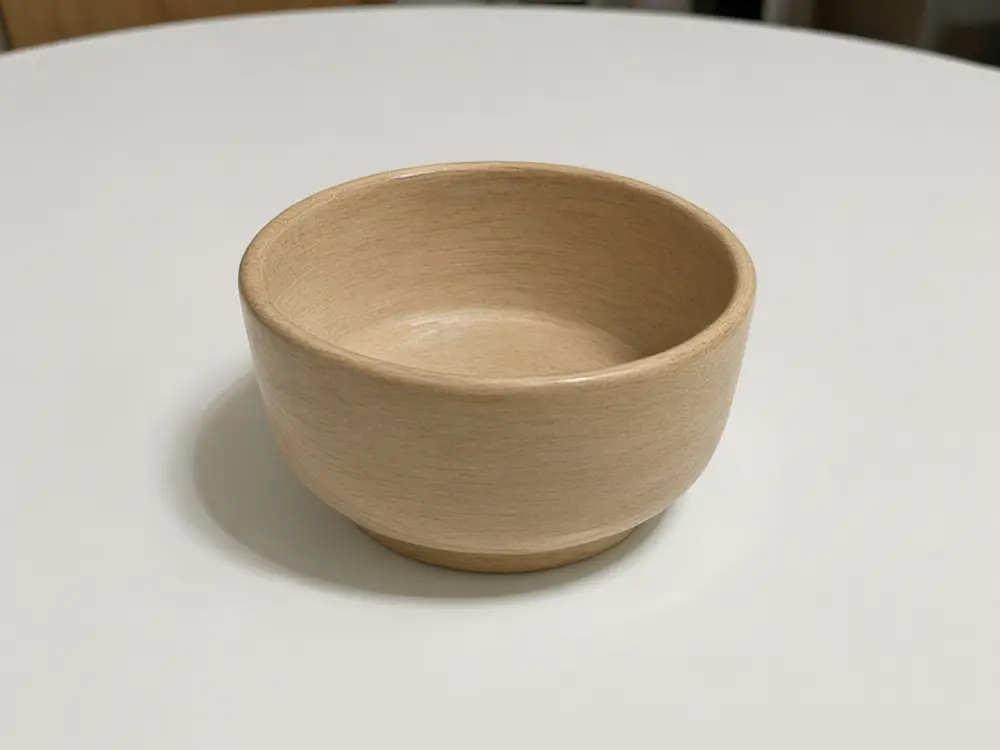
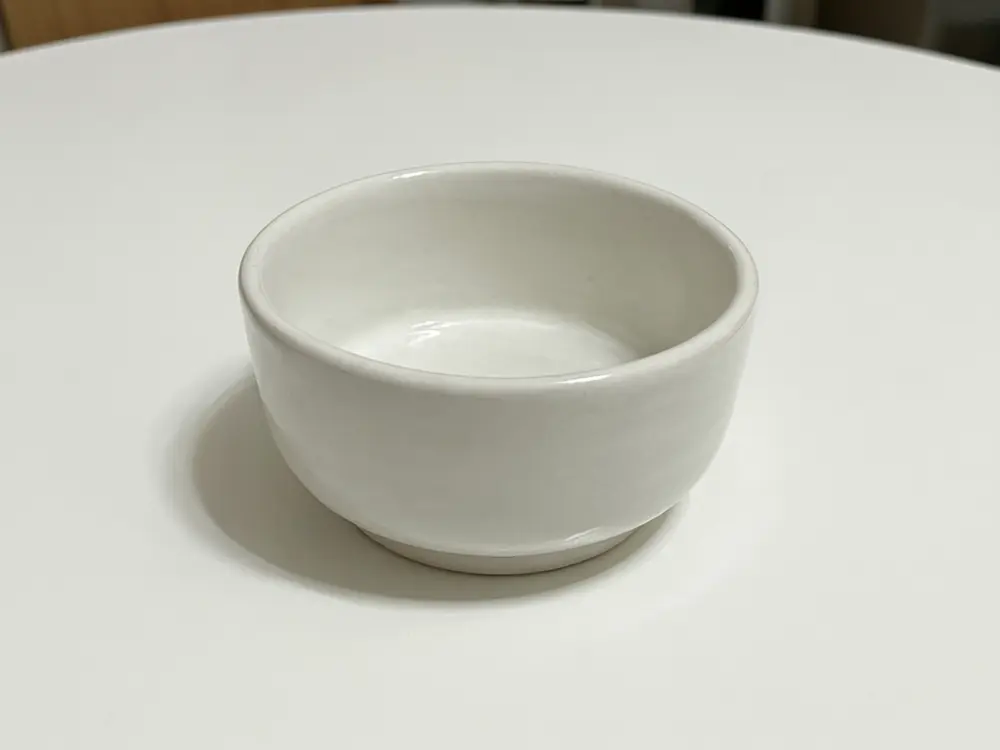
Drag to compare
Real, unretouched output from this tool. Drag any slider to compare.
Show one product in every colour you sell, or preview colours you are thinking about, without reshooting. Upload one product photo and change its colour, finish or material while the shape, texture, shadows and logo stay in place. It is built for sellers who need consistent photos for a colour picker, and for makers deciding which colourway to produce next.
How the product color variants maker works
Photographing every colour of every product costs time and money, and the lighting rarely matches from one shoot to the next. One good photo, recoloured, keeps the angle and light the same across all your variants.
Upload the photo, pick a colour, finish or material, and the tool changes only that. Each result is a separate generation, so make the colours you need.
1
Upload the product photo
One product, plain background, even light.
2
Choose what to change
The colour, the finish, the material or a two-tone block.
3
Generate each colour
Run the tool once per colour. Keep the same photo for a matching set.
4
Compare and publish
Check against the real product, then add the images to your variant picker.
When product color variants help
Where recoloured photos earn their keep.
1
Colour pickers on Shopify, Amazon and Etsy
One photo per colour, same angle, same light, so the picker looks clean.
2
Deciding what to produce
Preview a colourway before ordering stock or printing.
3
Custom orders
Show a customer their chosen colour before you make it.
4
Seasonal refreshes
Show a classic product in this season's colours.
Tips and honest limits
Only list a colour as a variant if the customer can really buy it. A recoloured photo is a preview, and a mismatch between the photo and the item causes returns.
Check the result against the real product in daylight. Screens and light change how a colour looks, so use your own colour code in your production notes.
Printed logos and patterns can shift. Zoom in on them and run again if they changed.
More tools for sellers
More ways to build a complete listing.
Who uses a product color variants tool
🏠
Online sellers
✓Make one photo per colour for the variant picker.
💡
Makers and small brands
✓Preview a new colourway before you order stock.
🏢
Print-on-demand and custom shops
✓Show customers their colour before production.
📸
Product designers
✓Compare finishes and materials in one afternoon.
🎨
Product Color Variants: Show Your Product in Every Colour From One Photo
AI Tool
Upload your imageTap anywhere here — your AI design will appear in this space after you generate.JPG · PNG · WebP
Same product, new colour
Premium users can generate images without watermark
Higher quality options available for premium users
Be specific for better results0/400
Output quality:
Frequently Asked Questions
The tool is told to keep the lighting and material texture so the result looks like a real photo, not a flat colour overlay. Dark to light changes can still need a second run.
Type a colour name in the extra details box or in Your Own Description, for example "dusty teal". For brand colours that must match exactly, check against your own colour code.
Only for colours you really sell. A recoloured photo is a preview, and a mismatch with the real item causes returns. Check the marketplace rules on AI images.
It is told to keep the logo placement and label. Fine print can drift, so zoom in and run again if it changed.
One product on a plain background in even light, with the whole product in frame.
Yes. The Change Material mode swaps the main material, for example leather to canvas, and Change Finish switches matte to glossy.
As many as you like. Each colour is one generation.
It is free to try: new users get free generations. Paid plans add credits, remove the watermark and unlock higher resolution.