
Jewelry photography tools on AI Two
On-model jewelry pages and product photography for rings, necklaces, earrings, watches, and more in Fashion Studio.
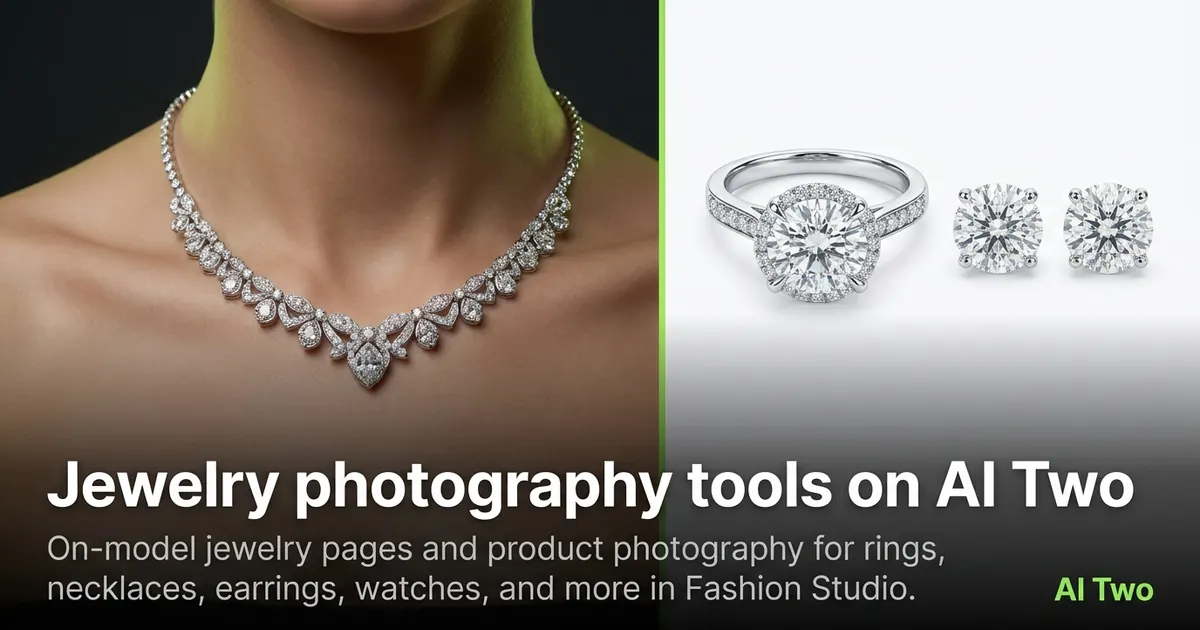
Jewelry on AI Two splits into two jobs: pieces worn on a model’s skin, and clean product shots of rings, necklaces, and earrings. This cluster covers both so sellers can fill listings without a jewelry studio day.
Who this jewelry group is for
Use these tools if you sell jewelry, watches, or small accessories online and need either on-model wear shots or close product photography. Etsy sellers, boutique jewelers, and marketplace brands open this group when metal and gem detail must stay sharp.
When I tested a necklace upload, I ran the on-model jewelry hub first to see the piece on skin, then ring photography when I needed a white-background product frame for the same SKU.
Fashion Studio’s charter is seller photography. These pages are for products you sell, not personal styling quizzes.
I keep two folders per collection: on_model and product. Mixing them in one dump folder made client reviews slow last month, so I split exports by job now.
Specialist on-model pages matter when the crop is tight. A choker page frames the neck correctly. A toe ring page frames the foot. Using the generic hub for those crops wasted a run on my first test.
Children’s jewelry pages stay modest and catalog-focused. That is a hard safety line in Fashion Studio, not a style preference.
For watches, I check dial legibility and bracelet links after every run. Soft numbers mean I need a sharper source photo before another credit is spent.
Tools in this group
On-model pages start at Jewelry AI Models, with specialists for anklet, belly ring, watch, necklace, choker, bangle, cufflinks, children’s jewelry, and toe ring. Product-shot pages live under Jewelry Accessories Photography, plus Ring, Necklace, and Earring photography.
I use on-model pages when the listing needs lifestyle context. I use product photography pages when the marketplace wants a clean isolated piece.
Cufflinks and bangles need clear hardware edges. If the clasp melts, I re-shoot closer rather than stacking another jewelry tool on a soft file.
When gold turns green in the output, the upload white balance was wrong. I fix lighting in camera before I spend another jewelry credit.
Workflow I use for jewelry SKUs
Photograph the piece in even light with reflections controlled. Upload to the matching specialist page. Check that prongs, clasps, and stone color survive the render. Re-run once with a different model or angle if needed.
On my watch test, the dial text stayed legible after the on-model run. That is my pass/fail check for jewelry — tiny details must not smear.
Signup credits cover a few pieces. Batch catalogs use paid monthly credits.
I wipe fingerprints and dust before the source photo. Specks become part of the metal texture after generation and look like defects on a product page.
When gold turns green, the upload white balance was wrong. I fix lighting in camera rather than stacking more jewelry tools on a tinted file.
What photo works best
Macro-capable phone cameras work if the piece fills the frame and focus is locked on the gem or clasp. Soft daylight or a lightbox beats mixed yellow bulbs that tint gold wrong.
I save before files by SKU code. Jewelry batches get confusing fast when every download is named output.png.
For rings, shoot the top view and a three-quarter view. For necklaces, include clasp detail in at least one frame so the buyer sees the hardware.
Reflective surfaces need a larger light source. A tiny LED phone light creates hard specular spots that the model copies into the output.
I shoot jewelry after dusting the piece and washing my hands. Skin oils show up as dull patches on polished metal in the final frame.
If stone color shifts between runs, I lock one white-balance preset on the phone and reshoot the source instead of comparing mismatched uploads.
Where to go next
For full apparel on models, open the ecommerce or casting clusters. Footwear has its own group. Post-production covers hair, makeup, and retouch when the face needs cleanup after an on-model shot.
If you only need a garment packshot with no jewelry, skip this cluster and open ecommerce photography instead.
Return to the Fashion Studio pillar when you need the full toolkit map for a multi-category drop that mixes jewelry with apparel.
FAQs
Related studio guides
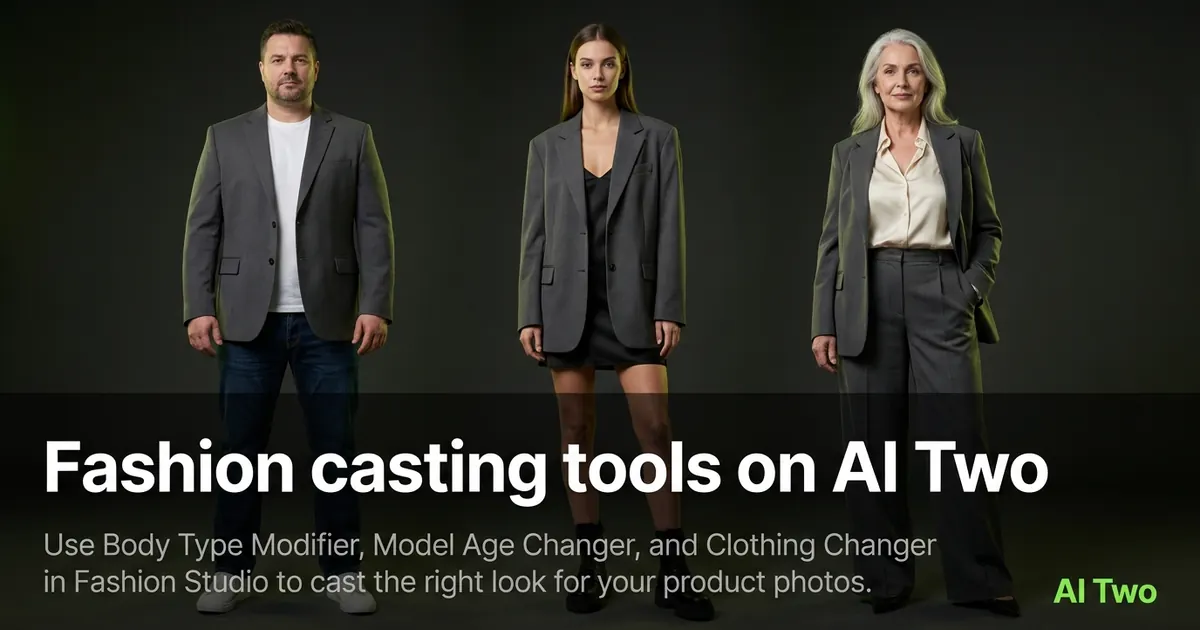
Fashion casting tools on AI Two
Use Body Type Modifier, Model Age Changer, and Clothing Changer in Fashion Studio to cast the right look for your product photos.
Read guide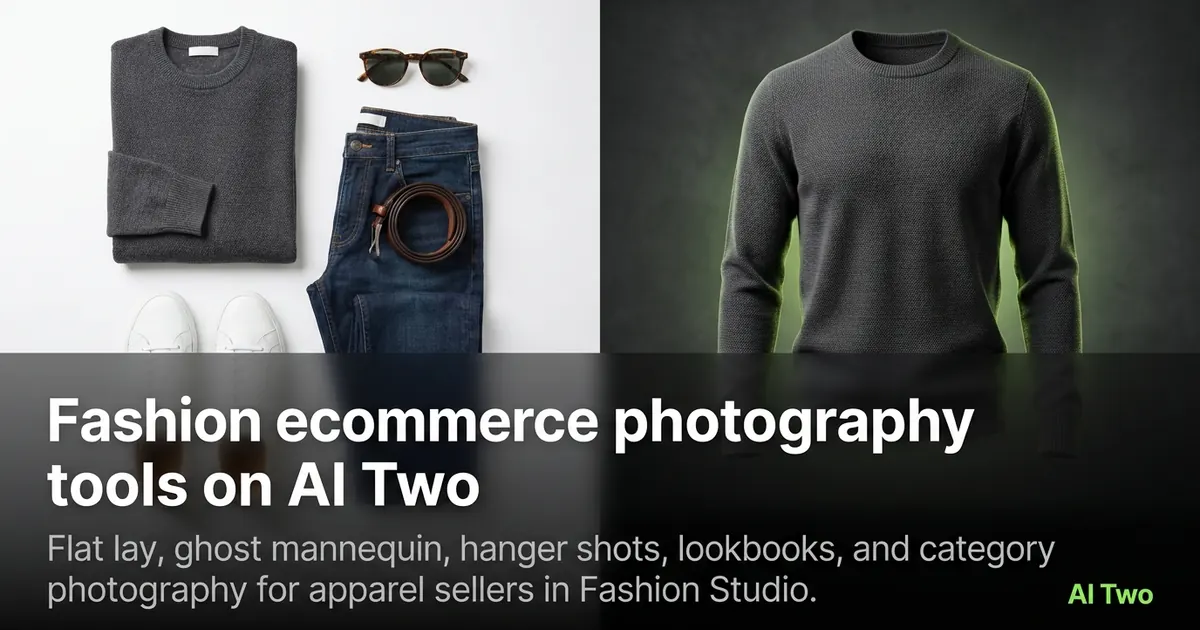
Fashion ecommerce photography tools on AI Two
Flat lay, ghost mannequin, hanger shots, lookbooks, and category photography for apparel sellers in Fashion Studio.
Read guideFashion casting tools on AI Two
Use Body Type Modifier, Model Age Changer, and Clothing Changer in Fashion Studio to cast the right look for your product photos.
Read guide