
Amazon clothing image requirements: what sellers need to check
Clothing has stricter main-image rules than many Amazon categories, and a wrong main image can suppress a listing. This is a practical summary. Amazon updates its style guides by category, so confirm the current rules in Seller Central before you upload.
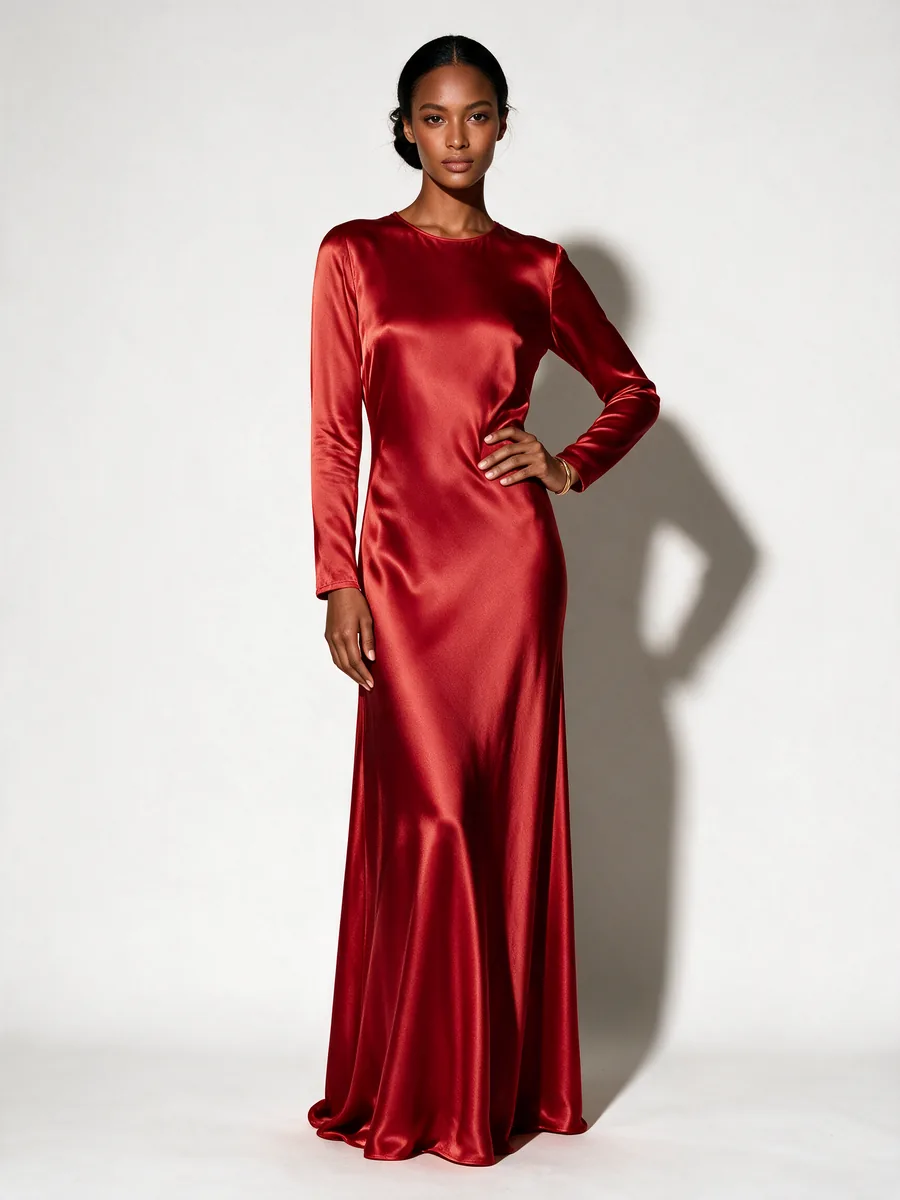
Main image rules at a glance
| Item | What sellers should use |
|---|---|
| Background | Pure white, RGB 255, 255, 255 |
| Adult apparel | Photographed on a human model |
| Kids and baby clothing | Flat, without a model |
| Multi-packs | Flat, showing what is included |
| Image size | At least 1000 px on the longest side; 1600 px or more is a safer choice for zoom |
| Product fill | The product should take up about 85% of the frame |
A note on ghost mannequin images
Seller guides disagree on whether a ghost mannequin main image is accepted for adult apparel. Check the current style guide for your exact category. Where it is not allowed for the main image, you can still use a ghost mannequin shot in a secondary slot if the guide permits it.
Use the secondary images to answer questions
- Show the back and a close view of fabric, stitching or the label.
- Add a photo that shows how the garment fits on the body.
- Add a size chart only if your category guide allows text on that image.
- Keep the color accurate. Returns often start with an item that does not match its photo.
Using AI product images carefully
On-model photos made from a flat lay can save a shoot, but small details can change. Compare every logo, print, seam and button against the real garment. Do not publish an image that shows something your product does not have.
Checklist before you upload
- Check the main image background is pure white, with no gray shadow.
- Confirm the item is shown the way your category requires.
- Remove badges, watermarks and promotional text from the main image.
- Check the longest side is at least 1000 px, and preferably 1600 px or more.
- Read your category style guide in Seller Central.
Frequently asked questions
Does Amazon require a model for clothing photos?
Published guides generally say adult apparel main images should be on a human model, while kids, baby and multi-pack items are shown flat. Check the style guide for your category.
What size should Amazon clothing images be?
At least 1000 pixels on the longest side is the common figure for zoom. Many sellers use 1600 pixels or more.
Can AI Two export directly in an Amazon format?
The marketplace set in Fashion Studio does not include an Amazon preset. Use the Amazon listing image maker or check your image against the rules above.
Related pages
Explore Fashion Studio
Turn product shots into on-model photos
For when you have the garment but no model.
- Flat lay to modelDress a model from a garment laid out flat.
- Mannequin to modelReplace the mannequin in an existing product photo.
- On-model photographyShow fit and drape without booking a shoot.
- AI fashion modelsChoose the model who suits your customer.
Prepare the catalog
Clean, consistent images for a store.
- Ghost mannequinGet the hollow-garment look for product pages.
- Clothing flat layTidy overhead shots of a garment.
- Fashion catalogKeep a whole range in one visual style.
Shoot accessories and footwear
Small products that need scale and detail.
- Jewelry model generatorShow a piece being worn at a believable size.
- Ring photographyBring out stones and metal in close-up.
- Footwear AIPlace shoes on feet or in a styled scene.
Help shoppers choose
For store owners and personal shoppers.
- Virtual try-onPreview a garment on a person in a photo.
- AI outfit generatorPut looks together around one item.
- AI stylistGet outfit suggestions for an occasion.
- Ecommerce photo guidePlan a full product image set.