
Fashion shoot types on AI Two
Catalog, editorial, outdoor, studio, bundle, and trend shoot pages for apparel sellers in Fashion Studio.
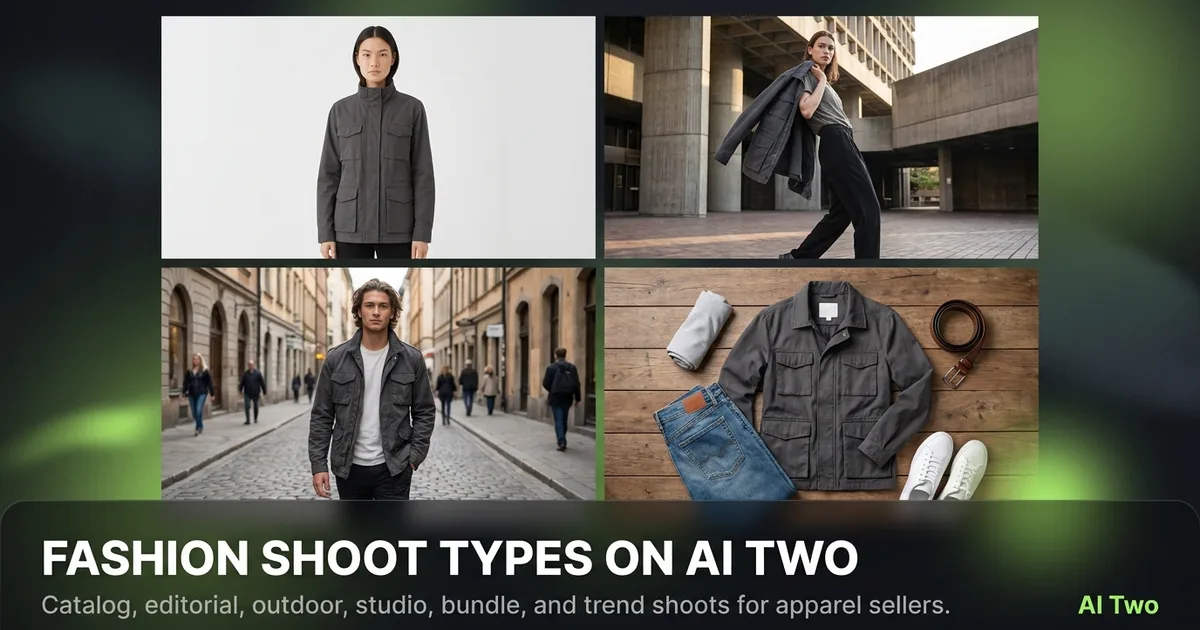
Fashion shoot types on AI Two are the campaign frames I pick after the product and model are decided. Catalog, editorial, outdoor, studio, bundle, and trend pages live under Fashion Studio’s ecommerce shoot group so sellers can match marketplace, lookbook, and social moods without rebuilding the SKU from scratch. When I plan a launch week, I lock packshots and try-on first, then open this cluster to produce the story frames. That order keeps credits on identity-stable outputs instead of reinventing the garment every time.
Who this shoot-types group is for
Open this cluster if you already have apparel ready for campaign stills and need a specific shoot mood. Ecommerce teams, boutique marketers, and marketplace sellers use these pages when flat lays alone will not carry a launch.
When I finish a clean try-on or ghost mannequin base, I ask which channel needs frames next. Catalog for marketplaces. Editorial for brand stories. Outdoor for lifestyle. Studio for controlled light. Bundle for multi-piece sets. Trends for seasonal angles.
This is a Fashion Studio seller audience. Home listing shoots belong in Home Design Studio. Do not force a living-room staging tool into an apparel campaign.
I schedule shoot-types after casting and try-on when the face and garment are approved. Running editorial first on a wrong size model wastes the whole mood pass.
Free credits cover learning one shoot style. Paid monthly credits support full campaign sets across six moods for a seasonal drop.
Footwear and jewelry sellers should still prefer their specialist clusters when the SKU is not apparel. This group assumes clothing is the hero.
Tools in this group
Six pages cover shoot moods. Fashion Catalog builds listing-ready catalog frames. Fashion Editorial leans into story and composition. Outdoor Shoots place the look in exterior light. Studio Shoots keep controlled backdrop lighting. Bundle Shots show multi-piece sets together. Fashion Trends angles the look toward seasonal trend language.
I pick Catalog when the channel wants clean, comparable product presence. I pick Editorial when the brand page needs atmosphere. Outdoor and Studio split on location lighting. Bundle is for sets and capsules. Trends is for timely campaign angles without rebuilding the whole catalog.
These pages sit under the fashion ecommerce path. They complement flat lay and ghost mannequin tools rather than replacing them. Packshots still matter for zoom and returns.
Child how-to posts will walk through each shoot type. Use the cards below for those guides.
How I pick a shoot type
Step one: confirm the garment and model already look correct on a base photo. Step two: name the channel and mood in one sentence. Step three: open only the matching shoot page. Step four: generate, zoom the fabric, and only then try a second mood if the brief truly needs it.
When I tested Catalog versus Editorial on the same dress, Catalog kept the product readable at thumbnail size while Editorial spent more of the frame on atmosphere. Marketplaces got Catalog. The brand journal got Editorial.
Outdoor Shoots need a source that can survive daylight contrast. Soft indoor try-ons sometimes need a studio shoot first so fabric detail survives the outdoor pass.
Bundle Shots fail when each piece was shot at a different white balance. I normalize inputs before I ask for a set frame.
Trends is not a license to invent claims about fashion seasons. I use it for visual mood aligned to a campaign we already planned, then write honest copy elsewhere.
Credits add up across six moods. I approve two hero frames per mood max during tests, then batch the SKU list once the creative lead signs off.
What photo works best
Start from a sharp on-model or strong garment photo with readable seams and prints. Shoot-type tools amplify what you give them. A soft phone shot becomes a soft editorial.
I keep a “base_approved” folder that only holds files cleared for campaign moods. That stops me from running Outdoor on a draft try-on I already rejected.
Studio Shoots like even lighting in the source. Outdoor Shoots tolerate more contrast but still need clean product edges. Bundle Shots need each item fully visible in the inputs you provide.
Avoid heavy filters before upload. Trend and editorial moods add their own atmosphere. Double styling in the source fights the page.
If logos smear, stop and return to ecommerce packshot tools before more mood runs. Campaign frames cannot repair a soft brand mark.
Where to go next
If the garment still needs on-body placement or colorways, open the try-on and color cluster before more shoot moods. Casting and ecommerce photography clusters cover earlier pipeline steps. Post-production finishes faces and backgrounds after the mood is approved.
The Fashion Studio pillar maps the full seller order of operations. Use it when you are lost between casting, packshots, and campaign frames.
Stay out of Home Design Studio unless the brief truly moved to furniture or rooms. Apparel campaign work stays in Fashion Studio.
FAQs
Related studio guides
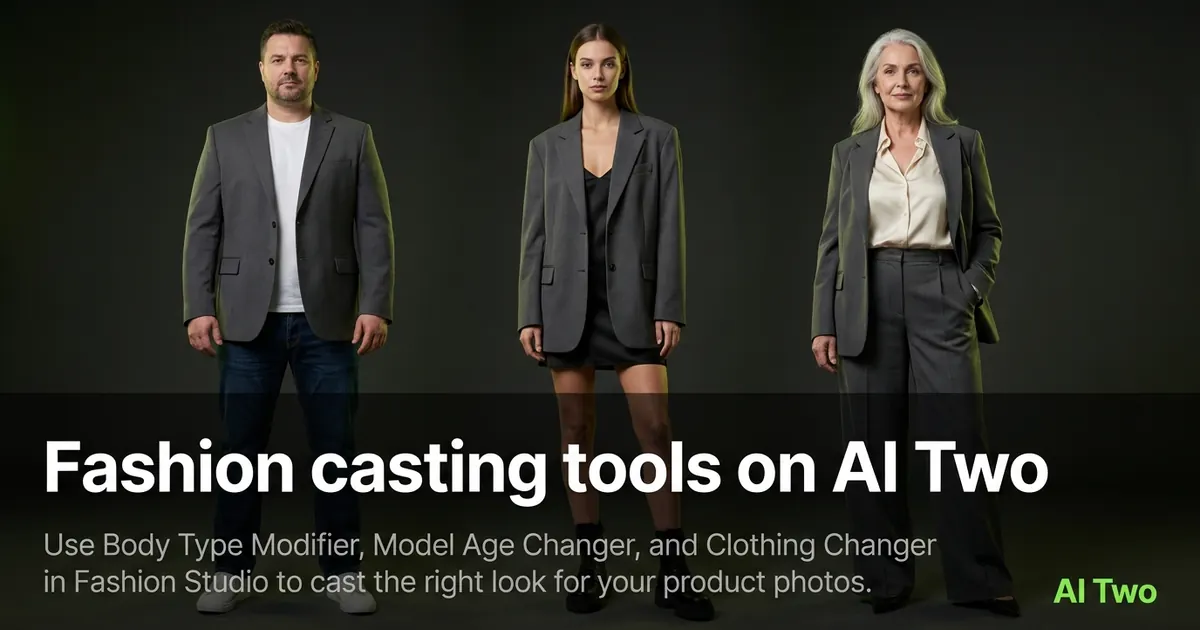
Fashion casting tools on AI Two
Use Body Type Modifier, Model Age Changer, and Clothing Changer in Fashion Studio to cast the right look for your product photos.
Read guide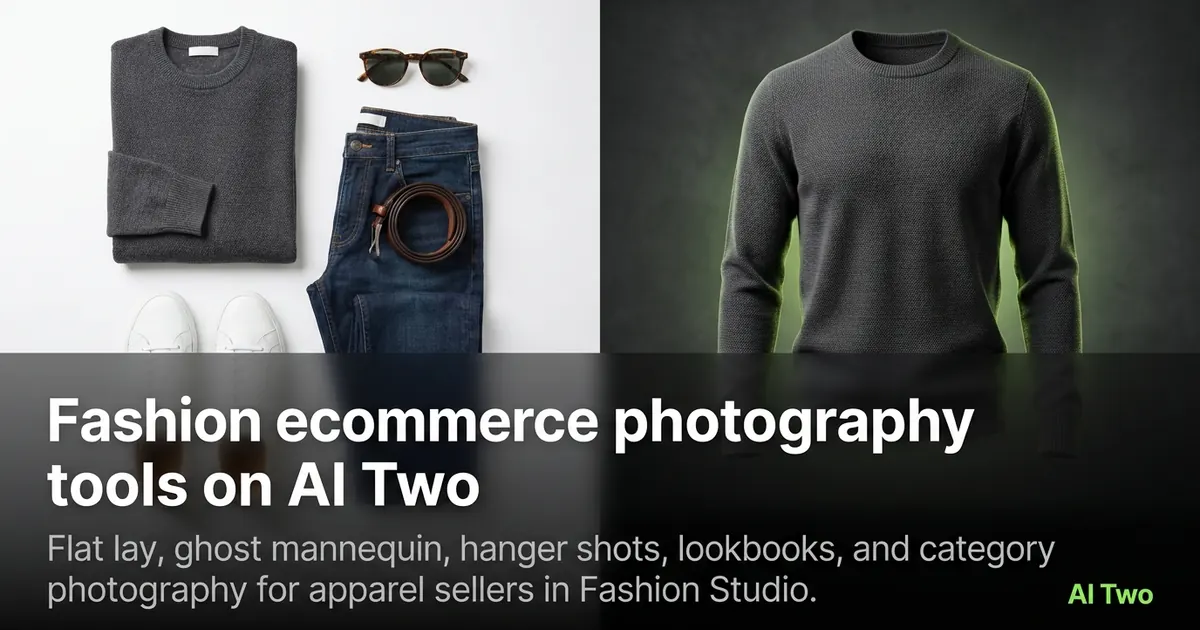
Fashion ecommerce photography tools on AI Two
Flat lay, ghost mannequin, hanger shots, lookbooks, and category photography for apparel sellers in Fashion Studio.
Read guideFashion casting tools on AI Two
Use Body Type Modifier, Model Age Changer, and Clothing Changer in Fashion Studio to cast the right look for your product photos.
Read guide