
Footwear photography tools on AI Two
Footwear AI, shoes on models, heels, sneakers, and footwear ecommerce pages in Fashion Studio.
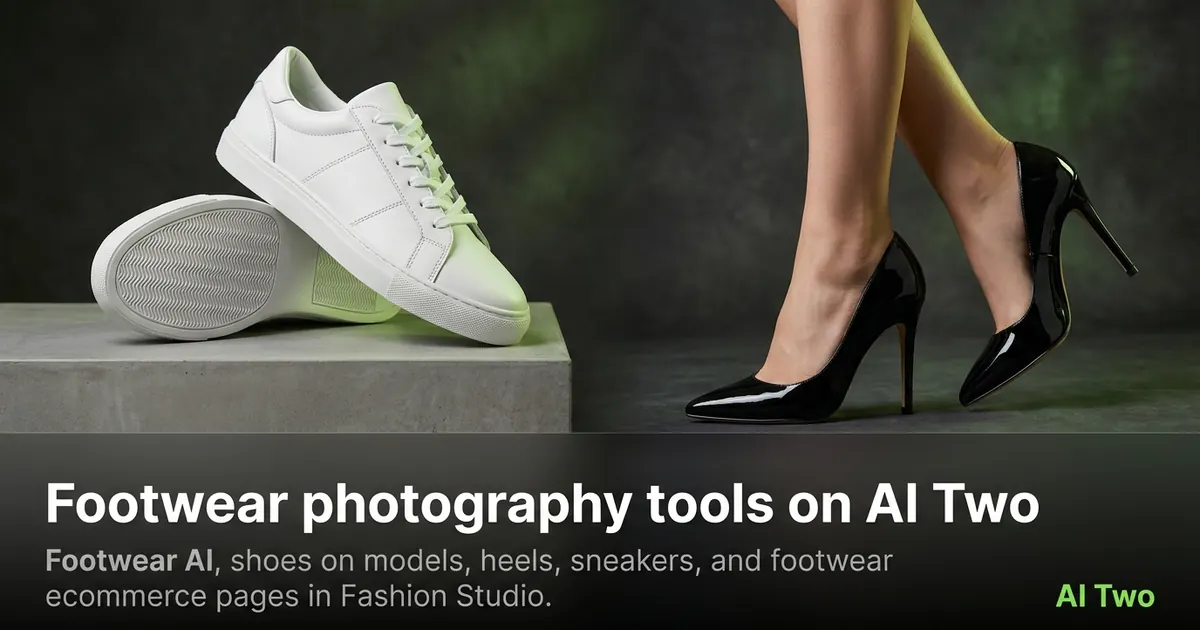
Footwear on AI Two covers product design views, shoes on fashion models, high heels, sneakers, and footwear ecommerce frames. This cluster helps shoe sellers pick the right page for each listing type. When I build a sneaker drop, I lock the three-quarter packshot angle first, then decide whether the listing also needs an on-foot model frame for height and proportion.
Who this footwear group is for
Use these tools if you sell shoes, heels, or sneakers online and need either on-foot model shots or clean product photography. Boutique sellers and marketplace brands open this group when a pair needs catalog frames without a physical shoe shoot.
When I tested a sneaker flat photo, I ran Footwear AI for a product-first look, then Shoes on Fashion Models when the listing needed a worn-on-foot frame.
These pages are for sellers. They stay inside Fashion Studio’s audience rules.
I group colorways in one folder and run the same tool settings across the set so the catalog looks consistent on the product grid.
Shoes on Fashion Models is the page I use when size and fit storytelling matter more than a white-background packshot. Buyers often want to see the shoe on a foot for height and proportion.
If you also sell bags or jewelry in the same drop, finish footwear here, then jump to those clusters with the same account and credit balance.
Tools in this group
Footwear AI is the category hub. Shoes on Fashion Models puts pairs on models. High Heels and Sneakers pages specialize those silhouettes. Footwear Ecommerce targets listing-ready ecommerce frames.
I open High Heels when the source is a heel and I need category-specific framing. I open Sneakers for street and sport pairs. Footwear Ecommerce when the channel wants a packshot style.
Shoes on Fashion Models is the page I use when size and fit storytelling matter more than a white-background packshot. Buyers often want to see the shoe on a foot for height and proportion.
If you also sell bags or jewelry in the same drop, finish footwear here, then jump to those clusters with the same account and credit balance.
Workflow I use for shoe SKUs
Shoot both shoes in focus with the sole or vamp readable. Upload to the matching page. Check stitching, logos, and sole color after generation. Re-run once if the pair looks mismatched.
On my heels test, the stiletto edge stayed crisp after the ecommerce run. Soft edges are my signal to use a sharper source photo.
Credits apply per generation. Test with signup credits, then batch on a paid monthly allotment.
I wipe the soles and clean the uppers before shooting. Dirt in the source becomes permanent texture in the output.
When left and right shoes look like different sizes, I re-shoot with both shoes on the same plane instead of stacking more AI runs.
What photo works best
Three-quarter product angles work better than extreme top-down shots that hide the silhouette. Keep both shoes in frame when the listing shows a pair.
I name downloads with SKU and tool so sneakers and heels do not mix in one folder.
Natural side light shows material better than direct flash. Flash hotspots on patent leather often survive into the ecommerce output.
If the marketplace requires a pure white background, run Footwear Ecommerce or finish with Background Remover in the post-production cluster.
I photograph both left and right shoes in the same pass with matching distance from the lens. Mismatched scale is the most common reason buyers complain about pair shots.
For heels, keep the heel tip in focus. Soft tips look damaged on a product page even when the real shoe is fine.
For sneakers, include tongue and laces clearly. Buyers zoom there first, and soft laces look unfinished.
Where to go next
Apparel ecommerce and jewelry clusters cover the rest of a fashion catalog. Casting tools help when the on-model shoe shot needs a different body type or age. Post-production cleans hair and background after model shots.
For full outfit context beyond the shoes, open apparel-on-models tools after this cluster.
When a sneaker listing also needs lifestyle motion later, finish stills here first so the hero product frame is already approved.
FAQs
Related studio guides
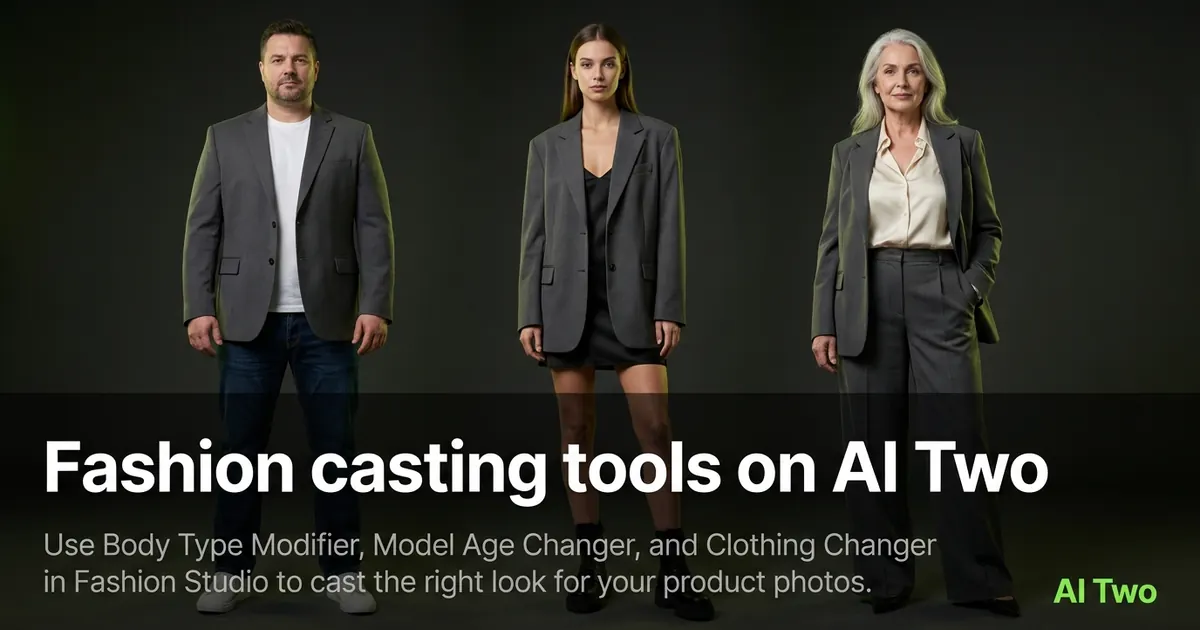
Fashion casting tools on AI Two
Use Body Type Modifier, Model Age Changer, and Clothing Changer in Fashion Studio to cast the right look for your product photos.
Read guide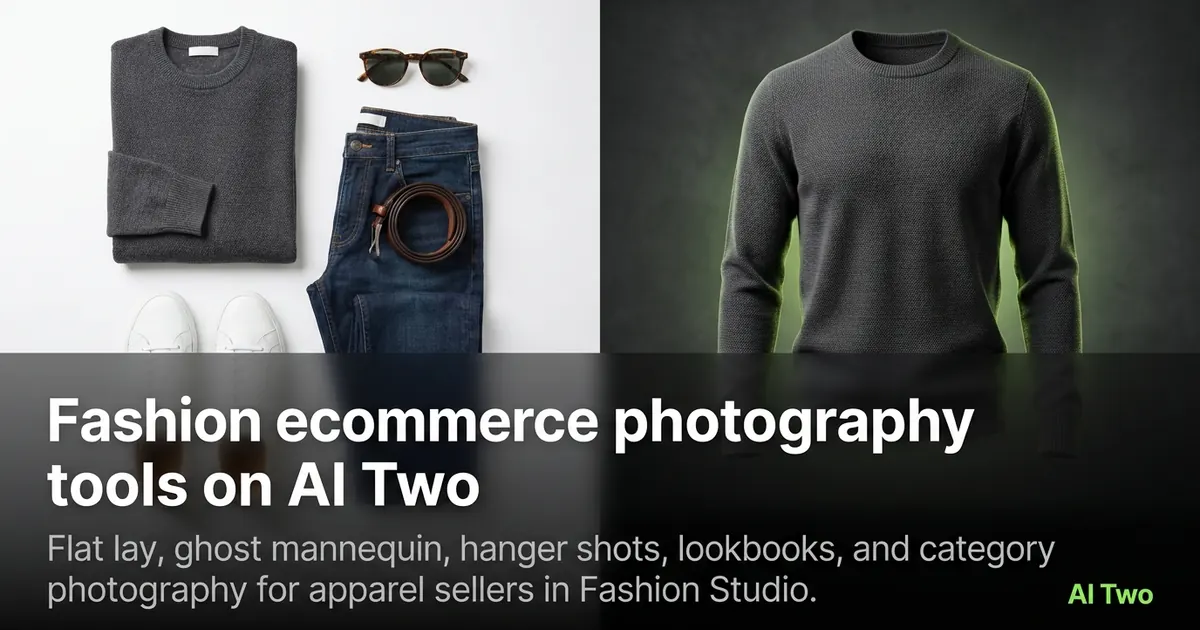
Fashion ecommerce photography tools on AI Two
Flat lay, ghost mannequin, hanger shots, lookbooks, and category photography for apparel sellers in Fashion Studio.
Read guideFashion casting tools on AI Two
Use Body Type Modifier, Model Age Changer, and Clothing Changer in Fashion Studio to cast the right look for your product photos.
Read guide