
Fashion ecommerce photography tools on AI Two
Flat lay, ghost mannequin, hanger shots, lookbooks, and category photography for apparel sellers in Fashion Studio.
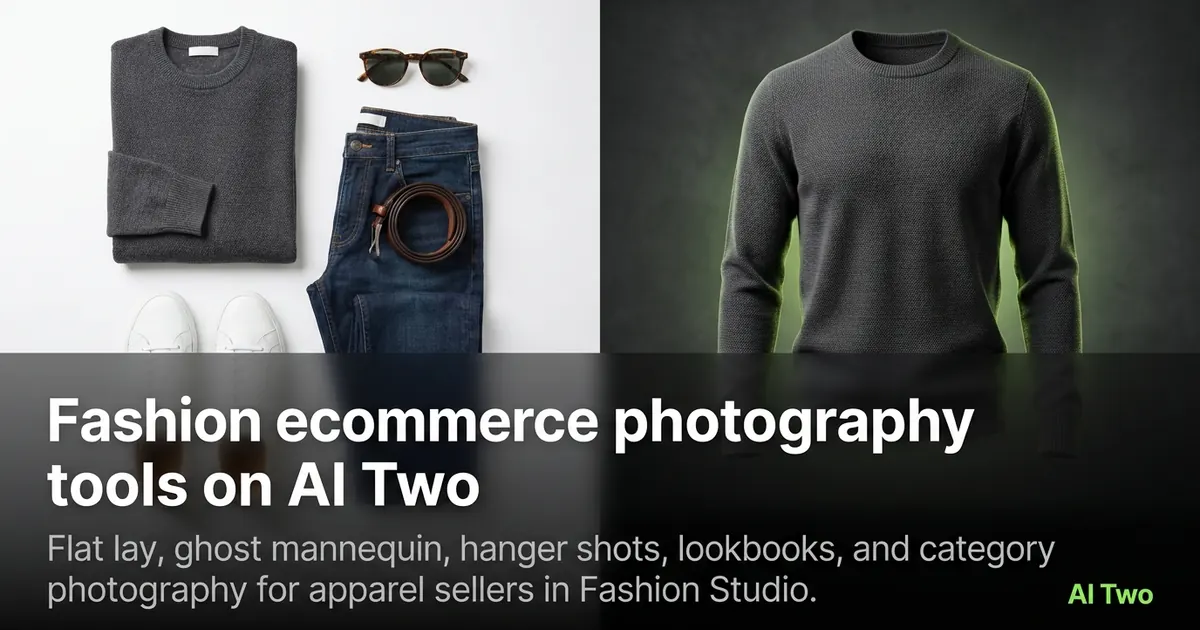
Ecommerce photography on AI Two turns product photos into listing assets — flat lays, ghost mannequin shots, hanger frames, lookbooks, and category pages for menswear, womenswear, kids, swim, and activewear. This cluster maps every tool in that group so you pick the right page for today’s SKU. When I onboard a new apparel seller on AI Two, we pick the packshot style first, then decide whether on-model casting is needed later. That order saves credits and keeps marketplace image rules happy.
Who this ecommerce group is for
Open this cluster if you sell clothing online and need clean product images without a studio booking. Agents who list apparel, boutique owners, and marketplace sellers use these pages to fill a catalog from hanger or flat photos they already have.
When I upload a plain garment shot to Fashion Studio, I start on the ecommerce hub, then move to ghost mannequin or flat lay depending on whether I need an invisible mannequin shape or a top-down layout.
These tools serve sellers. They are not personal styling pages for choosing today’s outfit.
I batch by channel. Marketplace listings get ghost mannequin or flat lay first. Brand lookbook pages get the lookbook tool after the SKU packshot is approved.
I schedule ecommerce runs before on-model casting when the packshot is the channel’s primary image. Marketplaces often reject soft logos, so I inspect print areas at full zoom after every download.
When a client sends wrinkled samples, I steam them before the first upload. Ecommerce tools copy fabric condition faithfully, which is useful for honesty and painful when the sample was rushed.
Tools in this group
Fourteen pages cover garment prep and audience-specific shoots. The hub page is Fashion Ecommerce Photography. Specialists include Ghost Mannequin, Clothing Flat Lay, Fabric Photography, Hanger Shots, Size Guide Shots, Lookbook, plus swimwear, menswear, womenswear, plus-size, kids, accessories, and activewear photography.
I pick Ghost Mannequin when the listing needs a 3D hollow form on white. I pick Flat Lay when the channel expects a top-down packshot. Fabric Photography is for textile sellers who need styled cloth, not a worn look.
Audience pages such as menswear, womenswear, kids, plus-size, swim, and activewear keep the same upload habit but bias the framing and pose language toward that buyer. Accessories Photography covers bags and small fashion goods that are not jewelry.
Hanger Shots and Size Guide Shots fill the gaps when a retailer asks for a hanging garment or a size-chart style frame. I open those after the main packshot so color and fabric already look right.
Workflow I use for a new SKU
Upload one sharp product photo. Run the hub or the specialist page that matches the channel. Download the result. If the channel needs both a flat lay and a ghost mannequin, I reuse the same source file on the sibling tool instead of re-shooting.
On my last apparel test, ghost mannequin cleaned the sleeves without melting logos. That is what I check first — print and seams must stay readable.
Credits meter every generation. Signup credits cover a few SKUs; batch catalogs need a paid plan’s monthly credit allotment.
I change one setting per run. When I changed style and background together, I could not tell which change helped. Single-variable tests cost more clicks but fewer wasted credits.
Kids and swimwear pages follow Fashion Studio safety rules. Keep catalog work modest and clearly product-focused.
What photo works best
Even lighting and a full garment in frame beat cropped phone selfies. Wrinkled fabric in the source usually stays wrinkled in the output, so steam or flatten before upload when you can.
I label downloads by SKU and tool name so a folder of thirty variants stays searchable. Project boards help when a client needs one shareable set.
Shoot against a simple wall or seamless paper when you can. Busy bedrooms force the model to invent a new backdrop and that often softens edges.
If the file is under about 1000 pixels on the long edge, I re-export from the camera roll. Soft inputs stay soft after ecommerce tools run.
Where to go next
Need the product on a person instead of a mannequin? Open casting or apparel-on-models guides after this cluster. Jewelry and footwear have their own clusters. Shoot-types covers catalog, editorial, and outdoor formats.
When the garment looks right but the face needs polish, move to the post-production cluster for retouch and background cleanup.
FAQs
Related studio guides
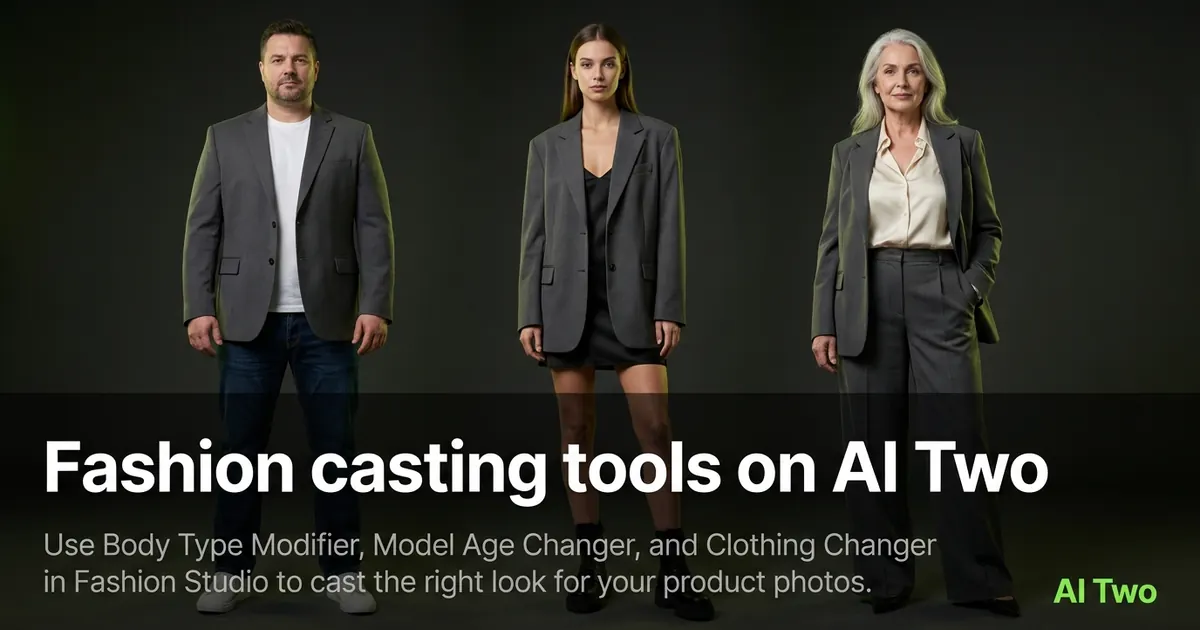
Fashion casting tools on AI Two
Use Body Type Modifier, Model Age Changer, and Clothing Changer in Fashion Studio to cast the right look for your product photos.
Read guide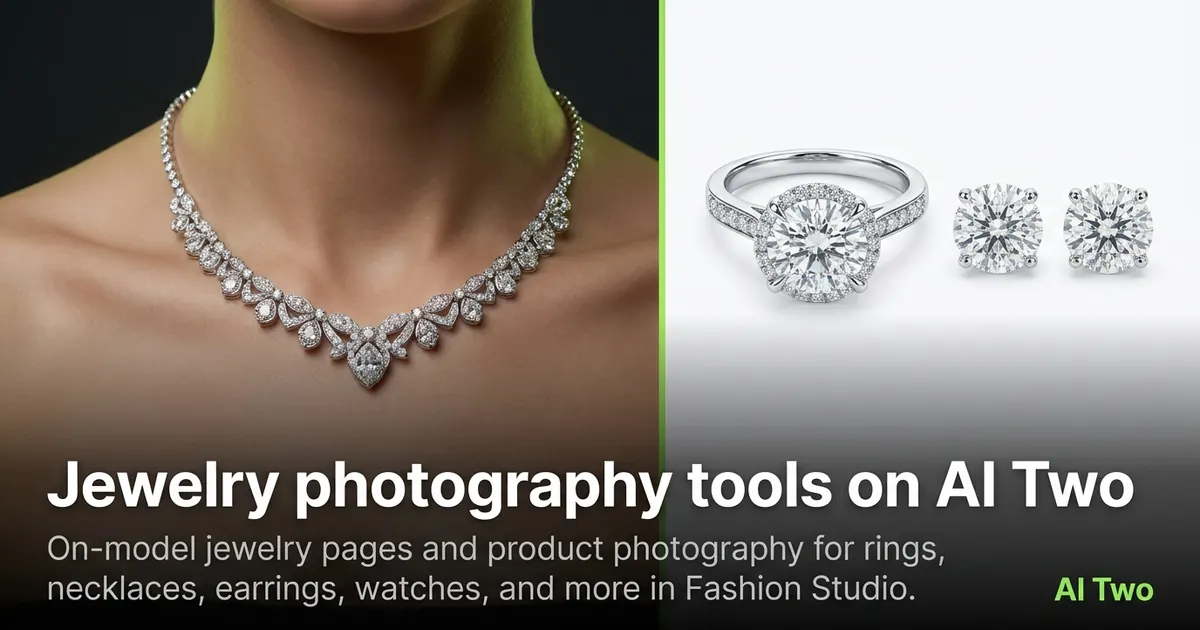
Jewelry photography tools on AI Two
On-model jewelry pages and product photography for rings, necklaces, earrings, watches, and more in Fashion Studio.
Read guideFashion casting tools on AI Two
Use Body Type Modifier, Model Age Changer, and Clothing Changer in Fashion Studio to cast the right look for your product photos.
Read guide