
📦Product Photography Studio
Your product stays the same. Only the scene changes.
Take one photo of your product on a kitchen table or a desk. Get it back on a clean white background, on marble, in a cozy room or held in a hand, ready for your store, your listing or your ads.
Free to try · sign up free for your first generation · no credit card
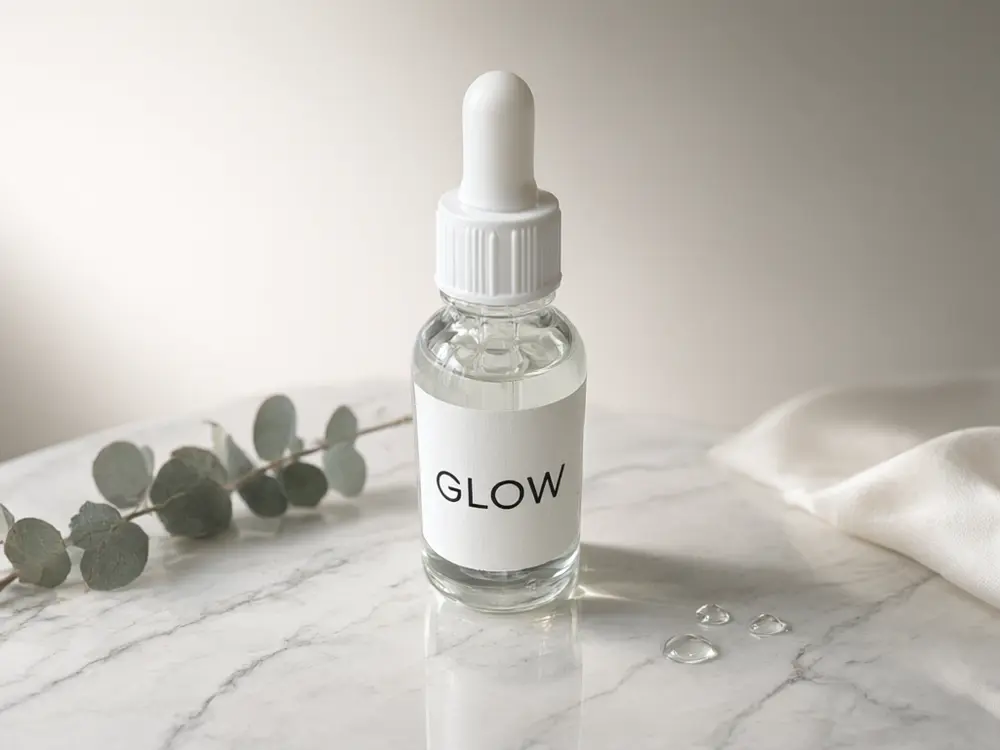
Real tool output: the same bottle as a plain table photo, placed on marble
Made with this studio
Make the Main Product Photo
Start here: turn a phone photo into a clean product shot or a new scene.
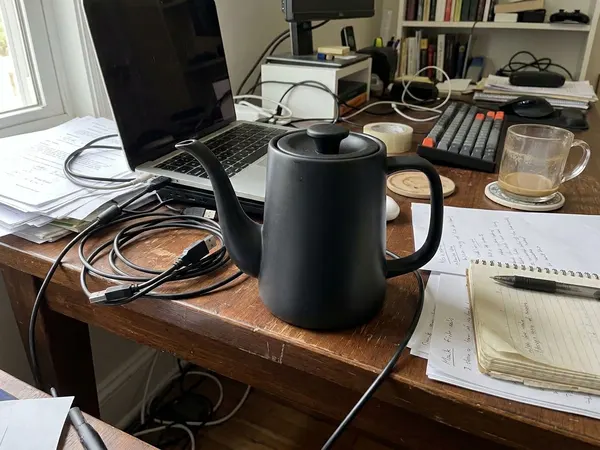
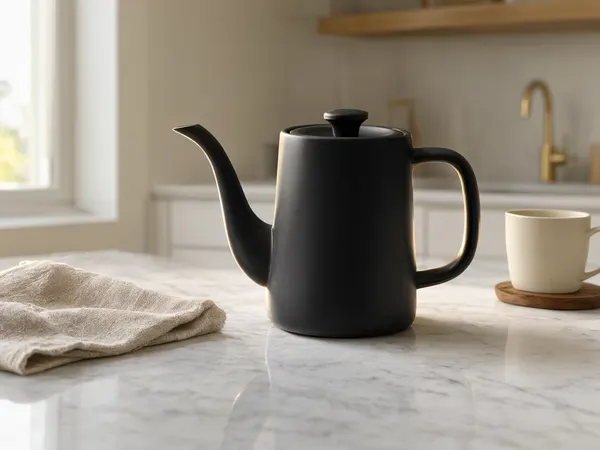
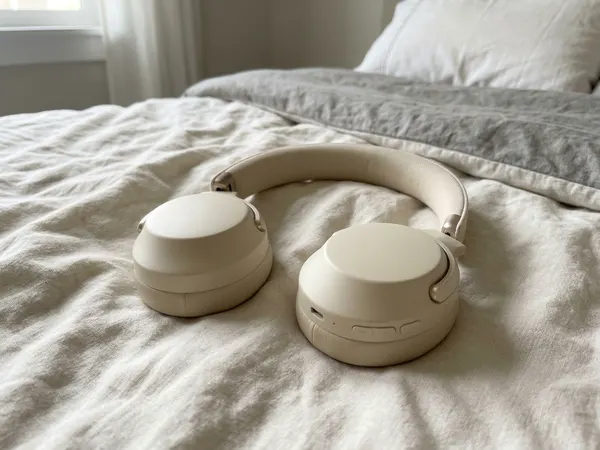
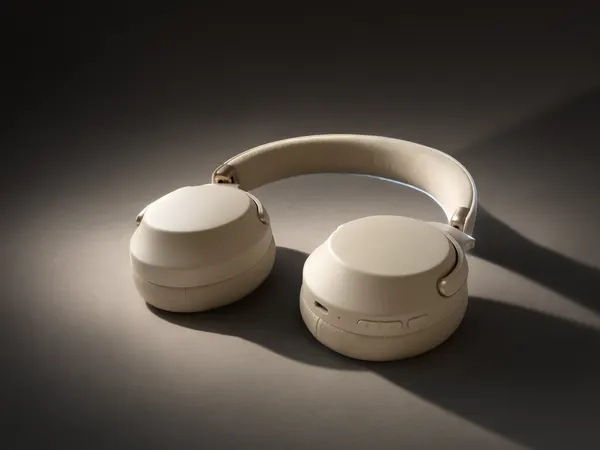
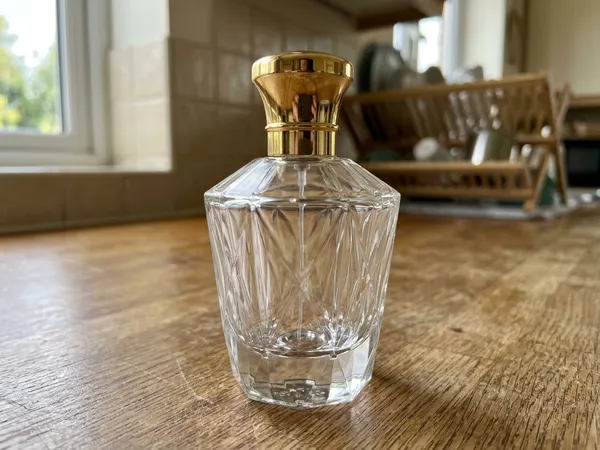

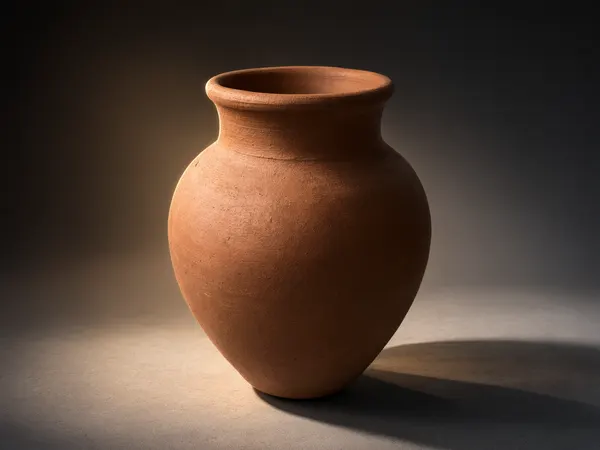
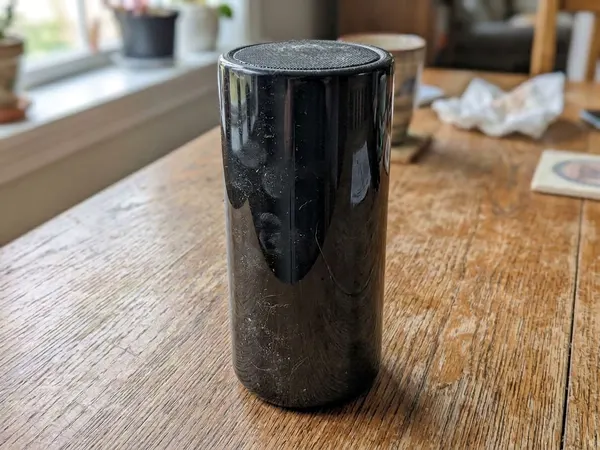
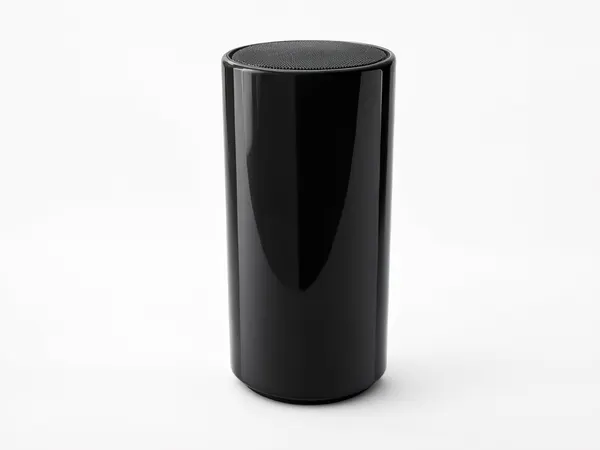
Photos for Your Marketplace
Each store has its own photo habits. These pages start from them.
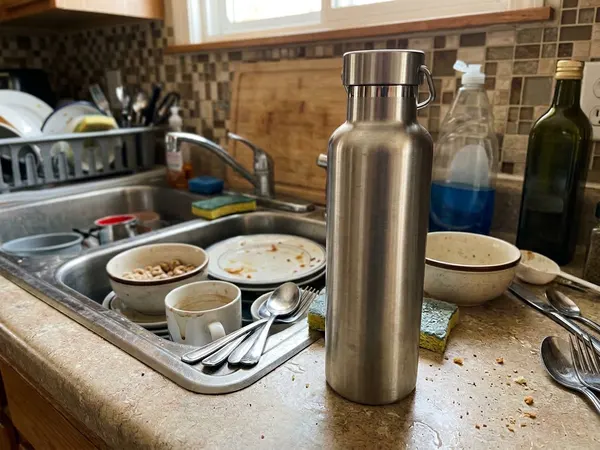
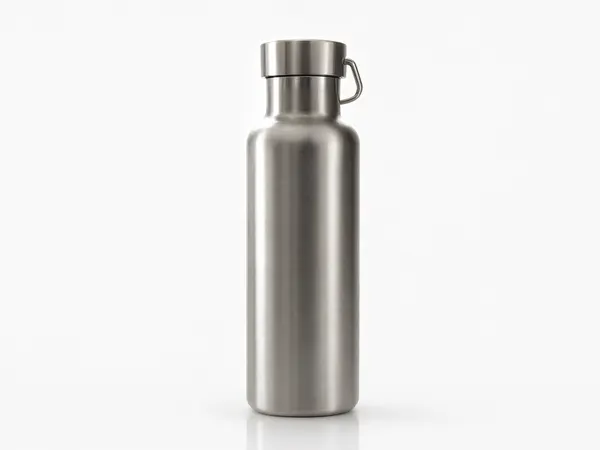
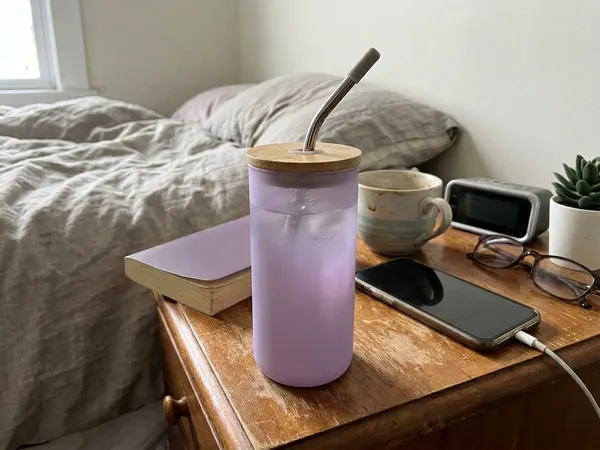
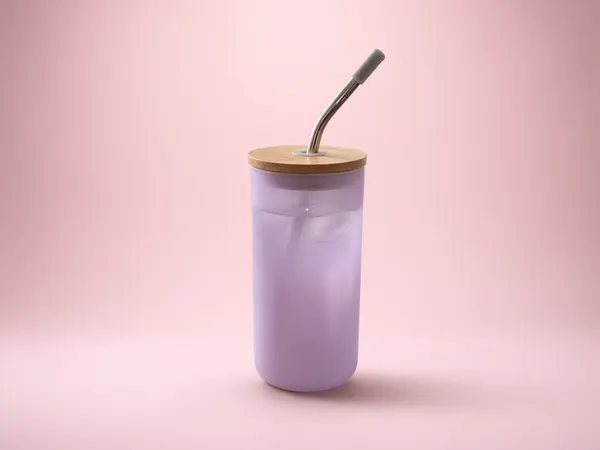
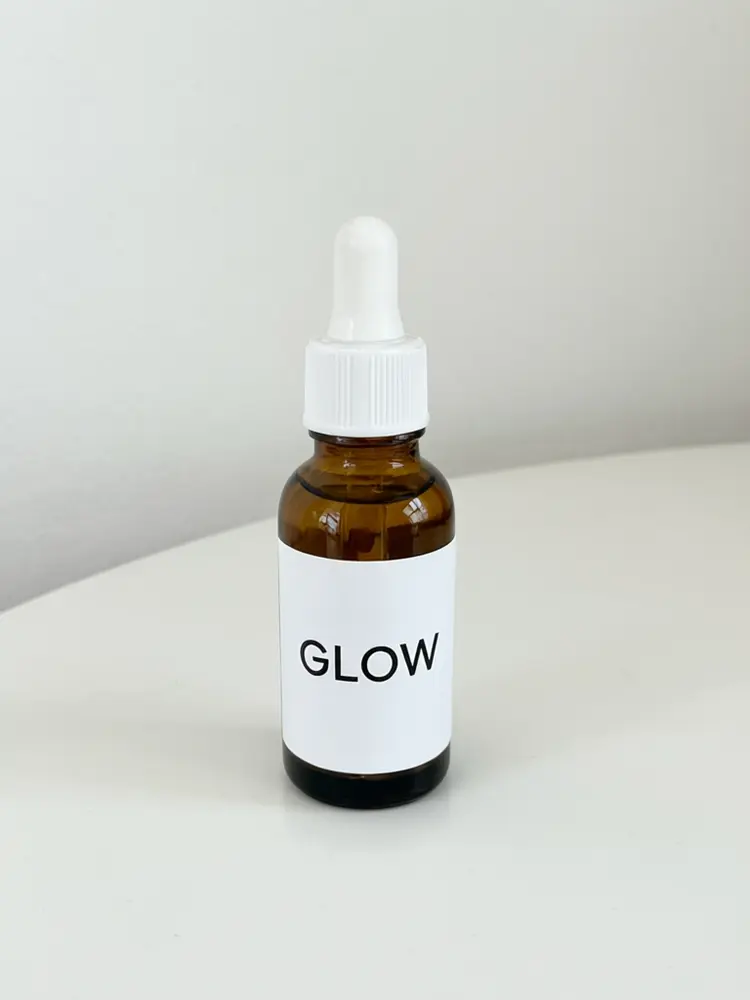
More Shots and Angles
The extra images that fill the rest of a listing gallery.
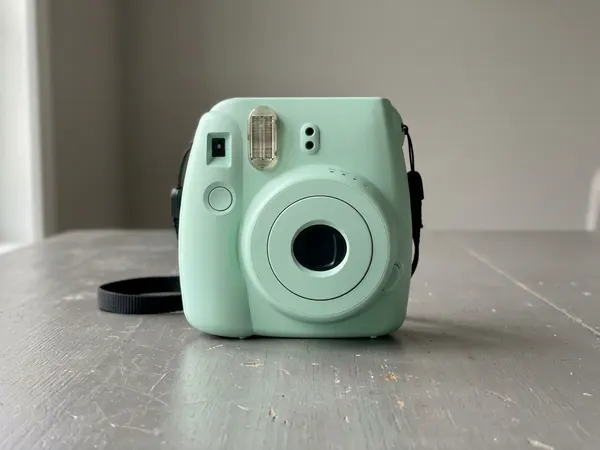
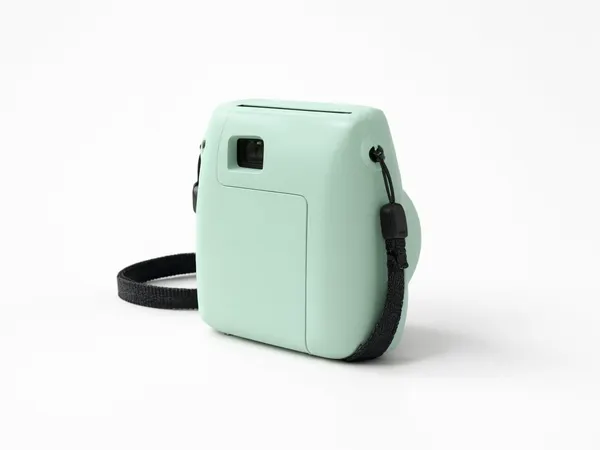
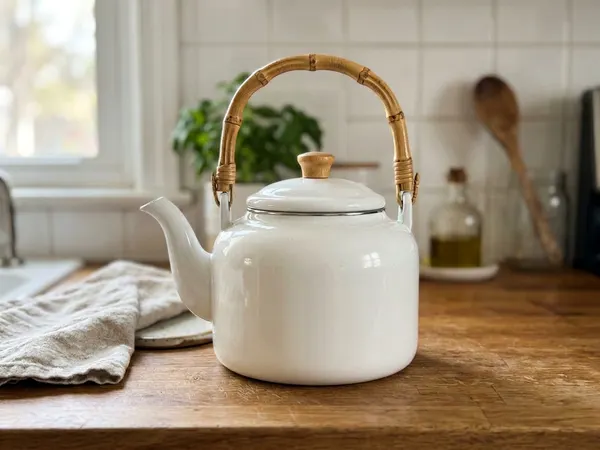
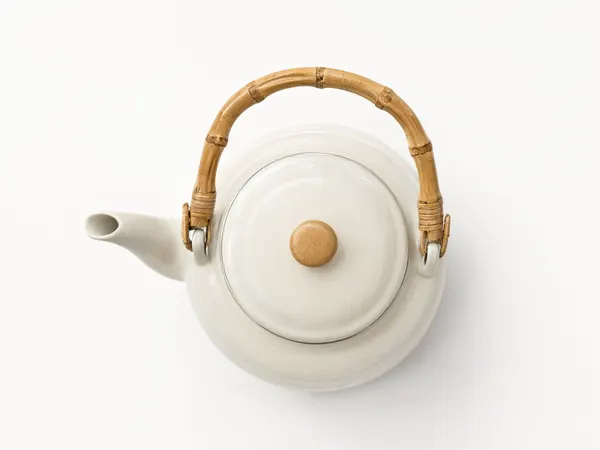
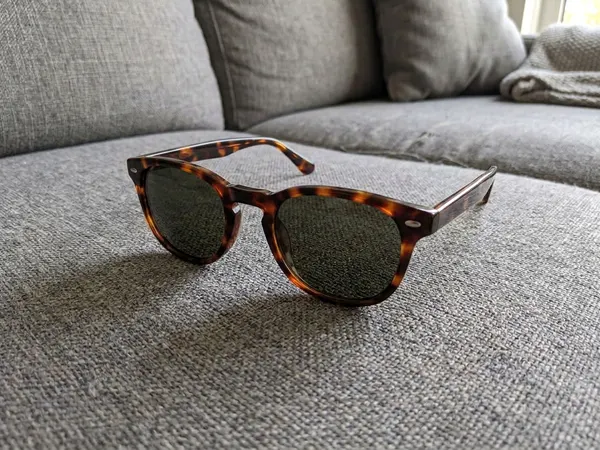
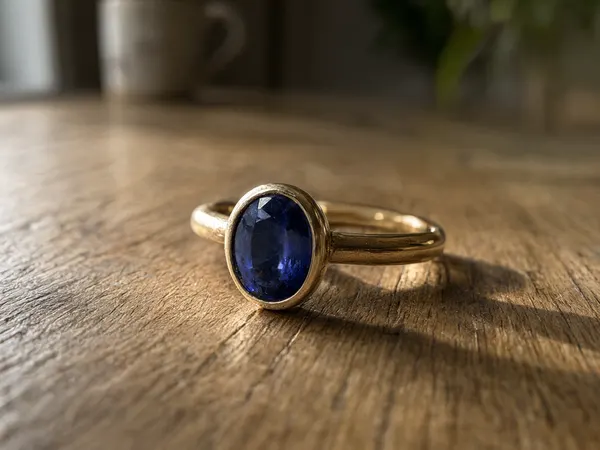
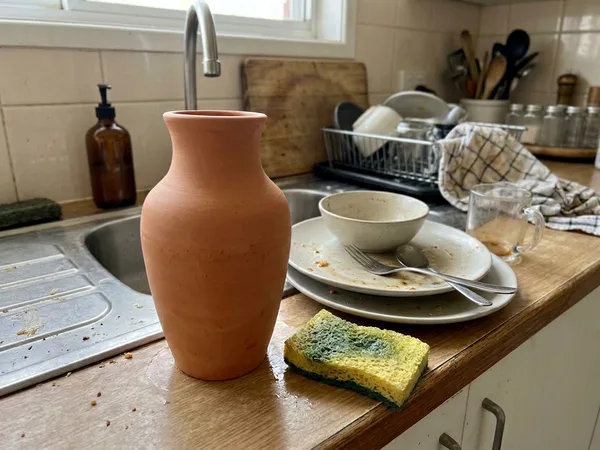
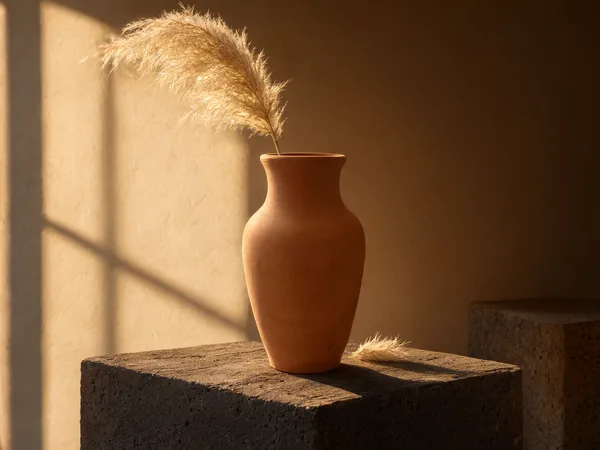
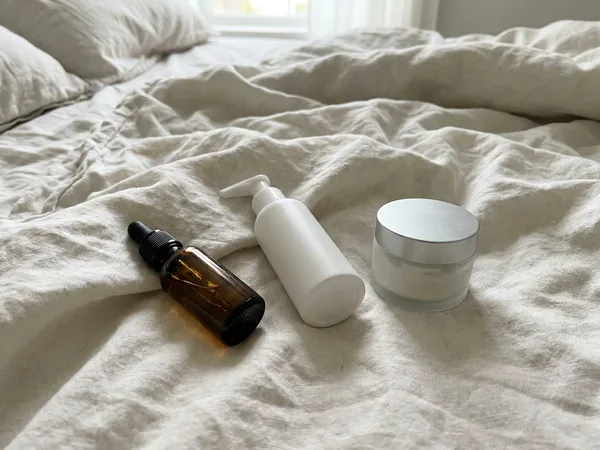
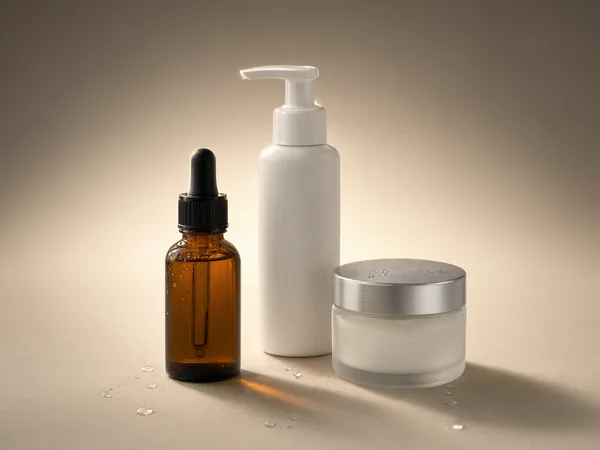
By Product Type
Pages tuned for the products that are hardest to photograph.
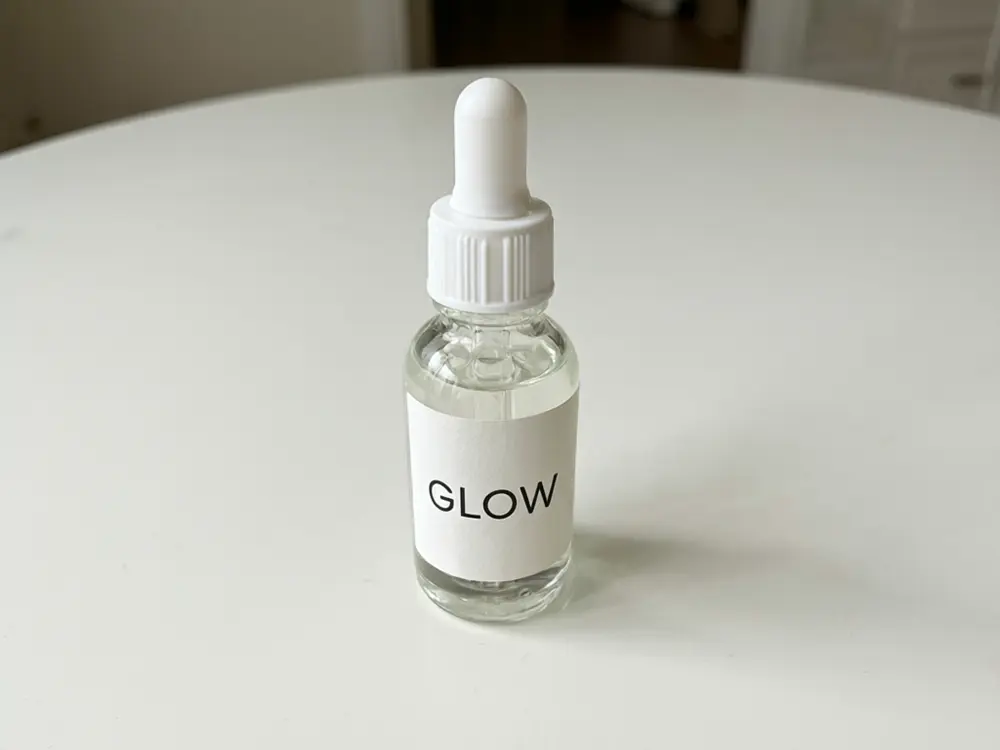
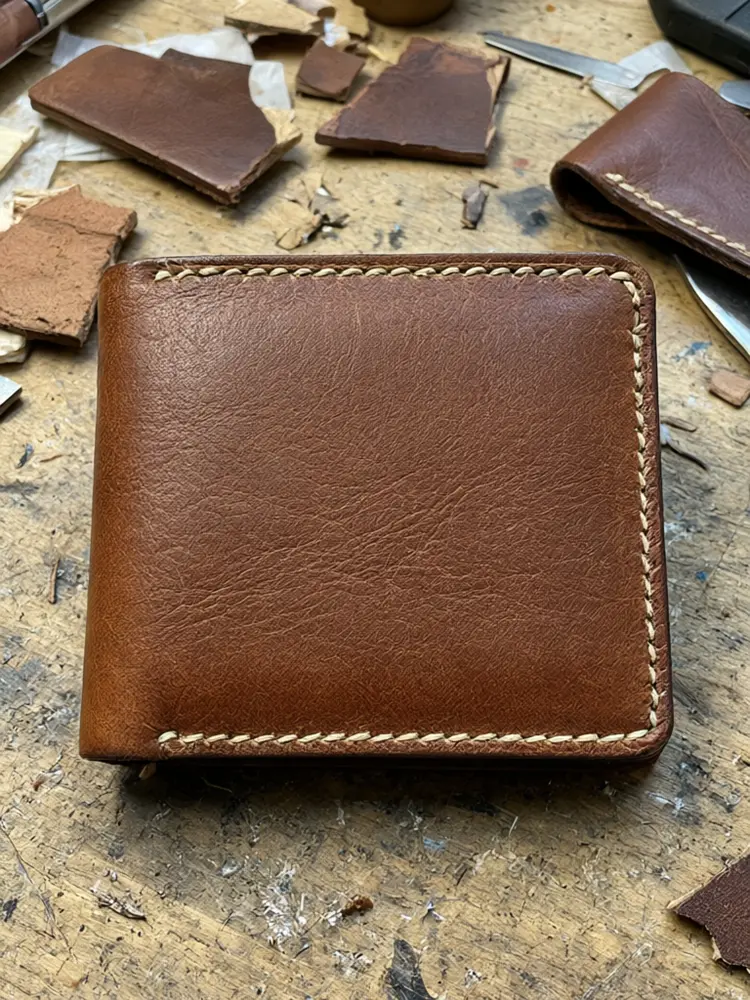
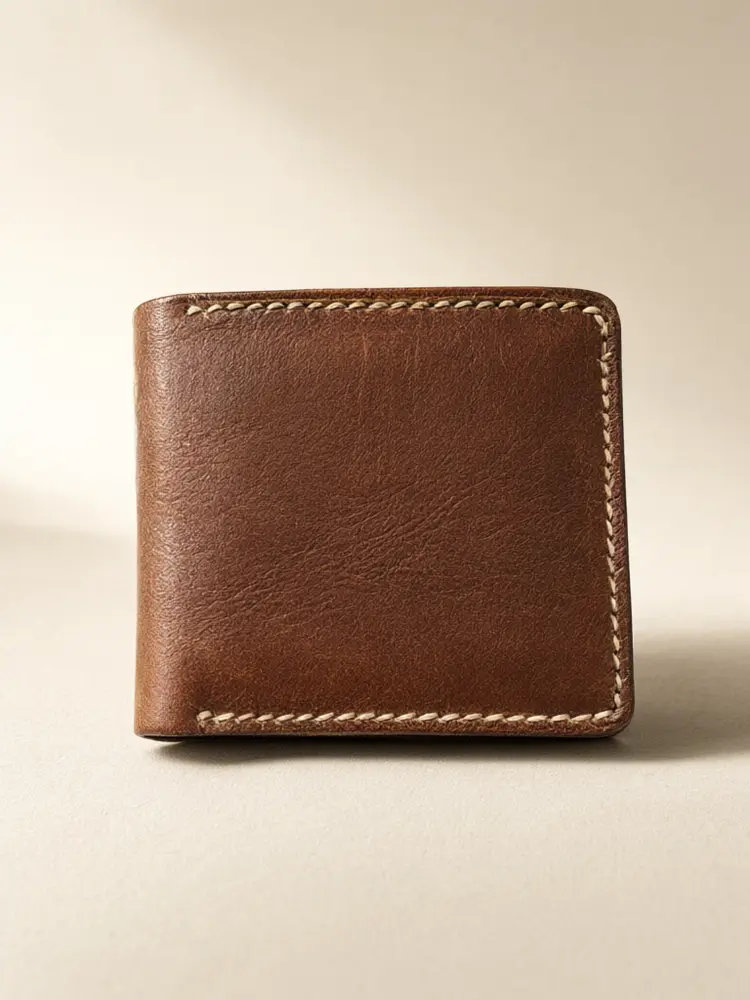
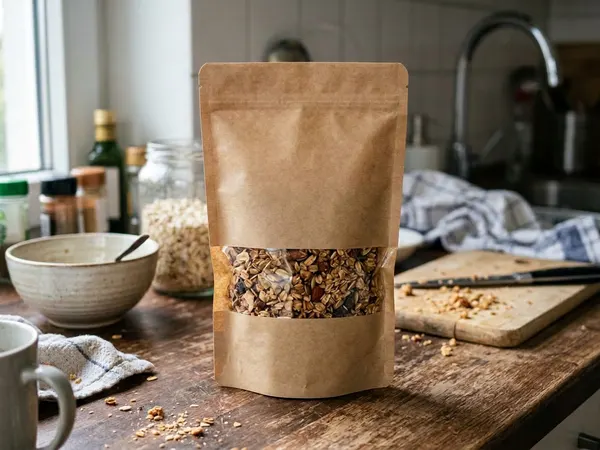
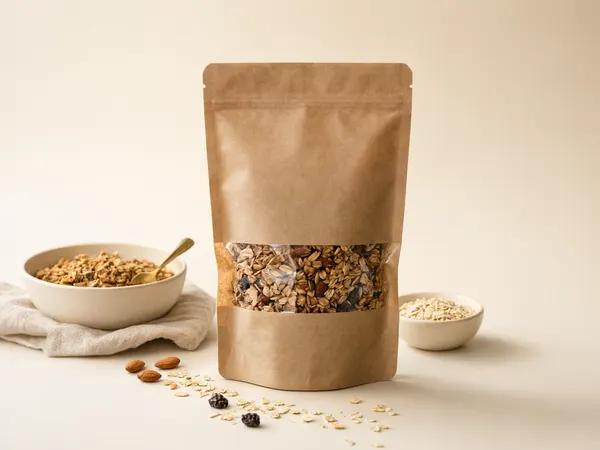
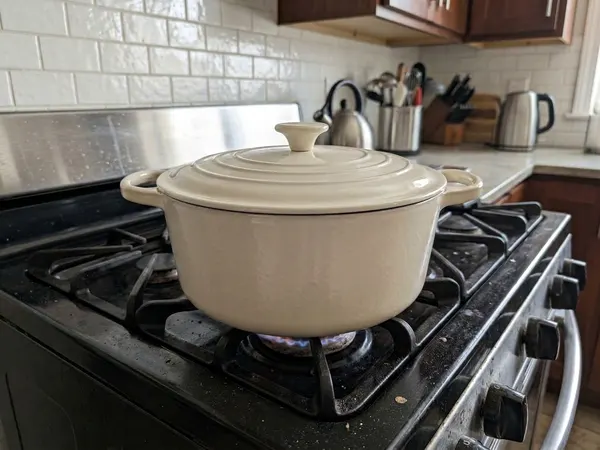
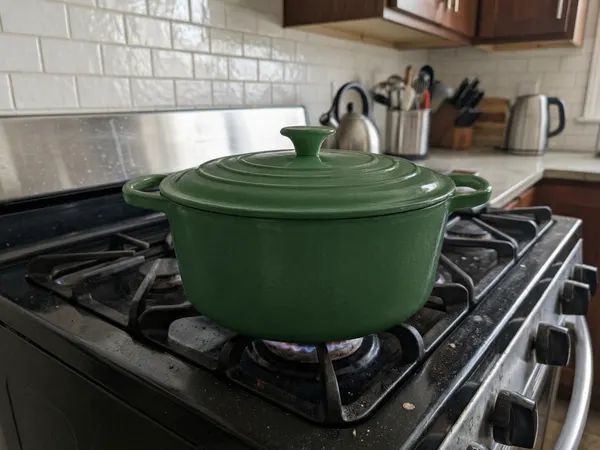
Real results
Every pair is real output of the linked tool from an ordinary product photo, not a mockup.
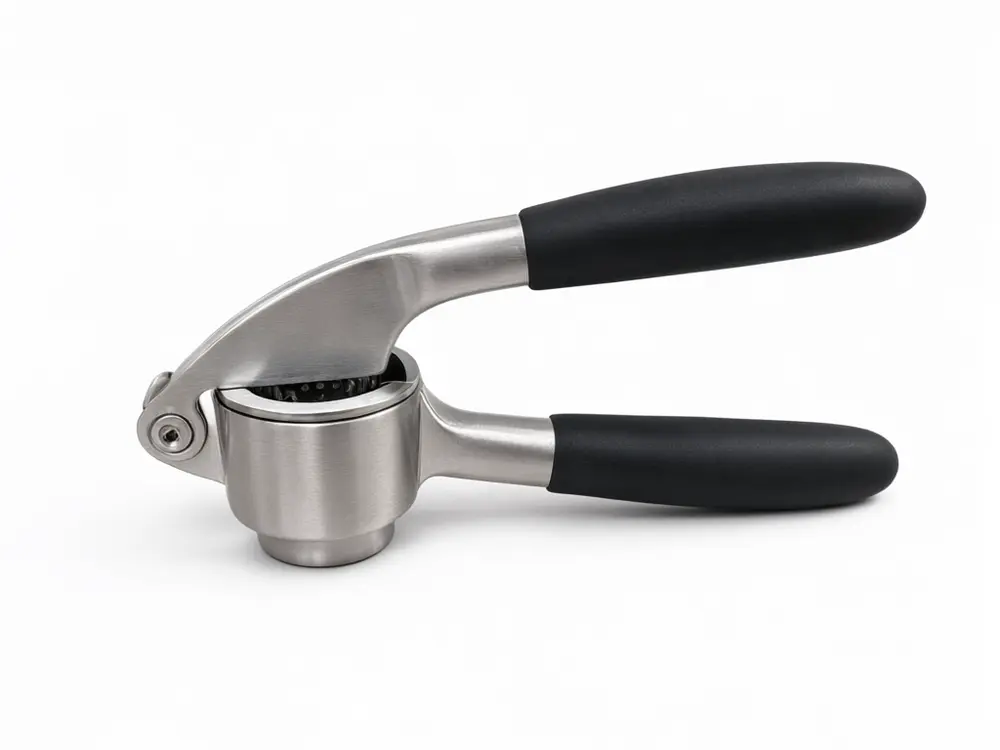
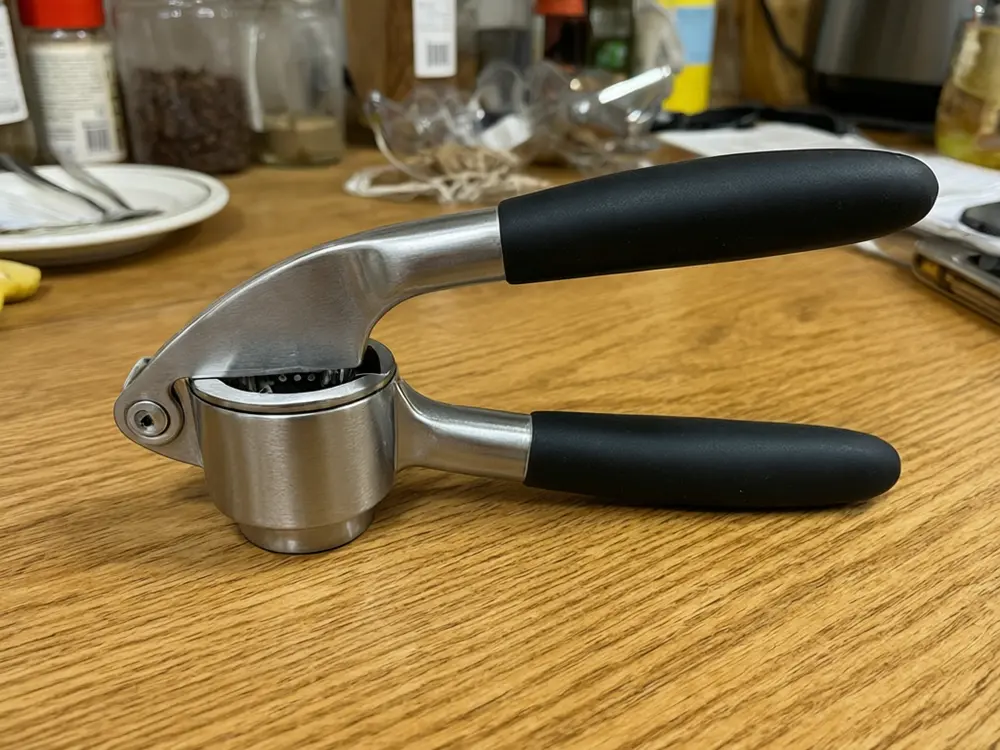
Garlic press on a messy counter to a white-background packshot
Before / after — drag to compare
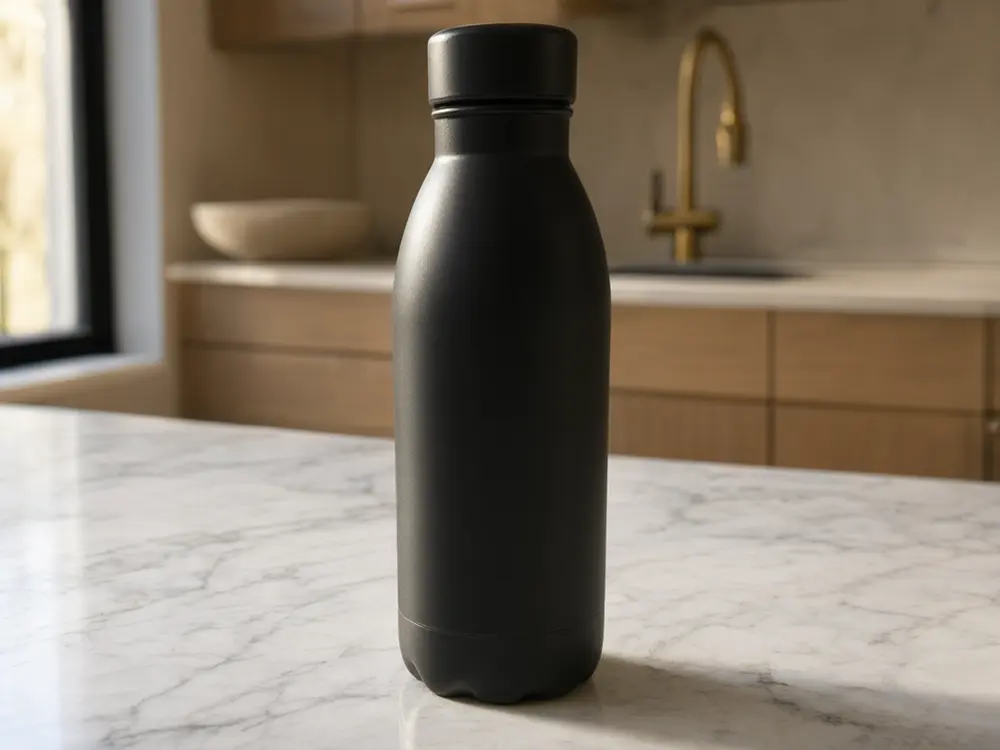
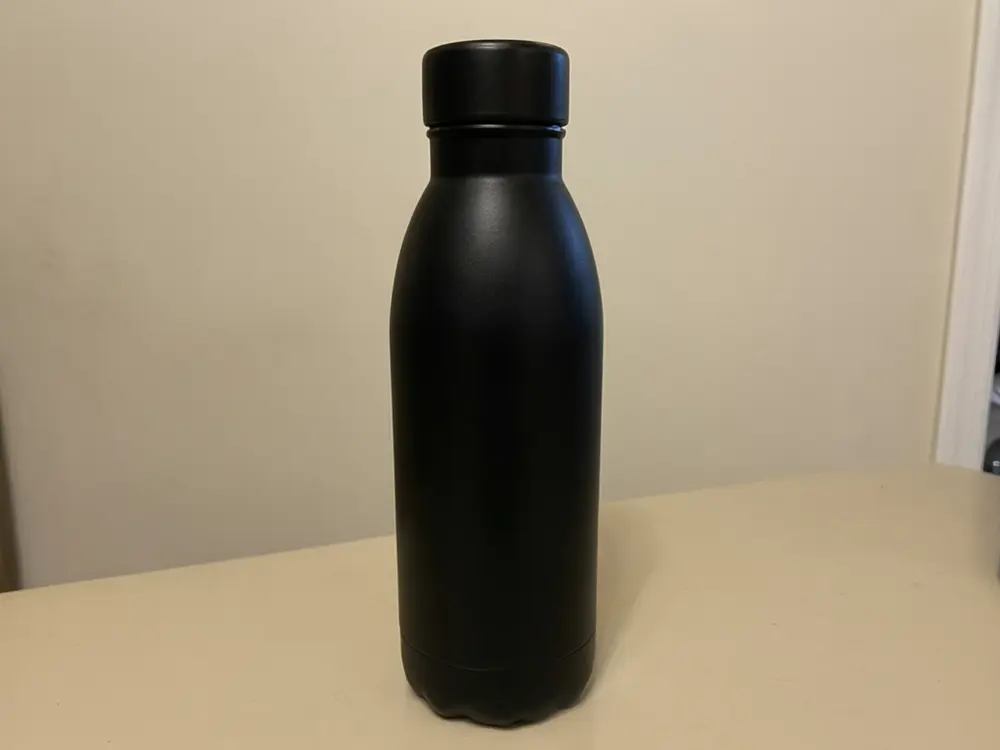
Water bottle moved onto a marble kitchen counter
Before / after — drag to compare
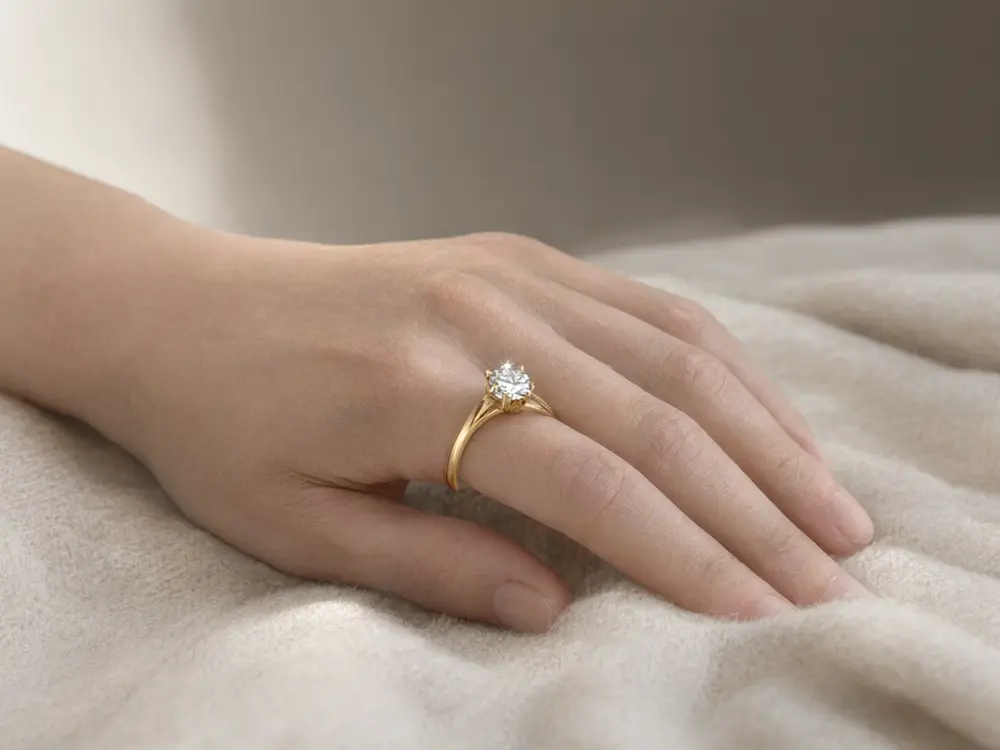
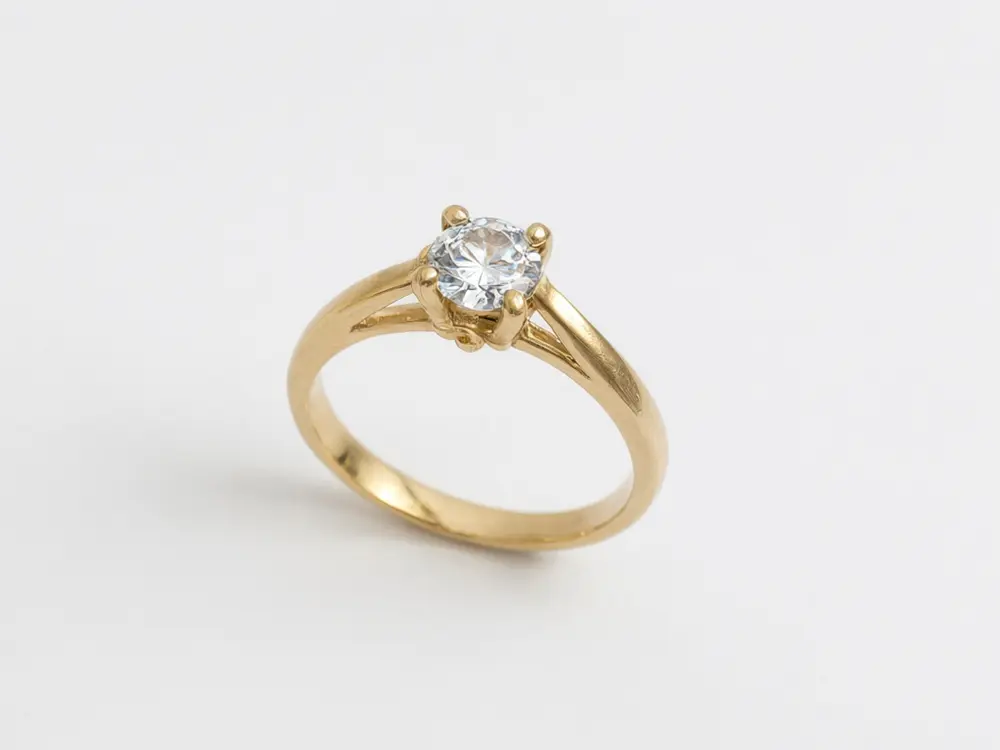
Gold ring photo to the ring worn on a hand
Before / after — drag to compare
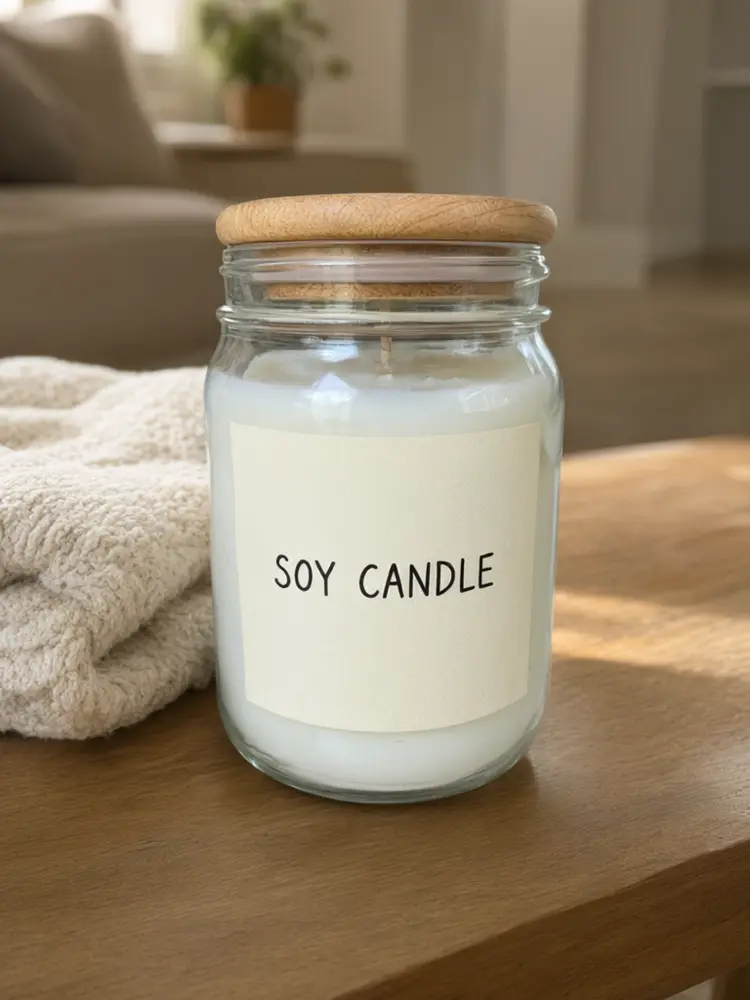
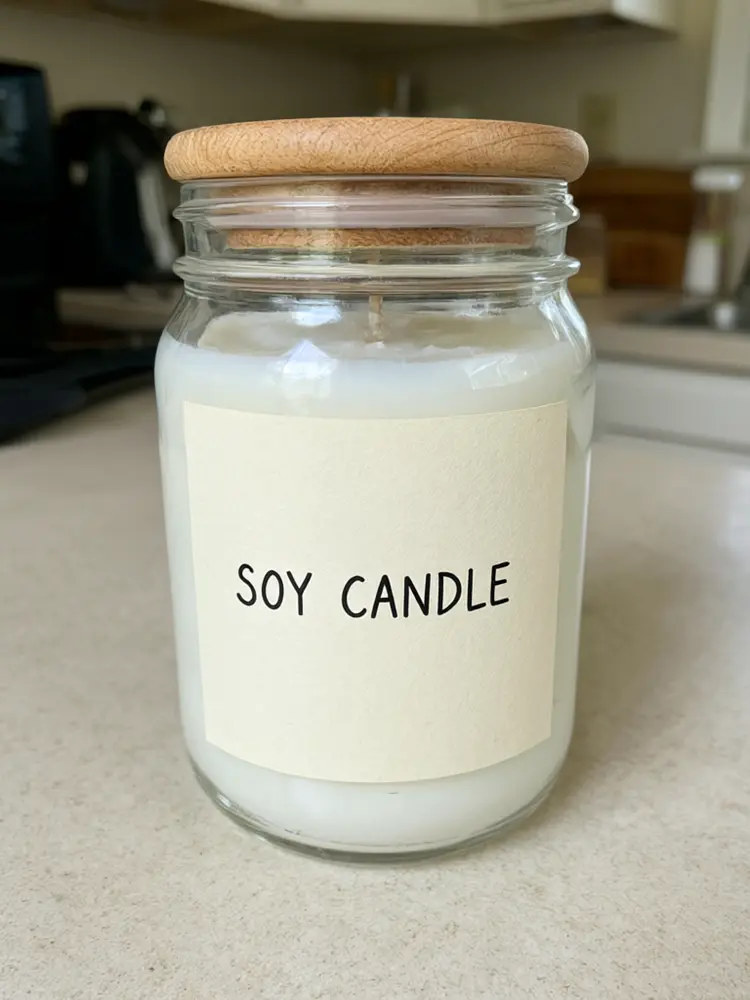
Soy candle moved into a cozy living room scene
Before / after — drag to compare
The process
How to make a product photo with AI in three steps
Step 01
Take one clear photo of the product
A phone photo is enough. Put the product on a table near a window, fill most of the frame with it and keep the label facing the camera. The tools work from what is in the photo, so a sharp, well-lit shot gives a cleaner result.
Step 02
Pick the shot you need
Choose a white background for a marketplace main image, a lifestyle scene for your store and social posts, or an in-hand shot that shows size. Each tool on this page starts from one of those jobs.
Step 03
Check the product and download
Compare the result with your photo: shape, colour, logo and label text should match. If something is off, run it again or try a simpler scene. Download the image and use it in your listing, store or ad.
Why Product Photography Studio
The product stays the product
The aim is to change the scene, not the item. Shape, colour and label stay as they are in your photo, because a buyer who gets something that looks different sends it back.
One photo, many shots
From the same phone photo you can make the white main image, a lifestyle scene, an in-hand shot and a colour variant, so a whole listing gallery starts from one picture.
Built for real stores
Amazon, Shopify, Etsy and TikTok Shop each have their own page here, because each one expects a different kind of photo.
Hard products have their own pages
Jewelry, cosmetics, candles, leather and packaged food are harder to shoot than a box. Each has a page tuned for it.
Free to try, no card
Signing up is free and your first generation is free. You see the real result on your own product before deciding on anything more.
What an AI product photo studio does
A product photo studio used to mean a light tent, two lamps, a white sweep and an afternoon of shooting. An AI product photo studio does the same job from one photo: it keeps your product, removes what is around it, and builds the background, light and shadow that the shot needs.
The garlic press above was shot on a busy kitchen counter. The Amazon listing tool turned it into a clean packshot on white, the kind of main image most marketplaces expect. The same photo could just as well go onto a marble counter or into a kitchen scene for a store banner.
It is not a 3D render and it is not a stock photo. The result starts from your own item, which is why the input photo matters: sharp focus, even light and the label facing the camera give the best result.
White background, lifestyle or in hand: which shot to make
White background: the main image on Amazon and on most marketplace listings. It shows the product and nothing else, so the buyer can compare it with others at a glance. Use the Amazon Listing Images or Product Photo Generator tool for this.
Lifestyle scene: the product in a place where it would be used, such as a candle on a coffee table or a bottle on a kitchen counter. These sell the feeling and work well on your own store, on Etsy and in social posts. The Product Photo Background tool and the product-type pages make these.
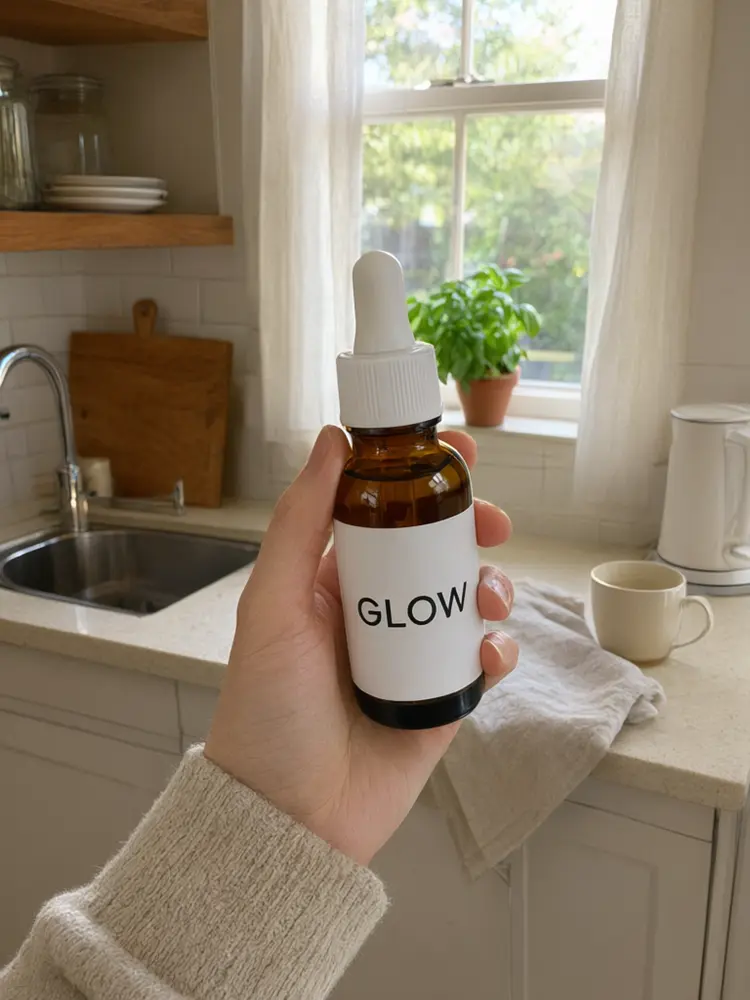
In hand or worn: a person holding or wearing the product. It answers "how big is it?" without a ruler and looks like a customer photo, which is why it works in ads. The UGC Product Photo and Jewelry on a Hand pages make these.
Photos for Amazon, Shopify, Etsy and TikTok Shop
Amazon asks for a main image on pure white with the product filling most of the frame. Extra images can show scale, details and the product in use. Check Amazon's current image rules for your category before you upload.
Shopify stores look best when every product photo shares the same background, light and angle. Running a whole catalog through one tool and one style keeps the grid tidy.
Etsy buyers respond to warm, styled scenes that suit handmade goods. TikTok Shop favours bright, simple images that read on a phone screen. Each of these marketplaces has its own page in this studio.
Getting an accurate result on tricky products
Labels and logos: small text is the first thing AI can blur or misspell. Shoot the label straight on, close enough to read, and check the text in the result before you use it.
Shiny, clear and reflective items: glass, chrome, gemstones and gloss packaging carry reflections from the room you shot them in. Shoot them in soft, even light, away from bright windows behind you, so the reflections suit any new scene.
Colour: a buyer needs the colour in the photo to match the item in the box. Compare the result with the real product on a calibrated screen if you can, and keep one unedited photo for your own records.
Questions
Before you commission one
What is an AI product photo studio?
It is a set of tools that turns one ordinary photo of a product into studio-style shots: a white-background packshot, a lifestyle scene, an in-hand shot or a new colour. It replaces the light tent and backdrop with software, starting from your own product photo.
Is it free to use?
Signing up is free and your first generation is free, with no credit card. Further generations use credits, so you can see the real result on your own product before deciding on anything more.
Will the AI change my product?
The tools are set up to keep the product and change the scene. Small text, fine logos, glass and jewelry are the hardest cases, so always compare the result with your real product before you publish it, and run it again if anything is off.
Can I use the photos on Amazon?
Yes. The Amazon Listing Images tool makes a white-background main image, and other tools make the extra gallery shots. Amazon has its own image rules per category, so check them before you upload.
What kind of photo should I upload?
One sharp photo with the whole product in frame, in even daylight, with the label facing the camera. A phone camera is fine. Avoid strong reflections, heavy shadows and other products in the shot.
Can I use the images commercially?
AI Two claims no ownership of the images you generate, and you can use them in your store, listings and ads. You are responsible for having the rights to the product and any brand shown in your photo.
Which products work best?
Solid items with clear shapes, such as bottles, boxes, mugs, candles, bags and wallets, give the most reliable results. Jewelry, cosmetics, leather and packaged food each have their own page here because they need more care.
How is this different from the AI Product Photography page?
The AI Product Photography page is the full collection of product photo tools. This studio is a guided start: it groups the tools by the shot you need and the store you sell on, and shows real before and after results.
Everything in Product Photography Studio
37 of them, grouped by the job they do.
Product Photos
For Marketplaces
Shots & Angles
By Product
More Product Shots
One studio for every product photo
Small sellers rarely have a photographer, a light tent or a free afternoon. They have a phone and a product. This studio is built around that: one photo in, and the shots a listing needs out, from the white main image to the lifestyle scene and the in-hand shot.
The tools here change the scene around your product, not the product itself. Check every result against the real item before you publish it, so the buyer gets what the photo shows.
Marketplace pages
Amazon, Shopify, Etsy and TikTok Shop each have a page that starts from that store's photo habits.
Hard products
Jewelry, cosmetics, candles, leather and packaged food each have a page tuned for them.
Whole gallery
Angles, 360 views, scale shots and colour variants fill the images after the main one.
Stay accurate
Keep colour, shape and label text true to the real product.
Explore Product Photography Studio
The main image
The first photo a buyer sees.
- AI product photo generatorTurn a phone photo into a listing-ready product image.
- Amazon listing imagesA clean white-background main image for Amazon.
- Product shadowGround a cut-out product with a natural shadow.
Scenes that sell
Show the product where it is used.
- Product photo backgroundMove the product onto a kitchen, studio or outdoor set.
- Candle product photoWarm, lived-in scenes for candles and home goods.
- Etsy listing photo packStyled scenes for handmade listings.
Show size and use
Answer "how big is it?" in the photo.
- UGC product photoThe product held in a hand, like a customer photo.
- Jewelry on a handRings and bracelets shown worn.
- Product scale shotPut the product next to something familiar.
Fill the gallery
The extra images after the main one.
- 360 product viewShow the product from several sides.
- Product angle shotsFront, side and top views from one photo.
- Product color variantsThe same item in every colour you sell.
Popular in Product Photography Studio
Create your own AI tools & assistants
Describe what you need in plain English — AI Two builds a working tool with its own shareable page, live in about a minute. No code, no setup.
Part of the Community AI platform — create, discover, and share AI-powered tools