Your first generation is free when you sign up. Paid plans add credits, remove the watermark and unlock higher resolution.
Gift Set Product Photo AI: Show Your Own Products Together in a Gift Box With Tissue and Ribbon
Gift Set Product Photo AI: Show Your Own Products Together in a Gift Box With Tissue and Ribbon is a free AI tool. Upload a photo of the products you sell and see them arranged as a gift set: open box flat lay, boxed reveal or wrapped with ribbon. Your products stay as uploaded, with nothing added to them. Not a box-artwork designer. Free to try.
Free to try · first generation free on signup · no credit card
1
Step 1
Upload Image
Start by uploading image
Upload your image
Click to browse or drag & drop
2
Step 2
Select Mode
Choose your transformation style
From above in a plain box with tissue and ribbon
3
Step 3
Options
Configure your options
Related Tools
→try new exterior paint colors on your own photo
→redesign a home exterior from a single photo
→plan a new yard or garden layout from a photo
→repaint a car in any shade before you commit
Output quality:
Mode
Open Box Flat Lay
Your AI Design Will Appear Here
Fill in the options on the left, then press Generate.
Upload your image
Drag & drop your file here or click to browse
JPG, PNG, WebP
Max 10MB
AI Ready
Quick facts about Gift Set Product Photo AI: Show Your Own Products Together in a Gift Box With Tissue and Ribbon
- Tool nameGift Set Product Photo AI: Show Your Own Products Together in a Gift Box With Tissue and Ribbon
- CategoryProduct Photo Tools
- PriceFree to try
- InputPhoto upload + text prompt
- OutputAI-generated image
Before / After
Example results
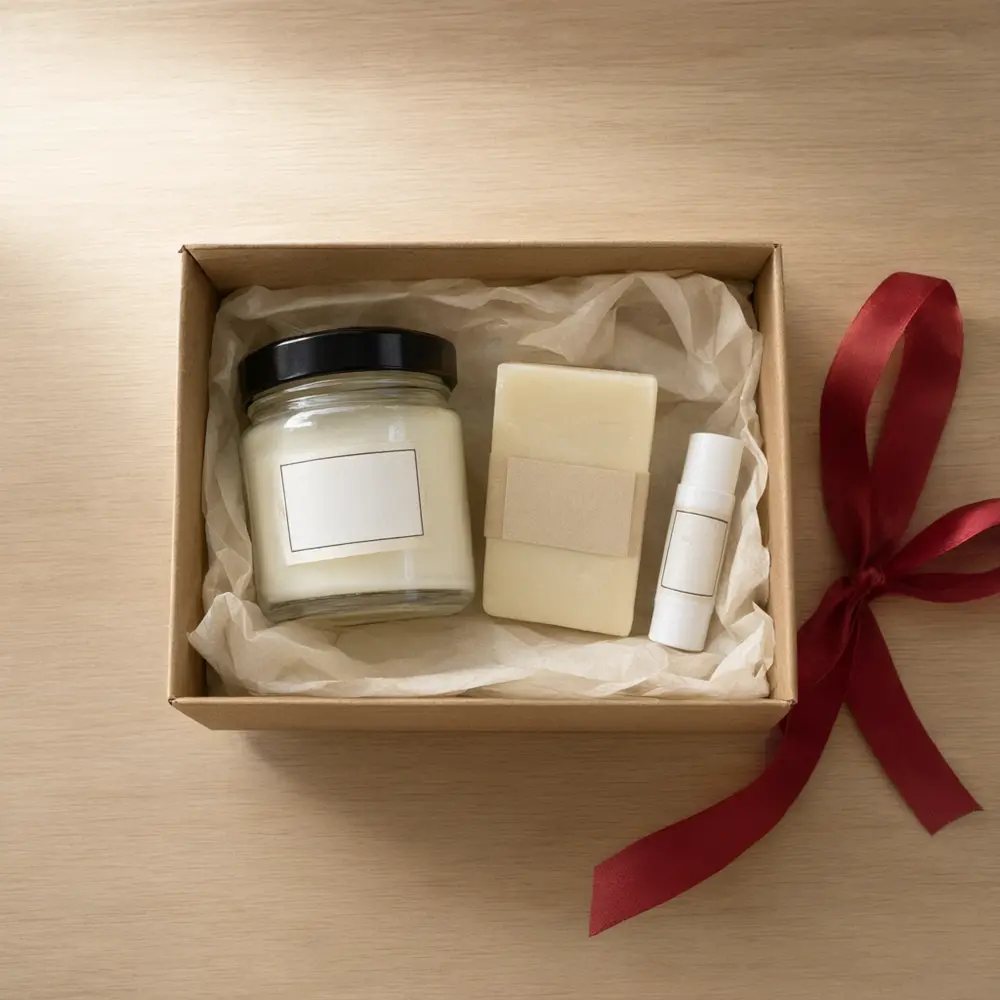
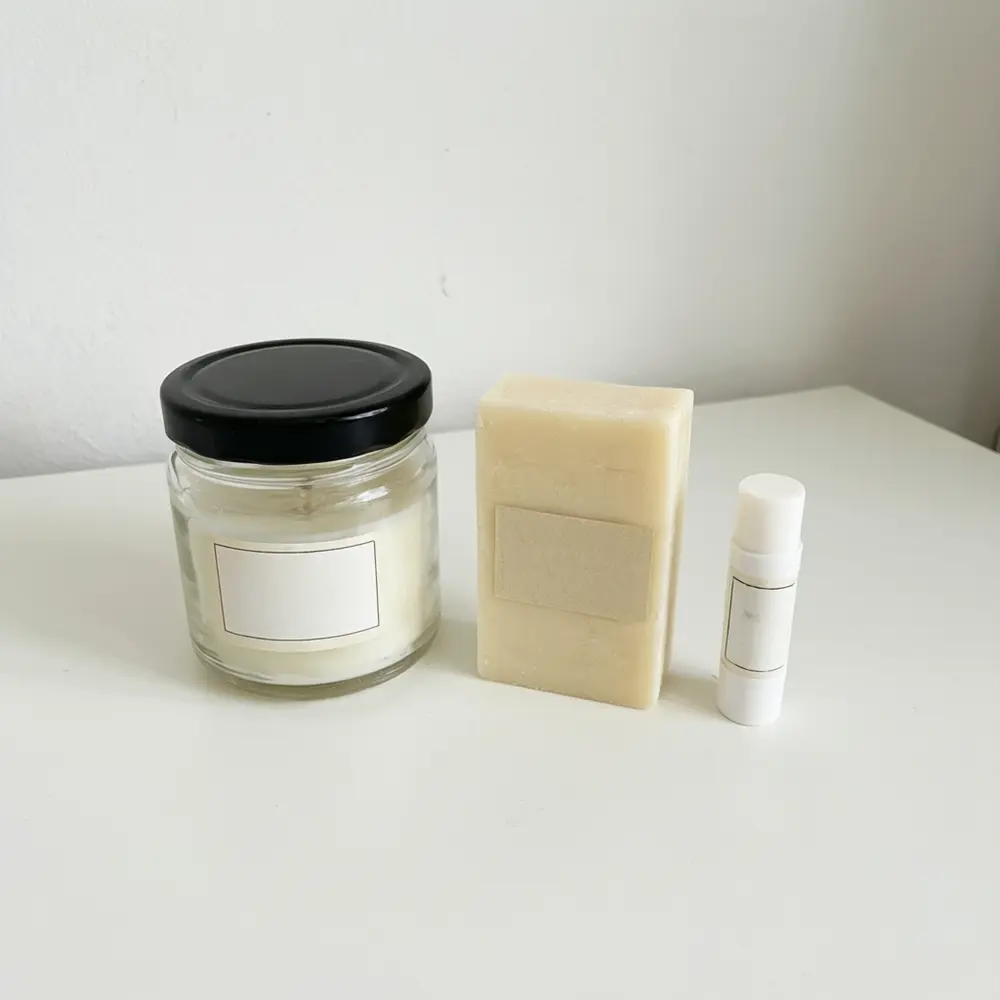
Drag to compare
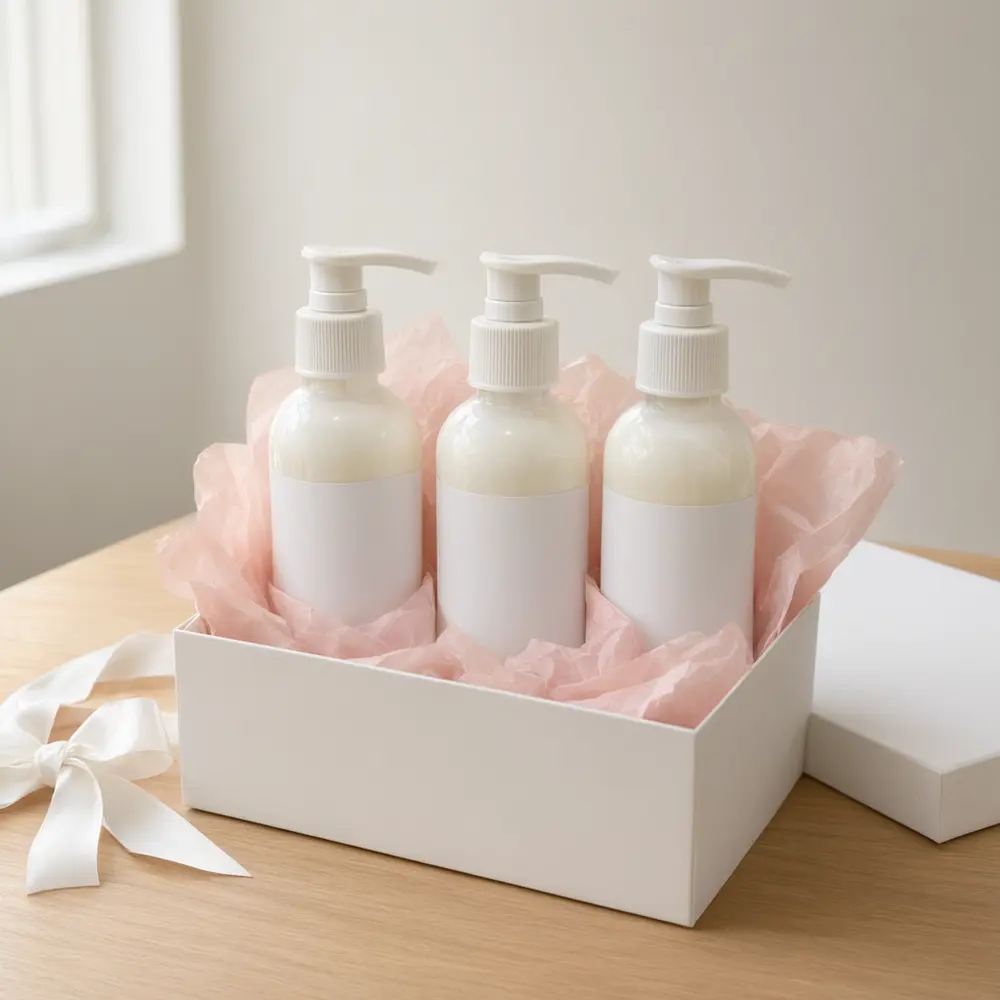
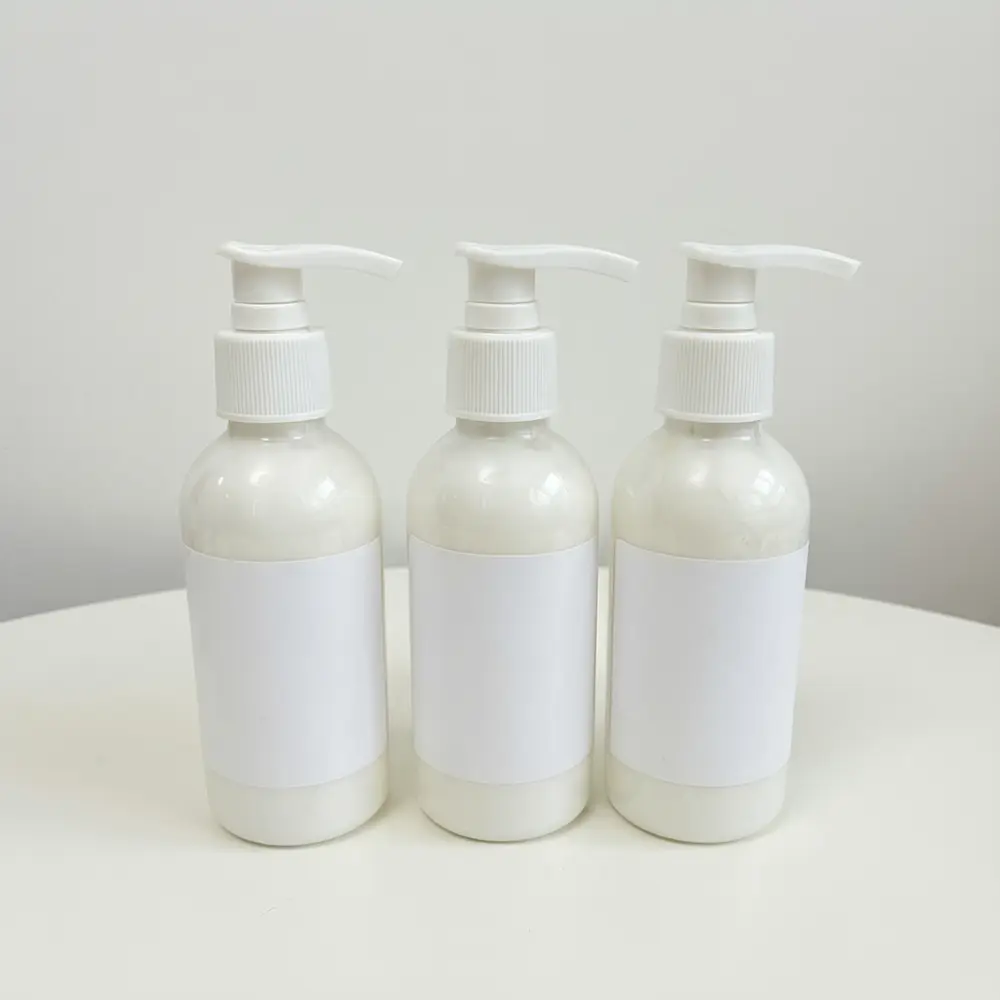
Drag to compare
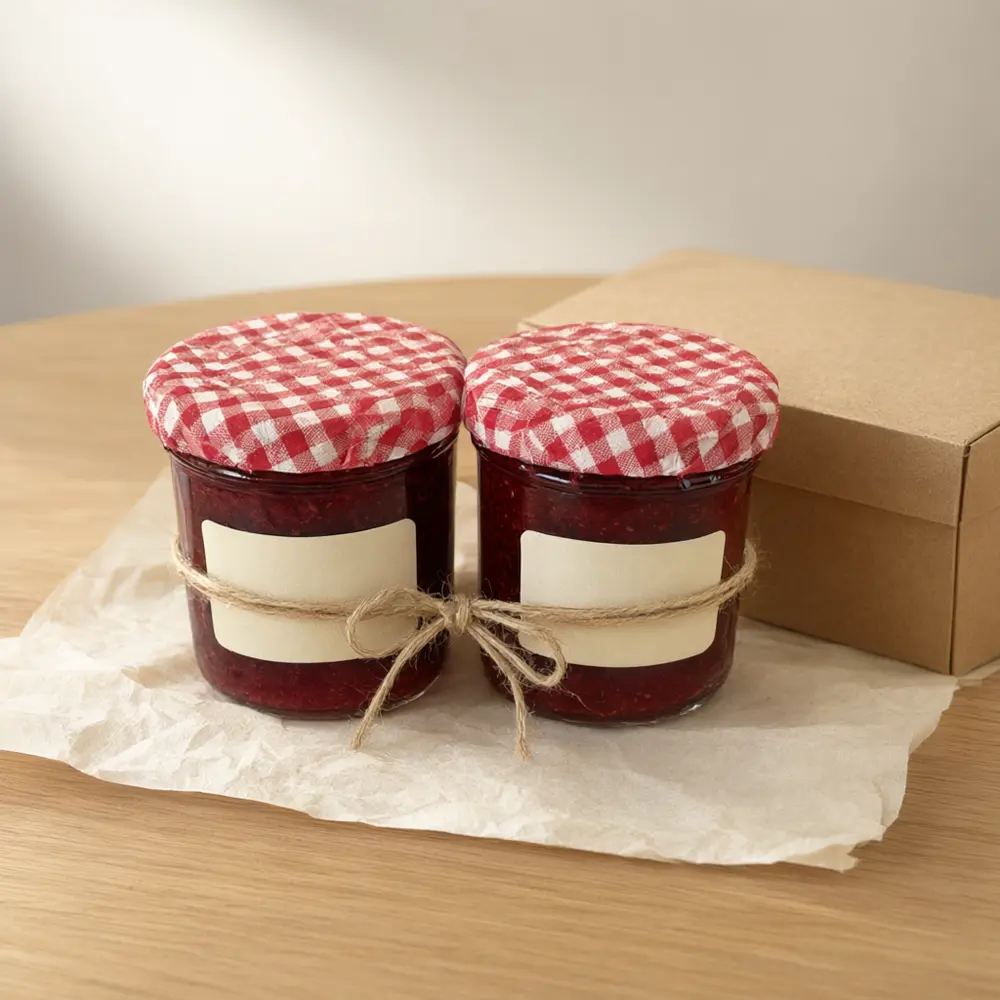
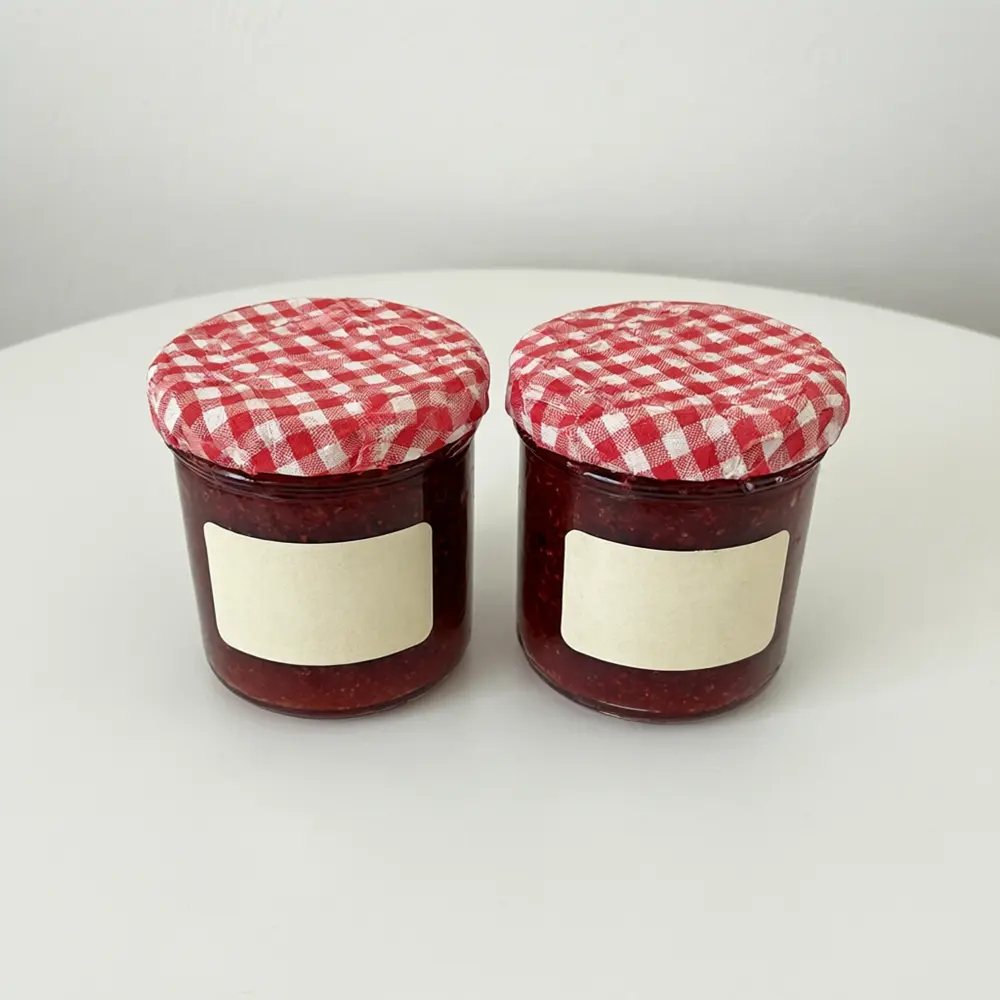
Drag to compare
Real, unretouched output from this tool. Drag any slider to compare.
A gift set sells on the first look: a neat box, soft tissue and a ribbon around products that go together. Upload a photo of the products you sell, pick how they are arranged, and get a gift-ready photo with the products unchanged. Only a plain box, tissue and ribbon are added around them, never new products or new text.
How the gift set photo tool works
You upload one photo of the products in your set and choose an arrangement and the colours of the box, tissue and ribbon. The tool keeps every product as uploaded and arranges them together as a gift set.
Each run makes one image. Make a few arrangements and colour combinations and keep the one that matches your brand.
1
Upload the products together
Put the items side by side, labels facing the camera, on a plain background. A clear photo of the real items gives the best result.
2
Pick the arrangement
Open Box Flat Lay looks down into a filled box, Boxed Reveal shows the products in an open box with the lid beside it, Ribbon Wrapped ties the products with a ribbon.
3
Choose the box, tissue and ribbon
Four box colours, four tissue colours and four ribbons, all plain with no printing.
4
Count the items
Check that every product is in the picture, that none was added or changed, and that the labels still read the same.
The gift set arrangements
Three arrangements plus your own.
1
Open Box Flat Lay
Seen from above: your products nestled in a plain box with tissue paper and a ribbon beside it.
2
Boxed Reveal
Your products in an open box on a table, with the lid and a loose ribbon beside it, shot at a slight angle.
3
Ribbon Wrapped
Your products tied together with a ribbon on a surface, with tissue paper under them, for sets with no box.
4
Your Own Description
Describe the gift set yourself.
Honest limits
The result is an AI image of your products arranged as a set, not a photo of a real packed box. The number and position of items can drift, so check every product is there, none was added or changed, and your listing describes exactly what you will pack and ship.
The tool keeps your labels as uploaded, but very small print can blur and sizes can drift between items. Check every image at full size and run again if anything looks wrong.
Only a plain box, tissue and ribbon are added: no gift tags, cards with writing or new text, and no people. This page does not design box artwork or packaging graphics; use the gift box designer for that.
More tools for your gift sets
Next steps for your gift set images.
Who uses a gift set product photo tool
🏠
Etsy and boutique sellers
✓Bundle products into gift sets and show the set in the listing.
💡
Shopify and DTC brands
✓Make holiday gift-set images for the home page and email.
🏢
Candle, skincare and food makers
✓Show several of your products together as a present.
📸
Marketers and agencies
✓Test gift arrangements before a photo shoot.
🎁
Gift Set Product Photo AI: Show Your Own Products Together in a Gift Box With Tissue and Ribbon
AI Tool
Upload your imageTap anywhere here — your AI design will appear in this space after you generate.JPG · PNG · WebP
From above in a plain box with tissue and ribbon
Premium users can generate images without watermark
Higher quality options available for premium users
Be specific for better results0/400
Output quality:
Frequently Asked Questions
The tool is told to use only the products in your photo, exactly as they are, and to add nothing to them and no new products. It can still drift on small print or count, so check every item and run again if anything changed.
No. It adds a plain box, plain tissue and a plain ribbon with no printing. To design the box artwork itself, use the gift box designer linked on this page.
A sharp photo of all the products in the set side by side, labels facing the camera, on a plain background and in even light.
No. The page adds no tags, cards with writing, stickers or any new text, so nothing on the picture can be wrong or misleading.
Only if the products in your upload are the products you will pack. It is an AI picture, so check the number of items and describe your set exactly in the listing.
No. The scenes contain only your products, a plain box, tissue and ribbon, with no people, hands or faces.
It works best for small items that fit in a box: candles, soaps, skincare, jars, snacks, mugs and accessories. Large items are better shown on a room photo tool.