Upload one photo per outfit, write one model description and reuse it for every look, and keep the same background and lighting. Generate each look, then put the images in order as your lookbook.
Lookbook Model AI
Lookbook Model AI is a free AI tool that lets you make a lookbook with one AI model across your whole collection. Upload each outfit, keep the same lookbook model, pose and light, and get a full set of images.
Free to try · first generation free on signup · no credit card
1
Step 1
Upload Image
Start by uploading image
Upload your image
Click to browse or drag & drop
👤
Optional
Choose your model
Same face across every shot. All models are synthetic and free for commercial use.
2
Step 2
Options
Configure your options
Output quality:
Mode
Virtual Model
Your AI Design Will Appear Here
Fill in the options on the left, then press Generate.
Upload your image
Drag & drop your file here or click to browse
JPG, PNG, WebP
Max 10MB
AI Ready
Popular in Fashion Studio
AI Fashion Photoshoot StudioFemale Fashion Models AIAI Jewelry ModelingSwimwear Modeling AIJacket Modeling AIShoes on AI Fashion ModelsAI Jewelry Models HubKids Clothing Modeling AIIndian Fashion Models AIMale Fashion Models AIAnklet AI Jewelry ModelChoker Necklace Photo EditorWatch Photography with ModelMature AI Fashion ModelsScarf Modeling AIHair Accessories Modeling AIGhost Mannequin EffectAI Outfit GeneratorAI StylistAI Color AnalysisDescribe This Outfit
Quick facts about Lookbook Model AI
- Tool nameLookbook Model AI
- CategoryAI Virtual Model
- PriceFree to try
- InputPhoto upload + text prompt
- OutputAI-generated image
A lookbook needs one face, one mood and many outfits. This lookbook model AI keeps the same AI model across your collection while you change the clothes, so a season of looks can be made from product photos instead of a location shoot.
Adult AI models only. Free credits to start.
One model, many looks
The hard part of a lookbook is consistency. If the model, light or colour grade changes from page to page, it reads as a set of stock photos. Write the model once, keep the same pose family and background group, and only change the outfit.
Use full-length standing and walking poses for the outfit pages, and one or two close crops for fabric and detail.
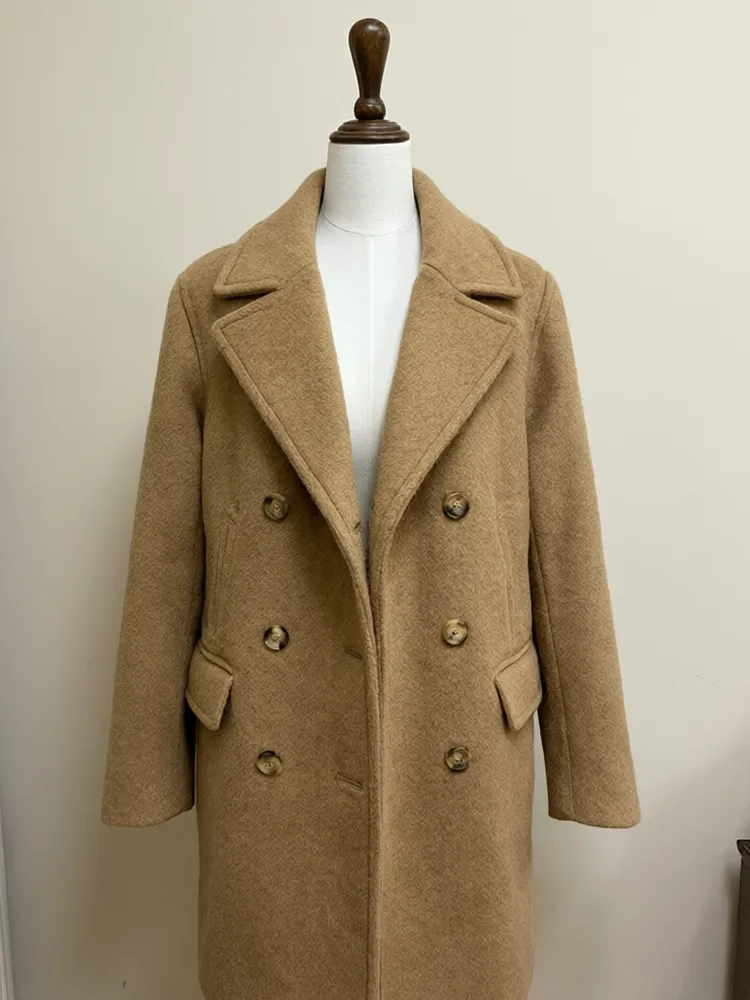
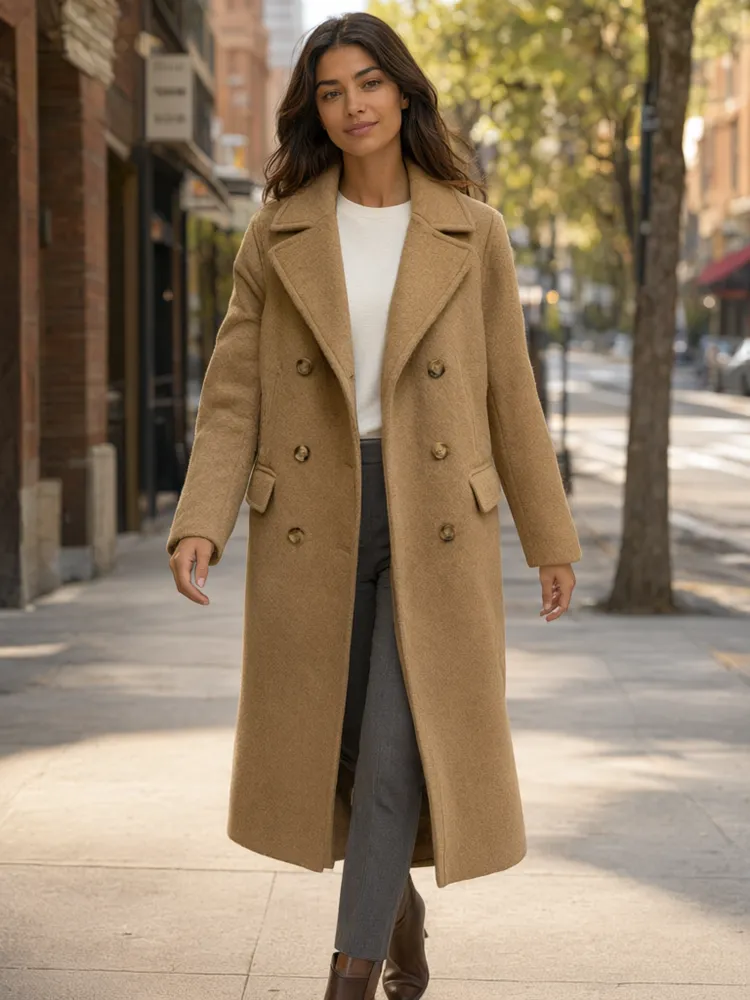
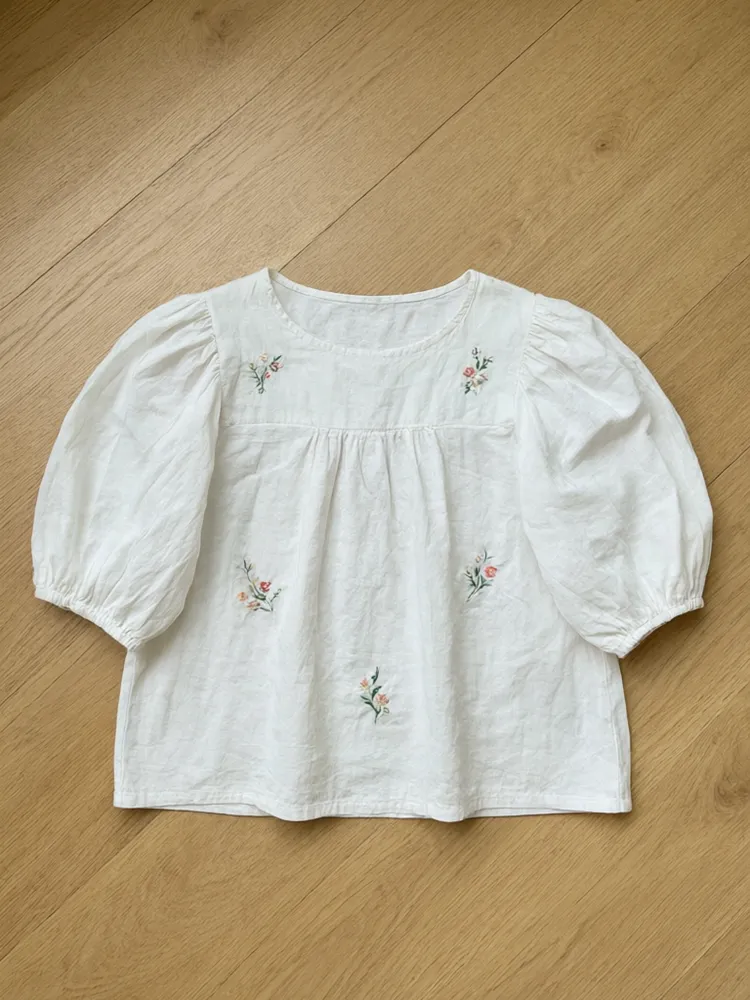
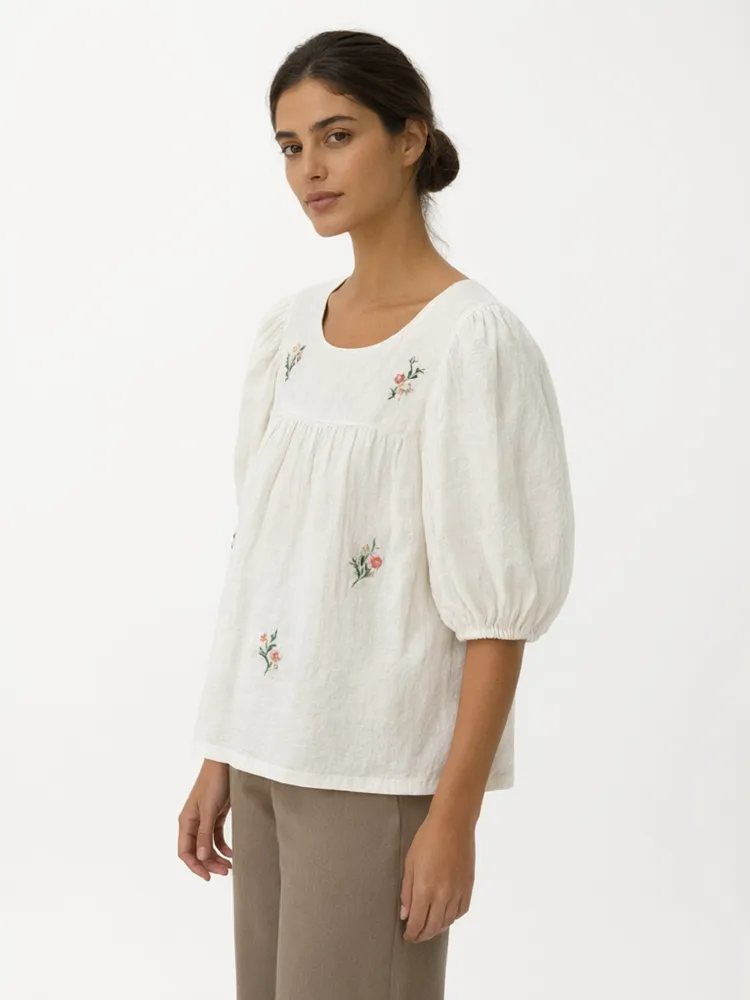
Lookbook shot list
1
Hero look
Full body, standing, clean plate. This is the image buyers and stockists judge the collection from.
2
Movement
A walking pose for coats, dresses and wide trousers, so the drape shows.
3
Story frames
Two or three location plates (street, interior, nature) in the same light to set the mood.
Related tools
🧑🎨
AI Fashion Model Generator →
Any garment on a female, male or plus size model.
🧥
Flat Lay to Model AI →
Turn a flat lay or hanger photo into an on-model shot.
👻
Ghost Mannequin Effect →
Invisible mannequin product photo on white, no model.
🧍
AI Plus Size Models →
Plus size and curvy models for inclusive size runs.
✨
Fashion Studio →
Pick a roster model and run catalog work in one place.
🧵
AI Fashion Models Hub →
Flat-lay to on-model tools across apparel categories.
More AI Virtual Model tools
Popular on AI Two
Browse every tool in this category: AI Virtual Model
👤
Lookbook Model AI
Upload your imageTap anywhere here — your AI design will appear in this space after you generate.JPG · PNG · WebP
Same face across every shot. All models are synthetic and free for commercial use.
Premium users can generate images without watermark
Higher quality options available for premium users
Be specific for better results0/300
Premium users can generate images without watermark
Higher quality options available for premium users
Output quality:
Frequently Asked Questions
Reusing the exact same description keeps the model close. For the most consistent face and body across many looks, lock a roster model in Fashion Studio and use Pose Set.
Yes. Pick a studio plate for the product pages and a street, nature or interior plate for the lookbook spreads. Keep the light warm or cool across the set so it reads as one shoot.
Free credits let you build the first looks on your own clothes. Paid plans add credits and watermark-free, higher resolution files for print and web.