
How to use Model Age Changer on AI Two
Adjust apparent age on fashion model photos with Model Age Changer in Fashion Studio.
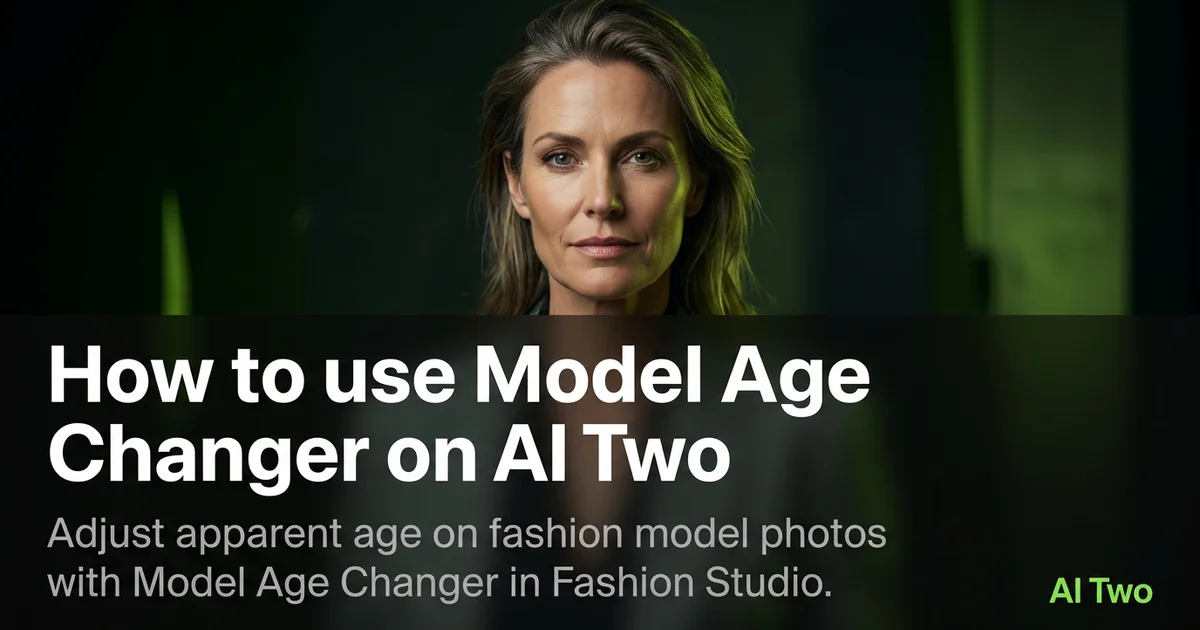
Model Age Changer on AI Two is the Fashion Studio casting page I open when an approved on model catalog photo needs a different age read for a seller casting board, without booking a second shoot with another adult model. Apparel and beauty sellers use it to shift apparent age on existing product stills while garment detail and pose stay readable. When I tested a neutral studio blazer frame on an adult cast, the collar buttons and lapel edge stayed sharp after a modest age direction change, which is the bar I use before I drop the file into a lookbook draft. I use this only on adult model photos for merchandising and casting review. The download is a visual draft for internal boards and listing prep, not an identification document, not a medical outcome, and not a substitute for compliance review on how your channel shows people. Free signup credits covered a few cast tests for me on one drop. Paid plans raise monthly limits when you batch many age variants across a seasonal line.
What Model Age Changer does
You upload a fashion model photo, choose an age direction on the form, and generate a still that adjusts apparent age while keeping garment detail, camera angle, and overall pose as stable as the source allows.
When I tested an adult full length coat shot with even studio light, the hem and button spacing stayed readable at marketplace zoom after the age shift, which is the check I use before merchandising approves the board.
Fashion Studio lists this page beside Body Type Modifier and Clothing Changer in the casting cluster. Credits meter each generation.
Built for sellers who need alternate age reads on product photos they already own for casting boards and channel tests. It is not a consumer selfie filter and it is not a tool for editing photos of minors for marketing age shifts.
I open this page after the hero garment photo is locked. Changing age, body type, and outfit together on run one wastes credits and hides which control helped.
Free signup credits covered three age direction tests for me on one SKU before I batched sibling colorways. Paid plans raise monthly limits for full catalog seasons.
In my experience, product stitching must survive the cast change. Soft collars or melted buttons mean I return to a sharper source file before I rerun.
I save the original adult catalog master beside every age variant so Body Type Modifier or Clothing Changer can reuse the same base pose later.
For internal casting boards I label each download with the age direction note merchandising approved so weekend uploads do not mix files in one folder.
I treat every output as a visual draft for seller review. It does not prove identity, age in real life, or eligibility for any regulated claim on your storefront.
When the brief is a kids size SKU, I use Kids Clothing Modeling or Kids Clothing Photography instead of pushing age shifts on adult frames meant for another audience.
How to run it step by step
Step one: sign in or create a free account. Step two: upload a sharp adult on model photo with the garment fully visible. Step three: pick an age direction, keep defaults on run one. Step four: generate and wait about 30 seconds. Step five: download or change one setting and compare beside the original.
My first run with defaults was already useful for a casting board conversation. The second run only nudged age direction so I could judge fabric hang without changing body type in the same pass.
I never overwrite the original catalog master. Casting stacks grow fast across a drop.
If facial detail warps or fabric melts, I return to the original and change one control only instead of stacking edits on a skewed output.
I write the age direction labels that won in a note beside the SKU so the next seasonal rerun matches the approved board.
Credits apply per generation, so I lock crop and garment sharpness on the hero SKU before I batch alternate age reads for the same pose.
When I tested a knit dress, I zoomed seams at full resolution before I approved the pack for Body Type Modifier as a second pass on another day.
If skin texture looks over smoothed, I reshoot or pick a cleaner source instead of running five age variants on a heavily filtered phone file.
For lookbook sets I keep lighting direction consistent across age variants so art direction can compare frames side by side without guessing which upload was first.
Which photo works best
Straight on catalog lighting with the full garment in frame beats party snapshots and heavy phone filters. Extreme angles bend limbs and hide hem lines.
Soft files under about 800 pixels look muddy after an age shift. Start sharp.
Match the framing on the Fashion Studio before and after card for this tool.
Use adult model photos you own or have rights to edit for product merchandising. Do not upload random stock faces when your listing needs continuity with the rest of the cast set.
Avoid heavy beauty filters on the source. Casting tools amplify soft skin and soft fabric edges.
Include face and torso clearly when the casting board needs identity continuity across age variants on the same outfit.
Daylight near a window or softbox light gives cleaner fabric than mixed yellow bulbs that flatten black garments.
Show shoes or hem when length is part of the size story. Cropping the hem leaves the proportion talk incomplete for dresses and coats.
Neutral backgrounds keep attention on garment and face age read. Busy street scenes fight the casting board layout.
Mistakes I avoid
Using age shifts on photos of minors for marketing experiments. I keep kidswear on dedicated kids model and photography pages with appropriate catalog framing.
Changing age, body type, and garment together on run one. Change one casting control per run so you know what improved.
Treating the download as proof of someone real age or identity for KYC style workflows. It is a merchandising visual draft only.
Making medical or wellness claims from an age shifted still. I use plain merchandising language in boards and listing notes.
Uploading a cropped torso when the SKU is a full length dress. The tool invents missing fabric and the hem looks soft.
Batching ten age variants from one blurry phone snap before the hero sharpness is approved.
Sexualized posing or styling on any cast output. I keep product focus and professional catalog tone on every board file.
When to use another tool
Need a different silhouette on the same adult pose? Open Body Type Modifier. Need a garment swap on a person already in frame? Clothing Changer. Need a brand new adult cast from the roster instead of editing an existing photo? Open Female Fashion Models, Male Fashion Models, or Indian Fashion Models from the apparel on models cluster.
The casting cluster guide maps sibling pages. The Fashion Studio pillar covers ecommerce packshots and post production when cast is locked.
If only makeup or hair direction is wrong after age approval, open Makeup Editor or Hair Styles in post production instead of rerunning age.
If the channel needs a hollow packshot instead of on model cast, open Ghost Mannequin Clothing in the ecommerce cluster.
After the download
I attach the original adult master beside the age variant in the SKU folder so merchandising can compare fabric detail at the same zoom.
For internal casting boards I name files by SKU, age direction note, and date so contractors do not mix variants from the same shoot.
When a channel asks for a second demographic on the same garment, I feed the approved age still into Body Type Modifier instead of restarting from a random crop.
If collar stitching softens, I return to the sharpest original and rerun with a smaller age nudge rather than stacking fixes on a soft file.
I screenshot the form labels that worked and paste them into the SKU notes so next season matches the approved cast without guessing.
When legal or marketplace policy asks how a photo was made, I keep the untouched original in the package and label AI assisted casting drafts clearly in internal notes.
FAQs
Related studio guides
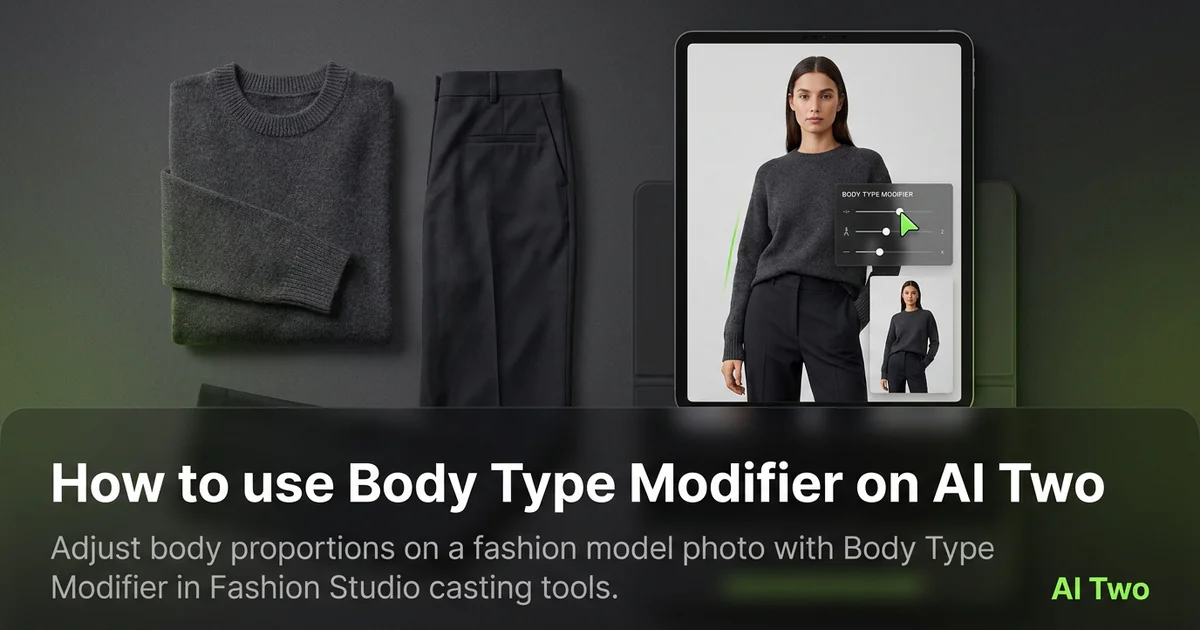
How to use Body Type Modifier on AI Two
Adjust body proportions on a fashion model photo with Body Type Modifier in Fashion Studio casting tools.
Read guide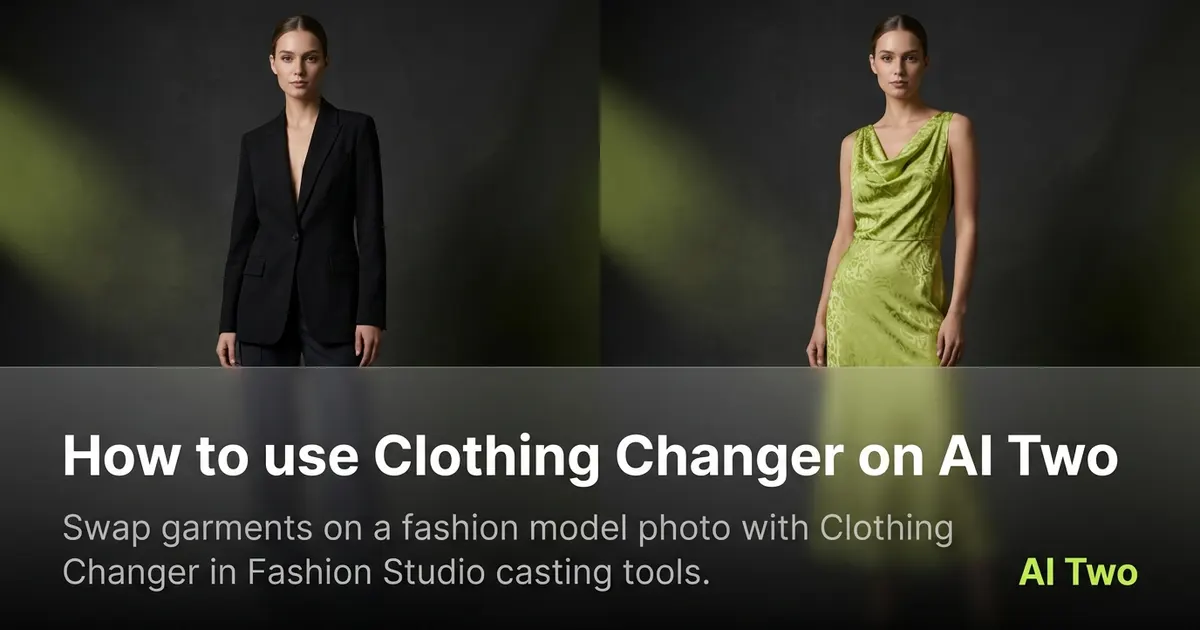
How to use Clothing Changer on AI Two
Swap garments on a fashion model photo with Clothing Changer in Fashion Studio casting tools.
Read guideHow to use Body Type Modifier on AI Two
Adjust body proportions on a fashion model photo with Body Type Modifier in Fashion Studio casting tools.
Read guide