Publish the form first. Then click Share (or Published) and choose Copy responder link. Tick "Shorten URL" for a short forms.gle link. In the older Forms layout, click Send, then the link icon, tick "Shorten URL" and copy. Paste the link here.
Google Form QR Code Generator — Scan to Open a Form
Google Form QR Code Generator — Scan to Open a Form is a free AI tool. Free Google Form QR code generator. Paste your forms.gle or Google Forms link and get a QR code that opens your form, survey or quiz in one scan. No signup for your first code.
Free to try · first generation free on signup · no credit card
1
Step 1
Options
Plain codes are free: no account, no card. No ad ever sits between the scan and your page.
Output quality:
Mode
Google Form QR Code
Your AI Design Will Appear Here
Fill in the options on the left, then press Generate.
Upload your image
Drag & drop your file here or click to browse
JPG, PNG, WebP
Max 10MB
AI Ready
Quick facts about Google Form QR Code Generator — Scan to Open a Form
- Tool nameGoogle Form QR Code Generator — Scan to Open a Form
- PriceFree to try
- InputText prompt
- OutputAI-generated image
This free Google Form QR code generator turns your form link into a QR code. People scan it with their phone camera and the form opens, ready to fill in. Use it for sign-in sheets, event sign-ups, feedback, surveys and classroom quizzes.
Free · No signup for your first code · Works with any Google Form
How to make a QR code for a Google Form
Three steps, and the code is ready in a few seconds.
1
Copy the form link
In Google Forms, publish the form, click Share and choose Copy responder link. Tick "Shorten URL" for a forms.gle link.
2
Paste it and style the code
Paste the link above. Add a frame that says "Scan to sign up" or "Scan for feedback" so people know what the code is for.
3
Download and test
Download the PNG and scan it with your phone before you print. The form should open ready to fill in, not in the editor.
Use the share link, not the edit link
The address in your browser while you build a form ends in /edit. If you put that in a QR code, people see a request for edit access instead of your form.
The responder link from Share or Send ends in /viewform, or is a short forms.gle link. That is the one to use. You can keep editing the questions after printing; the link does not change.
Where Google Form QR codes work well
Attendance and sign-in sheets at the door, event and workshop sign-ups, customer feedback cards on tables, classroom quizzes on the board, volunteer sign-ups on a poster, and survey links on printed reports.
When you stop taking responses, turn off "Accepting responses" in Google Forms. Anyone who scans the code later sees a closed message instead of a form nobody reads.
💡 Tip: For a code on a wall or a screen, go large: about 1 cm of code for every 10 cm of distance between the code and the person scanning.
Google Form QR code examples
Made with this generator and scanned back before publishing. Demo links and numbers only.
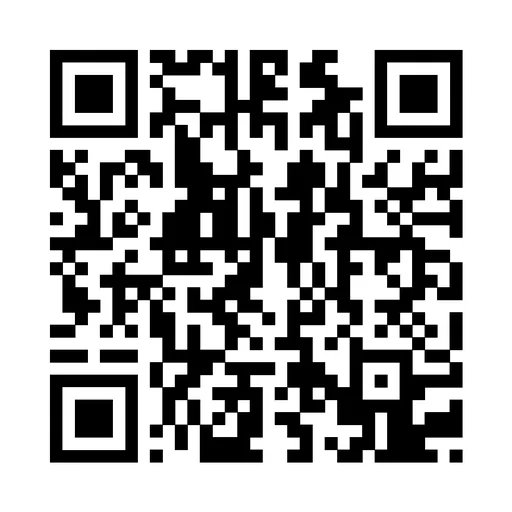
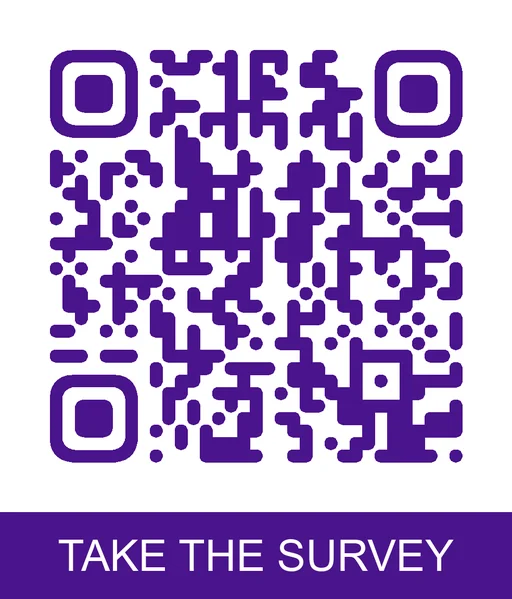
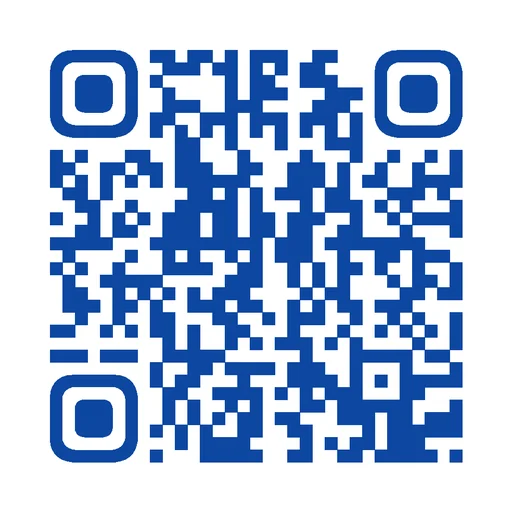
Real, unretouched output from this tool.
Popular in QR Studio
Explore QR Studio
Share a link or a file
For a code that opens something the moment it is scanned.
- URL QR codeSend scanners straight to any web page.
- PDF QR codeOpen a brochure or manual from a printed sheet.
- Menu QR codePut a menu on every table without reprinting it.
- App download QR codeLead phone users to your app listing.
Connect people
For cards, front desks and shop windows.
- vCard QR codeSave your contact details to a phone in one scan.
- WiFi QR codeLet guests join the network without typing a password.
- WhatsApp QR codeOpen a chat with your number already filled in.
- Email QR codeStart a message to the right inbox.
Grow a following
For packaging, posters and event signs.
- Instagram QR codeTake people to your profile from print.
- TikTok QR codeTurn a poster into new viewers.
- YouTube QR codePlay a video or open a channel.
- Google Maps QR codeGive directions to your front door.
Print it right
For codes that have to work the first time.
- QR code size guideWork out the print size from scanning distance.
- Colored QR codesPick colors that still scan.
- Fix a blurry QR codeClean up a damaged or low-quality code.
More QR code generators
WiFi QR Code GeneratorURL QR Code GeneratorvCard Contact QR GeneratorWhatsApp QR Code GeneratorPDF QR Code GeneratorMenu QR Code GeneratorText QR Code GeneratorEmail QR Code GeneratorPhone Call QR GeneratorSMS QR Code GeneratorInstagram QR Code GeneratorFacebook QR Code GeneratorTikTok QR Code GeneratorYouTube QR Code GeneratorLinkedIn QR Code GeneratorTelegram QR Code GeneratorLINE QR Code GeneratorSpotify QR Code GeneratorPayPal QR Code GeneratorGoogle Maps QR GeneratorApp Download QR GeneratorGitHub QR Code GeneratorRick Roll QR Code GeneratorGoogle Review QR Code GeneratorQR Code With Logo GeneratorAI QR Code Restorer (fix blurry codes)
This tool is part of the AITwo QR code suite. Need a different content type — WiFi, vCard, WhatsApp, PDF, payments, maps, or social profiles — or a colored code? See the full Free AI QR Code Generator — 26 types
📋
Google Form QR Code Generator — Scan to Open a Form
Plain codes are free: no account, no card. No ad ever sits between the scan and your page.
FreeEvery code type, colours, logo, frames and PNG, SVG or PDF download. No account needed.
1 creditEach AI art design. You sign in first.
PlanEditable (dynamic) codes stay editable. On a free account you can edit them for 30 days.
In your form, click Share (or Send), copy the responder link, and tick "Shorten URL" for a forms.gle link.
AI designs turn your code into artwork. Every AI code is scan-tested before you get it — if it will not scan, we do not charge you.
Output quality:
Frequently Asked Questions
No. Google Forms gives you a link, not a QR code. Paste that link here to turn it into a QR code you can style and print.
The address you see while building the form ends in /edit. That is the editor, and people who scan it are asked for edit access. Use the responder link from Share or Send, which opens the form for filling in.
No. The form link stays the same when you change questions, so the printed code shows the latest version. You only need a new code if you make a new form.
Only if your form settings ask for it, for example when responses are limited to one per person or to people in your school or company. Otherwise anyone can fill it in without signing in.
A shorter link makes a QR code with fewer, larger squares, which scans faster and from further away. The forms.gle link opens the same form.
Every code is machine-verified before you see it: our server scans its own output with multiple QR decoders and only returns the image if it decodes back to exactly your data. Unscannable codes are never delivered.
Yes. QR generation on AITwo is fully deterministic — no AI credits are consumed — so it is free to use, with no signup required for your first code. A fair-use limit of 60 codes per day applies.