
Fix and track QR codes on AI Two
Repair blurry QR photos with the AI restorer and manage dynamic codes with scan analytics in QR Studio.
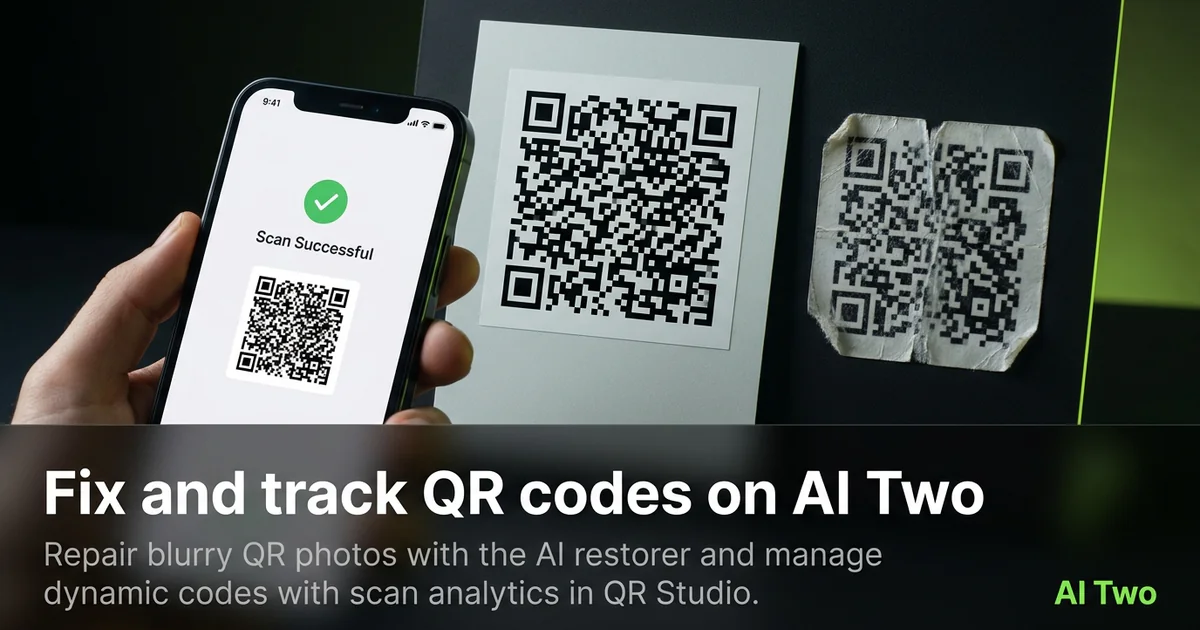
Fix and track on AI Two is the cluster I open when a printed code is damaged or when I need destinations I can edit after print. The Fix a Blurry QR Code tool restores scan verified replacements from bad photos. My QR Codes and Scan Analytics cover dynamic codes that redirect through AI Two short links with counts you can read in the dashboard.
Who this fix and track group is for
Open this group if you have a blurry, scratched, or half scanned QR photo that still needs to work, or if you print packaging that must change destinations later. Ops teams, event organizers, and product managers live here after the first print run.
When a client sent me a warped menu photo last month, the restorer decoded it and rebuilt a clean pattern instead of inventing a fake drawing that would never scan.
Dynamic codes are for posters and packs you will not reprint every time the URL changes. Free dynamic codes stay editable for 30 days, then freeze to their last destination so printed material keeps working.
Stay in QR Studio. Repair and tracking are not Home Design or Fashion jobs.
I reach for repair when a client sends a photo of a warped sticker and still needs that same destination tomorrow. I reach for dynamic codes when the destination will change with the season and reprinting is expensive.
Credits still apply on restore and on generations tied to your account. I spend them on clear source photos and locked destinations, not on blind retries.
Tools in this group
Fix a Blurry QR Code uploads a damaged photo, decodes it with computer vision, and regenerates a pixel perfect, scan verified replacement. It does not redraw a decorative fake pattern.
My QR Codes is where you create and manage dynamic codes. Scan Analytics shows scan counts for those dynamic codes because they redirect through an AI Two short link.
Static essential codes do not report scans by design. Use dynamic codes when counting matters.
Colored and essential generators create new static codes. This cluster is for repair and post print control, not for inventing a WiFi payload from scratch.
How I repair a bad QR photo
Step one: photograph the damaged code as straight and sharp as you can. Step two: open Fix a Blurry QR Code and upload. Step three: wait for decode and regeneration. Step four: download only after scan verification passes, then print a small proof.
When the restorer cannot decode, the photo is usually too dark or cropped through the quiet zone. I reshoot with more light instead of uploading the same file five times.
Credits still apply on restore runs. I spend them on a clear photo rather than burning retries on a blurry original.
I label the restored PNG with the old sticker location so warehouse staff replace the right pack.
If only half the modules are visible, no restorer can invent the missing data. Reshoot or regenerate from the original payload if you still have it.
How I track with dynamic codes
Step one: create a dynamic code in My QR Codes with the first destination. Step two: print and place it. Step three: change the destination later from the dashboard when the campaign moves. Step four: open Scan Analytics when you need counts.
Free dynamic codes stay editable for 30 days, then freeze to the last destination. Printed codes keep redirecting after freeze. Upgrading unlocks editing and analytics again without holding the redirect hostage.
I never put a dynamic short link into a static generator by mistake. The dashboard owns dynamic behavior.
When I ran a seasonal poster last winter, I swapped the destination once without reprinting. Scan Analytics showed the bump after the swap, which is why dynamic exists.
Document the short link ID next to the physical placement. Lost mapping is how teams fix the wrong poster.
Where to go next
Need a fresh WiFi, menu, or social code? Open the essential or social clusters. Business deep links live in the business and apps cluster. Colored ink lives in the colored QR cluster.
The QR Studio pillar explains static versus dynamic choices in more depth when you are deciding what to print.
If the code is fine and you only need a new payload type, skip repair and open the matching generator cluster instead.
FAQs
Related studio guides
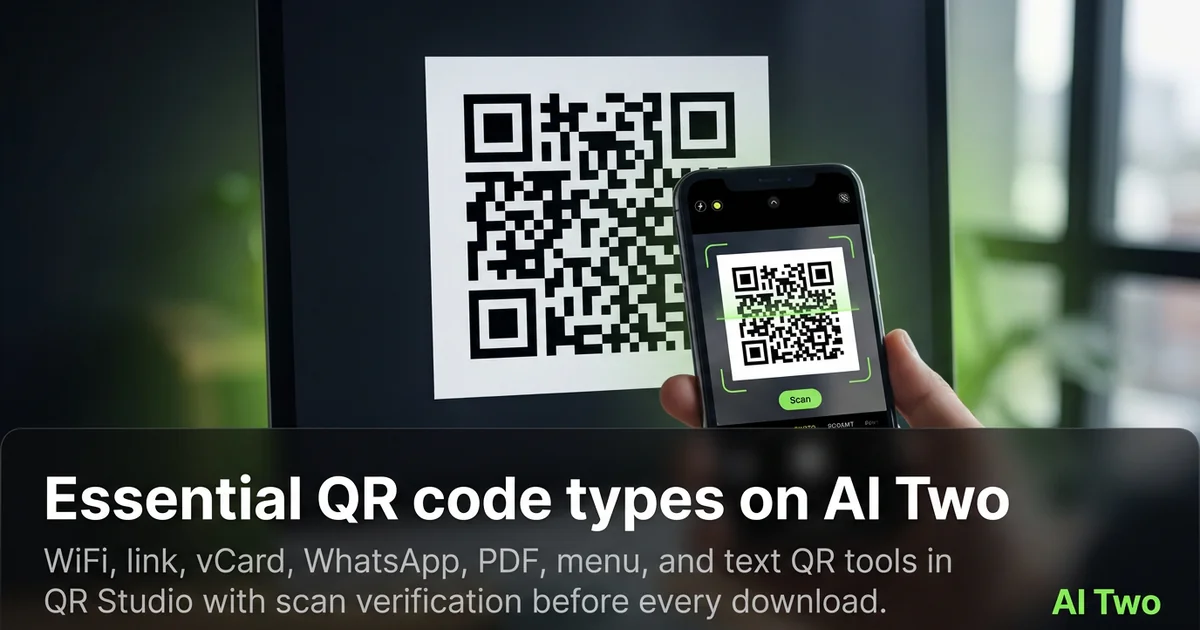
Essential QR code types on AI Two
WiFi, link, vCard, WhatsApp, PDF, menu, and text QR tools in QR Studio with scan verification before every download.
Read guide
Contact and messaging QR codes on AI Two
Email, phone, and SMS QR tools in QR Studio for cards, posters, and packaging that start a conversation on scan.
Read guide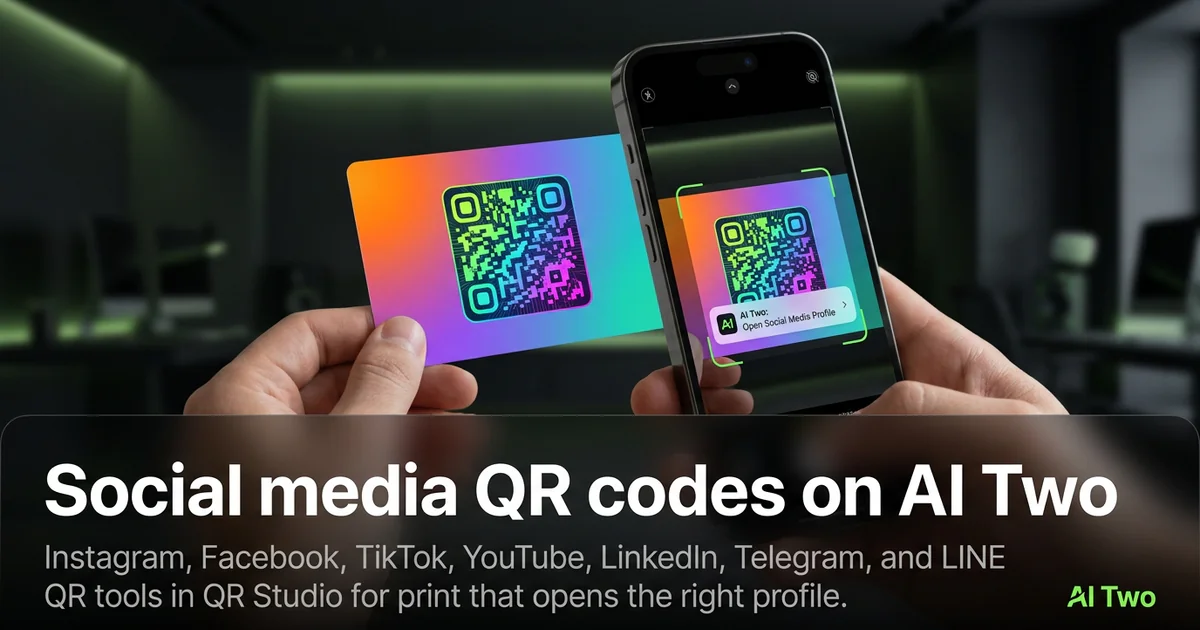
Social media QR codes on AI Two
Instagram, Facebook, TikTok, YouTube, LinkedIn, Telegram, and LINE QR tools in QR Studio for print that opens the right profile.
Read guide