
Social media QR codes on AI Two
Instagram, Facebook, TikTok, YouTube, LinkedIn, Telegram, and LINE QR tools in QR Studio for print that opens the right profile.
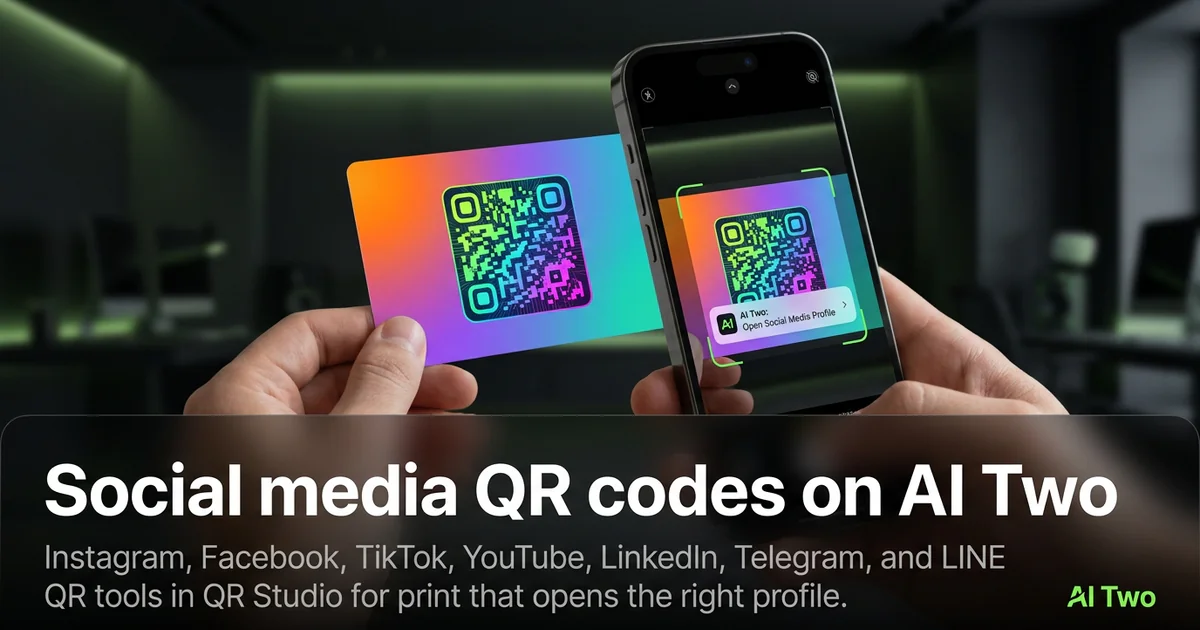
Social media QR codes on AI Two send scanners to Instagram, Facebook, TikTok, YouTube, LinkedIn, Telegram, or LINE from QR Studio. I open this cluster when a flyer or packaging should grow a follow, not open a generic homepage. Every code is scan verified before download. When I tested a cafe window sticker with only an Instagram code, foot traffic to the profile rose because people did not need to search the handle.
Who this social group is for
Creators, cafes, and small brands use these pages when print needs a direct profile or channel open. One platform per code keeps analytics honest.
When I print a market booth kit, I separate Instagram and TikTok onto different corners so staff can point to the right square.
Stay in QR Studio for social payloads. Fashion Studio will not encode a TikTok profile.
Credits apply per generation. I lock the final profile URL before I regenerate for layout tweaks.
I batch by platform, not by flyer. Instagram stickers and TikTok stickers stay separate PNGs so analytics and staff instructions stay honest.
Free signup credits cover learning a few profiles. Paid monthly credits help when you reprint for every tour date or seasonal pack.
Event staff should know which corner holds which network so they can coach shy scanners at a booth.
Tools in this group
Seven pages cover the main social destinations on AI Two. Instagram and TikTok for short video brands. Facebook for community pages. YouTube for channels. LinkedIn for professional profiles. Telegram and LINE for messaging communities popular in specific markets.
I pick the page that matches the app I want opened, not a generic link QR, so field help stays aligned to that network.
Essential link QR still works for a personal site. Use this social group when the phone should open the native app or profile experience.
Child walkthroughs expand each network. Use the cards below as the map.
How I run a social QR workflow
Step one: copy the official profile URL from the app or desktop. Step two: open the matching social QR page. Step three: generate, wait for scan verification, download. Step four: scan on the phone that has that app installed and confirm the profile title.
When I tested a YouTube channel code on a zine, both phones opened the right channel. Wrong handles are the usual failure, not the QR pattern.
LinkedIn codes should use the public profile you are ready to show strangers. I avoid draft vanity URLs that still redirect oddly.
Telegram and LINE codes need destinations your audience can join. Private invites that expire waste a whole print run.
In my experience, copying the URL from the app share sheet beats retyping handles and avoids landing on the wrong account.
Print and scan tips
High contrast and clear quiet zones matter on busy photo posters.
I print larger when the code sits next to bright photography that competes for the camera.
Colored social brand inks are tempting. Lock the payload first, then open the colored QR cluster only if contrast still passes a phone test.
Document which profile URL shipped with which PNG so seasonal reprints stay accurate.
I avoid printing social codes smaller than a postage stamp on busy photo posters. The camera needs room to lock modules.
Proof on a phone that actually has the app installed. A desktop browser QR extension is not the same as a shopper in the aisle.
For dark venue walls I print on a white sticker patch even when the poster art is black. The camera needs a light field behind the modules.
Where to go next
Essential types cover WiFi, menus, and vCard. Contact tools cover email, phone, and SMS. Business deep links like Spotify live in the business cluster. Fix and track covers repair and dynamic analytics.
The QR Studio pillar is the map when you are choosing between social follows and other payloads.
If brand color is next, prove the profile URL first, then open the colored QR cluster with contrast still strong.
FAQs
Related studio guides
Essential QR code types on AI Two
WiFi, link, vCard, WhatsApp, PDF, menu, and text QR tools in QR Studio with scan verification before every download.
Read guide
Contact and messaging QR codes on AI Two
Email, phone, and SMS QR tools in QR Studio for cards, posters, and packaging that start a conversation on scan.
Read guide
QR codes for business and apps on AI Two
Spotify, PayPal, Google Maps, app download, and GitHub QR tools in QR Studio.
Read guide