Yes. Upload a product photo, choose an ad style, and the tool makes a short clip with moving light and camera. Check the whole clip against your real product before you use it as an ad.
Product Photo to Video Ad: Turn One Product Photo Into a Short Video
Product Photo to Video Ad: Turn One Product Photo Into a Short Video is a free AI tool. Upload a product photo and get a short video ad for Instagram Reels, TikTok, Shopify or Amazon. Choose a style. The video follows the shape of your photo. The price shows before you generate.
Free to try · first generation free on signup · no credit card
1
Step 1
Upload Image
Start by uploading image
Upload your image
Click to browse or drag & drop
2
Step 2
Options
Configure your options
Related Tools
→try new exterior paint colors on your own photo
→redesign a home exterior from a single photo
→plan a new yard or garden layout from a photo
→repaint a car in any shade before you commit
Output quality:
Mode
Product Video Ad
Your AI Design Will Appear Here
Fill in the options on the left, then press Generate.
Upload your image
Drag & drop your file here or click to browse
JPG, PNG, WebP
Max 10MB
AI Ready
Quick facts about Product Photo to Video Ad: Turn One Product Photo Into a Short Video
- Tool nameProduct Photo to Video Ad: Turn One Product Photo Into a Short Video
- CategoryProduct Photo Tools
- PriceFree to try
- InputPhoto upload + text prompt
- OutputAI-generated video
Before / After
Example results
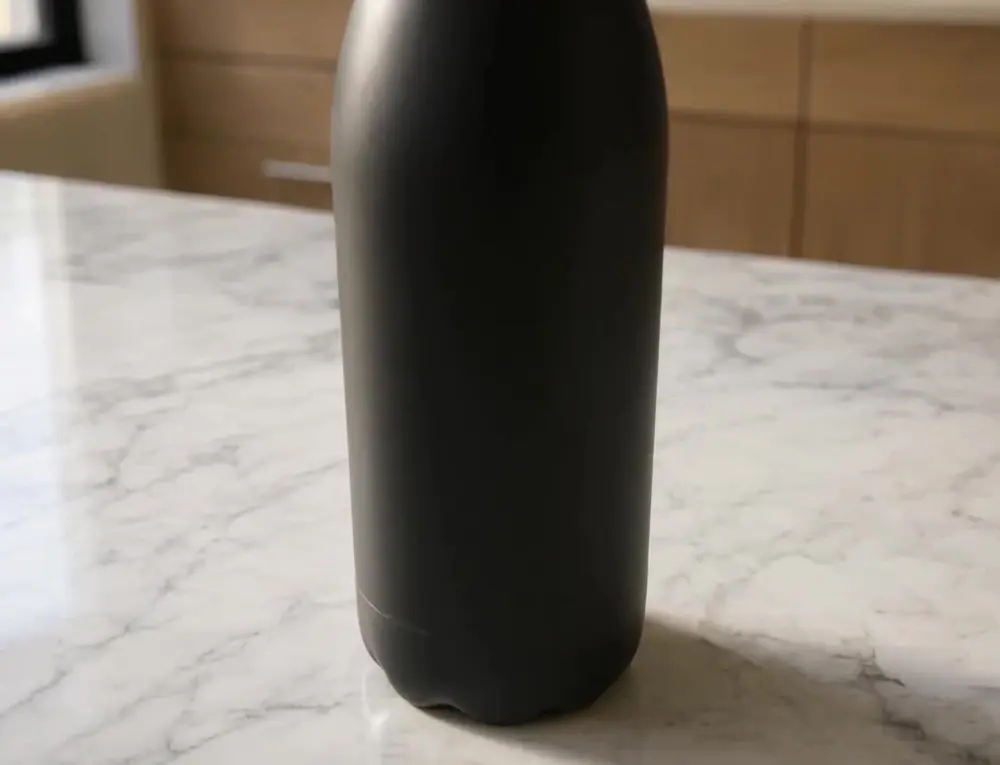
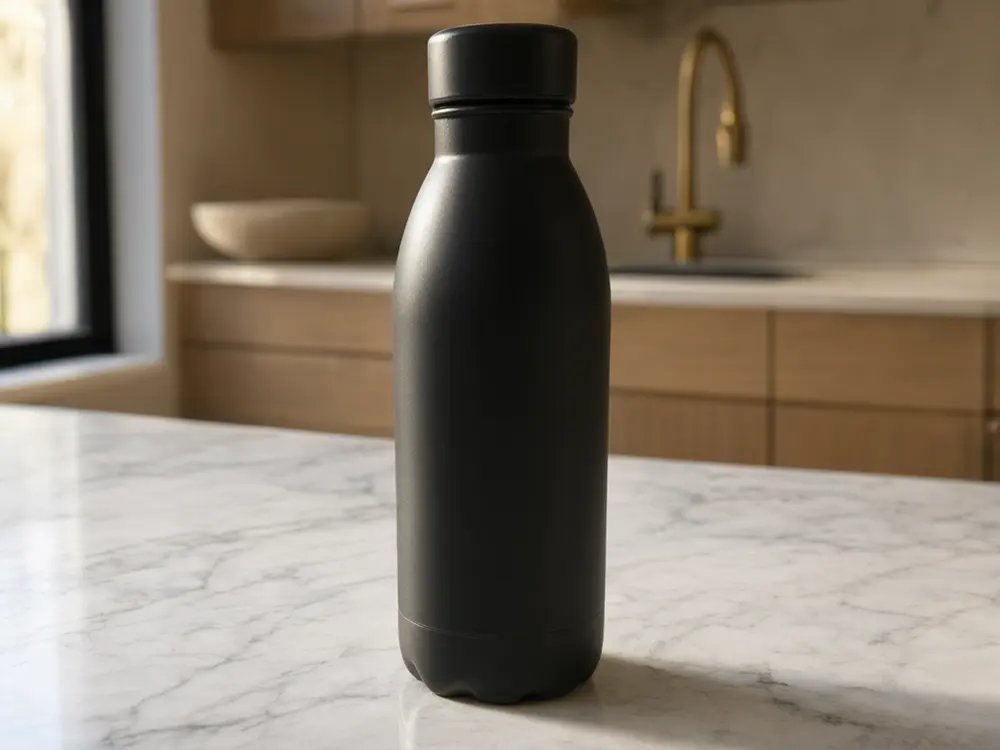
Drag to compare
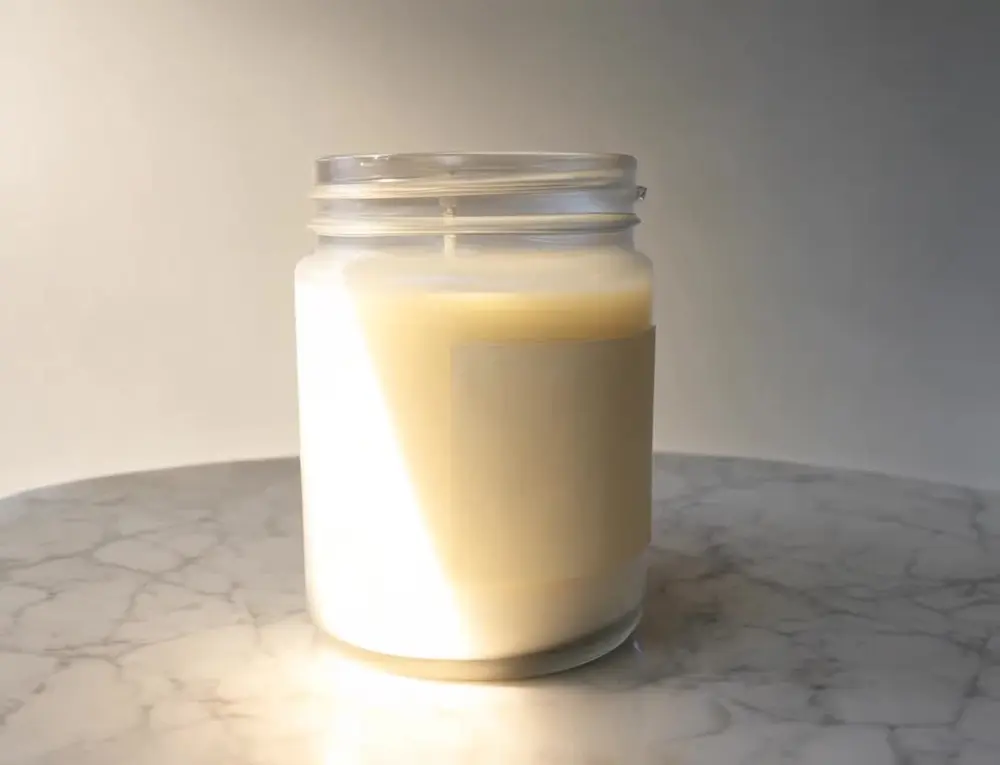
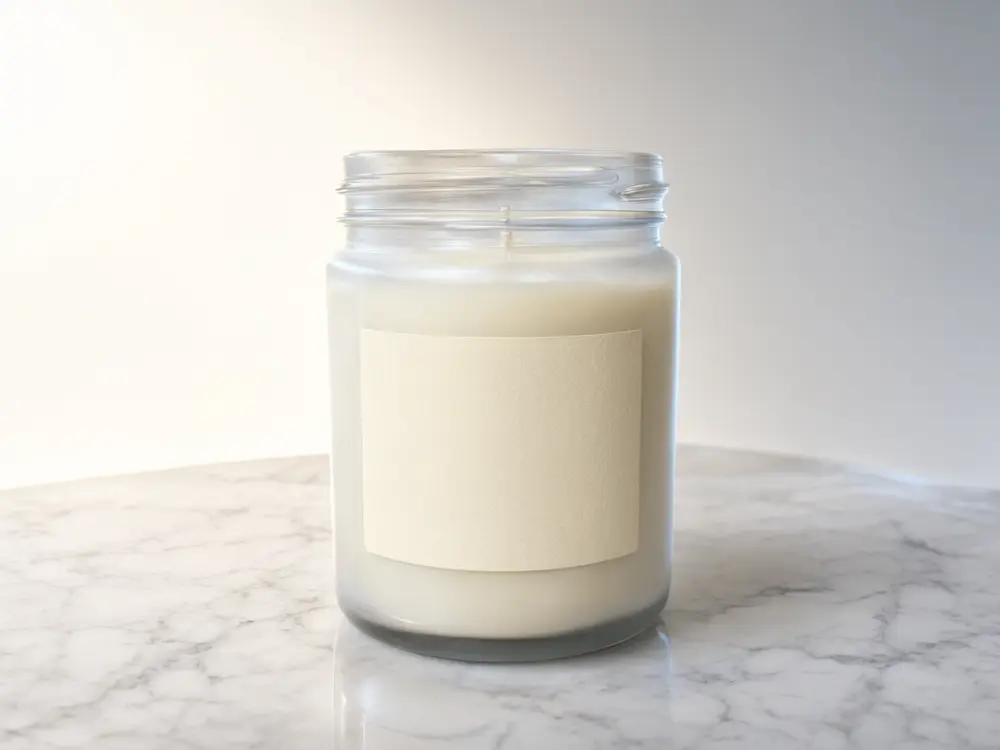
Drag to compare
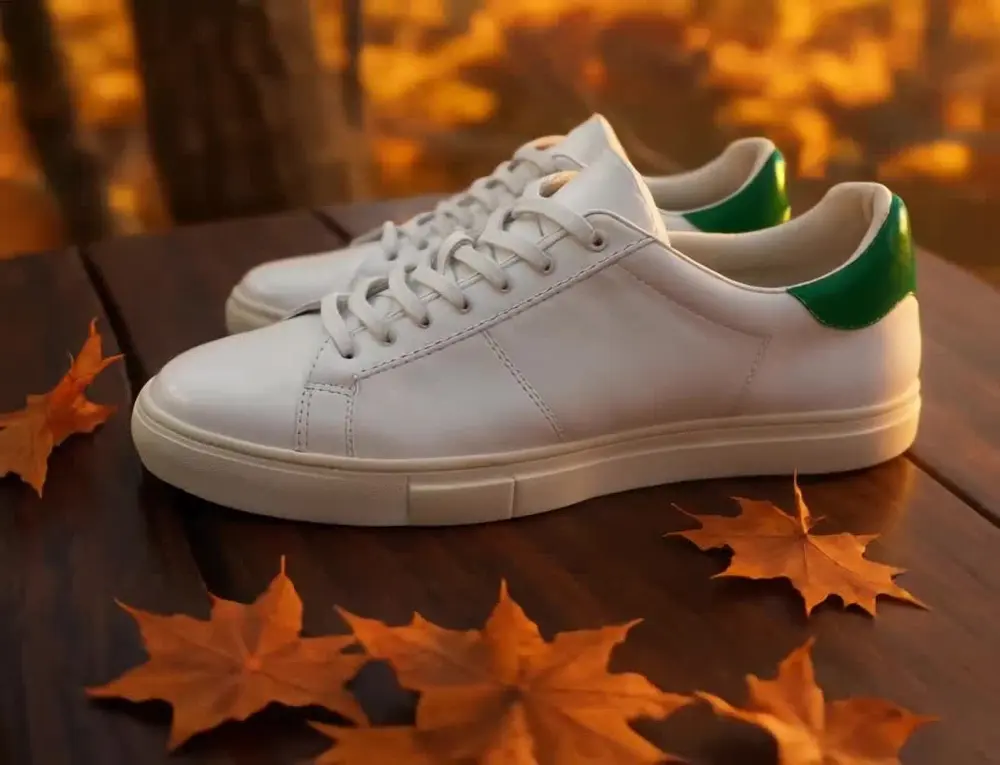
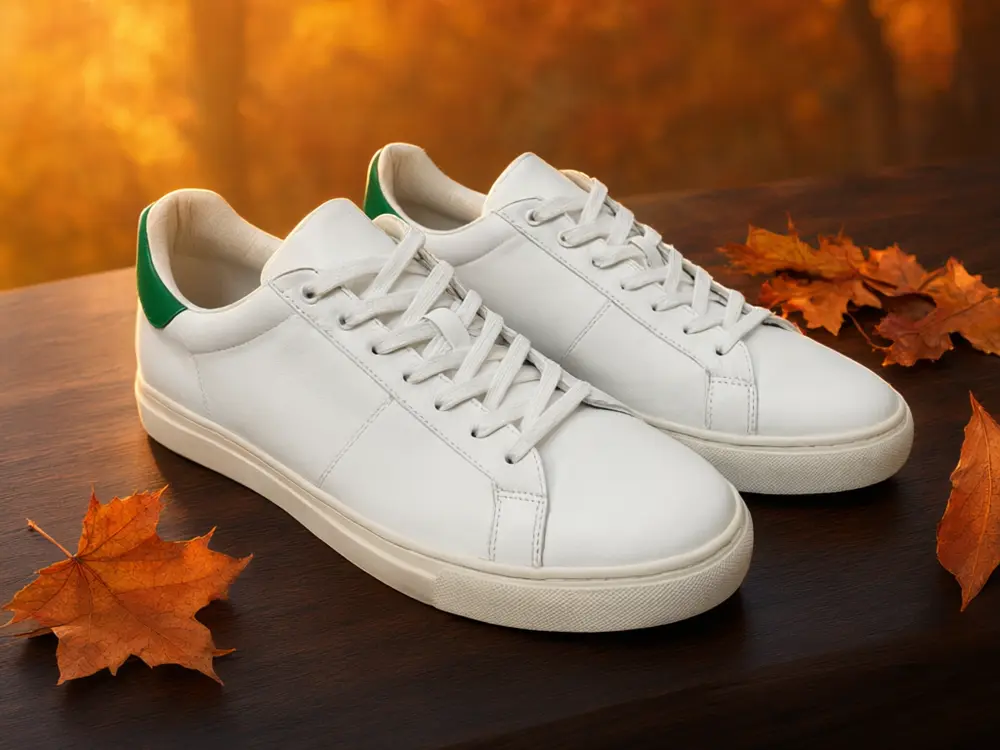
Drag to compare
Real, unretouched output from this tool. Drag any slider to compare.
A short video sells more than a still photo, and a studio video shoot is slow and costly. Upload one product photo, pick an ad style and a format, and the tool makes a short video with moving light and a smooth camera. The price of each video shows before you generate, and the lowest-cost model is the default.
How the product photo to video ad maker works
The tool animates your photo: it moves the camera, the light and small details around the product, while the product itself is told to stay exactly as photographed. It is built for short clips of about five seconds.
Each video is a separate generation. Because AI video can sometimes drift, plan on two or three tries for a clip you are happy with, and check every part of the clip against the real product.
1
Upload a clean product photo
One product, sharp, well lit, plain or lifestyle background. Higher resolution gives sharper video.
2
Pick the ad style
Five styles, from a calm showcase to a luxury cinematic look.
3
Choose the video model
The lowest-cost model is selected by default. The price shows before you start.
4
Generate, check and download
Check the label and shape, then download the MP4 for your ad.
Which video ad style to choose
Match the style to where the video will run.
1
Showcase
A slow push-in. Good for a marketplace listing or a product page.
2
Social reel
A quick, bright move for Instagram Reels, TikTok and YouTube Shorts. Upload a vertical photo.
3
Lifestyle motion
Natural light and small motion such as steam or leaves. Good for food, home and beauty.
4
Product reveal
Light sweeping across the surface. Good for gadgets, bottles and packaging.
5
Luxury cinematic
A slow dolly with deep shadows. Good for watches, perfume, jewelry and skincare.
Tips and honest limits
AI video can slightly change small details such as a label or a logo. Watch the whole clip, and run again if the product changes. Use a still photo for any claim, spec or price that must be exact.
Clips are short, about five seconds. For a longer ad, make several clips and join them in a video editor.
No voice or captions are added. Add your own text and music in your editor or in the platform you post on.
More tools for sellers
Build a complete listing and ad set.
Who uses a product photo to video ad maker
🏠
Shopify, Etsy and Amazon sellers
✓Add a product video to a listing without a shoot.
💡
Social media managers and agencies
✓Make a steady flow of reels from product photos.
🏢
Small brands and makers
✓Turn a new product photo into an announcement video the same day.
📸
Dropshippers
✓Test several ad creatives from one photo before spending on ads.
🎬
Product Photo to Video Ad: Turn One Product Photo Into a Short Video
AI Tool
Upload your imageTap anywhere here — your AI design will appear in this space after you generate.JPG · PNG · WebP
Be specific for better results0/400
Lowest-cost clips, 720p or 1080p, up to 15s.
Good
Output quality:
Frequently Asked Questions
Clips are short, about five seconds by default. For a longer ad, make several clips and join them in your video editor.
The price shows before you generate and depends on the model, length and resolution. The lowest-cost model is selected by default.
The tool is told to keep the shape, colour and label, but AI video can drift on small details. Watch the full clip and run again if something changes.
The video follows the shape of the photo you upload. Upload a vertical photo for Instagram Reels, TikTok and YouTube Shorts, a square one for the feed and a wide one for YouTube and a product page.
No. Add your own captions, voiceover and music in a video editor or in the platform you post to.
A sharp, well-lit photo of one product on a clean or simple background, as large as you have.
Amazon has its own video rules. Check the rules for your category and make sure the video shows the real product accurately.
New users get free credits to try. Videos cost more than images, and the exact price shows before you generate.