Your first generation is free when you sign up. Paid plans add credits, remove the watermark and unlock higher resolution.
Christmas Product Photo AI: Put Your Product in a Cozy, Snowy, Red-and-Gold or Minimal Holiday Scene
Christmas Product Photo AI: Put Your Product in a Cozy, Snowy, Red-and-Gold or Minimal Holiday Scene is a free AI tool. Upload a photo of a product you sell and place it in a Christmas scene: cozy fireplace, snowy winter, red and gold, or minimal. Your product stays the same. For secondary images, ads and social posts, not marketplace main images. Free to try.
Free to try · first generation free on signup · no credit card
1
Step 1
Upload Image
Start by uploading image
Upload your image
Click to browse or drag & drop
2
Step 2
Select Mode
Choose your transformation style
Fireplace, knit blanket or wood table with warm lights
3
Step 3
Options
Configure your options
Related Tools
→try new exterior paint colors on your own photo
→redesign a home exterior from a single photo
→plan a new yard or garden layout from a photo
→repaint a car in any shade before you commit
Output quality:
Mode
Cozy Christmas
Your AI Design Will Appear Here
Fill in the options on the left, then press Generate.
Upload your image
Drag & drop your file here or click to browse
JPG, PNG, WebP
Max 10MB
AI Ready
Quick facts about Christmas Product Photo AI: Put Your Product in a Cozy, Snowy, Red-and-Gold or Minimal Holiday Scene
- Tool nameChristmas Product Photo AI: Put Your Product in a Cozy, Snowy, Red-and-Gold or Minimal Holiday Scene
- CategoryProduct Photo Tools
- PriceFree to try
- InputPhoto upload + text prompt
- OutputAI-generated image
Before / After
Example results
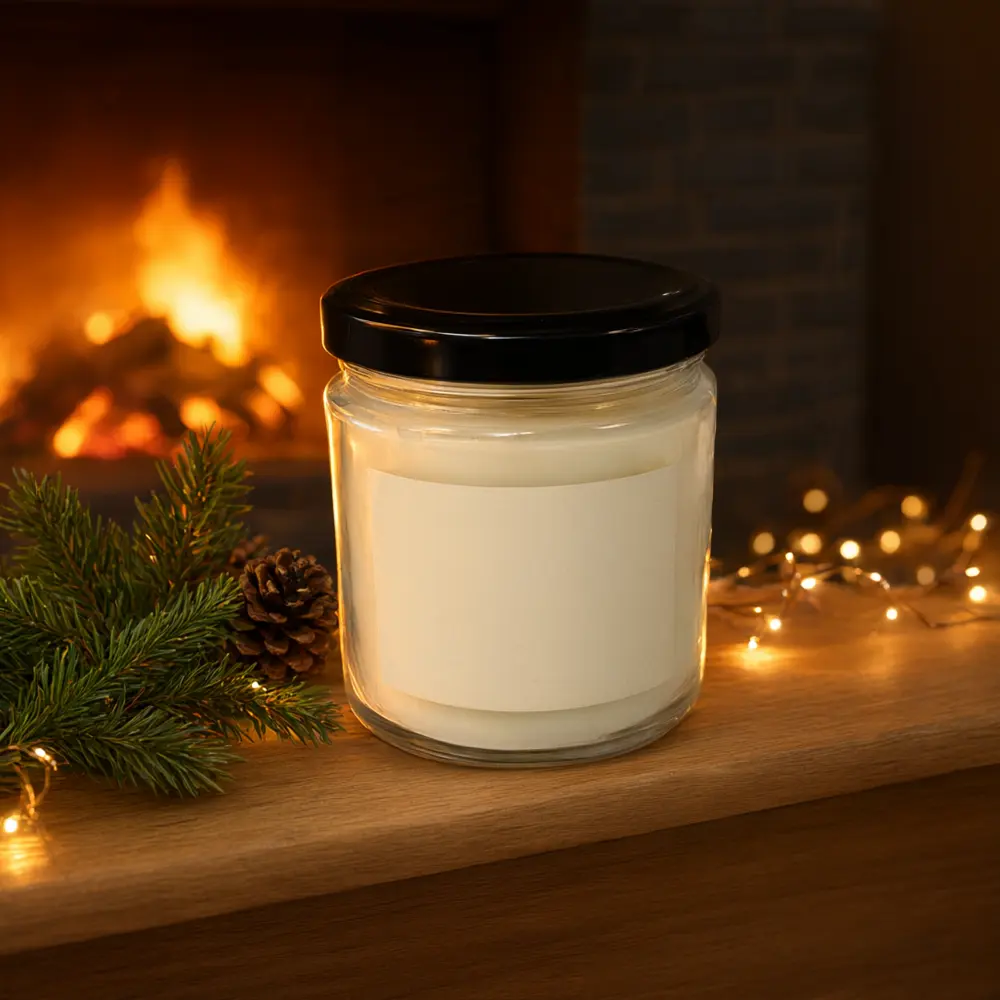
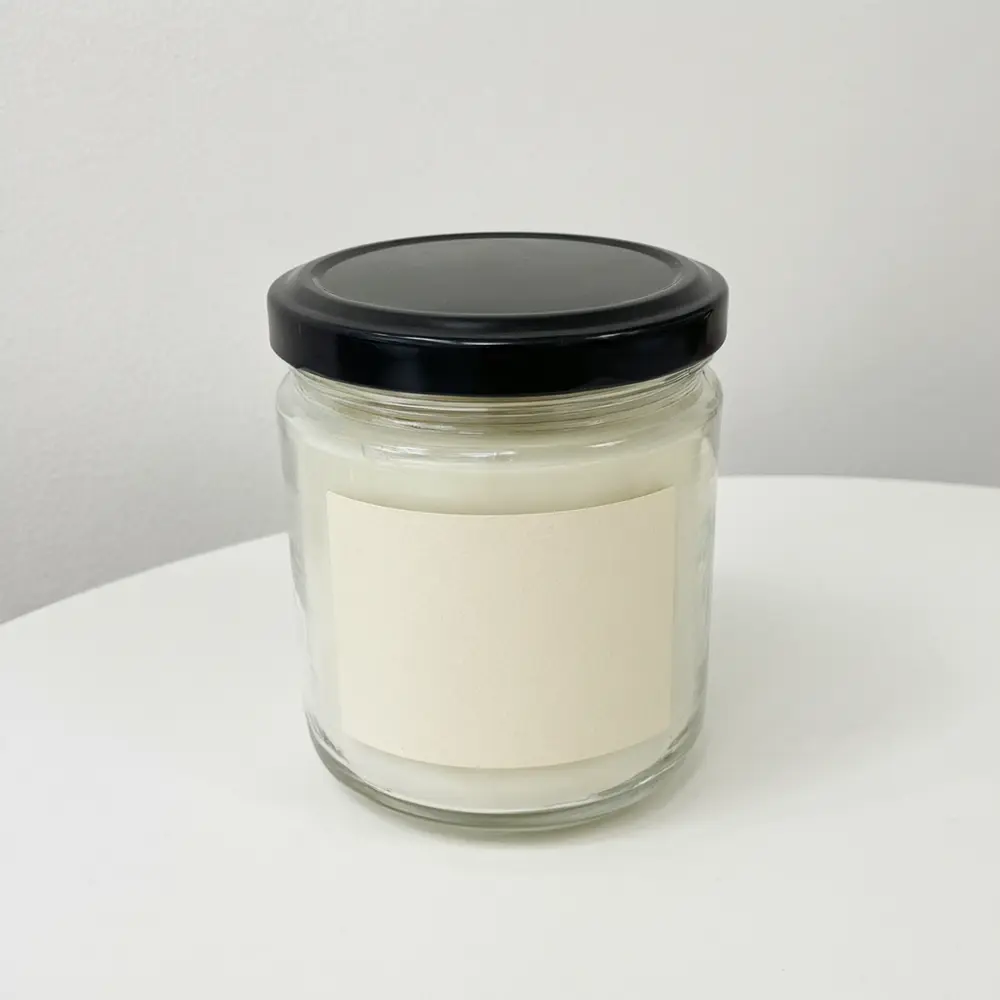
Drag to compare
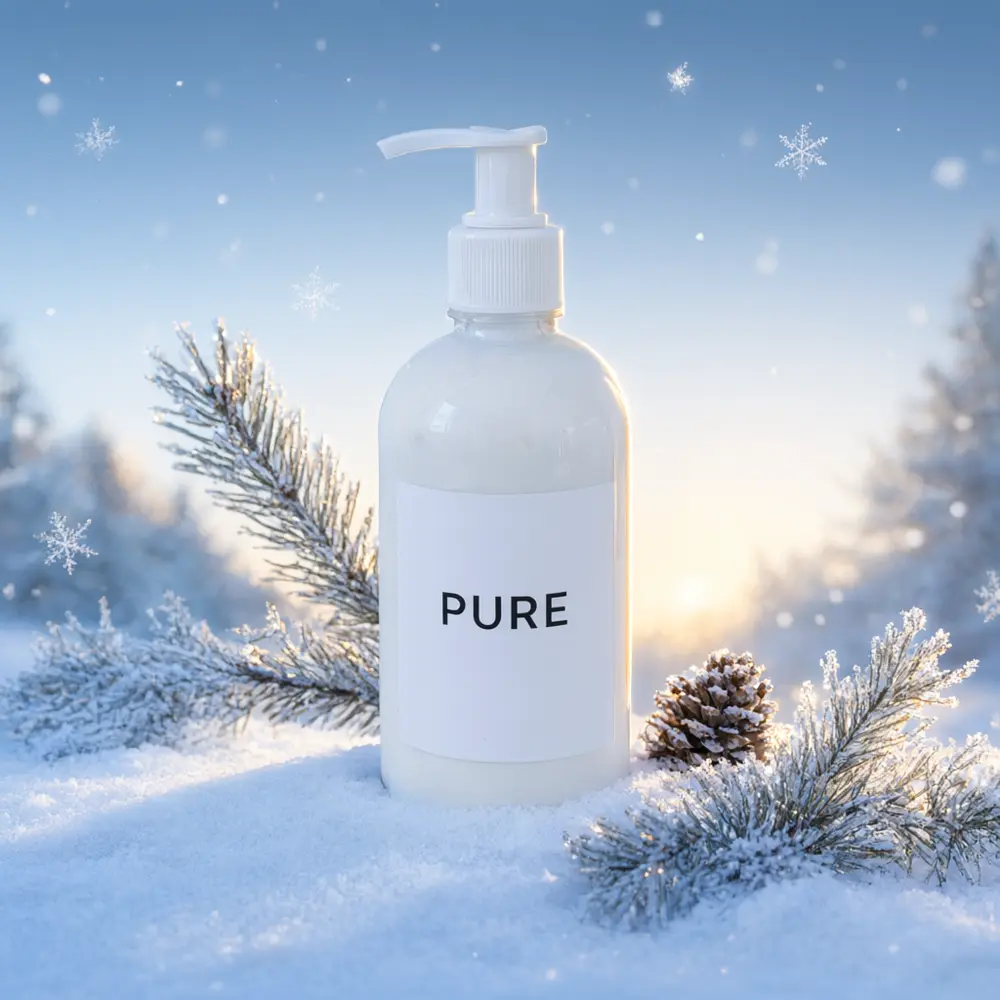
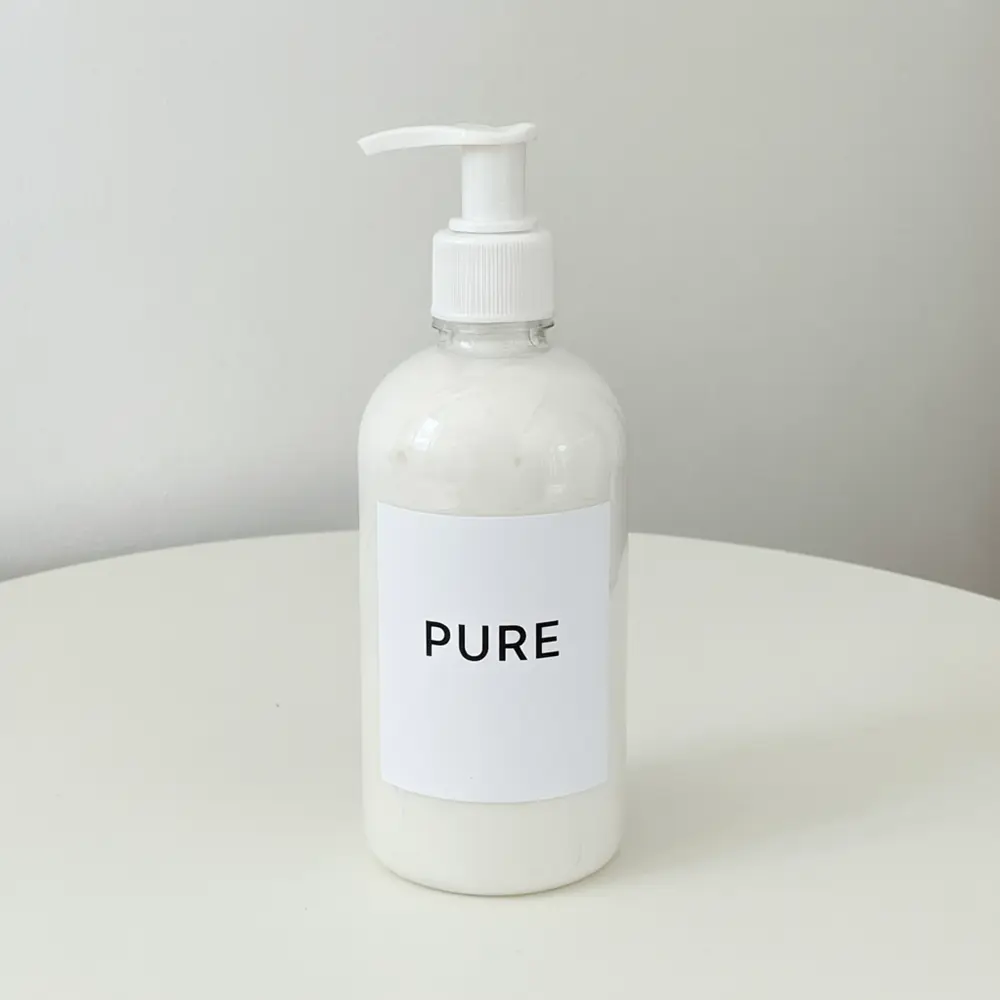
Drag to compare

Drag to compare
Real, unretouched output from this tool. Drag any slider to compare.
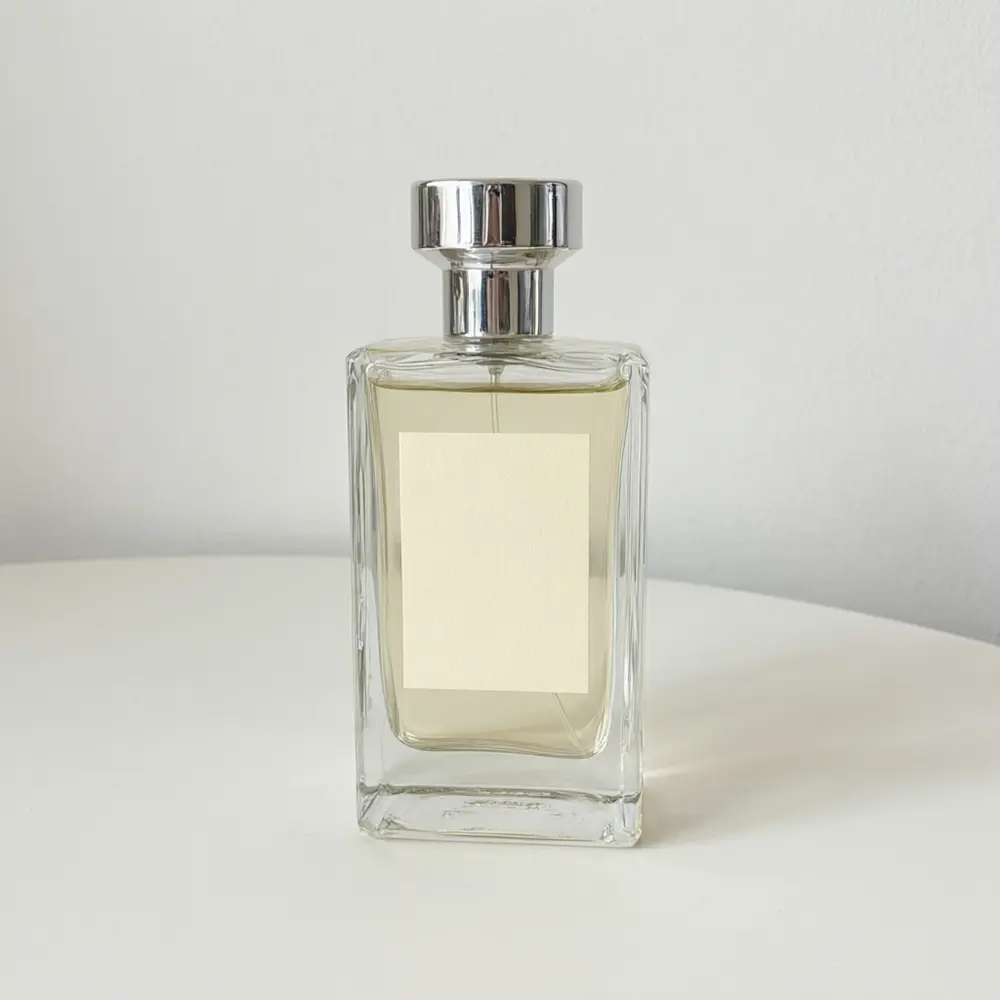
Holiday shoppers scroll past plain white photos. Upload a photo of your own product, pick a Christmas mood (cozy, snowy, red and gold, or minimal) and get the same product in a festive scene, with its label and colours as you uploaded them. Use the result for ads, social posts, email and secondary listing images. Amazon's main image has to stay on a pure white background, so keep that one as it is.
How the Christmas product photo tool works
You upload one photo of a product you sell and choose a theme and a setting. The tool keeps the product, its shape, colours and label exactly as uploaded and builds a festive scene around it, with shadows and light that fit.
Each run makes one image. Make a few themes, compare them and keep the ones that match your brand.
1
Upload a clear product photo
The whole product in focus, the label facing the camera, on a plain background. A blurry or cropped photo gives a blurry or cropped product.
2
Pick the theme
Cozy for warm home goods and gifts, Snowy for outdoor and winter products, Red and Gold for a classic festive look, Minimal for a clean seasonal touch.
3
Choose the setting
Each theme has three settings, such as a fireplace mantel, a knit blanket or a wood table with a tree behind.
4
Check before you post
Zoom in on the label and the edges. AI can still blur small print, so run again if needed.
The Christmas themes
Four themes plus your own.
1
Cozy
Warm fairy lights, pine branches, a fireplace glow or a knit blanket.
2
Snowy
Fresh snow, frosted branches and pale blue winter light.
3
Red and Gold
Red velvet, gold baubles and ribbon, and a golden bokeh background.
4
Minimal
A clean surface with one sprig and one ornament on a plain soft background.
5
Your Own Description
Describe the Christmas scene yourself.
Honest limits
The result is an AI image of your product, not a photo from a shoot. Marketplaces have their own rules. Amazon's main image must be a photo of the product on a pure white background with no added props or graphics, so use these images for secondary images, ads, email and social posts, and check the current rules for your category and marketplace.
The tool keeps your label as uploaded, but very small print can blur and the product size can drift. Check every image at full size and run again if anything looks wrong.
The scenes contain only your product and holiday props, with no people, hands or faces and no added text. It places your product in a styled set; it does not change the season of a house or garden photo, which is a different tool.
More tools for your product photos
Next steps for your holiday images.
💳
Plans and Credits →
More credits and watermark-free downloads.
🖼️
AI Product Photo Background →
Swap the background of any product photo for a clean white or styled one.
🎄
AI Christmas Photo Generator →
Turn a house or garden photo into a Christmas scene.
🛋️
Product Lifestyle Photo →
Place your product in a lifestyle scene any time of year.
Who uses a Christmas product photo tool
🏠
Etsy and handmade sellers
✓Refresh listing images for the holiday rush.
✓Show a gift in a festive setting.
💡
Shopify and DTC brands
✓Make holiday ad and email images from existing product photos.
🏢
Instagram and TikTok sellers
✓Post festive product photos that match the season.
📸
Marketers and agencies
✓Produce many holiday variations of one product for ad tests.
🕯️
Christmas Product Photo AI: Put Your Product in a Cozy, Snowy, Red-and-Gold or Minimal Holiday Scene
AI Tool
Upload your imageTap anywhere here — your AI design will appear in this space after you generate.JPG · PNG · WebP
Fireplace, knit blanket or wood table with warm lights
Premium users can generate images without watermark
Higher quality options available for premium users
Be specific for better results0/400
Output quality:
Frequently Asked Questions
No. Amazon's main image must be a photo of the product on a pure white background with no added props or graphics. Use these images for secondary images, ads, email and social posts, and check each marketplace's current rules.
The tool is told to keep your product, its shape, colours and label exactly as uploaded and to add no words. Very small print can still blur, so zoom in and run again if anything changed.
That tool changes the season of a scene photo, such as a house or a garden. This one places a product you sell in a styled Christmas set, with the product left as it is.
The background page swaps the background of a product photo for any clean or styled one. This page is built around four Christmas moods, each with three ready settings.
A sharp photo of the whole product with the label facing the camera, on a plain table or a white background, in even light.
No. The scenes contain only your product and holiday props, with no people, hands or faces.
It works best for products that sit on a surface: bottles, jars, candles, mugs, boxes, shoes and small gadgets. Very large items such as furniture are better on a room photo tool.