Yes. Upload a photo of the product, choose a scene, and the tool places it in a beauty-style setting while keeping the product the same.
Cosmetics Product Photo Studio: Turn a Bottle or Tube Photo Into a Beauty Hero Shot
Cosmetics Product Photo Studio: Turn a Bottle or Tube Photo Into a Beauty Hero Shot is a free AI tool that lets you turn a photo of your lipstick, serum, cream or perfume into a beauty-brand hero shot: marble, botanical, water splash or dark luxe. Keeps your label and shape. Free to try.
Free to try · first generation free on signup · no credit card
1
Step 1
Upload Image
Start by uploading image
Upload your image
Click to browse or drag & drop
2
Step 2
Select Mode
Choose your transformation style
Clean surface and soft studio light
3
Step 3
Options
Configure your options
Related Tools
→try new exterior paint colors on your own photo
→redesign a home exterior from a single photo
→plan a new yard or garden layout from a photo
→repaint a car in any shade before you commit
Output quality:
Mode
Hero Shot
Your AI Design Will Appear Here
Fill in the options on the left, then press Generate.
Upload your image
Drag & drop your file here or click to browse
JPG, PNG, WebP
Max 10MB
AI Ready
Quick facts about Cosmetics Product Photo Studio: Turn a Bottle or Tube Photo Into a Beauty Hero Shot
- Tool nameCosmetics Product Photo Studio: Turn a Bottle or Tube Photo Into a Beauty Hero Shot
- CategoryProduct Photo Tools
- PriceFree to try
- InputPhoto upload + text prompt
- OutputAI-generated image
Before / After
Example results
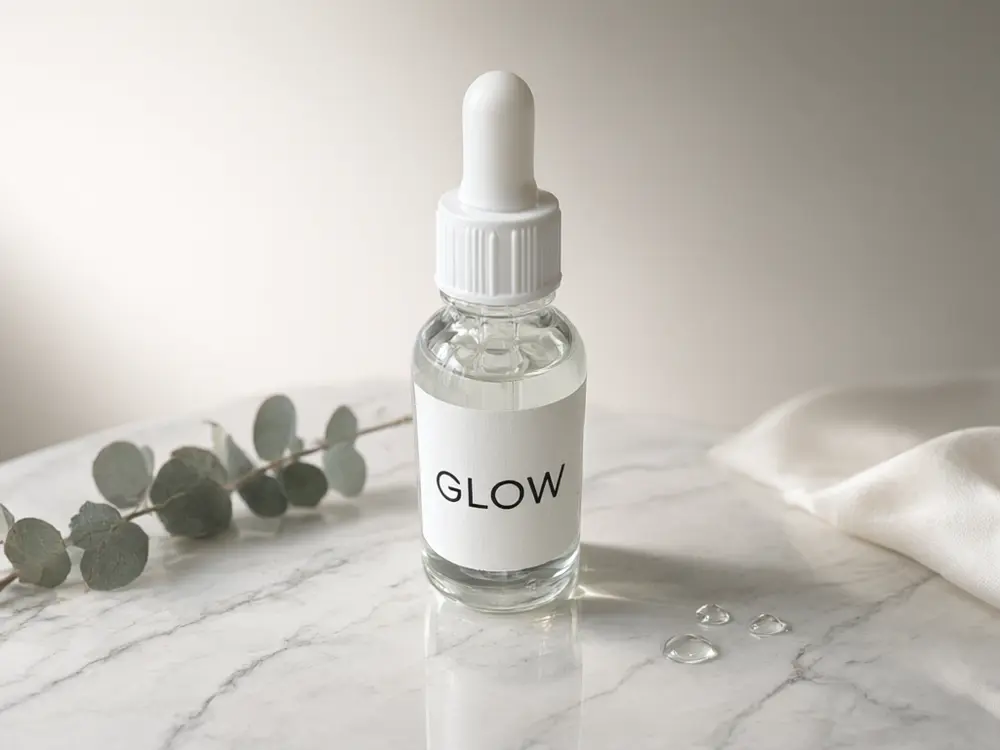
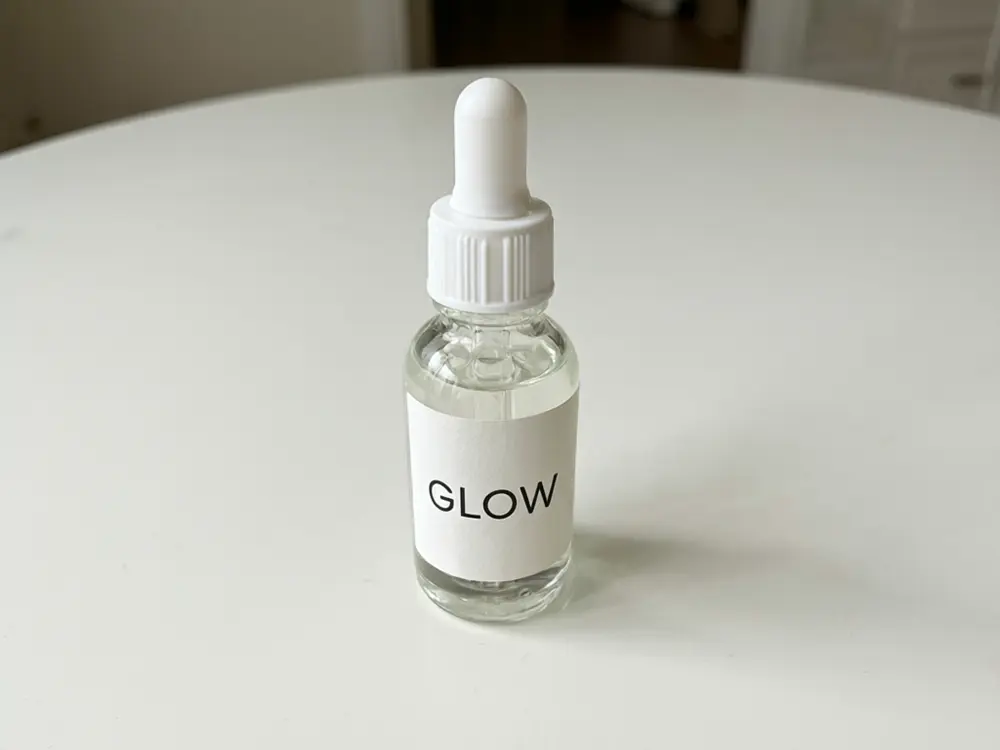
Drag to compare
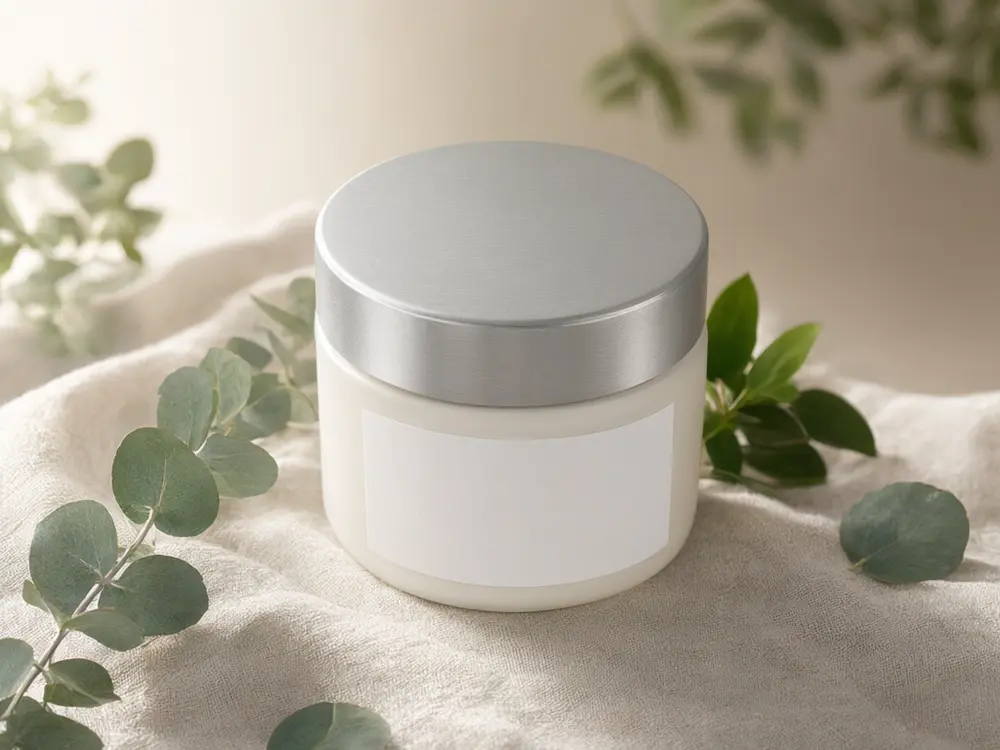
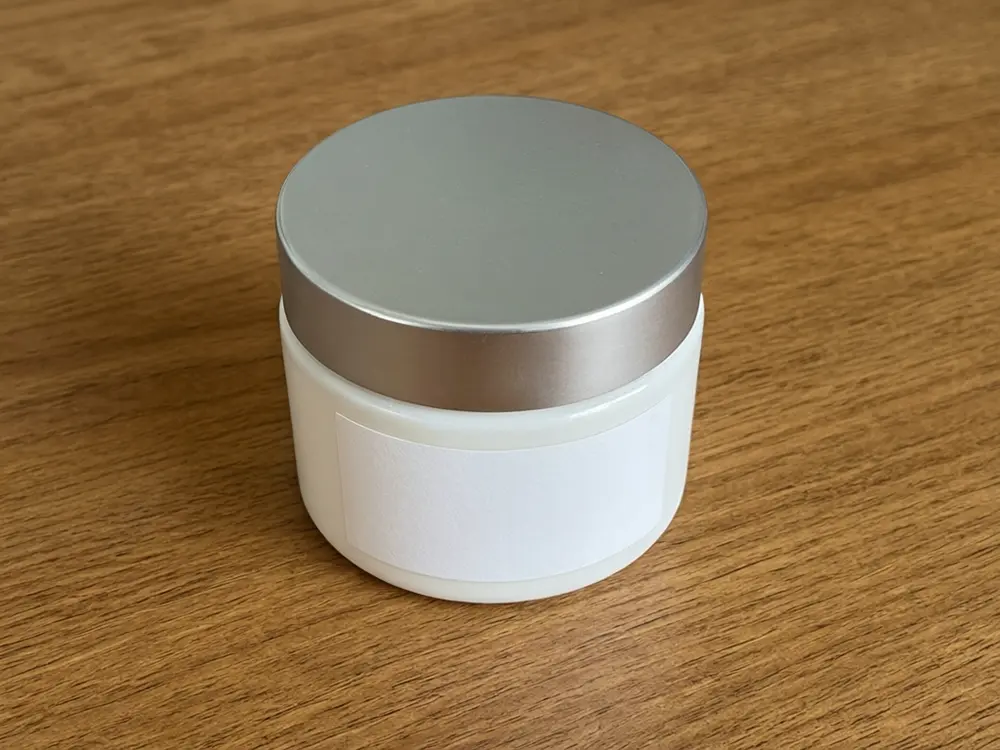
Drag to compare
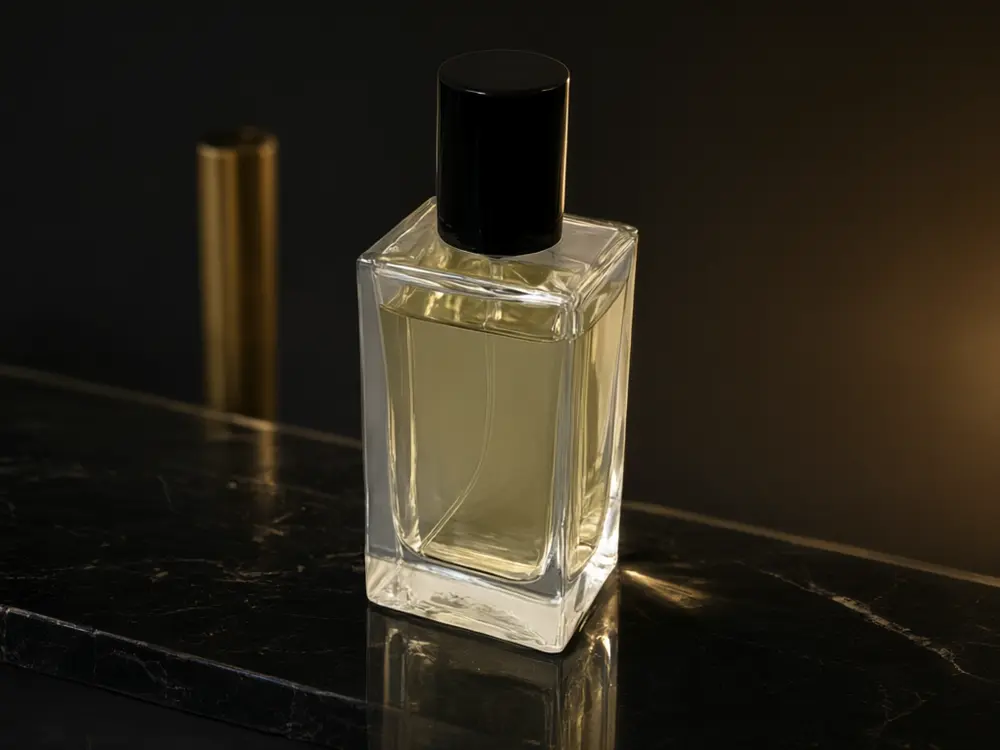
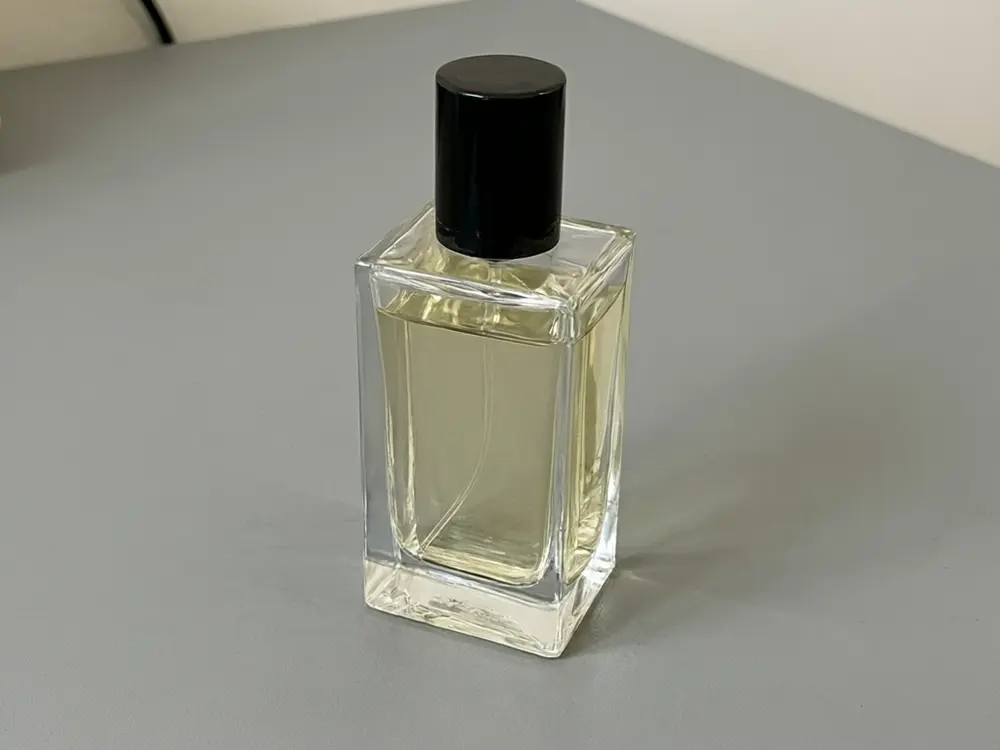
Drag to compare
Real, unretouched output from this tool. Drag any slider to compare.
A good beauty photo sells the feel of a product before anyone reads the label. Upload a photo of your lipstick, serum, cream or perfume, choose a surface and props, and get a studio-style hero shot with your label, shape and colour unchanged.
How the cosmetics product photo studio works
You upload a photo of the product and choose a mode. The tool keeps the bottle or tube exactly as it is and changes only the surface, props and light around it.
Each run makes one image. Make a few for a range, keeping the same mode and surface so the set matches.
1
Upload a sharp photo
The label should face the camera and be readable. A phone photo in daylight is enough.
2
Choose the mood
Marble and pastel feel clean and fresh, botanical feels natural, dark glossy feels luxury.
3
Keep a range consistent
Use the same mode and surface for every product in a range.
4
Zoom in on the label
Fine print can blur. Check the label at full size and run again if it changed.
The modes
Five ways to place a cosmetic product.
1
Hero Shot
The product on a clean surface with soft studio light.
2
Botanical
Leaves, flowers, citrus or lavender around the product.
3
Splash and Texture
Water splashes, petals, cream swirls or oil droplets.
4
Dark Luxury
A dark glossy set with a gentle rim light and a gold accent.
5
Your Own Description
Describe the scene yourself.
Honest limits
Small printed text on a bottle can blur or shift. Always zoom in on the label, and use your original photo or artwork for any legal text.
The product must be real and match what you ship. A beauty hero shot is a preview of a scene, not a promise about what a product does.
Cosmetics have advertising rules in many countries (claims, before-and-after images). This tool does not check them; follow the rules of where you sell.
More tools for beauty sellers
Next steps for a complete listing.
Who uses a cosmetics photo studio
🏠
Indie beauty and skincare brands
✓Make a consistent range of hero shots for your shop and ads.
💡
Makeup artists and creators
✓Make clean product images for reviews and collabs.
🏢
Etsy and Shopify sellers
✓Make listing images for handmade soaps, balms and candles.
📸
Salons and spas
✓Make a menu or poster image for retail products.
💄
Cosmetics Product Photo Studio: Turn a Bottle or Tube Photo Into a Beauty Hero Shot
AI Tool
Upload your imageTap anywhere here — your AI design will appear in this space after you generate.JPG · PNG · WebP
Clean surface and soft studio light
Premium users can generate images without watermark
Higher quality options available for premium users
Be specific for better results0/400
Output quality:
Frequently Asked Questions
The tool is told to keep the label, logo and shape unchanged. Small print can still blur, so zoom in and run again if it changed.
It is free to try: new users get free generations. Paid plans add credits, remove the watermark and unlock higher resolution.
A sharp photo of the whole product with the label facing the camera, in even light.
Yes. Use the same mode and surface for each product, and run the tool once per product.
Yes, but check each marketplace's image rules. Many require a plain white main image, which you can make with the AI Product Photo Generator.
This tool does not make claims. Cosmetics advertising has rules in many countries, so follow the rules where you sell.
Yes. Any bottle, tube, jar or compact works, as long as the photo is clear.
Yes. Use the Product Photo to Video Ad tool to turn the result into a short clip.