Your first generation is free when you sign up. Paid plans add credits, remove the watermark and unlock higher resolution.
Packaged Food Product Photo: Turn a Snack Pack or Jar Photo Into a Retail-Ready Hero Image
Packaged Food Product Photo: Turn a Snack Pack or Jar Photo Into a Retail-Ready Hero Image is a free AI tool. Upload a photo of your snack bag, box, pouch or jar and get a retail-ready hero image: clean pack shot, flavour ingredients, food served beside the pack or an occasion scene. Keeps your pack. Free to try.
Free to try · first generation free on signup · no credit card
1
Step 1
Upload Image
Start by uploading image
Upload your image
Click to browse or drag & drop
2
Step 2
Select Mode
Choose your transformation style
Front-facing pack on a clean backdrop
3
Step 3
Options
Configure your options
Related Tools
→try new exterior paint colors on your own photo
→redesign a home exterior from a single photo
→plan a new yard or garden layout from a photo
→repaint a car in any shade before you commit
Output quality:
Mode
Clean Pack Shot
Your AI Design Will Appear Here
Fill in the options on the left, then press Generate.
Upload your image
Drag & drop your file here or click to browse
JPG, PNG, WebP
Max 10MB
AI Ready
Quick facts about Packaged Food Product Photo: Turn a Snack Pack or Jar Photo Into a Retail-Ready Hero Image
- Tool namePackaged Food Product Photo: Turn a Snack Pack or Jar Photo Into a Retail-Ready Hero Image
- CategoryProduct Photo Tools
- PriceFree to try
- InputPhoto upload + text prompt
- OutputAI-generated image
Before / After
Example results
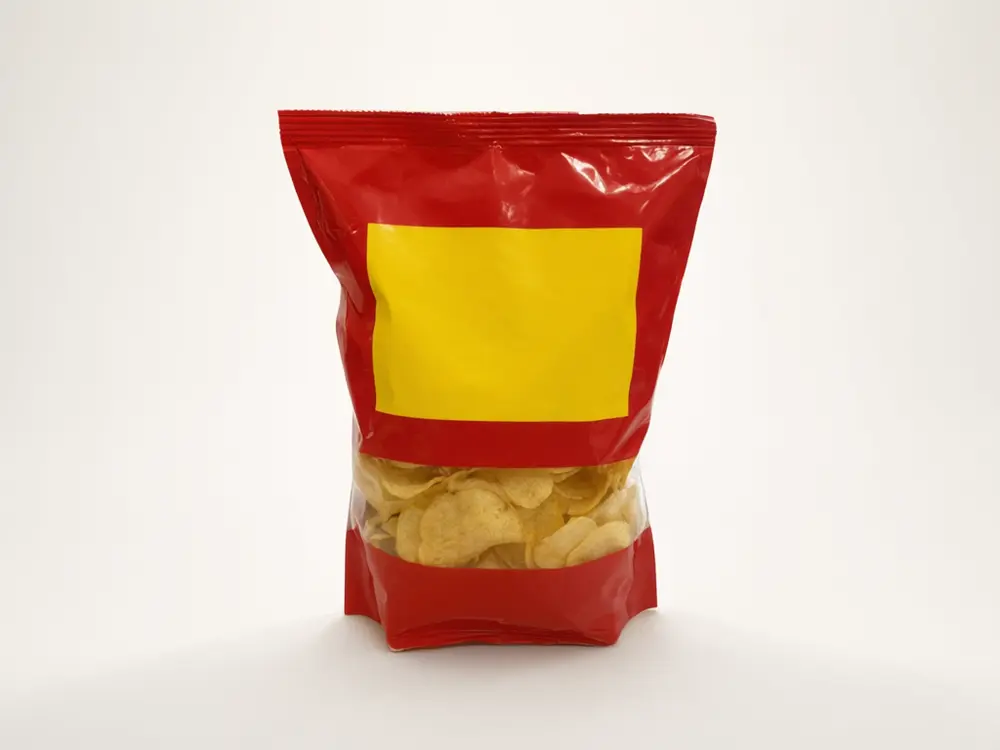
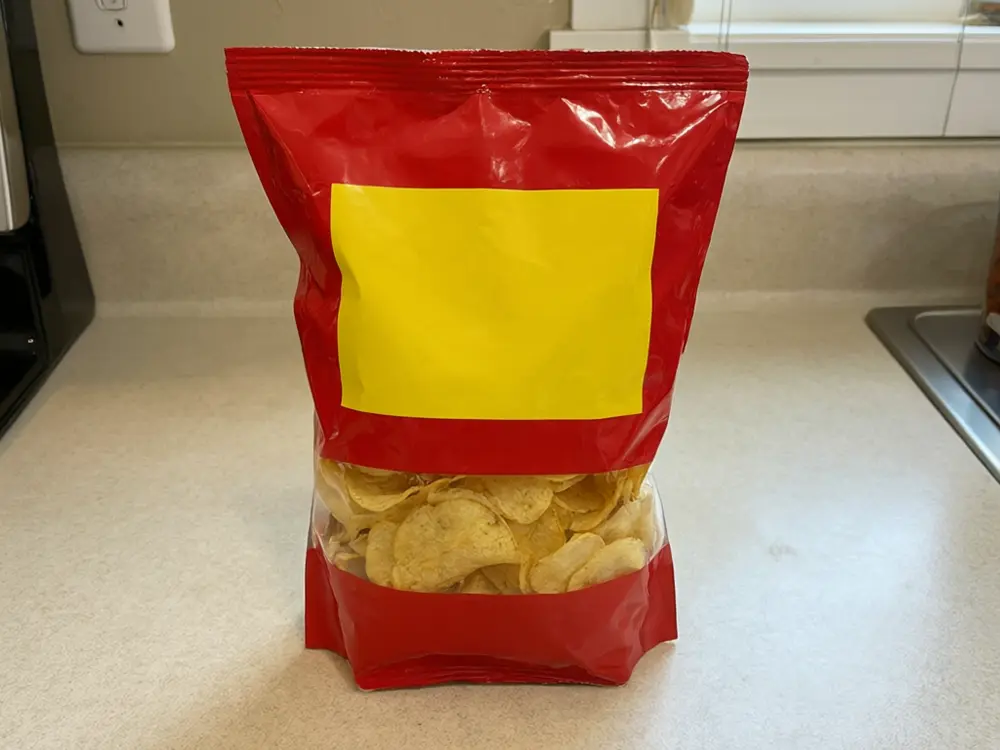
Drag to compare
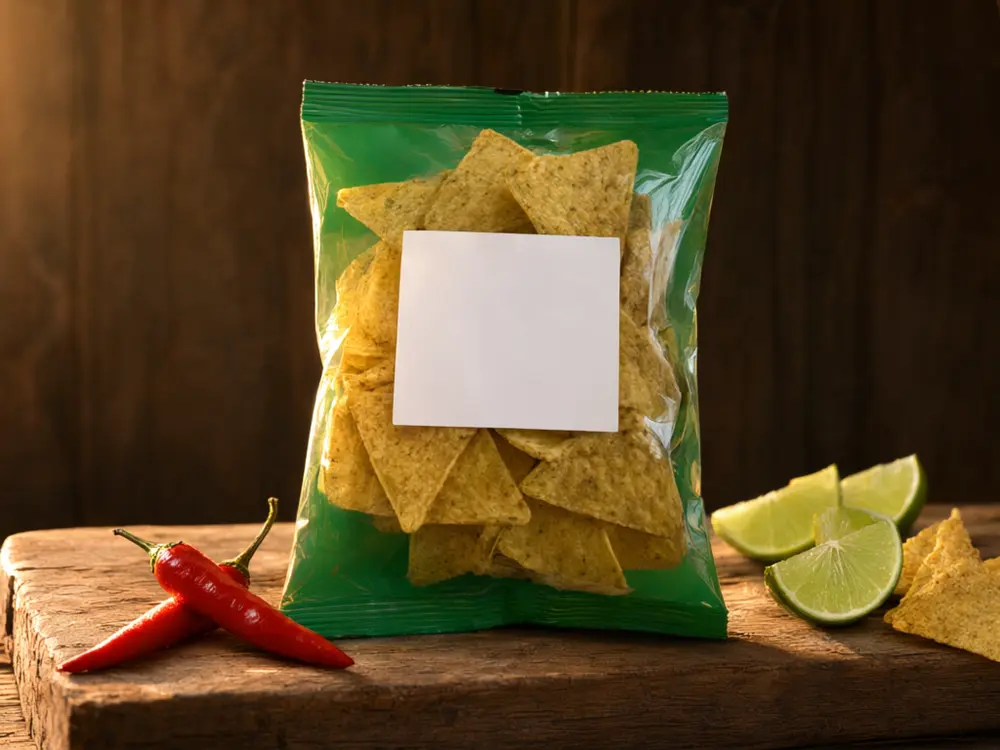
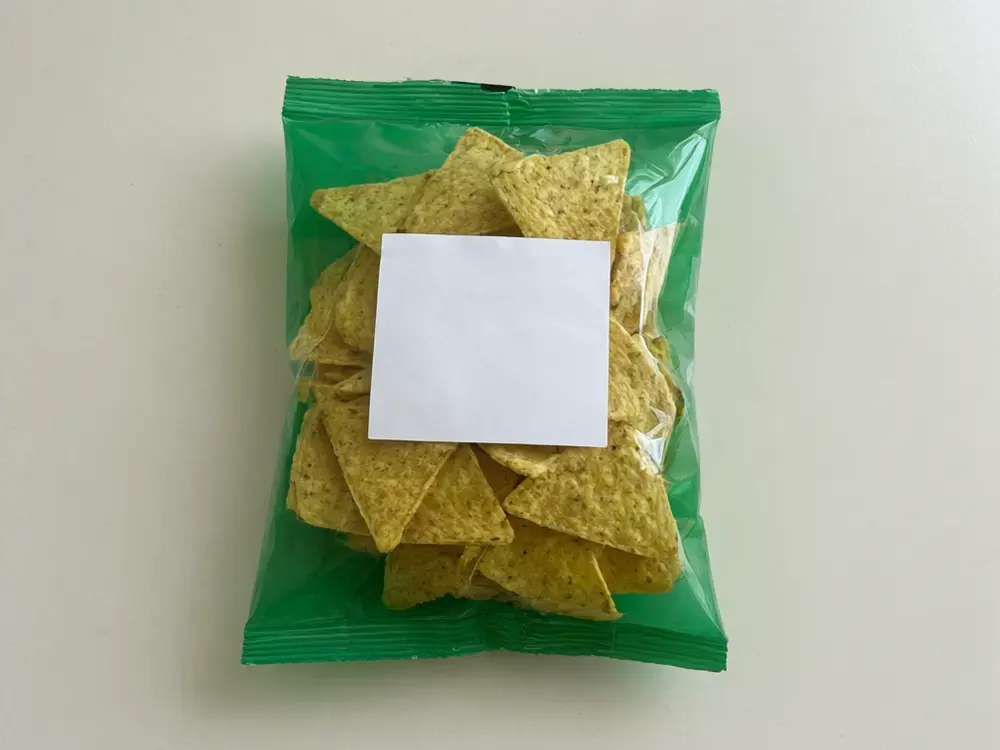
Drag to compare
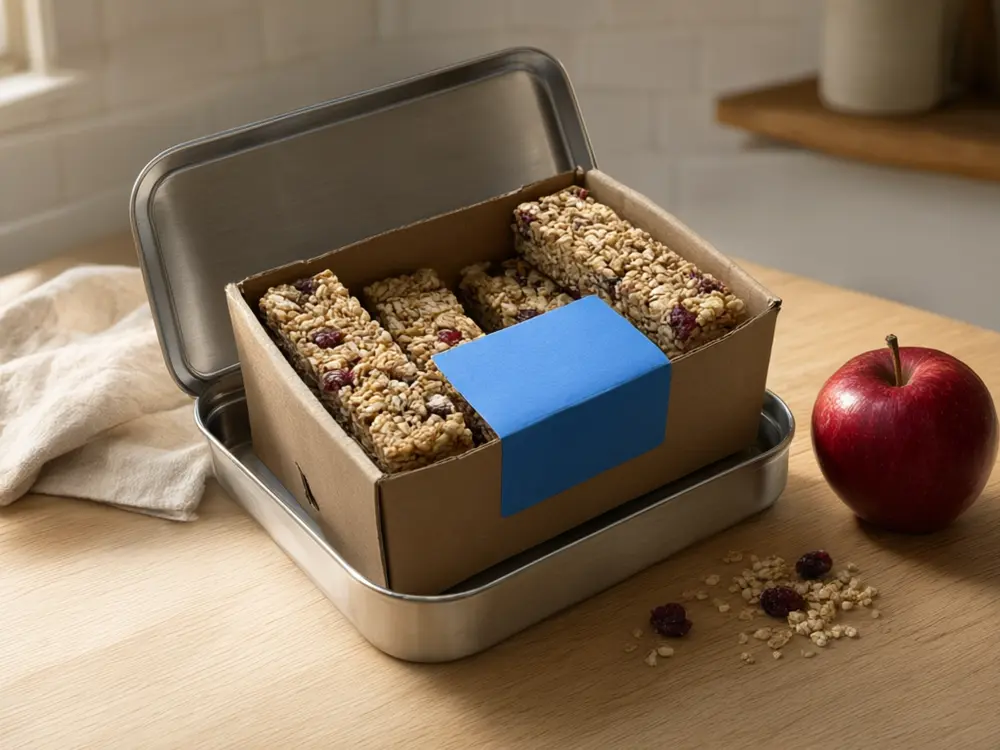
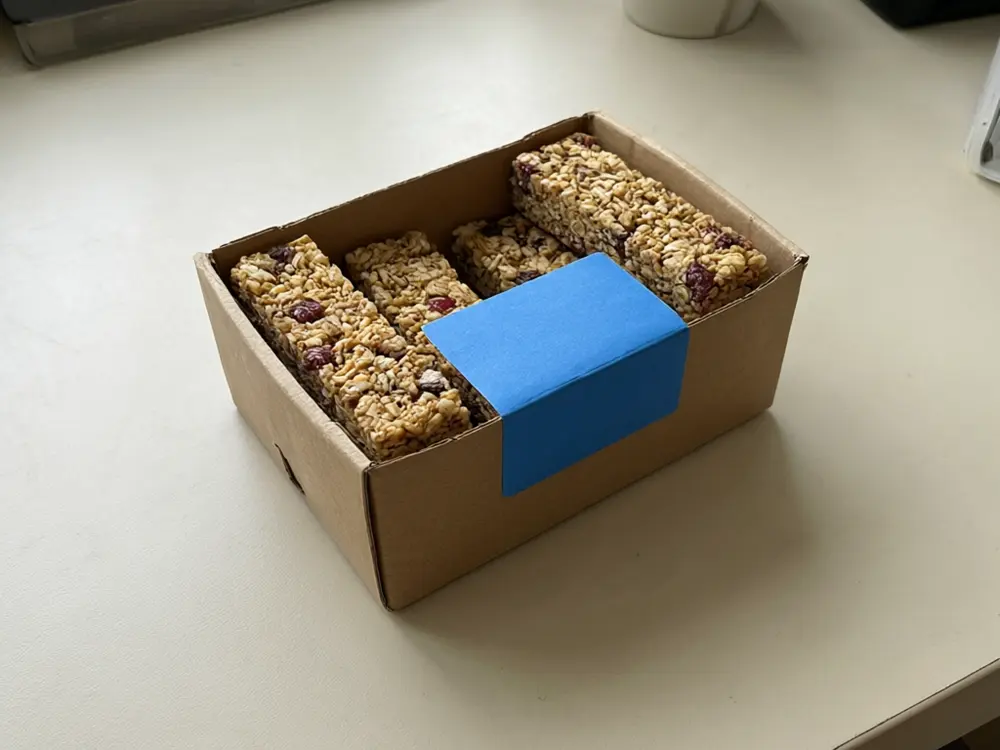
Drag to compare
Real, unretouched output from this tool. Drag any slider to compare.
Turn a plain photo of your snack pack, box, pouch or jar into a retail-ready hero image. Upload your photo, pick a clean pack shot, flavour ingredients, the food served beside the pack or an occasion scene, and the pack stays the same while the scene is built around it.
How the packaged food product photo works
You upload one photo of your food pack and choose what to change. The tool changes only the scene and keeps everything else the same.
Each run makes one image. Run it with other options to compare, then keep the one you like.
1
Use a clear photo
A sharp photo of the whole pack with the front facing the camera and as little glare on the printing as you can manage.
2
Try more than one option
Run a few colours or styles and compare them side by side before you decide.
3
Use it before you spend money
A picture is cheap to change. A real scene is not.
4
It is a preview
The picture shows a look. It is not a quote, a plan or a survey.
The scene options
4 modes plus your own.
1
Clean Pack Shot
Front-facing pack on a clean backdrop.
2
Flavour Ingredients
Ingredients that match the flavour.
3
Served Beside the Pack
The food out of the pack.
4
Occasion Scene
Where people eat it.
5
Your own description
Describe the change yourself.
Honest limits
It shows a scene on your photo. It is not a measured quote or a plan.
Sizes, spacing and exact products are approximate.
Food shown beside the pack is generated, so it must match what is really inside: check its shape, colour and portion against your product, and never use it to show ingredients or claims your label does not support.
Everything else should stay the same; compare the result with your photo.
More tools for your home
Next steps for your home.
Who uses a packaged food product photo
🏠
Snack and small food brands
✓Pack shots for Shopify, Amazon and retailer pages.
💡
Sauce, jam and spread makers
✓A jar on a table with the food served beside it.
🏢
Farmers market and home food sellers
✓Clean photos for a web shop without a studio.
📸
Food startups before launch
✓Ad and pitch images from the first packs.
⬜
Packaged Food Product Photo: Turn a Snack Pack or Jar Photo Into a Retail-Ready Hero Image
AI Tool
Upload your imageTap anywhere here — your AI design will appear in this space after you generate.JPG · PNG · WebP
Front-facing pack on a clean backdrop
Premium users can generate images without watermark
Higher quality options available for premium users
Be specific for better results0/400
Output quality:
Frequently Asked Questions
It is told to change only the scene and keep the pack or jar shape, printing, flavour name, nutrition panel, text and logo exactly as photographed. Compare the result with your photo.
Yes. Run one option and then another to compare.
A sharp photo of the whole pack with the front facing the camera and as little glare on the printing as you can manage.
It is told to keep the printing, the flavour name and the nutrition panel. Check every word at full size against your real pack.
The Served Beside the Pack mode adds food that matches your pack. Describe it in Additional Details, and check it looks like the real product.
Use the Clean Pack Shot on white as a start for the main image and check Amazon rules for your category. The other modes suit the extra image slots.