Your first generation is free when you sign up. Paid plans add credits, remove the watermark and unlock higher resolution.
TikTok Shop Product Photo AI: Make Clean Square and Lifestyle Photos of Your Product
TikTok Shop Product Photo AI: Make Clean Square and Lifestyle Photos of Your Product is a free AI tool. Upload a photo of your own product and get a clean square listing photo, a lifestyle image, a bold colour backdrop or a flat lay for your TikTok Shop gallery. Your product and label stay the same. Free to try.
Free to try · first generation free on signup · no credit card
1
Step 1
Upload Image
Start by uploading image
Upload your image
Click to browse or drag & drop
2
Step 2
Select Mode
Choose your transformation style
Clean square product photo on a plain backdrop
3
Step 3
Options
Configure your options
Related Tools
→try new exterior paint colors on your own photo
→redesign a home exterior from a single photo
→plan a new yard or garden layout from a photo
→repaint a car in any shade before you commit
Output quality:
Mode
Square Listing Photo
Your AI Design Will Appear Here
Fill in the options on the left, then press Generate.
Upload your image
Drag & drop your file here or click to browse
JPG, PNG, WebP
Max 10MB
AI Ready
Quick facts about TikTok Shop Product Photo AI: Make Clean Square and Lifestyle Photos of Your Product
- Tool nameTikTok Shop Product Photo AI: Make Clean Square and Lifestyle Photos of Your Product
- CategoryProduct Photo Tools
- PriceFree to try
- InputPhoto upload + text prompt
- OutputAI-generated image
Before / After
Example results
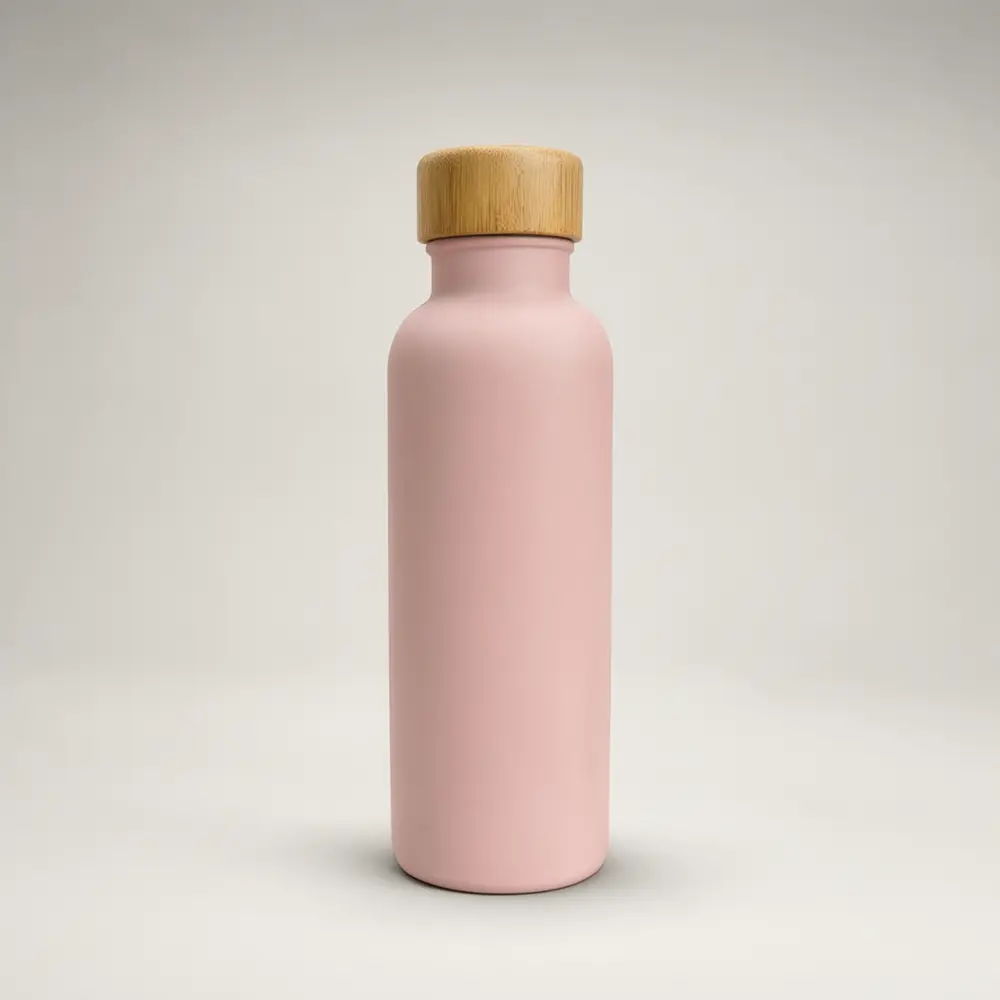
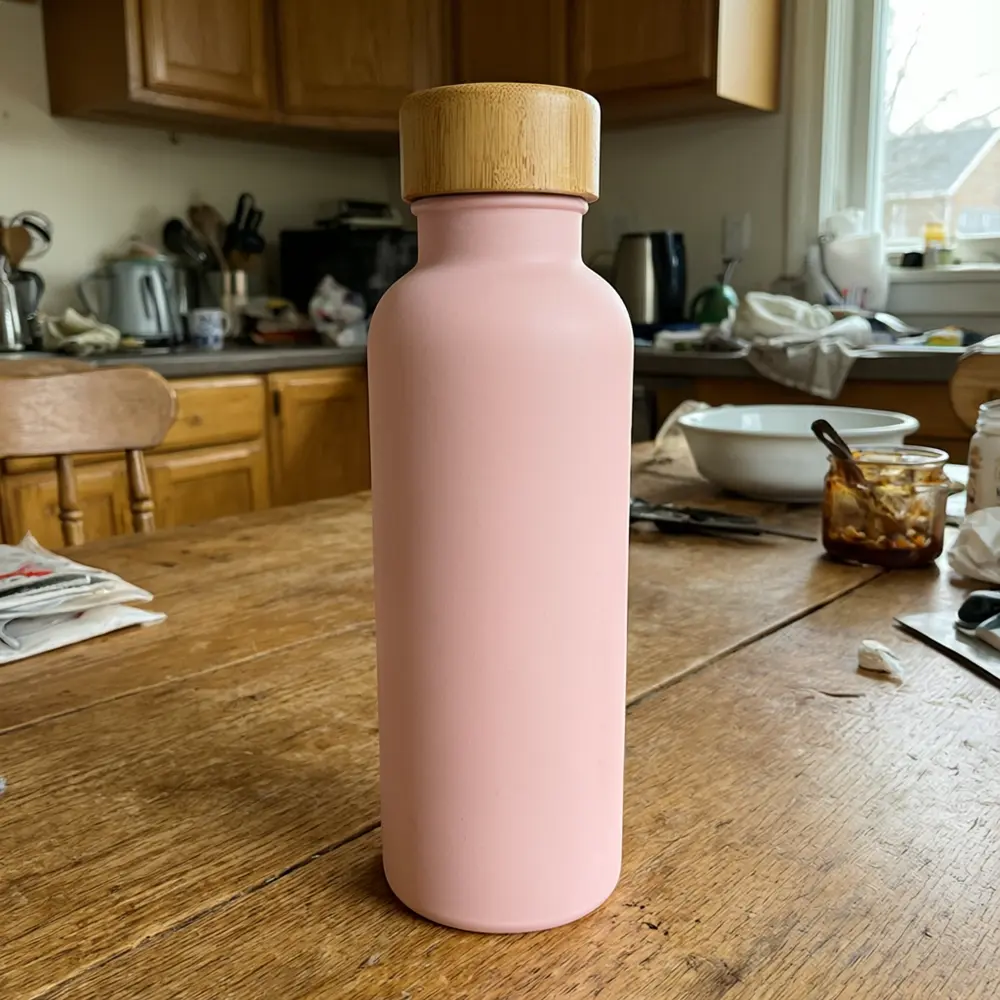
Drag to compare
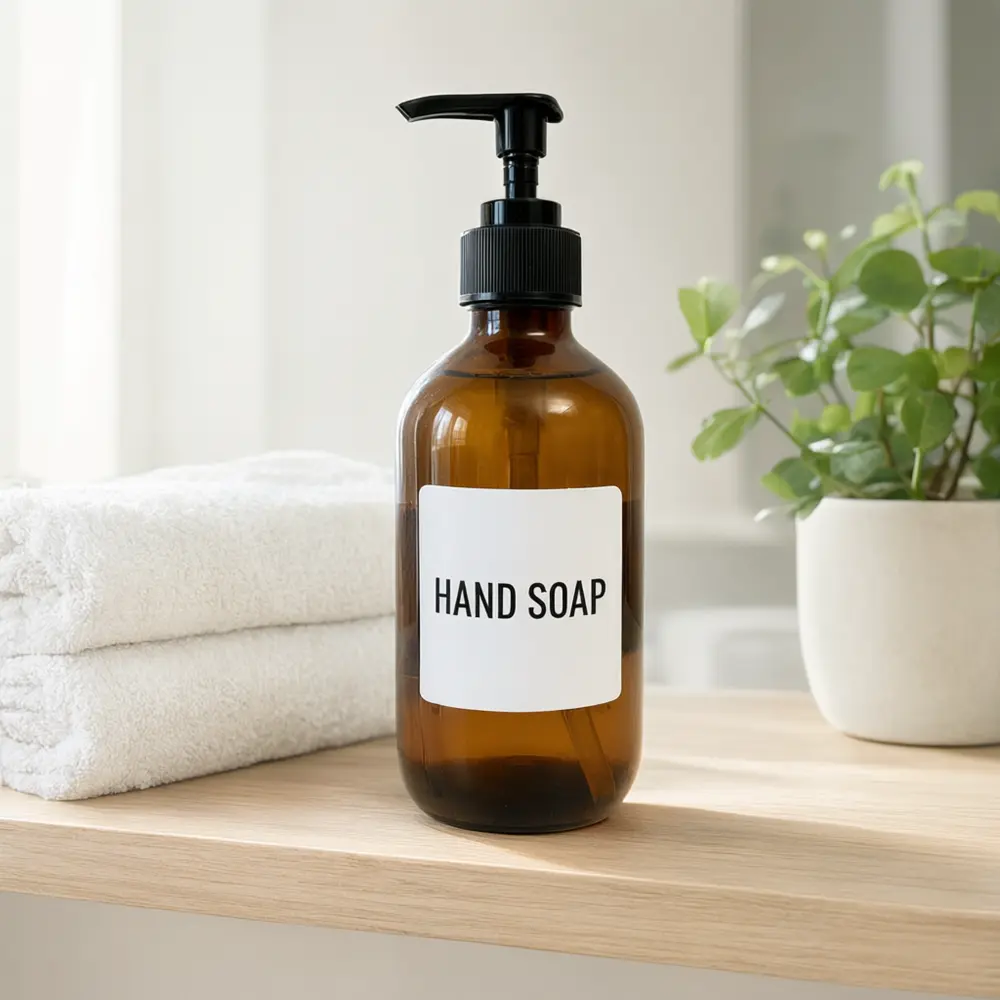
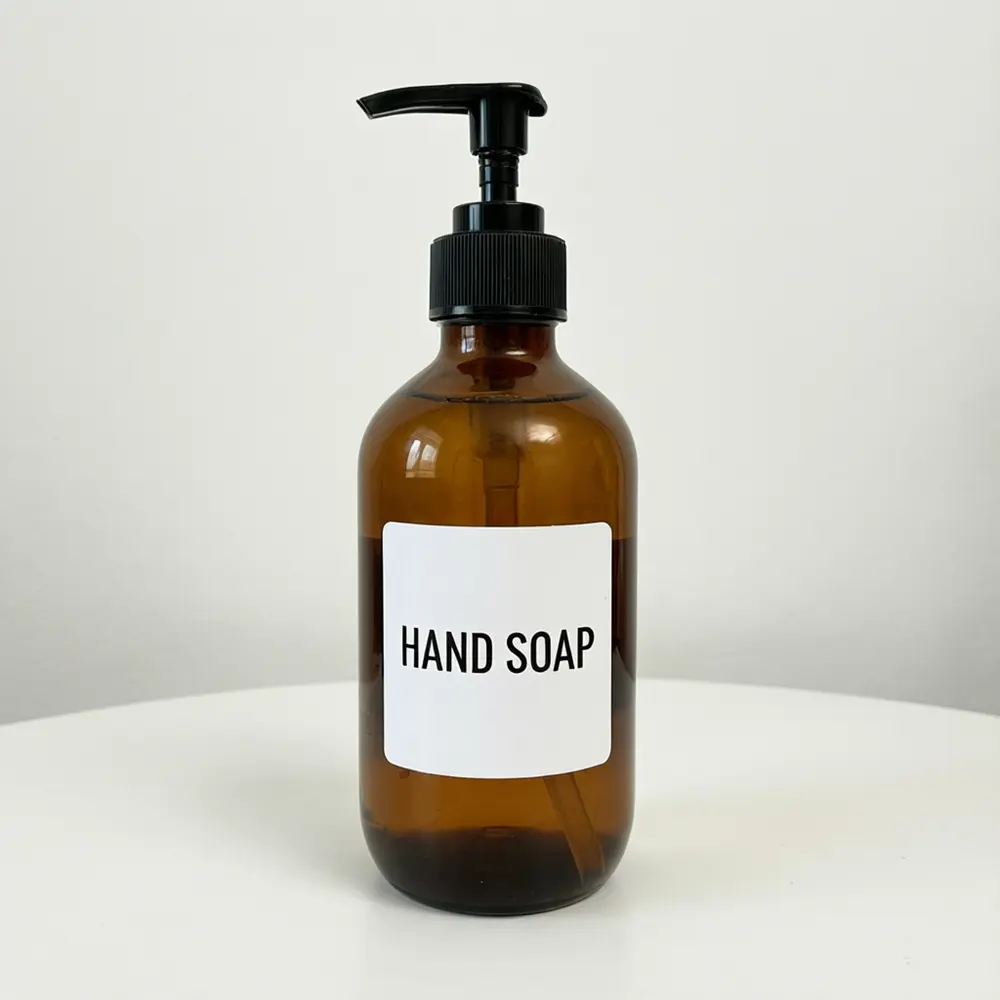
Drag to compare
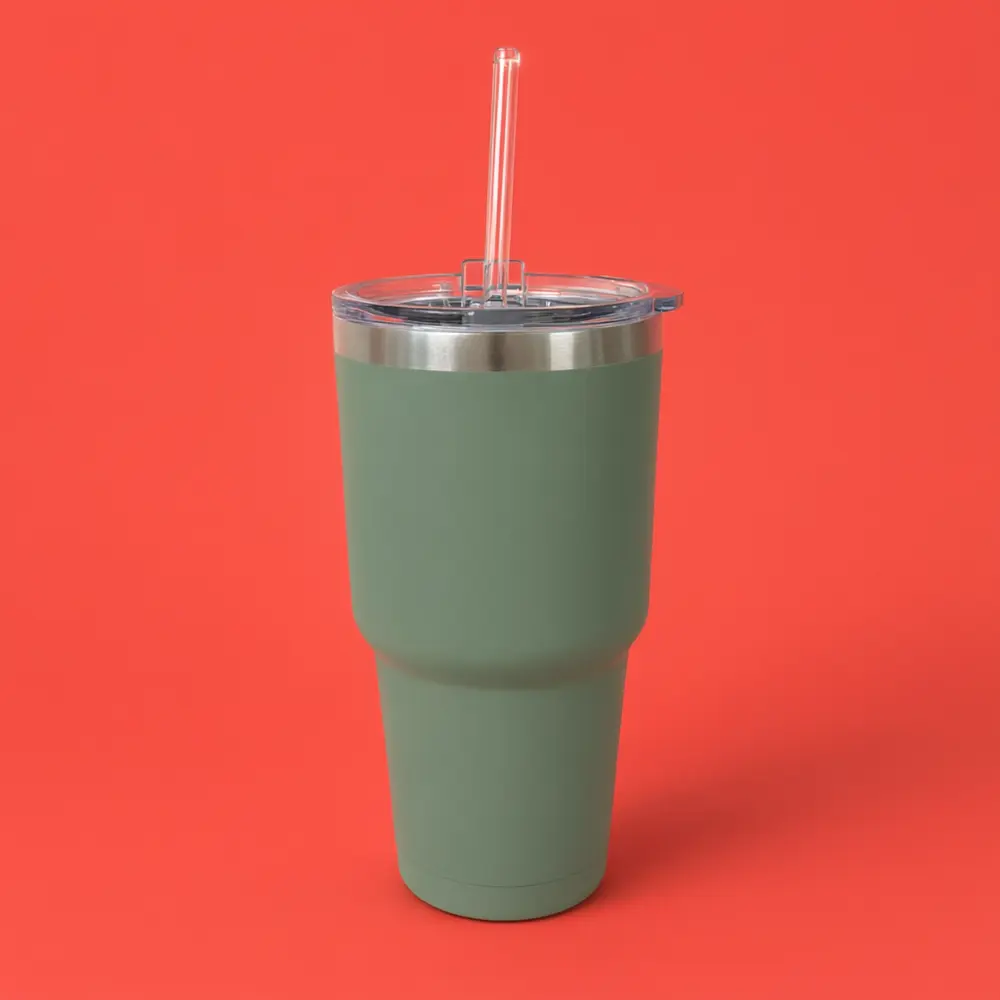
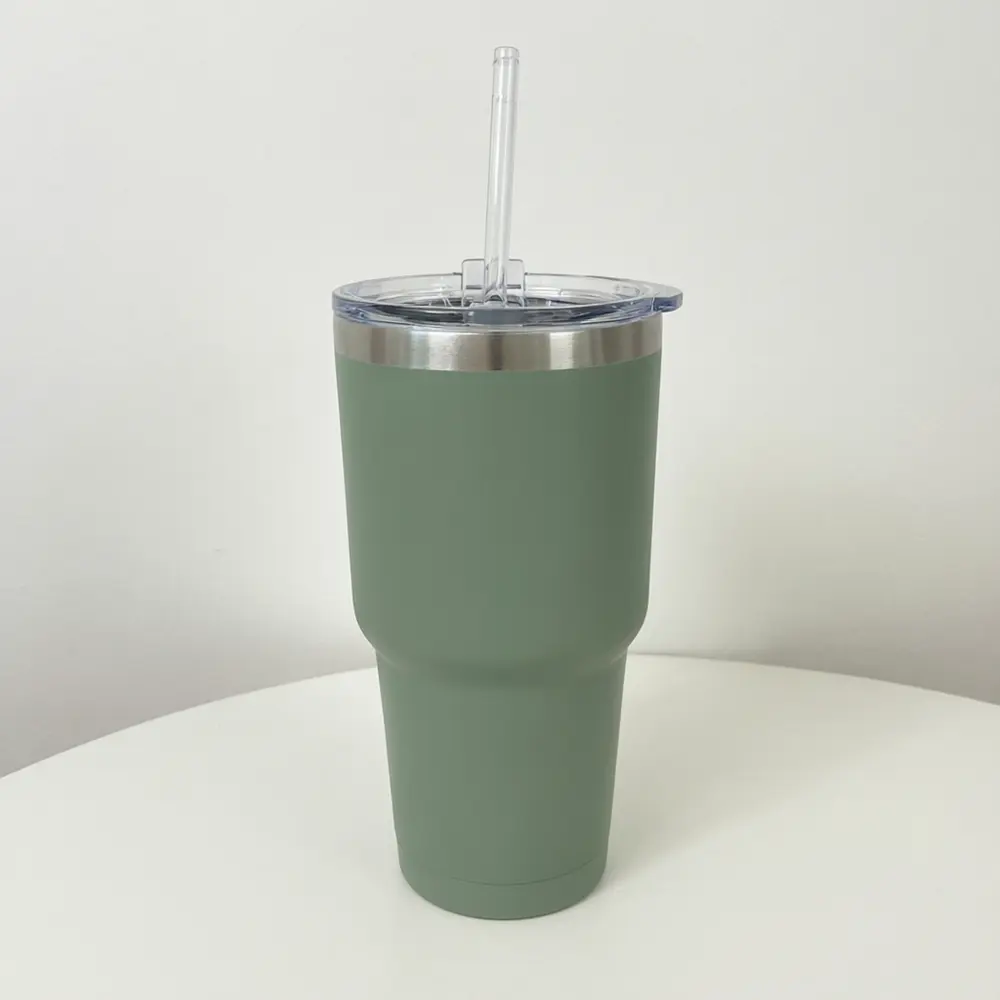
Drag to compare
Real, unretouched output from this tool. Drag any slider to compare.
A TikTok Shop listing needs several sharp, honest product images, and most sellers only have one phone photo taken on a messy table. Upload a photo of your own product, pick a mode, and get a clean square image, a lifestyle image, a bold colour backdrop or a flat lay. Your product and its label stay as you uploaded them, and only the backdrop and the light change.
How the TikTok Shop product photo tool works
You upload one photo of a product you sell and choose a mode, a backdrop and the light. The tool keeps the product, its shape, colours and label exactly as uploaded, and builds a clean backdrop or scene around it with a soft contact shadow.
Each run makes one image. Make a few, one for each slot in your gallery, and keep the ones that show the product best.
1
Upload a sharp product photo
The whole product in focus, label facing the camera, on a plain surface. A blurry or cropped photo gives a blurry or cropped product.
2
Pick the mode
Square Listing Photo for a clean backdrop, Lifestyle Image for a scene, Colour Pop for a bold colour, Flat Lay for a top-down shot.
3
Choose the backdrop
Pure white, light grey, pastel pink or pale blue for a clean look, or a bold colour for the feed.
4
Check before you upload
Zoom in on the label and the edges. AI can still blur small print, so run again if anything changed.
The TikTok Shop photo modes
Four modes plus your own.
1
Square Listing Photo
Your product centred on a clean seamless backdrop in soft studio or window light, framed with room to crop square.
2
Lifestyle Image
Your product on a bathroom shelf, kitchen counter, desk, bedside table or outdoor table, with no people.
3
Colour Pop
Your product on a bold coral, yellow, mint, blue or lilac backdrop, a flat colour, a paper podium or a leaf shadow.
4
Flat Lay
Your product from above on marble, wood, linen or pastel paper, alone or with a few leaves.
5
Your Own Description
Describe the scene yourself.
Honest limits
The result is an AI image of your product. It is not a TikTok-approved image, and the page makes no claim that it meets any TikTok Shop requirement. Image sizes, main image rules and AI-content rules change and differ by region, so check the current rules in TikTok Seller Center before you upload.
Show only what the customer will receive. The tool keeps your label as uploaded, but fine print can blur and the product size can drift, so check every image at full size and keep a real photo of the product for the listing if the rules ask for one.
Not affiliated with or endorsed by TikTok. The name TikTok Shop is used only to describe the kind of listing the photos are for. The page adds no logos, no badges and no text to your images.
More tools for your shop photos
Next steps for your product listing.
Who uses a TikTok Shop product photo tool
🏠
New TikTok Shop sellers
✓Fill the product gallery with clean images without a photoshoot.
✓Make a square listing image, a lifestyle image and a flat lay of the same product.
💡
Dropshippers and small brands
✓Tidy a messy supplier or phone photo before you list.
🏢
Etsy and Shopify sellers
✓Reuse the same clean images across several shops.
📸
Affiliate and creator shops
✓Make a bold colour image to stand out in the feed.
⬜
TikTok Shop Product Photo AI: Make Clean Square and Lifestyle Photos of Your Product
AI Tool
Upload your imageTap anywhere here — your AI design will appear in this space after you generate.JPG · PNG · WebP
Clean square product photo on a plain backdrop
Premium users can generate images without watermark
Higher quality options available for premium users
Be specific for better results0/400
Output quality:
Frequently Asked Questions
No. Not affiliated with or endorsed by TikTok. The name TikTok Shop is used only to describe the kind of listing the photos are for.
The page cannot promise that. Image sizes, main image rules and AI-content rules change and differ by region, so check the current rules in TikTok Seller Center before you upload.
The tool is told to keep your product, its shape, colours and label exactly as uploaded and to add no words. Very small print can still blur, so zoom in and run again if anything changed.
No. The tool is told to add no logos, text, badges, borders or watermarks, so your images stay clean for your own edits.
A sharp photo of the whole product with the label facing the camera, on a plain surface, in even light, with a little space around it.
No. The page makes backdrops and scenes only, with no people, hands or faces.
Yes. From the actions under a finished image you can make a short video.