Yes. Upload a listing photo, choose a camera move, and the tool makes a short clip. Make one clip per room and join them in a video editor to make a tour. Check each clip against the real property first.
Real Estate Listing Video Maker: Turn a Listing Photo Into a Short Video Clip
Real Estate Listing Video Maker: Turn a Listing Photo Into a Short Video Clip is a free AI tool. Upload a listing photo and get a short video clip with a smooth walkthrough, exterior reveal or golden-hour move. Make one clip per room and join them into a tour. The price shows before you generate.
Free to try · first generation free on signup · no credit card
1
Step 1
Upload Image
Start by uploading image
Upload your image
Click to browse or drag & drop
2
Step 2
Select Mode
Choose your transformation style
A slow, steady push into a room
3
Step 3
Options
Configure your options
Related Tools
→try new exterior paint colors on your own photo
→redesign a home exterior from a single photo
→plan a new yard or garden layout from a photo
→repaint a car in any shade before you commit
Output quality:
Mode
Interior Walkthrough
Your AI Design Will Appear Here
Fill in the options on the left, then press Generate.
Upload your image
Drag & drop your file here or click to browse
JPG, PNG, WebP
Max 10MB
AI Ready
Quick facts about Real Estate Listing Video Maker: Turn a Listing Photo Into a Short Video Clip
- Tool nameReal Estate Listing Video Maker: Turn a Listing Photo Into a Short Video Clip
- PriceFree to try
- InputPhoto upload + text prompt
- OutputAI-generated video
Before / After
Example results
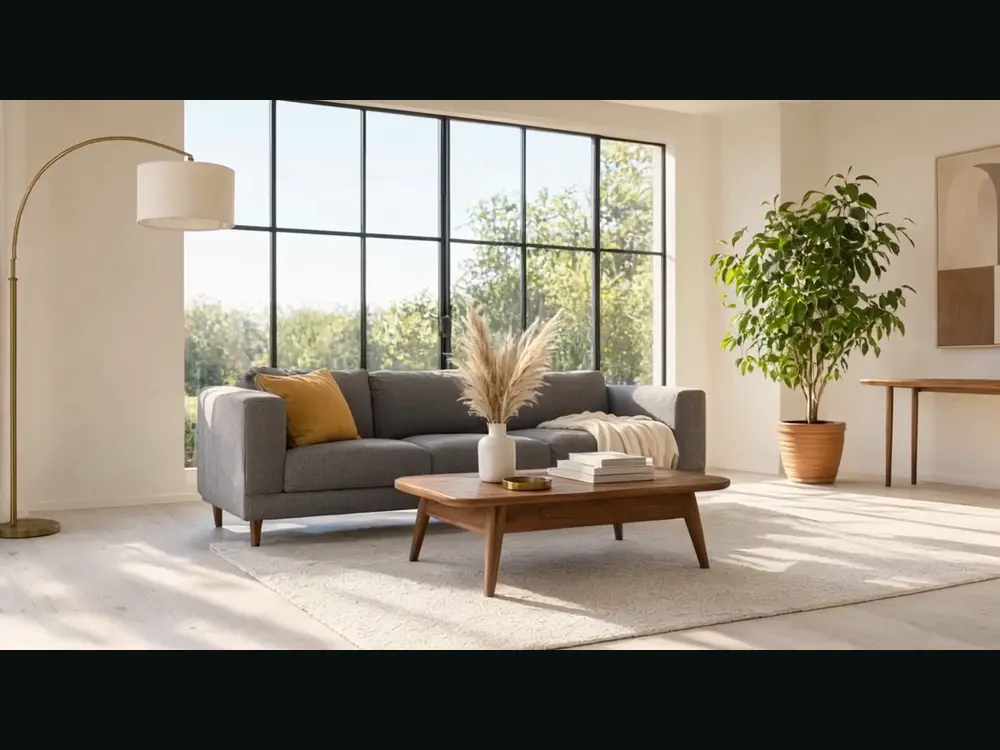

Drag to compare
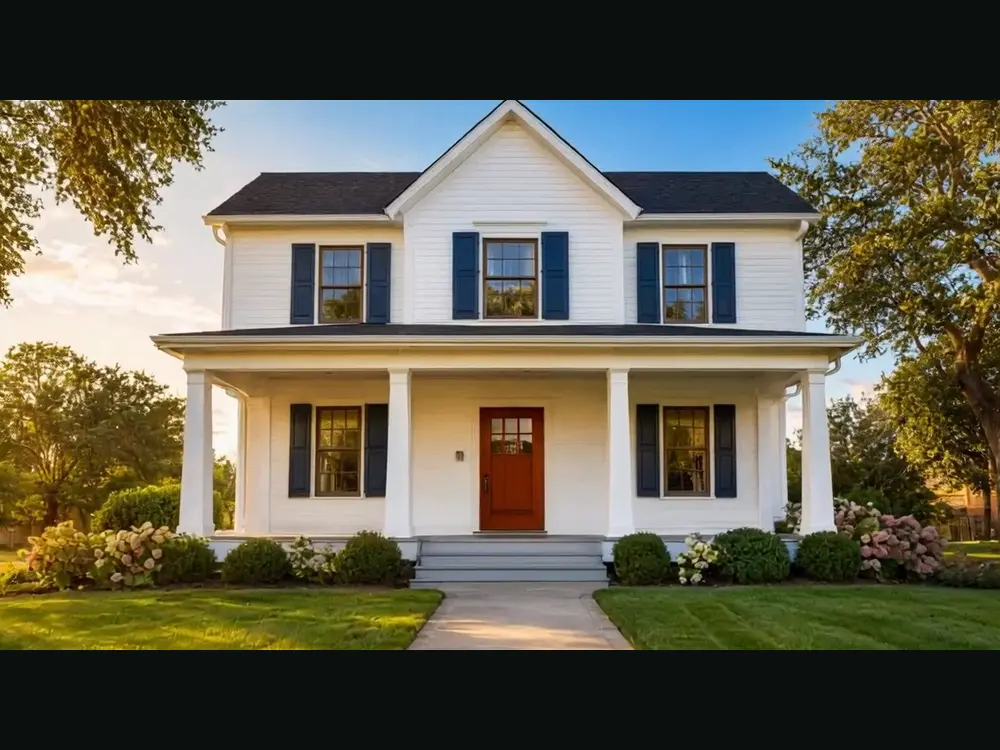
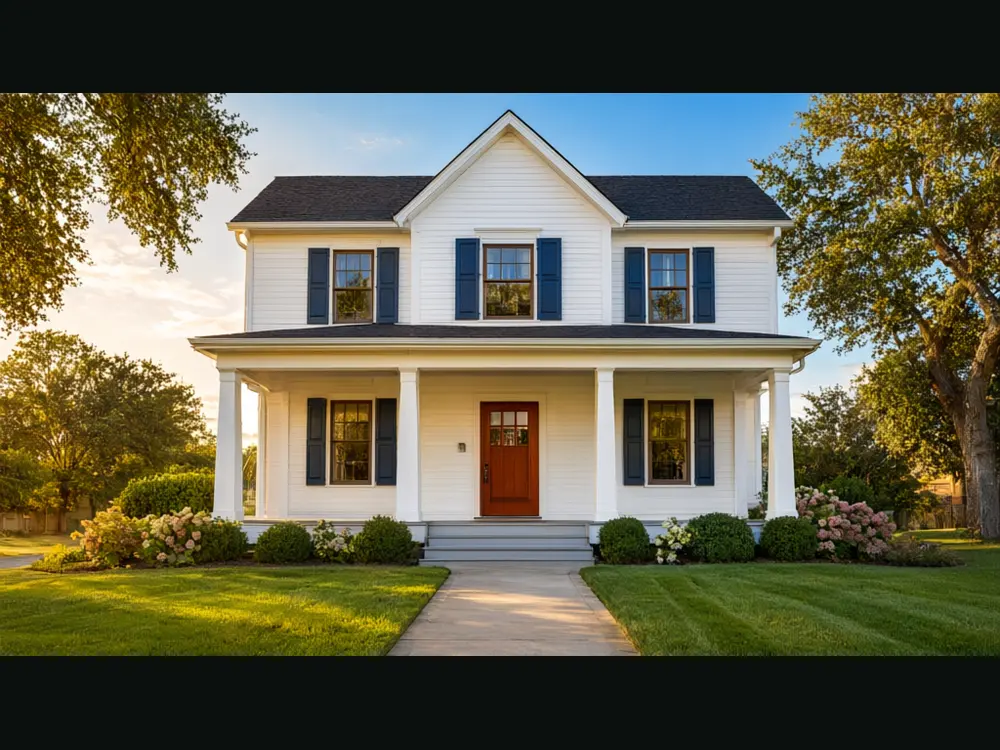
Drag to compare
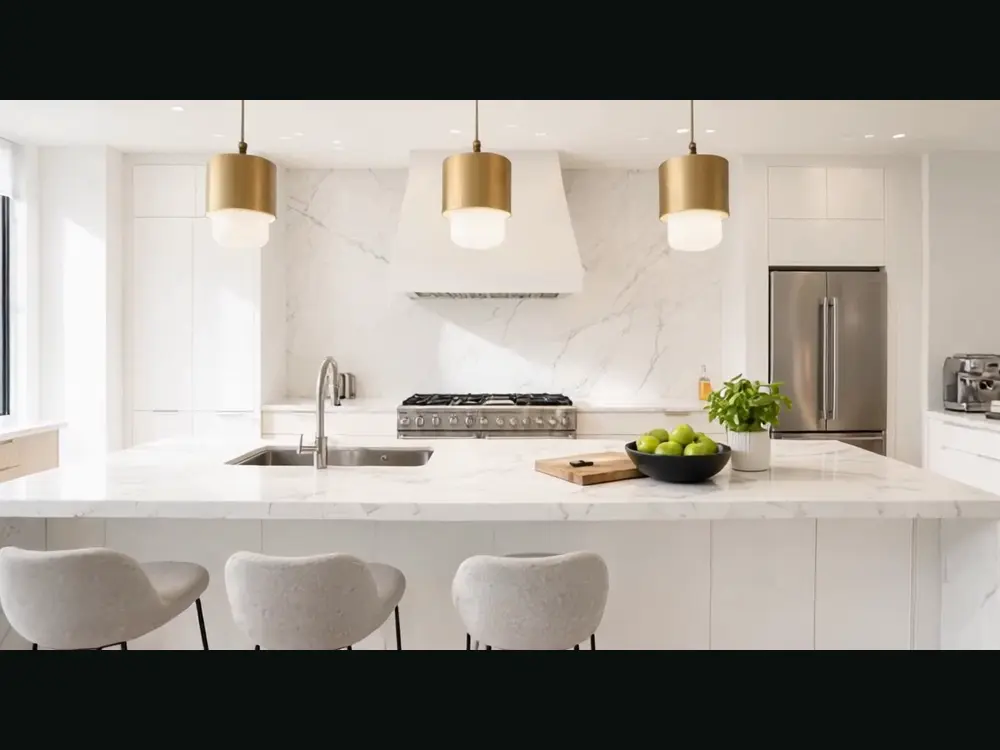
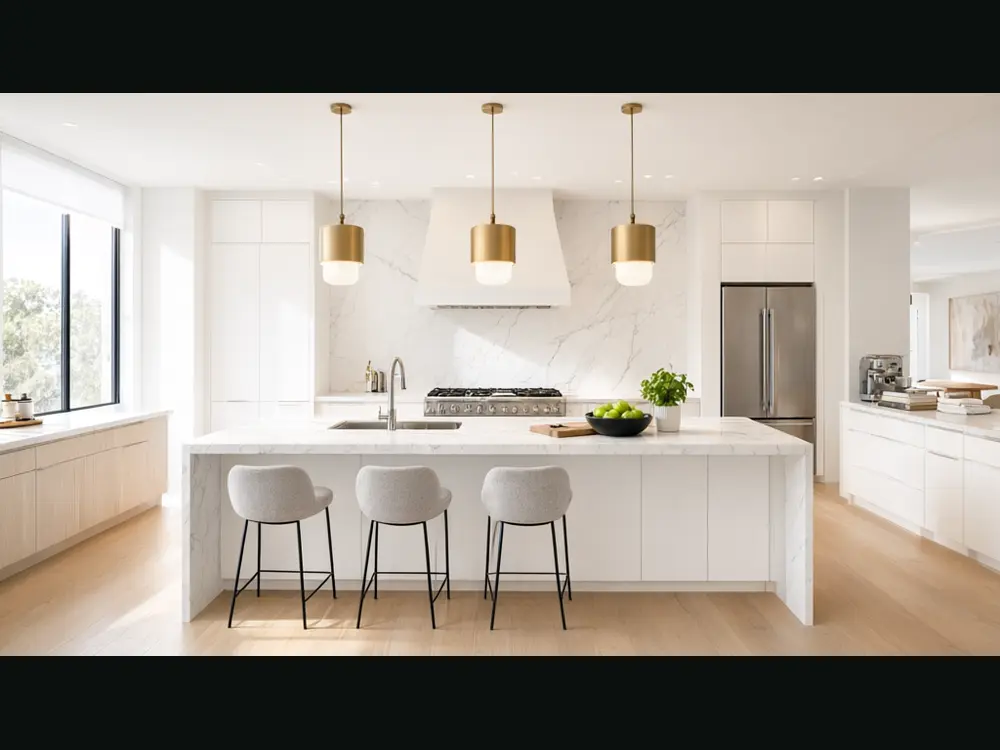
Drag to compare
Real, unretouched output from this tool. Drag any slider to compare.
Listings with video get more attention than listings with photos alone, and a drone and video shoot is slow and costly. Upload a listing photo, pick a camera move, and the tool makes a short clip with a smooth, steady motion through the room or around the front of the home. Make one clip per room, then join them into a property tour. The price of each clip shows before you generate.
How the real estate listing video maker works
The tool animates your photo. It moves the camera and the light a little, while the property itself is told to stay exactly as photographed. Each clip is about five seconds.
A full tour is several clips joined together. This tool makes the clips; you add music, titles and your logo in a video editor, or in the app where you post.
1
Upload one listing photo
Pick a sharp, level photo with good light. Straight verticals and a clear view of the room give the smoothest motion.
2
Pick a camera move
Five moves, from a slow interior walkthrough to a vertical social reel.
3
Choose the video model
The lowest-cost model is selected by default. The price shows before you start.
4
Generate, check and download
Check the clip against the real room, then download the MP4.
Which camera move to choose
Match the move to the photo and to where the video will run.
1
Interior walkthrough
A slow, steady push into the room. Best for living rooms, bedrooms and open-plan spaces.
2
Exterior reveal
A gentle rise and drift toward the front of the home. Best for curb appeal and the first clip of a tour.
3
Golden hour
Warm light moving across the scene. Best for exteriors, patios and gardens taken in good light.
4
Room detail
A slow glide across one feature such as a kitchen island, a bathroom vanity or a fireplace.
5
Social reel
A quick, bright move for Instagram Reels, TikTok and YouTube Shorts. Upload a vertical photo.
Honest limits for listing video
Listing media must show the real property. The tool is told not to add, remove or improve anything, but AI video can still drift on small details such as furniture edges, window frames or a garden. Watch the full clip against the room, and run it again or use the still photo if anything changes.
Check the rules of your MLS, your portal and your local regulator on edited or AI-generated media, and disclose when required. Never use a clip to show features the property does not have.
Clips are short, about five seconds. A tour is made by joining several clips. No voice, music or text is added.
More tools for agents and sellers
Prepare the photos before you animate them.
Who uses a real estate listing video maker
🏠
Real estate agents
✓Add a video to every listing and post a clip of each new home as a reel.
💡
Real estate photographers
✓Offer clips from the photos you already shot, without a second visit.
🏢
Property managers and landlords
✓Make a short clip of a rental for a listing site or a social post.
📸
Home sellers and Airbnb hosts
✓Turn your own photos into a clip for a listing or a booking page.
🛋️
Real Estate Listing Video Maker: Turn a Listing Photo Into a Short Video Clip
AI Tool
Upload your imageTap anywhere here — your AI design will appear in this space after you generate.JPG · PNG · WebP
A slow, steady push into a room
Be specific for better results0/400
Lowest-cost clips, 720p or 1080p, up to 15s.
Good
Output quality:
Frequently Asked Questions
About five seconds by default. A tour is made by joining several clips with music and titles in a video editor.
The price shows before you generate and depends on the model, length and resolution. The lowest-cost model is selected by default.
The tool is told to keep the rooms, furniture and finishes exactly as photographed, and not to add or enlarge anything. AI video can still drift on small details, so watch the full clip and run again if something changes.
Rules differ by portal, MLS and region, and many require that edited or AI-generated media is not misleading and is disclosed. Check the current rules for where you post.
No. Those tools join many photos with templates, music and text. This tool turns one photo into a moving clip. Use it to make clips, then join them in the editor you like.
A sharp, level, well-lit photo of one room or the front of the home, as large as you have. Wide photos give wide videos and vertical photos give reels.
No. Add your own music, captions, logo and voiceover in a video editor or in the app where you post.
New users get free credits to try. Videos cost more than images, and the exact price shows before you generate.