
How to use Size Guide Shots on AI Two
Create apparel size guide stills with Size Guide Shots in Fashion Studio.
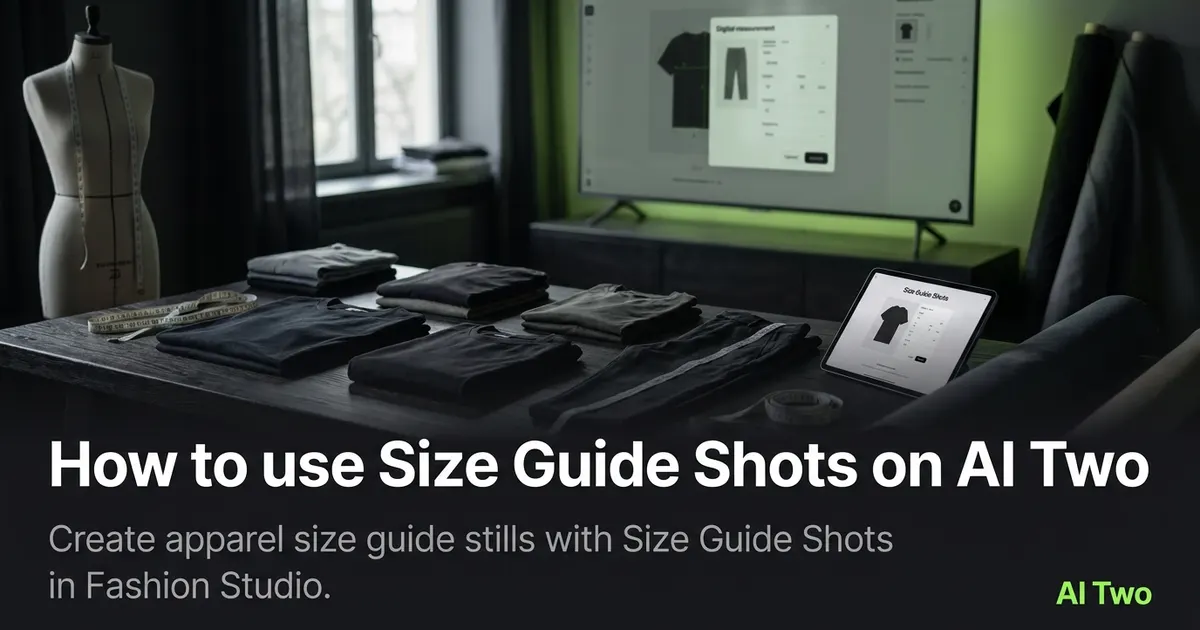
Size Guide Shots on AI Two is the Fashion Studio ecommerce page I open when an apparel seller needs a size chart style still for a product detail page without booking a studio day for every measurement pose. You upload an approved garment or on model base, run Size Guide Shots, and download a listing oriented frame that reads like a visual size aid beside your written chart. When I tested a structured blazer after ghost mannequin prep, the frame kept shoulder and hem lines stable enough to pair with chest and length numbers I already list in copy. I treat outputs as seller marketing assets, not legal proof of fit. Credits meter each generation. Free signup credits covered several size guide moods for me on one hero SKU before I batched the rest of the line on a paid plan.
What Size Guide Shots does
You upload a sharp apparel base photo, run Size Guide Shots, and download a still framed for size chart context on ecommerce product pages.
When I tested size guide versus flat lay on the same dress, the size guide frame left room for measurement callouts in the listing layout while flat lay stayed the hero thumbnail.
Fashion Studio lists this page in the ecommerce photography cluster beside Ghost Mannequin, Clothing Flat Lay, Fashion Lookbook, and category photography pages.
Built for sellers who need visual size aids for SKU listings. It is not a personal styling page and it does not replace measured dimensions in product copy.
I open Size Guide Shots after packshot or ghost mannequin bases are approved so fabric detail is already locked.
Free signup credits covered three size guide tests for me on one jacket SKU. Paid plans raise monthly limits when you shoot a full seasonal line.
In my experience, size guide frames fail when the source is soft. I fix the base photo before I spend layout credits.
I save size guide downloads beside flat lay outputs with the same SKU code for channel specific uploads.
For wholesale buyers I still paste chest, waist, hip, and length numbers from the spec sheet. The still supports the chart; it does not invent measurements.
How to run it step by step
Step one: sign in or create a free account. Step two: confirm the garment base already looks correct on a sharp photo. Step three: open Size Guide Shots and keep defaults on run one. Step four: generate and wait about 30 seconds. Step five: download or compare one setting change beside the original.
I copy measured sizes from the tech pack into the listing draft before I generate so text and still stay aligned.
When I tested a row of knit tops, I reused one approved ghost mannequin base across six SKUs instead of reshooting each hanger.
Credits apply per generation. I approve two hero frames max during tests, then batch the SKU list once creative signs off.
If logos smear at zoom, I stop and return to Ghost Mannequin or Clothing Flat Lay before more size guide runs.
I change one setting per run. Combined changes make it hard to repeat success on the next SKU.
I label downloads with SKU, frame type, and date before I upload to marketplace backends.
My second run only adjusts pose or background tone after seam sharpness passes. Changing both at once hides which control helped.
Which photo works best
Start from a sharp on model or ghost mannequin photo with readable seams and full garment length in frame.
I keep a base approved folder that only holds files cleared for listing use. That stops me from running size guide on a draft try on I already rejected.
Even lighting in the source helps measurement lines stay believable across a collection page. Harsh window streaks on one SKU stand out beside neighbors.
Avoid heavy filters before upload. Size guide tools amplify what you give them.
If the garment is cropped at the hem, the frame cannot support length notes shoppers compare on dresses and coats.
White balance should match across the line when you build a size chart gallery. Mixed bulbs make navy and black SKUs look unrelated.
On model bases need clean edges around hair and shoulders when the listing shows fit at the neckline.
When prints are the selling point, I upload the highest resolution file the camera allows so stripe edges stay crisp beside size copy.
Mistakes I avoid
Treating the AI still as the only size chart. I still list measured dimensions in product copy from the flat photo and spec sheet.
Running size guide before the garment base is approved on Ghost Mannequin or flat lay. Layout tools cannot fix a wrong size or soft logo.
Batching twelve SKUs before one size guide test passes full zoom on logos and seams.
Mixing size guide outputs from different white balances in one collection grid.
Using consumer try on photos when the channel needs neutral seller packshots first.
Forcing size guide reruns when Fashion Lookbook or catalog hero frames are the brief the channel actually needs.
When to use another tool
Need a marketplace hero thumbnail? Clothing Flat Lay or Ghost Mannequin. Need multi look sets? Fashion Lookbook. Need catalog grid frames? Fashion Catalog in the shoot types cluster after packshots are approved.
If the garment still needs packshot prep, open Fashion Ecommerce Photography hub pages first.
The ecommerce photography cluster guide maps sibling pages. Casting and try on clusters come earlier when the model body or garment swap is still wrong.
After the download
I paste the same chest, waist, and length numbers from the tech pack into the listing beside the still so support tickets stay consistent.
When a marketplace rejects an aspect ratio, I crop from the size guide master without rerunning unless fabric detail was lost.
I attach SKU codes to filenames and share one folder link with the client instead of scattered chat attachments.
If one SKU in the line needs a lookbook frame for social, I run Fashion Lookbook from the same approved base after the size guide is live.
For reorder seasons I archive the size guide master beside the source photo so the next drop reuses the same pipeline.
FAQs
Related studio guides
How to use Fashion Ecommerce Photography on AI Two
Produce marketplace ready apparel catalog stills with Fashion Ecommerce Photography in Fashion Studio.
Read guide
How to use Ghost Mannequin Clothing on AI Two
Turn apparel photos into hollow mannequin catalog stills with Ghost Mannequin Clothing in Fashion Studio.
Read guide
How to use Clothing Flat Lay on AI Two
Turn a clothing product photo into a clean flat lay catalog still with Clothing Flat Lay in Fashion Studio.
Read guide