Your first generation is free when you sign up. Paid plans add credits, remove the watermark and unlock higher resolution.
AI Image Color Changer: Change the Color of Any Object in Your Photo
AI Image Color Changer: Change the Color of Any Object in Your Photo is a free AI tool. Upload a photo, name the object, pick a color or type a hex code. The AI recolors it and keeps the texture, shadows and everything else the same.
Free to try · first generation free on signup · no credit card
1
Step 1
Upload Image
Start by uploading image
Upload your image
Click to browse or drag & drop
2
Step 2
Select Mode
Choose your transformation style
Name the object and choose a color from the palette
3
Step 3
Options
Configure your options
Related Tools
→try new exterior paint colors on your own photo
→redesign a home exterior from a single photo
→plan a new yard or garden layout from a photo
→repaint a car in any shade before you commit
Output quality:
Mode
Pick a Color
Your AI Design Will Appear Here
Fill in the options on the left, then press Generate.
Upload your image
Drag & drop your file here or click to browse
JPG, PNG, WebP
Max 10MB
AI Ready
Quick facts about AI Image Color Changer: Change the Color of Any Object in Your Photo
- Tool nameAI Image Color Changer: Change the Color of Any Object in Your Photo
- CategoryHome Design
- PriceFree to try
- InputPhoto upload + text prompt
- OutputAI-generated image
Before / After
Example results
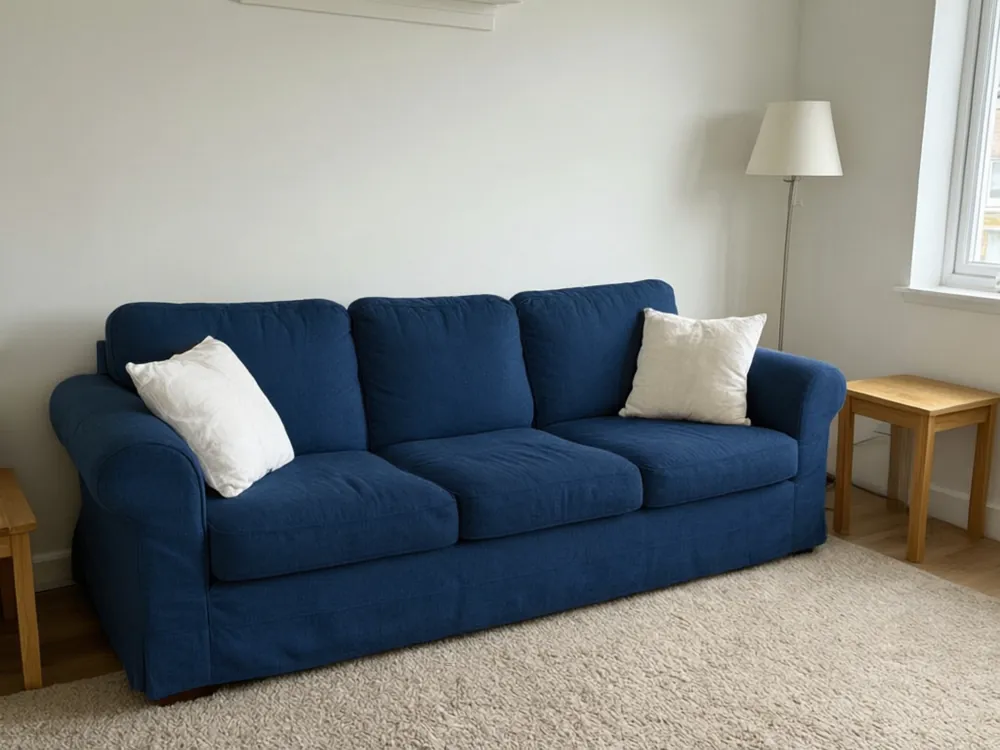
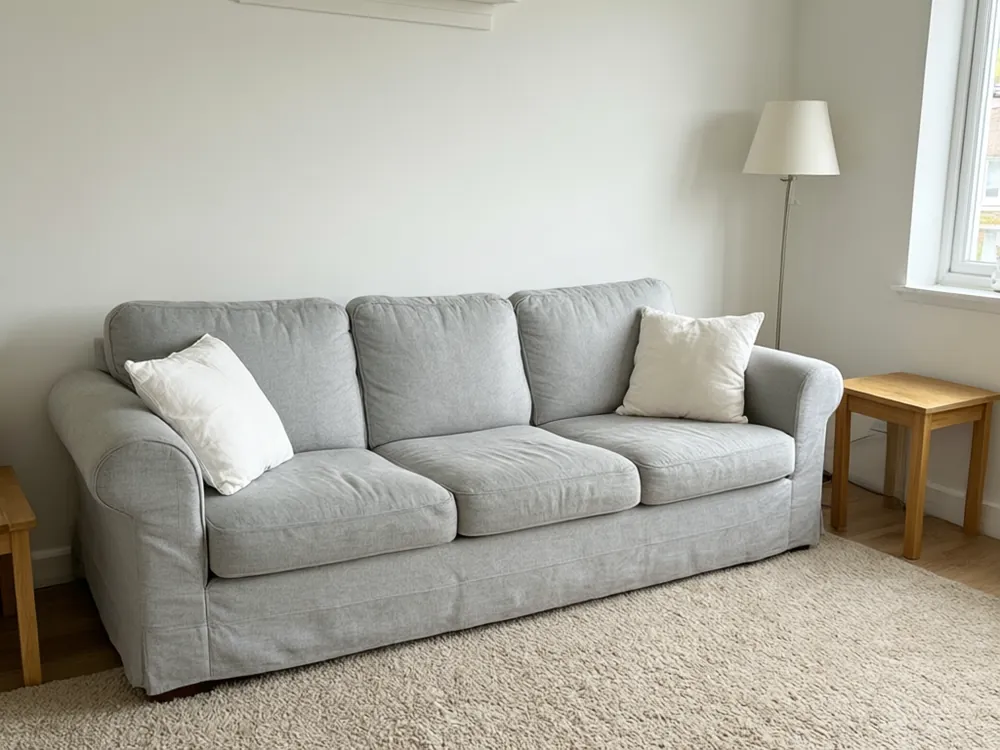
Drag to compare
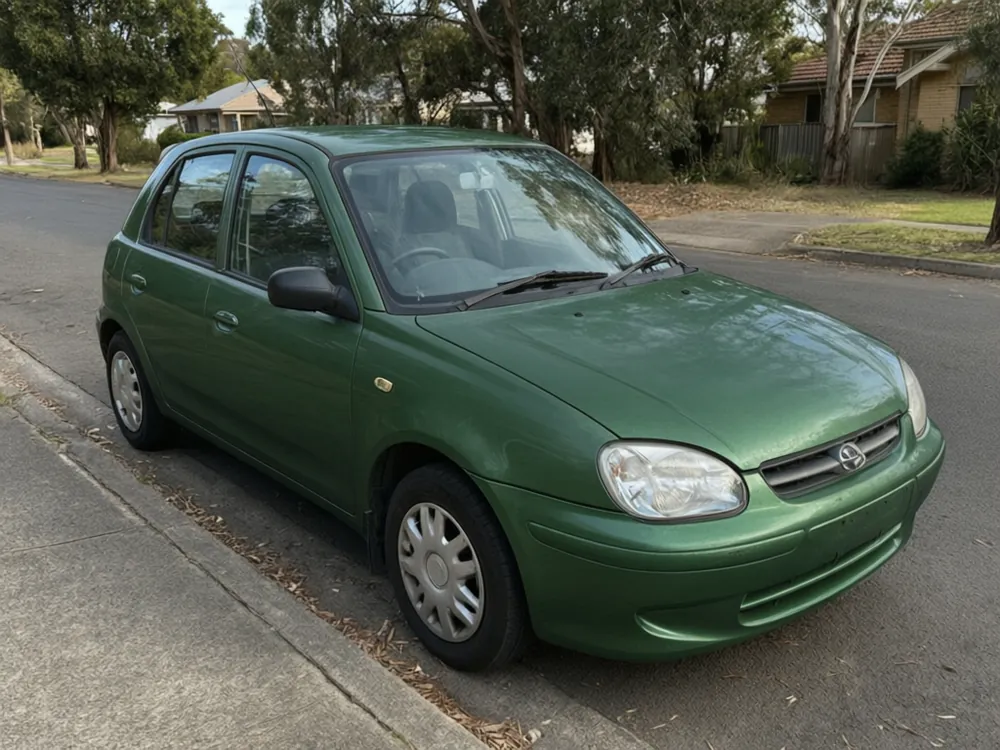
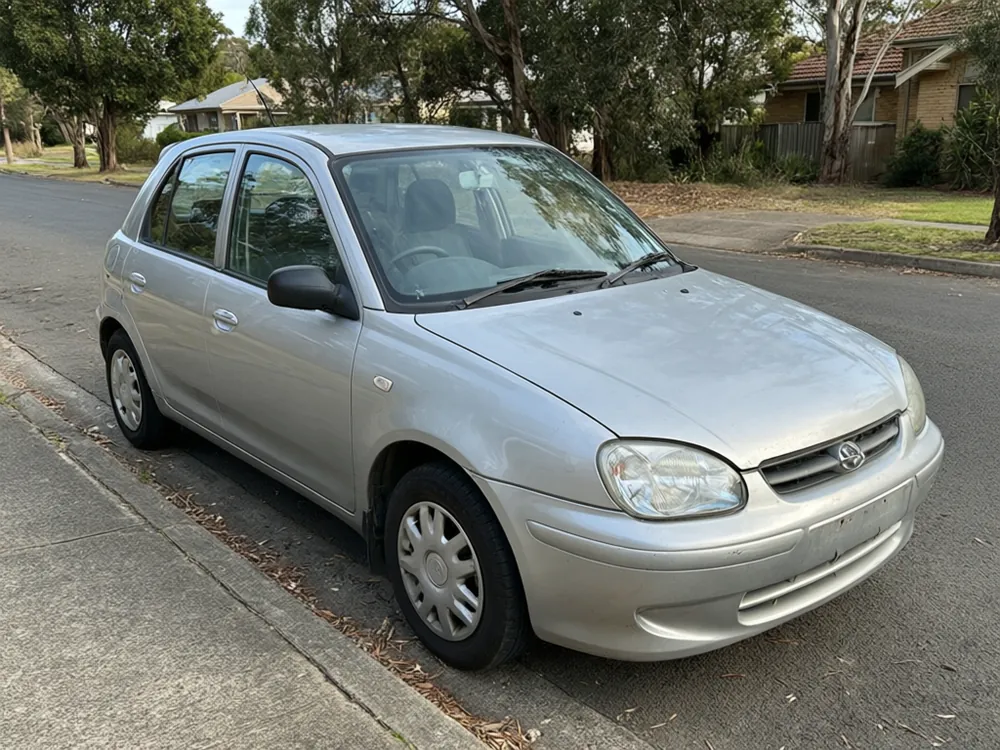
Drag to compare
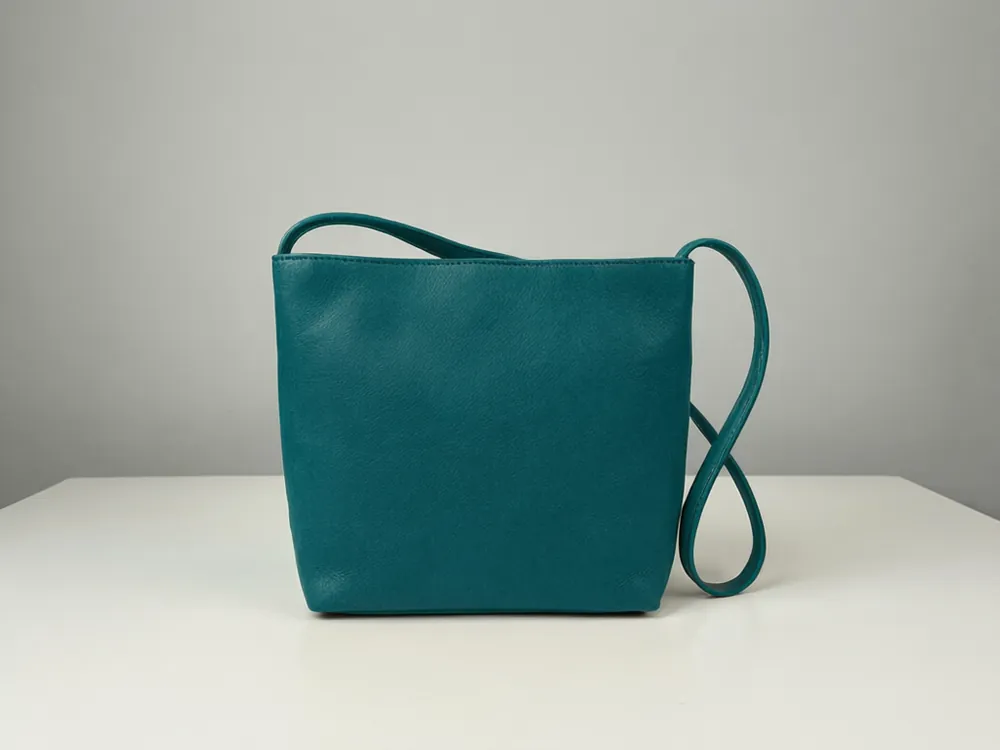
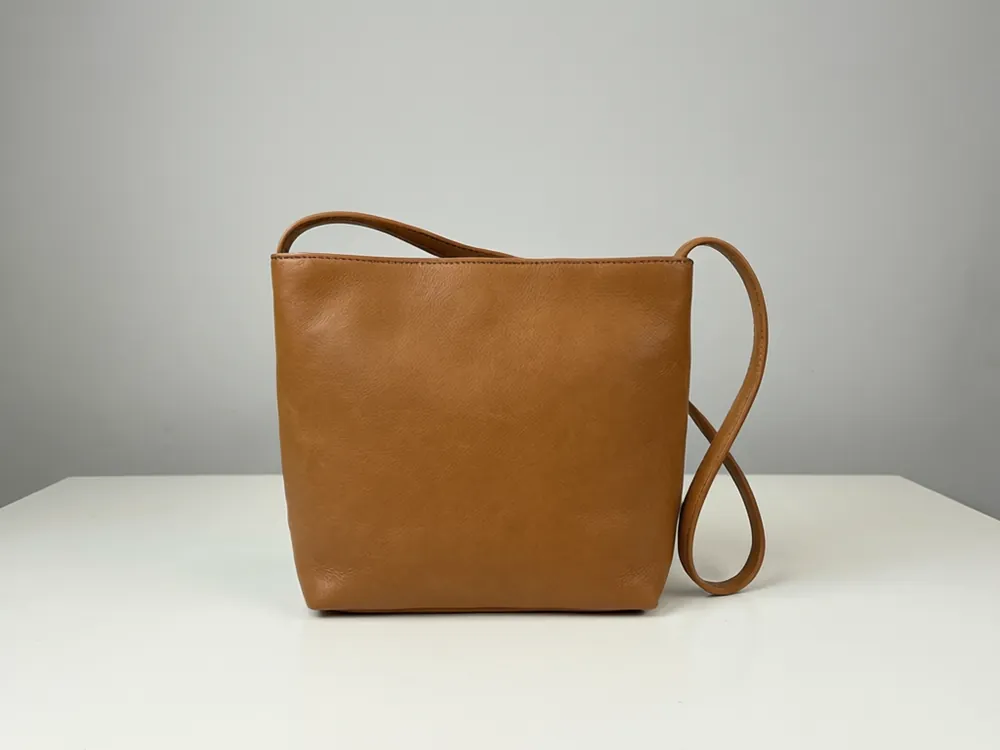
Drag to compare
Real, unretouched output from this tool. Drag any slider to compare.
Need the same sofa in green, the same car in blue, or a product photo in five colors? Upload your photo, tell the tool which object to recolor, and pick a color from the palette or type an exact hex code. The object changes color while its texture, highlights and shadows stay, and the rest of the picture is left alone.
What you can recolor
Anything with a clear shape and a main color.
1
Cars and vehicles
Try a new paint color on a car, truck or motorcycle photo before you commit to a wrap or a respray.
2
Furniture and rooms
Recolor a sofa, a chair, a cabinet or a painted wall to compare options.
3
Clothes and shoes
Show a jacket, a dress or a sneaker in other colors without a new photo shoot.
4
Products
Make colorway pictures of a bag, a bottle or a gadget for a shop page.
5
Everyday objects
Doors, bicycles, mugs, signs, vases and toys all work if the object is clear in the photo.
Palette, hex code or your own words
Three ways to say which color you want.
1
Palette
Sixteen common colors, from red and navy to sage green and beige. Quick to compare.
2
Hex code
If you have an exact brand color, type its hex code, such as #0F766E. The tool aims for that color on the object.
3
Your own words
Describe it: "a warm mustard yellow" or "a dusty rose pink". Good for shades that are not on the palette.
Get a cleaner result
A few habits that help.
1
Name one object
Say "the sofa" rather than "the furniture". If several objects are close in color, name the one you want.
2
Use a sharp, well-lit photo
Soft focus and deep shadows make the edges harder to follow.
3
Go darker or lighter step by step
Big jumps, such as black to white, change how light looks on the object. Try an in-between color first.
4
Expect shine to change
Glossy objects reflect their surroundings, so the highlights may look a little different in the new color.
Before you rely on the color
A picture is a preview, not a color match.
1
Screens vary
Phones and laptops show the same color differently. Check the real thing in daylight.
2
Match paint and fabric by sample
For paint, wraps or fabric, order a sample and compare it with the picture.
3
Check light and surroundings
A color looks different in sun, in shade and under indoor light.
4
Mention that it is edited
If you use the picture to sell something, say that it is a digital preview of a color option.
Honest limits
The tool recolors one named object by drawing it again in the new color. It is not a pixel-exact editing tool like a layer mask in a photo editor.
Objects with fine patterns, lace, fur or many small parts can show uneven edges. Use a clear photo and check the result.
Hex codes are matched approximately. Lighting and shadows change how the final color looks on the object.
Faces, skin and hair are not meant to be recolored here. The tool keeps them as photographed.
More color changers
Each page is built for a specific kind of object.
🎨
Color Changer AI →
The full color changer hub.
🚗
Car Color Changer →
Try a new paint color on your car.
🏍️
Motorcycle Color Changer →
Recolor a motorcycle photo.
👕
Clothing Color Changer →
Change the color of clothes in a photo.
👟
Shoe Color Changer →
Try other colorways on shoes.
🛋️
Furniture Color Changer →
Recolor a sofa, chair or table.
🧱
Wall Color Changer →
Try paint colors on a wall.
🏠
House Color Changer →
Try exterior colors on a house.
More tools
Related tools for your photos.
Who uses this
🏠
Online sellers
✓Show one product in several colors without shooting each one.
💡
Designers and decorators
✓Show a client a sofa, wall or cabinet in a few color options.
🏢
Car owners
✓Preview a color before a wrap or a respray.
📸
Anyone with a photo
✓Try a color idea in a few seconds before you buy or paint.
🎨
AI Image Color Changer: Change the Color of Any Object in Your Photo
AI Tool
Upload your imageTap anywhere here — your AI design will appear in this space after you generate.JPG · PNG · WebP
Name the object and choose a color from the palette
Premium users can generate images without watermark
Higher quality options available for premium users
Be specific for better results8/80
Be specific for better results0/400
Output quality:
Frequently Asked Questions
Yes. Name the object, such as "the sofa" or "the car", and only that object is recolored. The rest of the photo is kept.
Yes. Use the hex mode and type a code such as #1E3A8A. The color is matched approximately, since light and shadow change how it looks on the object.
The tool aims to keep the object's texture, highlights and shadows, so it looks like the same object in a new color.
A sharp, well-lit photo where the object is clear and not hidden behind other things.
No. This tool is for objects. Faces, skin and hair are kept as photographed.
Yes. See the car, clothing, shoe, furniture, wall and house color changers linked on this page.