Our AI analyzes your space and preferences to generate personalized design recommendations. It considers factors like dimensions, lighting, style preferences, and functionality needs.
Shoes Color Changer AI
Shoes Color Changer AI is a free AI tool that lets you visualize shoes in any color imaginable with our AI technology. Perfect for footwear retailers.
Free to try · first generation free on signup · no credit card
1
Step 1
Upload Image
Start by uploading image
Upload your image
Click to browse or drag & drop
2
Step 2
Options
Configure your options
Related Tools
→try new exterior paint colors on your own photo
→redesign a home exterior from a single photo
→plan a new yard or garden layout from a photo
→repaint a car in any shade before you commit
Output quality:
Mode
Color Change
Your AI Design Will Appear Here
Fill in the options on the left, then press Generate.
Upload your image
Drag & drop your file here or click to browse
JPG, PNG, WebP
Max 10MB
AI Ready
Quick facts about Shoes Color Changer AI
- Tool nameShoes Color Changer AI
- CategoryColor Changer AI
- PriceFree to try
- InputPhoto upload + text prompt
- OutputAI-generated image
Before / After
Example results
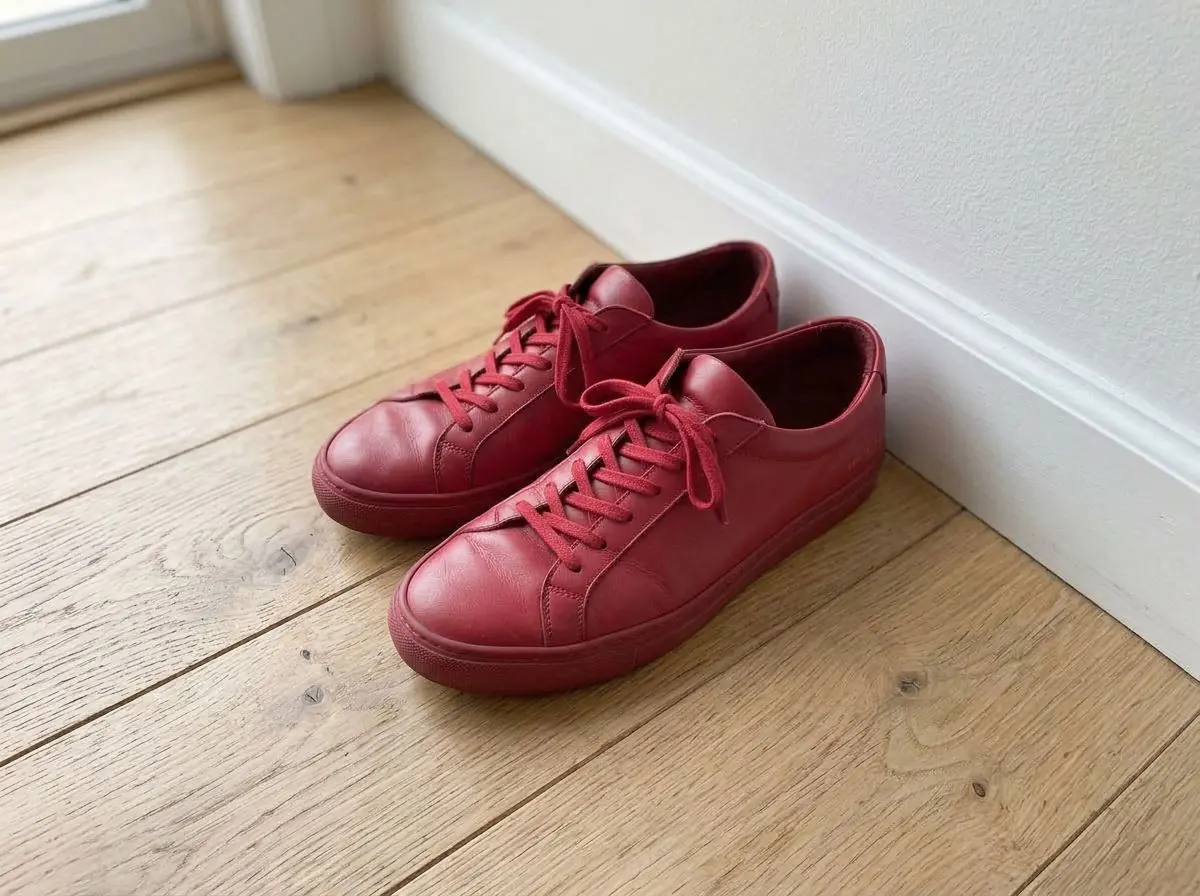
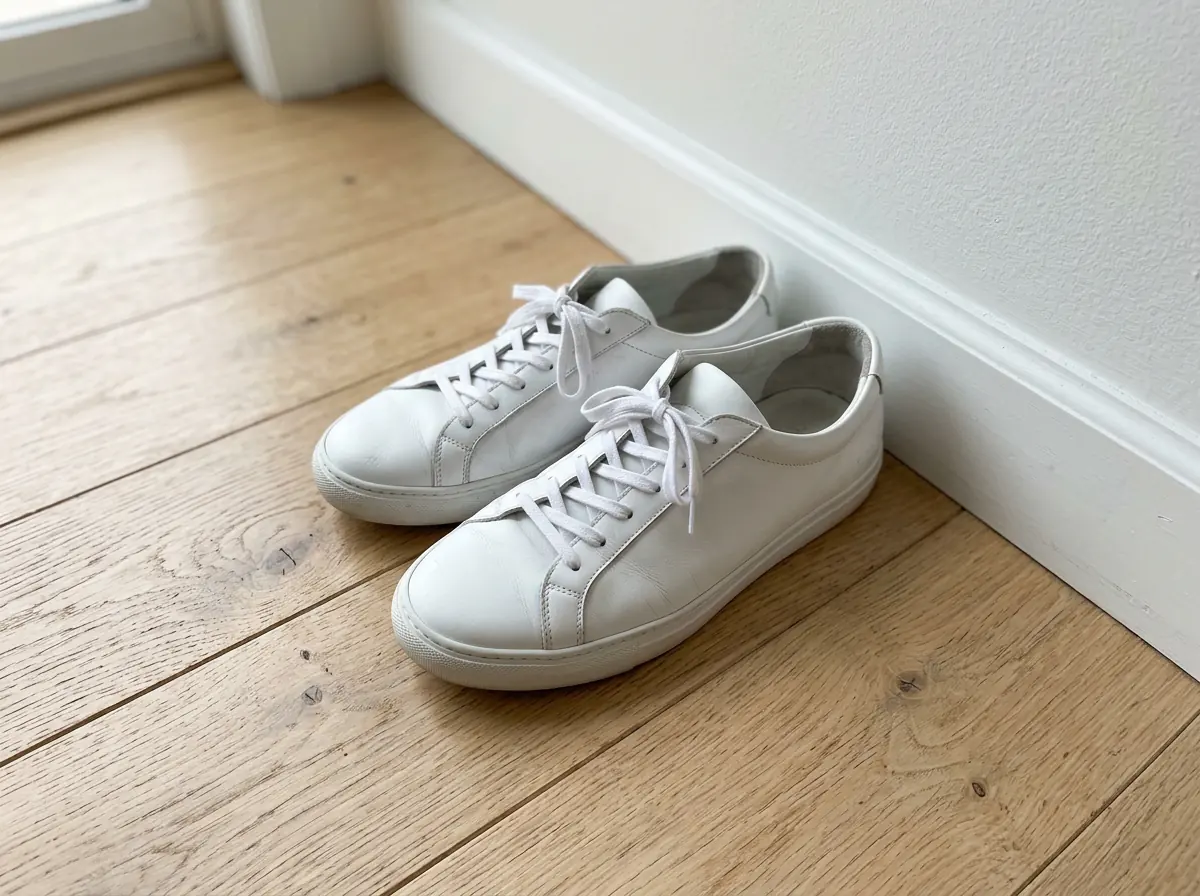
Drag to compare
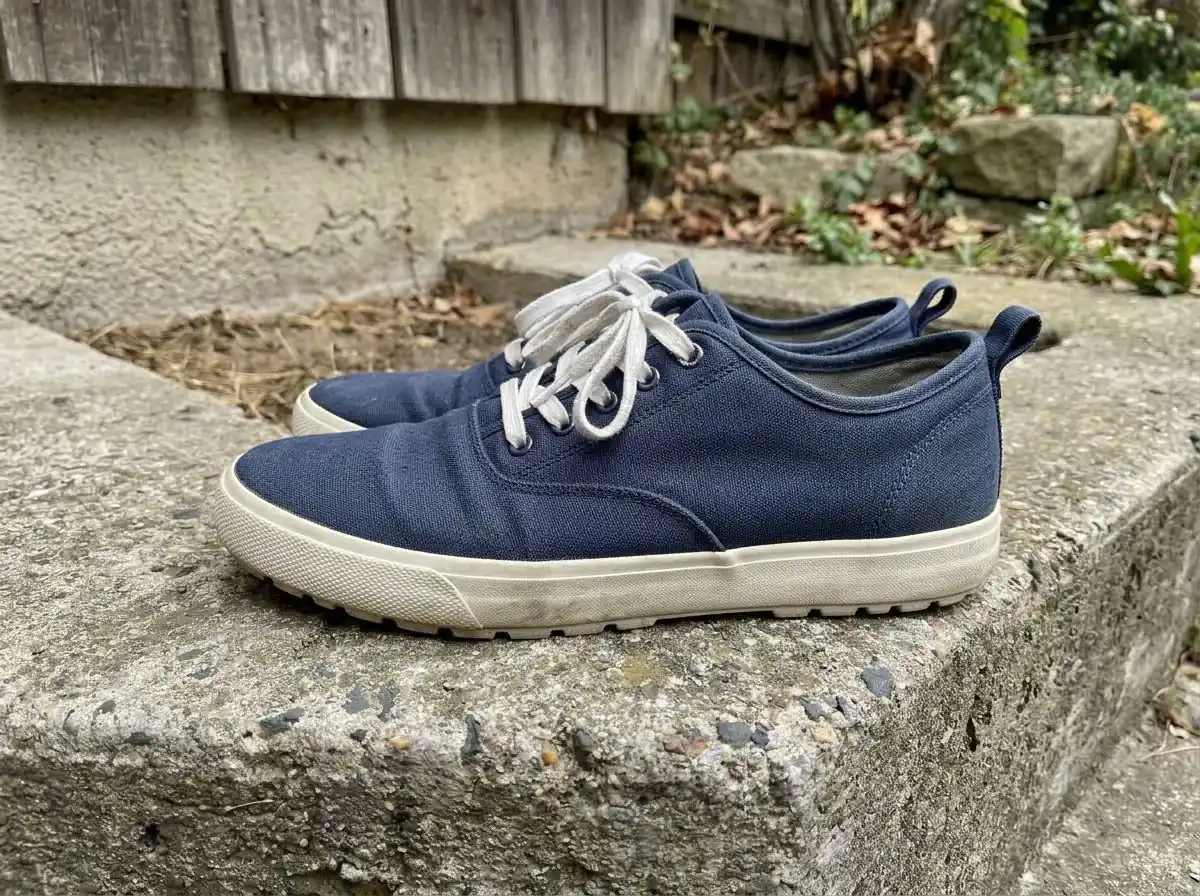
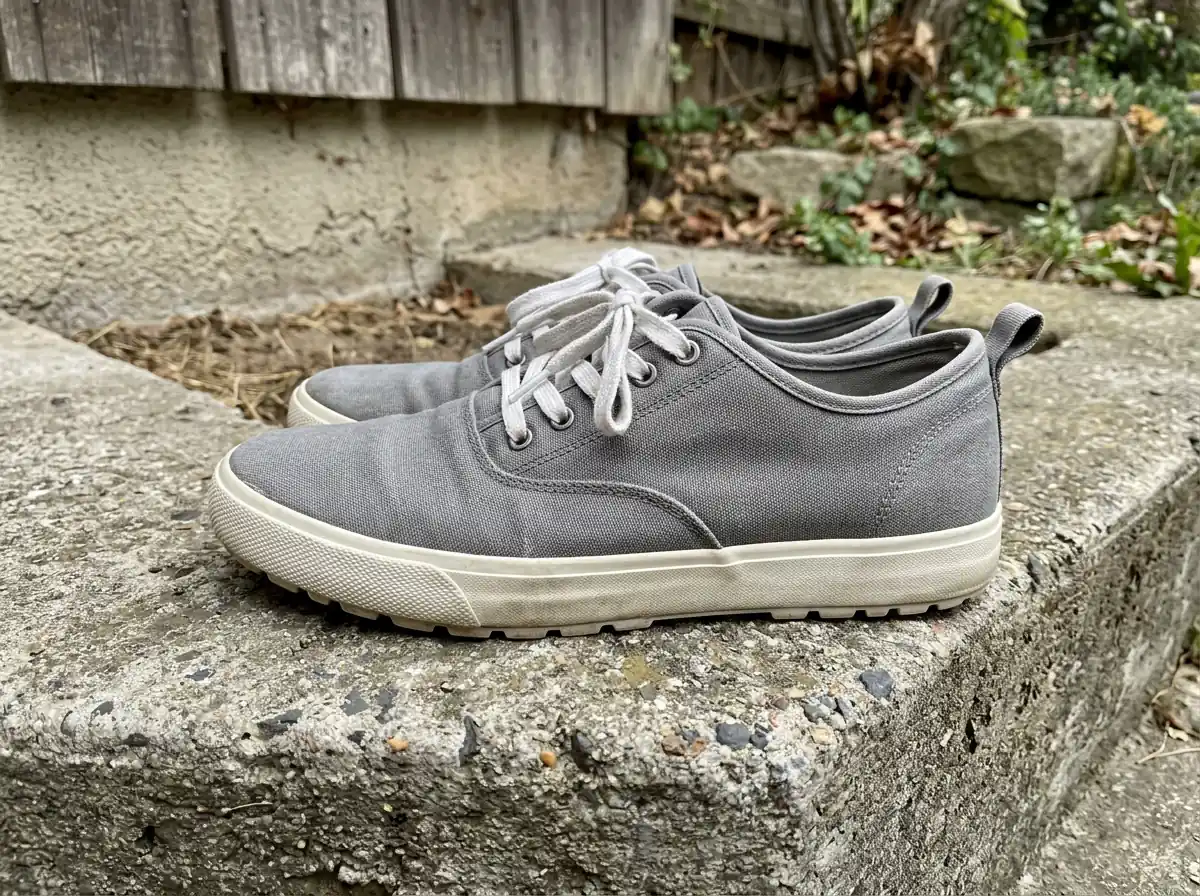
Drag to compare
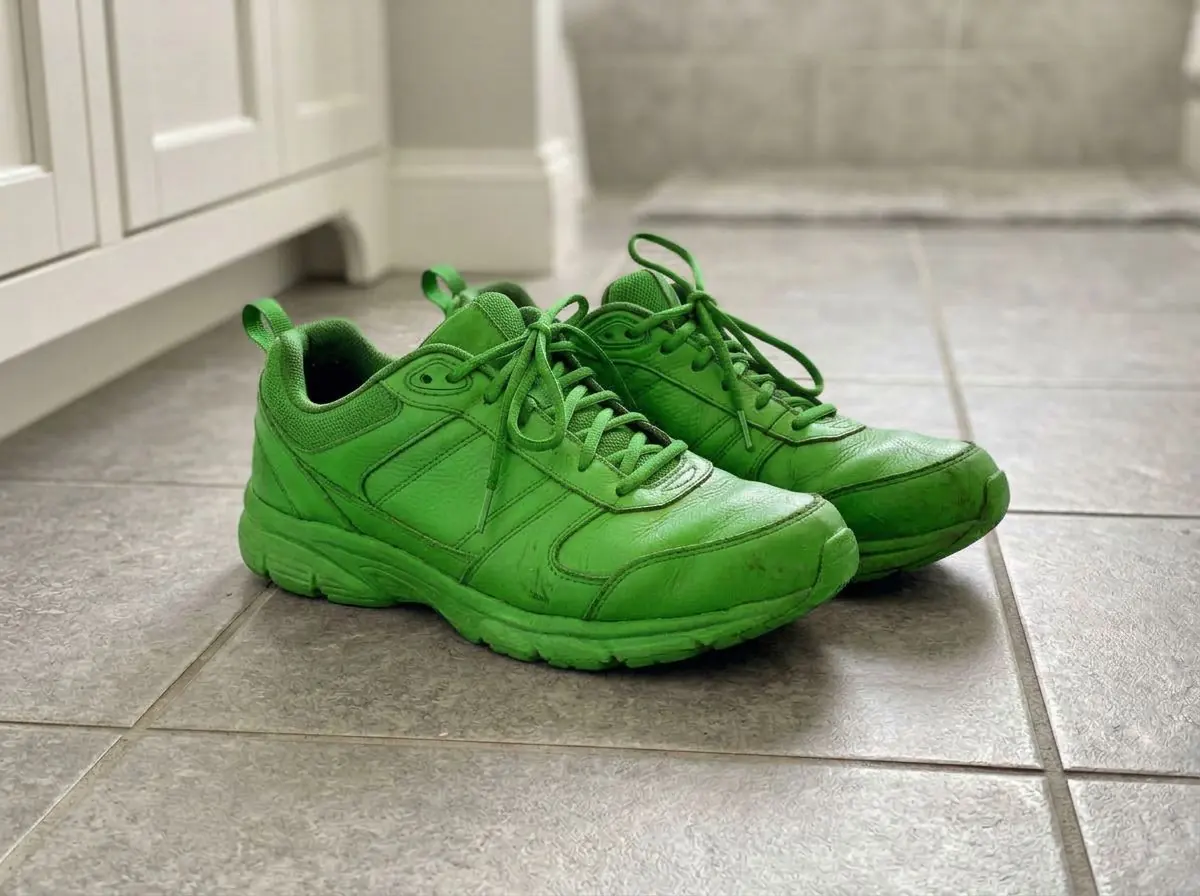
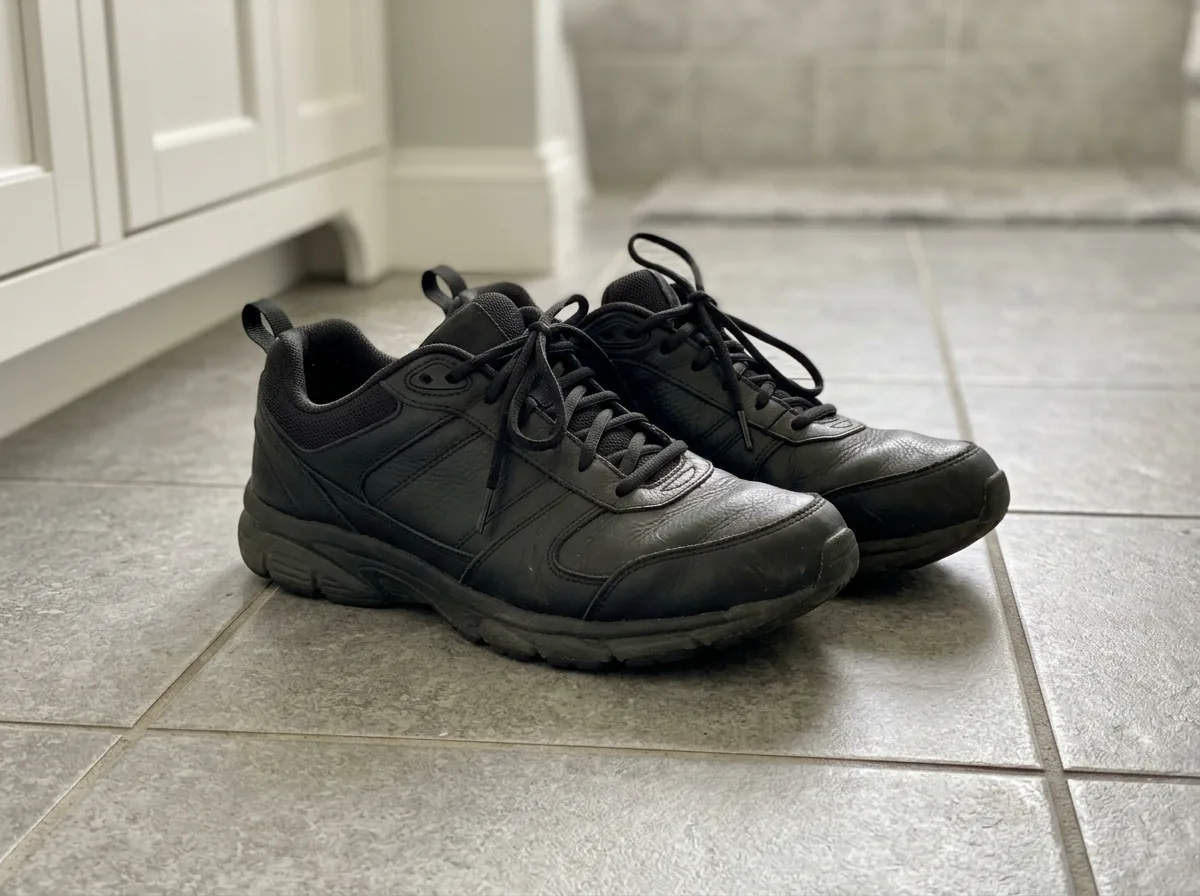
Drag to compare
Real, unretouched output from this tool. Drag any slider to compare.
How to change shoe color in a photo
Upload a photo of the pair, type "the shoes" or the exact part, such as "the upper" or "the laces", under What to recolor, then write the color under Colors that you want to apply. A result takes about 30 seconds. The AI changes the shoes in the photo you upload, so the pair keeps its shape, stitching and the floor or box it was shot on.
Name the material with the color. "Matte black suede", "white leather" or "navy canvas" gives a closer match than a color word on its own, because suede, leather, mesh and canvas take light in different ways.
Which part of the shoe changes
Most people want the upper recolored and everything else kept. Say that in Additional Requirements: "keep the white soles, laces and logo as they are". To change only the sole, write "the midsole" under What to recolor instead. For two-tone sneakers, run the upper first, then run the result again for the second color.
The examples on this page show the three common jobs: white leather sneakers to red, black running shoes to bright green, and grey canvas low-tops to navy, each with the laces and soles kept.
Who uses a shoe color changer
Sellers use it to show a colorway they stock without a new photo shoot. People planning a custom paint or dye job use it to check the color on their own pair before they buy paint. Shoppers use it to see a pair in a color the store photo does not show. To swap the whole shoe for a different style, use the AI shoes changer instead.
More Color Changer AI tools
Popular on AI Two
Browse every tool in this category: Color Changer AI
🎨
Shoes Color Changer AI
AI Tool
Upload your imageTap anywhere here — your AI design will appear in this space after you generate.JPG · PNG · WebP
Premium users can generate images without watermark
Higher quality options available for premium users
Be specific for better results0/300
Premium users can generate images without watermark
Higher quality options available for premium users
Output quality:
Frequently Asked Questions
Yes! All AI-generated designs can be customized. You can adjust colors, materials, layouts, and specific elements to match your exact preferences.
We support all common image formats including JPG, PNG, WebP, and more. High-resolution images produce the best results.
Our AI creates photorealistic designs that accurately represent how your space would look with the proposed changes. The results are suitable for planning and visualization purposes.
Yes, to try. Your first generation is free when you sign up, with no credit card. Free results can carry a watermark; paid plans remove it.
Usually, and you can make sure of it: add "keep the logo, laces and soles unchanged" under Additional Requirements. Compare the result at full size before you use it.
Name the part, the color and the material, for example "upper in matte olive suede, keep the white sole". Short, specific prompts work better than long ones.
Yes. Name the shoes clearly under What to recolor so the AI leaves the trousers, socks and skin alone. A photo where the shoes are large in the frame gives the cleanest result.