It is told to reproduce the artwork exactly: the same drawing, colours and spelling. Like any AI edit it can drift on very fine detail or small text, so compare the result with your file and run it again if something changed.
AI T-Shirt Mockup Generator: See Your Design on a Real Shirt
AI T-Shirt Mockup Generator: See Your Design on a Real Shirt is a free AI tool. Upload your t-shirt design and get a realistic mockup photo: flat lay, hanging, or worn neck-down, in 8 shirt colours and 5 styles. No Photoshop. Free to try.
Free to try · first generation free on signup · no credit card
1
Step 1
Upload Image
Start by uploading image
Upload your image
Click to browse or drag & drop
2
Step 2
Select Mode
Choose your transformation style
Top-down shirt on a clean surface
3
Step 3
Options
Configure your options
Related Tools
→try new exterior paint colors on your own photo
→redesign a home exterior from a single photo
→plan a new yard or garden layout from a photo
→repaint a car in any shade before you commit
Output quality:
Mode
Flat Lay
Your AI Design Will Appear Here
Fill in the options on the left, then press Generate.
Upload your image
Drag & drop your file here or click to browse
JPG, PNG, WebP
Max 10MB
AI Ready
Quick facts about AI T-Shirt Mockup Generator: See Your Design on a Real Shirt
- Tool nameAI T-Shirt Mockup Generator: See Your Design on a Real Shirt
- CategoryProduct Photo Tools
- PriceFree to try
- InputPhoto upload + text prompt
- OutputAI-generated image
Before / After
Example results
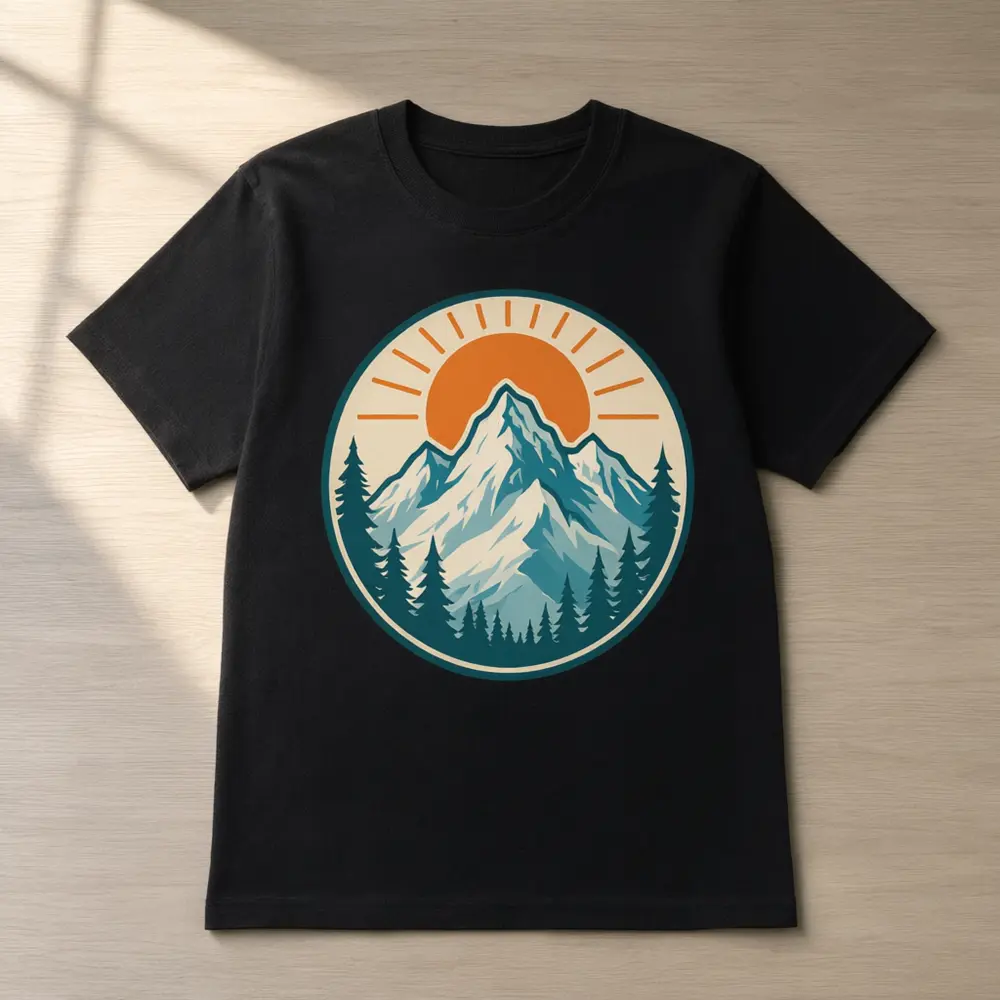
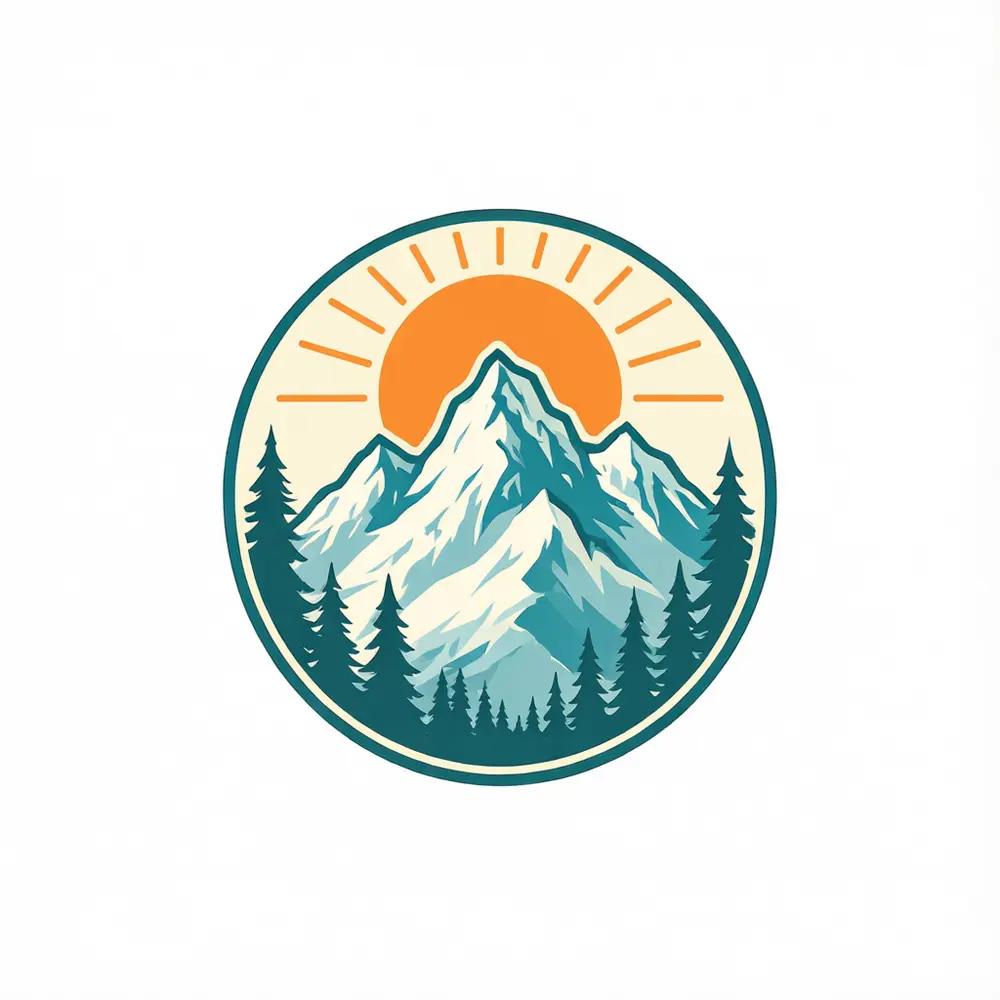
Drag to compare
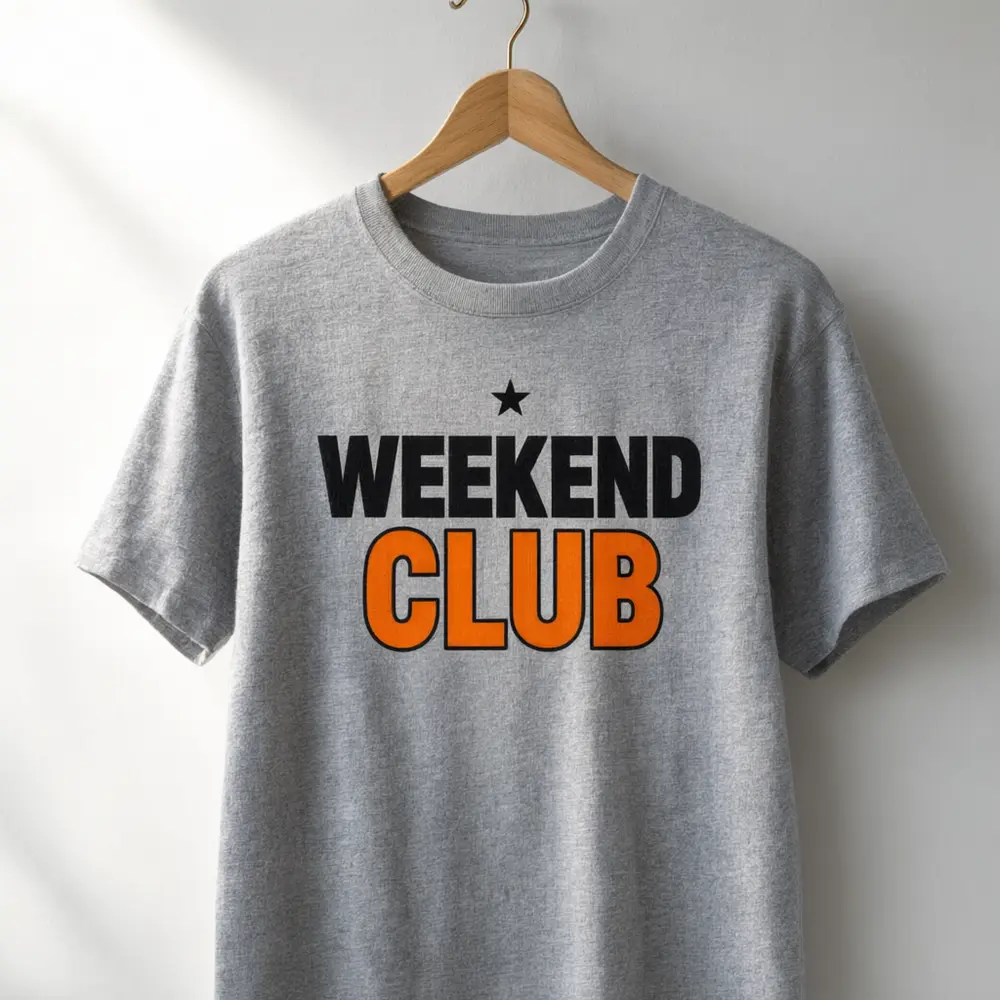
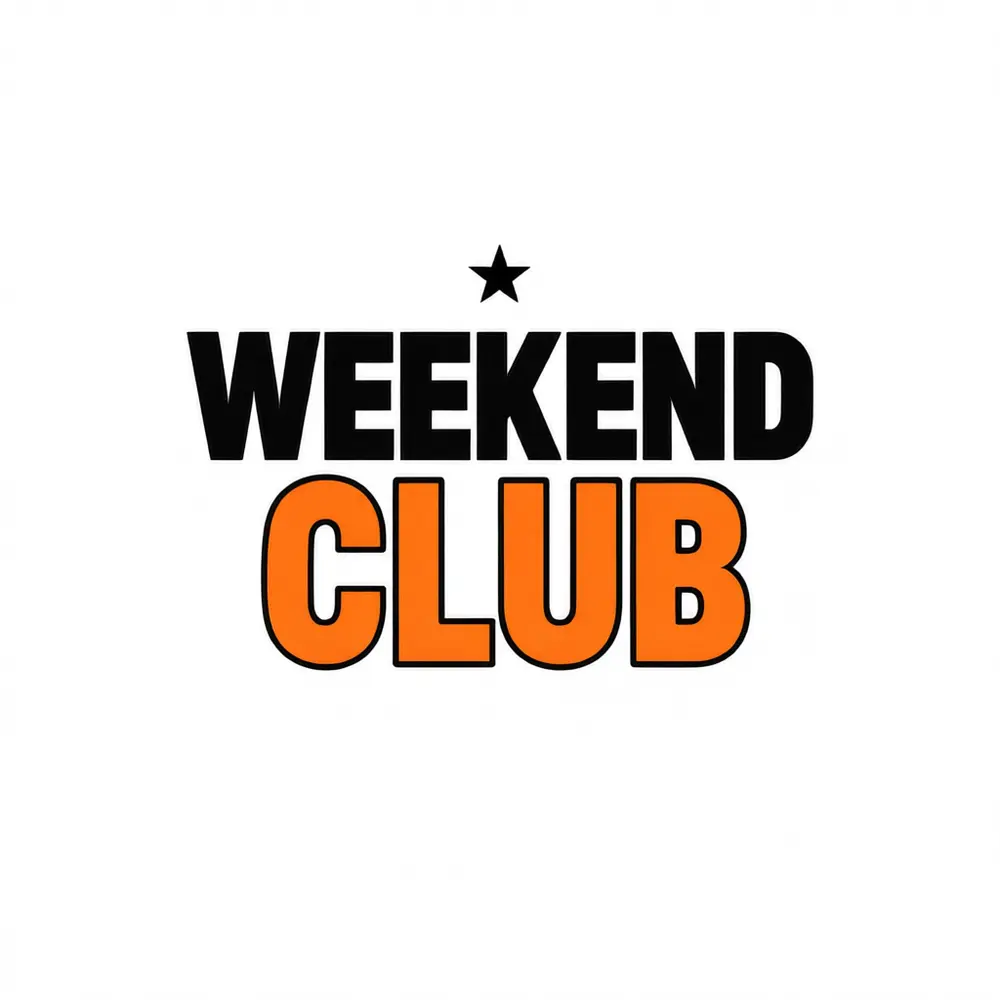
Drag to compare
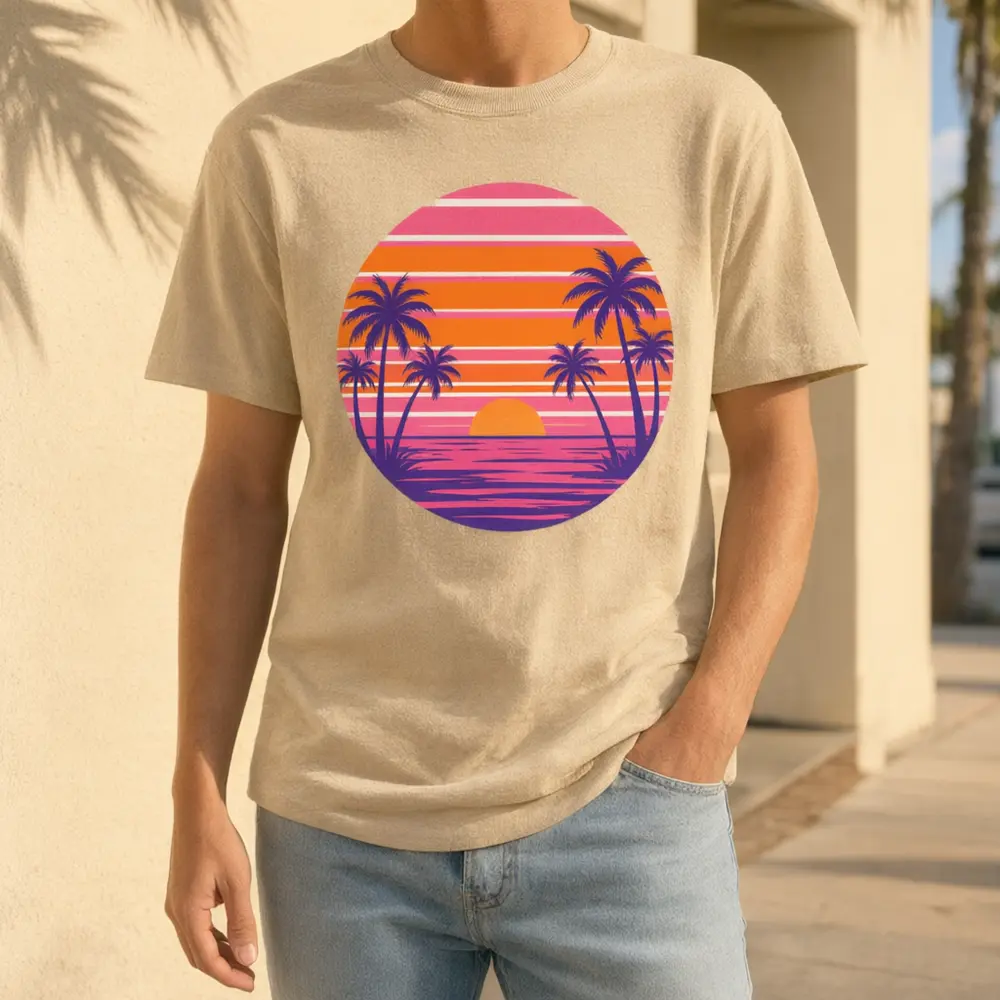
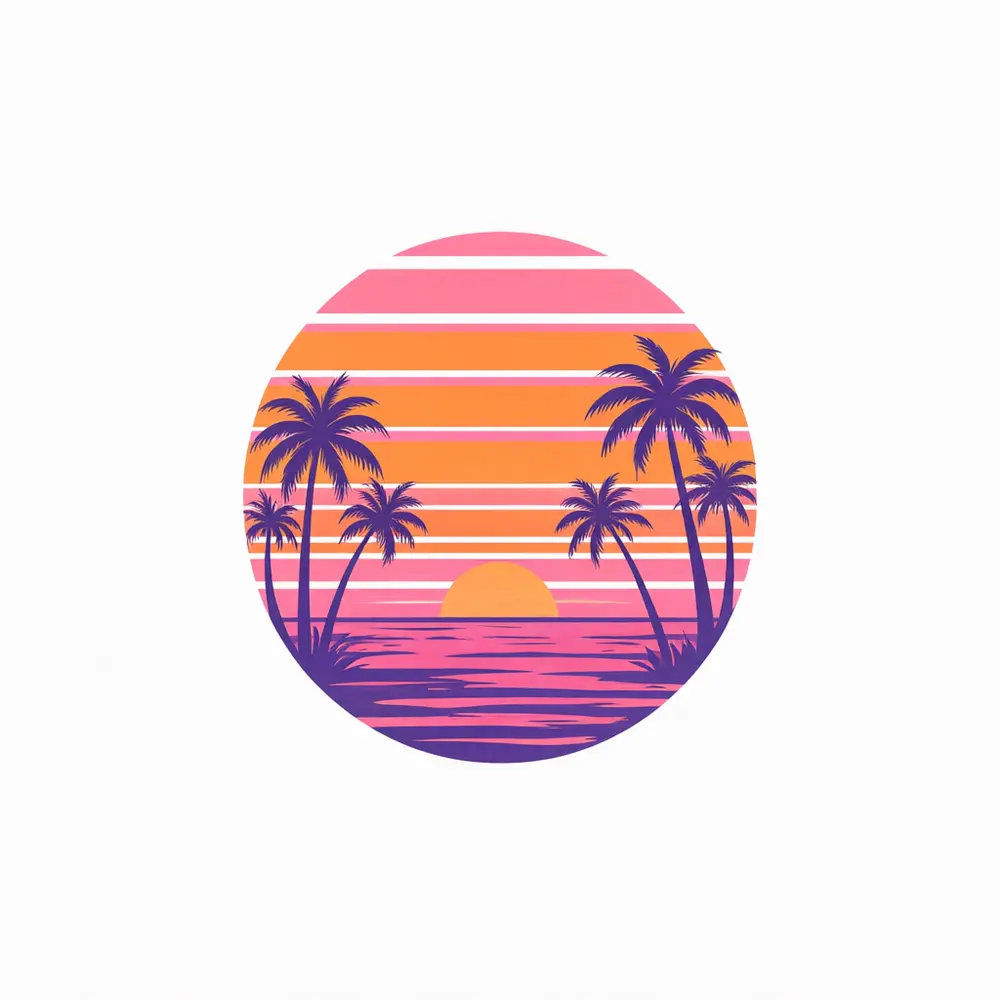
Drag to compare
Real, unretouched output from this tool. Drag any slider to compare.
Upload your t-shirt design and see it printed on a real-looking shirt. Choose a flat lay for your Etsy and Shopify listing, a hanger shot for a boutique look, or a worn photo cropped below the face for social media. Pick from eight shirt colours and five shirt styles. The tool is told to reproduce your artwork exactly as supplied, so what you see is what you plan to print.
How the AI t-shirt mockup generator works
Print-on-demand sellers need listing photos before a single shirt is printed. Traditional mockup tools make you place the design on a template by hand. Here you upload the artwork and the AI prints it on the shirt for you, matching the fabric folds and light.
It is a preview of how the design could look, not a print-ready proof. Always compare the artwork and the lettering with your file, because AI can slightly change fine detail or small text.
1
Upload a design
A PNG or JPG of the artwork. Keep it simple and high contrast for the best result.
2
Choose a mode
Flat lay, hanger, worn neck-down, a colour and style pass, or your own description.
3
Pick colour and style
White to burgundy, and crew neck to tank top.
4
Edit, upscale or animate
Run it again on another colour, upscale the best one, or make a short video for social.
T-shirt mockup styles to try
Different channels sell better with different looks. Use all of them from one design.
1
Flat lay
The classic listing photo for Etsy, Shopify and Amazon Merch. Top-down on wood, white or concrete.
2
On a hanger
Looks like a boutique rail. Good for brand pages and lookbooks.
3
Worn, neck down
Shows how the shirt hangs on a body without a face in the shot, which keeps the focus on the print.
4
Shirt colours
Show the same design on white, black, heather grey, navy, sand, forest green, burgundy and soft pink to match your colour options.
5
Shirt styles
Crew neck, oversized boxy, long sleeve, V-neck and tank top, so a hoodie or tank listing does not need a new shoot.
Tips for a clean mockup
Light designs vanish on white shirts and dark designs vanish on black shirts. Check contrast before you choose a colour. Large, bold artwork reproduces more faithfully than thin lines or tiny text.
If a letter or detail changes, run it again or add the word to keep in Additional Details. For production, always send your original print file to your printer, never the mockup.
More tools for merch sellers
More ways to turn one design into a full merch listing.
🛒
AI Product Photo Background →
Put your finished shirt photo on a new background.
🧥
AI Ghost Mannequin →
Clean invisible-mannequin photos for clothing you already have.
🧵
AI Fashion Ecommerce Photos →
Show clothing on a model for your shop.
🎬
Image to Video →
Turn the mockup into a short video for TikTok and Reels.
Who uses an AI t-shirt mockup generator
🏠
Print-on-demand sellers
✓Make listing photos for Etsy, Shopify and Redbubble before you order a sample.
✓Show every colour option from one design.
💡
Merch by Amazon and KDP-style sellers
✓Test designs with a clean mockup first.
🏢
Designers and illustrators
✓Show a client how a logo or illustration looks on apparel.
📸
Teams, clubs and small brands
✓Preview team or event shirts before ordering a batch.
👕
AI T-Shirt Mockup Generator: See Your Design on a Real Shirt
AI Tool
Upload your imageTap anywhere here — your AI design will appear in this space after you generate.JPG · PNG · WebP
Top-down shirt on a clean surface
Premium users can generate images without watermark
Higher quality options available for premium users
Be specific for better results0/400
Output quality:
Frequently Asked Questions
It is free to try: new users get free generations. Paid plans add credits, remove the watermark and unlock higher resolution.
A PNG or JPG of the artwork. A transparent or plain background and high contrast give the cleanest print on the shirt.
Yes. Use it as a listing photo and make clear it is a mockup if your marketplace requires it. Check the platform rules, and send your original print file, not the mockup, to your printer.
Yes. There are eight colours, and you can run the same design on each to show your colour options.
This page is for t-shirts and tank tops. See the related tools for other merch.
The Worn mode shows a person from the neck down, so no face appears and the focus stays on the print.
No. A mockup shows how the design could look. Your print provider's proof shows exactly how it will be printed.
Yes. After the mockup is made you can use the image actions under it to upscale it or make a short video.