Your first generation is free when you sign up. Paid plans add credits, remove the watermark and unlock higher resolution.
Name Tag Maker: Design Printable Name Tags for Events, Weddings and Parties
Name Tag Maker: Design Printable Name Tags for Events, Weddings and Parties is a free AI tool that lets you make an event name tag with AI: type a name and an event line, pick Hello My Name Is, conference, wedding, party or volunteer, or a blank tag to write on. Choose a look and print it. Free to try.
Free to try · first generation free on signup · no credit card
1
Step 1
Select Mode
Choose your transformation style
The classic name sticker
2
Step 2
Options
Configure your options
Related Tools
→try new exterior paint colors on your own photo
→redesign a home exterior from a single photo
→plan a new yard or garden layout from a photo
→repaint a car in any shade before you commit
Output quality:
Mode
Hello My Name Is
Your AI Design Will Appear Here
Fill in the options on the left, then press Generate.
Upload your image
Drag & drop your file here or click to browse
JPG, PNG, WebP
Max 10MB
AI Ready
Quick facts about Name Tag Maker: Design Printable Name Tags for Events, Weddings and Parties
- Tool nameName Tag Maker: Design Printable Name Tags for Events, Weddings and Parties
- PriceFree to try
- InputText prompt
- OutputAI-generated image
Before / After
Example results
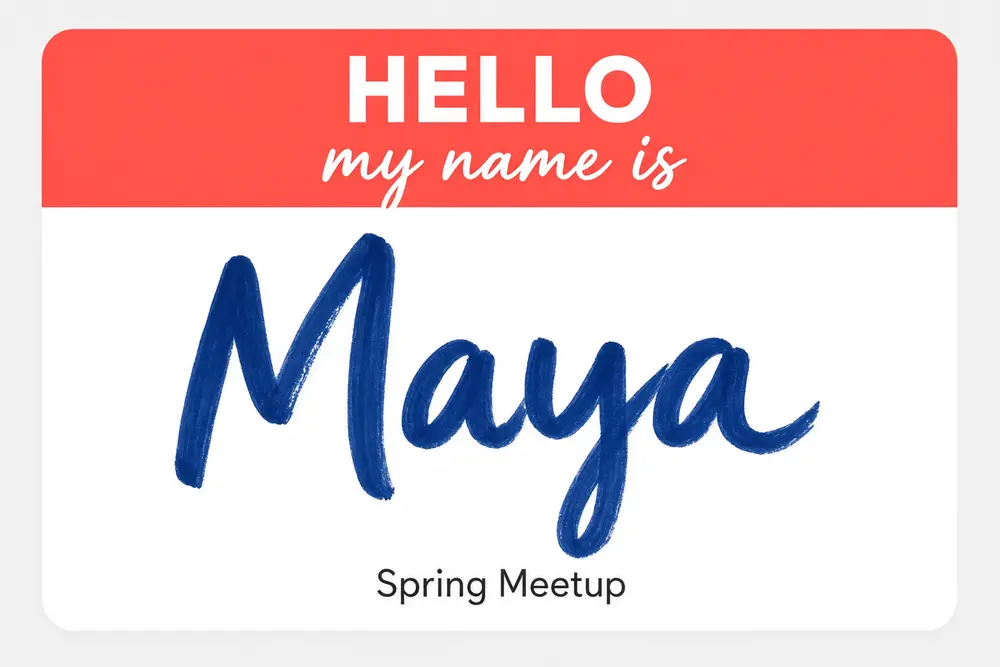
Drag to compare
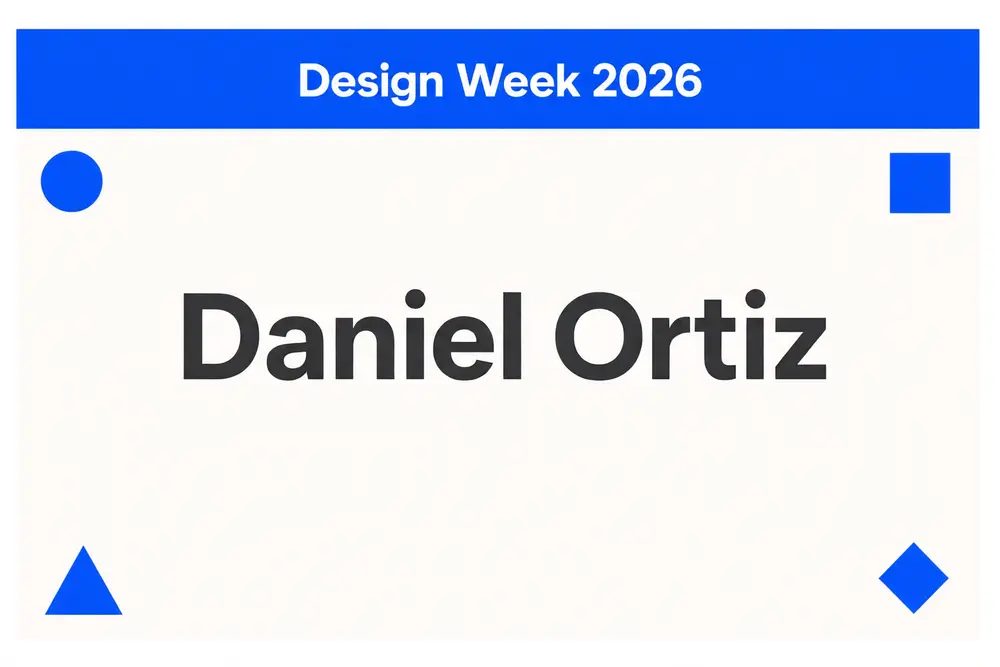
Drag to compare
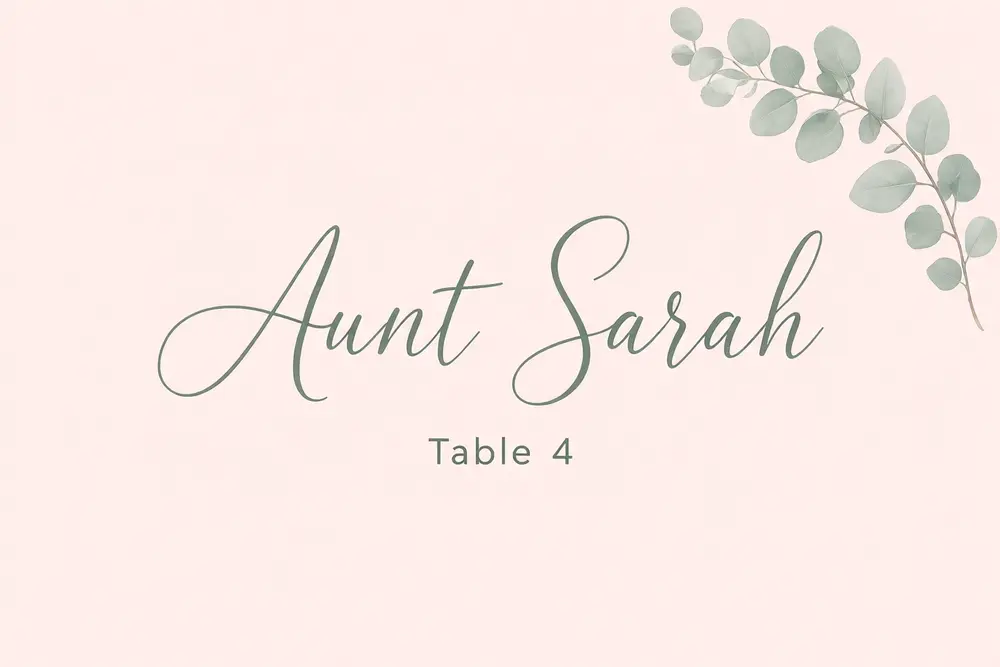
Drag to compare
Real, unretouched output from this tool. Drag any slider to compare.
Make a name tag in a minute. Pick the kind of tag, type the name and a short event line, choose a look, and the tool draws a printable event name tag with your words spelled out. For a big guest list, make a blank tag with room to write names by hand and print as many as you need.
How the name tag maker works
You pick a tag type, type the name and an event line, add a decoration and choose a look. The tool draws one flat name tag ready to print and trim.
Each run makes one tag. For a few VIP or speaker tags, make one per name. For a crowd, use the Blank Write-On mode and fill in names with a marker.
1
Keep the words short
A name and a short event line are spelled right most often. Long titles and full addresses are harder.
2
Pick the shape for your holder
3-3/8 x 2-1/3 inch fits common sticker label sheets; 4 x 3 inch fits most clip and lanyard holders.
3
Use one look for the whole event
Keep the same look and decoration and change only the name, so every tag matches.
4
Print and trim
Print on sticker paper or card stock at full size, then trim inside the margin. Test one print first.
The name tag types
Six types plus your own.
1
Hello My Name Is
The classic sticker with a coloured header and a big name.
2
Conference and meetup
A name with the event name, for meetups, workshops and conferences.
3
Wedding guest
A pretty guest tag with a name and a table or a welcome line.
4
Party
Birthday, baby shower, reunion or class party tags.
5
Volunteer
Clear volunteer and helper tags for events, schools and charities.
6
Blank write-on tag
A matching tag with an empty space to write names by hand.
7
Your own idea
Describe the whole tag yourself.
Name tags, not ID badges
This page makes friendly event name tags. It does not make employee ID cards, security or access badges, staff photo badges or brand badges, and it never draws photos, barcodes, QR codes or logos.
Each run makes one tag. It does not merge a guest list or lay out a full label sheet; use your label maker or word processor for that.
Check every name before you print. Long or unusual names can come out wrong, so make another version if a letter is off.
More tools for your event
Next steps once the tags are done.
Who uses a name tag maker
🏠
Meetup and workshop hosts
✓Give every guest a clear name tag with the event name.
💡
Couples and wedding planners
✓Make guest tags that match the wedding look.
🏢
Parents and party hosts
✓Make fun tags for birthdays, showers and reunions.
📸
Schools and charities
✓Make volunteer and helper tags for open days and fundraisers.
👋
Name Tag Maker: Design Printable Name Tags for Events, Weddings and Parties
AI Tool
The classic name sticker
Be specific for better results4/30
Be specific for better results13/50
Be specific for better results33/120
Be specific for better results0/400
Output quality:
Frequently Asked Questions
Each run makes one tag. For a few names, make one per guest. For a crowd, use the Blank Write-On mode and write the names by hand.
Common sticker labels are 3-3/8 x 2-1/3 inches and common badge inserts are 4 x 3 inches. Pick the shape closest to your labels or holders.
The words are passed with an instruction to spell them exactly and came out right in our tests, but check every name before printing, especially long or unusual ones.
No. This page makes event name tags only. It does not draw ID cards, photos, barcodes or access badges.
No. The tool adds no logos. Add yours in your usual editor after you download the tag.
Removable sticker label paper for stickers, or card stock for clip and lanyard holders. Test one print first.
Yes. Use the Wedding Guest mode with a name and a table number or a welcome line.
Yes. Use the Wedding Sign Maker or the Table Tent Maker in the same look.