Your first generation is free when you sign up. Paid plans add credits, remove the watermark and unlock higher resolution.
Table Tent Maker: Design Printable Table Tent Cards for Your Restaurant or Event
Table Tent Maker: Design Printable Table Tent Cards for Your Restaurant or Event is a free AI tool that lets you make a table tent card with AI: type the headline and details, pick a look such as bistro, chalkboard or black and gold, and get a printable design. Free to try.
Free to try · first generation free on signup · no credit card
1
Step 1
Select Mode
Choose your transformation style
Dish of the day with a price
2
Step 2
Options
Configure your options
Related Tools
→try new exterior paint colors on your own photo
→redesign a home exterior from a single photo
→plan a new yard or garden layout from a photo
→repaint a car in any shade before you commit
Output quality:
Mode
Daily Special
Your AI Design Will Appear Here
Fill in the options on the left, then press Generate.
Upload your image
Drag & drop your file here or click to browse
JPG, PNG, WebP
Max 10MB
AI Ready
Quick facts about Table Tent Maker: Design Printable Table Tent Cards for Your Restaurant or Event
- Tool nameTable Tent Maker: Design Printable Table Tent Cards for Your Restaurant or Event
- PriceFree to try
- InputText prompt
- OutputAI-generated image
Before / After
Example results
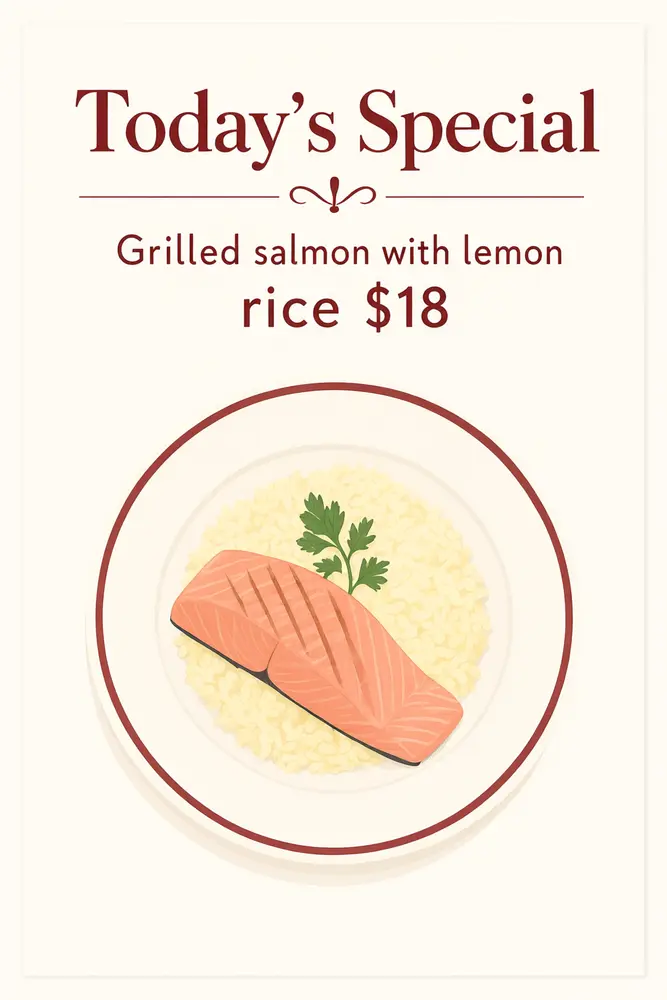
Drag to compare
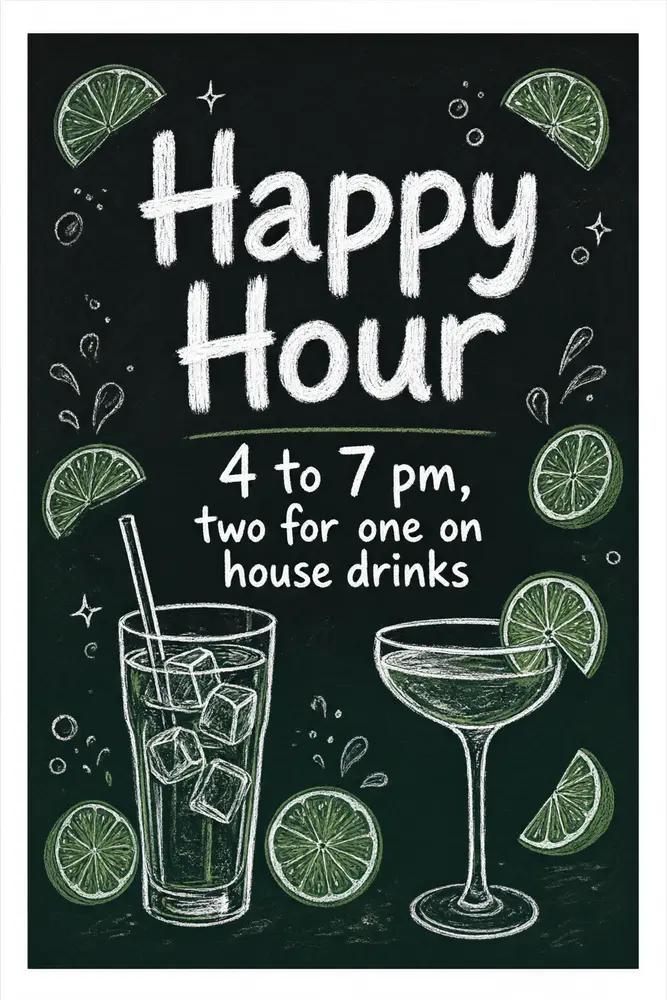
Drag to compare
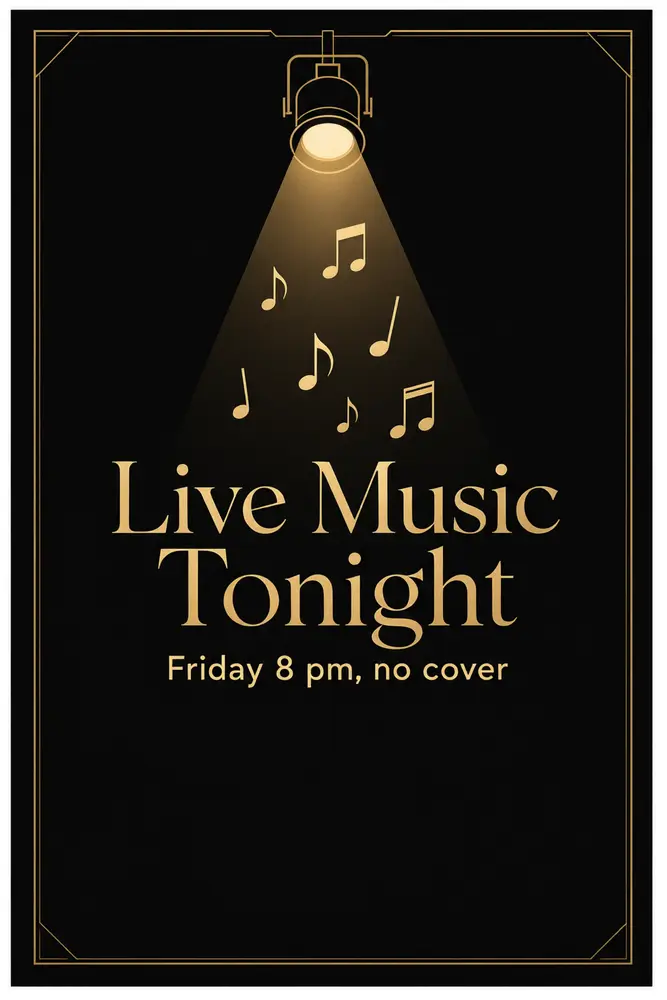
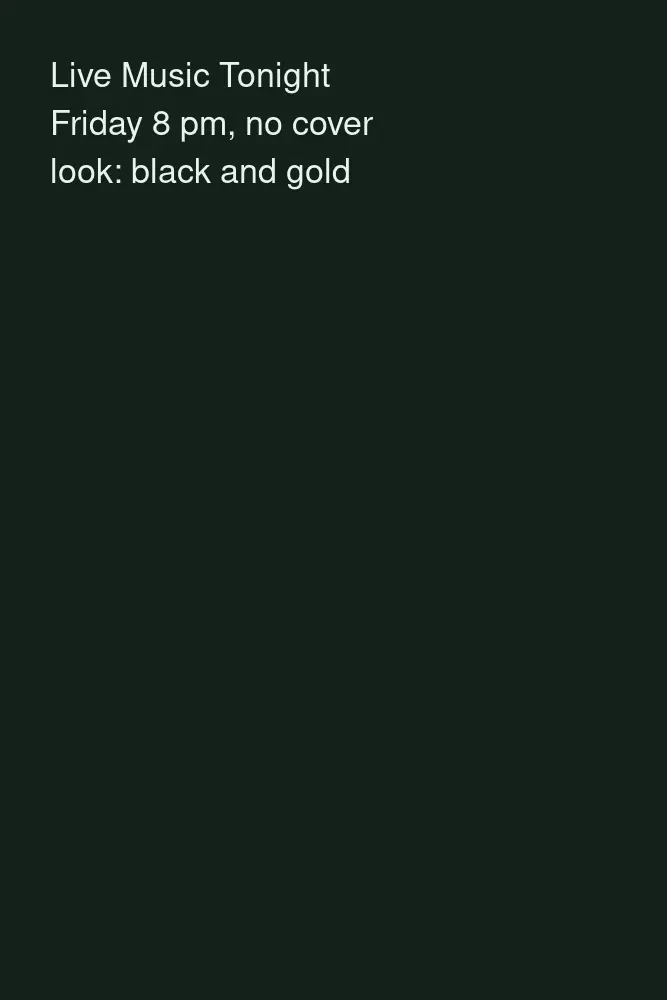
Drag to compare
Real, unretouched output from this tool. Drag any slider to compare.
Make a table tent card in a minute. Type the headline and the details, pick a decoration and a look, and the tool draws a printable card with your words in large lettering. Use it for specials, drinks, desserts, events and reserved signs.
How the table tent maker works
You type a headline and a line of details, describe the decoration and pick a look. The tool draws a finished card face with your words in large, readable lettering.
The tool draws one face of the card. Make a second design for the back, or fold a plain back with the same look.
1
Keep the text short
A headline of a few words and one line of details are spelled right most often. Long menus are harder.
2
Pick the size
4x6 inches folded is the common size; 5x7 suits wine lists and dessert cards.
3
Add your own QR code
The tool never draws a QR code, because a fake one would not scan. Ask for a blank spot and add your real code in any editor.
4
Proof every word
Check names, prices and times against your menu before you print.
The table tent modes
Five modes plus your own.
1
Daily special
A dish of the day or a chef's special with a price line.
2
Drinks and happy hour
A drink offer with times.
3
Dessert and seasonal
A dessert card or a seasonal offer.
4
Event and promo
A live music night, a quiz night or a tasting.
5
Reserved sign
A neat reserved card for tables and events.
6
Your own idea
Describe the whole card yourself.
Honest limits
It draws the flat front of a card. It does not add fold lines, trim marks or bleed, and it cannot make a die-cut shape.
It does not draw a working QR code. Add your own in any editor.
Long text and many prices can come out wrong. Proof the card before you print.
More tools for restaurants and small shops
Next steps once the card is done.
Who uses a table tent maker
🏠
Restaurants and cafes
✓Make cards for specials, drinks and desserts.
💡
Bars and breweries
✓Promote happy hour, quiz nights and new pours.
🏢
Event hosts
✓Make reserved signs and welcome cards.
📸
Small shops and salons
✓Put an offer on the counter.
🍽️
Table Tent Maker: Design Printable Table Tent Cards for Your Restaurant or Event
AI Tool
Dish of the day with a price
Be specific for better results15/60
Be specific for better results34/140
Be specific for better results59/140
Be specific for better results0/400
Output quality:
Frequently Asked Questions
The common size is 4x6 inches folded; 5x7 suits wine lists and dessert cards. Pick the shape closest to your card.
It draws one face per design. Make a second design for the back, or print the same one on both faces.
No. A drawn code would not scan. Leave a blank square and add your own QR code in any editor.
Your headline and details are passed with an instruction to spell them exactly and came out right in our tests, but long text can fail. Check every word and price before printing.
Cover-weight card stock, around 14 to 16 pt, stands better than plain paper. Test one print first.
No. Add fold lines in your layout tool or ask your print shop.
Yes. You can use what you make. Check every price and allergen note yourself.
Yes. Use the Instagram Post Generator for a post and Image to Video for a short animated clip.