Your first generation is free when you sign up. Paid plans add credits, remove the watermark and unlock higher resolution.
Wedding Sign Maker: Make Printable Wedding Signs With AI
Wedding Sign Maker: Make Printable Wedding Signs With AI is a free AI tool that lets you make printable wedding signs with AI: a welcome sign with your names and date, table numbers, a cards and gifts sign or an unplugged ceremony sign, in greenery, boho, classic or blush and gold. Free to try.
Free to try · first generation free on signup · no credit card
1
Step 1
Select Mode
Choose your transformation style
Your names and the date
2
Step 2
Options
Configure your options
Related Tools
→try new exterior paint colors on your own photo
→redesign a home exterior from a single photo
→plan a new yard or garden layout from a photo
→repaint a car in any shade before you commit
Output quality:
Mode
Welcome Sign
Your AI Design Will Appear Here
Fill in the options on the left, then press Generate.
Upload your image
Drag & drop your file here or click to browse
JPG, PNG, WebP
Max 10MB
AI Ready
Quick facts about Wedding Sign Maker: Make Printable Wedding Signs With AI
- Tool nameWedding Sign Maker: Make Printable Wedding Signs With AI
- PriceFree to try
- InputText prompt
- OutputAI-generated image
Before / After
Example results

Drag to compare
Drag to compare
Drag to compare
Real, unretouched output from this tool. Drag any slider to compare.
Day-of wedding signs add up: a welcome sign at the door, a number on every table, a sign for the cards table. Pick the sign, type your names, date or table number, choose a look, and the tool draws a printable sign with your wording in large lettering, ready for the print shop.
How the wedding sign maker works
You pick a sign, type the wording and choose a look and a shape. The tool draws a finished flat sign design with your words in large lettering and flowers, leaves or a frame around them.
It makes a printable design, not a physical sign. Print it on foam board, card or poster paper, or take it to a print shop for an acrylic or wooden sign.
1
Short wording works best
Two first names and a date are spelled right most often. Long sentences are harder; keep each sign short.
2
One sign per run
Each run makes one sign. For table numbers, run once per number with the same look.
3
Match the set
Use the same look for every sign so the set feels planned.
4
Check every word
Your wording is passed with an instruction to spell it exactly. Always check names, dates and numbers before printing.
The wedding signs
Four signs plus your own.
1
Welcome Sign
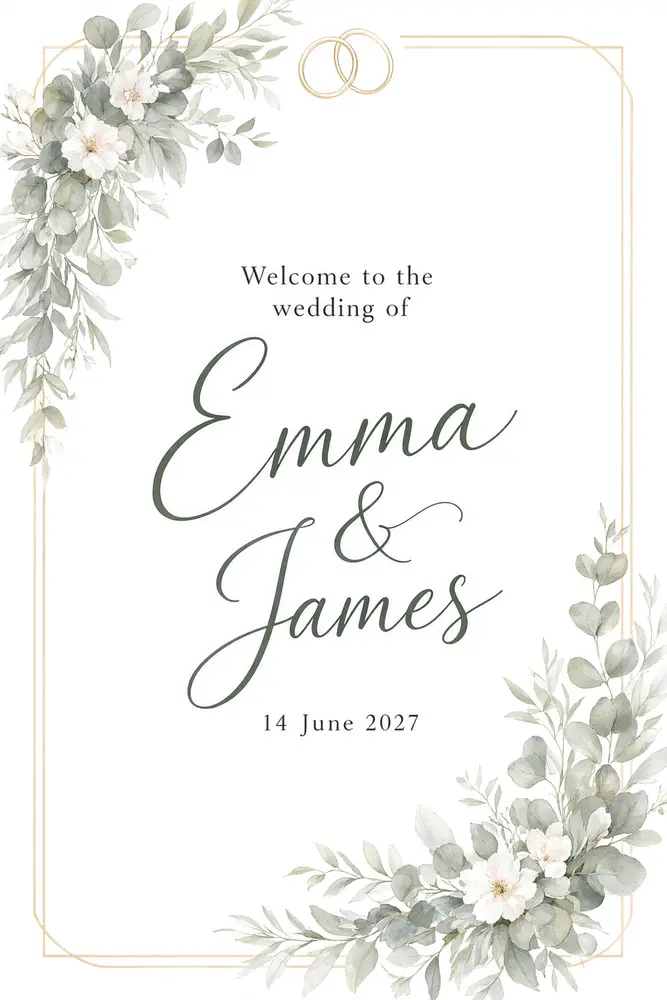
Welcome to the wedding of your names, with the date below. The big sign on an easel at the entrance.
2
Table Number
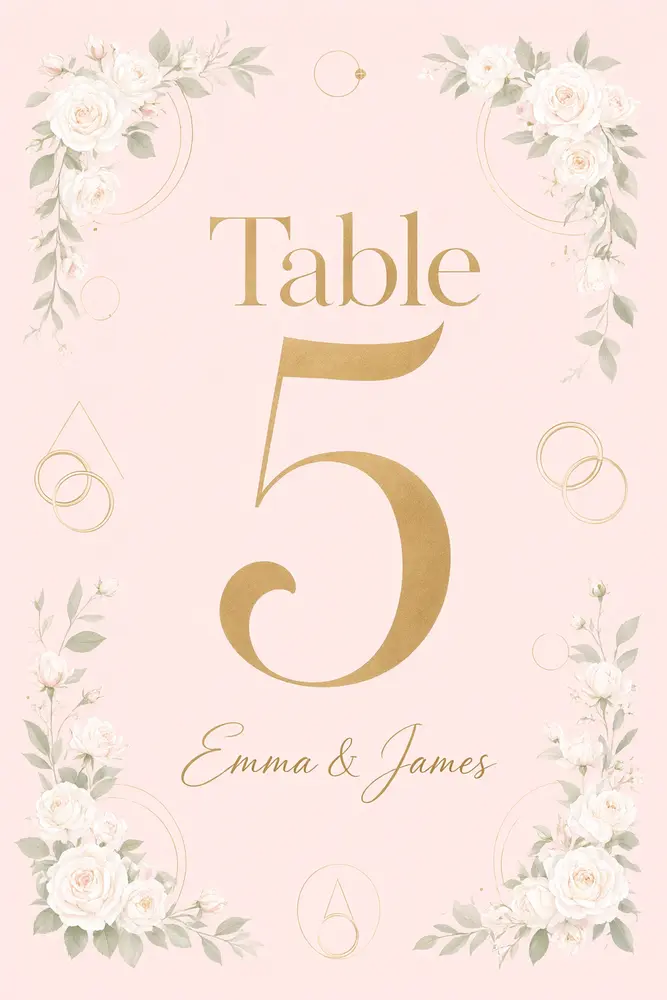
A large table number with a small line such as your names. Run once for each table.
3
Cards and Gifts
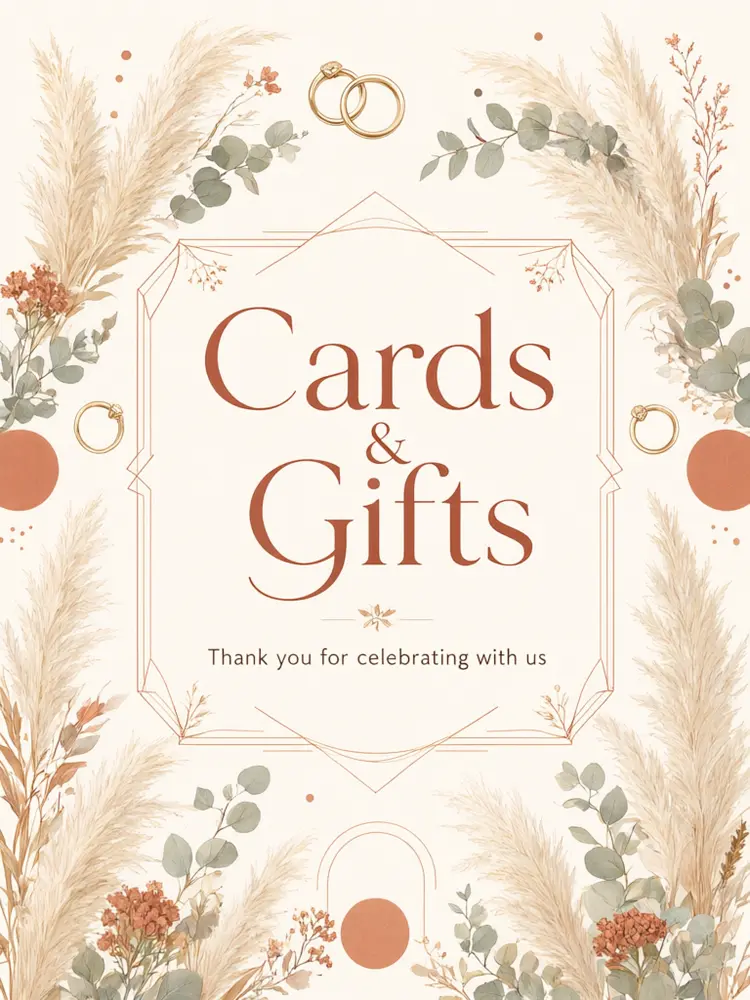
A small sign for the cards and gifts table.
4
Unplugged Ceremony
A sign that asks guests to put their phones away during the ceremony.
5
Your Own Sign
Any short wording, for example a bar sign or a guest book sign.
Honest limits
It makes a flat printable design. It is not a physical, acrylic, mirror or wooden sign, and it does not make a print-ready file with bleed; ask your print shop what size and format they need.
Each sign is a separate run, so the flowers and lettering of a set can vary a little from sign to sign. Long names, unusual spellings and dates can come out wrong. Check every sign before you print.
Seating charts, menus and programs are made on their own pages.
More tools for your wedding
Match the rest of the stationery.
Who uses a wedding sign maker
🏠
Couples planning a DIY wedding
✓Make every day-of sign in one look without a designer.
💡
Wedding planners and venues
✓Draft a sign set for a couple to approve.
🏢
Etsy and printable sellers
✓Draft sign designs to refine and sell where the marketplace rules allow.
📸
Friends and family helping out
✓Make a welcome sign as a gift for the couple.
💐
Wedding Sign Maker: Make Printable Wedding Signs With AI
AI Tool
Your names and the date
Be specific for better results12/40
Be specific for better results12/30
Be specific for better results0/400
Output quality:
Frequently Asked Questions
No. It makes a flat printable design. Print it on foam board, card or poster paper, or take it to a print shop for an acrylic or wooden sign.
Your wording is passed with an instruction to spell it exactly, but long names, unusual spellings and dates can still fail. Check every word and number before printing.
Run the Table Number mode once for each number with the same look. Each run is separate, so the flowers can vary a little from table to table.
Tall 2:3 fits 24x36 inch and 4x6 inch signs, portrait 3:4 fits 18x24 inch. Ask your print shop what file size they need for large signs, and upscale the image first.
Those have their own pages: the AI Seating Chart Designer and the AI Wedding Menu Designer.
You can use what you make. If you sell printables, check the current rules of the marketplace and the print shop about AI-generated art.
Yes. Use the Image to Video tool for a short animated clip.