It is free to try: new users get free generations. Paid plans add credits, remove the watermark and unlock higher resolution.
Birthday Invitation Maker: Describe the Party, Get a Printable Invite
Birthday Invitation Maker: Describe the Party, Get a Printable Invite is a free AI tool that lets you make a birthday party invitation with AI: type the title and date, pick kids, milestone, theme or elegant style and a look. Printable portrait or square card. Free to try.
Free to try · first generation free on signup · no credit card
1
Step 1
Select Mode
Choose your transformation style
Bright, playful, with balloons and cake
2
Step 2
Options
Configure your options
Related Tools
→try new exterior paint colors on your own photo
→redesign a home exterior from a single photo
→plan a new yard or garden layout from a photo
→repaint a car in any shade before you commit
Output quality:
Mode
Kids Party
Your AI Design Will Appear Here
Fill in the options on the left, then press Generate.
Upload your image
Drag & drop your file here or click to browse
JPG, PNG, WebP
Max 10MB
AI Ready
Quick facts about Birthday Invitation Maker: Describe the Party, Get a Printable Invite
- Tool nameBirthday Invitation Maker: Describe the Party, Get a Printable Invite
- PriceFree to try
- InputText prompt
- OutputAI-generated image
Before / After
Example results
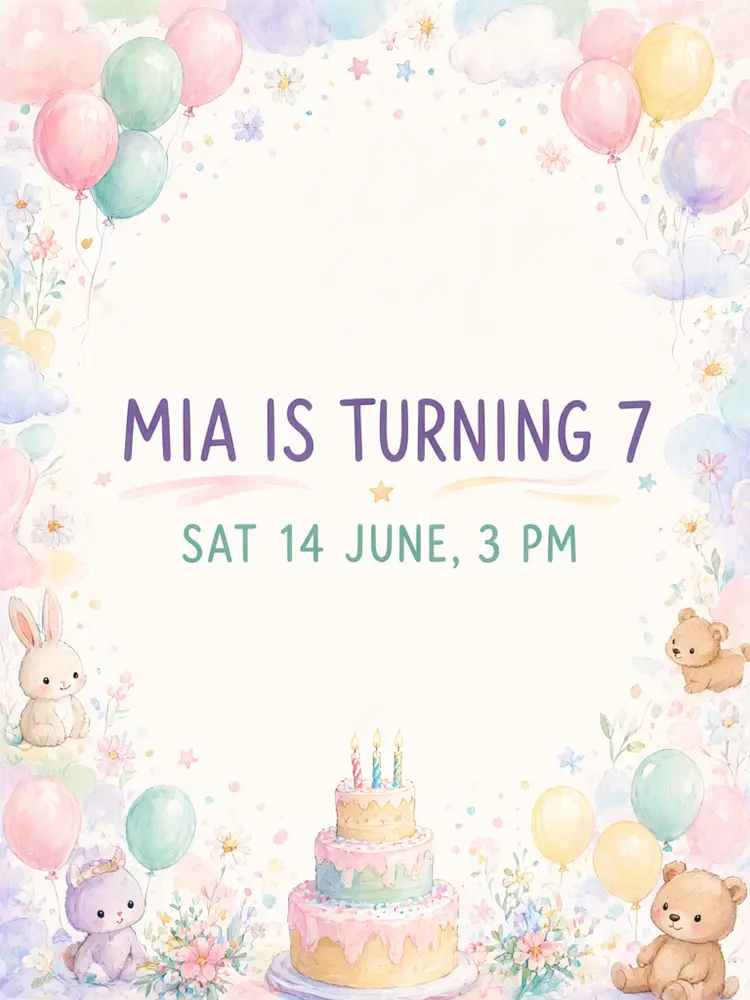
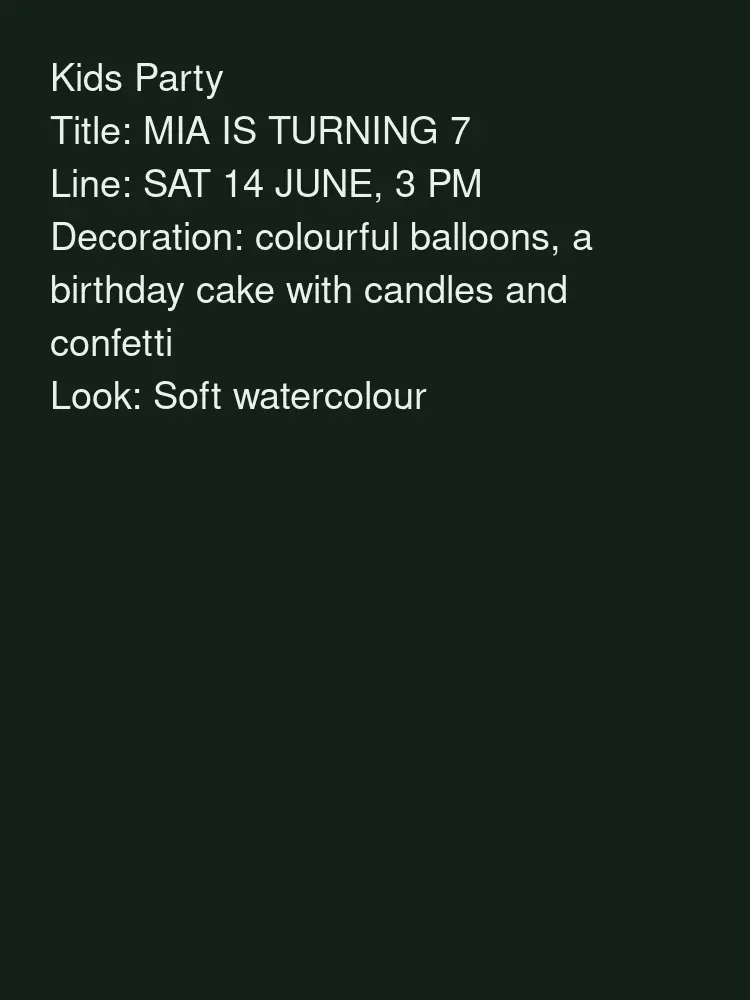
Drag to compare
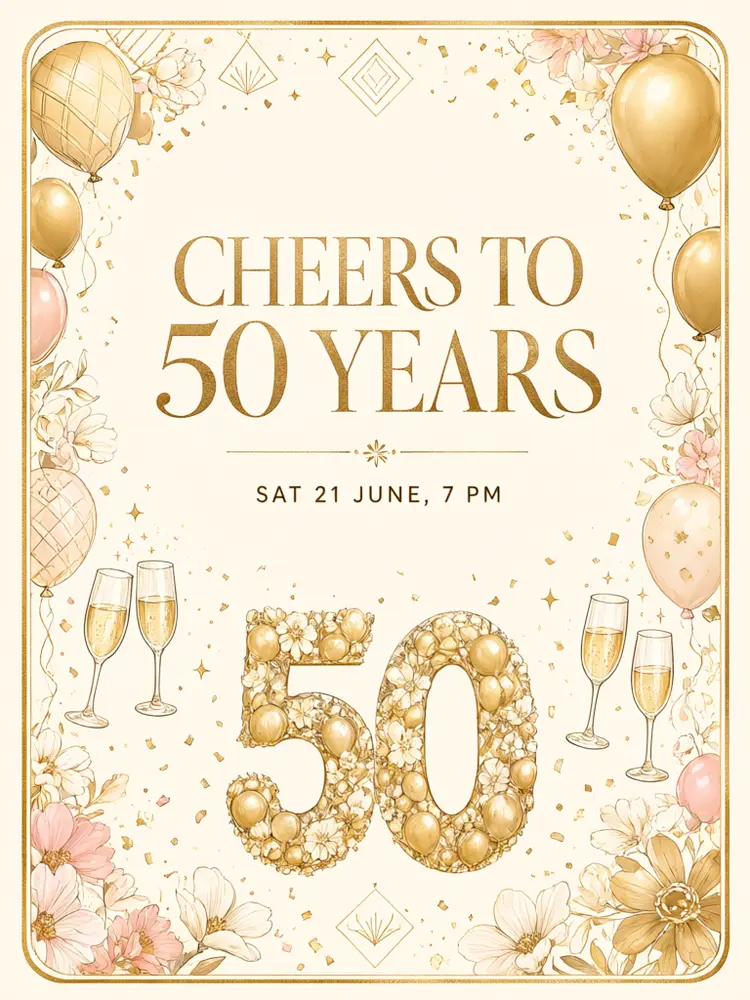
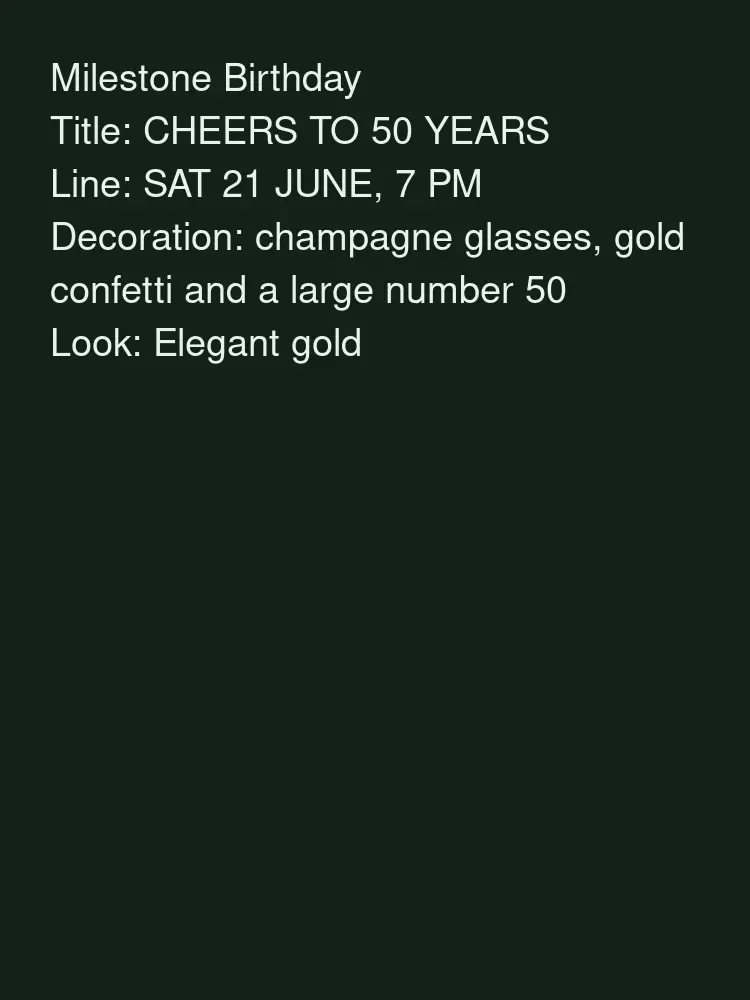
Drag to compare
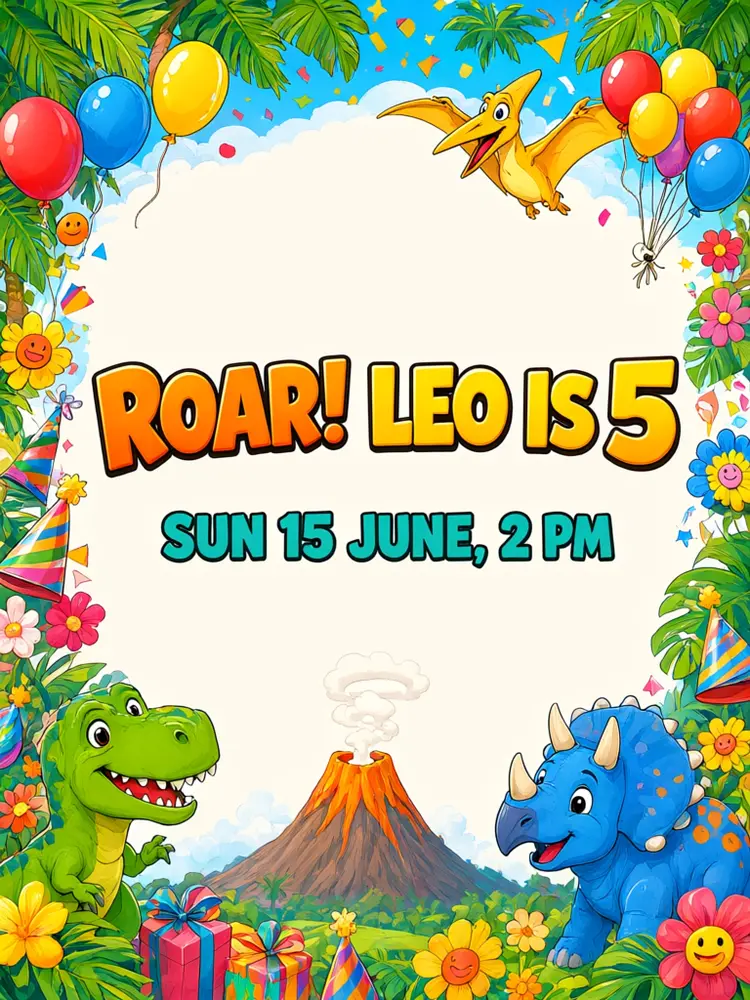
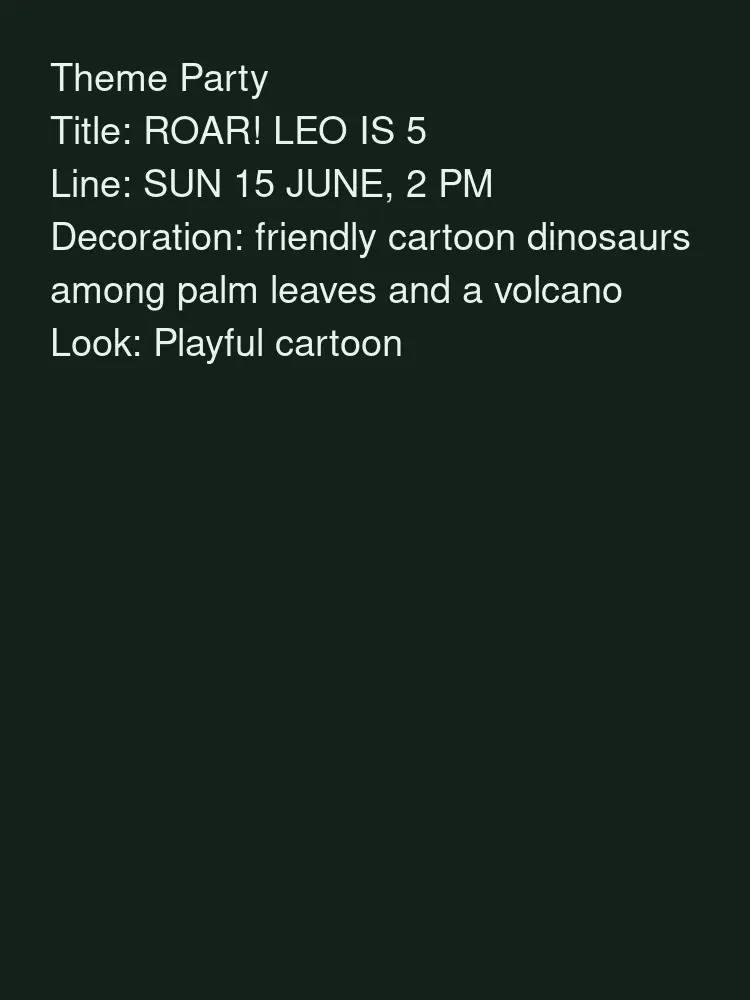
Drag to compare
Real, unretouched output from this tool. Drag any slider to compare.
Make a birthday invitation in a minute. Pick the party style, type the title and one short line with the date and place, choose a look, and the tool draws a printable card with your words spelled as typed. Make a few versions and pick your favourite.
How the birthday invitation maker works
You choose a party style, type a title and one short details line, and describe the decoration. The tool makes a finished invitation card with a decorative design and the words in large letters.
Each run makes one card. Change the style or the look to see other versions of the same invitation.
1
Keep the words short
A title plus one short details line is read best and spelled correctly most often. Add an address and RSVP in your message.
2
Pick the theme the guest cares about
Kids love a clear theme such as dinosaurs or unicorns. Adults often prefer a simple elegant card.
3
Make a few versions
Run it a few times with small changes and choose the best.
4
Proof before printing
The words are passed with an instruction to spell them exactly. Always check names, date, time and place yourself.
The party styles
Five modes plus your own.
1
Kids party
Bright, playful designs with balloons, cake and characters.
2
Milestone birthday
A 30th, 40th, 50th or 60th with a bold number and a stylish design.
3
Theme party
Dinosaurs, space, unicorns, superheroes, princess or sports.
4
Outdoor and pool party
Sun, water and summer colours.
5
Elegant dinner
A refined card for an adult dinner or celebration.
6
Your own idea
Describe the whole card yourself.
What this tool does not do
It makes the invitation picture. It does not send invitations, collect RSVPs or fill in addresses.
It does not put real people or photos on the card. Add a photo in your usual editor if you want one.
Always proof the date, time and place before you print or send it.
More tools for parties and gifts
Next steps once the invitation is done.
Who uses a birthday invitation maker
🏠
Parents
✓Make a matching invitation for a kid's party without a designer.
💡
Hosts of milestone parties
✓Make a stylish card for a big birthday.
🏢
Event planners
✓Show a client a few looks quickly.
📸
Printable sellers
✓Draft party designs to refine and sell where the licence allows.
🎈
Birthday Invitation Maker: Describe the Party, Get a Printable Invite
AI Tool
Bright, playful, with balloons and cake
Be specific for better results16/50
Be specific for better results17/60
Be specific for better results61/140
Be specific for better results0/400
Output quality:
Frequently Asked Questions
The title and details line are passed with an instruction to spell them exactly and came out right in our tests, but always proof names, date, time and place before you print or send.
Yes. Download the image and print it at home or at a print shop. Use the upscale option or higher quality for a sharper print.
Common sizes are 5x7 inches (close to 3:4) and 4x6 inches (2:3), and print shops can differ. Pick the shape closest to what you plan to print.
Not in this tool. Add photos in your usual editor after you download the card.
No. It makes the picture. Send it by message or email, or print it, and collect replies your usual way.
Yes. Use the Theme Party mode and describe the theme.
Keep the same look and decoration and change only the words for each card, for example a thank-you card.
You can use what you make. If you sell printables, check the current terms of use and the rules of the marketplace.