
How to use Background Remover on AI Two
Cut catalog photos to a clean white or custom background with Background Remover in Fashion Studio post production.
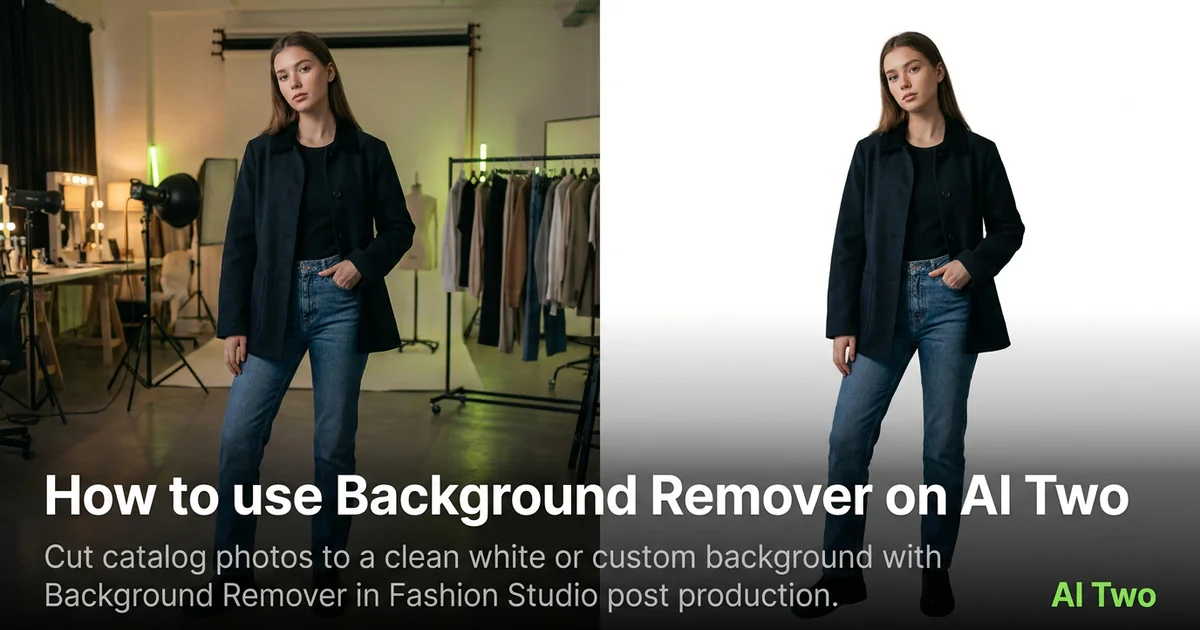
Background Remover on AI Two is the Fashion Studio post production page I open when a on model or flat lay still needs a white marketplace field or a brand color swap without reshooting. Sellers use it after the hero shot exists. When I tested a gray studio pull on a denim jacket, the edge around hair and collar stayed clean enough for a main listing slot at zoom. I treat removal as the last step after cast, pose, and garment approval so I am not fixing edges twice on the same SKU.
What Background Remover does
Upload a product or model photo, run removal, and download a cutout on transparent or solid background depending on the form.
When I tested a on model still with busy floor texture, the white field output saved a reshoot for the marketplace main image slot.
Fashion Studio lists this beside hair, makeup, retouching, and upscaler tools in post production.
Built for sellers polishing catalog assets, not for one off consumer edits.
I open this page after the garment shot is approved. Background work comes last in my pipeline.
Free signup credits covered early SKUs for me. Paid plans raise monthly limits for large catalog batches.
In my experience, starting from a already clean studio photo beats fixing a cluttered lifestyle snap here.
I name exports by SKU and background color so the marketplace upload folder does not mix white and brand variants.
For hair heavy shots I zoom shoulders first on the download before I batch the rest of the colorway.
How to run it step by step
Step one: sign in or create a free account. Step two: upload the catalog still you already approved. Step three: pick background target, keep defaults on run one. Step four: generate and wait about 30 seconds. Step five: download PNG and check edges at full zoom.
Keep the original layered file if your workflow uses one.
When I tested hair edges on a blazer shot, I zoomed shoulders and flyaways before I uploaded to the store.
I run white field first for marketplaces that require it, then brand color variants from the same source.
Credits apply per generation, so I lock crop on the hero SKU before I batch five colorways.
If fringing appears, I reshoot on simpler background instead of stacking ten removal runs.
I keep a transparent PNG master and export JPEG white field copies only when the channel requires them.
Which photo works best
Even studio light with clear subject separation beats cluttered room shots.
Contrast between garment and backdrop helps edge detection. Gray on gray fights the tool.
Match the framing on the Fashion Studio before and after card for this tool.
Avoid motion blur on hair and hands. Soft edges are hard to fix in post.
Shoot at higher resolution when you plan heavy zoom crops on marketplaces.
Keep jewelry and fine straps sharp. Thin lines are the first place halos appear.
Remove tape and pins from hem clips before you shoot. They copy into the cutout.
Mistakes I avoid
Using removal as a substitute for a bad on model generation. Fix the source still first.
Changing background color and running upscale together before I check edges.
Expecting glass transparency tricks from a catalog background tool.
Batching twenty SKUs before the hero edge quality is approved at zoom.
Uploading heavily compressed JPEGs with block artifacts along shoulders.
When to use another Fashion tool
Need hair or makeup polish after the cutout? Hair Styles or Makeup Editor. Need resolution for print? Image Upscaler. Need the on model shot first? Apparel on models cluster.
The post production cluster guide maps sibling pages. The Fashion Studio pillar covers the wider toolkit.
Ghost mannequin pages help when you need shape without a visible model before background work.
After the download
I upload the white field JPEG to the marketplace main slot only after I zoom edges on a desktop monitor, not just on my phone.
For brand color backgrounds I save the hex value in the filename so seasonal reruns match the style guide.
When a channel rejects halos, I return to the source on model still and reshoot on gray instead of stacking more removal runs.
I keep a transparent PNG master in the SKU folder and export delivery formats from that file so I never re cut from a compressed JPEG.
Catalog batches move faster when I approve edge quality on one hero SKU before anyone uploads twenty variants to the store backend.
FAQs
Related studio guides
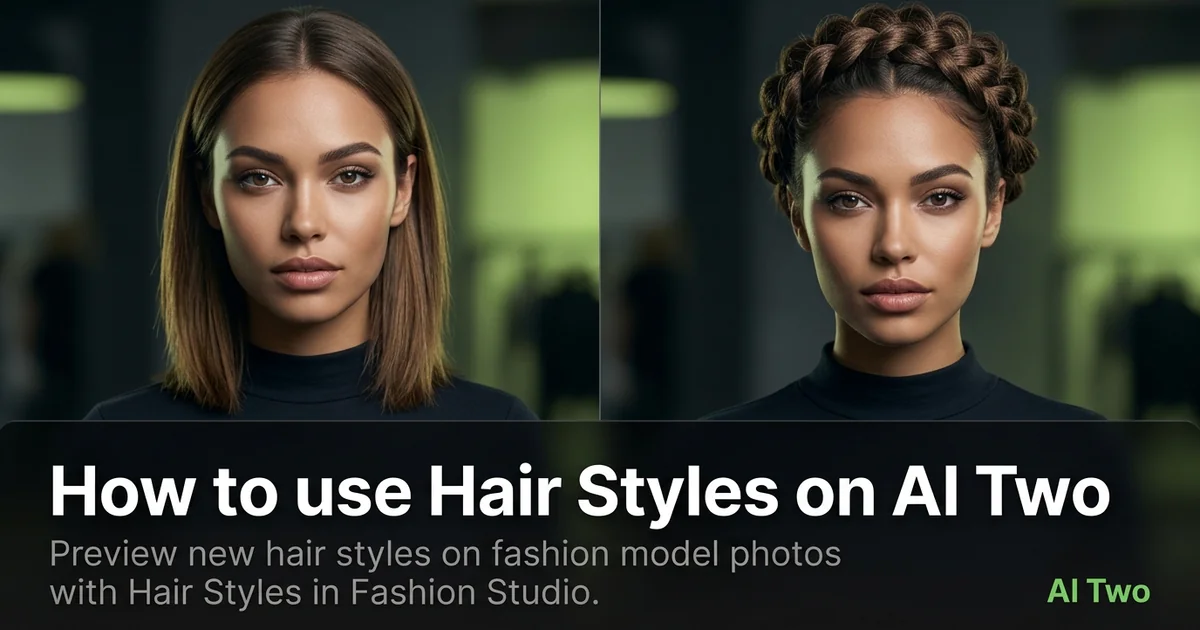
How to use Hair Styles on AI Two
Preview new hair styles on fashion model photos with Hair Styles in Fashion Studio.
Read guide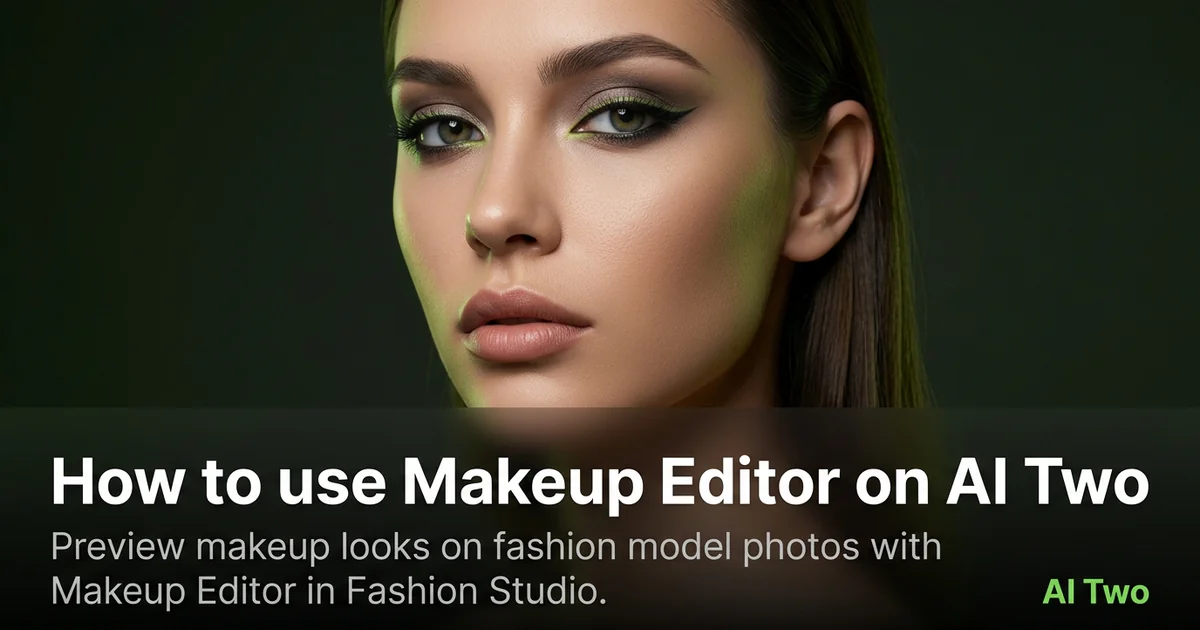
How to use Makeup Editor on AI Two
Preview makeup looks on fashion model photos with Makeup Editor in Fashion Studio.
Read guide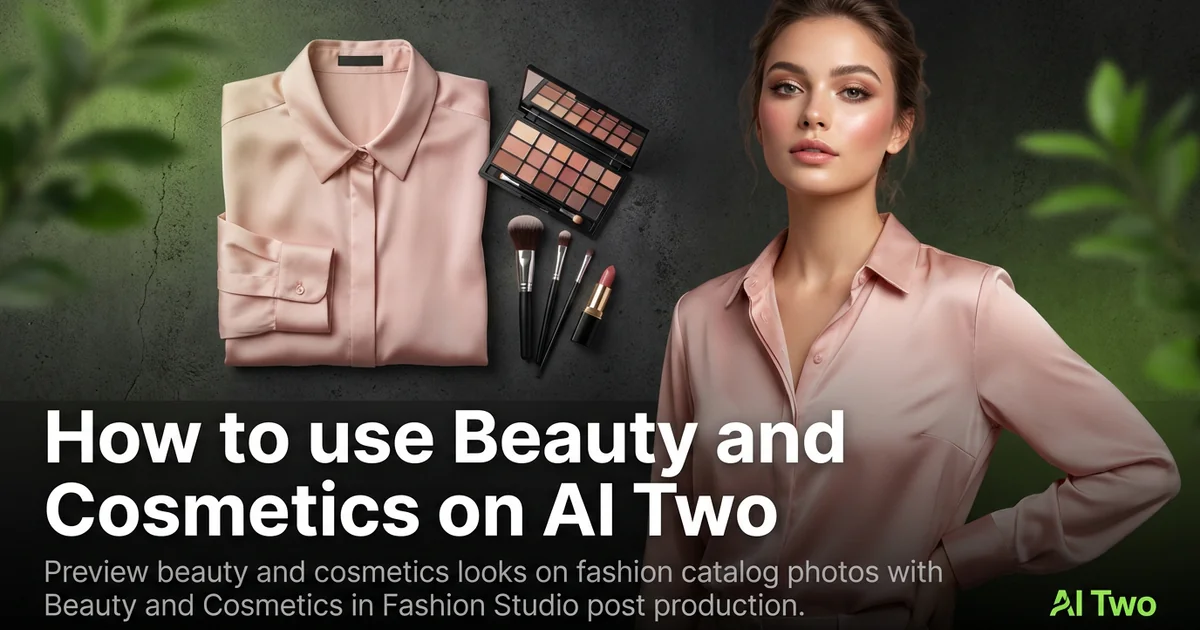
How to use Beauty and Cosmetics on AI Two
Preview beauty and cosmetics looks on fashion catalog photos with Beauty and Cosmetics in Fashion Studio post production.
Read guide