
How to use Earring Photography on AI Two
Create clean earring catalog stills with Earring Photography in Fashion Studio.
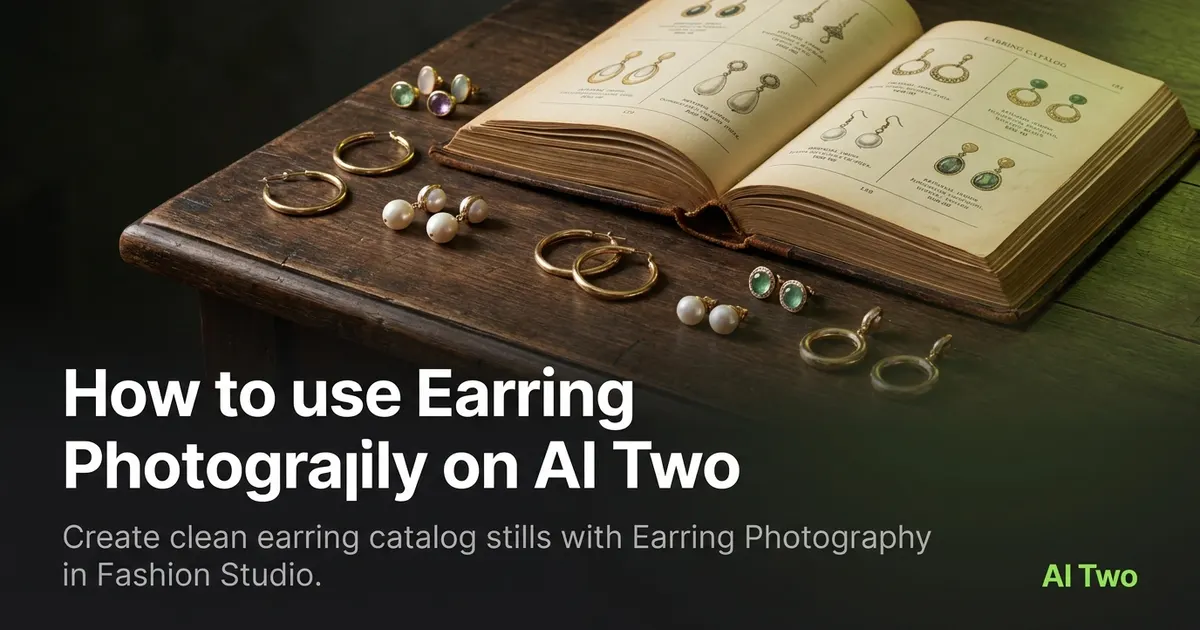
Earring Photography on AI Two is the Fashion Studio jewelry page I open when a seller needs stud, hoop, or drop earrings to look listing ready without booking a macro studio day. Jewelry sellers use it to turn sample photos into catalog stills where metal edges, posts, and stones stay readable at marketplace zoom. When I tested a gold hoop on a cluttered bathroom counter, the cleaned still kept the curve sharp enough for a product detail crop, which is the bar I use before I upload. I treat each download as a seller catalog asset, not a consumer earring picker for daily wear inspiration.
What Earring Photography does
You upload an earring product photo, pick the presentation direction the form offers, and generate a polished still suited for ecommerce listings and lookbook crops.
When I tested a pair of crystal studs on a wrinkled cloth, the cleaned presentation kept post geometry readable. That is the bar for earrings: edges and facets must survive full zoom.
Fashion Studio lists this page beside necklace and ring photography in the jewelry cluster. Credits meter each generation.
Built for sellers who need catalog assets for marketplaces and brand sites. It is not a personal styling or outfit of the day tool.
I open this page after the sample is wiped and lint free. Dust and fingerprints copy faithfully into listing stills.
Free signup credits covered a few earring SKUs for me before I locked a packshot style. Paid plans raise monthly limits for seasonal jewelry drops.
In my experience, one pair per upload beats a flat lay pile. The model keeps hooks and stones on the SKU you are listing.
I label each source file by SKU in the folder name so a holiday rerun does not grab last season’s hoop size by mistake.
For marketplaces that ask for a white field hero, I finish the catalog still here before I run background tools on the approved download.
How to run it step by step
Step one: sign in or create a free account. Step two: upload a sharp product photo with both earrings or the hero pair fully in frame. Step three: choose the mode, leave extras default on the first run. Step four: generate and wait about 30 seconds. Step five: download or change one setting and compare.
I keep the original file. Earring SKUs share metal finishes across colors, and you will reuse the base photo for variant listings.
If metal edges smear, start from a sharper source instead of stacking runs.
I name downloads with the SKU and angle so marketplace uploads stay organized.
When I tested a drop earring pair, I ran front and side angles as separate uploads instead of one distant pile shot.
I compare run one and run two side by side at full zoom before I upload to a marketplace. Soft prong detail is cheaper to fix now than after a return.
Credits meter each generation, so I batch similar gold tones in one session and reuse the same presentation choice.
When I tested silver hoops, I checked inner curve reflection at full resolution before I approved the pack for ads.
I export the approved still at full zoom checked resolution before I open necklace photography for a matching set listing.
Which photo works best
Even light and a clear silhouette beat busy bathroom counters and patterned cloth backgrounds.
Show posts, hooks, and stone edges. Cropping micro detail forces the model to invent facets buyers will zoom expecting to see.
The Fashion Studio card for this tool shows a real before and after pair. Match that kind of framing.
Wipe metal and stones before you shoot. Fingerprints and lint copy faithfully.
Avoid heavy phone filters. Marketplace buyers zoom, and filters hide prong faults you still own after sale.
Shoot pairs together when the listing is a set so scale matches in the still.
Use a plain surface or neutral cloth. Patterned backgrounds bleed into thin wire hoops in the output.
Fill the frame with the product. Tiny earrings floating in empty space look like low effort listings at thumbnail size.
Macro sharpness matters more here than for apparel. Soft phone exports fall apart on stone facets after generation.
Mistakes I avoid
Uploading a tray of twelve earring styles when the listing is one SKU.
Changing five settings between runs before I compare run one at full zoom.
Expecting on model ear shots from a flat counter snap. Use fashion model tools when the channel needs worn presentation.
Shipping a soft logo area or blurred post without checking full zoom after download.
Using lifestyle props that compete with the SKU. A perfume bottle beside studs distracts from metal detail buyers need.
Running ten colorways before I lock one presentation mode. Pick the look on one SKU, then batch the rest.
When to use another Fashion tool
Necklaces and rings have dedicated photography pages in the jewelry cluster. Apparel on models may need fashion model tools after the packshot. The jewelry hub maps the full seller workflow when the drop mixes earring, necklace, and ring SKUs.
The fashion jewelry cluster guide maps sibling pages. The Fashion Studio pillar maps casting and post production when the catalog needs on model shots next.
Background remover helps when a marketplace demands a pure white field after the earring still passes review.
When I need a worn shot for ads, I finish the packshot here first so the marketplace listing and the ad creative share the same product truth.
After the download
I upload the catalog still to the listing draft only after I compare it to the original at full zoom on my laptop.
For seasonal drops I attach both files in the merchandising folder so the photographer knows which source angle produced the approved hero.
When a SKU fails review, I reshoot with closer framing instead of stacking three runs on a distant phone snap.
I keep a checklist of earring styles that passed so the team knows which presentation mode is locked for the rest of the metal finish family.
If a marketplace reviewer asks for source proof, I return to the original photo in the same folder without guessing which phone roll it came from.
I store the presentation notes beside the PNG so future teammates know which run settings produced the listing hero.
FAQs
Related studio guides

How to use Jewelry AI Models on AI Two
Place jewelry on fashion models with Jewelry AI Models in Fashion Studio.
Read guide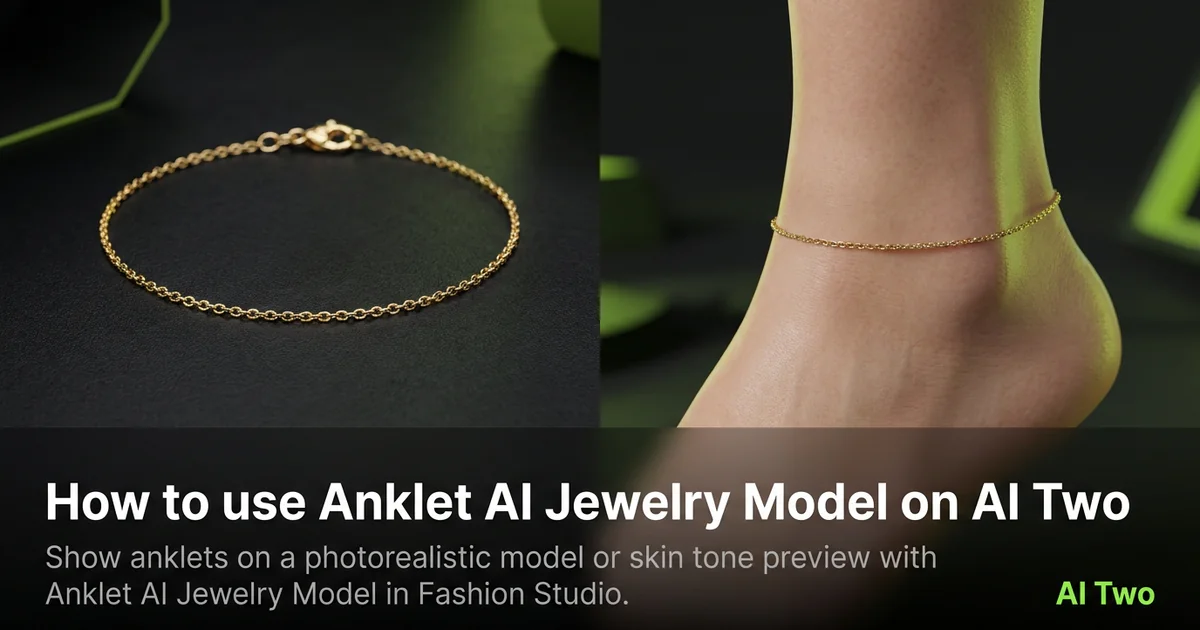
How to use Anklet AI Jewelry Model on AI Two
Show anklets on a photorealistic model or skin tone preview with Anklet AI Jewelry Model in Fashion Studio.
Read guide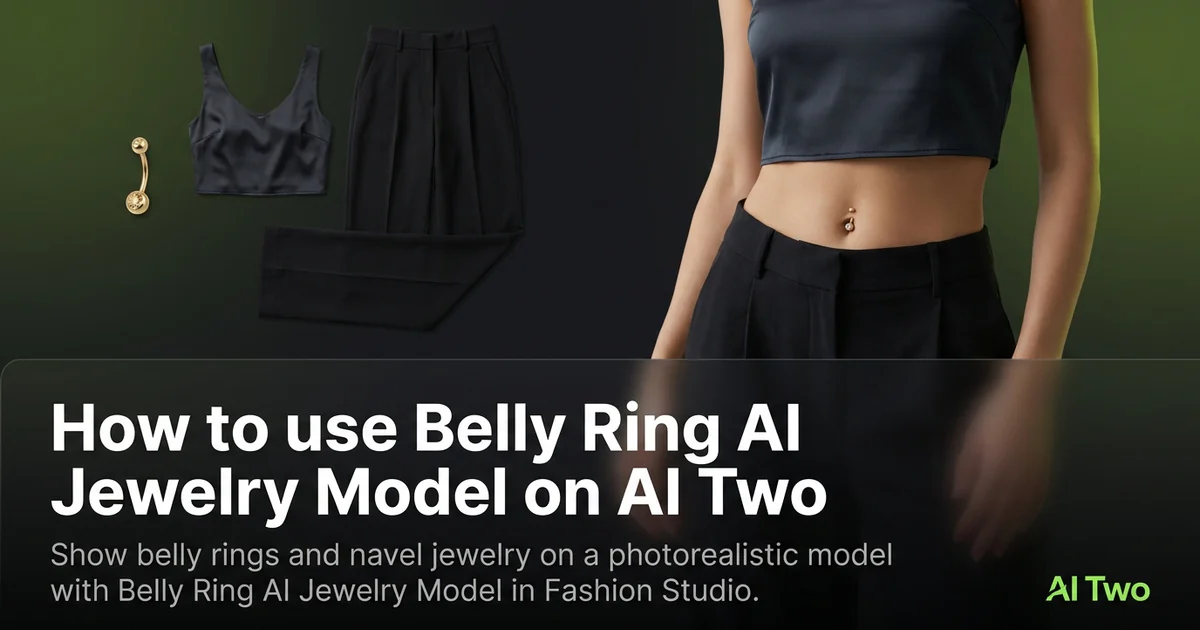
How to use Belly Ring AI Jewelry Model on AI Two
Show belly rings and navel jewelry on a photorealistic model with Belly Ring AI Jewelry Model in Fashion Studio.
Read guide