
How to use Jewelry AI Models on AI Two
Place jewelry on fashion models with Jewelry AI Models in Fashion Studio.
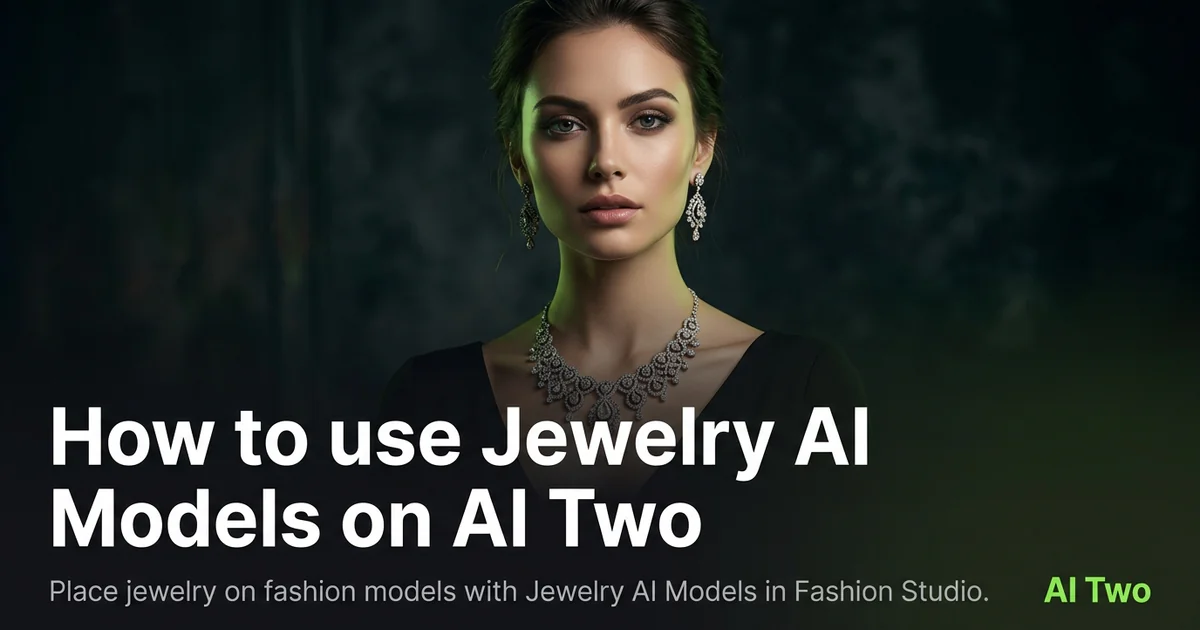
Jewelry AI Models on AI Two is the Fashion Studio hub I open when a necklace, bracelet, or earring SKU needs an on model still for a marketplace hero or wholesale lookbook. Jewelry sellers use it to place pieces on a fashion cast without booking hair, makeup, and studio time for every micro collection. When I tested a gold pendant on a neutral product still, the on model output kept chain scale readable at zoom, which is the check I use before upload. This cluster is for sellers building catalog frames, not for shoppers trying on jewelry at home for fun. Free signup credits covered a few hero SKUs for me. Paid plans raise monthly limits when a drop ships many variants.
What Jewelry AI Models does
You upload a jewelry photo, choose presentation options on the form, and generate an on model still that places the piece on a fashion cast while keeping metal finish and stone edges as readable as the source allows.
When I tested a thin chain pendant, the output kept clasp placement believable enough for a marketplace thumbnail. That is the check I use.
Fashion Studio lists this beside anklet, watch, and necklace subpages in the jewelry on model cluster.
Built for jewelry brands and marketplace sellers who need model worn frames. It is not a personal try on toy.
I open this page after I wipe fingerprints and dust the stones. Smudges in the source become permanent glare in the output.
Free signup credits covered three hero SKUs for me before I batched a coordinated set. Paid plans raise monthly limits for full seasonal lines.
In my experience, reflective metal needs diffused light on the product photo before the on model pass. Hard flash blooms highlights.
I name downloads with SKU and subpage so anklet and necklace angles do not mix in one folder.
For wholesale sheets I note which cast direction matched the approved still so reps send consistent PDFs.
Treat the output as a catalog draft. Carat and material claims still need your compliance copy on the PDP.
When a piece is tiny, I shoot macro sharp on the product file first. Soft source detail never recovers in the on model still.
How to run it step by step
Step one: sign in or create a free account. Step two: upload a sharp jewelry photo on a neutral field. Step three: pick the mode, keep defaults on run one. Step four: generate and wait about 30 seconds. Step five: download or adjust one setting and compare.
Keep originals. Collections share chain styles across seasons.
When I tested a cuff bracelet, I checked inner curve highlights at full zoom before I approved the pack.
I run earring pairs as separate uploads when the listing sells asymmetrical sets. One crooked product angle hides scale.
Credits apply per generation, so I lock one presentation mode on the hero SKU before I batch five metal finishes.
If metal looks gray, I reshoot with warmer diffused light instead of stacking more runs on a cold LED snap.
If the piece floats or scale feels wrong, I change one presentation setting on run two instead of also changing crop and background together.
I write the subpage name that won beside the SKU so contractors open anklet versus necklace tools correctly.
When a SKU also needs a pure packshot, I run Jewelry Accessories Photography in a sibling folder instead of forcing one file to do both jobs.
Which photo works best
Diffused daylight or a softbox shows metal grain and stone facets better than on camera flash.
Place the piece on gray or white board so edges are clear. Busy fabric props steal focus from the SKU.
Match the framing on the Fashion Studio before and after card for this tool.
Clean fingerprints before you shoot. Gold and silver show every smudge at zoom.
Avoid heavy social filters. Buyers zoom, and soft prong detail gets returns.
For long chains, lay a gentle curve so length reads before the on model pass.
Shoot earrings with both posts visible when the listing sells a pair. One half hidden creates scale confusion.
Include a size reference in the product photo when stones are sub millimeter. A coin or ruler in frame helps your team judge source sharpness.
For watches linked from this hub, wipe the crystal and shoot straight on so dial text stays legible.
Keep props minimal. Retailers want the jewelry hero, not a styled tablescape in the source file.
Mistakes I avoid
Uploading lifestyle model photos when the listing needs a clean product source first.
Changing pose, background, and jewelry placement together on run one.
Expecting studio macro detail from a blurry phone snap of a tiny stud.
Batching five finishes from one dusty product photo.
Using on model output as the only compliance photo when the channel requires a plain packshot too.
Mixing watch, anklet, and necklace subpages on one SKU folder without labels. Contractors rerun the wrong form.
Over polishing in post on the source file before upload. Plastic metal reads worse after the on model pass.
When to use another tool
Need a plain packshot without a model? Open Jewelry Accessories Photography or Ring Photography. Need a specific subpage for anklets, watches, or necklaces? Use the matching jewelry on model subpage. Need background cleanup or upscale after approval? Background Remover and Image Upscaler sit in post production.
The fashion jewelry guide maps sibling pages. The Fashion Studio pillar lists footwear and apparel tools when the brand expands beyond jewelry.
After the download
I upload the on model still beside the product photo in the listing draft so the merchandiser can approve before the SKU goes live.
For seasonal drops I name files by SKU and subpage so weekend uploads do not mix hero and alternate poses.
When a marketplace asks for both packshot and on model frames, I keep both in one folder with the same metal reference swatch.
If prong tips look soft, I return to the sharpest product original and rerun with one presentation change rather than stacking fixes on a soft file.
I keep approved stills in the DAM with jewelry cluster metadata so contractors know which page produced the file.
When returns cite scale confusion, I compare the on model still against the packshot rather than rerunning cast blindly.
For lookbook PDFs I place product and on model pairs on one spread so buyers see metal tone in two contexts.
FAQs
Related studio guides
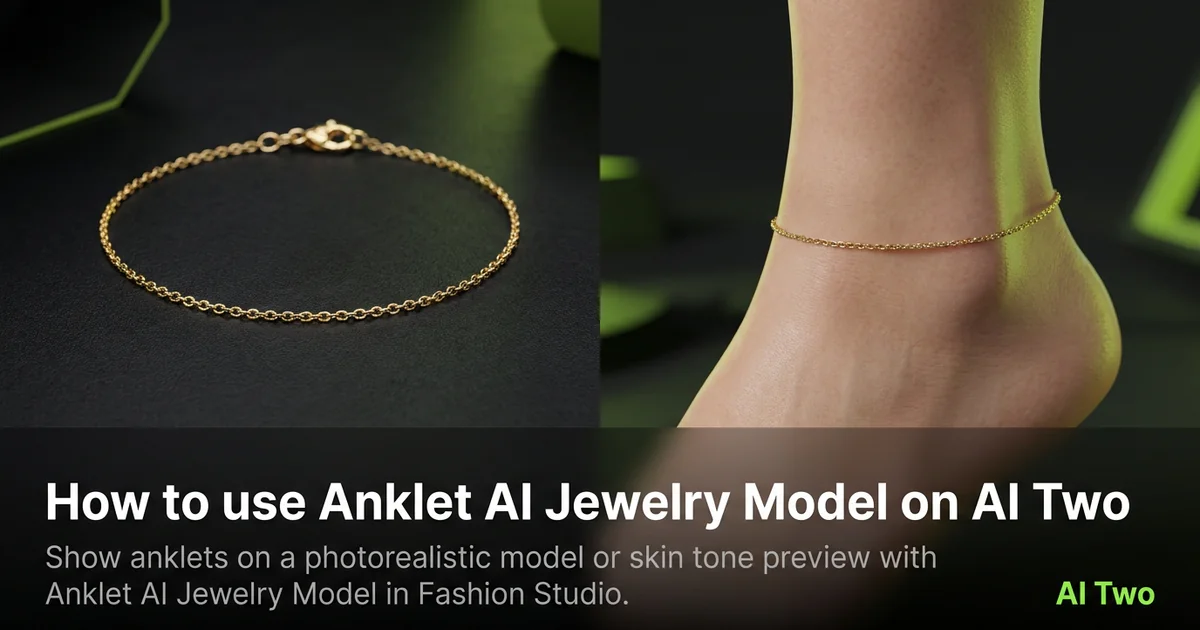
How to use Anklet AI Jewelry Model on AI Two
Show anklets on a photorealistic model or skin tone preview with Anklet AI Jewelry Model in Fashion Studio.
Read guide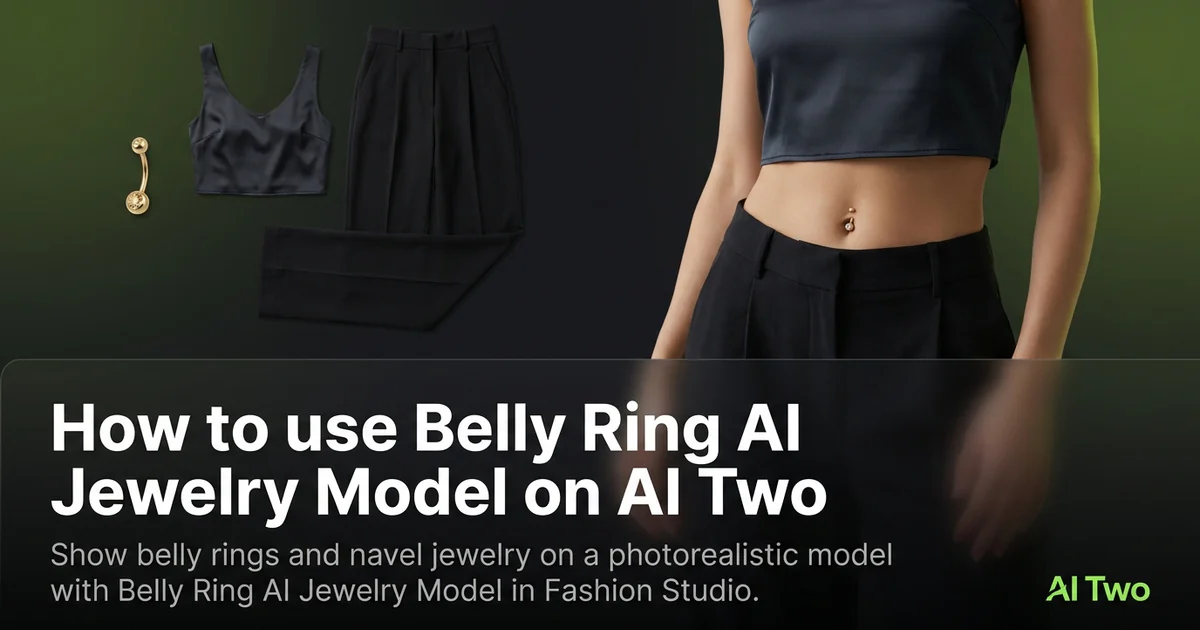
How to use Belly Ring AI Jewelry Model on AI Two
Show belly rings and navel jewelry on a photorealistic model with Belly Ring AI Jewelry Model in Fashion Studio.
Read guide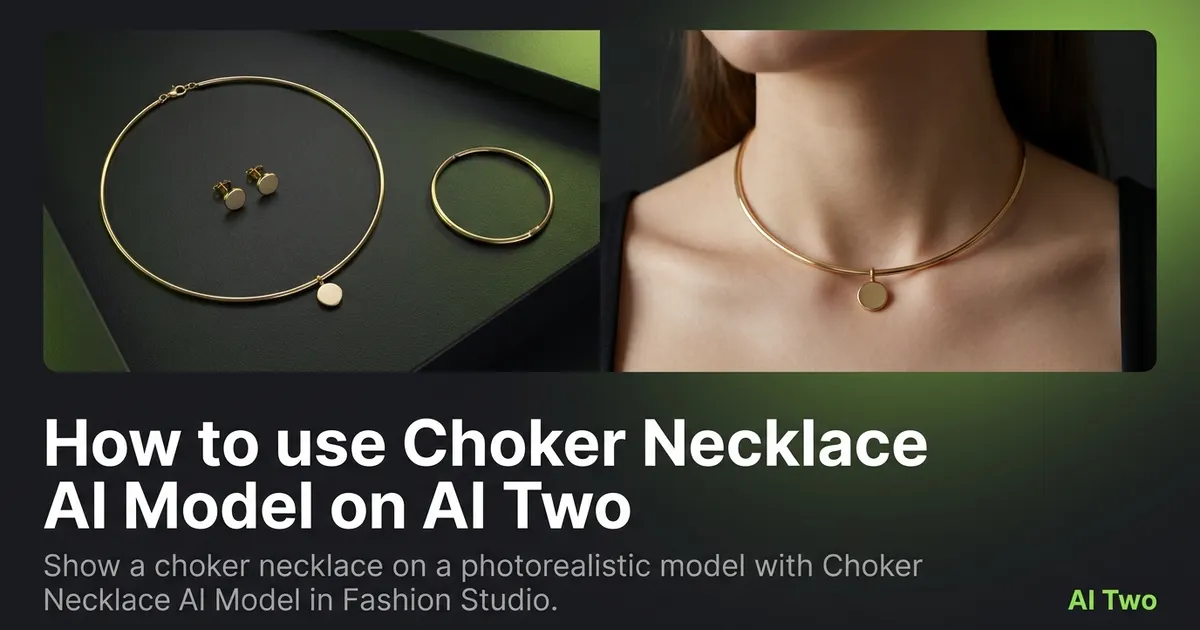
How to use Choker Necklace AI Model on AI Two
Show a choker necklace on a photorealistic model with Choker Necklace AI Model in Fashion Studio.
Read guide