
How to use Jewelry Accessories Photography on AI Two
Create jewelry accessory product stills with Jewelry Accessories Photography in Fashion Studio.
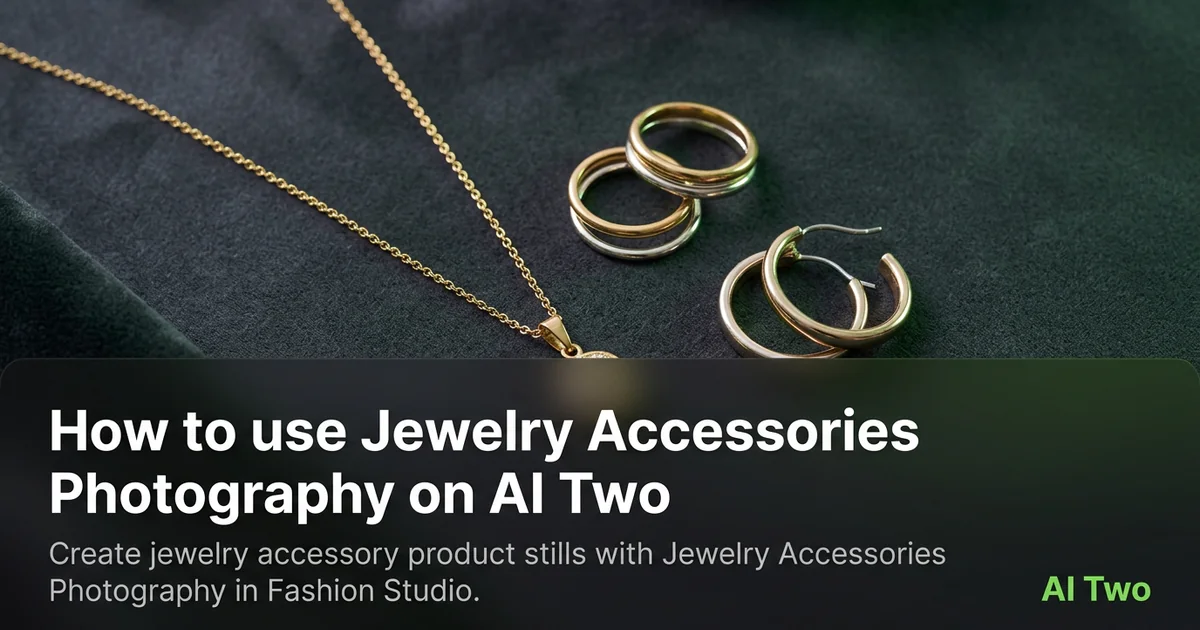
Jewelry Accessories Photography on AI Two is the Fashion Studio page I open when a ring, earring, or necklace SKU needs a clean packshot for a marketplace grid or wholesale line sheet. Jewelry sellers use it to turn a simple product photo into a retail ready still without building a full light tent set for every micro drop. When I tested a sterling band on gray board, the output kept prong edges readable at zoom, which is the check I use before upload. This page is for product stills and packshots, not for on model lifestyle campaigns alone. Free signup credits covered a few hero SKUs for me. Paid plans raise monthly limits when a collection needs many angles and finishes.
What Jewelry Accessories Photography does
You upload a jewelry photo, choose options on the form, and generate a product still that cleans presentation while keeping silhouette, metal tone, and stone edges as readable as the source allows.
When I tested a hoop earring pair, the output kept inner curve highlights clear enough for a marketplace thumbnail. That is the check I use.
Fashion Studio lists this beside ring, necklace, and earring photography subpages in the jewelry product cluster.
Built for sellers who need listing ready accessory photography. It is not a personal styling page.
I open this page after I wipe fingerprints and blow dust off stones. Specks in the source become permanent texture in the output.
Free signup credits covered three angles for me on one SKU before I batched the metal finish set. Paid plans raise monthly limits for full catalog seasons.
In my experience, white gold needs neutral gray boards. Pure white backgrounds clip fine wire detail on some phones.
I name downloads with SKU and subpage so ring and earring folders stay separate for contractors.
For wholesale sheets I note which angle matched the approved still so reps send consistent PDFs.
Treat the output as a catalog draft. Material claims still need your compliance copy on the PDP.
When I tested a pendant on a cord, I checked knot placement at full zoom before I sent files to ops.
How to run it step by step
Step one: sign in or create a free account. Step two: upload a sharp jewelry photo on a neutral field. Step three: pick the mode, keep defaults on run one. Step four: generate and wait about 30 seconds. Step five: download or adjust one setting and compare.
Keep originals. Collections share mount styles across seasons.
When I tested a signet ring, I checked hallmarks at full zoom before I approved the pack.
I run top and three quarter views as separate uploads when the channel wants both. One extreme angle hides band thickness.
Credits apply per generation, so I lock one presentation mode on the hero SKU before I batch five finishes.
If metal looks muddy, I reshoot with softer side light instead of stacking more runs on a harsh flash photo.
If shadows look wrong, I change one background or lighting preset on run two instead of also changing crop and polish together.
I write the subpage that won beside the SKU so necklace photography does not get ring settings by mistake.
When a hero also needs a model worn frame, I save packshots in a sibling folder and run Jewelry AI Models separately.
Which photo works best
Diffused daylight or a softbox shows facets and brushed metal better than on camera flash.
Lay pieces on gray or white board so edges are clear. Busy fabric props steal focus from the SKU.
Match the framing on the Fashion Studio before and after card for this tool.
Clean fingerprints before you shoot. Polished surfaces show every smudge at zoom.
Avoid heavy social filters. Buyers zoom, and soft prong detail gets returns.
For rings, stand the band slightly so the crown catches light without blowing highlights.
Shoot earring pairs with both faces visible when the listing sells a set. One half hidden creates scale confusion.
Include the full chain for necklaces. Cropped clasps hide length shoppers compare across brands.
For micro pavé, start with a sharp macro source. Soft pixels stay soft in the packshot output.
Keep the board clean. Scuffs and lint read as product defects in a thumbnail.
Mistakes I avoid
Uploading on model lifestyle shots when the channel needs a plain packshot first.
Changing background, polish, and crop together on run one.
Expecting lost detail to reappear from a tiny blurry phone snap.
Batching five finishes from one dusty product photo.
Using packshots alone when the marketplace also requires an on model frame for the same SKU.
Skipping subpages when Ring Photography or Earring Photography fits the form better.
Over sharpening the source before upload. Halos around prongs look worse after generation.
When to use another tool
Need jewelry on a fashion cast? Open Jewelry AI Models or the anklet, watch, and necklace on model subpages. Need a dedicated ring or earring form? Open Ring Photography, Necklace photography, or Earring photography. Need cleanup or upscale after approval? Background Remover and Image Upscaler sit in post production.
The fashion jewelry guide maps sibling pages. The Fashion Studio pillar lists apparel and footwear tools when the brand expands.
After the download
I upload the packshot beside any on model still in the listing draft so the merchandiser can approve before the SKU goes live.
For seasonal drops I name files by SKU and angle so weekend uploads do not mix hero and alternate views.
When a marketplace asks for white background compliance, I note which download passed their automated check.
If prong tips look soft, I return to the sharpest product original and rerun with one setting change rather than stacking fixes on a soft file.
I keep approved stills in the DAM with jewelry product metadata so contractors know which subpage produced the file.
When returns cite scale confusion, I compare the packshot against the size chart graphic rather than rerunning blindly.
For wholesale PDFs I embed the approved packshot at print resolution instead of upscaling a tiny screen grab.
FAQs
Related studio guides

How to use Jewelry AI Models on AI Two
Place jewelry on fashion models with Jewelry AI Models in Fashion Studio.
Read guide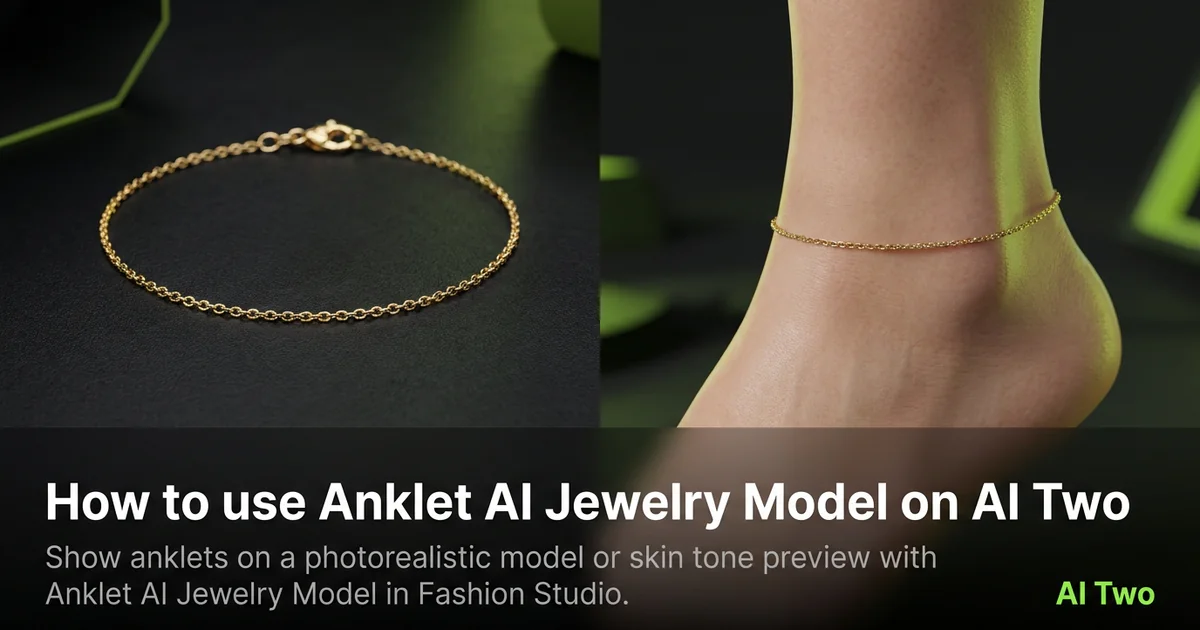
How to use Anklet AI Jewelry Model on AI Two
Show anklets on a photorealistic model or skin tone preview with Anklet AI Jewelry Model in Fashion Studio.
Read guide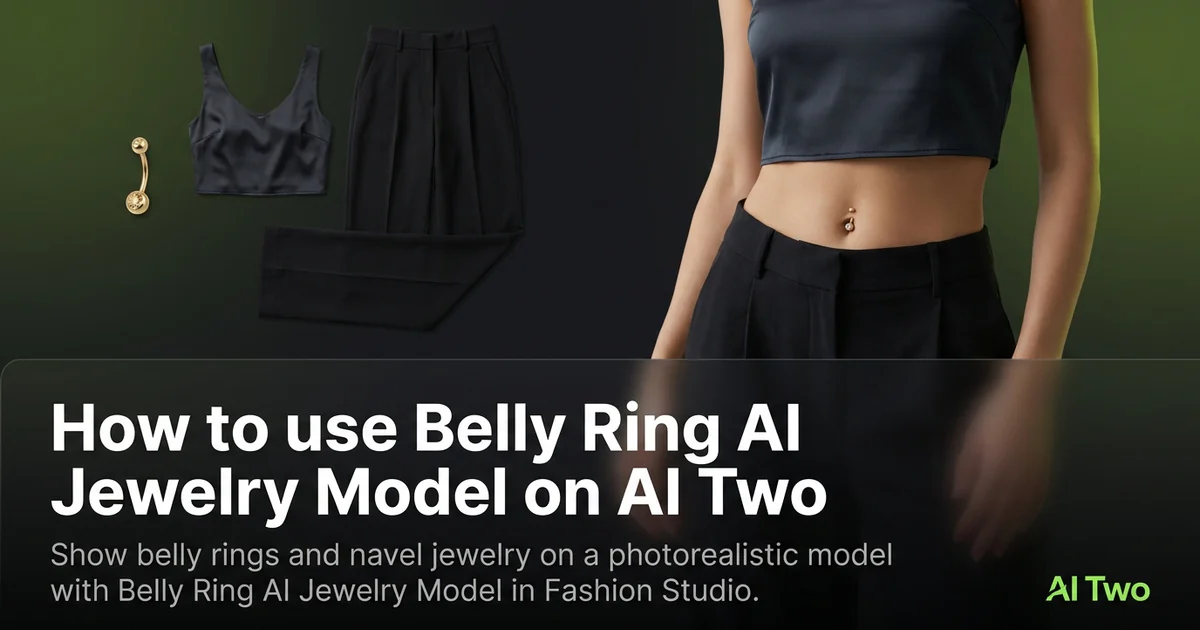
How to use Belly Ring AI Jewelry Model on AI Two
Show belly rings and navel jewelry on a photorealistic model with Belly Ring AI Jewelry Model in Fashion Studio.
Read guide