
How to use Belly Ring AI Jewelry Model on AI Two
Show belly rings and navel jewelry on a photorealistic model with Belly Ring AI Jewelry Model in Fashion Studio.
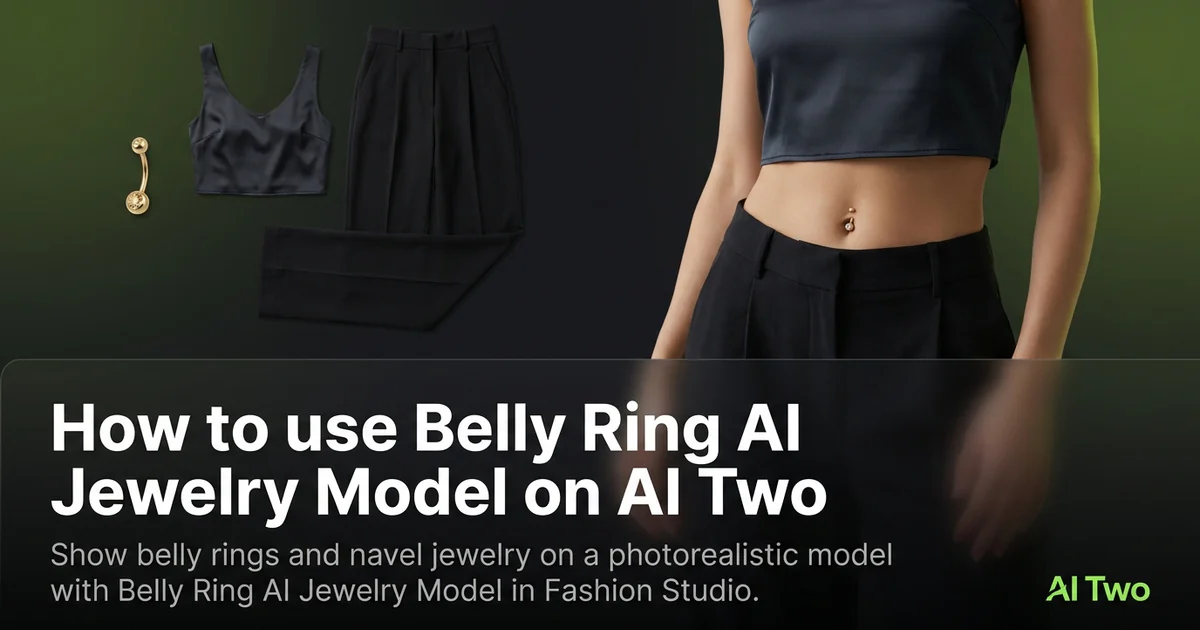
Belly Ring AI Jewelry Model on AI Two is the Fashion Studio page I open when a navel jewelry SKU needs a worn view for a marketplace zoom without booking a body jewelry shoot. Sellers use it to place a ring on skin with readable gem and metal detail. When I tested a small crystal bar on a neutral midsection crop, the piercing point stayed sharp enough for a jewelry listing hero, which is the check I use before upload. I rerun only after I compare stone sharpness against the flat product photo at the same zoom level.
What Belly Ring AI Jewelry Model does
Upload a belly ring product photo or follow the form, choose presentation options, and generate a worn still with the piece on skin at the navel.
When I tested a curved barbell, the output kept gem facets readable at marketplace zoom without blowing highlights on the metal.
Fashion Studio lists this beside anklet, necklace, bangle, and watch jewelry model pages in the jewelry cluster.
Built for sellers who need jewelry on skin or model context, not for consumer try on games.
I open this page after the product photo is dust free and shot on neutral gray.
Free signup credits covered early SKUs for me. Paid plans raise monthly limits for seasonal jewelry drops.
In my experience, even daylight on metal beats mixed yellow bulbs that flatten gold tone on small stones.
I shoot a macro of the clasp or thread separately when the listing policy allows a detail inset image.
For delicate bars I place the piece on a gray sweep so the tool reads edge contrast without busy fabric.
How to run it step by step
Step one: sign in or create a free account. Step two: upload a sharp belly ring photo on neutral background. Step three: pick presentation options, keep defaults on run one. Step four: generate and wait about 30 seconds. Step five: download or adjust one setting and compare.
Keep originals for each SKU. Collections reuse bar styles across seasons.
When I tested a belly ring, I checked gem detail at full zoom before I approved the pack.
I run hero SKU first, then batch metal variants once crop and skin tone are locked.
Credits apply per generation, so I lock one midsection crop on the lead piece before I batch five finishes.
If metal looks flat, I reshoot with softer daylight instead of stacking more runs on a harsh flash photo.
I export the worn still at full zoom checked resolution before I open background remover for white field copies.
Which photo works best
Even daylight or softbox light shows metal edge and stone facets better than on camera flash alone.
Shoot the piece on gray or white so the bar edge is clear. Busy fabric hides small gems.
Match the framing on the Fashion Studio before and after card for this tool.
Dust and fingerprints show on gold and silver. Wipe before you shoot.
Avoid heavy beauty filters on product source photos. Buyers zoom, and soft stones get returns.
Include the full bar and both ends in frame. Cropped threads hide length shoppers compare.
Keep camera height level with the product on the sweep. Extreme angles distort small curved bars.
For gem bars, shoot with light raking across the stone so facets read before upload.
Mistakes I avoid
Uploading lifestyle beach shots when the listing needs a clean product focused worn frame first.
Changing skin tone, crop, and metal finish together on run one.
Expecting editorial swim campaign motion from a catalog jewelry tool.
Batching five metal finishes from one blurry phone snap.
Skipping macro sharpness on the gem face. That is where buyers look first on navel jewelry.
When to use another Fashion tool
Need other jewelry types? Open the jewelry models hub, anklet, bangle, necklace, or watch pages in the jewelry cluster. Need on body apparel instead? Apparel on models pages. Need a white field after the worn shot? Background Remover in post production.
The jewelry cluster guide maps sibling pages. The Fashion Studio pillar covers the wider toolkit.
Anklet and toe ring pages target foot jewelry with forms tuned to those angles. Belly ring stays on this page for navel placement.
After the download
I upload the worn still to the listing draft first, then add a macro crop of the gem if the marketplace allows a detail slot.
For collections I keep bar length notes beside the SKU folder so reruns next season match the same midsection crop.
When a return cites scale, I compare the download zoom against the product photo measurement chart before I rerun.
I list bar length and gauge in the product copy only after the worn still matches the flat lay measurement photo.
FAQs
Related studio guides

How to use Jewelry AI Models on AI Two
Place jewelry on fashion models with Jewelry AI Models in Fashion Studio.
Read guide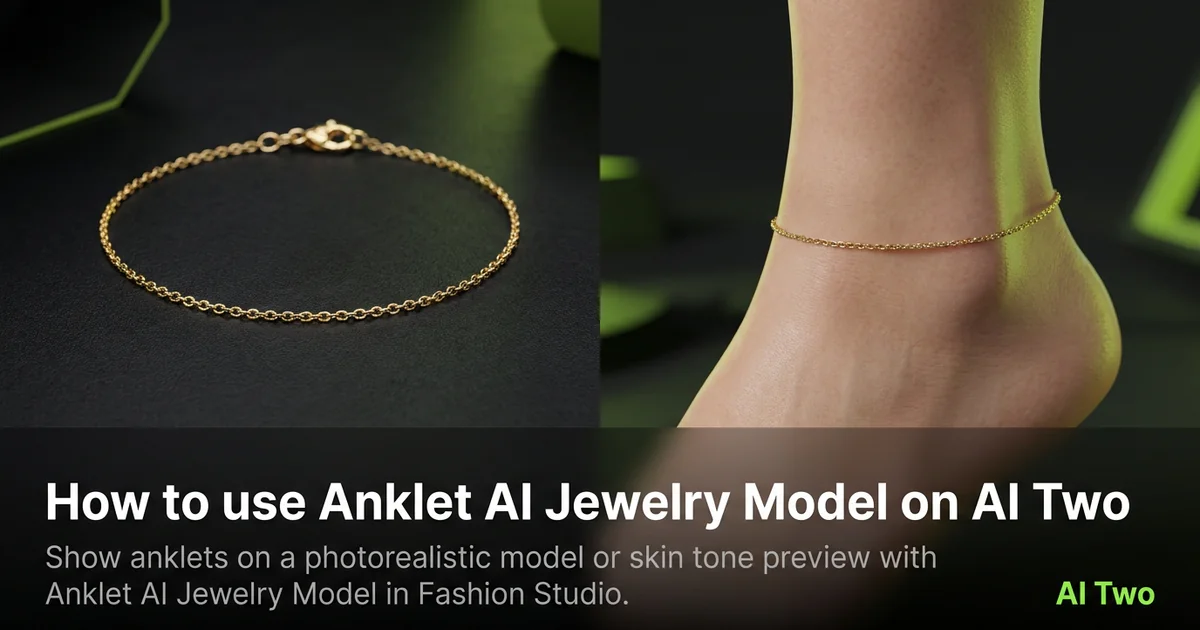
How to use Anklet AI Jewelry Model on AI Two
Show anklets on a photorealistic model or skin tone preview with Anklet AI Jewelry Model in Fashion Studio.
Read guide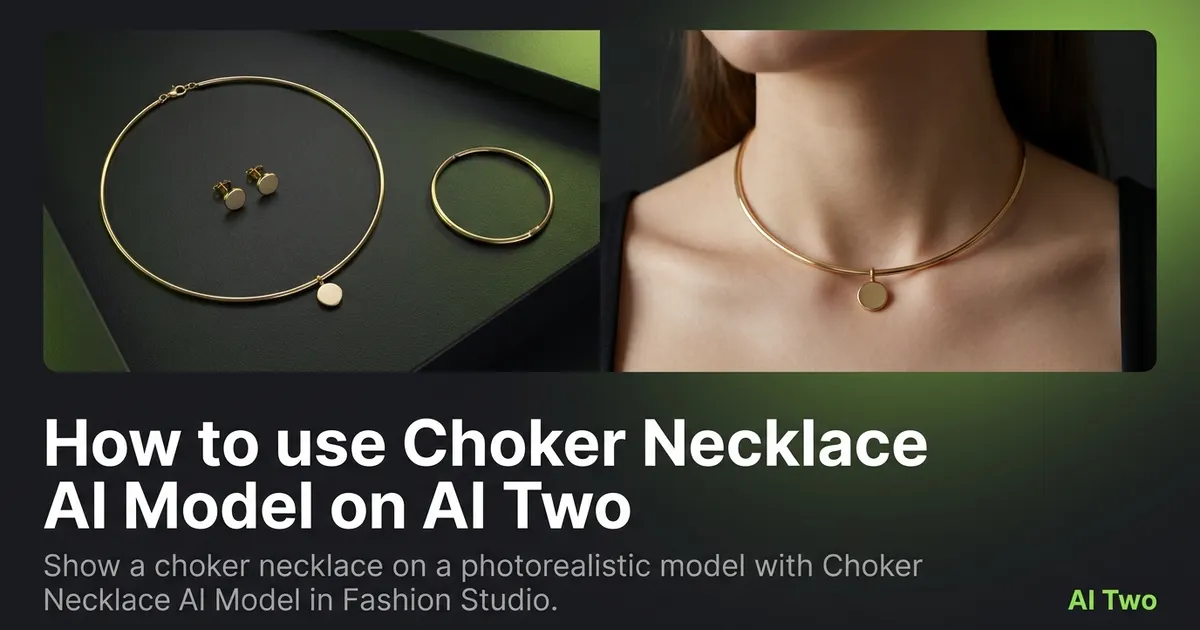
How to use Choker Necklace AI Model on AI Two
Show a choker necklace on a photorealistic model with Choker Necklace AI Model in Fashion Studio.
Read guide