It is free to try: new users get free generations. Paid plans add credits, remove the watermark and unlock higher resolution.
Shop Sign Designer: Type Your Shop Name, See Sign Designs
Shop Sign Designer: Type Your Shop Name, See Sign Designs is a free AI tool that lets you design a shop sign with AI: type your shop name, pick a storefront sign, hanging sign, sidewalk board, window sign or neon sign and a look. Free to try.
Free to try · first generation free on signup · no credit card
1
Step 1
Select Mode
Choose your transformation style
Wide sign above the door
2
Step 2
Options
Configure your options
Related Tools
→try new exterior paint colors on your own photo
→redesign a home exterior from a single photo
→plan a new yard or garden layout from a photo
→repaint a car in any shade before you commit
Output quality:
Mode
Storefront Sign
Your AI Design Will Appear Here
Fill in the options on the left, then press Generate.
Upload your image
Drag & drop your file here or click to browse
JPG, PNG, WebP
Max 10MB
AI Ready
Quick facts about Shop Sign Designer: Type Your Shop Name, See Sign Designs
- Tool nameShop Sign Designer: Type Your Shop Name, See Sign Designs
- PriceFree to try
- InputText prompt
- OutputAI-generated image
Before / After
Example results
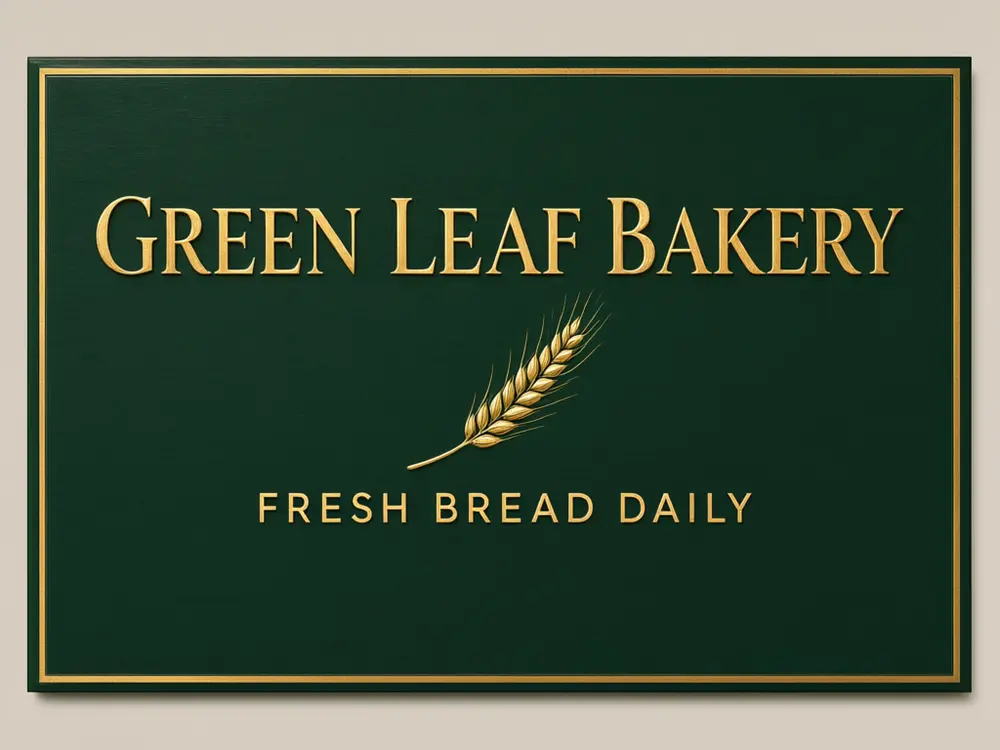
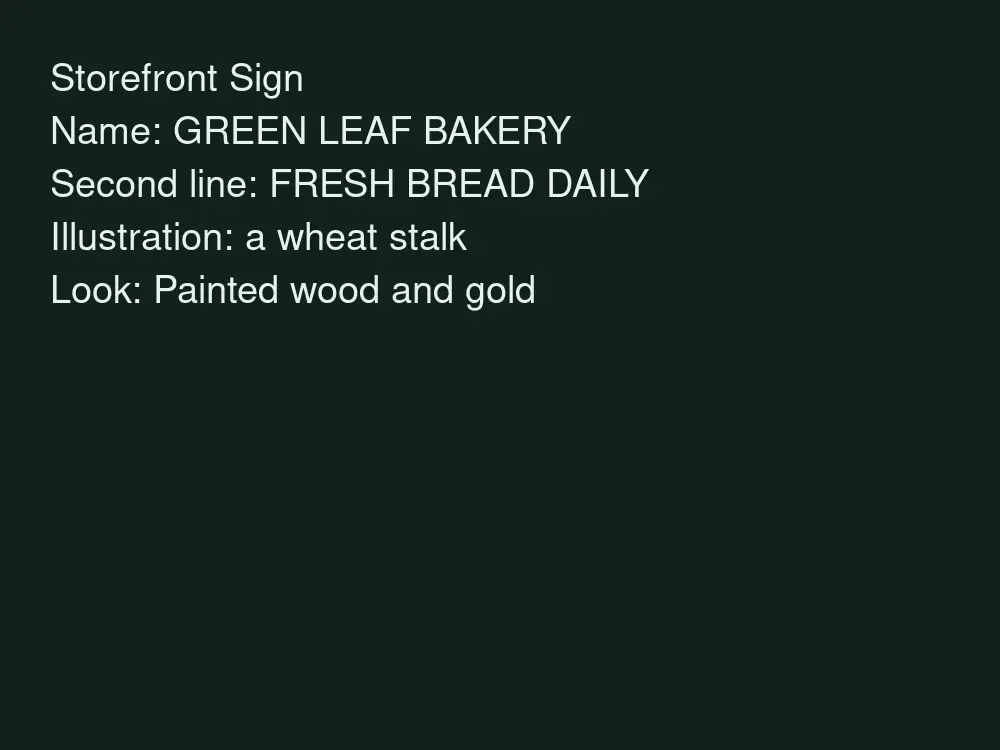
Drag to compare
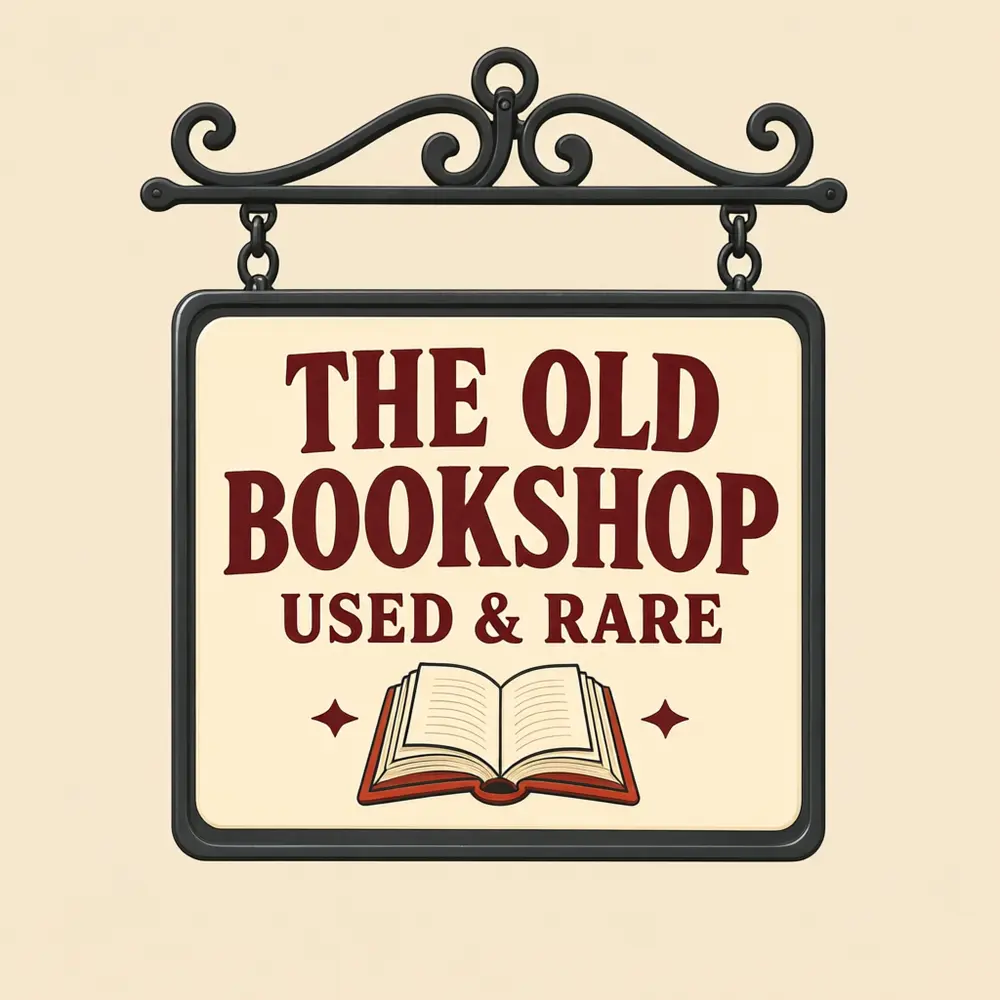
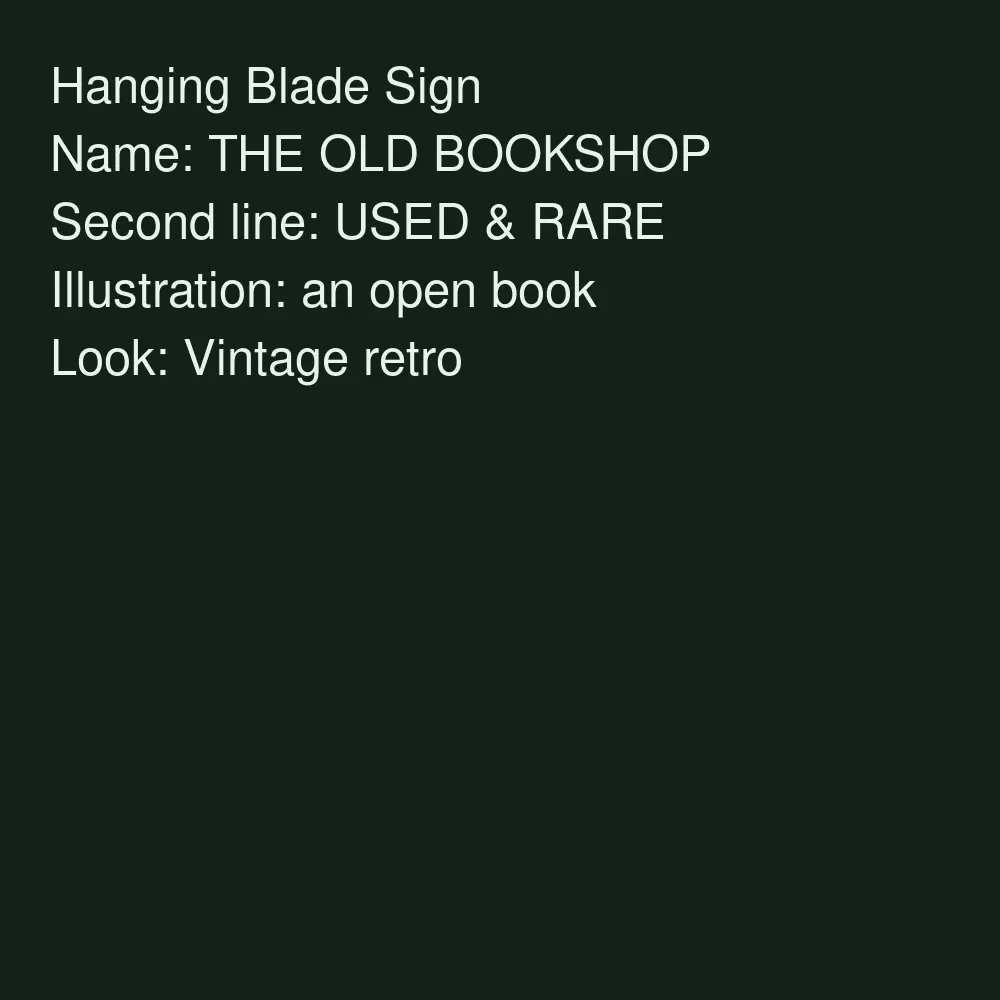
Drag to compare
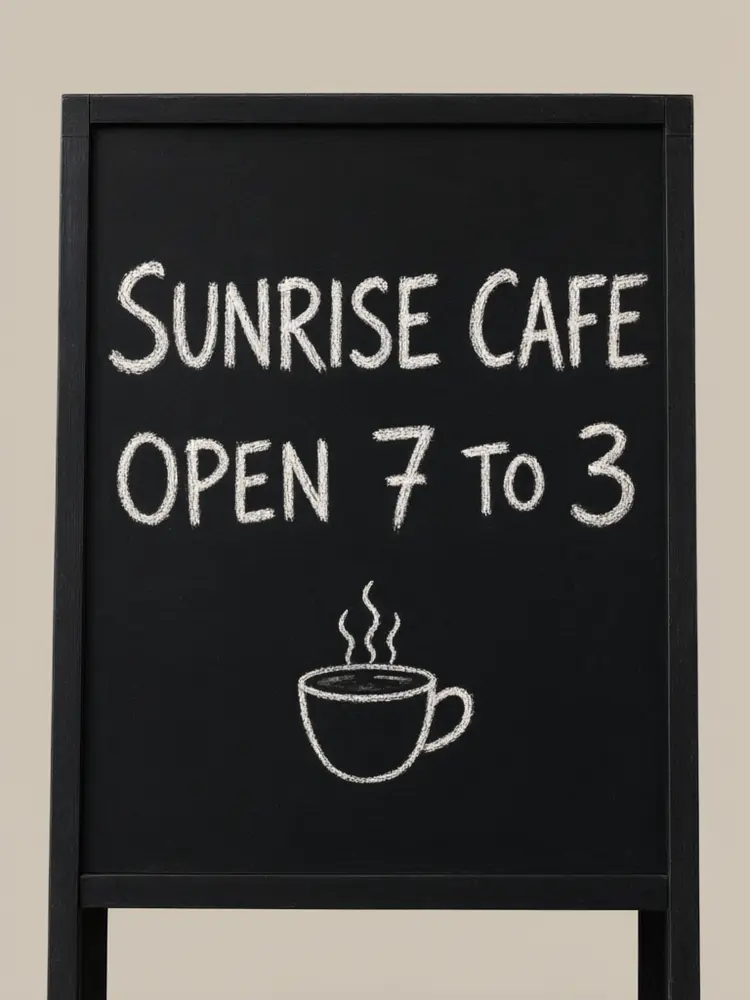
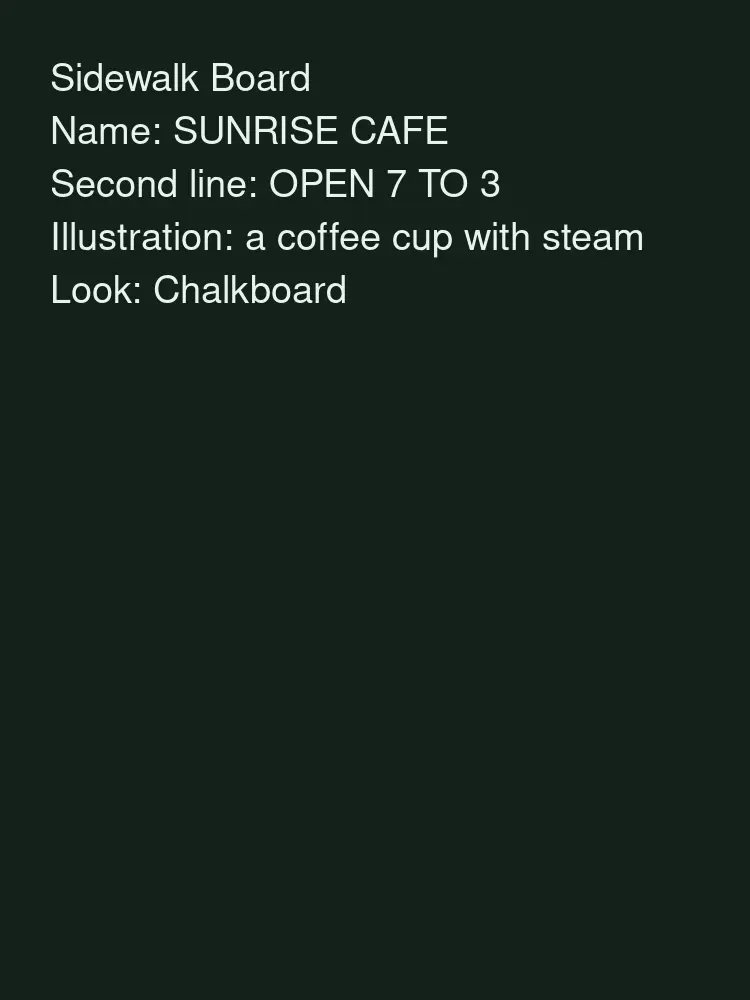
Drag to compare
Real, unretouched output from this tool. Drag any slider to compare.
Design your shop sign in a minute. Pick the type of sign, type the shop name and an optional second line, choose a look, and the tool draws a front-on design with your words spelled as typed. Make a few versions, then take your favourite to a sign maker.
How the shop sign designer works
You choose a sign type, type the name and an optional second line, and pick a look. The tool makes one sign design shown front-on with the words in large letters.
Each run makes one design. Change the look or the sign type to compare styles for the same name.
1
Keep the name short
Short names are spelled correctly more often and read better from the street.
2
Match the look to the shop
Painted wood for bakeries and bookshops, neon for cafes and bars, chalkboard for sidewalk menus.
3
Think about contrast
A sign has to read from far away. Light letters on a dark background, or the reverse, work best.
4
Proof before ordering
The words are passed with an instruction to spell them exactly. Check every letter before a sign is made.
The sign types
Five modes plus your own.
1
Storefront sign
A wide sign board above the shop door.
2
Hanging blade sign
A projecting sign hung on a bracket, seen by people walking along the street.
3
Sidewalk board
An A-frame chalkboard style for specials and opening hours.
4
Window sign
Letters for a shop window or door.
5
Neon sign
Glowing tube letters on a dark panel.
6
Your own idea
Describe the whole sign yourself.
What this tool does not do
It draws a sign design as a picture. It does not make print-ready vector files, exact dimensions or a quote, and it does not make the sign.
Real signs have rules for size, lighting and placement that depend on your town and your landlord. Check them and ask a sign maker to confirm.
It does not use real logos or brands. Add your own logo in an editor, or make one with the AI Logo Maker.
More tools for shop owners
Next steps once the sign is done.
Who uses a shop sign designer
🏠
New shop owners
✓See a few looks for the name before paying for a sign.
💡
Cafe and restaurant owners
✓Try neon, chalkboard and painted looks for the same name.
🏢
Market stall and pop-up sellers
✓Draft a banner or sidewalk board design.
📸
Designers and sign makers
✓Show a client early ideas before drawing the final artwork.
🏪
Shop Sign Designer: Type Your Shop Name, See Sign Designs
AI Tool
Wide sign above the door
Be specific for better results17/40
Be specific for better results17/40
Be specific for better results13/100
Be specific for better results0/400
Output quality:
Frequently Asked Questions
Yes. Download the image and show it to your sign maker as a style reference. They will draw the final artwork and confirm size and material.
The words are passed with an instruction to spell them exactly and came out right in our tests, but check every letter before you order a sign.
No. It makes a design picture. Your sign maker will provide exact dimensions and print-ready artwork.
You can describe it in Your Own Idea. The result is a design picture, not a print file.
Not in this tool. Add it in your editor, or make one with the AI Logo Maker.
Many towns have rules for sign size, lighting and placement. Check with your local authority and your landlord before you order.
The Neon Sign mode draws a design in neon style. It is a picture, not a working sign.
You can use what you make. Do not copy another business's sign or logo.