It is free to try: new users get free generations. Paid plans add credits, remove the watermark and unlock higher resolution.
Instagram Post Generator: Turn an Idea Into a Ready-to-Post Image
Instagram Post Generator: Turn an Idea Into a Ready-to-Post Image is a free AI tool that lets you make an Instagram post image with AI: type the words, say what is in the picture, pick the post type and a look. Quote posts, announcements, promos, tips and event posts. Free to try.
Free to try · first generation free on signup · no credit card
1
Step 1
Select Mode
Choose your transformation style
A short saying with a calm picture
2
Step 2
Options
Configure your options
Related Tools
→try new exterior paint colors on your own photo
→redesign a home exterior from a single photo
→plan a new yard or garden layout from a photo
→repaint a car in any shade before you commit
Output quality:
Mode
Quote Post
Your AI Design Will Appear Here
Fill in the options on the left, then press Generate.
Upload your image
Drag & drop your file here or click to browse
JPG, PNG, WebP
Max 10MB
AI Ready
Quick facts about Instagram Post Generator: Turn an Idea Into a Ready-to-Post Image
- Tool nameInstagram Post Generator: Turn an Idea Into a Ready-to-Post Image
- PriceFree to try
- InputText prompt
- OutputAI-generated image
Before / After
Example results
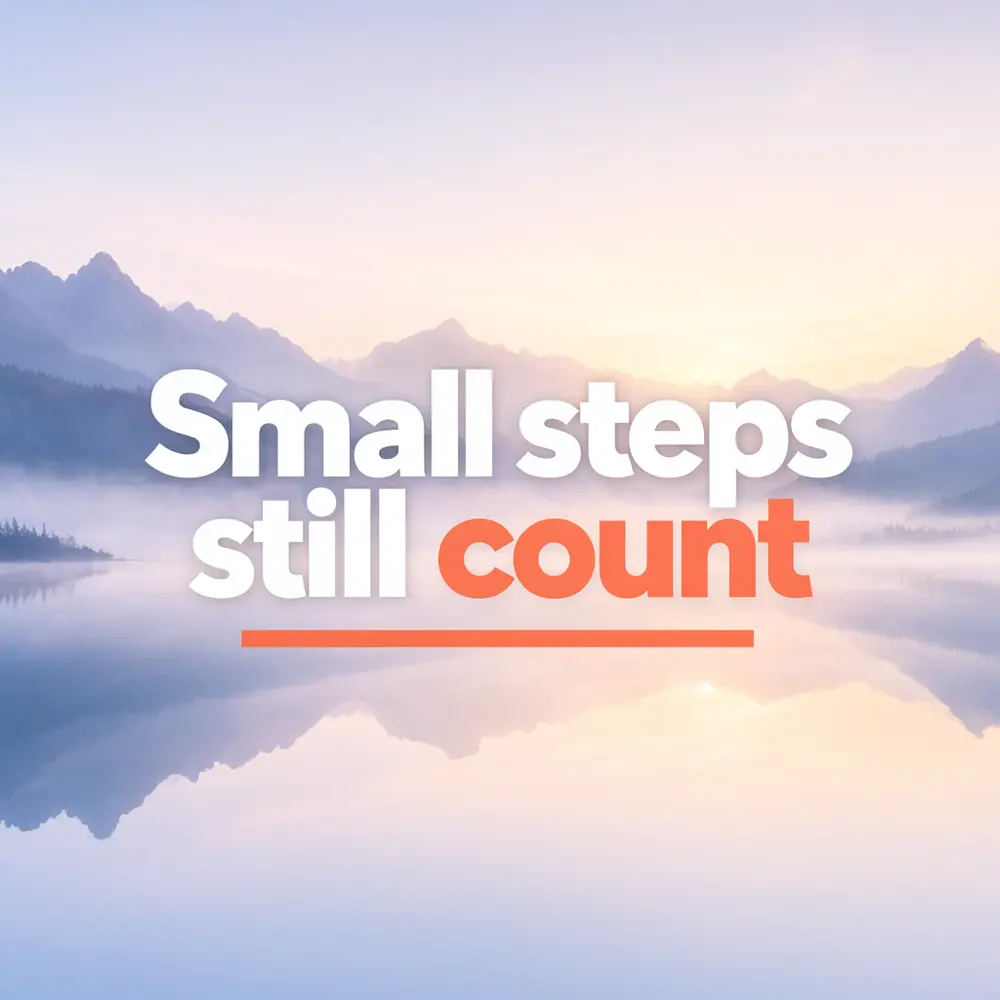
Drag to compare

Drag to compare
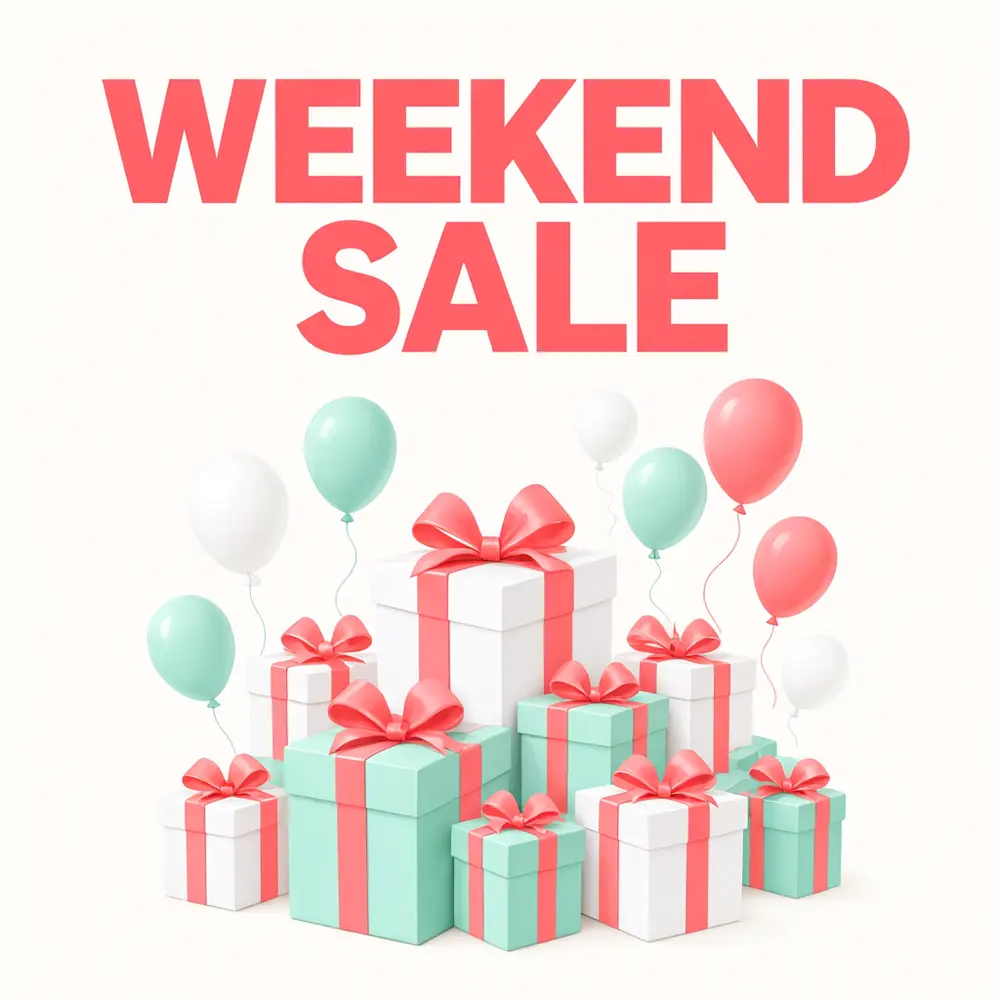
Drag to compare
Real, unretouched output from this tool. Drag any slider to compare.
Make a post image in a minute. Choose the type of post, type the words that should appear, say what is in the picture, and the tool draws a finished Instagram image with your text spelled exactly. Make a set of posts in one look, then add your own captions and hashtags.
How the Instagram post generator works
You choose a post type, type the headline and describe the picture. The tool makes one finished image with the words in large letters and a single clear subject.
Each run makes one post. For a set, keep the same look and change the words and the subject.
1
Keep the words short
Three to eight words stay readable on a phone screen. Put the details in your caption.
2
One subject per post
A clear single subject is easier to read in a fast-scrolling feed.
3
Use one look for the whole feed
Same look, different words and subjects: your feed feels consistent.
4
Check the text
The words are passed to the model with an instruction to spell them exactly. Check every letter before you post.
The post types
Six modes.
1
Quote post
A short saying or message with a quiet, simple background picture.
2
Announcement
New product, new location or new hours, with a clear visual.
3
Promo and offer
A sale or special offer with a bold eye-catching design. Always check the offer details yourself.
4
Tip or how-to
A short tip with a simple illustration.
5
Event
A date, an event name and a mood image.
6
Your own idea
Describe the whole post yourself.
What this tool does not do
It makes the post image. It does not write captions or hashtags, schedule posts or connect to Instagram.
It does not put real people or your logo in the image. For your logo, make the post here and add it in your usual editor, or make a logo with the AI Logo Maker.
You are responsible for what you post. Follow Instagram's rules and the laws that apply to ads and offers where you sell.
More tools for social media
Next steps once the post is done.
Who uses an Instagram post generator
🏠
Small businesses and shops
✓Make announcement and promo posts without a designer.
💡
Creators and coaches
✓Make quote and tip posts in one consistent look.
🏢
Restaurants and cafés
✓Make daily special and event posts.
📸
Social media managers
✓Draft post images fast, then polish them in your own tools.
💬
Instagram Post Generator: Turn an Idea Into a Ready-to-Post Image
AI Tool
A short saying with a calm picture
Be specific for better results23/80
Be specific for better results47/140
Be specific for better results0/400
Output quality:
Frequently Asked Questions
No. It makes the post image. Write your own caption, or use a writing tool of your choice.
Instagram changes its recommended sizes, so check its current guide. Choose square or portrait for the feed and 9:16 for stories and Reel covers.
The text is passed to the model with an instruction to spell it exactly. In our tests it came out right, but check every letter, especially with long or unusual words.
Not in this tool. Add it in your usual editor, or make a logo with the AI Logo Maker.
Yes. Choose the 9:16 shape.
Make each slide as its own post, keeping the same look. The tool does not lay out carousels for you.
No. Download the image and post or schedule it in Instagram or your usual scheduling tool.
Yes. Use the Image to Video tool to make a short clip from the image.